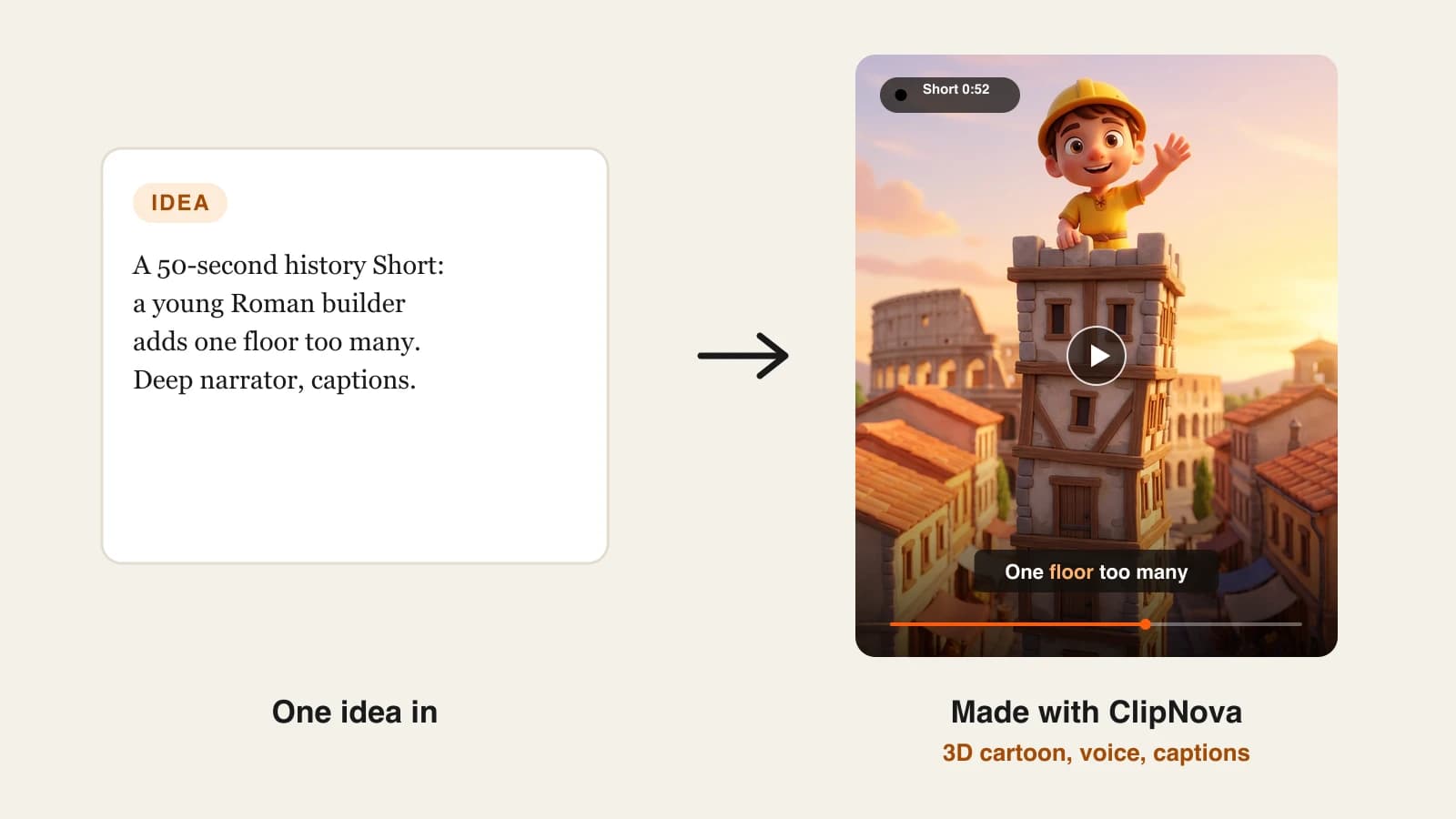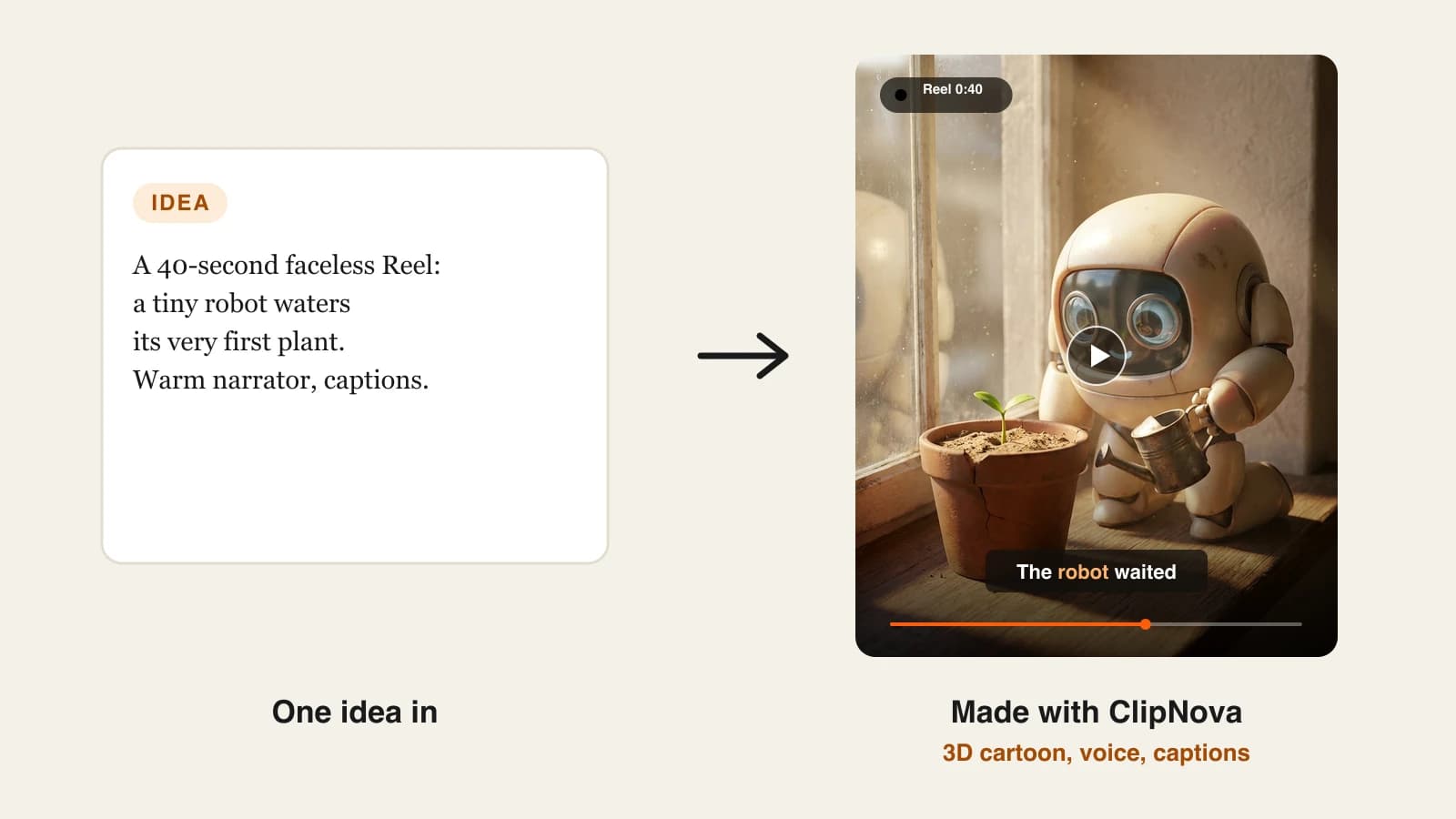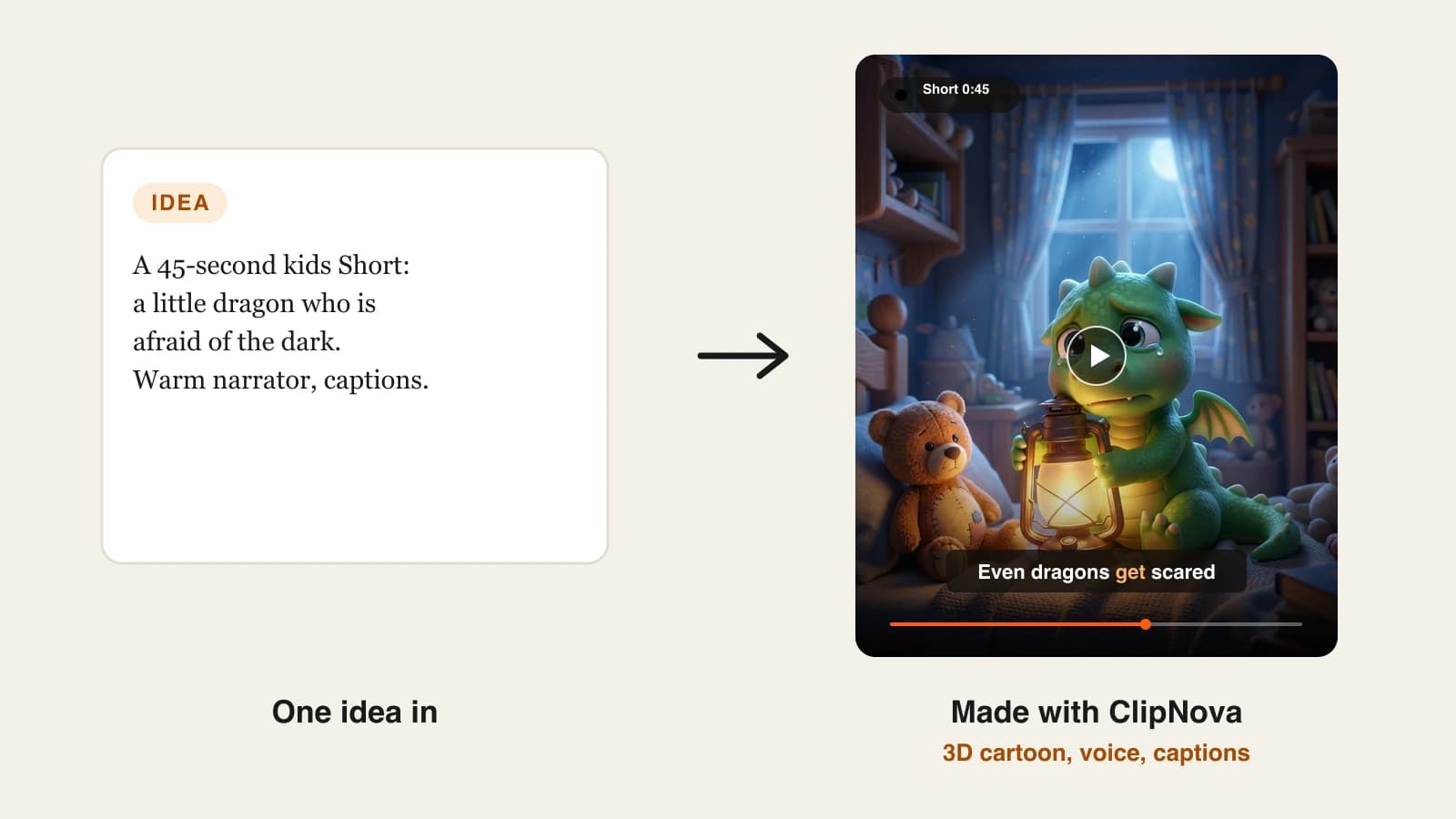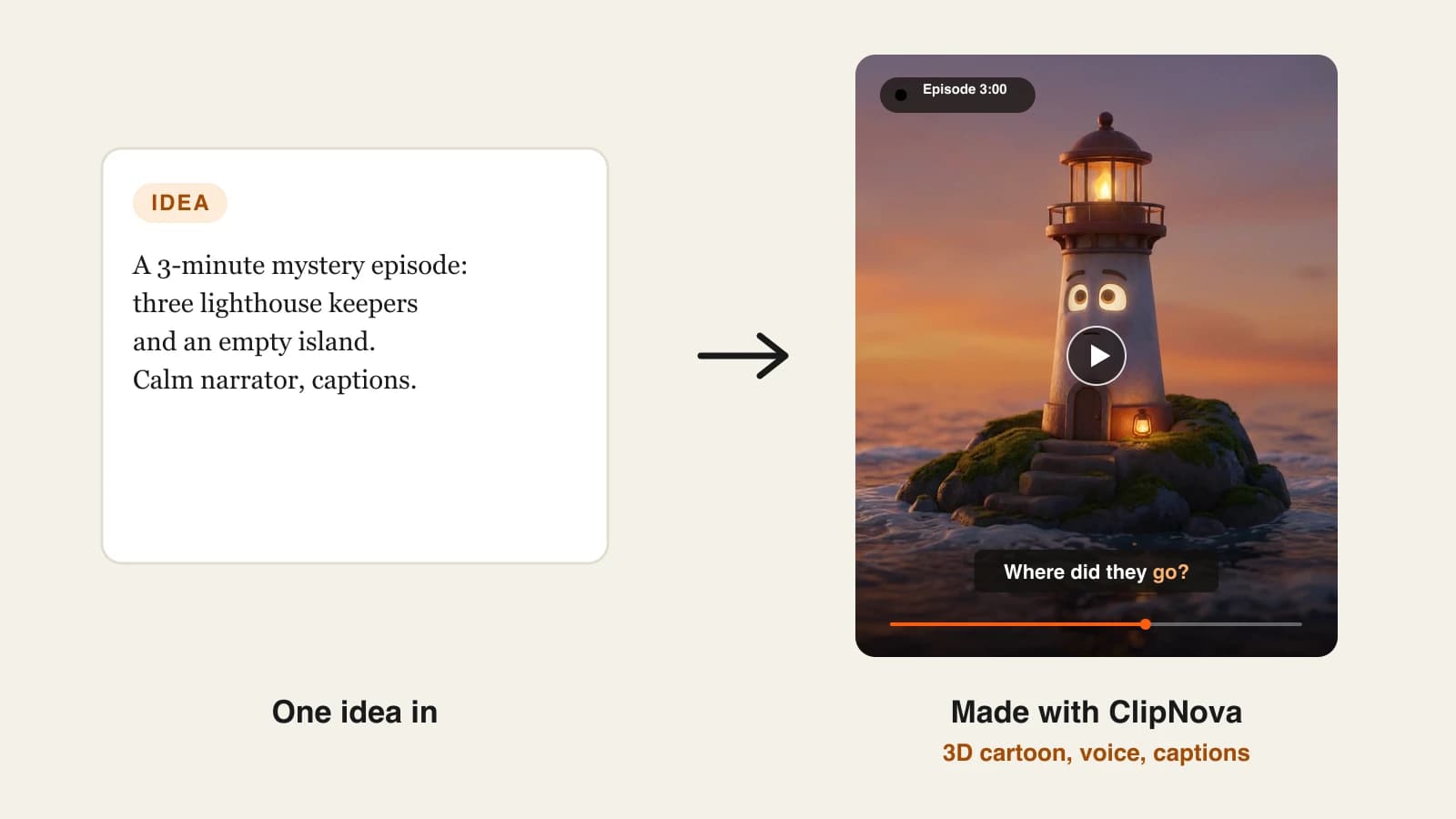
Most YouTube channels do not stall because of a lack of ideas. They stall in week three, when the upload you planned for Tuesday still needs a script, a voiceover, forty minutes of editing, a title, a thumbnail and a slot in the calendar. YouTube automation tools take those jobs off your plate one stage at a time, so a solo creator can keep a schedule that would normally need a small team.
The catch is that no single app covers every stage equally well. Some build the video, some find the topic, some cut Shorts from footage you already have, and some only handle the upload.
This roundup sorts 9 YouTube automation tools by the stage they automate, with each tool's cheapest paid plan (checked on October 7, 2026), what it does well, where it stops, and how to assemble a stack that fits your budget.
The 9 best YouTube automation tools at a glance
- ClipNova: best for automating production end to end. A topic or script comes back as a finished, narrated, captioned video in 16:9 for your channel or 9:16 for Shorts, up to 5 minutes long.
- The Faceless Reels: best for a faceless Shorts channel. It runs on the ClipNova engine with a setup built only for vertical, faceless short-form.
- Revid.ai: best for generation plus publishing in one subscription. Auto-Mode workers make a new video each day and post it to YouTube, TikTok and Instagram.
- AutoShorts.ai: best for one series on a fixed schedule. You describe the series once and it keeps producing and posting.
- vidIQ: best for automating topic research. Daily video ideas and an AI Coach that reads your channel's own data.
- TubeBuddy: best for bulk optimization of an existing catalog. Keyword research, title and thumbnail A/B tests, and bulk editing tools.
- OpusClip: best for turning long uploads into Shorts. It finds the strongest moments, captions them and can post them for you.
- Fliki: best for narration-led videos that publish straight to YouTube. A large voice library in 80+ languages with direct YouTube publishing.
- Buffer: best for scheduling Shorts across platforms. One calendar for YouTube Shorts, TikTok, Instagram and more, priced per channel.
| Tool | Stage it automates | Starting price | Posts to YouTube for you | Output or scope |
|---|---|---|---|---|
| ClipNova | Script, voice, visuals, captions | From $19/mo | No, you review and upload | Up to 5 min, 1080p and 4K |
| The Faceless Reels | Faceless Shorts production | From $19/mo | No, you review and upload | Vertical Shorts |
| Revid.ai | Production and publishing | $39/mo | Yes | Up to 4K |
| AutoShorts.ai | Series production and posting | $19/mo per series | Yes | Shorts up to 90 s |
| vidIQ | Research and ideas | $16.58/mo billed yearly | No | Research only |
| TubeBuddy | SEO, testing, bulk edits | $12/mo billed yearly | No | Optimization only |
| OpusClip | Repurposing long videos | $15/mo | Yes (Shorts) | Needs your footage |
| Fliki | Narrated video production | About $28/mo | Yes (50 a month) | 1080p, up to 15 min |
| Buffer | Scheduling | $5 per channel/mo billed yearly | Yes (Shorts) | Scheduling only |
The four stages of YouTube automation
Before you compare tools, it helps to see where the hours go. A typical upload passes through four stages, and each tool in this list automates one or two of them:
- Research: picking a topic people already search for and a title that earns the click. vidIQ and TubeBuddy live here.
- Production: script, voiceover, visuals, captions and music. This is the most time-consuming stage, and it is where ClipNova, The Faceless Reels, Revid.ai, AutoShorts.ai and Fliki do their work.
- Repurposing: cutting long uploads into Shorts so one video feeds the channel for a week. OpusClip owns this stage.
- Publishing: uploading, scheduling and spreading Shorts to other platforms. Revid.ai, AutoShorts.ai, OpusClip, Fliki and Buffer can do this.
Most channels need one production tool plus one helper for the stage that still eats their week. Buying four tools on day one usually means paying for features you never open.
1. ClipNova, best YouTube automation tool for production
Production is where a YouTube channel spends most of its hours, and ClipNova automates that whole stage. You type a topic or paste a script, and it writes the narration, generates every scene, records an AI voiceover, adds music and burns in captions, then hands you one finished file. Choose 16:9 for a regular upload or 9:16 for Shorts, and the same idea can become both.
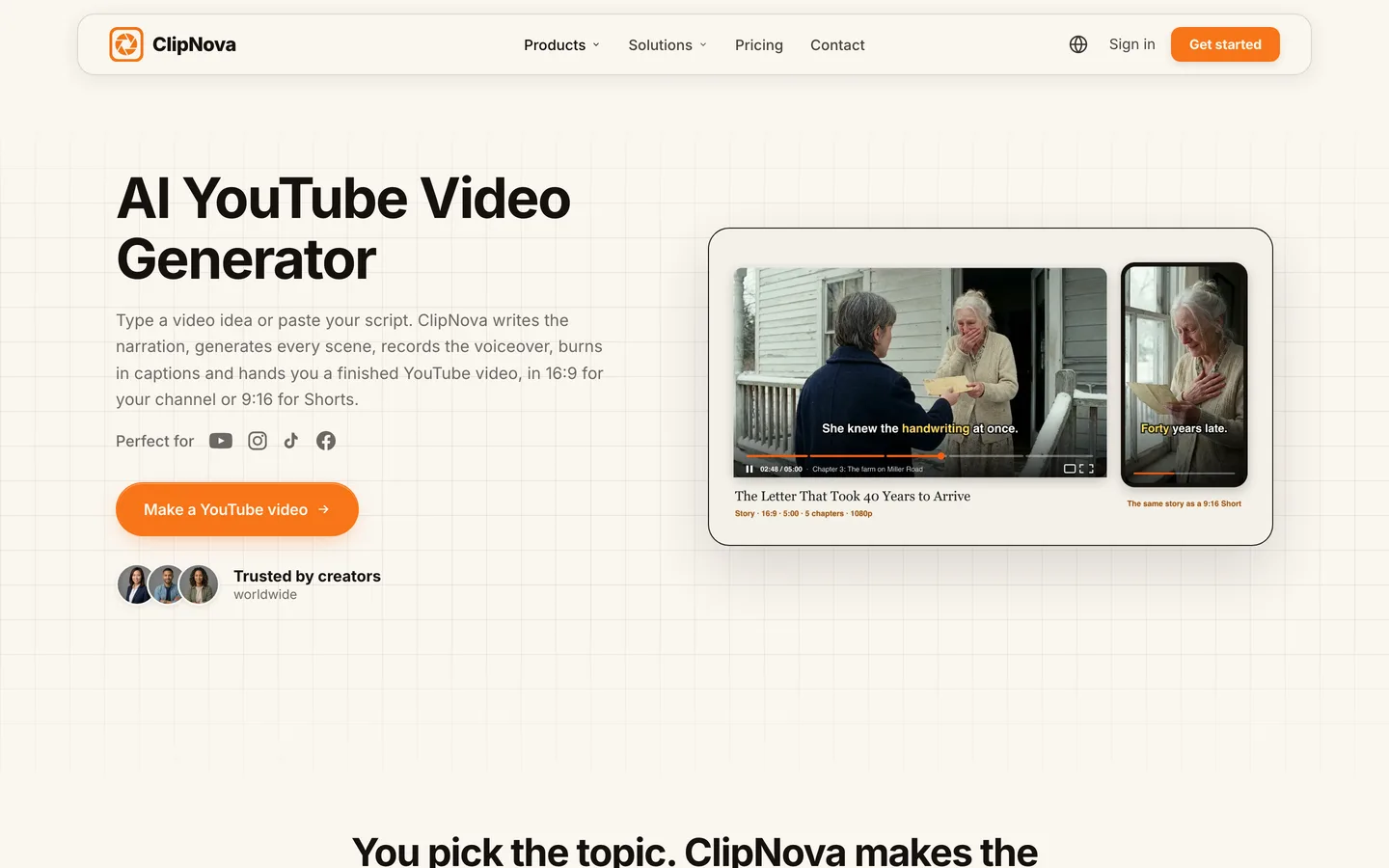
For channels that publish longer videos, the long form AI video generator renders up to 5 minutes per video on Starter and above. When one scene misses, the scene editor lets you rewrite that line or regenerate that shot without throwing away the rest. If a shot needs a particular look, you can pick the model behind it, including Sora 2, Veo and Kling. The AI YouTube video generator page walks through the YouTube flow step by step.
Key features
- Topic or script to finished video: narration, AI voiceover, generated visuals, captions and music
- 16:9 uploads and 9:16 Shorts from the same workspace
- Videos up to 5 minutes on Starter and above
- Scene editor to fix one scene instead of regenerating everything
- Many visual styles and a choice of models (Sora 2, Veo, Kling)
- Voiceovers in 18 languages
Best for
- Faceless channels publishing three to seven videos a week in documentary, story or explainer formats
- Creators who want long uploads and Shorts from one tool and one bill
Pricing
- Hobby $19/mo (1,000 credits), Starter $49/mo (2,600), Growth $99/mo (5,750), Ultra $199/mo (12,000)
- Yearly billing takes 20% off; every plan includes watermark-free 1080p and 4K export and commercial rights (ClipNova pricing)
Pros
- Replaces the slowest stage of the workflow, not a side task
- You review every video before it goes live, which keeps quality and policy risk under your control
- One subscription covers both long-form and Shorts
Cons
- No auto-posting or scheduling; you upload to YouTube yourself (or pair it with a scheduler)
- Premium video models use credits faster than standard scenes
2. The Faceless Reels, best for faceless YouTube Shorts automation
The Faceless Reels uses the same generation engine as ClipNova, but the workspace is cut down to one job: faceless short-form. You pick a format and a style, type the idea, and get a vertical Short with voiceover and captions, ready to review and post. Fewer settings means fewer decisions per video, which matters when a Shorts channel posts every day.
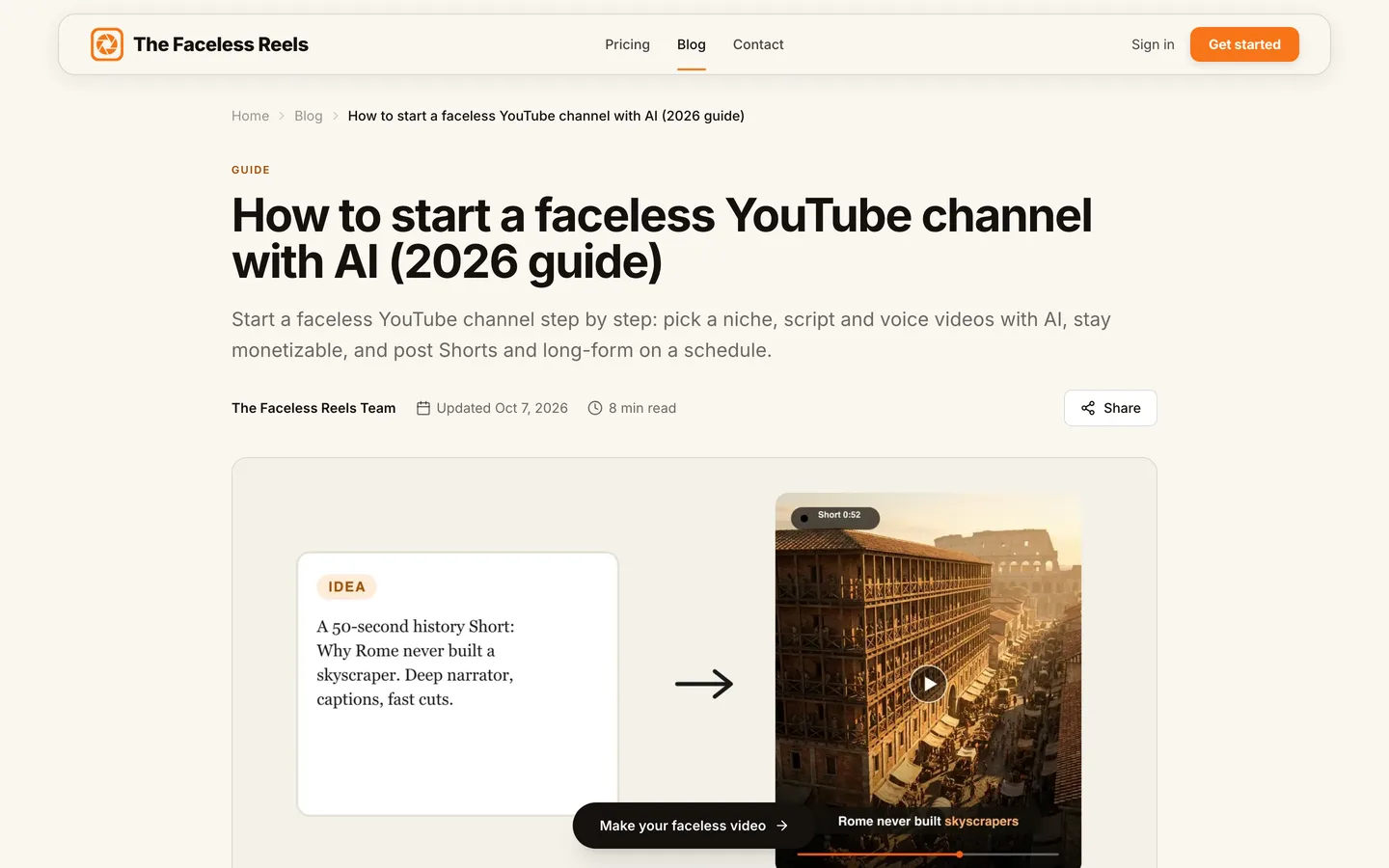
If you are still planning the channel itself, the guide on how to start a faceless YouTube channel covers niche, format and cadence before you automate anything. When you are ready to produce, start on The Faceless Reels.
Key features
- Faceless-first formats and styles preset for 9:16
- Script, AI voiceover, visuals and captions handled for you
- Same output quality as ClipNova, because it is the same engine
- Watermark-free export with commercial rights
Best for
- Solo creators running a Shorts-only faceless channel
- Beginners who want the shortest path from an idea to a posted Short
Pricing
- Same plans as ClipNova: from $19/mo for 1,000 credits, 20% off yearly (see plans)
Pros
- The simplest production flow in this list
- No setup decisions about aspect ratio or format
- Same engine and quality as ClipNova
Cons
- Built for short-form; for 5-minute uploads or model-specific tools, use ClipNova
- No auto-posting
3. Revid.ai, best for generating and publishing in one tool
Revid.ai goes further down the automation path than most tools here. Its Auto-Mode workers each produce one video a day from a source you set, such as a product link, a blog or a social feed, and the tool publishes directly to YouTube, TikTok and Instagram, then reports how each post performs. It also watches channels you choose for ideas that are taking off.
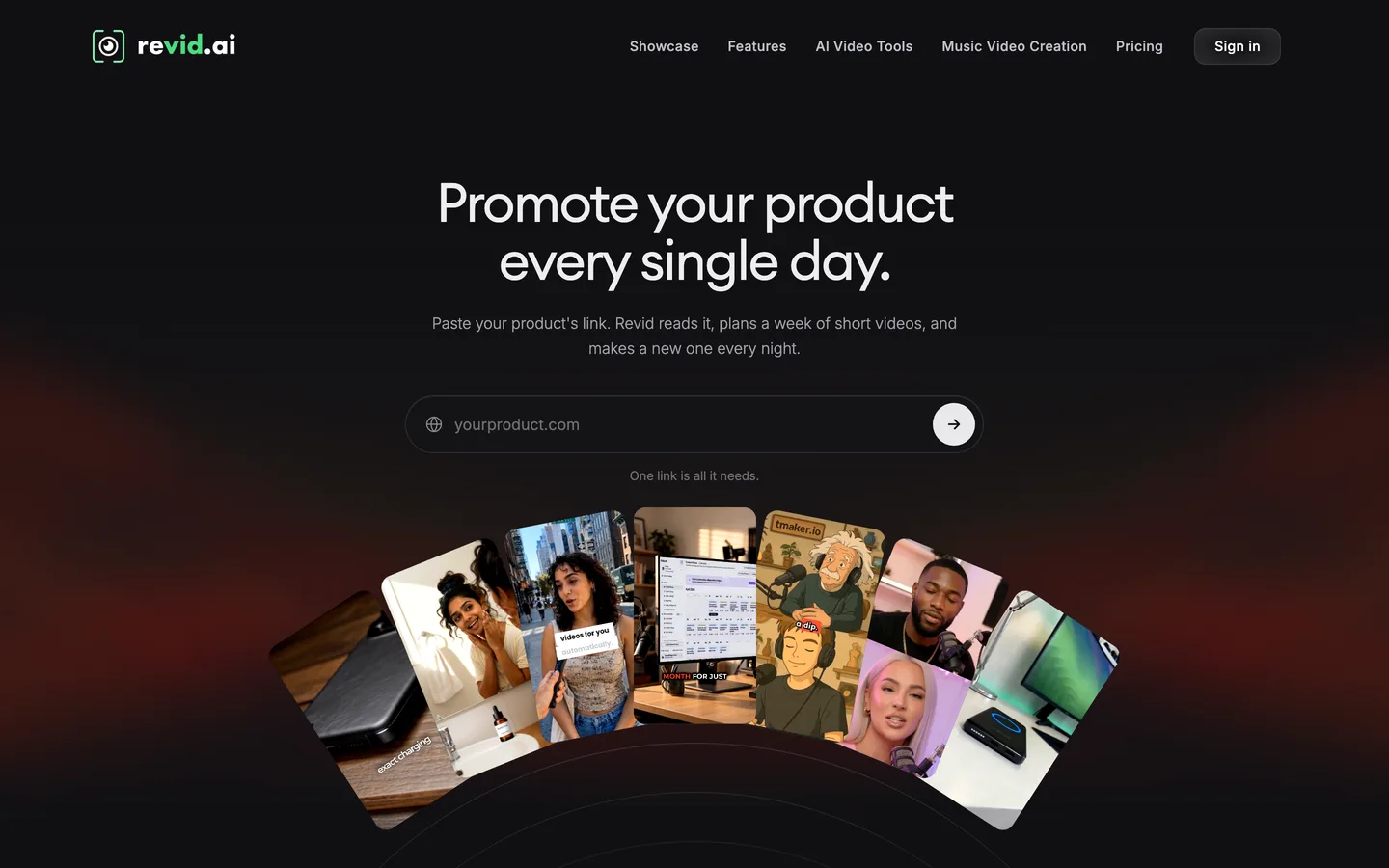
That is close to a hands-off channel, which is also the risk. With nothing between generation and upload, your review step is whatever discipline you add yourself.
Key features
- Auto-Mode workers (3 on Growth) that generate one video each per day
- Direct publishing to YouTube, TikTok and Instagram with post stats
- Voiceovers in 70+ languages and output up to 4K
- API, MCP server and CLI access for custom workflows
Best for
- Operators running several channels who want posting off their plate
- Teams that already have a review process and only need volume
Pricing
- Growth $39/mo, or $32/mo billed yearly, with 2,000 AI credits a month
- Ultra $199/mo ($166/mo yearly) with 12,000 credits; larger credit tiers go up to $2,799/mo
Pros
- Production and publishing in one subscription
- Strong language coverage for multilingual channels
Cons
- Generative video models burn through 2,000 credits quickly
- Fully automatic posting makes it easy to slip into the mass-produced pattern YouTube does not monetize
4. AutoShorts.ai, best for a single series on autopilot
AutoShorts.ai is built around the idea of a series: you describe a topic and a style once, and it writes, renders and posts new videos to that channel on a schedule. Each series links to one YouTube, TikTok and Instagram account, and a custom prompt steers every video while the tool avoids repeating past topics.
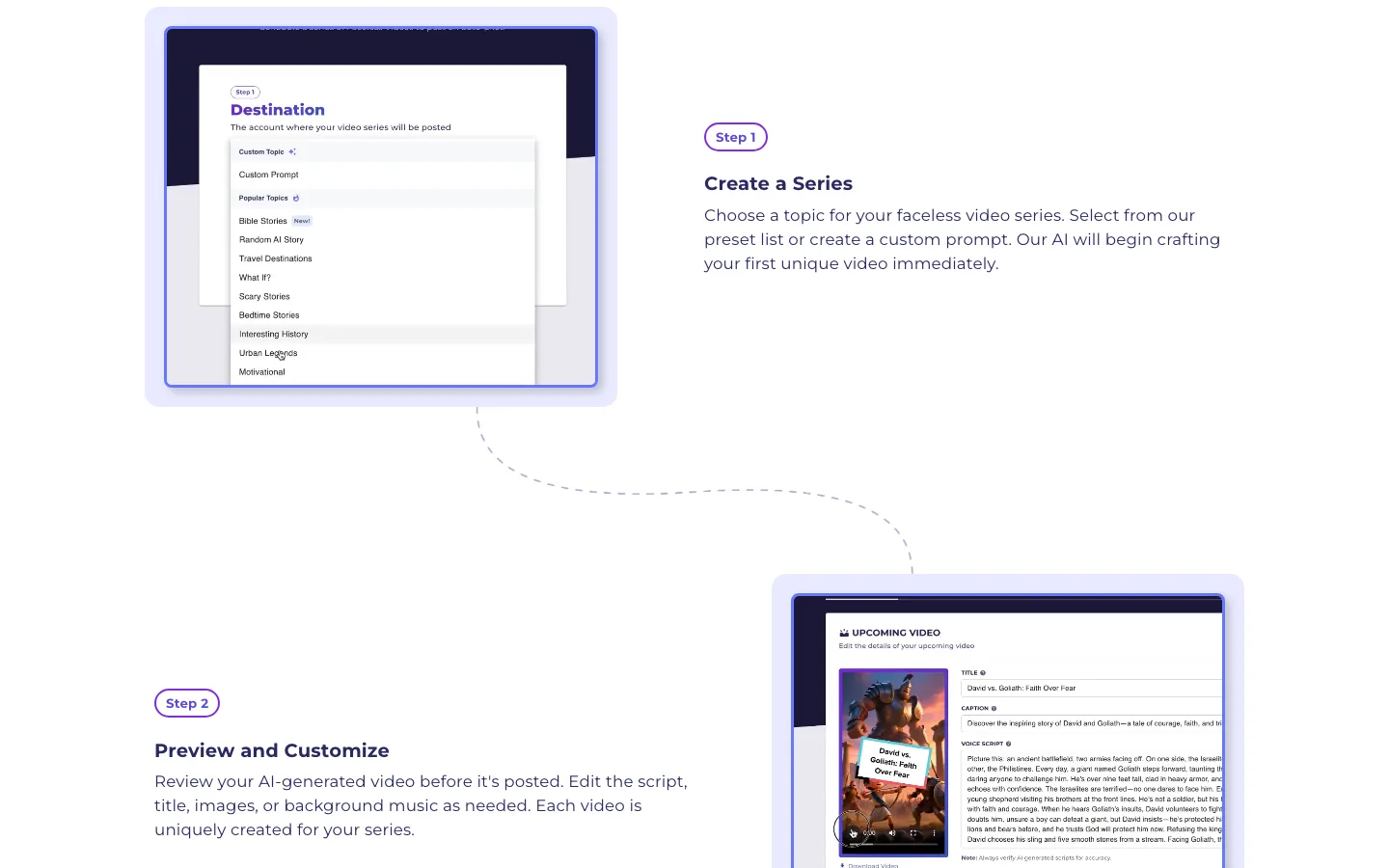
It is the most set-and-forget option in this list, and pricing reflects that: you pay per series and per posting frequency, so a second channel means a second plan.
Key features
- Series-based generation: one topic definition drives every video
- Automatic posting to YouTube, TikTok and Instagram Reels
- Custom prompts, plus edits to the script, title and music before a video posts
- Videos of 30 to 60 or 60 to 90 seconds, in 30 languages
- Paid plans remove the watermark; you own the videos you create
Best for
- A single Shorts channel that needs a steady three-a-week or daily rhythm
- Creators testing whether a niche can grow before investing more time
Pricing
- Starter $19/mo per series, about three posts a week
- Daily about $39/mo and Hardcore about $69/mo (third-party figures; AutoShorts shows prices after login)
Pros
- The least hands-on setup here once the series is defined
- Instagram Reels included alongside YouTube and TikTok
Cons
- Costs scale with each extra series and higher posting frequency
- Short-form only (up to 90 seconds), so it cannot feed a long-form channel
- Template-driven visuals shared across many users make a distinct channel identity harder
5. vidIQ, best for automating topic research
vidIQ automates the stage before production: deciding what to make. It suggests personalized video ideas, tracks trends in your niche, and its AI Coach answers strategy questions using your channel's analytics. A browser extension adds keyword and SEO data inside YouTube itself.

vidIQ does not make videos. Pair it with a production tool: research the topic in vidIQ, generate the video in ClipNova, and you have covered the two most time-consuming stages.
Key features
- Personalized video ideas and unlimited trends research on Boost
- AI Coach trained on YouTube data and your channel's analytics
- Thumbnail generation and keyword research
- Browser extension with SEO scores inside YouTube Studio
- Max plan adds up to 11 hours of short clipping and generations
Best for
- New channels that keep guessing at topics
- Channels with flat views that need to see which ideas actually have demand
Pricing
- Boost $16.58/mo billed yearly, with 2,000 AI credits a month
- Max $39/mo billed yearly, with 6,000 AI credits; enterprise plans are custom
Pros
- Turns topic research from an hour of browsing into a short list each morning
- Advice is tied to your own channel data, not generic tips
Cons
- Research only; you still need a tool to produce the video
- Plan prices on the page are shown as yearly-billed rates
6. TubeBuddy, best for bulk optimization and A/B tests
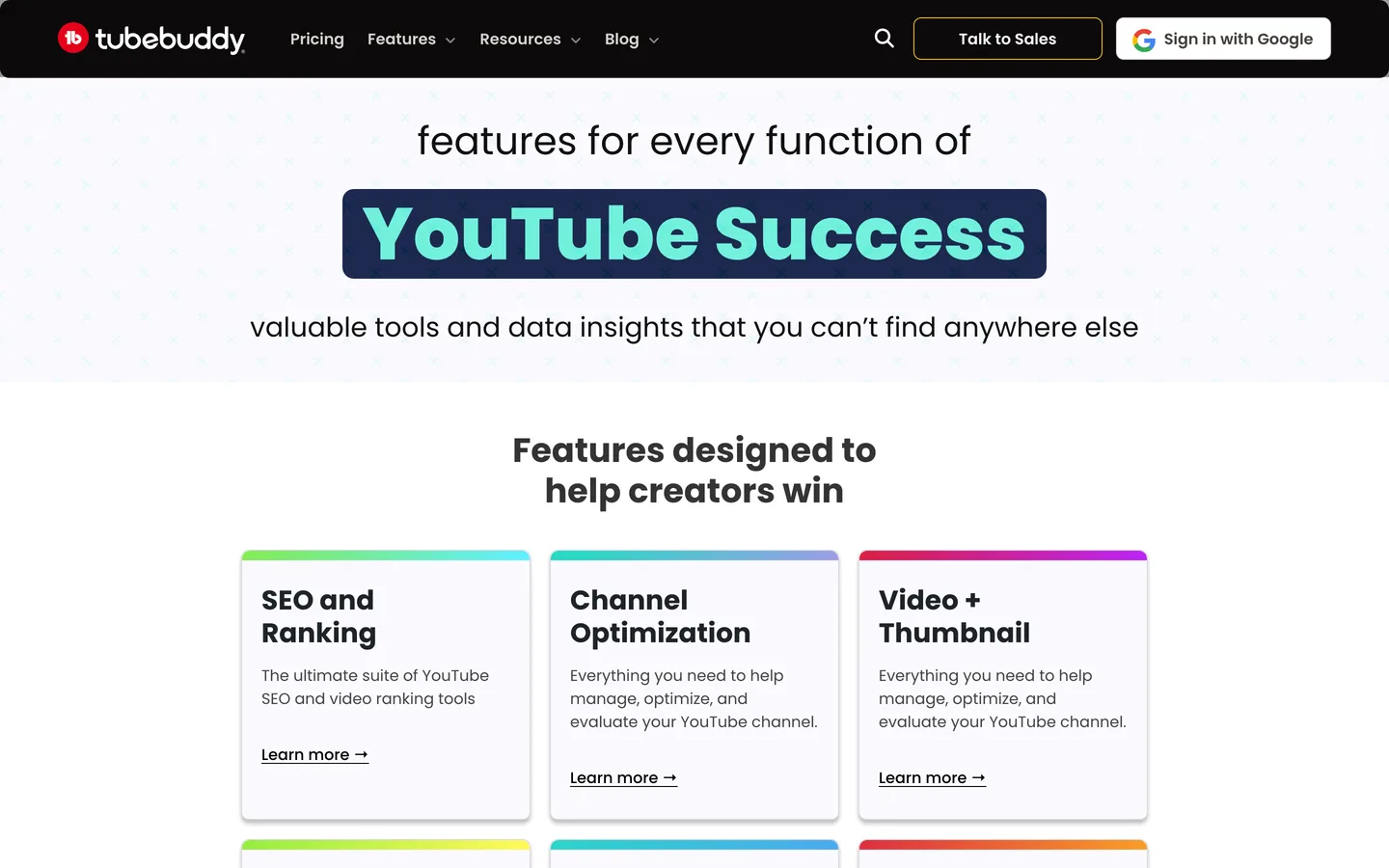
TubeBuddy automates the work that happens after a video exists: keyword research, title and tag optimization, thumbnail and title A/B tests, and bulk processing tools that apply a change, such as a new end screen, across many videos at once. On a channel with a hundred uploads, doing that one video at a time takes a weekend.
Key features
- Keyword Explorer for search volume and competition
- A/B testing for thumbnails and titles
- Bulk processing and editing tools (Legend), including end screens
- Next Video Ideas and topical analysis
- YouTube Shorts linking to long videos (Legend)
Best for
- Channels with a large back catalog that still earns views
- Creators who want to test thumbnails instead of guessing
Pricing
- Pro $12/mo billed yearly ($144 a year): basic video, thumbnail, title and tag tools
- Legend $26.39/mo billed yearly ($316.68 a year): full SEO access, bulk tools and content strategy; Enterprise is custom
Pros
- Bulk tools save the most time on channels with many uploads
- A/B tests settle title and thumbnail debates with data
Cons
- Optimization only, no video creation
- Most of the automation (bulk tools, full SEO) sits on Legend, not Pro
7. OpusClip, best for repurposing long uploads into Shorts
OpusClip automates repurposing. Upload a long video (or connect your YouTube account so new uploads import automatically) and it picks the strongest moments, reframes them to vertical, adds animated captions and scores each clip on how likely it is to perform. Starter can post those clips to YouTube Shorts, TikTok and Instagram Reels for you.
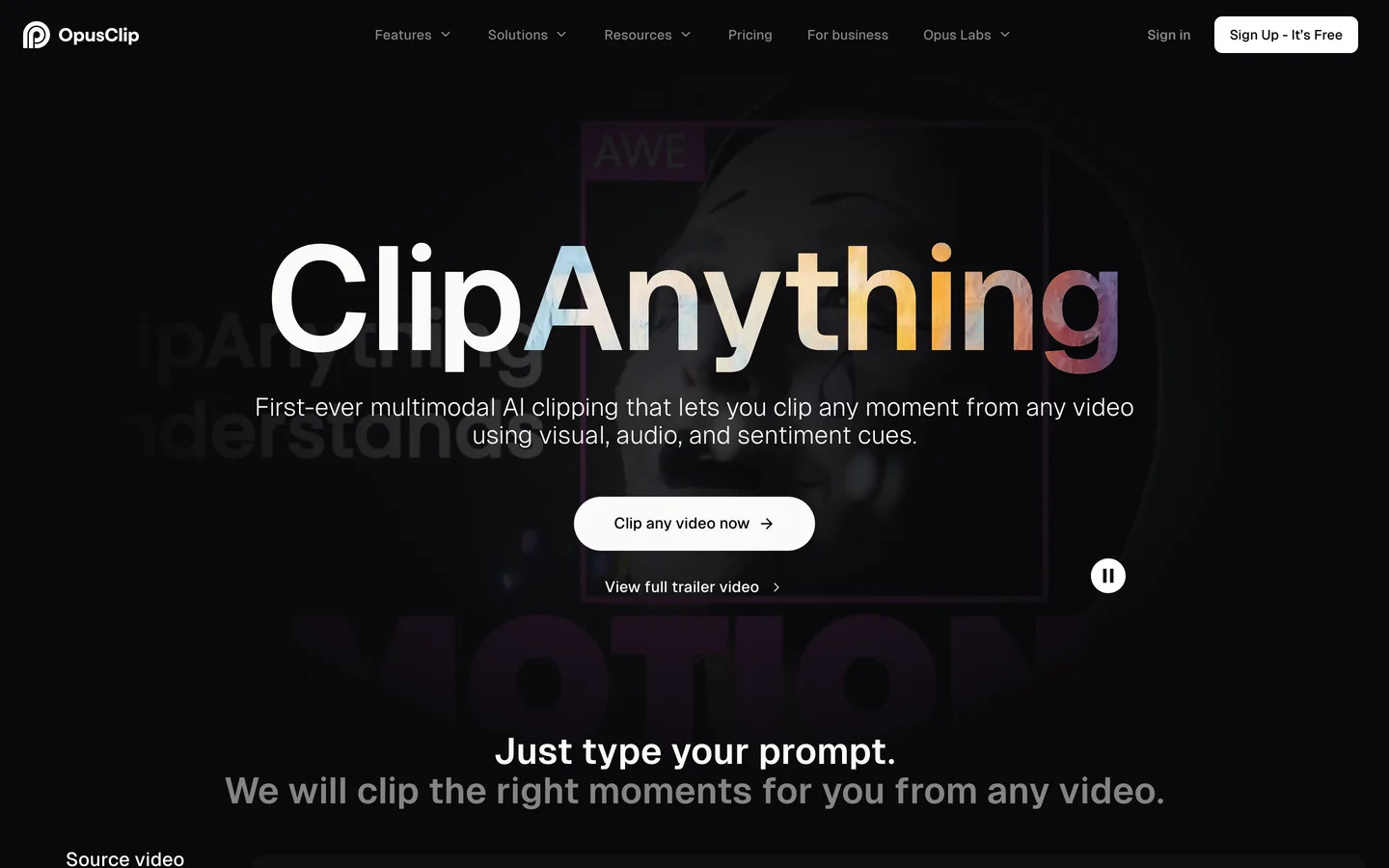
The limit is the input: OpusClip needs existing footage. It is the right second tool for a channel that already publishes long videos (including ones you made in ClipNova), not a way to create videos from a topic.
Key features
- AI clipping with a virality score for each clip
- Animated captions in 20+ languages, plus filler and silence removal
- Auto-import from a verified YouTube account
- Posting to YouTube Shorts, TikTok and Instagram Reels; Pro adds a scheduler
Best for
- Podcasters, streamers and long-form channels that want Shorts without extra editing
- Channels with a library of long uploads to mine
Pricing
- Starter $15/mo (monthly billing only), 150 credits a month
- Pro $29/mo, or $14.50/mo billed yearly, with 300 credits a month, AI B-roll and the social scheduler
Pros
- One long upload becomes a week of Shorts
- Posting included from the entry plan
Cons
- Cannot create a video from a prompt or script
- The scheduler and more connected accounts are Pro only
8. Fliki, best for narrated videos published to YouTube
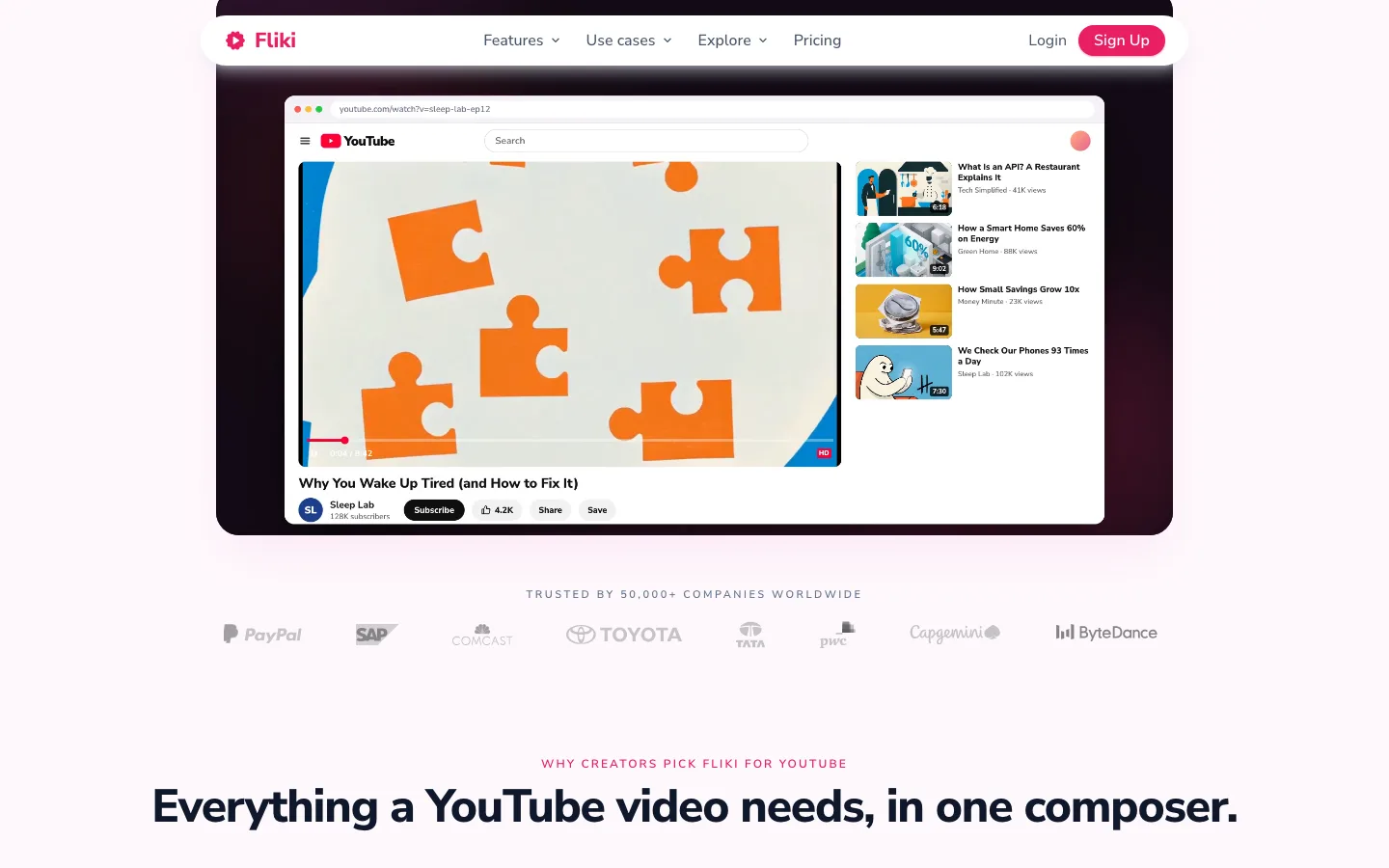
Fliki turns a topic, a blog URL, a script or slides into a narrated video, and it stands out on voice: more than 80 languages and a large library of AI voices. It also publishes to YouTube directly from the app, which closes the loop for narration-led channels such as explainers, finance and self-improvement.
Key features
- Idea, blog URL, script or slides to narrated video
- Voices in 80+ languages, plus voice cloning
- Direct YouTube publishing (50 publications a month on Standard)
- Videos up to 15 minutes in 1080p on Standard
- A Series feature for recurring formats
Best for
- Voice-first channels where narration quality matters more than visuals
- Multilingual channels publishing the same video in several languages
Pricing
- Standard about $28/mo, or about $21/mo billed yearly, with 180 credits a month (prices are geo-rendered, so figures are approximate)
- Premium about $88/mo, or about $66/mo yearly, with 600 credits and 120 publications a month
Pros
- One of the strongest voice libraries here
- YouTube publishing built in
Cons
- 1080p maximum
- Credits run low once you use AI-generated video clips instead of stock
9. Buffer, best for scheduling Shorts across platforms
Buffer handles the last stage only: publishing. Connect your YouTube channel and other accounts, drop finished Shorts into a calendar, and Buffer posts them at the times you set, with basic analytics and comment replies in one inbox. Because it also covers TikTok, Instagram, LinkedIn and more, it is a simple way to send one Short to every platform.
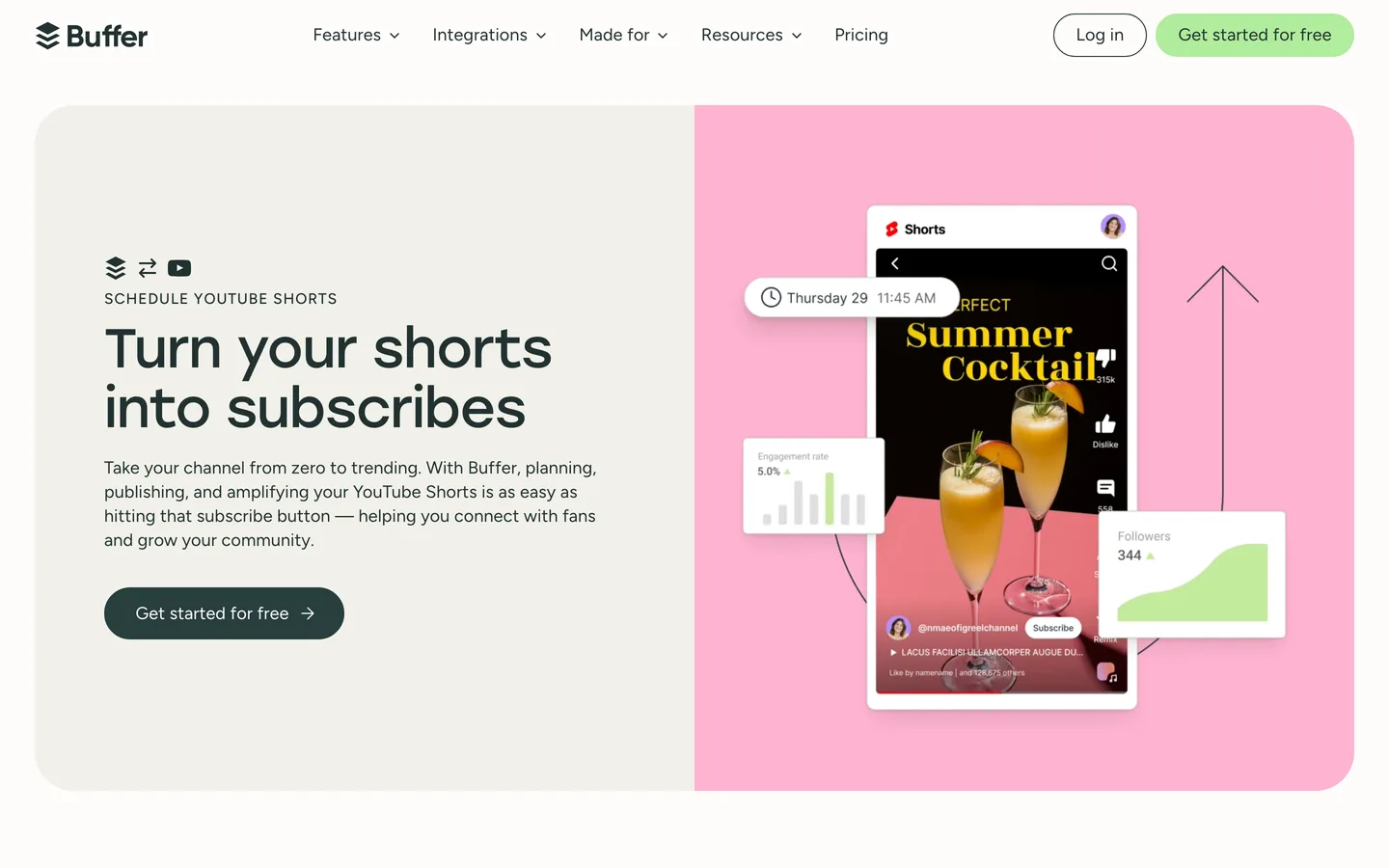
For tools that do not post on their own, like ClipNova and The Faceless Reels, Buffer fills that gap without changing how you produce.
Key features
- Automatic publishing for YouTube Shorts, TikTok business profiles, Instagram and more
- Unlimited scheduled posts per channel on paid plans
- First comment scheduling and a hashtag manager
- Comment replies for YouTube in a shared inbox
Best for
- Creators cross-posting the same Short to YouTube, TikTok and Instagram
- Small teams that need approvals before posts go out (Team plan)
Pricing
- Essentials $5 per channel per month billed yearly ($60 per channel a year); annual billing saves 20%
- Team $10 per channel per month billed yearly, with unlimited team members and approval workflows
Pros
- Cheap per channel and simple to set up
- One calendar for every short-form platform
Cons
- Supports YouTube Shorts, not regular long-form uploads (use YouTube Studio's scheduler for those)
- Scheduling only; it does not create or optimize videos
How to choose the best YouTube automation tools for your channel
1) Which stage still eats most of your week?
Automate the bottleneck first. Time one upload from topic to publish and see where the hours go.
- If production takes the most time (script, voice, visuals, edit): start with ClipNova, or The Faceless Reels for a Shorts-only channel. Writing a tighter script first also helps; the guide on how to write a faceless video script has a structure that works with AI narration.
- If picking topics is where you stall: add vidIQ to whichever production tool you use.
- If you already publish long videos and want Shorts from them: add OpusClip.
- If you have a big back catalog that needs better titles and thumbnails: add TubeBuddy.
2) Do you want autopilot or a review step?
This is the most important decision, because of YouTube's rules. In July 2025, YouTube renamed its "repetitious content" monetization policy to inauthentic content and made clear that it covers repetitive or mass-produced videos. The policy lists AI content made with generic templates "without adding the creator's original, authentic insights or perspective" as an example that cannot earn ad revenue. YouTube also asks you to label realistic AI-generated or altered content at upload; using AI for scripts, captions or clearly non-realistic visuals does not need the label.
- If you want full autopilot: Revid.ai and AutoShorts.ai will generate and post without you. Write distinct prompts per video and check the channel weekly, or the output drifts toward sameness.
- If you want to see every video first: ClipNova and The Faceless Reels give you a finished video to review, then you upload or schedule it with Buffer. That review step is where you add the angle and judgment that keep a channel monetizable.
3) Shorts, long-form or both?
- Shorts only: The Faceless Reels for production, Buffer to post the same Short to YouTube, TikTok and Instagram. Our roundup of the best AI Shorts makers compares more vertical-first options.
- Long-form only: ClipNova for videos up to 5 minutes, or Fliki if narration and languages are the priority.
- Both: ClipNova makes the 16:9 upload and the 9:16 version; OpusClip can cut extra Shorts from longer uploads.
4) What does a full stack cost per month?
Most channels are best served by two or three tools, not nine. Some realistic combinations at entry prices:
- Lean faceless channel: ClipNova Hobby ($19) + Buffer Essentials for one YouTube channel ($5 billed yearly) = about $24 a month.
- Research-led channel: ClipNova Hobby ($19) + vidIQ Boost ($16.58 billed yearly) = about $36 a month.
- Full autopilot on one series: AutoShorts.ai Starter at $19 a month, but each extra channel adds another plan, so three channels cost about $57.
- Long-form channel that also posts Shorts: ClipNova Starter ($49, unlocks 5-minute videos) + OpusClip Starter ($15) = $64 a month.
Before you commit to a plan, make three test videos in your niche with your production tool, then publish them a few days apart. Watch retention, not views. If viewers drop in the first five seconds, fix the hook before you automate more volume.
If you are still comparing production tools, the full list of faceless AI video generators goes deeper on output quality and styles. The short version: automate production first, review every video, and add research or scheduling tools only once the bottleneck moves.
Frequently asked
What are YouTube automation tools?
YouTube automation tools are apps that take over repeatable parts of running a channel: finding topics, producing the video (script, voiceover, visuals, captions), cutting Shorts from long uploads, optimizing titles and thumbnails, and scheduling uploads. Most handle one or two of those stages, so channels usually combine a production tool with one or two helpers.
What is the best AI YouTube automation tool in 2026?
For most channels, ClipNova, because it automates production, the stage that takes the most hours. A topic or script becomes a finished video with narration, AI voiceover, generated visuals, captions and music, in 16:9 or 9:16, up to 5 minutes long. The Faceless Reels runs on the same engine and is the simpler pick for a Shorts-only faceless channel.
Can you monetize a channel built with YouTube automation software?
Yes, as long as the videos are original. YouTube's inauthentic content policy (renamed from repetitious content in July 2025) excludes mass-produced or repetitive videos, including AI content made from generic templates without the creator's own insight. Give each video its own script and angle, review it before it goes live, and label realistic AI-generated scenes when you upload.
Which YouTube automation tools upload videos for me?
Revid.ai and AutoShorts.ai generate videos and post them to YouTube, TikTok and Instagram on a schedule. OpusClip posts clips to YouTube Shorts, Fliki publishes to YouTube directly, and Buffer schedules Shorts you have already made. ClipNova and The Faceless Reels leave the upload to you, so you see every video before it is public.
How much do YouTube automation tools cost?
Entry paid plans in this list range from $5 to $39 a month. Buffer starts at $5 per channel billed yearly, TubeBuddy at $12 billed yearly, OpusClip at $15, vidIQ at $16.58 billed yearly, ClipNova, The Faceless Reels and AutoShorts.ai at $19, and Revid.ai at $39. A practical two-tool stack, such as ClipNova plus vidIQ, costs about $36 a month.
Do I still need vidIQ or TubeBuddy if I use an AI video generator?
Not on day one. An AI video generator automates production, while vidIQ and TubeBuddy automate research and optimization. Add vidIQ when choosing topics becomes the bottleneck, and TubeBuddy when you have enough uploads that bulk edits and thumbnail tests start to pay off.
What are the best faceless YouTube automation tools?
ClipNova and The Faceless Reels produce finished faceless videos with AI narration and generated visuals, so you never film or record yourself. Revid.ai and AutoShorts.ai add automatic posting on top of faceless generation. Fliki suits narration-led faceless explainers where voice and language range matter most.
Can YouTube automation tools make long videos, not just Shorts?
Some can. ClipNova renders videos up to 5 minutes on Starter and above, and Fliki makes videos up to 15 minutes on its Standard plan. AutoShorts.ai is limited to 90 seconds, and OpusClip works in the other direction, cutting Shorts out of long videos you already have.
I want one tool that turns a topic into a finished YouTube video. What should I use?
Use ClipNova. Type a topic or paste a script and it returns a finished video with narration, AI voiceover, visuals, captions and music, in 16:9 for your channel or 9:16 for Shorts, with watermark-free export and commercial rights on every plan. If you only post faceless Shorts, The Faceless Reels gives you the same engine in a simpler setup.