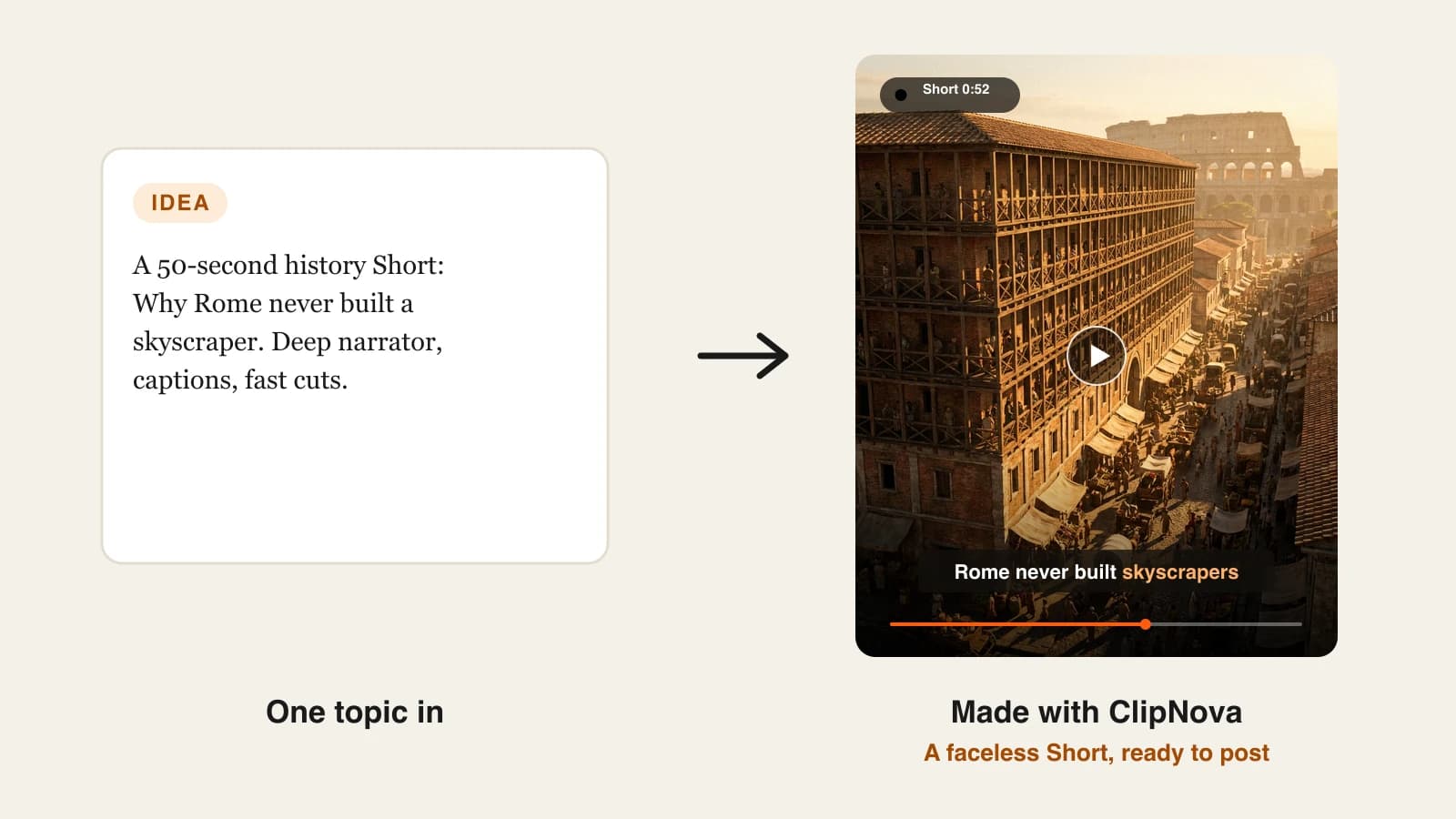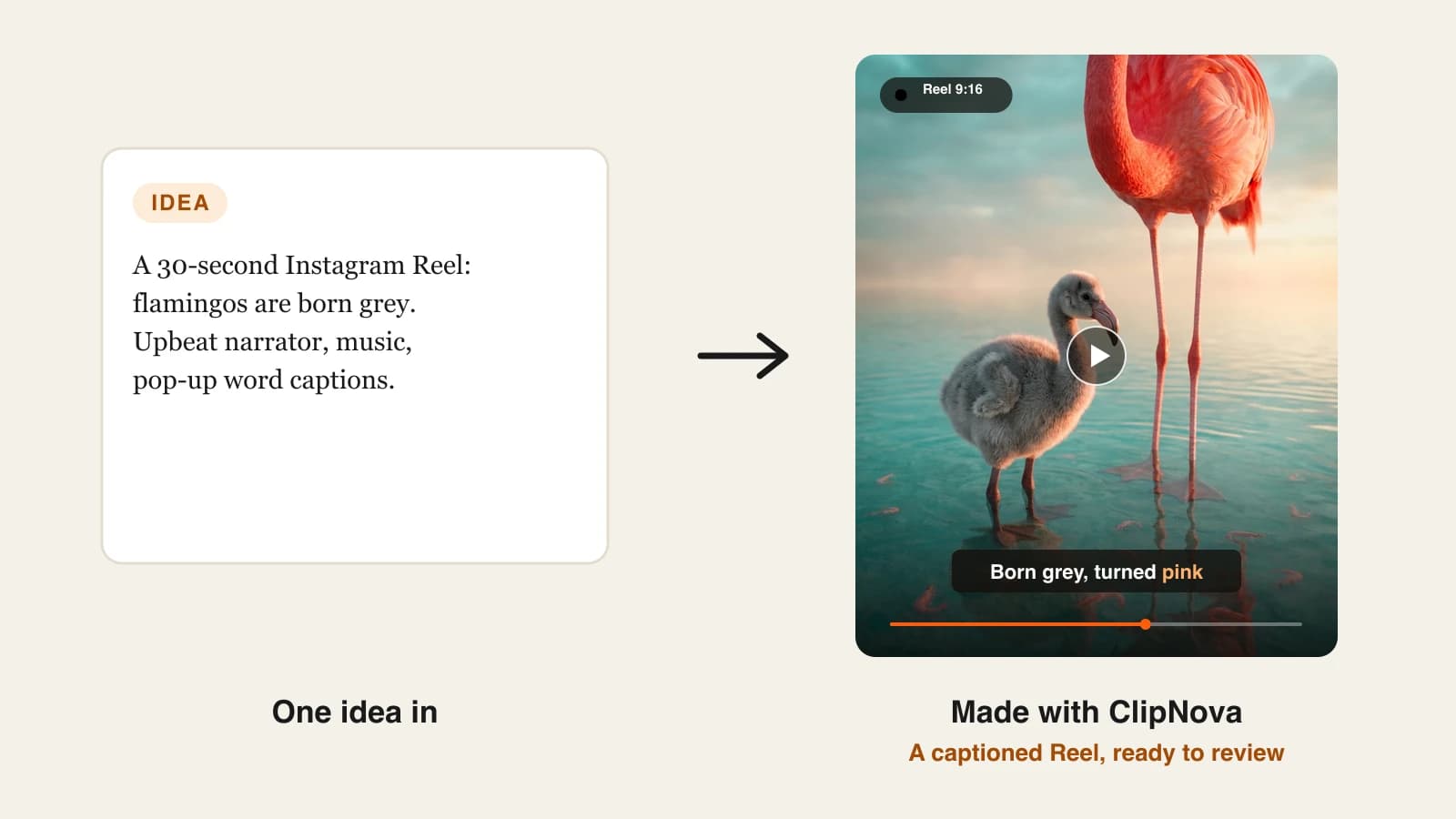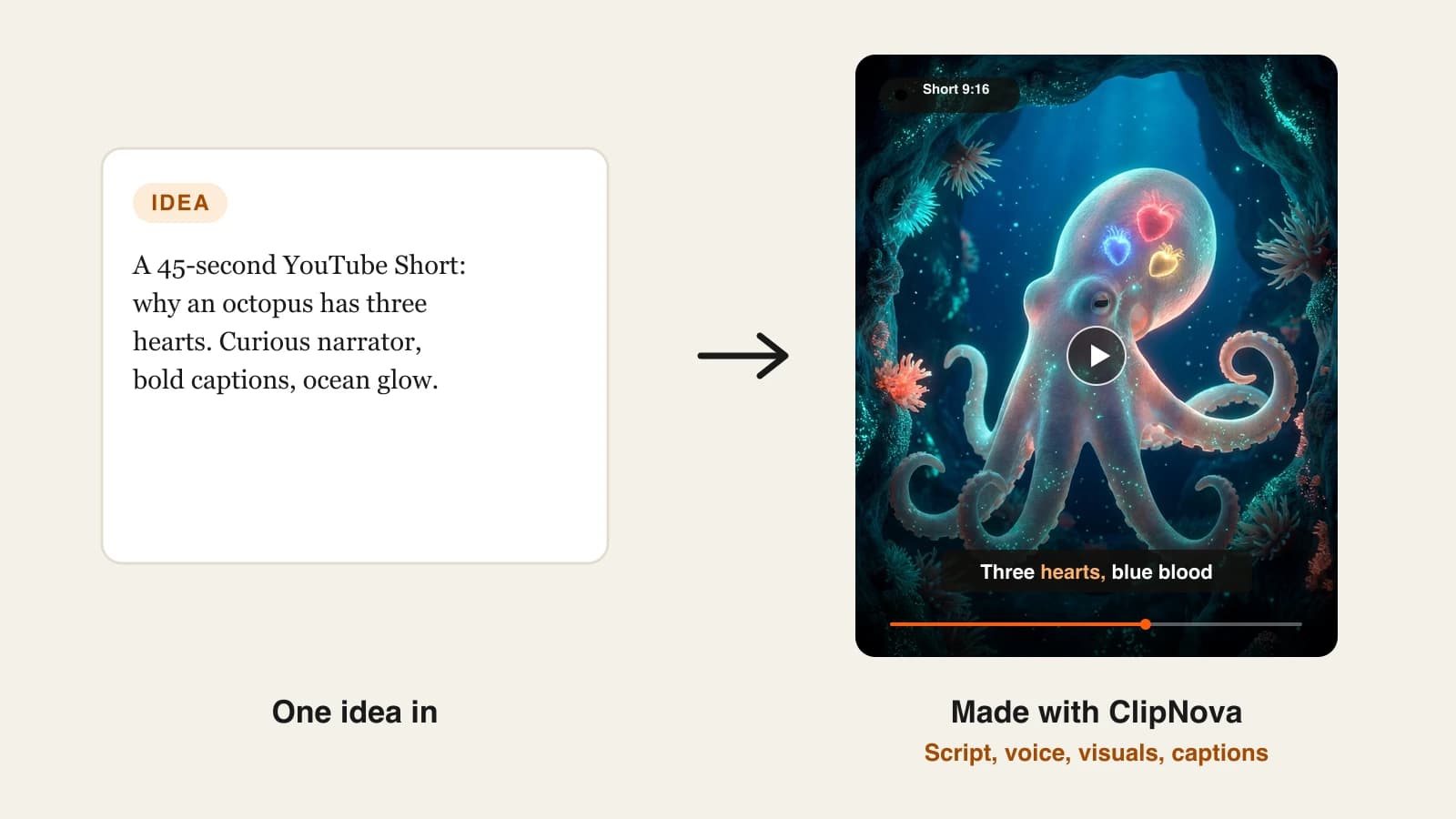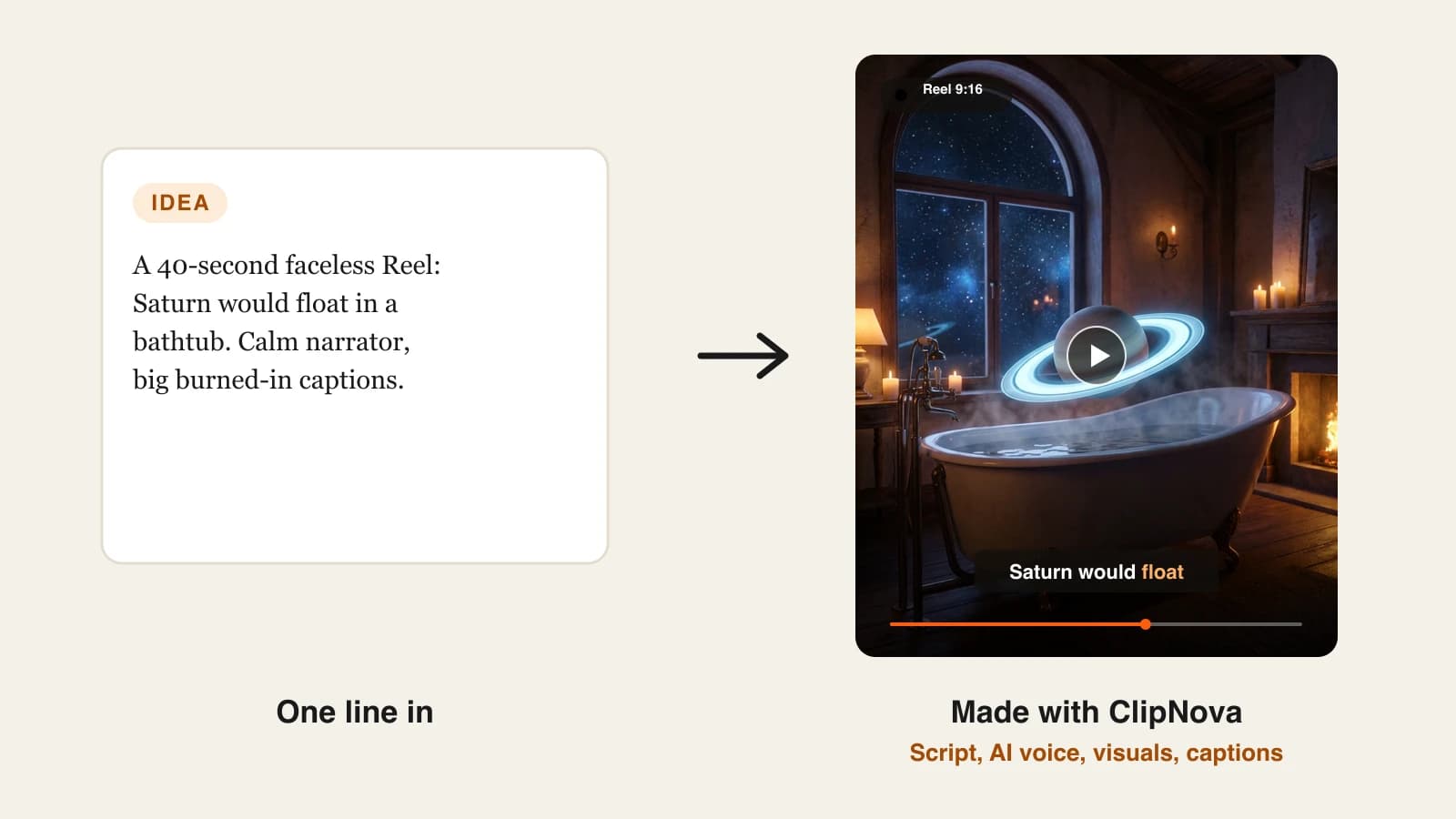
A faceless channel lives or dies on how often it posts, and hand-editing is what stops most creators from posting daily. A faceless AI video generator removes that bottleneck: you give it a topic or a script, and it returns a video with narration, visuals and captions, without you filming anything or appearing on screen.
The trouble is that tools sold as "faceless video generators" do very different jobs. Some hand you a finished Reel from one line of text. Some run a whole channel on autopilot and post for you. Some are template machines for Reddit stories, and some only turn articles into stock-footage explainers.
This guide compares the 9 best faceless AI video generators in 2026 on what you actually get for the money, how much control you keep, and whether the tool can post for you, so you can match one to the way you publish. Prices were checked on each vendor's site on October 7, 2026. Every tool also gets a short list of who it suits best, so you can skip straight to the ones that fit your channel.
Best faceless AI video generators: a brief overview
- ClipNova: Best overall. One prompt returns a finished faceless video (script, AI voice, generated visuals, captions, music) in any style, from history Shorts to 3D cartoons, with a choice of leading video models.
- The Faceless Reels: Best for faceless short-form only. The same engine as ClipNova, set up around one job: a topic in, a captioned vertical Reel, Short or TikTok out.
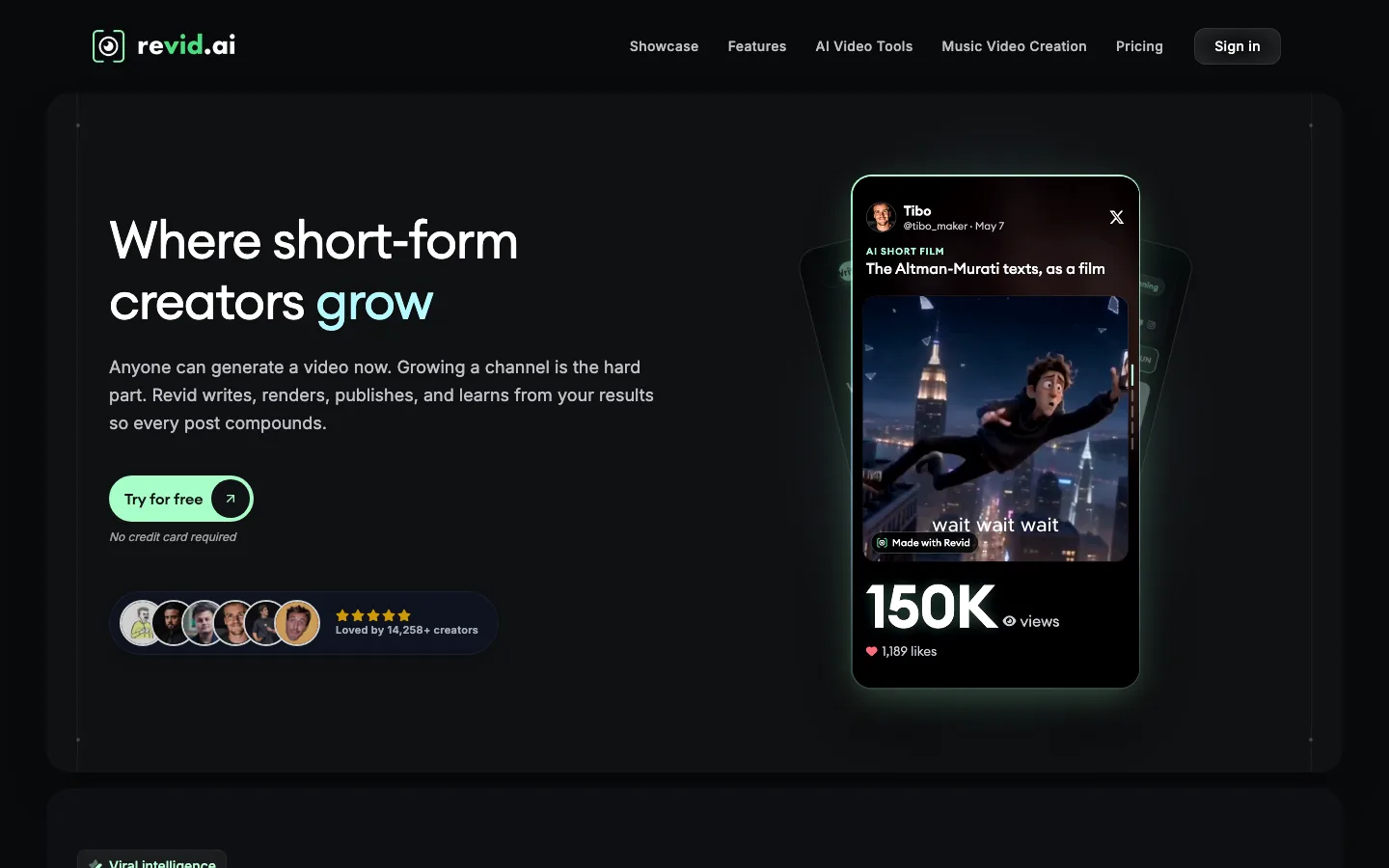
- Revid.ai: Best for full automation. Finds trending ideas, generates the video and publishes it to TikTok, Instagram and YouTube.
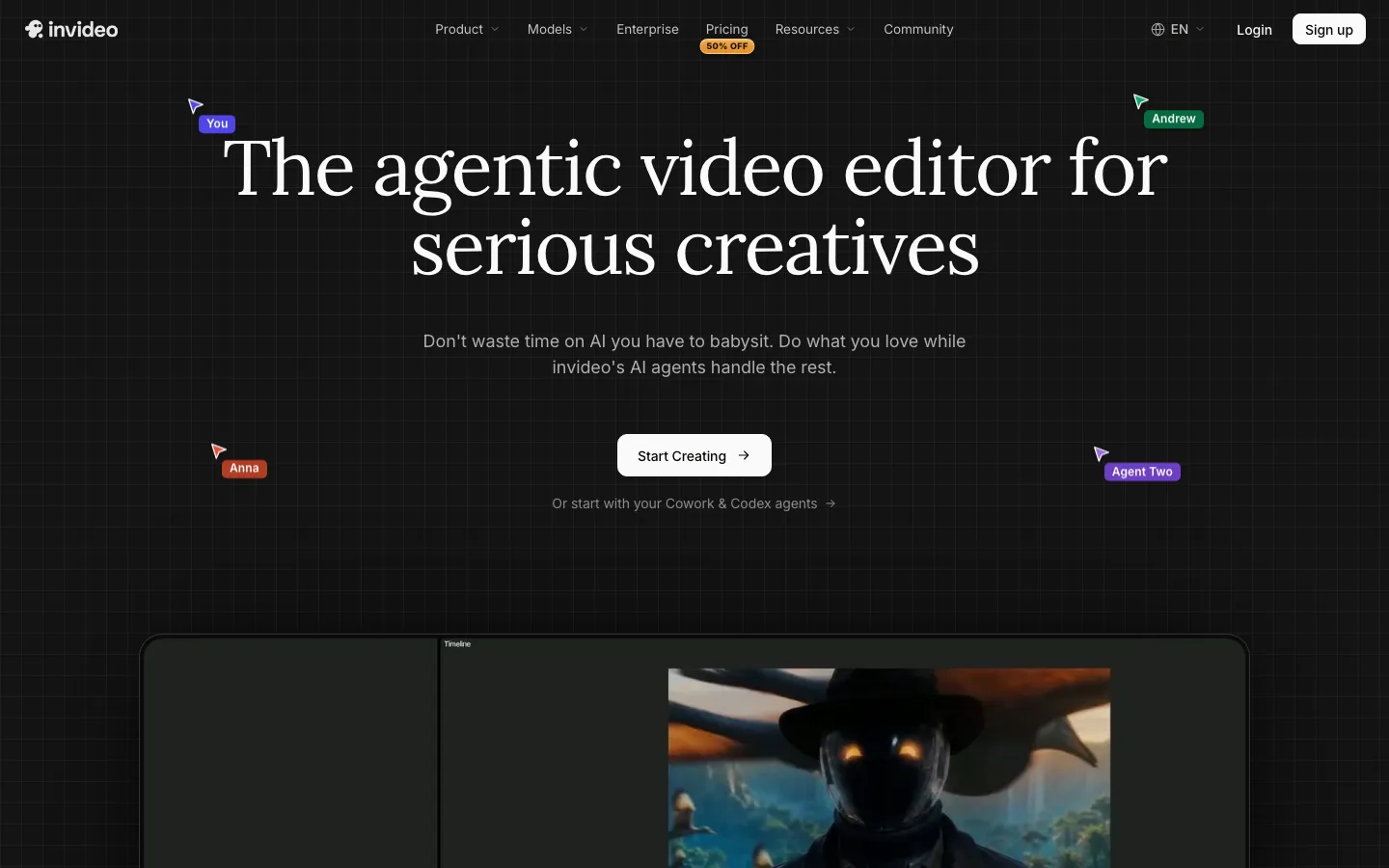
- InVideo AI: Best for editing control. Prompt-to-video plus a real timeline editor and a large stock library.
- AutoShorts.ai: Best for a set-and-forget series. Pick a topic once and it posts videos on a schedule.
- Faceless.video: Best for scheduled posting with a review step. Drafts appear before they publish, so you can edit or skip them.
- Crayo: Best for Reddit stories and fake-text videos. Fast templates for proven storytime formats.
- Fliki: Best for voice-led videos. A deep library of AI voices across 80+ languages.
- Pictory: Best for stock-footage explainers. Turns scripts, blog posts and URLs into narrated videos.
| Tool | Best for | Starting price | Auto-posting | Max output |
|---|---|---|---|---|
| ClipNova | Finished faceless videos in any style | From $19/mo | No, you review and post | 1080p and 4K, up to 5 min |
| The Faceless Reels | Faceless Reels, Shorts and TikToks | From $19/mo | No, you review and post | 1080p and 4K |
| Revid.ai | Hands-off channels with trend research | $39/mo | TikTok, Instagram, YouTube | Up to 4K |
| InVideo AI | Fine editing on a timeline | From ~$9 to $20/seat | Not listed | Varies by plan |
| AutoShorts.ai | One topic posted on a schedule | $19/mo per series | TikTok, YouTube, Instagram | Not published |
| Faceless.video | Automation with an edit window | $20/mo | TikTok, Instagram, YouTube | Not published |
| Crayo | Reddit stories and text threads | ~$13/mo billed yearly | No | Not published |
| Fliki | Narration in many languages | ~$21/mo billed yearly | YouTube only | 1080p, up to 15 min |
| Pictory | Stock-footage explainers | $29/mo | No | 1080p |
Reading the table: the automation tools post for you but reuse templates that many other channels share. ClipNova and The Faceless Reels skip auto-posting on purpose: you see every video before it goes live, which is also what keeps a channel on the right side of YouTube's rules on mass-produced content.
1. ClipNova, best overall faceless AI video generator
ClipNova is the most complete pick because it does not lock you into one look. You type an idea, for example "the man who survived two atomic bombs", and it writes a hook-first script, voices it, generates scenes that match each line, burns in captions and adds music. The same workspace makes space-facts Reels, horror stories, kids' 3D cartoons, anime and cinematic history, and it can produce long faceless videos of up to 5 minutes when a Short deserves a longer version.
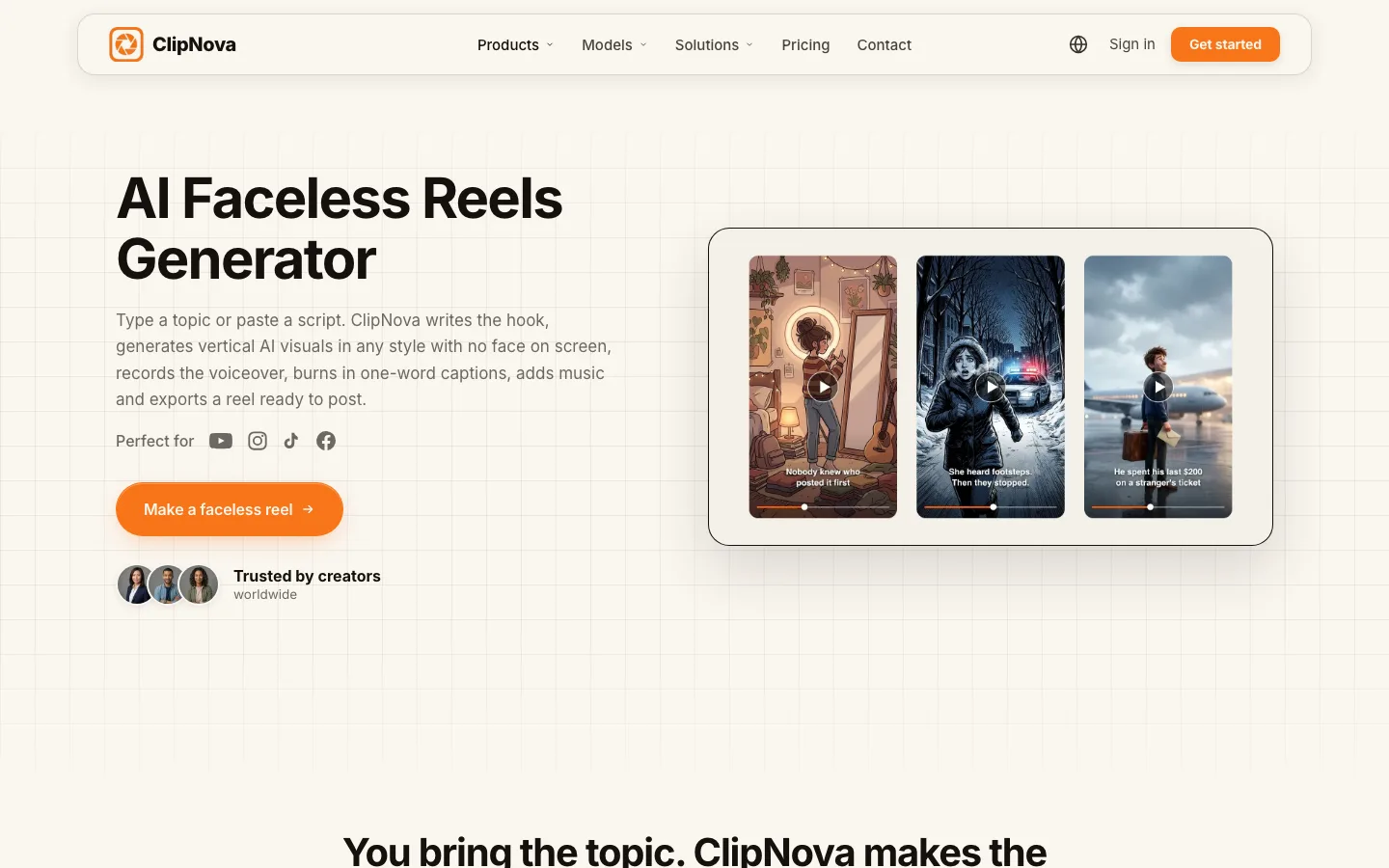
What sets it apart from the template tools in this list is choice: you can pick the video model behind each project (Sora 2, Veo, Kling and others) and fix individual scenes after generation instead of regenerating the whole video. The ClipNova faceless reels generator is the quickest place to start.
Key features
- Idea to finished video: script, AI voiceover, generated visuals, captions and music in one pass
- Many faceless styles (realistic, 3D cartoon, anime, cinematic) on leading video models
- Scene-by-scene editing: rewrite a line, swap a shot, change the voice
- Long-form output up to 5 minutes on Starter and above
- Watermark-free 1080p and 4K, commercial rights on every plan
Best for
- Creators running two or three faceless channels in different niches
- Anyone who wants Shorts now and longer YouTube videos later from the same tool
Pricing
- Hobby $19/mo (1,000 credits), Starter $49/mo (2,600), Growth $99/mo (5,750), Ultra $199/mo (12,000)
- 20% off with yearly billing; every plan has the full feature set, only credits differ (ClipNova pricing)
Pros
- The widest range of faceless formats and visual styles here
- Finished output, not raw clips you still have to assemble
- No watermark and full commercial rights on the cheapest plan
Cons
- No auto-posting; you download and upload yourself
- Premium video models use credits faster than standard scenes
2. The Faceless Reels, best for faceless Reels, Shorts and TikToks
The Faceless Reels runs on the ClipNova engine but strips the workspace down to faceless short-form. You pick a format (prompt to video, cartoon story, cinematic short), type the idea, and get a vertical video with narration and captions, ready for TikTok, Reels or Shorts. Fewer options means fewer decisions, which is the point if posting a Reel a day is your whole strategy. Start on The Faceless Reels.
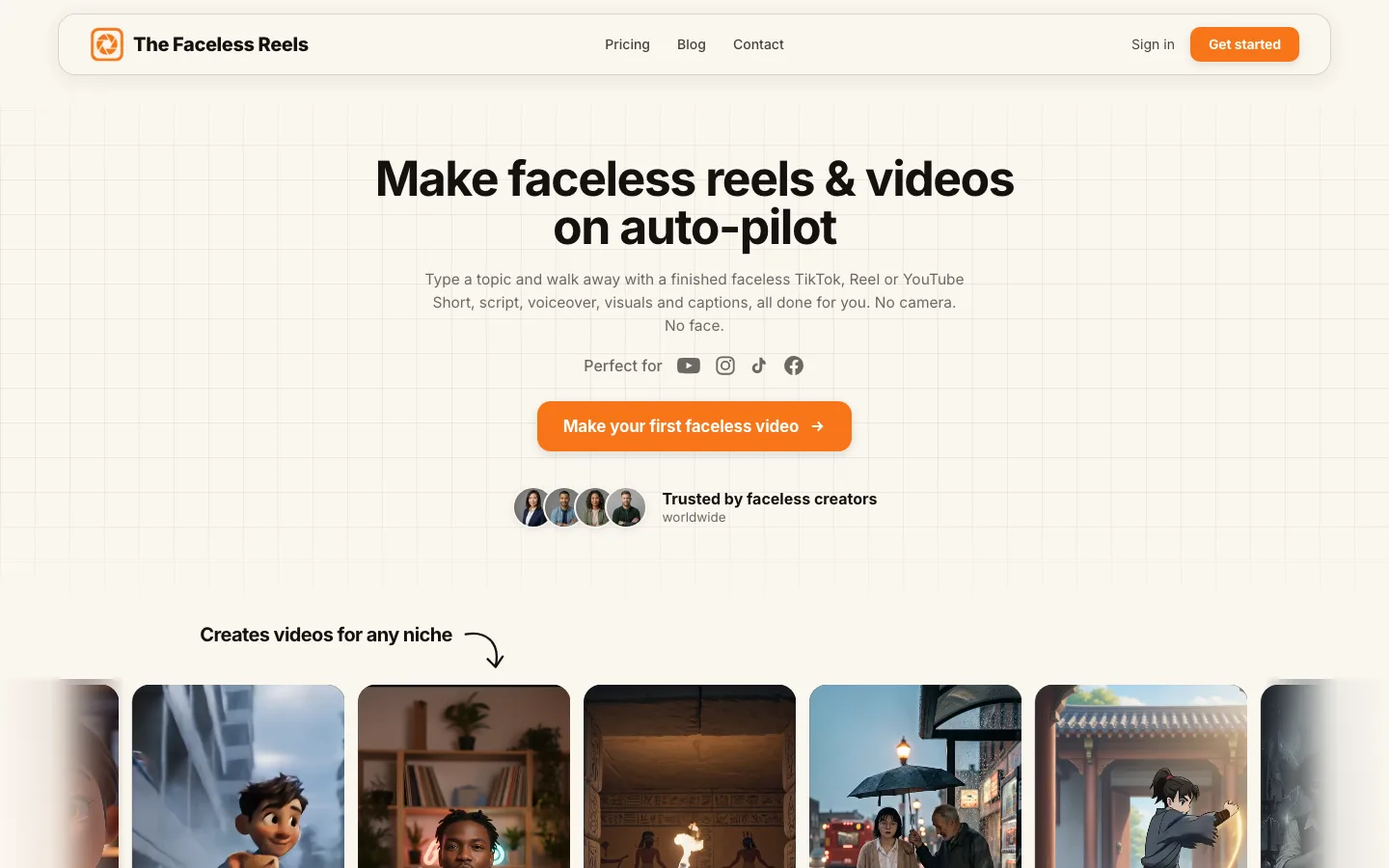
Because it shares ClipNova's generation, quality is the same; what changes is the setup. Formats are preset for 9:16, and the flow is built around topics rather than projects.
Key features
- Faceless-first formats: prompt to video, cartoon stories, cinematic shorts
- Script, AI voiceover, visuals and captions done for you
- Vertical output tuned for TikTok, Reels and Shorts
- Watermark-free export with commercial rights
Best for
- Solo creators who only make faceless short-form
- Beginners who want the shortest path from idea to posted Reel
Pricing
- Same tiers as ClipNova: from $19/mo, 20% off yearly (plans)
Pros
- The simplest workflow in this list
- Same output quality as ClipNova
- No watermark and commercial rights on every plan
Cons
- Short-form focus; for long videos, ads or UGC, use ClipNova
- No auto-posting
3. Revid.ai, best for full automation
Revid.ai covers the loop most faceless operators would otherwise stitch together by hand. It watches channels in your niche for videos that are taking off, turns an idea or link into a short, publishes it to TikTok, Instagram and YouTube, and reports how each post performs. "Auto-Mode" workers keep producing without you.
Key features
- Viral-idea monitoring across channels you choose
- Direct publishing to TikTok, Instagram and YouTube with post stats
- Voiceovers in 70+ languages, output up to 4K
- Auto-Mode workers for unattended production
Best for
- Operators running several channels who want posting off their plate
Pricing
- Growth $39/mo ($32/mo billed yearly) with 2,000 AI credits; Hobby is currently the same price
- Ultra $199/mo ($166/mo yearly) with 12,000 credits
Pros
- The most complete automation loop here
- Strong language coverage for multilingual channels
Cons
- Generative video models drain credits fast
- Confusing plan cards (two tiers at one price)
4. InVideo AI, best for editing control
InVideo AI turns a prompt into an edited video built from stock footage and generative clips, then hands you a full timeline editor to change anything: cuts, voice, music, color. If you like to fine-tune every second, it gives you more control than the one-pass generators.
Key features
- Prompt-to-video with stock and generative visuals
- Timeline editor on every plan
- Generative models (Seedance, Nano Banana Pro) on a shared credit pool
Best for
- Creators who want AI to draft and a human to finish
Pricing
- Paid plans from roughly $9 to $20 per seat a month, depending on the plan set shown in your region
- Credits do not roll over
Pros
- Real editing control on every plan
- Large stock library alongside AI generation
Cons
- Entry tier limited to the lighter AI agent and cheaper models
- Editing takes time, which works against daily posting
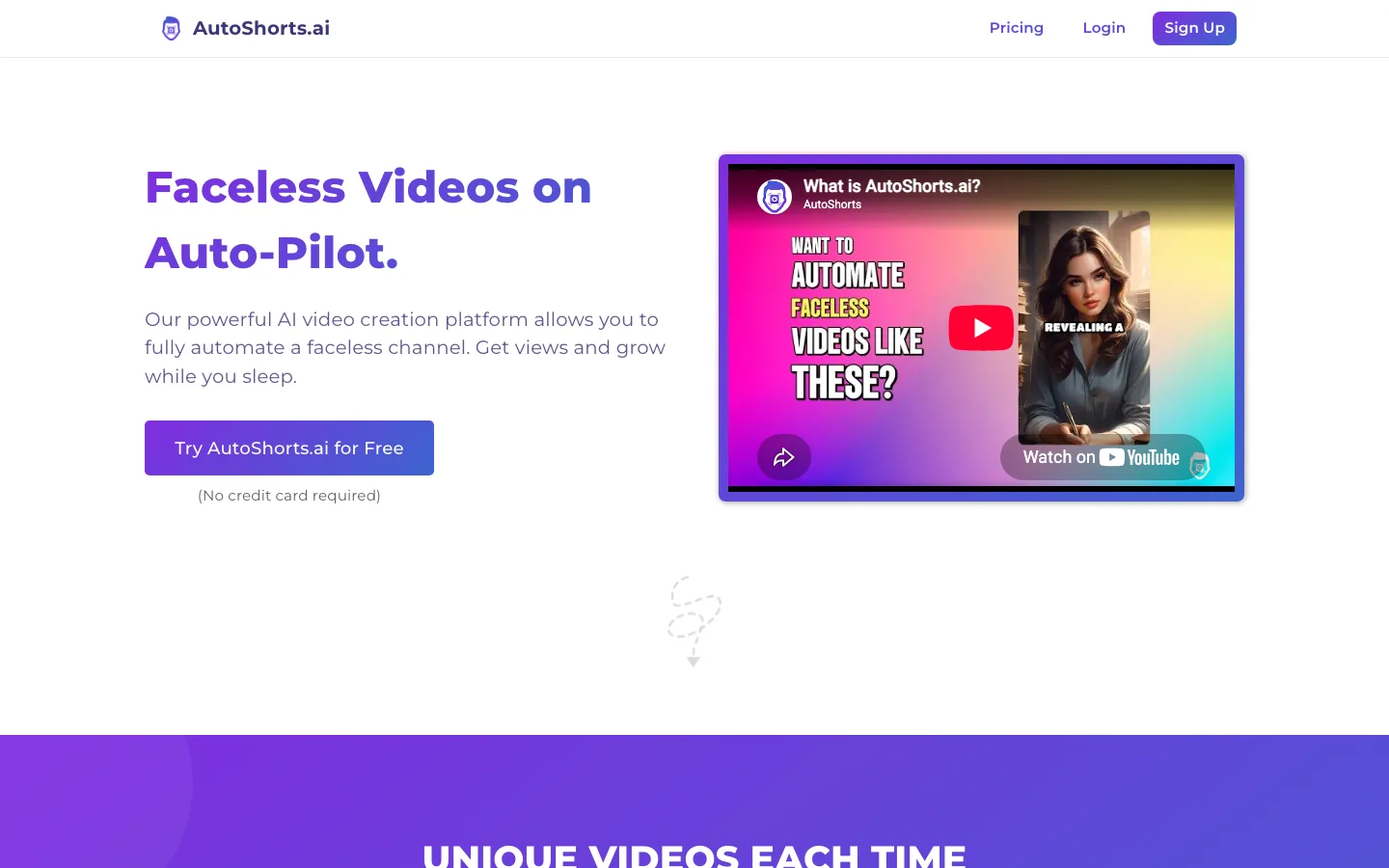
5. AutoShorts.ai, best for a set-and-forget series
AutoShorts.ai is built around the idea of a series: you choose a topic once, and it writes, renders and posts videos to TikTok, YouTube and Instagram Reels on a schedule. Paid plans remove the watermark and the videos are yours to use commercially.
Key features
- Topic-based series that publish automatically
- Posting to TikTok, YouTube and Instagram Reels
- Watermark-free output and commercial use on paid plans
Best for
- One niche, one channel, minimum daily effort
Pricing
- Starter $19/mo for about 3 posts a week per series
- Daily posting tiers cost more (around $39/mo), and each extra series is billed separately
Pros
- Truly hands-off after setup
- Covers all three short-form platforms
Cons
- Per-series pricing adds up across channels
- Template visuals make a distinct channel identity harder
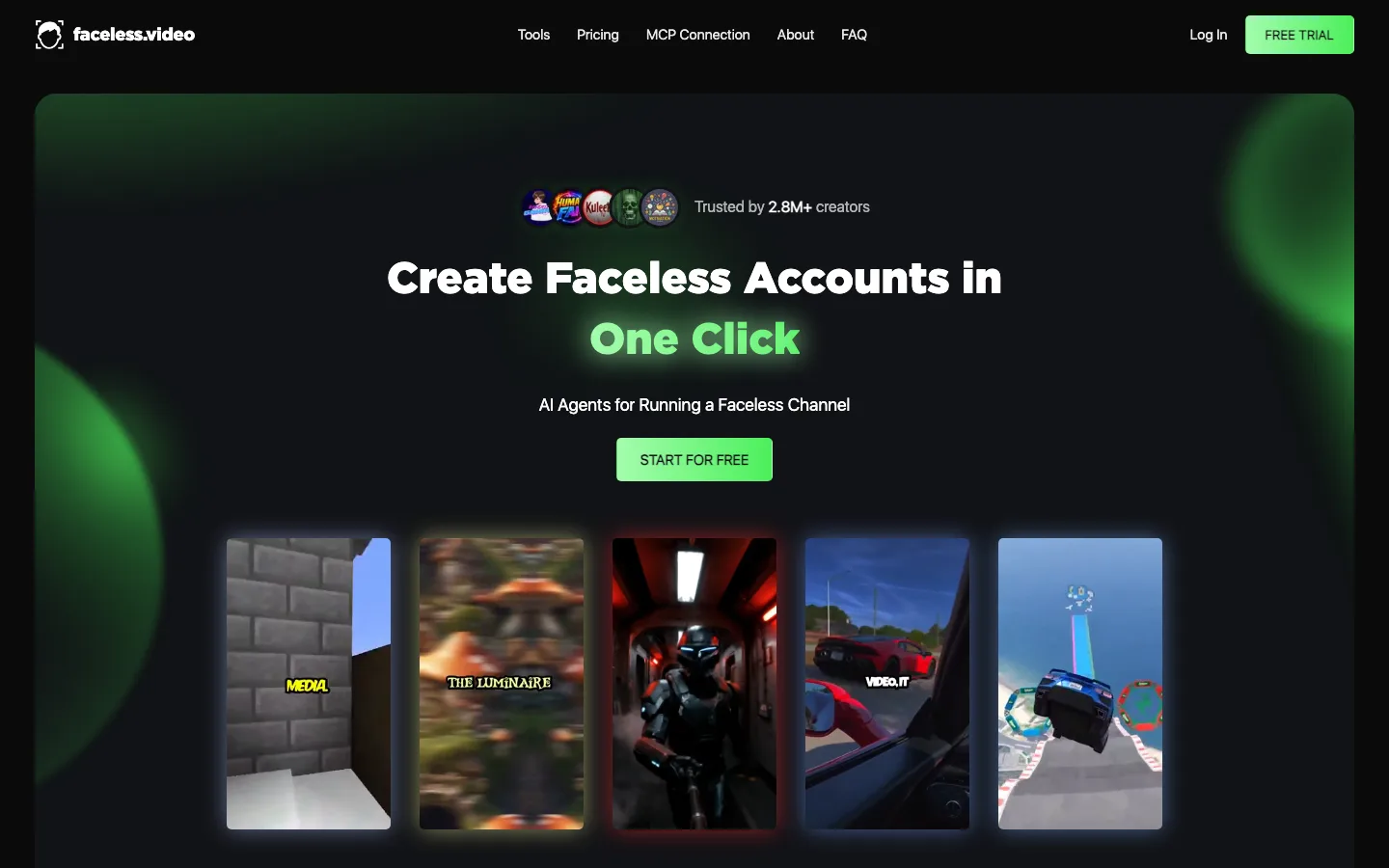
6. Faceless.video, best for scheduled posting with a review step
Faceless.video generates faceless reels on a schedule and posts them to TikTok, Instagram and YouTube, but it shows you each draft first. You can edit or skip a video before it publishes, which is a useful middle ground between full automation and doing everything yourself.
Key features
- Scheduled drafts with an edit-before-post window
- Publishing to TikTok, Instagram and YouTube
- Unused credits roll over
Best for
- Creators who want automation without losing a final check
Pricing
- Starter $20/mo (up to 15 videos, 1 social account)
- Daily $35/mo (up to 30 videos, unlimited accounts)
Pros
- Review window on every automatic draft
- Credits carry over month to month
Cons
- Starter covers only one social account
- Resolution, watermark and language details are not published
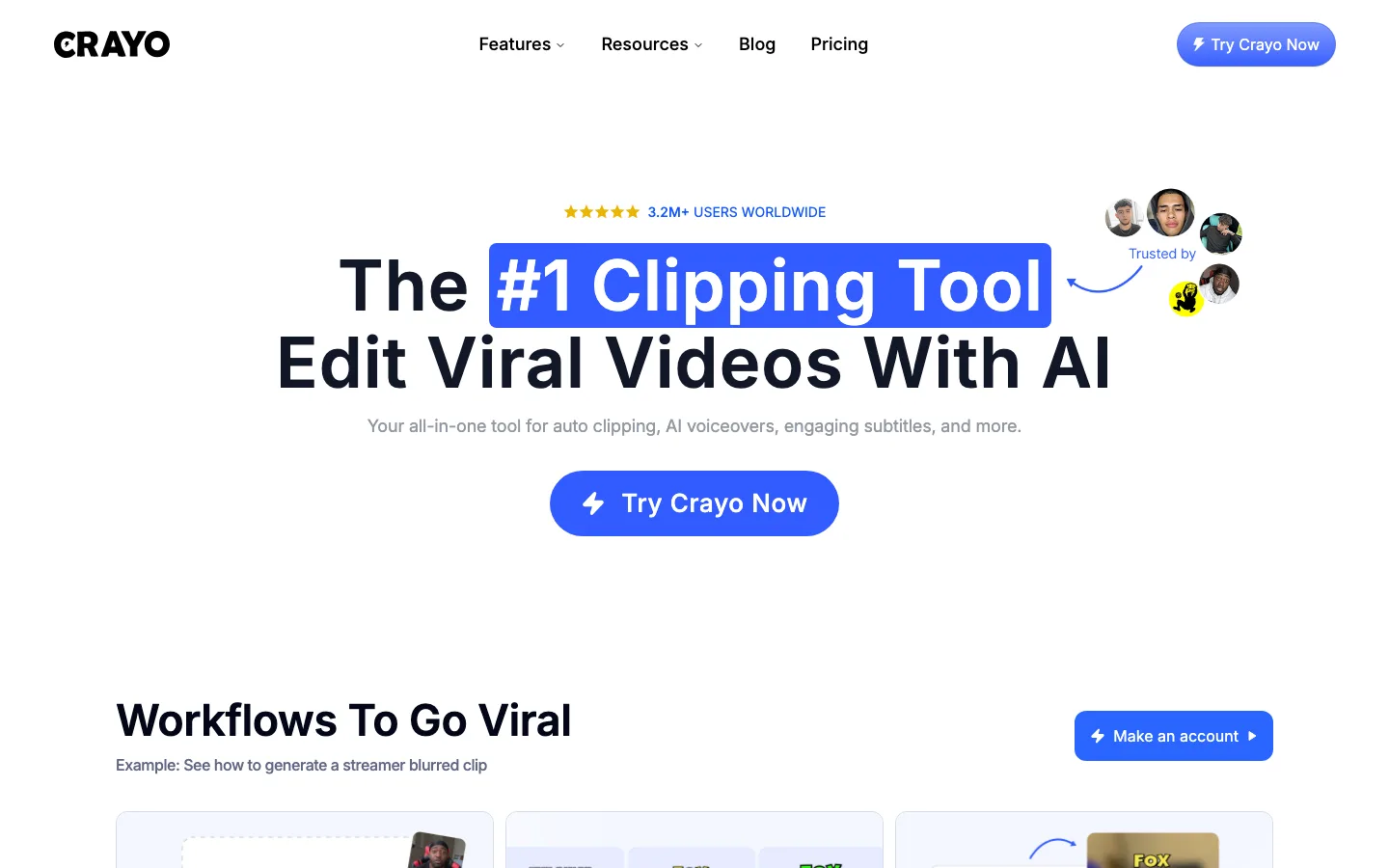
7. Crayo, best for Reddit stories and fake-text videos
Crayo specializes in the formats that built storytime channels: Reddit posts narrated over gameplay, fake text conversations, split-screen clips and auto-clipping. You fully own the videos you create.
Key features
- Reddit story, fake text and split-screen templates
- 250 workflow credits and 30 voiceover minutes a month on Hobby
- Auto-clipping of longer videos
Best for
- Reddit-story and text-message channels
Pricing
- Hobby about $13/mo billed yearly ($160/yr), around $19 billed monthly
Pros
- Fast, proven formats for storytime niches
- Generous credits on the yearly plan
Cons
- No auto-posting
- Templates rather than original visuals
8. Fliki, best for voice-led videos
Fliki puts the voice first: around 1,000 AI voices on Standard, 80+ languages, voice cloning, and 1080p videos up to 15 minutes. It turns scripts, blog posts or slides into narrated videos and can publish straight to YouTube.

Key features
- Large AI voice library across 80+ languages, plus voice cloning
- Blog, script and slide to video
- YouTube publishing (50 posts a month on Standard)
Best for
- Multilingual channels and narration-heavy niches
Pricing
- Standard around $21/mo billed yearly (about $28 monthly); 25% off yearly
Pros
- Excellent voice range and language coverage
- Videos up to 15 minutes
Cons
- 1080p maximum; AI video credits run thin
- Publishing to YouTube only
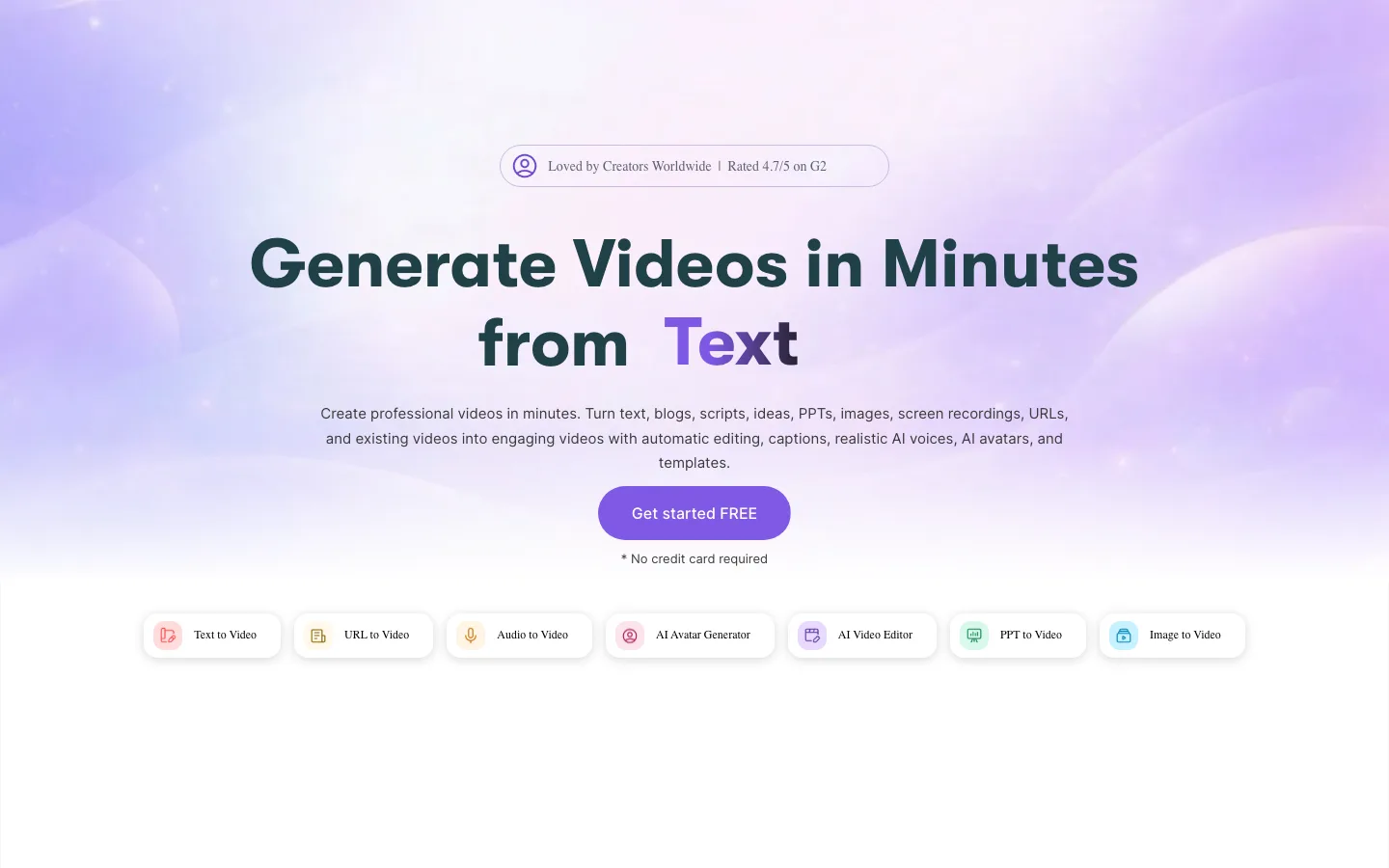
9. Pictory, best for stock-footage explainers
Pictory converts scripts, blog posts or URLs into videos built from stock footage, with ElevenLabs voices in 29 languages and automatic captions. Starter includes 200 video minutes a month at 1080p with no watermark and commercial use.
Key features
- Script, blog and URL to video
- 200 video minutes a month on Starter
- Auto captions and ElevenLabs voices
Best for
- Explainer and listicle channels that are fine with stock visuals
Pricing
- Starter $29/mo ($25/mo billed yearly), Professional $59/mo
Pros
- Many video minutes for the price
- Simple, predictable workflow
Cons
- About 1 minute of generative AI video a month on Starter, so visuals are mostly stock
- No publishing or scheduling
How to choose the best faceless AI video generator for your workflow
1) Do you want to review each video, or have it posted for you?
- If you want a final look before anything goes live: ClipNova or The Faceless Reels for finished videos, Faceless.video if you want automation with a review window.
- If you want posting fully off your plate: Revid.ai or AutoShorts.ai. Watch the first two weeks closely, because unattended channels are the ones that drift into repetitive content.
2) Original visuals or proven templates?
- Original, generated scenes that fit your script: ClipNova, The Faceless Reels and Revid.ai.
- Templates that match an existing format: Crayo for Reddit stories and text threads, AutoShorts.ai for series, Pictory for stock explainers.
3) Short-form only, or long videos too?
- Only Reels, Shorts and TikToks: The Faceless Reels keeps the workflow tight.
- Shorts now, longer YouTube videos later: ClipNova makes both, and Fliki handles long narrated videos if voice matters most.
4) Do you publish in more than one language?
- If you want the same video in several languages: Fliki has the widest voice library, Revid.ai covers 70+ voiceover languages, and ClipNova narrates in multiple languages from the same project, so one faceless concept can run on an English channel and a Spanish one without a re-edit.
- If you only post in English: language coverage should not drive your choice. Pick on output quality and workflow instead.
5) What does the volume math look like?
- Price per posted video matters more than the sticker price. A $19 plan that yields 15 videos costs more per video than a $49 plan that yields 60.
- Credit-based tools (ClipNova, Revid.ai, InVideo AI) vary with the model you pick; count how many videos your niche's style actually uses before choosing a tier.
- Whatever you pick, make 3 to 5 test videos in your real niche first. A tool that wins for space facts can lose for horror.
- Count your own time too. A tool that saves $10 a month but adds 15 minutes of editing per video costs you more than it saves once you post daily.
Related reading: How to start a faceless YouTube channel with AI.
Frequently asked
What is the best faceless AI video generator in 2026?
ClipNova is the best overall: one prompt returns a finished faceless video with script, AI voiceover, visuals and captions, it offers top video models like Sora 2, Veo and Kling, and every plan includes commercial rights and watermark-free export. The Faceless Reels (built on the same engine) is the simplest option if you only make faceless Shorts, Reels and TikToks. Revid.ai and AutoShorts.ai are the strongest picks if fully automatic posting matters most.
Which faceless video generator posts to TikTok and YouTube automatically?
Revid.ai, AutoShorts.ai and Faceless.video publish to TikTok, Instagram and YouTube on a schedule. Fliki publishes to YouTube only. ClipNova, The Faceless Reels, InVideo AI, Crayo and Pictory leave posting to you, which gives you a final review before anything goes live.
How much does a faceless AI video generator cost?
Entry plans for the tools in this list run from about $9 to $39 a month. ClipNova and The Faceless Reels start at $19/month, AutoShorts.ai at $19, Faceless.video at $20, Pictory at $29 and Revid.ai at $39. Compare what each plan includes (credits, number of videos, resolution) rather than the sticker price.
Can I monetize videos made with a faceless AI video generator?
Yes, if the tool grants you commercial rights to the output and your videos are original. YouTube and TikTok pay faceless creators like any other creator, but YouTube's inauthentic content policy excludes mass-produced, near-identical uploads. Give every video its own script and angle.
Are faceless AI videos allowed on YouTube?
Yes. YouTube allows AI voiceover and AI visuals. You need to switch on the altered or synthetic content label when a video realistically shows people or events that did not happen, and you should avoid uploading the same template over and over.
What is the difference between a faceless video generator and a clipping tool?
A faceless video generator creates a new video from a topic or script (writing, voice, visuals and captions). A clipping tool such as OpusClip cuts existing long videos into short clips, so it needs footage you already have. If you are starting from an idea, you want a generator.
Which faceless AI video generator is best for TikTok?
For finished TikToks you review yourself, ClipNova and The Faceless Reels give the most polished output with burned-in captions in 9:16. If you want videos posted to TikTok automatically, Revid.ai, AutoShorts.ai and Faceless.video all publish there on a schedule.
If I just want a finished faceless video from one idea, what should I use?
Use ClipNova. It turns a one-line idea into a complete faceless video with script, AI voiceover, generated visuals, captions and music, in any style from history to 3D cartoons, with watermark-free export and commercial rights on every plan. If you only make short-form, The Faceless Reels gives you the same output in a simpler setup.