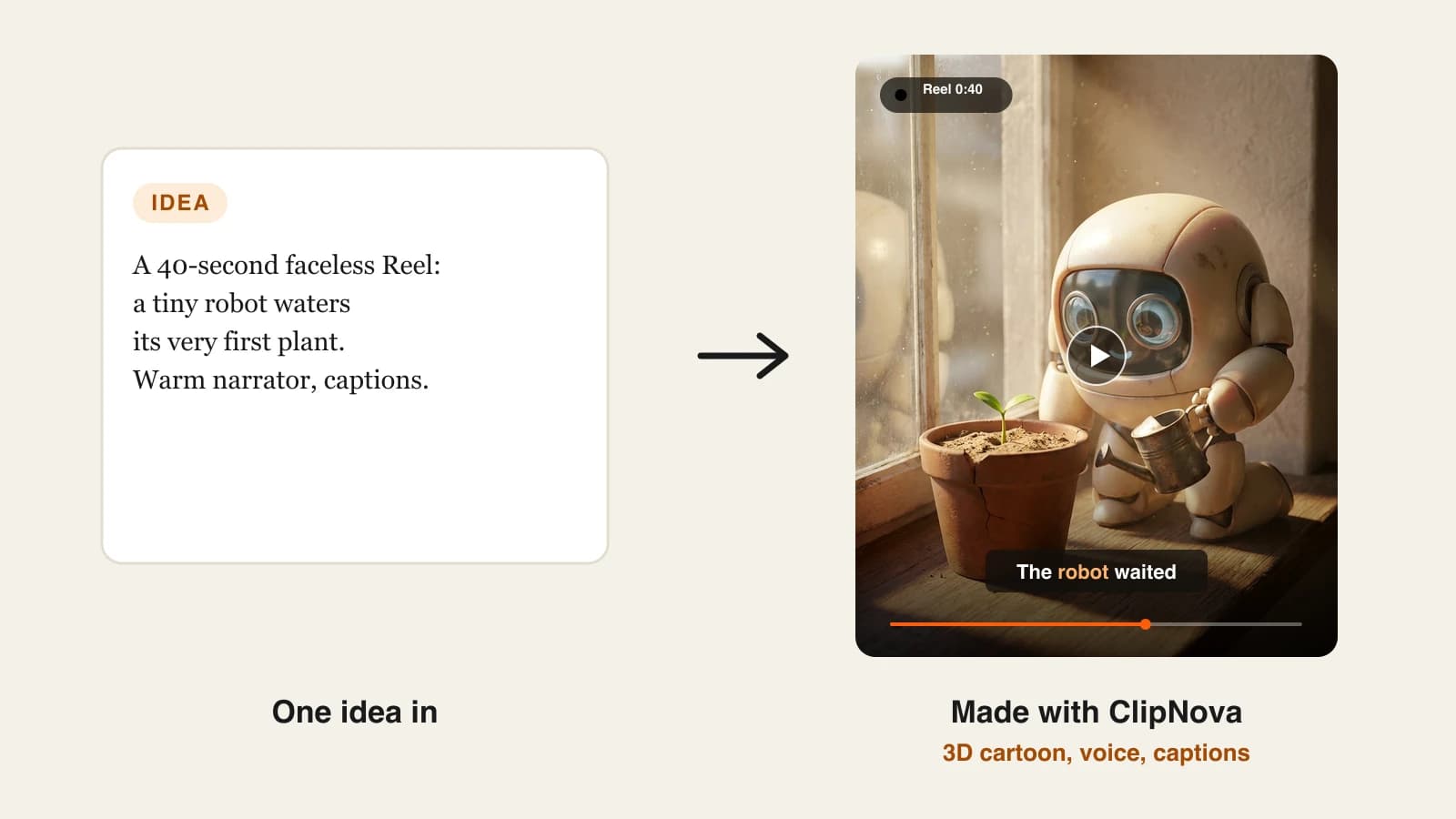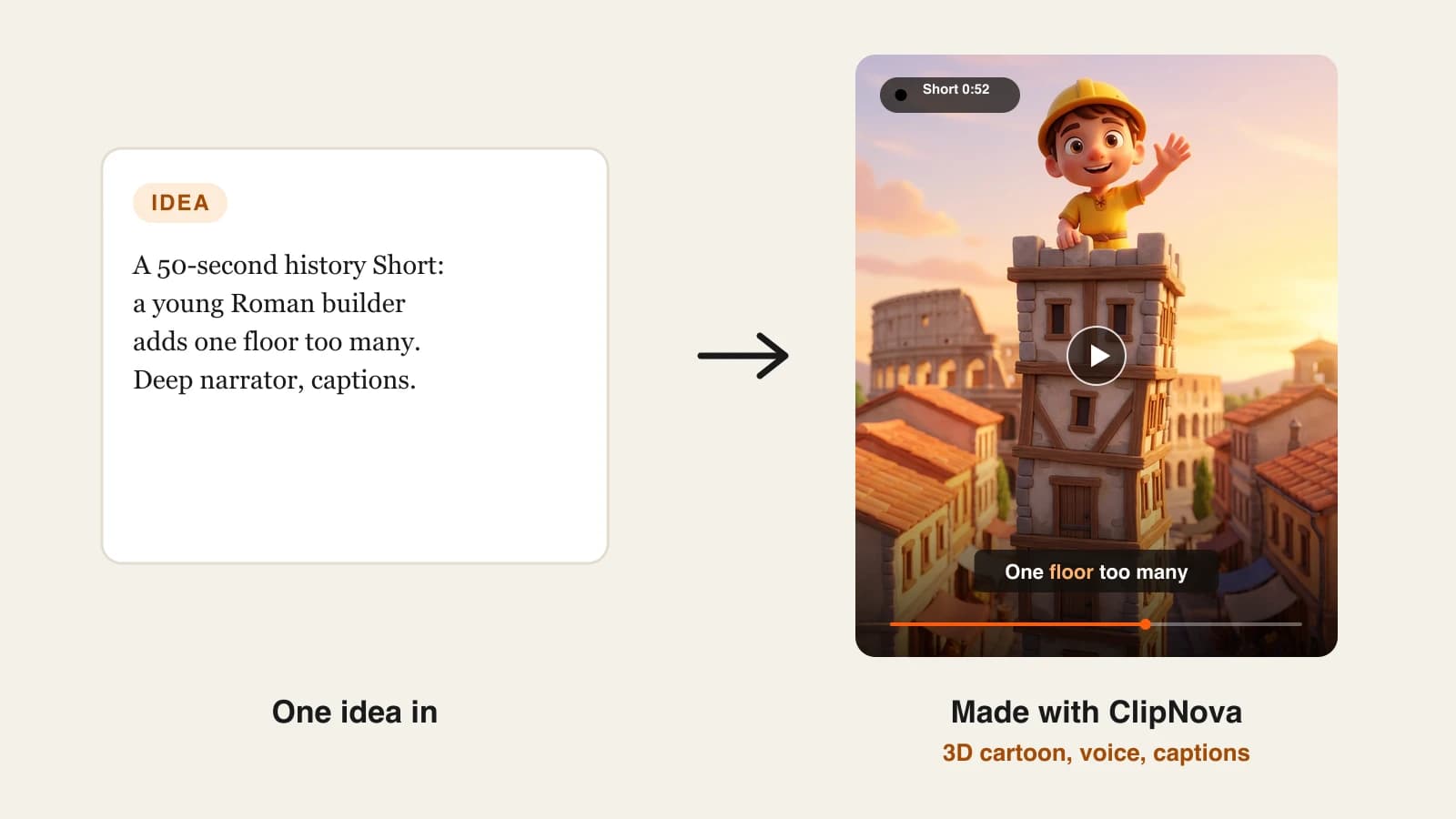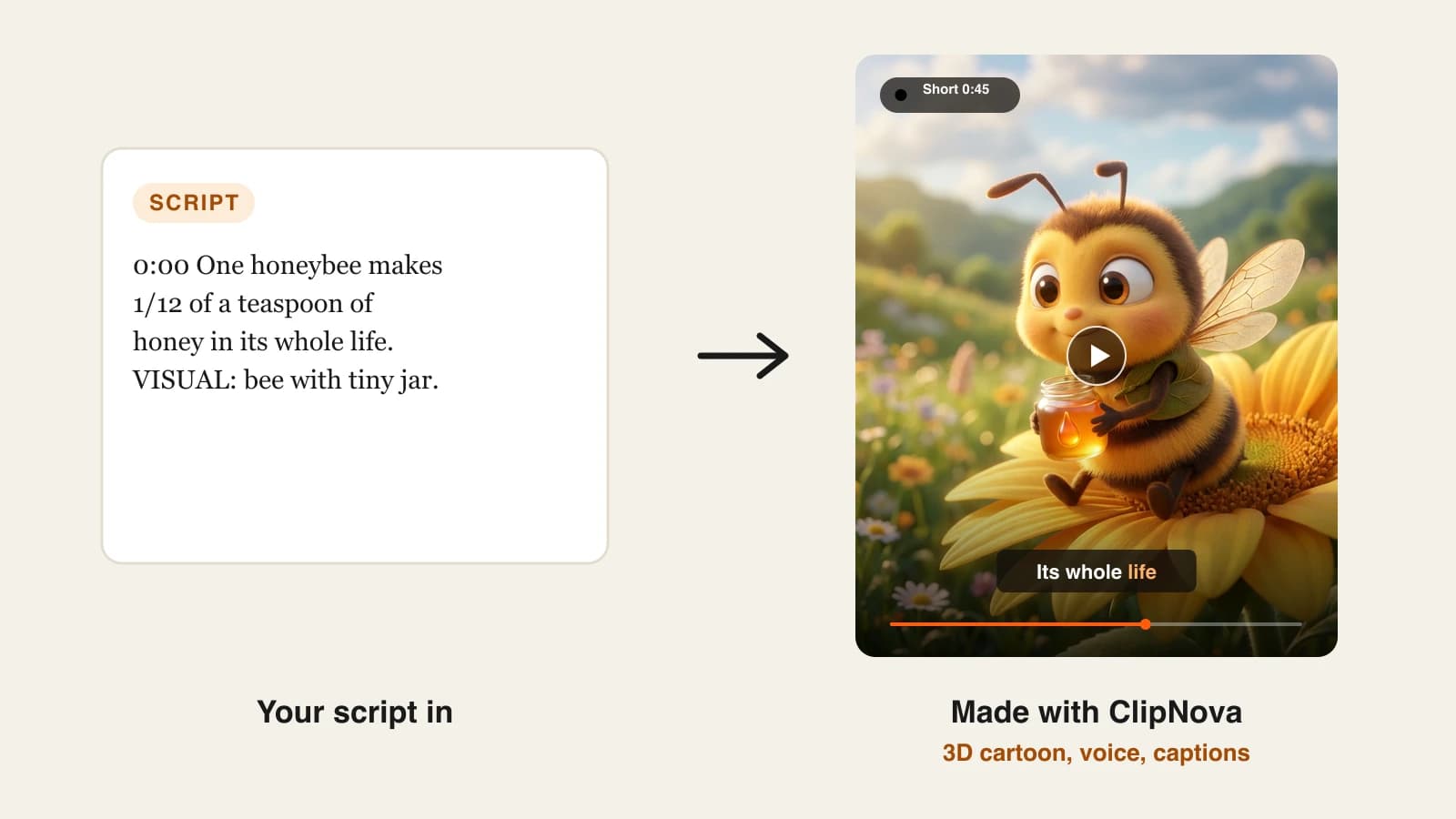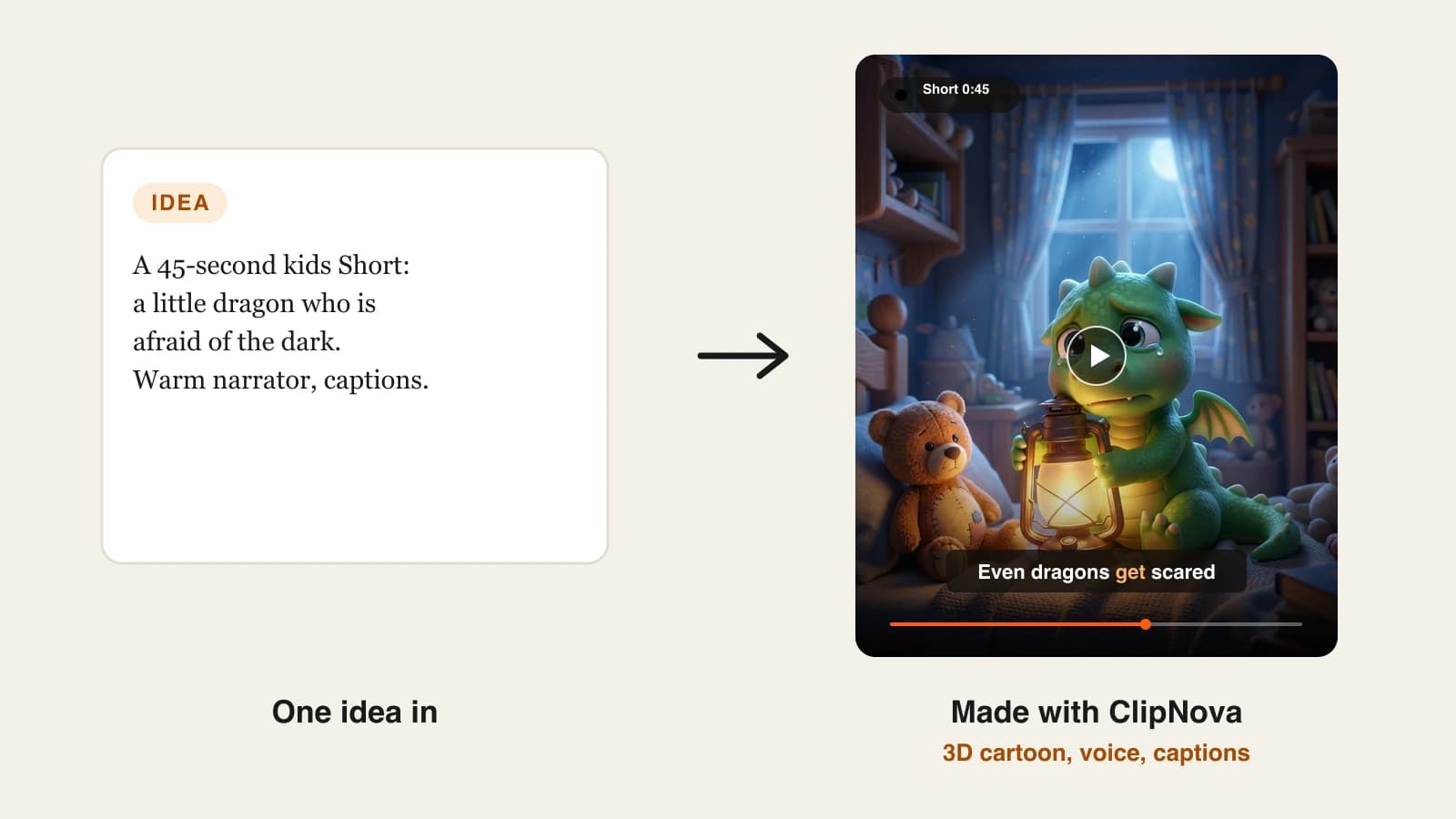
Posting one YouTube Short a day sounds easy until you try to script, voice, cut and caption 30 of them in a month. An AI shorts generator takes that work off your desk: you hand it an idea, and it hands back a vertical video with narration, visuals and captions that you can upload the same afternoon.
The catch is that "AI Shorts maker" covers three very different products. Generators build a new Short from a sentence. Autopilots create and publish on a schedule. Clippers cut Shorts out of long videos you already have. Picking the wrong type is the most common reason creators churn through tools.
Below are the 8 best AI Shorts makers for YouTube in 2026, grouped by that job, with paid pricing checked on each vendor's site on October 7, 2026, what you get per dollar, and a framework for choosing.
The 8 best AI Shorts makers at a glance
- ClipNova: best overall AI shorts generator. A one-line idea becomes a finished Short with script, voice, generated scenes, captions and music, and you choose the video model behind it.
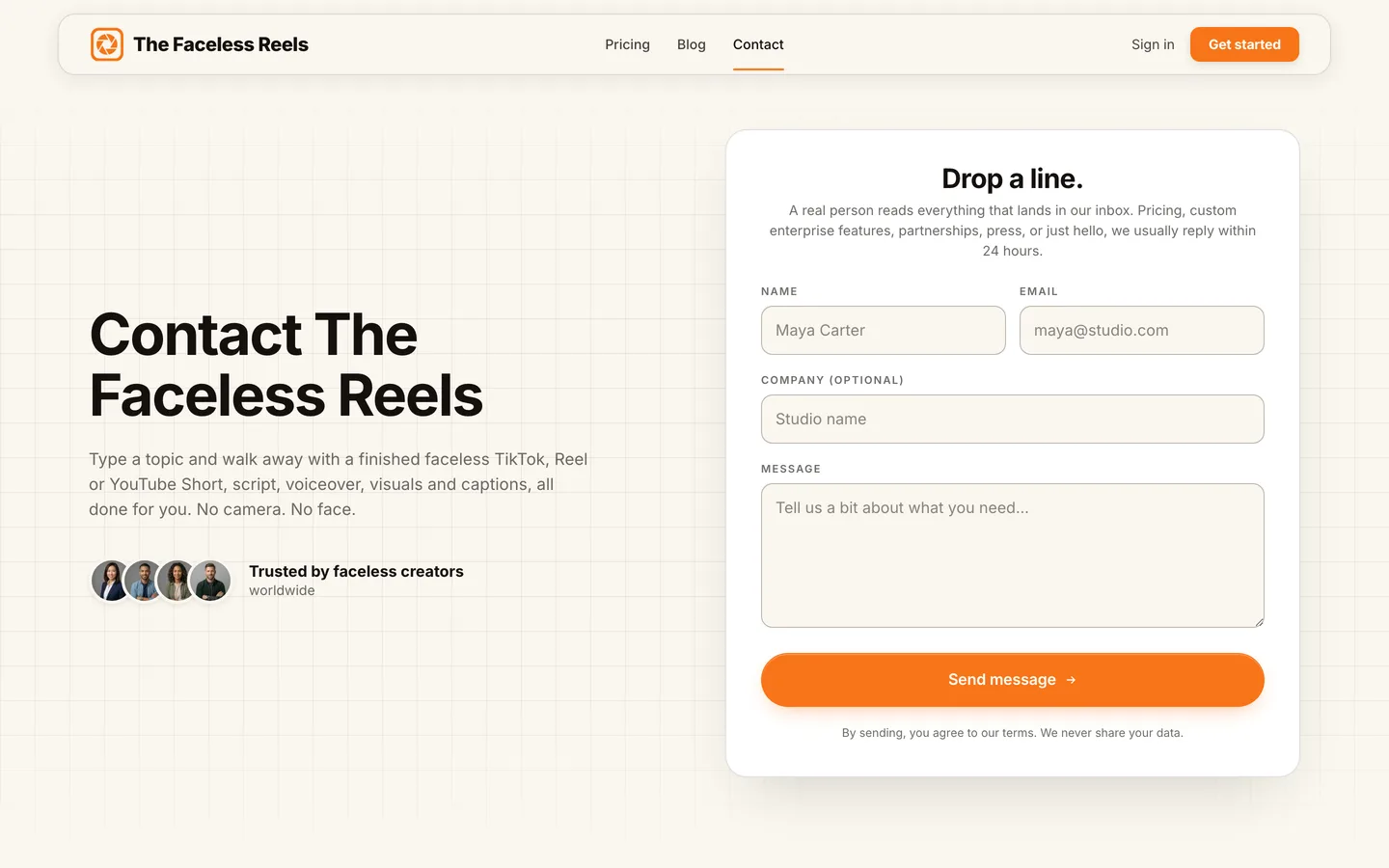
- The Faceless Reels: best for faceless Shorts with the fewest decisions. The ClipNova engine in a short-form-only setup: pick a format, type a topic, get a captioned 9:16 video.
- Revid.ai: best for publishing Shorts straight to YouTube. Generation, direct publishing and post stats live in one dashboard.
- AutoShorts.ai: best for a Shorts series that runs itself. Set a topic once and it posts on a fixed rhythm.
- Faceless.video: best for scheduled Shorts with an edit window. Drafts appear before they publish, and unused credits carry over.
- Crayo: best for Reddit-story, text-thread and gameplay Shorts. Templates for the storytime formats that already work on Shorts.
- YouTube Shorts AI tools: best for quick clips made inside the YouTube app. Short Veo-generated clips and backgrounds from a prompt, right in the Shorts camera.
- OpusClip: best for cutting long videos into Shorts. Not a generator: it finds the strongest moments in footage you already own.
| Tool | Type | Starting paid price | Posts to YouTube for you | Output notes |
|---|---|---|---|---|
| ClipNova | Generator | From $19/mo | No, you review and upload | 9:16 and 16:9, 1080p and 4K, up to 5 min |
| The Faceless Reels | Generator | From $19/mo | No, you review and upload | Vertical Shorts, Reels and TikToks |
| Revid.ai | Generator plus publisher | $39/mo | Yes (also TikTok, Instagram) | Up to 4K |
| AutoShorts.ai | Autopilot | $19/mo per series | Yes (also TikTok, Instagram) | Not published |
| Faceless.video | Autopilot | $20/mo | Yes (also TikTok, Instagram) | Not published |
| Crayo | Template generator | $13/mo billed yearly | No | Not published |
| YouTube Shorts AI tools | In-app clip generator | Included in the YouTube app | It is YouTube | Clips up to 10 s |
| OpusClip | Clipper | $15/mo | Yes (also TikTok, Instagram) | Needs your own long video |
Shorts can now run up to three minutes, but most faceless Shorts that hold viewers sit between 30 and 60 seconds. Test both lengths in your niche before you settle on a plan that is priced per video.
1. ClipNova, best overall AI shorts generator
ClipNova suits creators who want a Short that is finished, not a pile of clips to assemble. Type something like "why octopuses have three hearts" and it drafts a hook-first script, records an AI voiceover, generates a scene for each line, burns in captions and lays music underneath. The ClipNova AI YouTube video generator is built for exactly this, and the same project can be re-rendered as a horizontal video when a Short earns a longer version.
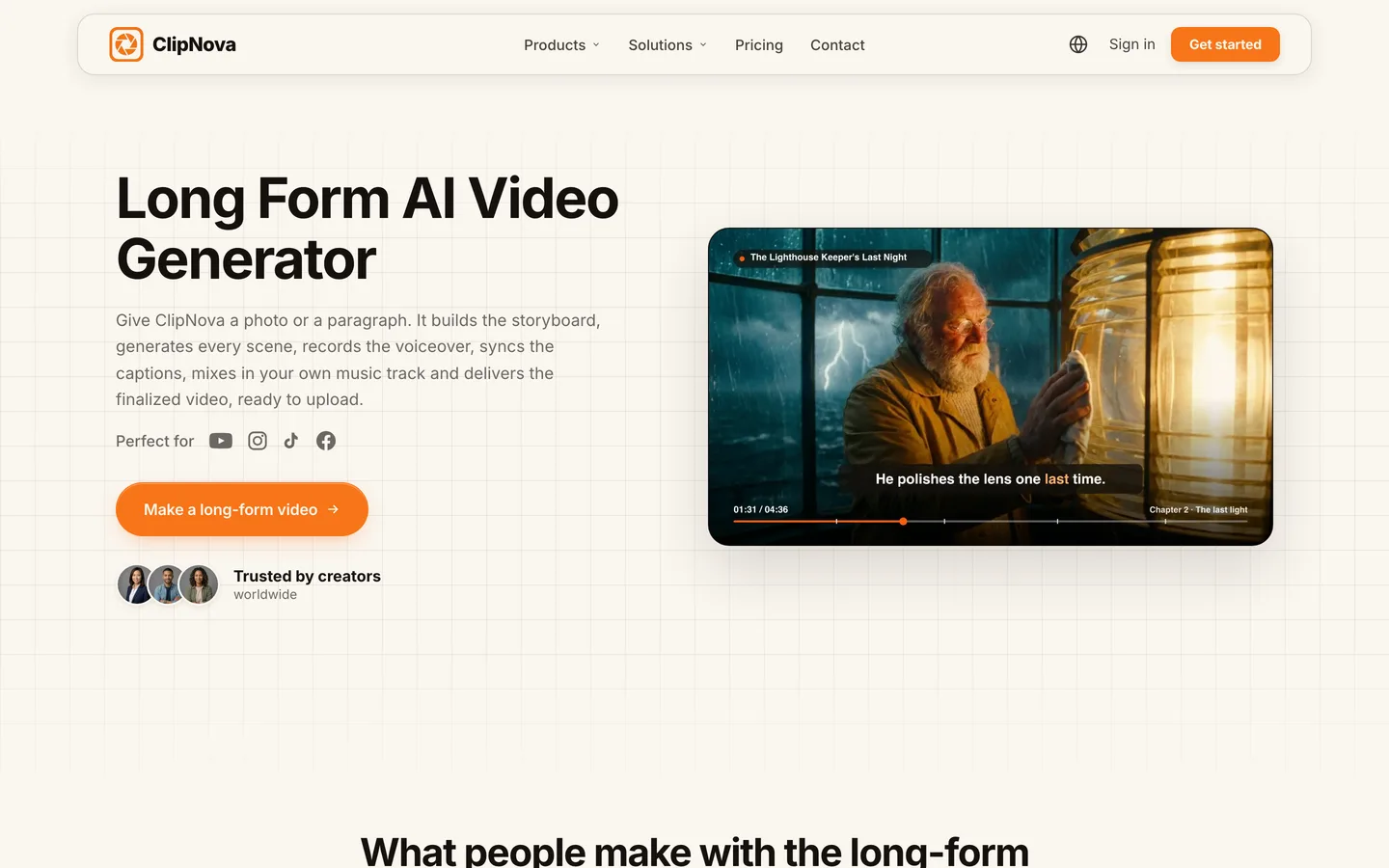
Two things set it apart from the other generators here. You pick the model behind the visuals (Sora 2, Veo, Kling and others) when a Short needs a particular look, and a scene editor lets you rewrite a line or swap one shot without regenerating the whole video. Styles range from photoreal history to 3D cartoons and anime.
Key features
- Idea to finished Short: script, AI voiceover, generated visuals, captions and music in one pass
- Choice of video models per project, including Sora 2, Veo and Kling
- Scene editor to fix a single scene after generation
- Vertical 9:16 for Shorts and 16:9 for regular uploads, with videos up to 5 minutes on Starter and above
- Voiceovers in 18 languages for channels that publish in more than one market
Best for
- Fact, story and history channels that want every Short to look different
- Creators who plan to turn their best Shorts into longer YouTube videos later
Pricing
- Hobby $19/mo (1,000 credits), Starter $49/mo (2,600), Growth $99/mo (5,750), Ultra $199/mo (12,000); 20% off when billed yearly
- Every plan has the full feature set, watermark-free 1080p and 4K export and commercial rights; plans differ only in credits (ClipNova pricing)
Pros
- Finished output, so the upload is the only step left
- Wide range of styles and models keeps a channel from looking templated
- Commercial rights and no watermark from the cheapest plan
Cons
- No auto-posting: you watch each Short and upload it yourself
- Premium video models burn credits faster than standard scenes
2. The Faceless Reels, best for faceless Shorts with the fewest decisions
The Faceless Reels is ClipNova's engine with the controls trimmed down to one job: faceless short-form. You choose a format and a visual style, type a topic, and get a narrated, captioned vertical video ready for YouTube Shorts, Reels or TikTok. There is no model picker and no long-form menu, which is the point if a daily Short is your whole strategy and you would rather not make 20 choices per video. Output quality matches ClipNova because the generation is the same. Start on The Faceless Reels.
Key features
- Faceless-first formats and styles, preset for 9:16
- Script, AI voiceover, visuals and captions handled for you
- One flow for YouTube Shorts, Instagram Reels and TikTok
- Watermark-free export with commercial rights
Best for
- Beginners launching their first faceless Shorts channel
- Solo creators who batch a week of Shorts in one sitting
Pricing
- Same four plans as ClipNova, from $19/mo, with 20% off yearly (The Faceless Reels plans)
Pros
- The shortest path from topic to upload-ready Short in this list
- Same engine and output quality as ClipNova
Cons
- Built for short-form only; for long videos, ads or specific models, use ClipNova
- No auto-posting
3. Revid.ai, best for publishing Shorts straight to YouTube
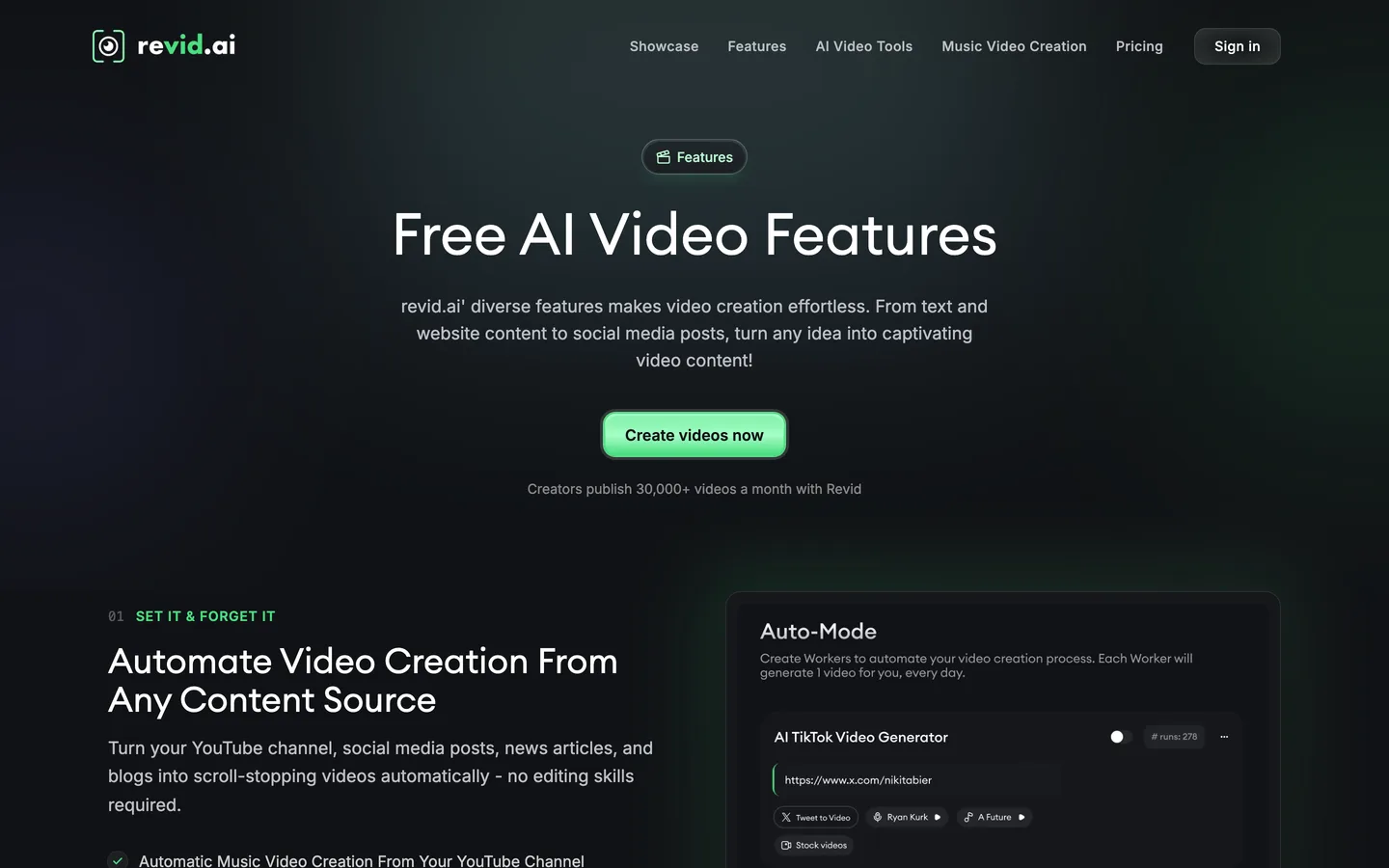
Revid.ai is the pick when you want the Short and the upload handled in one place. It turns text or a link into a short-form video, publishes it to YouTube, TikTok and Instagram, and then shows post stats so you can see which hooks worked. It also watches channels you choose for videos that are taking off and lets you remix those ideas, and "Auto-Mode" workers keep producing while you are away.
Key features
- Direct publishing to YouTube, TikTok and Instagram, with post stats
- Monitoring of other channels for trending ideas to remix
- Voiceovers in 70+ languages and output up to 4K
- Auto-Mode workers for unattended production
Best for
- Operators running several Shorts channels who want uploads off their plate
Pricing
- Growth $39/mo ($32/mo billed yearly) with 2,000 AI credits; Hobby currently lists the same $39
- Ultra $199/mo ($166/mo yearly) with 12,000 credits, scaling to larger credit packs
Pros
- The fullest loop in this list: idea research, generation, publishing and stats
- Strong language coverage for multilingual channels
Cons
- Heavier generative models use up credits quickly
- Two plans at the same price make the lineup hard to read
4. AutoShorts.ai, best for a Shorts series that runs itself
AutoShorts.ai works on the series model. You describe a topic, pick the voice, visual style, language and duration, connect YouTube (and TikTok or Instagram if you like), and it writes, renders and posts new videos on a schedule. You can check and edit a video before its scheduled time, but the default is hands-off. It is the closest thing here to a channel on autopilot.

Key features
- Recurring series: one topic, new videos on a fixed rhythm
- Auto-posting to YouTube, TikTok and Instagram Reels
- Choice of voice, style, language and soundtrack per series
- Edit window before each scheduled post
Best for
- One niche channel (motivation, facts, stories) that needs steady volume with little attention
Pricing
- Starter from $19/mo, about three posts a week for one series
- Higher tiers for daily or twice-daily posting cost about $39 and $69 a month (third-party figures); each extra series is another plan
Pros
- Truly set-and-forget once the series is tuned
- Low entry price for a channel that posts a few times a week
Cons
- Cost climbs with every extra channel and posting frequency
- Template visuals are shared by many users, so a distinct look takes work
5. Faceless.video, best for scheduled Shorts with an edit window
Faceless.video sits between full autopilot and full control. It creates faceless videos on a schedule you set and drops them into your account as drafts, so you can tweak a line or skip a weak one before it goes out to YouTube, TikTok or Instagram. Plans are counted in videos per month, which makes the cost per Short easy to work out.
Key features
- Scheduled creation and publishing to YouTube, TikTok and Instagram
- Review-before-post drafts
- Credits that roll over while you stay subscribed
- Top-up credit packs for busy months
Best for
- Creators who want a steady schedule but still read every script
Pricing
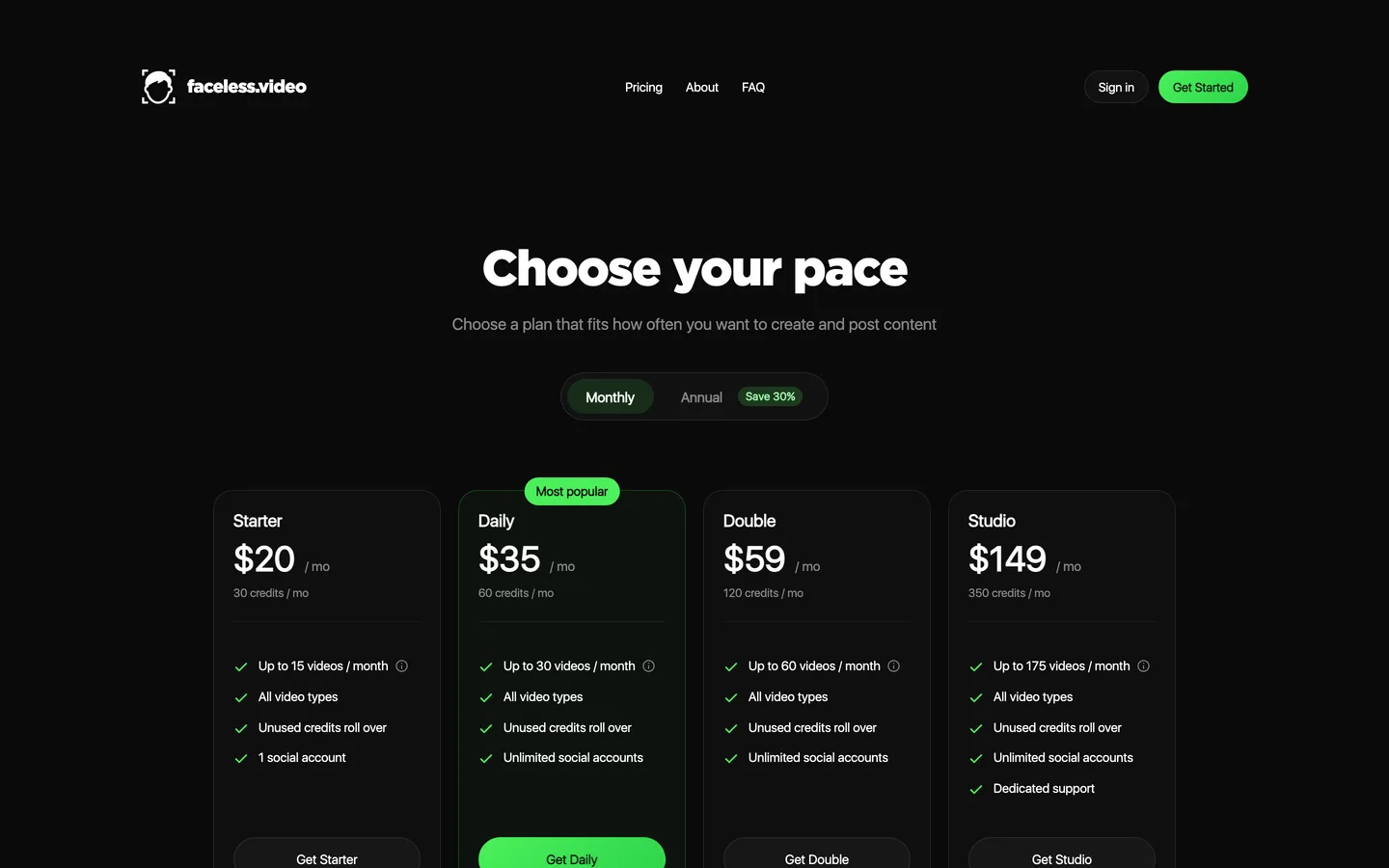
- Starter $20/mo: 30 credits, up to 15 videos, 1 social account (about $1.33 per video)
- Daily $35/mo: up to 30 videos and unlimited accounts; Double $59 and Studio $149 for more volume; an annual toggle shows 30% off
Pros
- Simple per-video math
- Rollover credits soften slow months
Cons
- Starter covers one account and 15 videos, not quite a Short every other day
- Resolution, watermark and voice-language details are not published
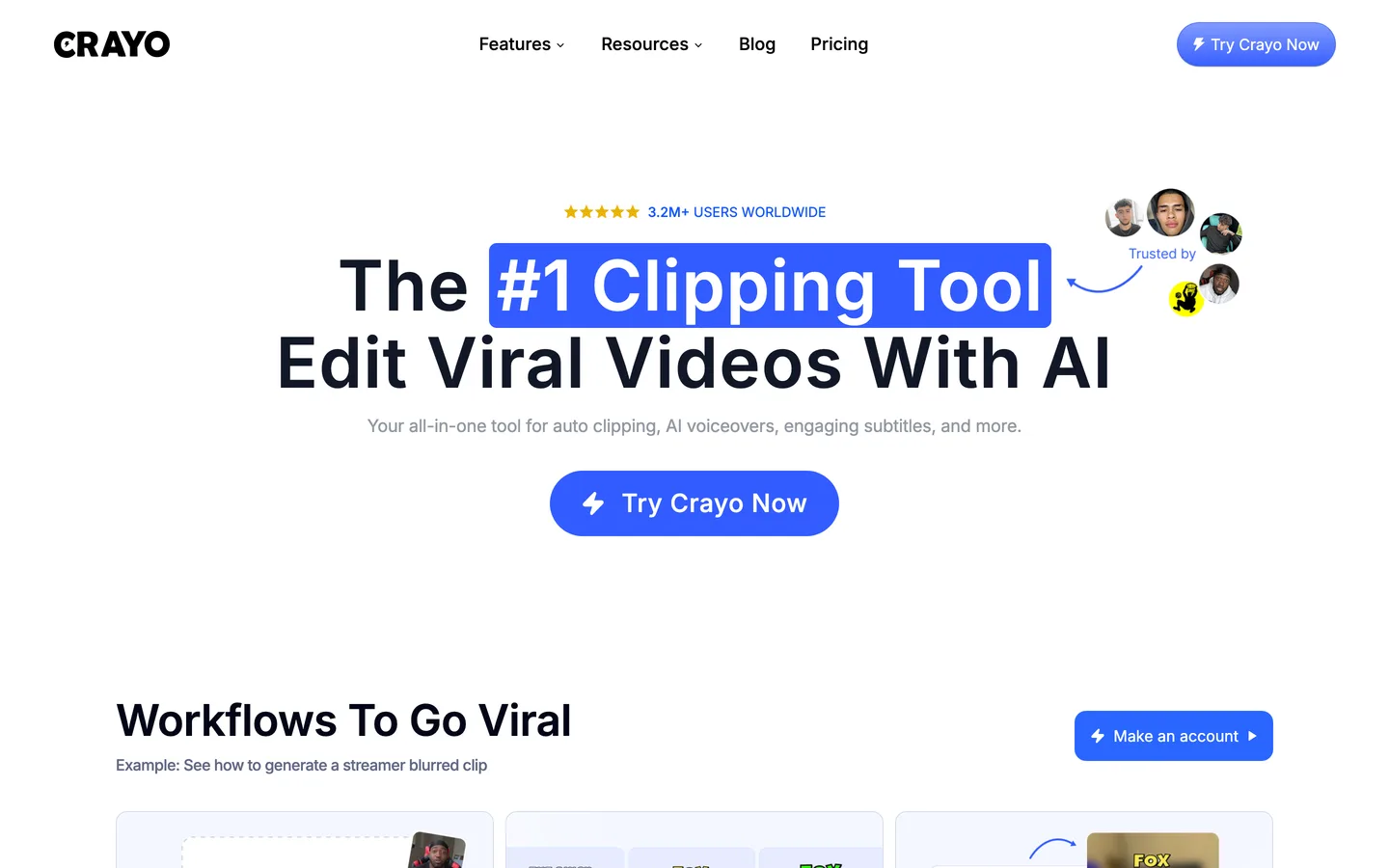
6. Crayo, best for Reddit-story, text-thread and gameplay Shorts
Crayo focuses on the formats that built a lot of Shorts channels: a Reddit story narrated over split-screen gameplay, a fake text-message thread, a clip with bold subtitles. Its workflows produce these in a few clicks, and it has grown into a clipping tool too, with AutoClip for cutting longer videos. If your channel lives on storytime formats, the templates save real time, and our walkthrough on how to make Reddit story videos shows the format step by step.
Key features
- Templates for Reddit stories, fake texts and split-screen gameplay
- AutoClip for cutting longer videos
- AI voiceovers and animated subtitles
- AI image generation inside the workflows
Best for
- Storytime and Reddit-narration Shorts channels
Pricing
- Hobby $13/mo billed yearly ($160 a year): 250 workflow credits, 2 hours of export, 30 voiceover minutes
- Clipper $27/mo and Pro $55/mo, both billed yearly; monthly billing costs more (about $19 for Hobby per third-party listings)
Pros
- Fast output for proven formats
- You own the videos you create
Cons
- No auto-posting; you upload yourself
- Template formats rather than original AI visuals, so many channels look alike
7. YouTube Shorts AI tools, best for quick clips made inside the YouTube app
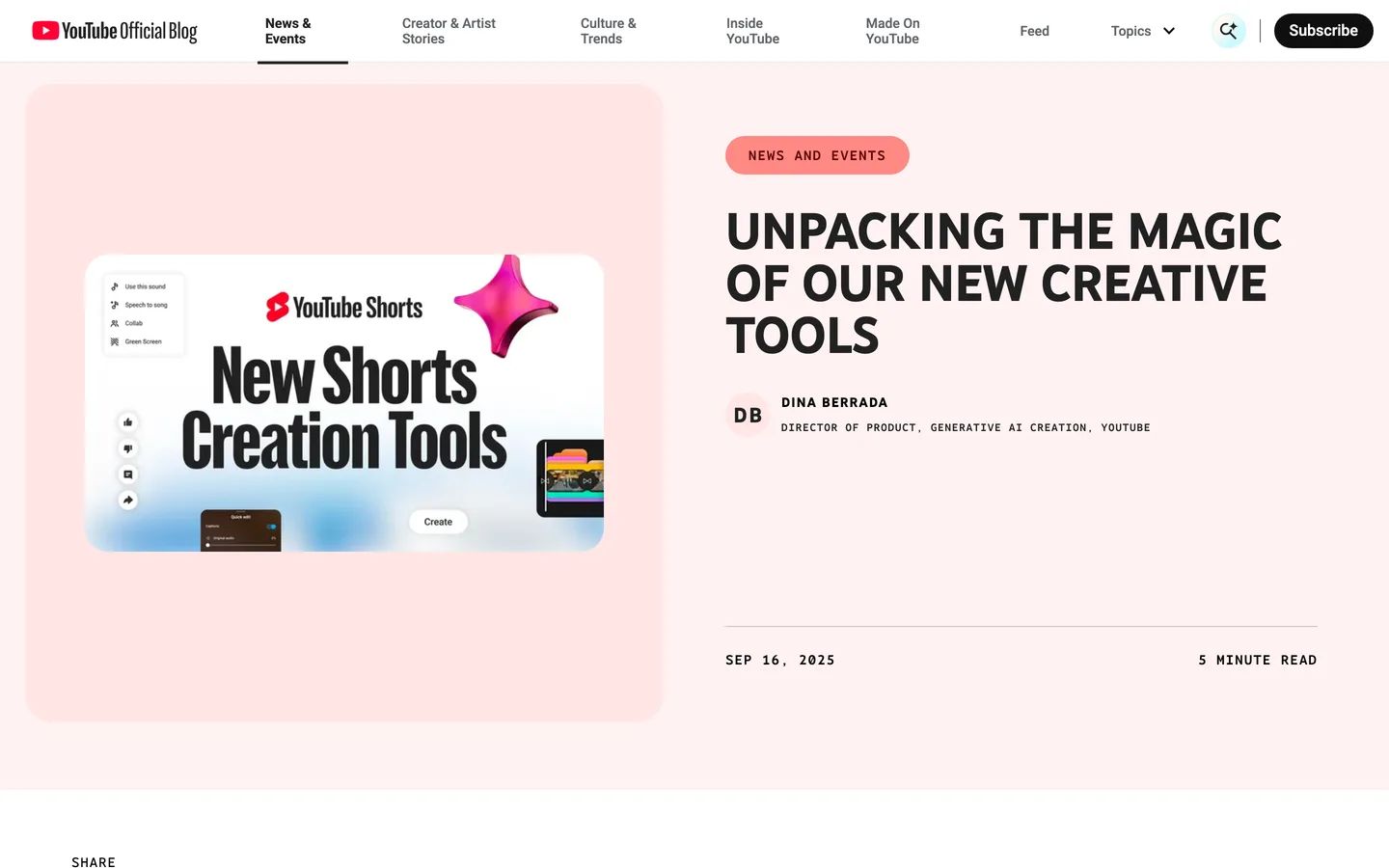
YouTube's own Shorts camera now has generative tools built in. Google's Veo 3 Fast model makes short video clips, with sound, from a text prompt, and YouTube's help center says standalone clips run up to 10 seconds from text prompts and reference images. There are also generated green-screen backgrounds and photo-to-video effects. This is not a full Shorts maker: there is no script, narration or multi-scene edit, so it works best for a hook shot, a background or a single visual gag.
Key features
- Prompt-to-clip generation with sound in the Shorts camera
- Generated green-screen backgrounds
- Photo-to-video and motion effects
- Publishing is native, since you are already in YouTube
Best for
- Creators who already shoot or edit on their phone and need one striking AI shot
Pricing
- Included in the YouTube app; availability started in the US, UK, Canada, Australia and New Zealand
Pros
- No extra subscription and no export step
- Handy for testing a visual idea before spending credits elsewhere
Cons
- Clips cap at about 10 seconds, and YouTube's launch post described 480p output
- No script, voiceover or captions pipeline, so a faceless channel still needs a real generator
8. OpusClip, best for cutting long videos into Shorts
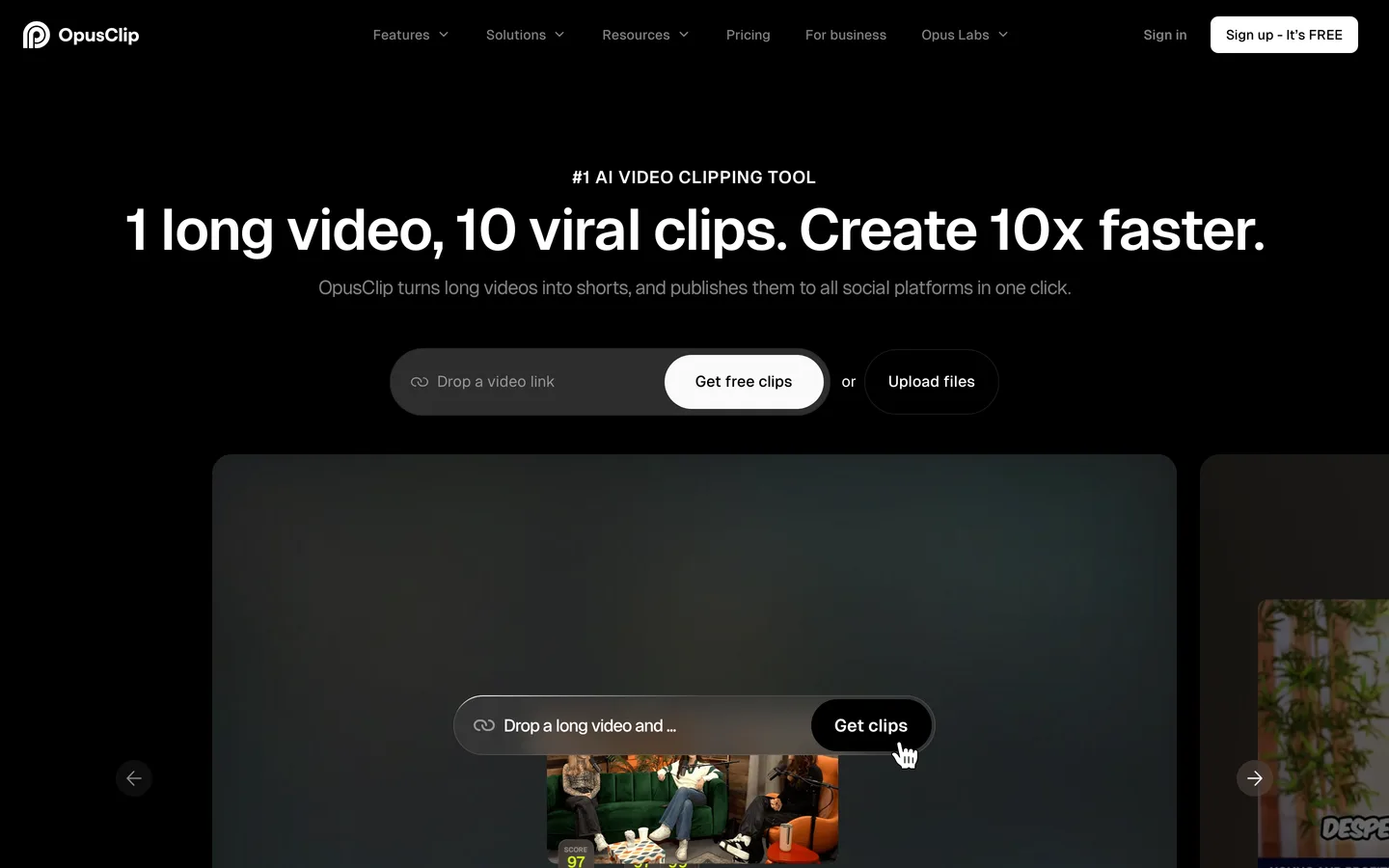
OpusClip belongs in a separate bucket. It does not create a Short from an idea; it takes a long video you already have (a podcast, stream or tutorial), finds the moments most likely to hold viewers, reframes them to vertical and adds animated captions. If you run a long-form channel and want Shorts as a by-product, this is the job it does best. If you are starting from a blank page, one of the generators above fits better.
Key features
- AI clipping with a virality score for each clip
- Animated captions and filler-word removal
- Auto-posting to YouTube Shorts, TikTok and Instagram Reels from Starter
- Scheduler, AI B-roll and more connected accounts on Pro
Best for
- Podcasters, streamers and educators with hours of existing footage
Pricing
- Starter $15/mo, billed monthly only
- Pro $29/mo, or about $14.50/mo billed yearly
Pros
- The fastest way to turn one long upload into a week of Shorts
- Auto-posting is included from the entry plan
Cons
- Useless without source footage; it will not make a faceless Short from a prompt
- The scheduler and AI B-roll sit on Pro
How to choose the best AI shorts generator for your channel
1) Are you starting from an idea or from footage?
- If you start from a topic or a script: use a generator. ClipNova gives you the most control over style and models; The Faceless Reels is the quicker path if you only make faceless short-form. For the writing side, see how to write a faceless video script.
- If you already publish long videos: OpusClip (or Crayo's AutoClip) turns them into Shorts without new production.
- If you just need one eye-catching shot: YouTube's built-in Shorts tools cover it inside the app.
2) Do you want uploads automated or reviewed?
- If you want hands-off posting: AutoShorts.ai for a single series, Revid.ai for several channels with stats, Faceless.video if you still want a draft step. If TikTok is your main platform rather than YouTube, our roundup of AI TikTok video generators weighs these tools for that feed.
- If you want to watch every Short before it goes live: ClipNova or The Faceless Reels. A human check is also the simplest guard against YouTube's inauthentic content rules, which target mass-produced, near-identical uploads.
3) What does a Short really cost you?
Divide the plan price by the Shorts you will actually publish. Faceless.video Starter works out to about $1.33 per video at full use; AutoShorts.ai Starter, at roughly three posts a week, lands near $1.50. Credit-based tools such as ClipNova, Revid.ai and Crayo vary with length and model, so make three test Shorts in your niche, note the credits each used, and multiply by your monthly target. A 30-second Short on a standard model costs far less than a 60-second one on a premium model.
4) Will the channel still look like yours in six months?
Template tools are fast, but thousands of channels share the same looks. If you plan to grow past a few thousand subscribers, choose a tool where every Short can have its own visuals. That is where an AI text to video generator with model choice earns its price over a template library. Our guide on how to start a faceless YouTube channel covers niche, cadence and monetization in more depth.
The quickest way to decide is a side-by-side test: write one Short idea, run it through ClipNova or The Faceless Reels and through the tool you are comparing, and post the version you would be proud to have on your channel.
Frequently asked
What is an AI shorts generator?
An AI shorts generator turns a topic or script into a vertical short video with narration, visuals and captions, ready for YouTube Shorts, Reels or TikTok. Some tools also publish the result for you. Clipping tools such as OpusClip are a different category: they cut Shorts out of long videos you already have.
What is the best AI video generator for YouTube Shorts?
ClipNova is the best overall pick: one idea becomes a finished Short with script, AI voiceover, generated visuals, captions and music, and you can choose models such as Sora 2, Veo or Kling. The Faceless Reels runs on the same engine with a simpler, faceless-only setup. Revid.ai and AutoShorts.ai are stronger if automatic posting to YouTube matters most.
Which AI Shorts maker uploads to YouTube automatically?
Revid.ai, AutoShorts.ai and Faceless.video publish to YouTube, TikTok and Instagram on your behalf, and OpusClip auto-posts the clips it cuts. ClipNova, The Faceless Reels and Crayo leave the upload to you, which gives you a final check before anything goes live.
How much does an AI Shorts maker cost?
Paid entry plans in this list run from about $13 to $39 a month. ClipNova and The Faceless Reels start at $19/month, AutoShorts.ai at $19 per series, Faceless.video at $20, OpusClip at $15 and Revid.ai at $39. Divide the price by the Shorts you will really publish to compare them fairly.
Can I monetize YouTube Shorts made with AI?
Yes, AI voiceover and AI visuals are allowed in the YouTube Partner Program. What YouTube excludes is inauthentic content: mass-produced or repetitive videos made from a template with little variation. Give every Short its own script and angle, and use a tool that grants commercial rights to the output.
Do I have to label AI-generated Shorts on YouTube?
You need to turn on YouTube's altered or synthetic content disclosure when a Short realistically shows people, places or events that did not happen or were changed. Clearly fantastical or animated content, and AI used only for help such as scripts or captions, does not need the label.
How long can a YouTube Short be?
Since October 15, 2024, YouTube accepts square or vertical Shorts of up to three minutes. Most faceless Shorts still perform best between 30 and 60 seconds, so test both lengths in your niche.
Can YouTube's built-in AI make a whole Short for me?
Not on its own. The Shorts camera can generate clips of up to about 10 seconds from a prompt with Veo, plus backgrounds and photo effects, but it does not write a script, record narration or assemble multiple scenes. For a complete narrated Short, use a generator like ClipNova or The Faceless Reels.
I want a finished Short from one idea. Where should I start?
Start with ClipNova if you want the full toolset: it turns one line into a narrated, captioned Short and lets you pick the visual style and video model, with watermark-free export and commercial rights on every plan. If you only make faceless short-form, The Faceless Reels gives you the same engine with fewer settings, from $19/month.