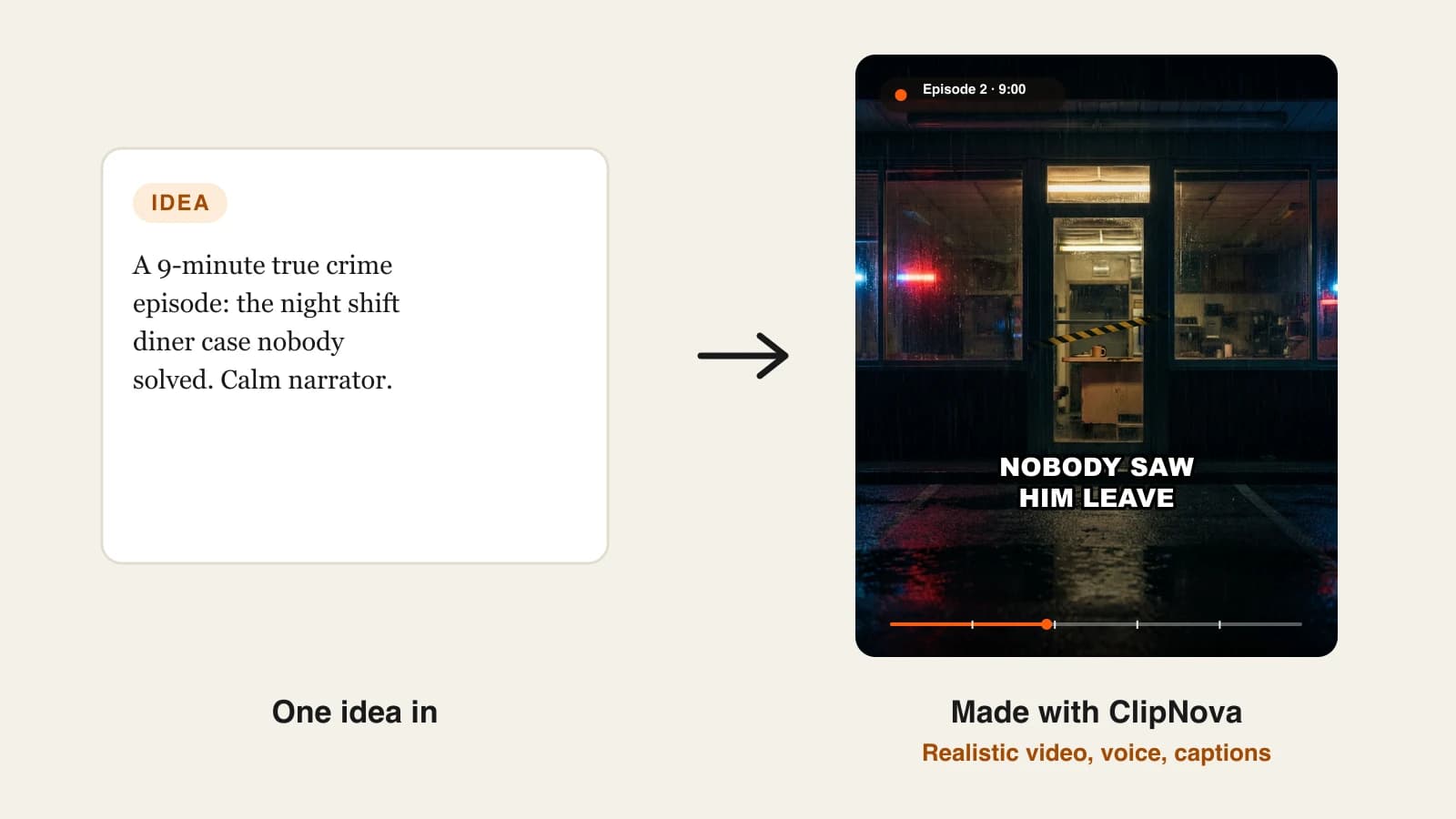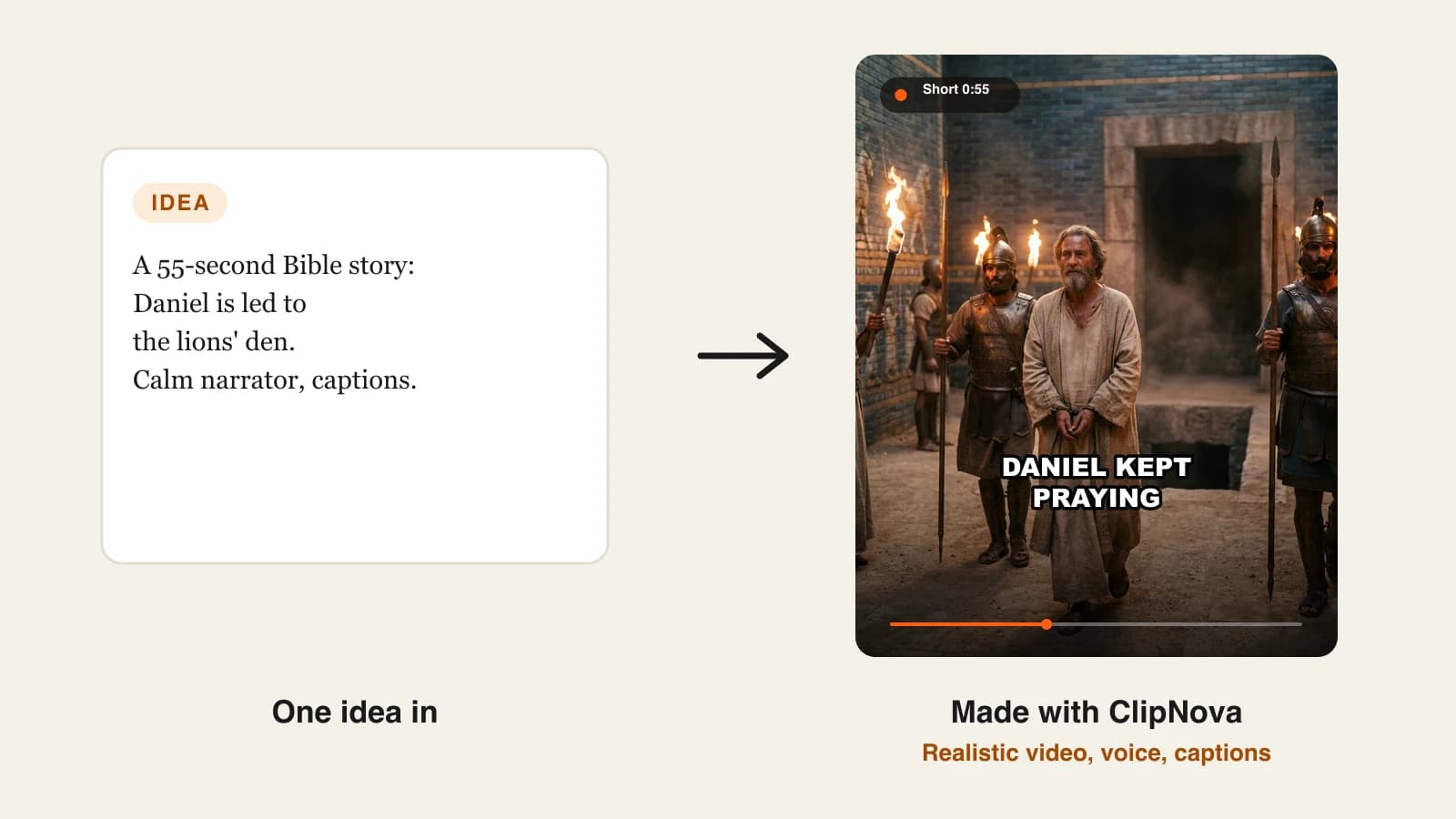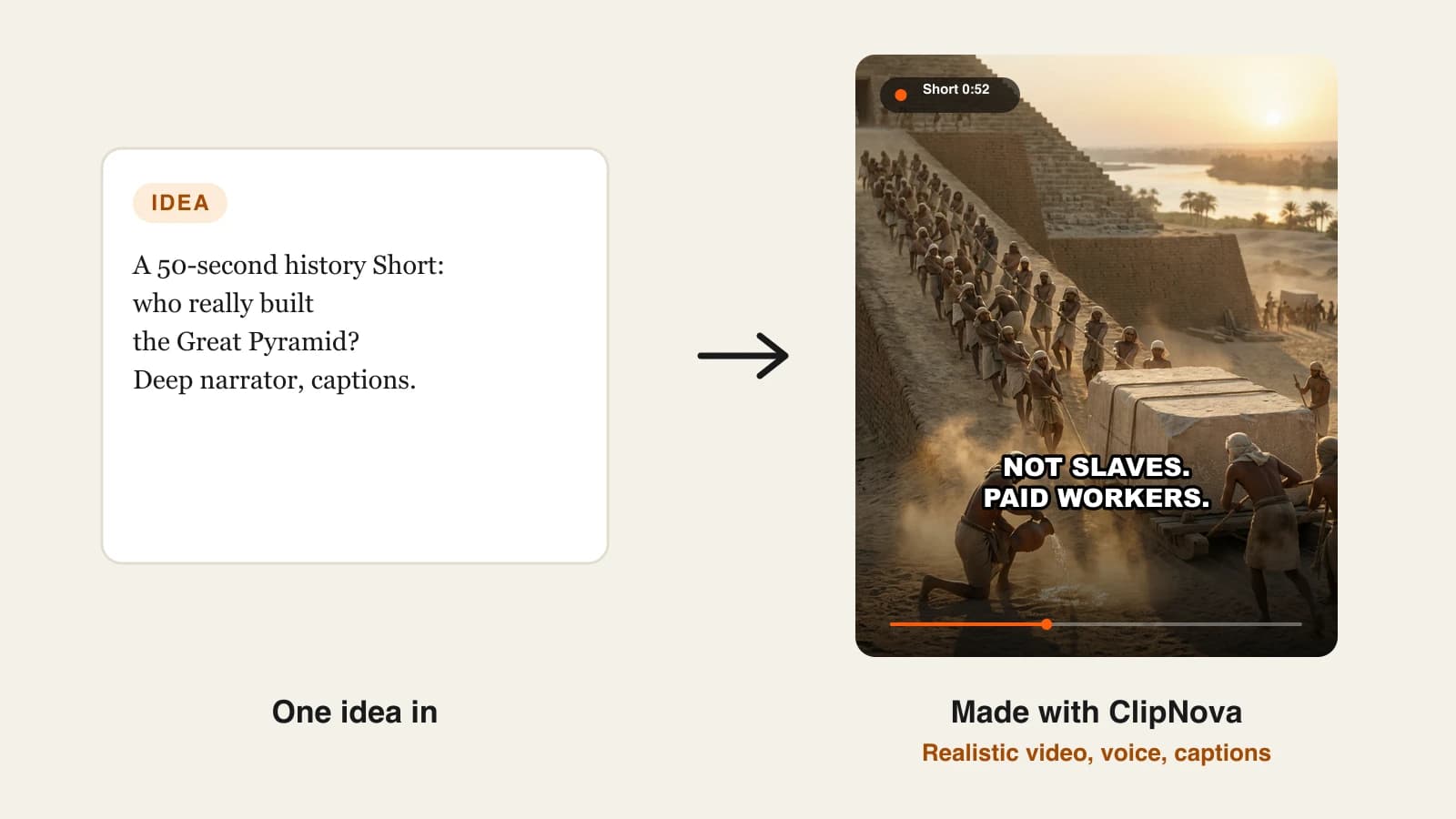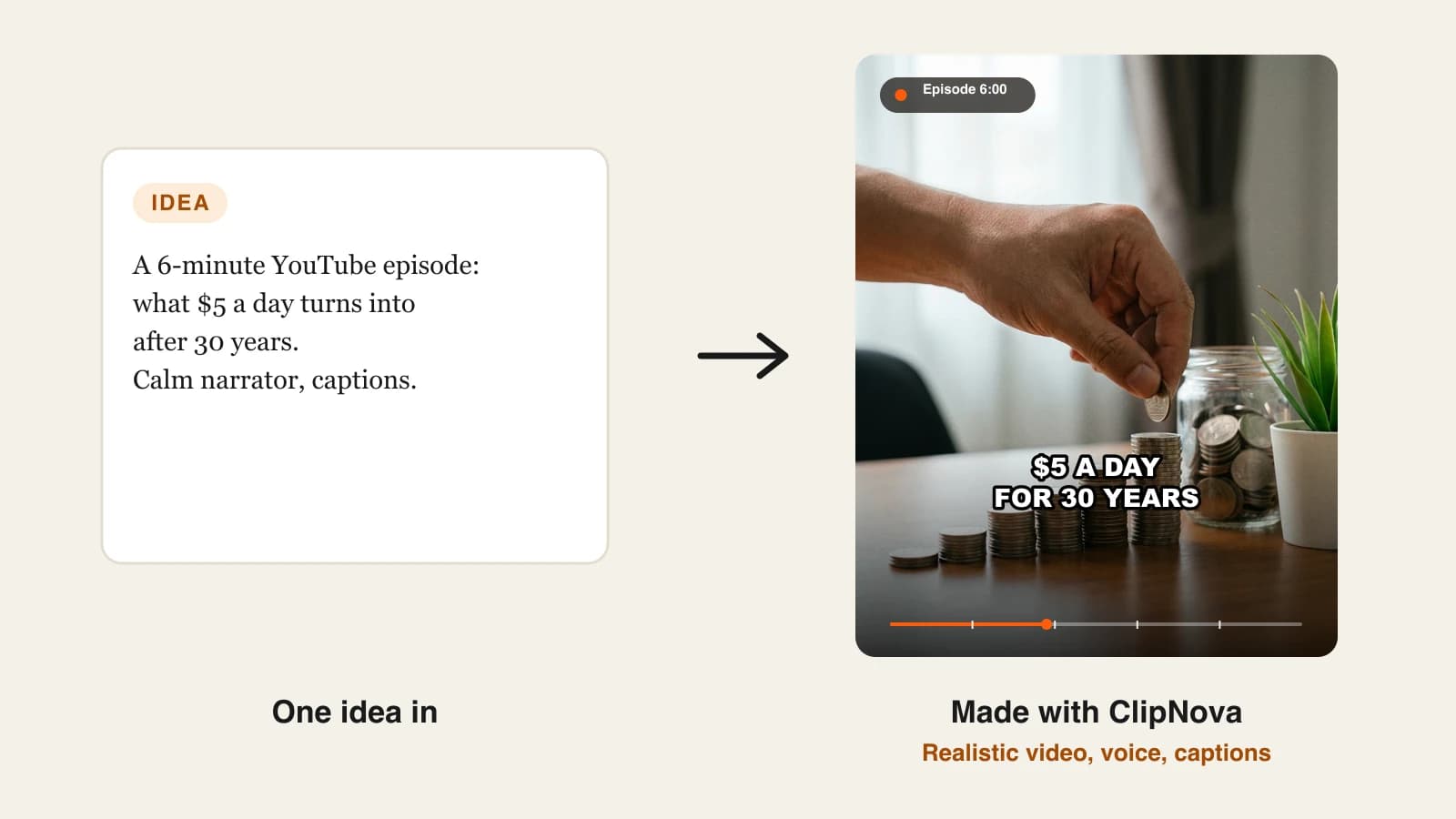
The best AI video generator for YouTube in 2026 is ClipNova: one prompt or script becomes a narrated, captioned video in 16:9 for your channel or 9:16 for Shorts, up to 5 minutes long, with plans from $19/mo. Pictory is the pick for turning long scripts into stock-footage videos, HeyGen for avatar-presented explainers, and Revid.ai or Zebracat for channels that live mostly on Shorts.
YouTube is two platforms in one. The Shorts feed rewards a sharp 30 to 60 second vertical video, while the long-form feed rewards horizontal videos that keep people watching for minutes and build the watch hours monetization depends on. Most AI video tools are built for one side and only tolerate the other.
This roundup compares 5 AI video generators for YouTube on exactly that split: how long a video each one makes on its entry plan, the resolution you export, whether it posts for you, and the cheapest monthly price. Every price and limit was checked on the vendor's own site on October 12, 2026.
The 5 best AI video generators for YouTube at a glance
- ClipNova: best overall for making both long videos and Shorts from one prompt. It plans videos up to 5 minutes shot by shot and renders 16:9, 9:16 or 1:1.
- Pictory: best for turning scripts, articles and URLs into long stock-footage videos. Its entry plan accepts videos up to 30 minutes and includes 200 video minutes a month.
- HeyGen: best for presenter-led explainers where an AI avatar stands in for you. Videos run up to 30 minutes at 1080p on the entry plan.
- Revid.ai: best for Shorts-first channels that want publishing handled. It posts to YouTube, TikTok and Instagram and tracks how each post performs.
- Zebracat: best for short social videos built from text with stock and AI visuals. The entry plan covers 15 videos a month of up to 2 minutes each.
| Tool | Best for | Starting price (monthly billing) | Longest video on the entry plan | Max export on the entry plan | Posts to YouTube for you |
|---|---|---|---|---|---|
| ClipNova | Long videos and Shorts from one prompt | From $19/mo | Up to 5 min | 1080p | No, you review and upload |
| Pictory | Scripts and articles into stock-footage videos | $29/mo | 30 min | 1080p | Not listed |
| HeyGen | Avatar-presented explainers | $29/mo | 30 min | 1080p | Not listed |
| Revid.ai | Shorts with publishing and trend research | $39/mo | Not published | Up to 4K | Yes, also TikTok and Instagram |
| Zebracat | Short text-to-video social clips | $39/mo | 2 min (5 min from $99/mo) | 1080p | Auto-scheduling advertised |
Decide your main format before you compare tools. If most of your views will come from 16:9 videos of 3 to 10 minutes, the longest-video column matters more than anything else. If you are Shorts-first, look at posting, captions and cost per video instead.
What should an AI video generator for YouTube do?
A tool that makes good TikToks is not automatically good for YouTube. Before comparing names, check four things:
- Length in one render. Long-form videos of 3 minutes or more need a tool that plans the whole video, not one that stitches 8-second clips with no story between them.
- Both aspect ratios. 16:9 for the main feed and 9:16 for Shorts. Re-cropping a horizontal video into a Short usually cuts off the subject and the captions.
- Consistent voice and characters. Viewers subscribe to a recognizable channel. If the narrator or the main character changes between scenes, retention drops.
- A review step. YouTube's inauthentic content policy targets mass-produced, repetitive uploads. A generator that hands you a file to check protects the channel; full autopilot puts that check on you.
Each tool section below notes how it handles these four, so you can match them to the way your channel works.
1. ClipNova, best overall AI video generator for YouTube
ClipNova treats a YouTube video as a plan, not a single clip. You type an idea or paste a script, and it writes the narration, breaks it into shots, generates each scene, records the voiceover, burns in captions and hands back a finished video. For long-form it plans videos up to 5 minutes shot by shot, and characters stay consistent from scene to scene, which matters the moment your video has a recurring host, mascot or story cast.
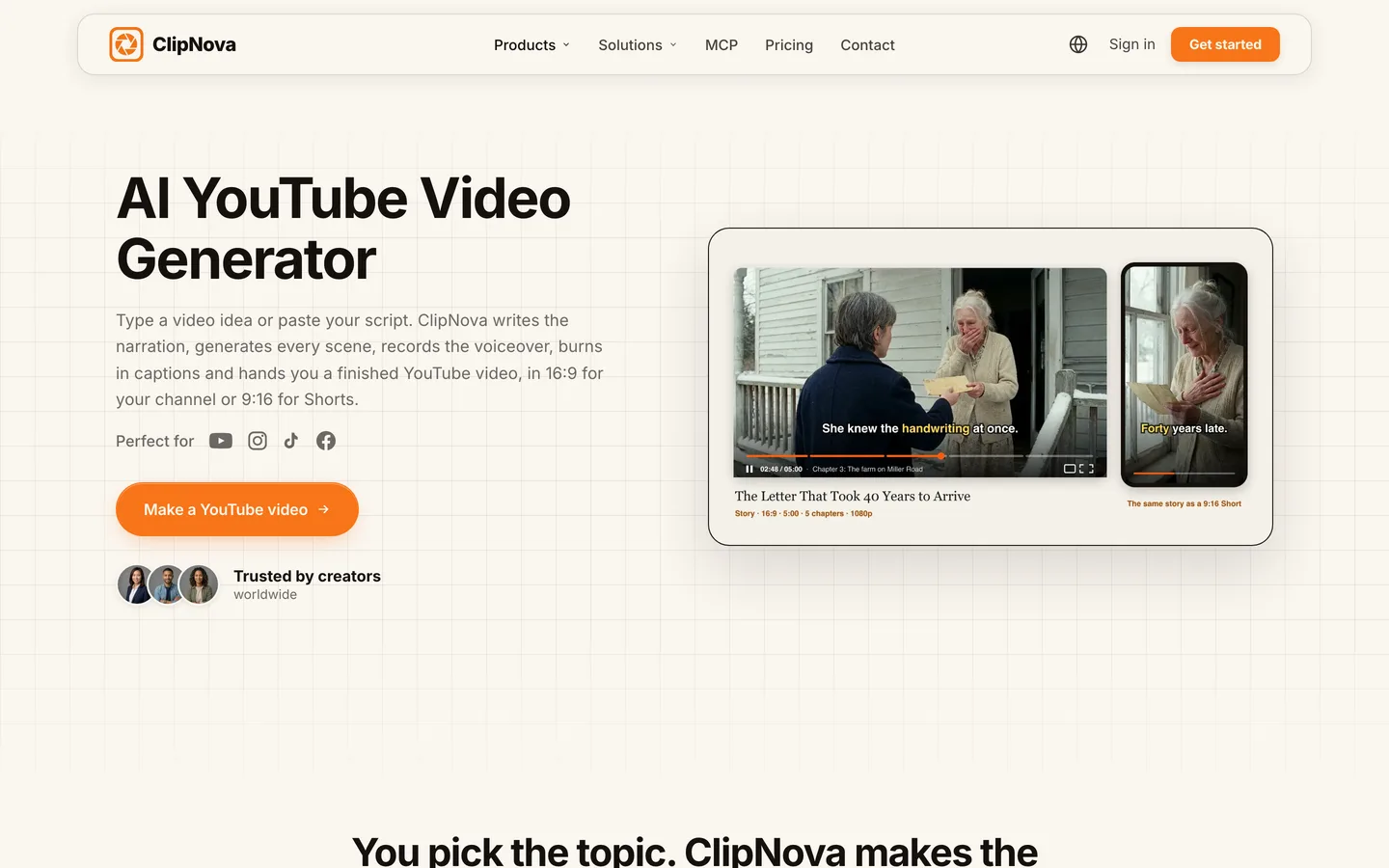
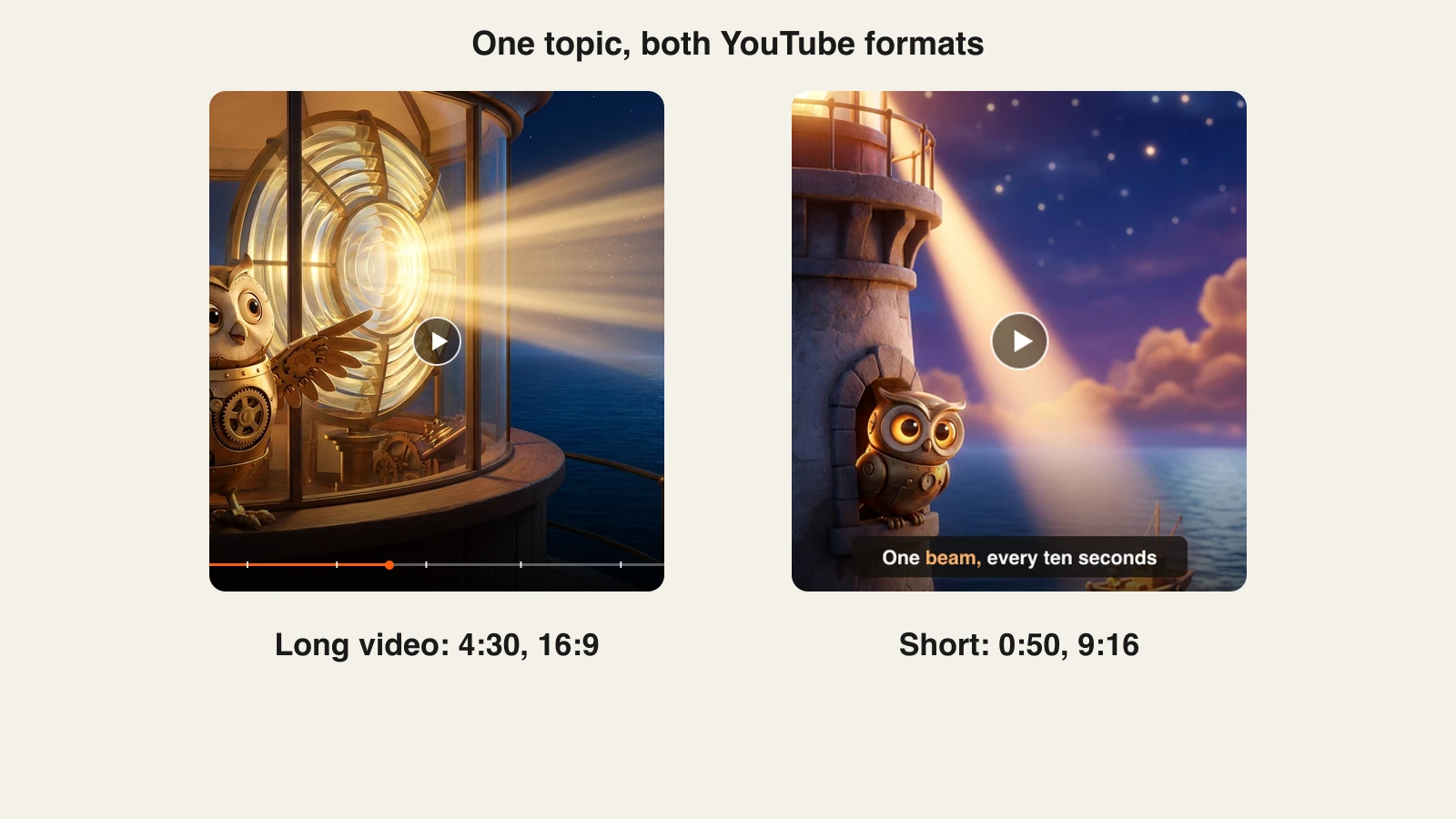
You choose 16:9 for your channel, 9:16 for Shorts or 1:1 for community posts, so one researched topic can feed both feeds without a second tool. Narration is available in 18 languages, and captions run word by word in several styles, including "Speech" (white all-caps with a heavy black outline), the look many faceless Shorts use. The AI YouTube video generator page shows the long and short versions side by side.
Key features
- Long videos up to 5 minutes, planned shot by shot from one prompt or script
- Consistent characters across scenes for series, mascots and story channels
- 16:9, 9:16 and 1:1 output, up to 1080p
- Narrator voices in 18 narration languages, plus word-by-word captions
- Niche tools for YouTube formats, including AI Cartoon Video for kids and animation channels
Best for
- Channels that post a weekly long video and cut Shorts from the same topic
- Story, history, kids and explainer channels that need the same character in every scene
Pricing
- Plans from $19/mo: Hobby $19 (1,000 credits), Starter $49 (2,600), Growth $99 (5,750) and Ultra from $199 (12,000). Yearly billing is 20% off.
- Every plan has every feature, watermark-free export and commercial rights; plans differ only in monthly credits. The credit price shows before a render starts.
Pros
- One tool covers both YouTube feeds, so the Short and the long video share one voice and look
- Shot-by-shot planning keeps a 4 or 5 minute video coherent instead of a string of random clips
Cons
- No auto-posting: you review the video and upload it in YouTube Studio yourself
- Videos above 5 minutes need two renders joined in an editor, and 1080p is the maximum export
2. Pictory, best for turning scripts and articles into long stock-footage videos
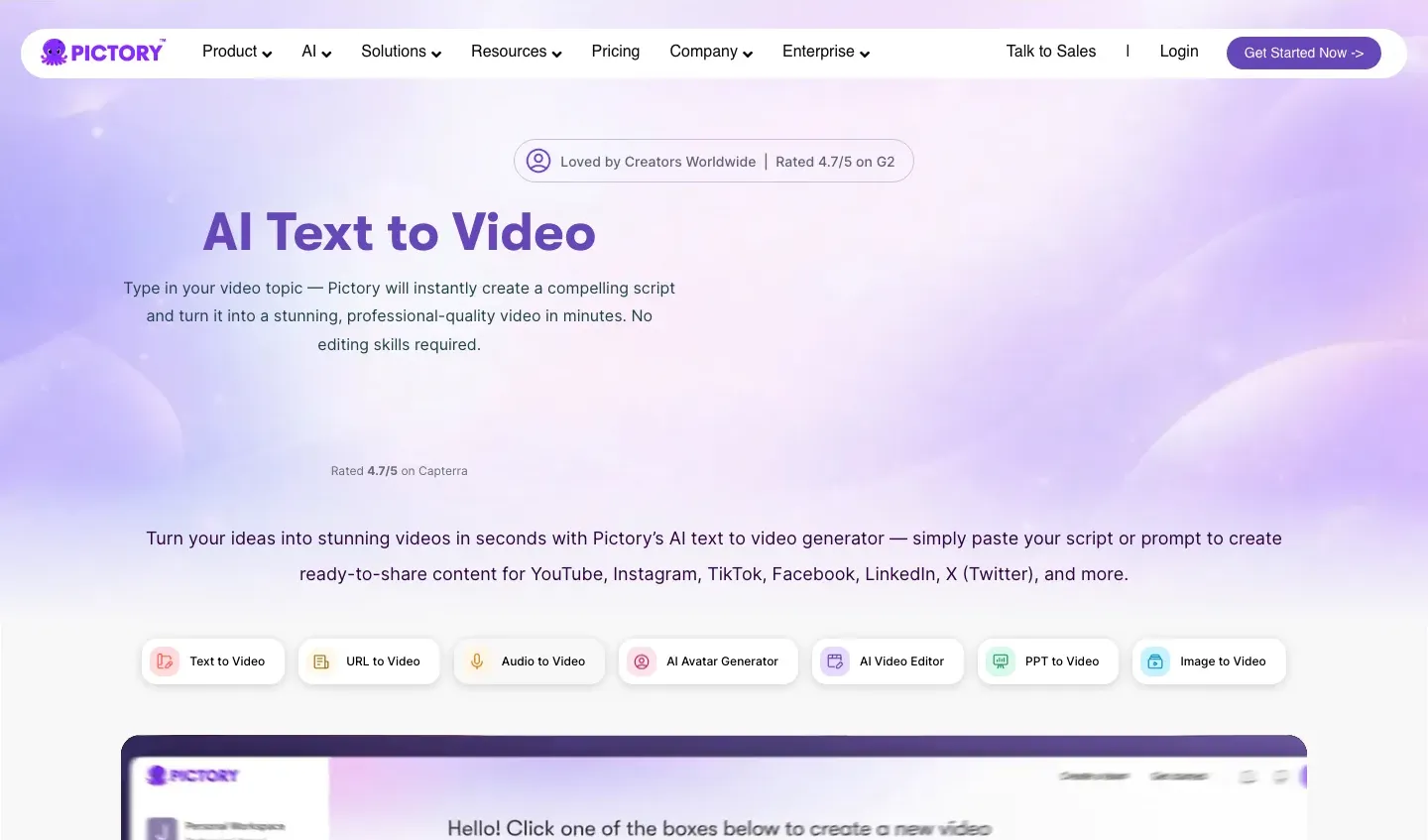
Pictory has been a script-to-video tool for years, and its strength is volume of long, narrated footage. You paste a script, a blog URL, a slide deck or a recording, and it matches each sentence with stock clips from Getty Images and Storyblocks, adds an AI voice and subtitles, and exports in landscape, portrait or square. The entry plan accepts videos up to 30 minutes, which is the longest single video in this list at that price.
Key features
- Script, URL, PPT and recording to video, with automatic scene matching
- Up to 30-minute videos on the Starter plan, 1080p export
- Landscape (16:9), portrait (9:16) and square (1:1) output
- Stock library of millions of Getty Images and Storyblocks clips
- ElevenLabs voices in 29 languages (60 minutes a month on monthly Starter)
Best for
- Educational and commentary channels that publish 8 to 15 minute narrated videos
- Bloggers turning existing articles into a YouTube back catalog
Pricing
- Starter: $29/mo billed monthly ($25/mo billed yearly). It includes 200 video minutes a month, 100 AI credits, 1 brand kit and no watermark.
- Professional: $59/mo monthly ($35/mo yearly) with 600 video minutes and 500 AI credits.
Pros
- Predictable cost per minute for long videos: $29 for 200 minutes is about $0.15 a minute
- Handles the 10-minute-plus videos most generators cannot make in one go
Cons
- Visuals are mostly stock: 100 AI credits on monthly Starter cover about 1 minute of generated video
- No publishing to YouTube listed, and stock footage makes it harder to look different from other channels
3. HeyGen, best for avatar-presented explainers
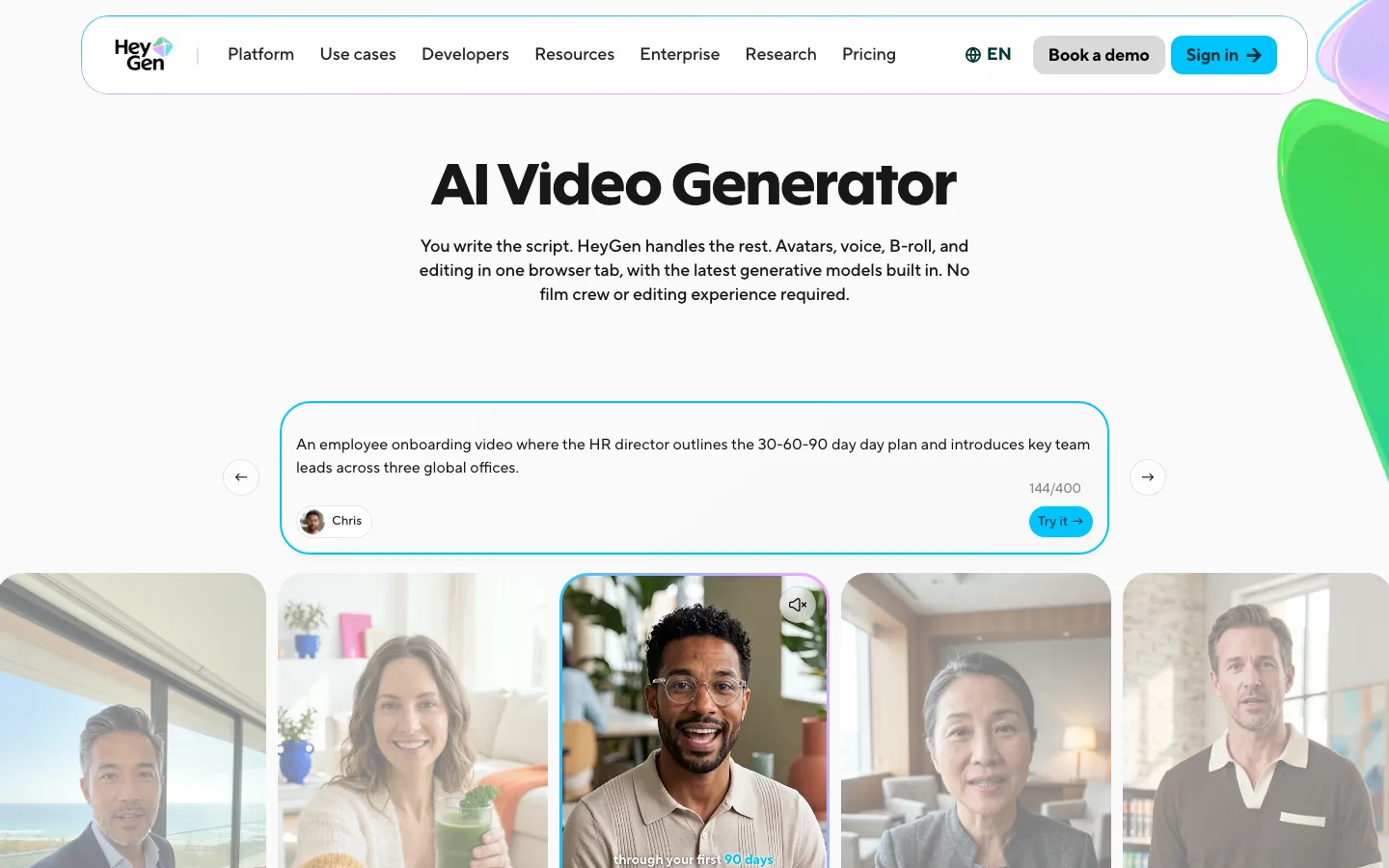
HeyGen solves a different YouTube problem: you want a presenter on screen but not your own face. You write the script, pick or create an avatar, and HeyGen generates a talking-presenter video with voice, B-roll and editing in one browser tab. Videos run up to 30 minutes on the entry plan, so tutorials, news recaps and course-style uploads fit in a single render, and translation into 175+ languages and dialects makes it easy to run a second-language channel.
Key features
- Script to avatar video with voice, B-roll and editing in one place
- Videos up to 30 minutes and 1080p export on Creator
- Unlimited photo avatars and voice cloning on the entry plan
- 175+ languages and dialects for translated versions of a video
Best for
- Tutorial, finance and tech channels where a presenter builds trust
- Creators who want a consistent on-screen host without filming
Pricing
- Creator: $29/mo billed monthly ($24/mo billed yearly) with 600 credits a month, 1080p and watermark removal.
- Pro: $49/mo ($39/mo yearly) with 1,000 credits and 4K export. Business starts at $149/mo plus $20 per seat.
Pros
- The strongest option here when the video needs a face that is not yours
- Long single videos at a mid-range price
Cons
- Avatar videos read as presenter content, which suits explainers more than stories or animation
- How many minutes 600 credits buy depends on the features used, and the pricing page does not translate it into videos
4. Revid.ai, best for Shorts-first channels that want publishing handled
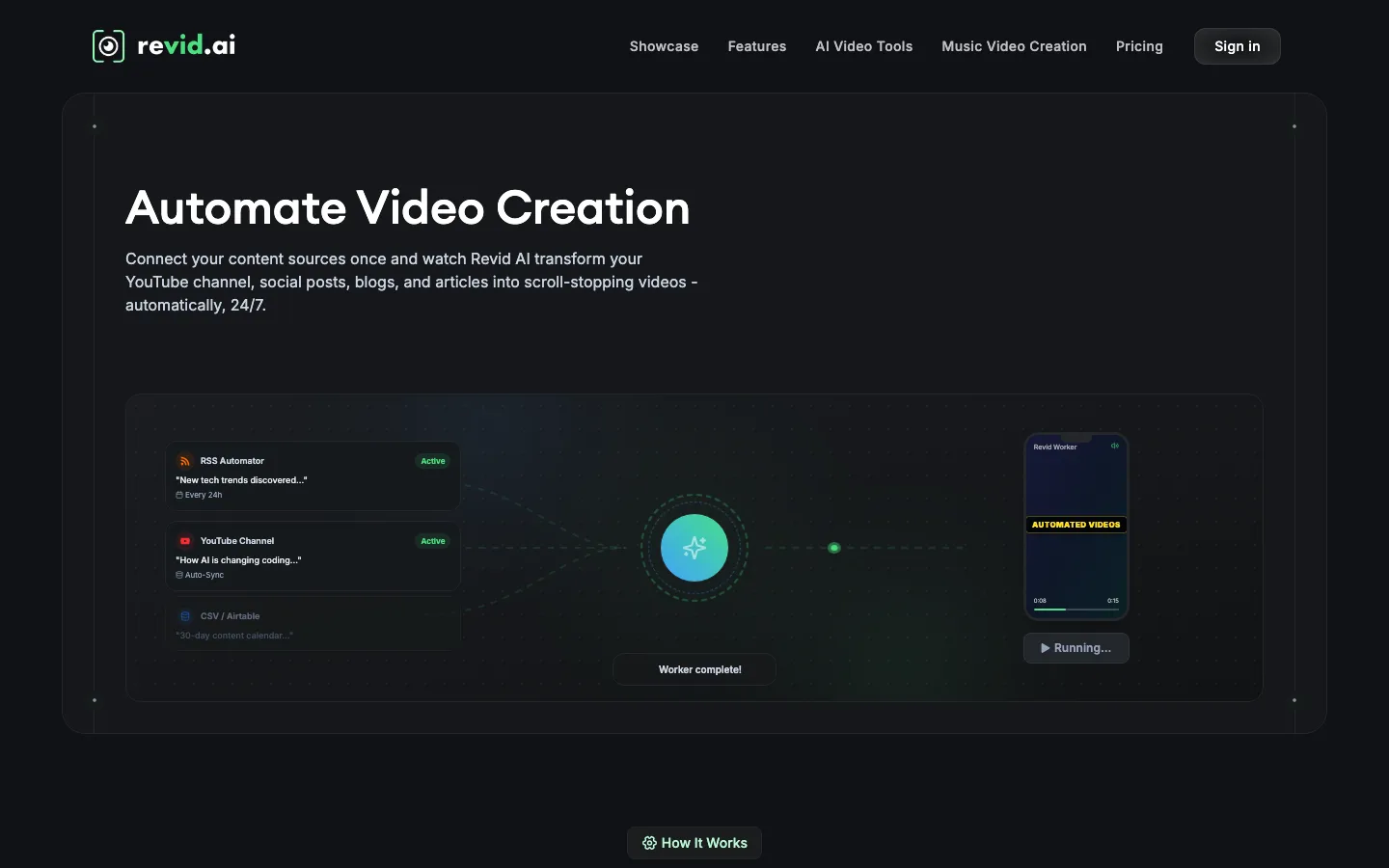
Revid.ai is built around growing a short-form channel rather than making one long video. It finds trending ideas by watching channels you choose, generates the video, publishes it to YouTube, TikTok and Instagram, and shows post stats with a one-click remix of what worked. "Auto-Mode" workers can run that loop on a schedule, which is the main reason to choose it over a pure generator.
Key features
- Publishing to YouTube, TikTok and Instagram from the app
- Viral idea tracking on up to 5 channels and a library of 3M+ videos to remix
- Up to 4K output with Seedance 2.5 and other models
- 70+ voiceover languages, plus API, MCP and CLI access
Best for
- Shorts channels that post daily and want ideas, generation and posting in one loop
- Operators running several short-form accounts
Pricing
- Growth: $39/mo billed monthly ($32/mo billed yearly) with 2,000 AI credits, publishing and 3 Auto-Mode workers.
- Ultra: $199/mo ($166/mo yearly) with 12,000 credits and 10 workers. The Hobby card also shows $39/mo, so Growth is the better entry plan.
Pros
- The most complete idea-to-published loop for Shorts in this list
- Post stats feed back into what you make next
Cons
- The pricing page does not state a maximum video length, so long-form fit is unclear
- Generative models spend the 2,000 monthly credits quickly
5. Zebracat, best for short text-to-video social clips
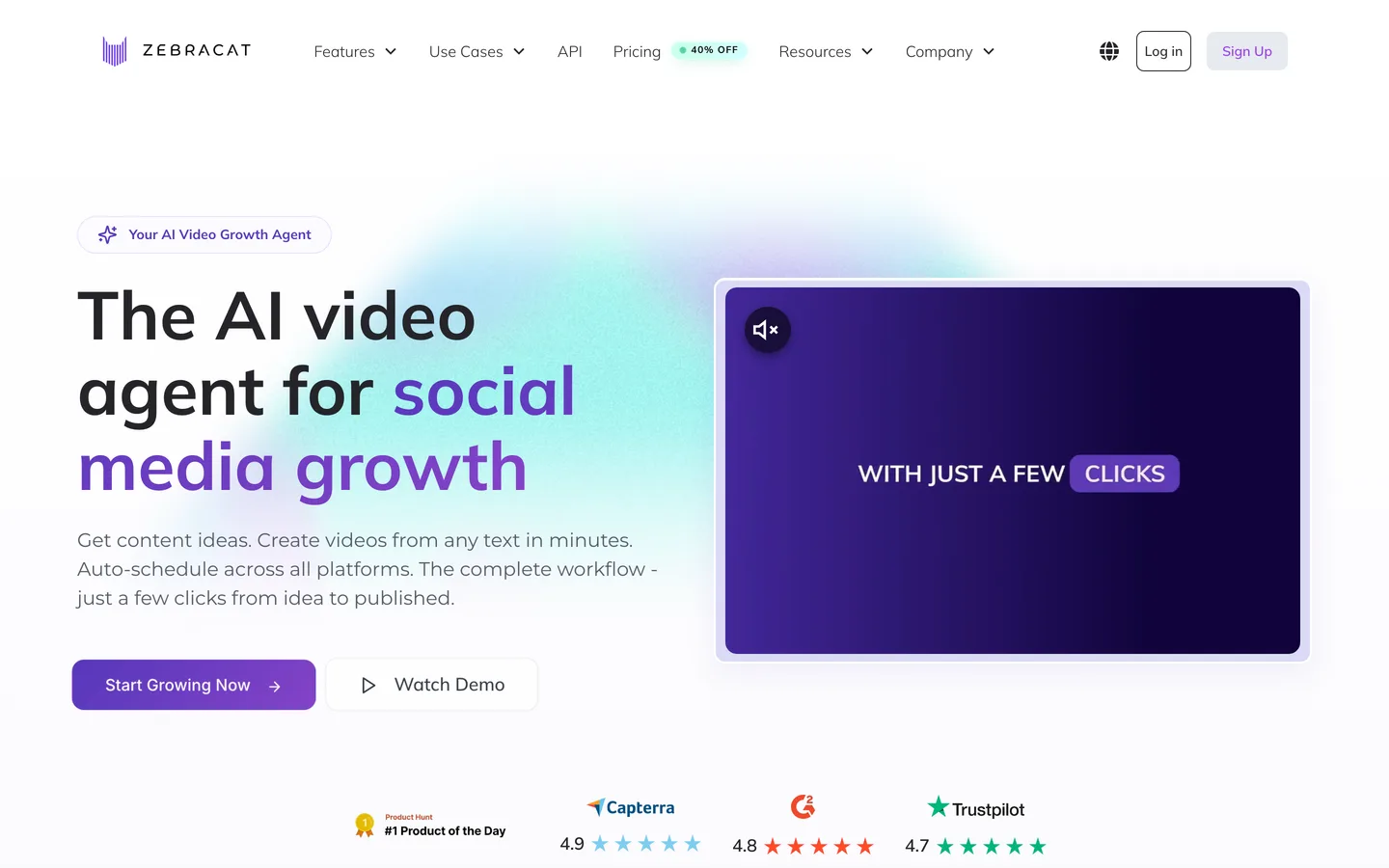
Zebracat turns a text, a link or an idea into a short video with stock and generative visuals, an AI voice and captions, and it advertises auto-scheduling across platforms. Its plans are counted in videos, which makes budgeting simple: the entry plan covers 15 videos a month of up to 2 minutes each, and the next tier raises that to 40 videos of up to 5 minutes. That shape fits a Shorts channel posting every other day far better than a long-form channel.
Key features
- Text, link or idea to video with generative video enabled on every plan
- Standard AI voices in 170+ languages
- 1080p export and watermark removal from the entry plan
- Brand kit for consistent fonts and colors
Best for
- Shorts and Reels channels publishing 3 or 4 videos a week
- Small brands repurposing blog posts into short clips
Pricing
- Cat Mode: $39/mo billed monthly ($23/mo billed yearly) with 15 videos and 350 generative AI credits a month, up to 2 minutes each.
- Super Cat: $99/mo ($59/mo yearly) with 40 videos of up to 5 minutes and 1,400 credits.
Pros
- Easy to budget: about $2.60 a video on monthly Cat Mode
- Many voice languages for international Shorts
Cons
- The 2-minute cap on the entry plan rules out long-form YouTube videos until you pay $99/mo
- Stock-heavy visuals can look generic without careful editing
How to choose the best AI video generator for your YouTube channel
1) Are you building watch hours or Shorts views?
- If your plan is a weekly horizontal video of 3 to 5 minutes plus Shorts on the same topics: ClipNova, since one tool makes both formats in the same voice and style.
- If your videos are 10 minutes or longer and mostly narration over footage: Pictory, which takes up to 30 minutes per video on its entry plan.
- If you only post Shorts: ClipNova for the visuals and captions, or Revid.ai and Zebracat if you want posting and scheduling in the same tool.
YouTube's Partner Program needs 1,000 subscribers plus either 4,000 public watch hours in 12 months or 10 million valid Shorts views in 90 days. Long videos usually build the watch hours, Shorts usually build the subscribers, so most growing channels need both.
2) Does your channel need a face, a character, or neither?
- A presenter who is not you: HeyGen.
- A recurring cartoon host, mascot or story cast: ClipNova, because characters stay consistent across scenes. Kids and animation channels can start from the AI cartoon and kids formats instead of describing a style from scratch.
- Neither (narration over visuals): ClipNova for generated scenes, Pictory for stock footage.
3) Do you want posting automated or reviewed?
- Reviewed: ClipNova, Pictory and HeyGen hand you a file to check and upload in YouTube Studio, where you also set the AI disclosure and audience settings.
- Automated: Revid.ai publishes directly and Zebracat advertises auto-scheduling. Automation is fast, but YouTube's inauthentic content policy targets mass-produced, repetitive uploads, so keep a human check on what goes out.
4) What does one video really cost?
Work out the price per finished video, not the plan price:
- Pictory Starter: $29 for 200 video minutes, so a 10-minute video costs about $1.45 in plan minutes.
- Zebracat Cat Mode: $39 for 15 videos, about $2.60 per video of up to 2 minutes.
- ClipNova: plans from $19/mo, the lowest entry price in this list, and the credit price of each render shows before you start, so you can test the exact format you plan to post.
Make three test videos in your real niche before you commit to any plan: one Short, one 3 to 5 minute video, and one with a recurring character. The tool that handles all three without a second app is the one that will keep up with a posting schedule.
For a wider view of tools that run a whole channel, see our YouTube automation tools roundup, and for the faceless side of the market, the best faceless AI video generators. If you are starting from zero, how to start a faceless YouTube channel covers niche, setup and cadence. When you are ready to compare plans, ClipNova pricing lists what each plan's credits cover, and the long-form AI video generator shows how a 5-minute video is planned.
Frequently asked
What is the best AI video generator for YouTube in 2026?
ClipNova is the best overall AI video generator for YouTube because it makes both formats the platform rewards: horizontal videos up to 5 minutes, planned shot by shot, and vertical Shorts, each with narration and word-by-word captions. Pictory is better for 10 to 30 minute stock-footage videos, and HeyGen is the pick when you want an AI presenter on screen.
Which AI video generator can make long YouTube videos?
Pictory and HeyGen both accept videos up to 30 minutes on their entry plans, which suits long narrated or presenter-led uploads. ClipNova makes videos up to 5 minutes per render with consistent characters across scenes, which covers most story, explainer and kids episodes. Zebracat caps its entry plan at 2 minutes per video.
Can one AI tool make both YouTube Shorts and long videos?
Yes. ClipNova renders 16:9 for the main channel, 9:16 for Shorts and 1:1, so one topic can become a long video and a Short in the same voice and style. Pictory also exports landscape, portrait and square, but its visuals come mostly from stock footage.
What is the cheapest AI video generator for YouTube?
Among the tools compared here, ClipNova has the lowest entry price at $19 a month on the Hobby plan, with every feature included. Pictory and HeyGen start at $29 a month and Revid.ai and Zebracat at $39 a month, all billed monthly.
Can AI-generated videos be monetized on YouTube?
Yes. YouTube allows AI voices and visuals in the Partner Program, which needs 1,000 subscribers plus 4,000 public watch hours in 12 months or 10 million Shorts views in 90 days. What YouTube does not pay for is mass-produced, repetitive content, so every video needs its own angle and a human review before it goes out.
Do I have to disclose AI-generated videos on YouTube?
YouTube asks you to turn on the altered or synthetic content setting when a video shows realistic people, places or events that did not happen or did not happen that way. Clearly animated or stylized videos, such as cartoons, do not need the label. Videos aimed at children also need the made for kids setting.
Which AI video generator posts to YouTube automatically?
Revid.ai publishes directly to YouTube, TikTok and Instagram, and Zebracat advertises auto-scheduling across platforms. ClipNova, Pictory and HeyGen give you a finished file to review and upload in YouTube Studio, where you also set titles, disclosure and audience.
Which tool should a new YouTube channel start with?
Start with ClipNova if you want one tool for long videos, Shorts and recurring characters, with plans from $19 a month. Make three test videos in your niche first: a Short, a 3 to 5 minute video and one with a recurring character. Add Pictory later if you need videos longer than 5 minutes built from stock footage.