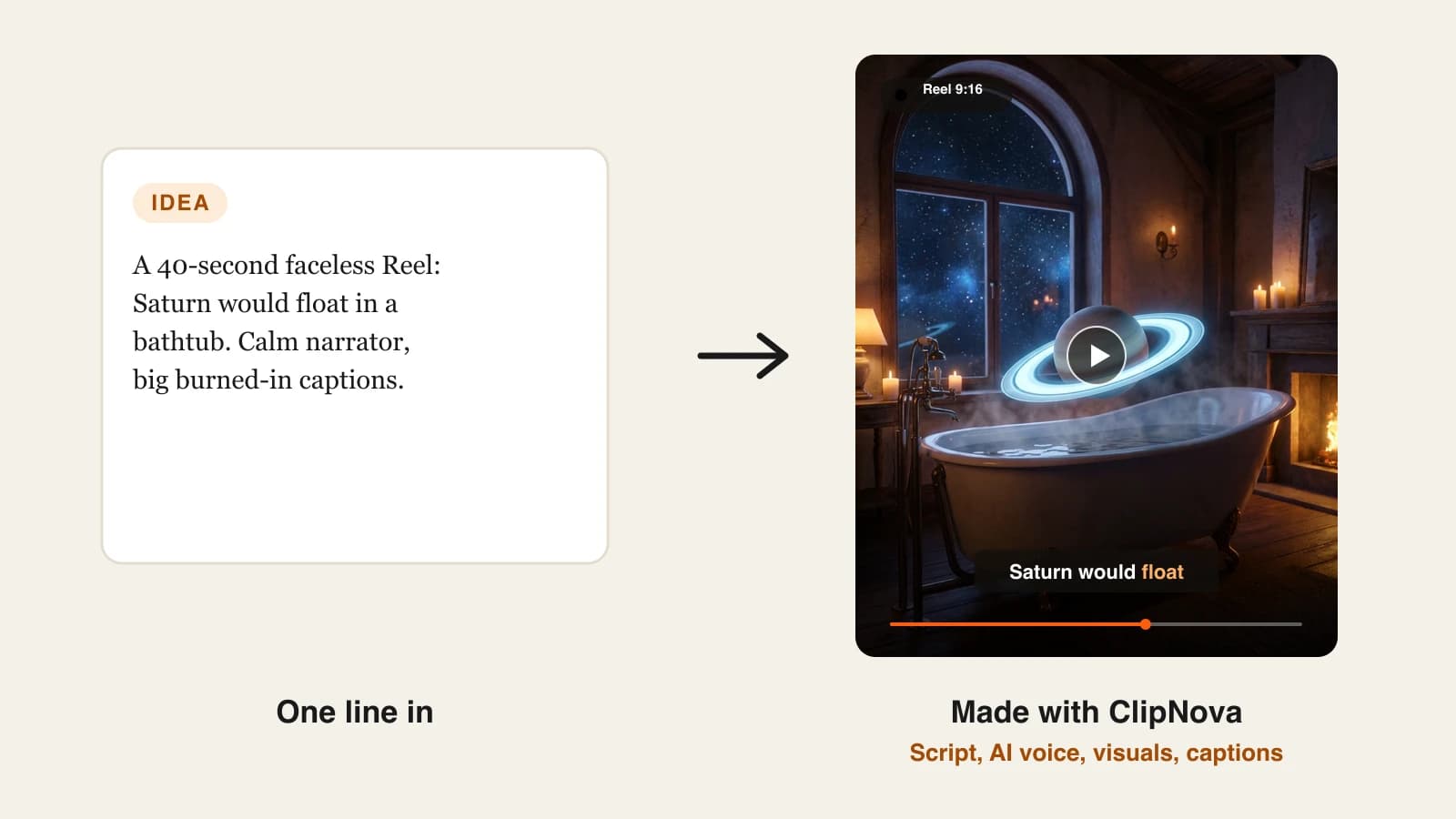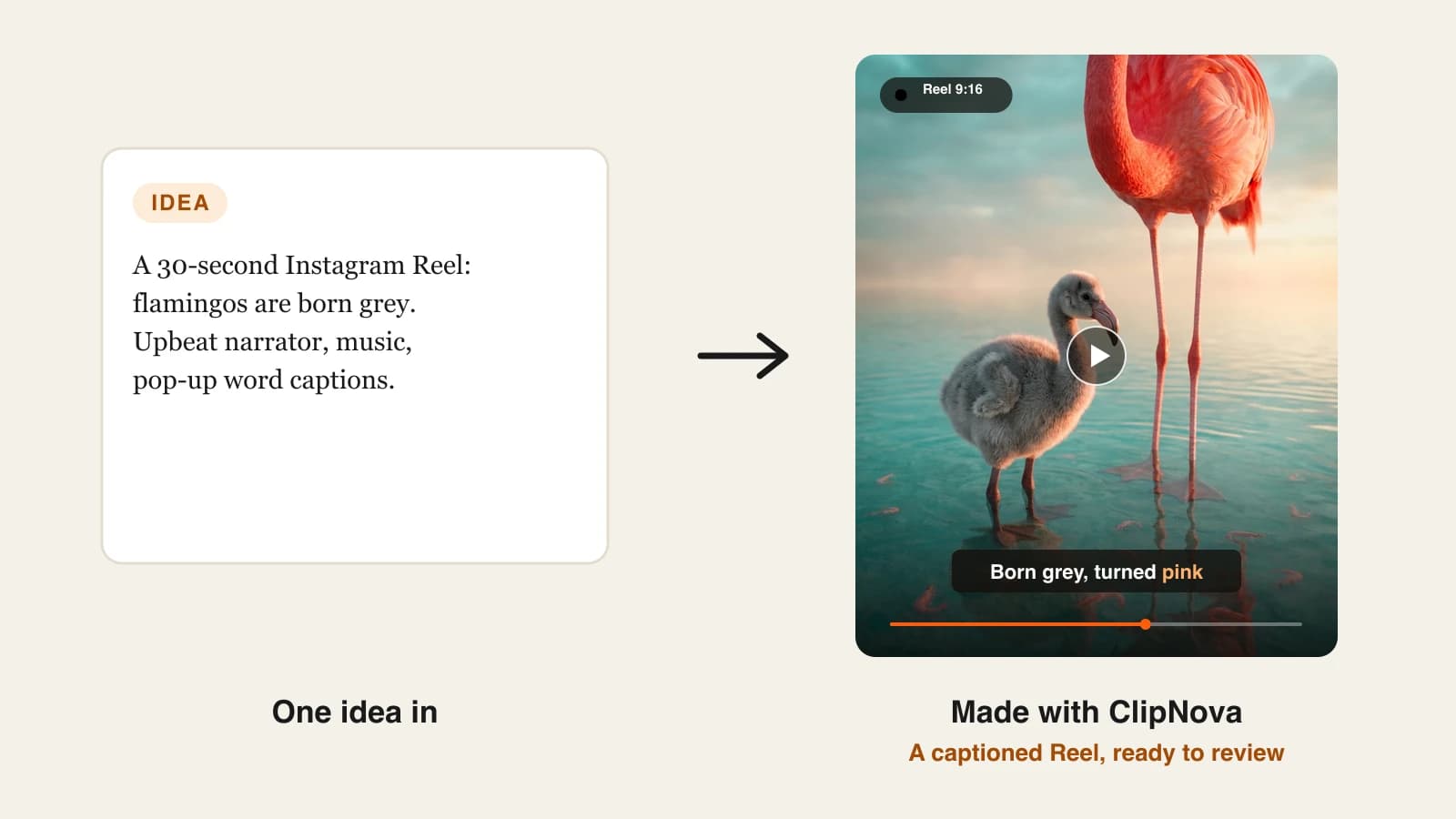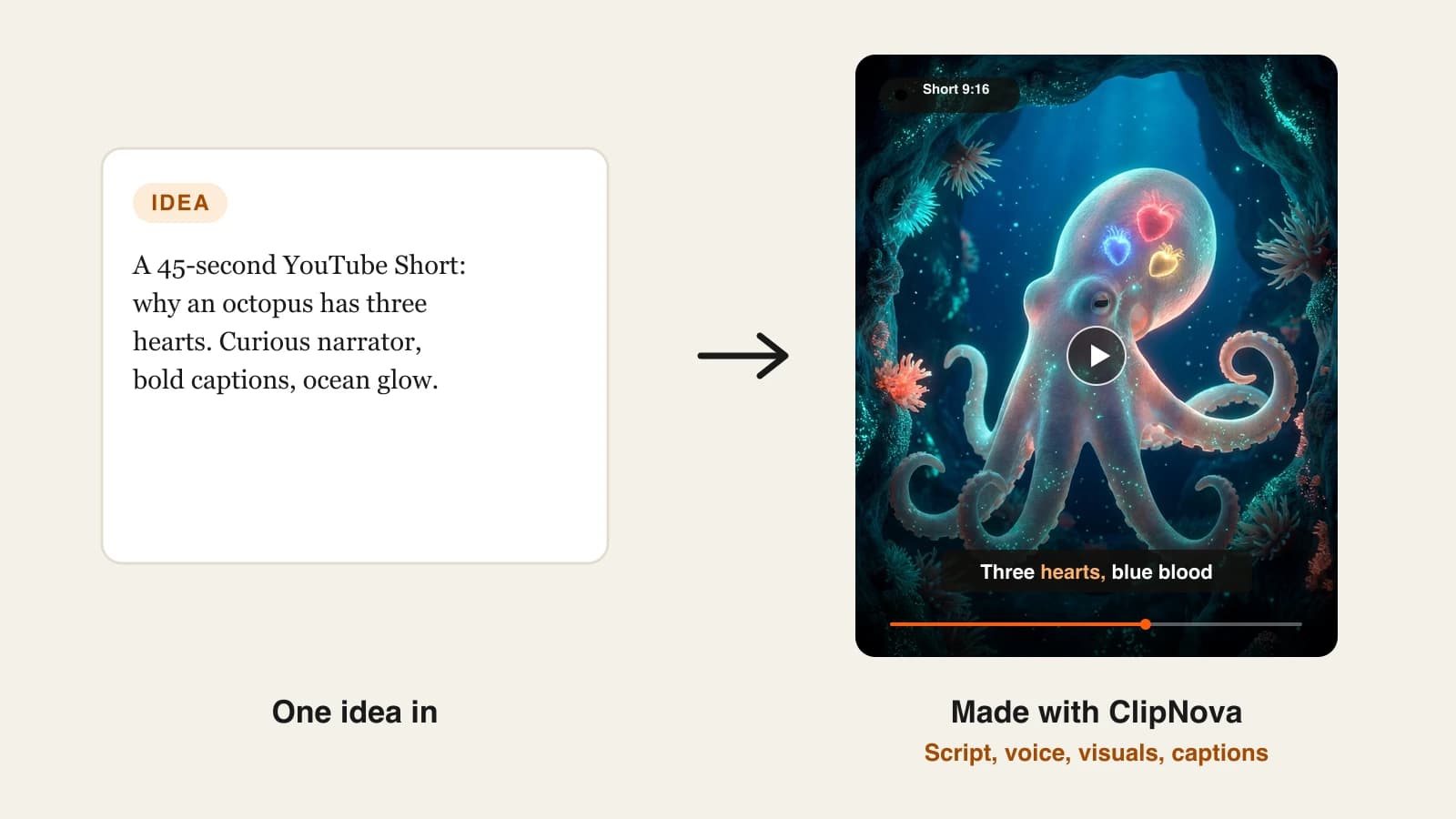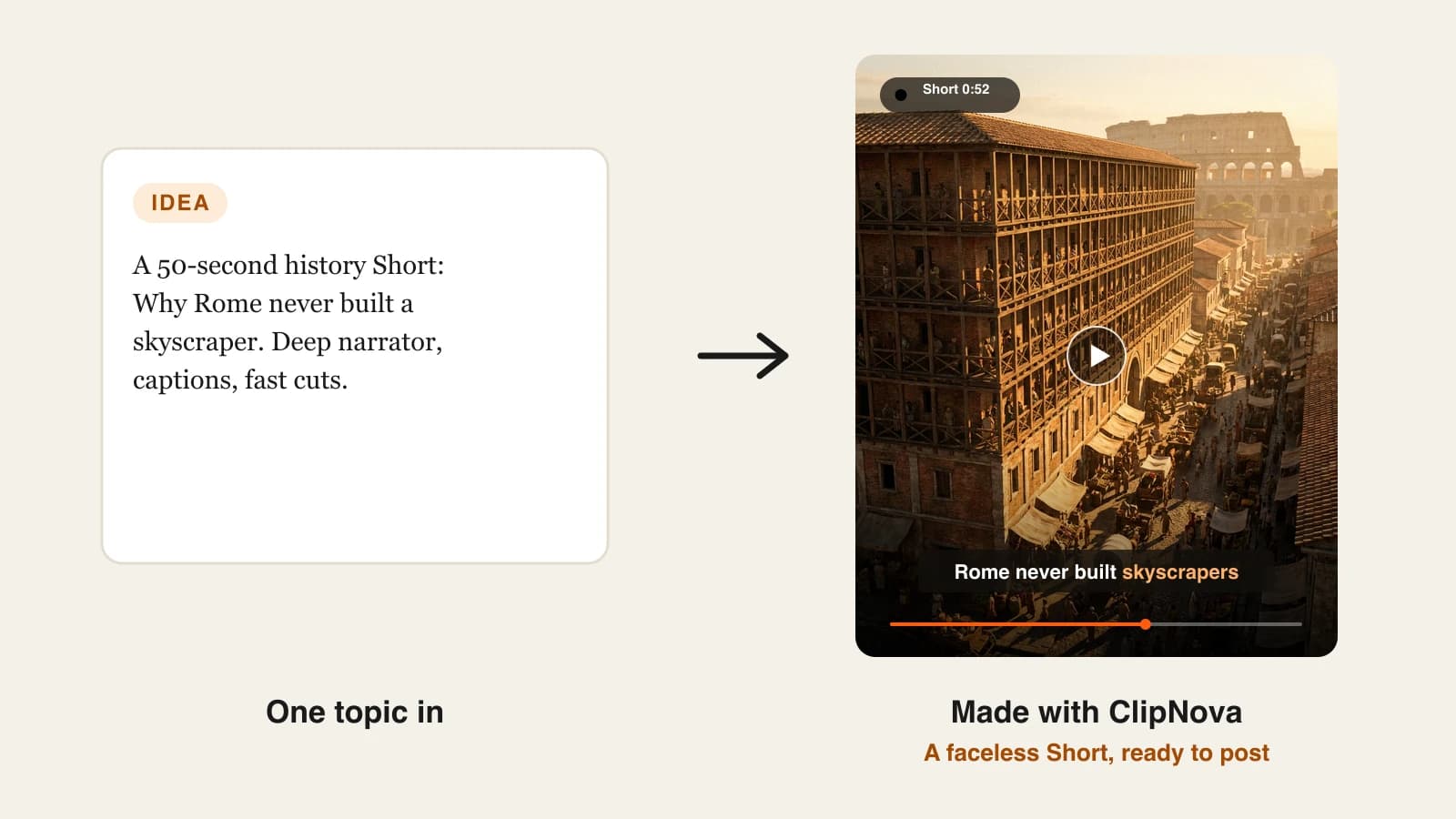
Most people who want a faceless YouTube channel never get past video five. Not because the idea was wrong, but because filming-free still meant scripting, recording a voice, hunting for footage and captioning every clip by hand. This guide shows how to start a faceless YouTube channel with a workflow one person can keep up: picking the niche, setting up the channel, making each video with AI, staying monetizable, and turning the Shorts that work into longer videos.
One example channel runs through every step: Odd History, a channel of short, surprising stories from the ancient world. Its first video, "Why Rome never built a skyscraper", is built from scratch below.
To be clear from the start: AI does the production, not the thinking. The tools write, voice and illustrate the video, but the niche, the angles and the decision about what to post next stay with you. The fastest way to make the videos is an all-in-one generator like ClipNova.
What makes a faceless YouTube channel work
The faceless channels that grow share a few traits, and none of them is a better microphone:
- A narrow promise. "Weird history in under a minute" beats "interesting videos". Viewers subscribe to a promise they can describe.
- A recognizable voice and look. The same narrator, caption style and color grade on every video, so a viewer knows it is you before the channel name appears.
- A hook in the first three seconds. On Shorts, a viewer decides almost instantly whether to keep watching.
- A cadence. One or two Shorts a day, every day, for the first month.
- Originality. Each video has its own angle. YouTube does not pay channels that upload near-identical, mass-produced videos.
The example: Odd History
Odd History tells one surprising fact from the ancient world per video. History is one of the easiest faceless niches to start: the script is research-driven, viewers expect a narrator instead of a presenter, and AI visuals can show places no camera ever filmed.
- Promise: "The ancient world was weirder than school told you."
- Format: 45 to 60 second Shorts daily, one 4 to 5 minute video a week from month two.
- Look: warm, golden-hour 3D renders, big white captions with one highlighted word.
- Voice: one calm, deep male narrator, used on every video.
Step 1: pick a niche you can fill for a year
Write 50 video ideas in one sitting. If you stall at 15, the niche is too narrow for daily posting. Odd History cleared 50 in twenty minutes ("the Roman fire brigade that charged before it put out fires", "why Egyptians shaved their eyebrows", "the emperor who made his horse a senator").
Then check demand: search the niche on YouTube and look at the Shorts shelf. If channels under 10,000 subscribers have Shorts above 100,000 views, there is room for a new channel.
Niches that work well without a face:
| Niche | Format that works | Why it suits faceless |
|---|---|---|
| History and "what really happened" | 45-60 s Shorts, 5 min deep dives | Story-led narration, visuals of places no one filmed |
| Space, science and "what if" | Shorts with bold visuals | AI visuals make the impossible look natural |
| True crime and mysteries | 3-5 min videos | Suspense comes from voice and pacing |
| Reddit and storytime | Shorts | The story is the product |
| Kids stories and 3D cartoons | 2-5 min episodes | Characters replace the presenter |
| Bible and mythology stories | Shorts and episodes | Epic visuals, steady narration |
Step 2: set up the channel once
- Create a Brand Account channel with the channel name, not your personal name, so you can add helpers later.
- Pick a short, sayable name and handle, and claim the same handle on TikTok and Instagram for cross-posting.
- Logo and banner: a simple mark in your channel colors. With no face on screen, the logo is the face.
- Description: what you post and how often, in the words people search ("short ancient history stories every day").
- Verify the account in YouTube settings to unlock custom thumbnails and longer uploads.
Step 3: write the first script
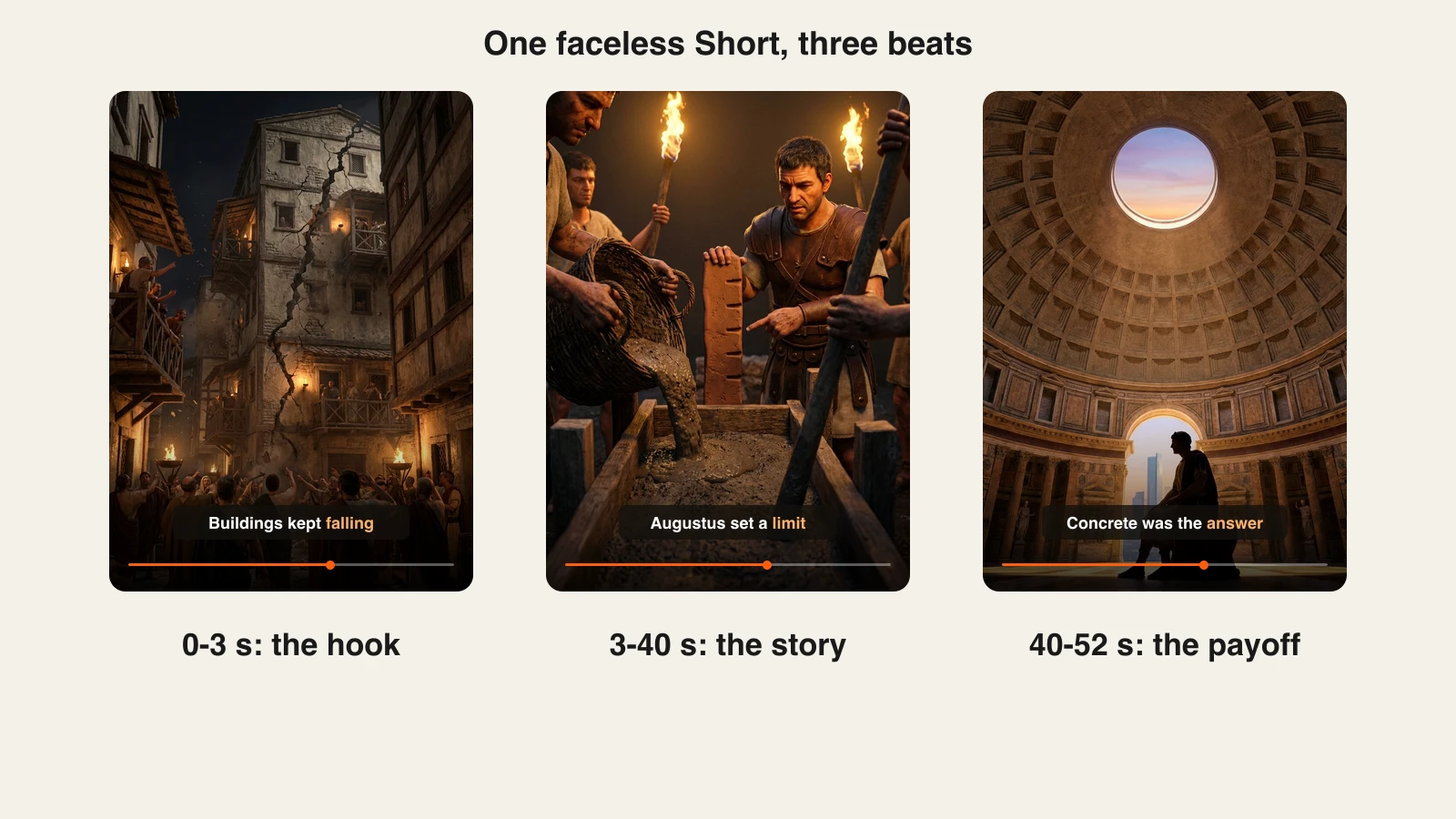
A Short has room for one idea. Odd History's scripts follow the same three beats every time:
- Hook (0 to 3 seconds): a claim that sounds wrong. "Rome had apartment blocks taller than anything in Europe for a thousand years. So why no skyscrapers?"
- Story (3 to 40 seconds): the explanation, one fact per sentence. Collapsing insulae, fires, Augustus capping building height.
- Payoff (40 to 52 seconds): the twist or lesson, plus a reason to watch the next one. "Their real genius went sideways, into concrete. Part two: the dome nobody can copy."
About 120 to 150 words fills 45 to 60 seconds of narration.
Step 4: make the video with AI
Paste the script or just the topic into a faceless video generator and choose the format, style and voice once:
- ClipNova writes the script from a topic (or uses yours), voices it, generates a scene for each line, burns in captions and adds music, in vertical or horizontal. It also offers a choice of video models and a scene editor to fix any single shot. Plans start at $19/mo.
- The Faceless Reels runs on the same engine with a faceless-first setup for Shorts, Reels and TikToks: pick a format, drop in the idea, get a narrated, captioned video to review.
For Odd History, the settings were saved as the channel's defaults: 9:16, cinematic 3D style, the same narrator, white captions with an orange highlight word. Every new video starts from those settings so the channel always looks like itself.
Review every video before posting. Read the captions against the script, check names and dates, and replace any scene that does not match the line it sits under. Five minutes of review is what separates a channel from a content farm.
Step 5: stay monetizable from video one
YouTube's monetization policy (renamed "inauthentic content" in July 2025, formerly "repetitious content") excludes channels that upload mass-produced, near-identical videos. AI is allowed. Sameness is not.
- New angle per video. Do not swap the topic into the same script.
- Vary the structure. Different openings, occasional series ("Part 1 of 3"), countdowns.
- Disclose realistic synthetic content. When a video shows realistic people or events that did not happen, switch on the "altered or synthetic content" setting at upload. Clearly stylized or animated history scenes do not need it.
- Use output you have rights to. ClipNova and The Faceless Reels include commercial rights on every plan.
Step 6: post on a cadence you can keep
- Weeks 1 to 4: one or two Shorts a day in fixed time slots.
- Titles: the curiosity, not the answer ("Why Rome Never Built a Skyscraper").
- Playlists by series so viewers watch one video after another.
- Every week: open YouTube Studio and check "viewed vs swiped away" on Shorts. Above 70% viewed means the hook works; below 60%, rewrite the first line.
Step 7: turn the Shorts that work into long videos
After a month, sort Shorts by viewed rate and views. The top three topics have proven demand, so remake each as a 4 to 5 minute horizontal video with more depth. Long videos build watch hours and earn more per view than Shorts.
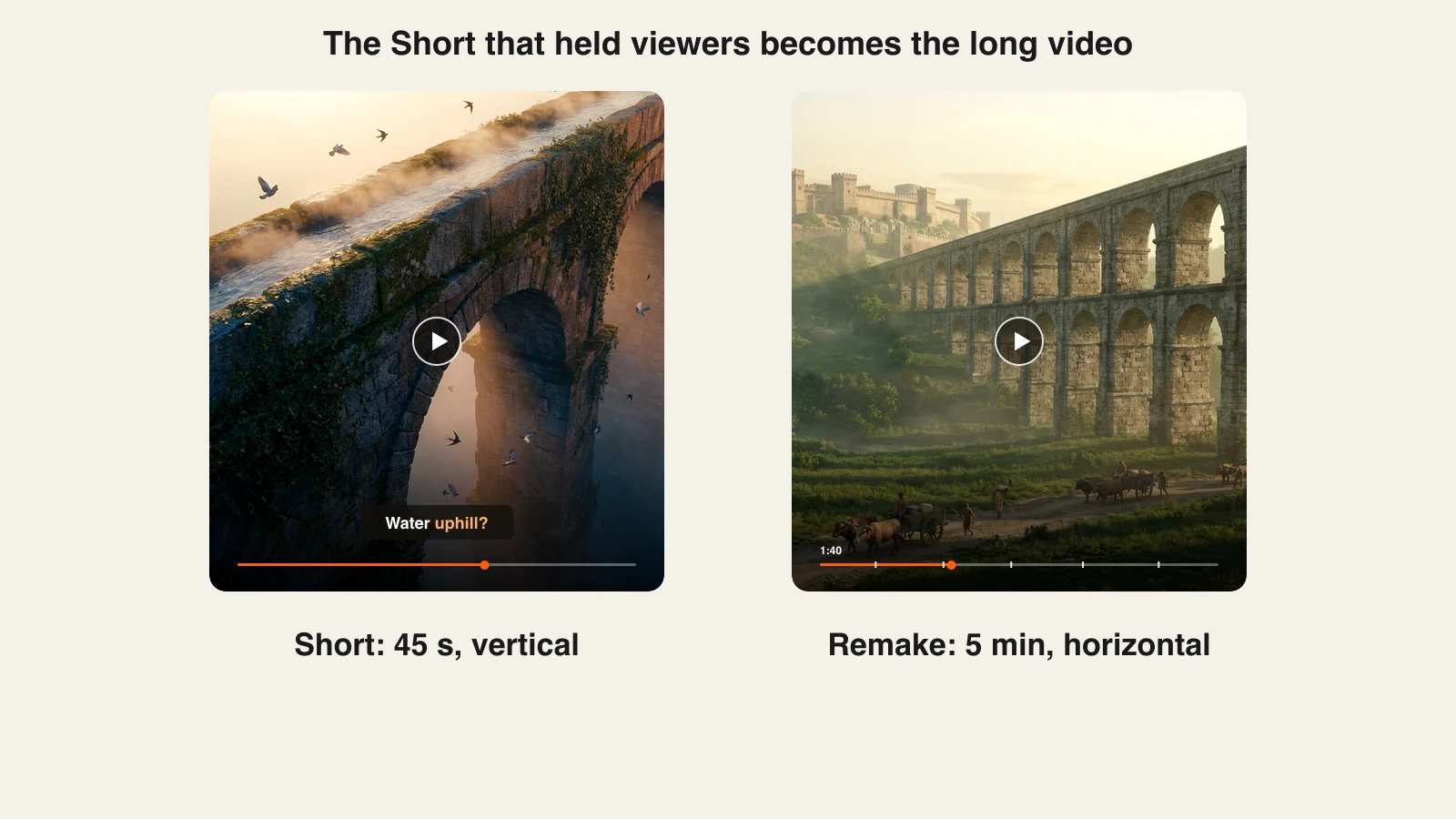
ClipNova makes long AI videos of up to 5 minutes from the same topic, so the remake uses the same voice and look as the Short. Link the long video from the Short with YouTube's related video link.
The YouTube Partner Program needs 1,000 subscribers plus either 4,000 public watch hours in 12 months or 10 million valid Shorts views in 90 days for ad revenue. Fan funding (memberships, Super Thanks) unlocks earlier, at 500 subscribers, 3 public uploads in 90 days, and 3,000 watch hours or 3 million Shorts views. Shorts get you subscribers fast; long videos usually bring the watch hours.
How long does one video take?
For a 50-second Short like "Why Rome never built a skyscraper", once the channel and settings exist:
- Idea and research: 10 minutes.
- Script: 10 minutes, or let the generator draft it and edit.
- Generation: one run, done while you research the next idea.
- Review and fixes: 5 to 10 minutes.
- Title, upload, cross-post: 5 minutes.
About 40 minutes a video, or two Shorts a day in under 90 minutes. The setup (niche, channel, defaults) happens once.
What goes wrong, and the fix
- A niche that runs dry. Twenty videos in, there is nothing left to say. Write the 50-idea list before you create the channel.
- Changing the voice or style every week. The channel stops being recognizable. Save defaults and keep them.
- Hooks that explain instead of tease. "Today we look at Roman buildings" loses the swipe. Open with the claim that sounds wrong.
- Posting without reviewing. Wrong dates and mismatched scenes erode trust and invite the "inauthentic content" label. Check every video.
- Quitting at video 30. Most faceless channels that fail stop before their first breakout. Plan for 60 days of daily posts before judging the niche.
Pick the niche, write the 50 ideas, and make the first five Shorts this week. For more niche ideas, see ClipNova's list of faceless YouTube Shorts niches, and to compare tools, read our roundup of the best faceless AI video generators.
Frequently asked
Can a faceless YouTube channel get monetized?
Yes. The YouTube Partner Program does not require you to show your face. You need 1,000 subscribers plus either 4,000 public watch hours in the last 12 months or 10 million valid Shorts views in the last 90 days, and your videos have to pass YouTube's review for original, non-repetitive content. Faceless channels get rejected for mass-produced, near-identical uploads, not for the missing face.
Is it allowed to use AI voices and AI visuals on YouTube?
Yes. YouTube allows AI-generated voiceover and visuals. What it asks is that you disclose realistic altered or synthetic content (for example, a realistic depiction of a real person or event that did not happen) using the toggle in YouTube Studio, and that your channel adds real value instead of re-uploading the same template over and over.
How much does it cost to start a faceless YouTube channel?
The channel itself costs nothing. The main expense is the tool that makes your videos. With an all-in-one generator like ClipNova or The Faceless Reels, plans start at $19/month and cover script, voiceover, visuals and captions, so you do not need separate subscriptions for a voice tool, stock library and editor.
Should a new faceless channel post Shorts or long videos?
Start with Shorts to find a topic and hook style that works, because they are faster to make and give you feedback within days. Once a few Shorts outperform the rest, turn those topics into 3 to 8 minute videos, which build watch hours and earn more per view.
How long does it take for a faceless YouTube channel to grow?
Most channels that post consistently see their first breakout video within 30 to 90 days, but there is no fixed timeline. Posting daily Shorts in one tight niche, reading your retention graphs and doubling down on the winners matters far more than the tools you pick.
What is the easiest faceless YouTube niche for beginners?
Fact-based niches like history, science, space, true stories and "did you know" countdowns are the easiest to start, because the script is research-driven, stock or AI visuals fit naturally, and viewers expect a narrator instead of a presenter.