The best 3D AI animation video generators in 2026 are ClipNova for finished 3D story videos of up to 5 minutes, followed by StoryShort, AnimateAI and Luma for narrower 3D jobs. ClipNova starts at $19/mo; the other three start between $30 and $39.99 a month on monthly billing.
3D is the look that stops the scroll on kids channels, bedtime-story channels and animated comedy accounts, and it used to be the most expensive look to make. A single minute of hand-built 3D meant modeling, rigging, lighting and rendering, usually by a team. AI tools now skip all of that, but they do not all skip the same parts. Some hand you one beautiful 3D shot and leave the story to you. Others give you a finished, narrated episode.
This roundup compares four 3D AI animation video generators on the 3D looks they offer, how long the videos run, how much of the story they finish for you and what each one costs.
The 4 best 3D AI animation video generators at a glance
- ClipNova: best overall for finished 3D story videos. A prompt, a script or a photo becomes a narrated 3D video in a Pixar-style or claymation look, with the same character in every shot, up to 5 minutes long.
- StoryShort: best for a 3D series that posts itself. Pick the 3D Animation or Claymation style once and it writes, renders and schedules episodes.
- AnimateAI: best for building 3D characters before the story. Character and storyboard tools first, then scenes rendered on Kling and Hailuo models.
- Luma: best for cinematic 3D shots you cut yourself. High-end video models for an intro, a trailer or a hero shot, not a finished story.
| Tool | Best 3D job | Starting price (monthly billing) | 3D looks | Finished story with voice | Max output |
|---|---|---|---|---|---|
| ClipNova | Narrated 3D story videos | From $19/mo | Pixar-style 3D, claymation | Yes, 18 narration languages | Up to 5 min, 1080p |
| StoryShort | Scheduled 3D series | $39/mo | 3D Animation, claymation, stop motion | Yes | Shorts plus long-form, 1080p |
| AnimateAI | Character-first 3D scenes | $39.99/mo | Style models incl. Pixar-style 3D | Voiceover and music | Up to 10 scenes per video |
| Luma | Cinematic 3D shots | $30/mo | Prompt-driven | No (clips only) | Clips |
What separates a good 3D AI animation generator from a pretty one?
Almost every tool can render one nice 3D frame. A 3D story channel needs more than that. Check each tool against these five points before you pay:
- The same character in shot twenty. 3D characters have a lot of detail to lose: the exact shade of a scarf, the number of spines on a hedgehog, the shape of a robot's eyes. If the tool rebuilds the character from words in every scene, the details drift.
- Material you can believe. Good 3D reads as a surface: soft plastic, felt, clay, brushed metal. Watch for "melting" textures and fingers that merge mid-move.
- Light that stays put. In a real 3D film the key light does not jump between cuts. Check whether a sunset scene still looks like sunset two shots later.
- Room for a story. A 3D look is wasted on a 5-second loop if your channel posts 2-minute bedtime stories. Know the length you need.
- A way to fix one shot. In a 3D story, one scene usually misses. You need to redo that scene, not the whole video.
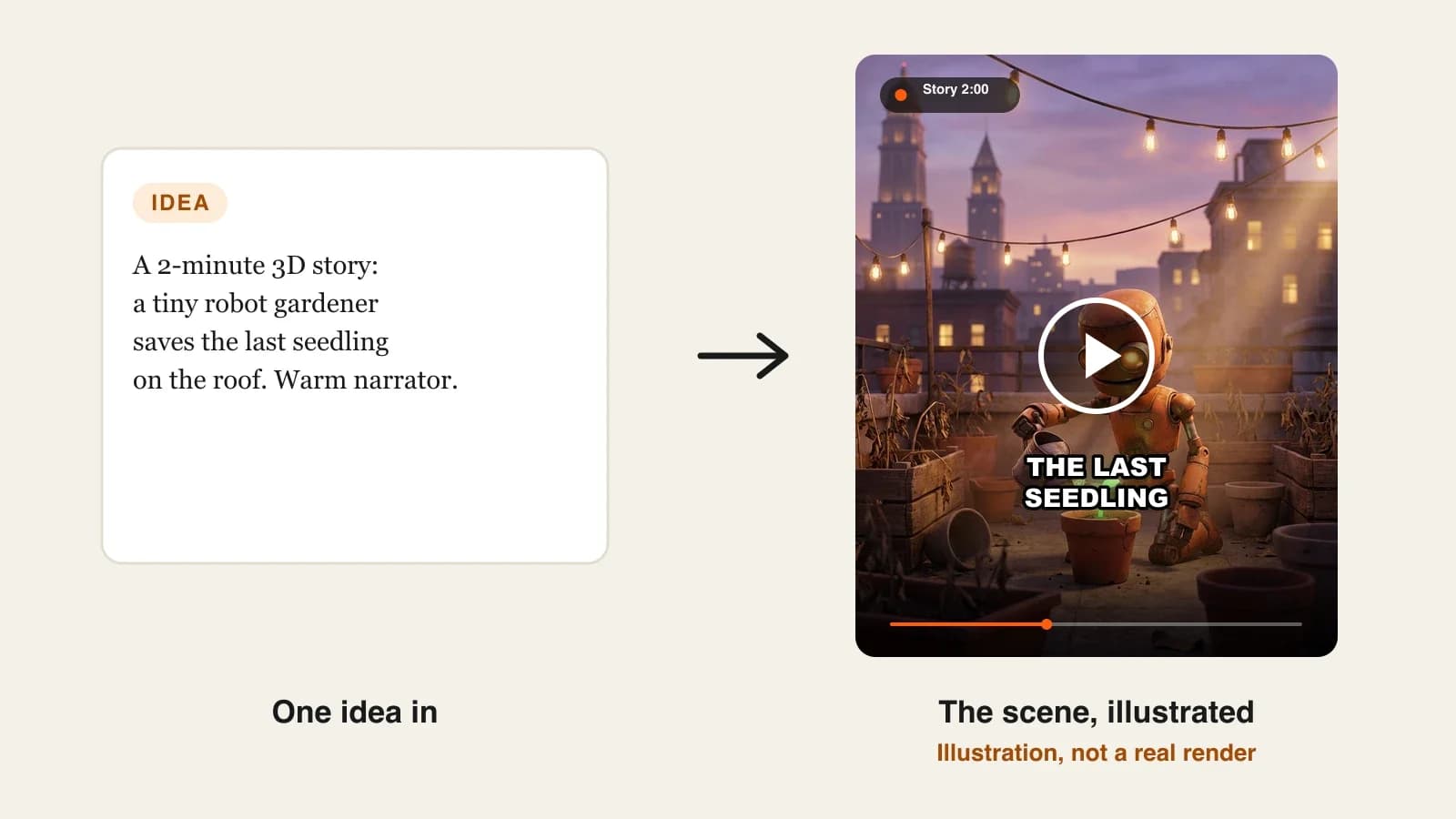
A quick test that works for any tool: describe one character with three precise details ("a round orange robot, one bent antenna, a dented green watering can") and ask for three scenes in different places. If all three details survive all three scenes, the tool can carry a series.
1. ClipNova, best overall 3D AI animation video generator
ClipNova turns one line, a full script or a photo into a 3D animated video: it writes the shot list, renders each scene in a Pixar-style 3D or claymation look, voices the narration or dialogue, adds music and burns in captions. Before any scene is animated it builds a character sheet (shape, colours, outfit, expressions), so the hero looks the same in the first shot and the last, and a saved character keeps that look in every new video.
For 3D creators, that adds up to what ClipNova is built for, finished long videos with consistent characters:
- Long: a 3D story can run from a 10-second clip to a full episode of up to 5 minutes in one render, so a bedtime story or a comedy sketch has room for a beginning, a middle and a payoff.
- Consistent characters: the character sheet and saved characters keep the same 3D hero in every scene, and Series brings the whole cast back each episode with a memory of what happened before.
- Finished: script, animated scenes, voices, music and captions come back as one video, and Studio lets you regenerate one shot without touching the rest.
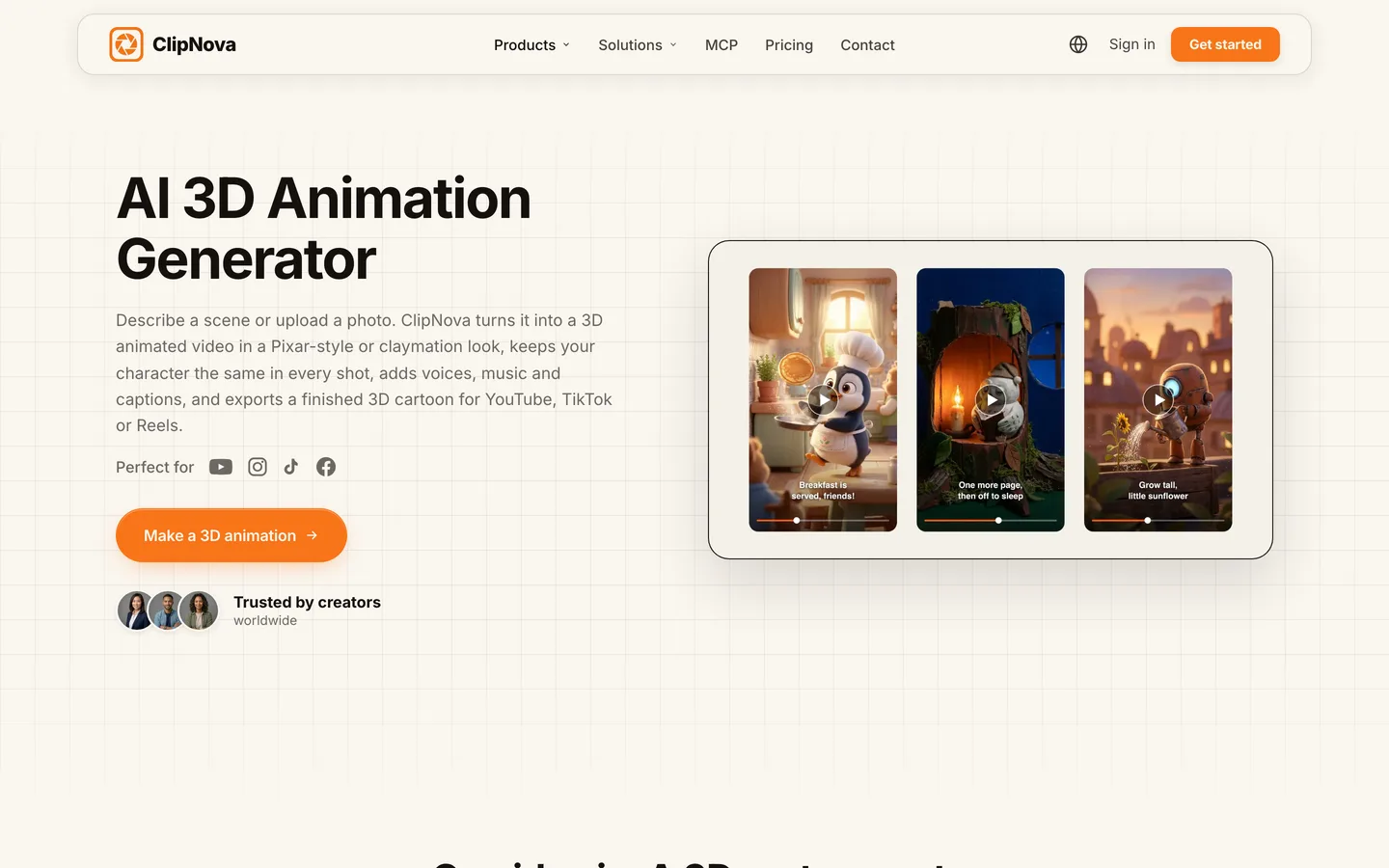
The dedicated starting point is the ClipNova AI 3D animation generator.
Key features
- Prompt, script or photo in; a narrated 3D video with music and captions out
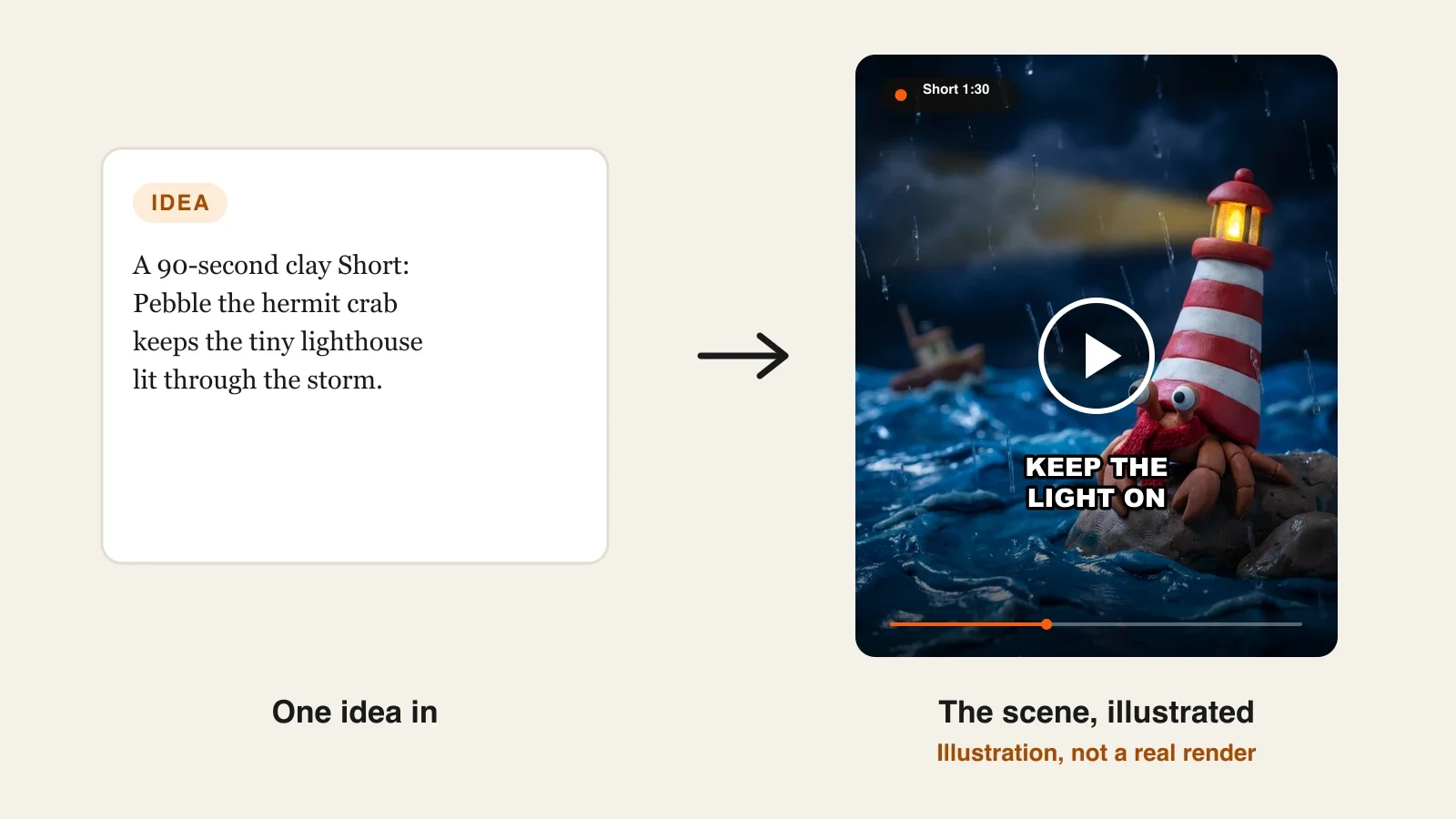
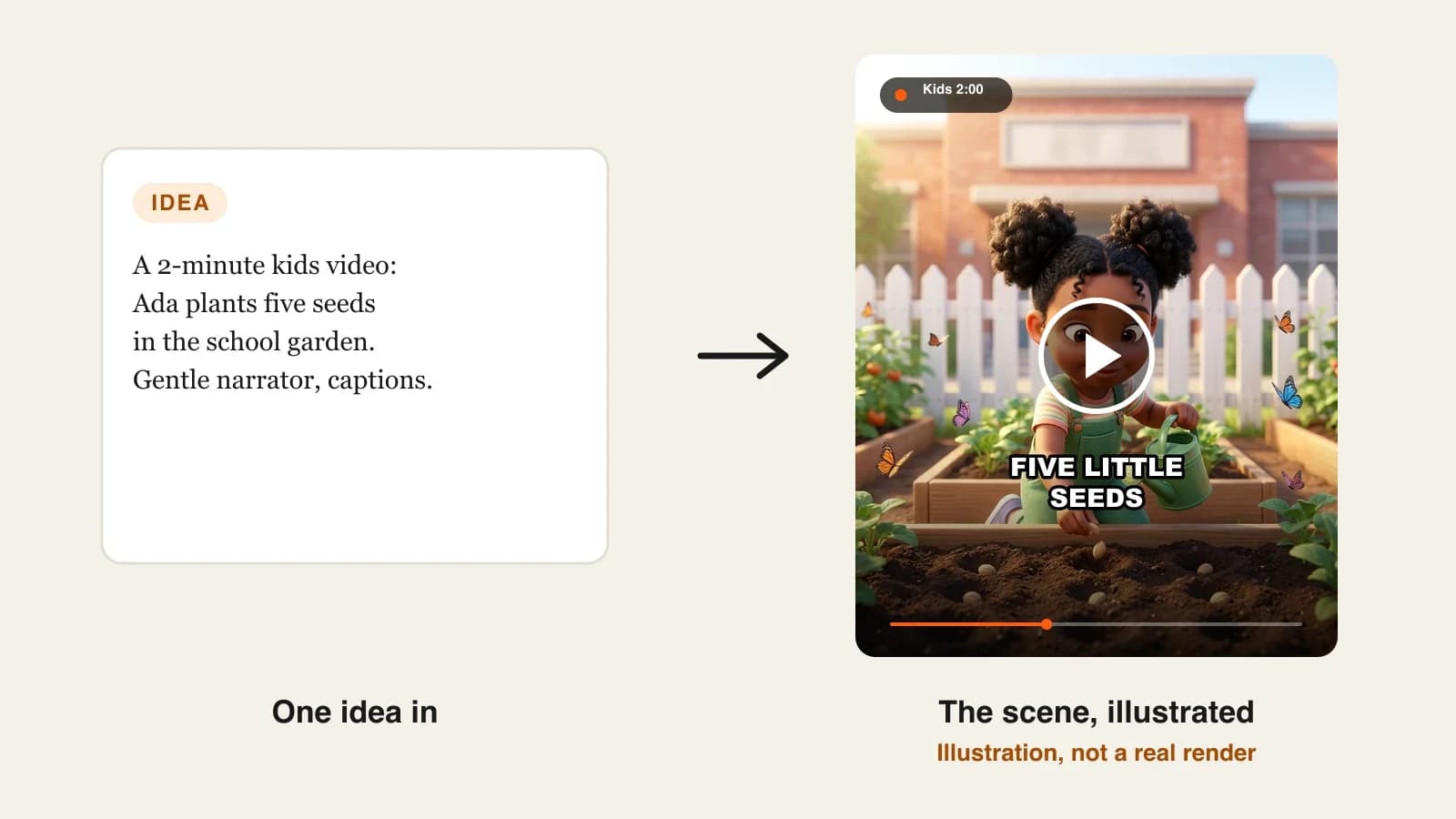
- Two 3D finishes on the same story: Disney / Pixar 3D (soft rounded characters, big eyes, warm light) or Claymation (handmade plasticine)
- Photo to 3D: upload a picture of yourself, your child or your pet and turn it into a 3D or clay character first
- Scenes rendered at the quality you pick (Base, Pro or Ultra), with camera moves and expressions per beat
- Export in 9:16 for Shorts, TikTok and Reels or 16:9 for YouTube, at up to 1080p, watermark-free
How to make a 3D story in ClipNova
- Open the ClipNova app and start a new video from a prompt, or create your character first if it will return.
- Write the story in a few lines ("a tiny robot gardener saves the last seedling on a city roof at dusk") or paste a full script.
- Pick the Disney / Pixar 3D style, or Claymation for a stop-motion feel, and choose 9:16 or 16:9 and the length.
- Add your saved character, choose a narrator voice, music and a caption style, then generate.
- Watch it on your phone, regenerate any scene that drifted in Studio, and post.
Pricing
- Plans from $19/mo: Hobby $19 (1,000 credits), Starter $49 (2,600), Growth $99 (5,750), Ultra from $199 (12,000); 20% off yearly
- Credits per video depend on length and quality: a 60-second video is about 189 credits as Moving AI Images or about 550 as Base AI Video, and the app shows the cost before you generate
- Every plan has every feature, narration in 18 languages and commercial rights
Pros
- The whole 3D story in one job: no separate voice, music or caption tools
- Character sheet plus saved characters, so a 3D mascot survives a full episode and a full season
- Two distinct 3D looks from the same prompt, so you can test which one your audience prefers
Cons
- No auto-posting; you review each video and post it yourself
- It makes videos, not 3D model files or rigs, so it is not the tool for game assets
- Fully animated AI Video scenes cost about three times as many credits as Moving AI Images, so plan which shots need full motion
2. StoryShort, best for a 3D series that posts itself
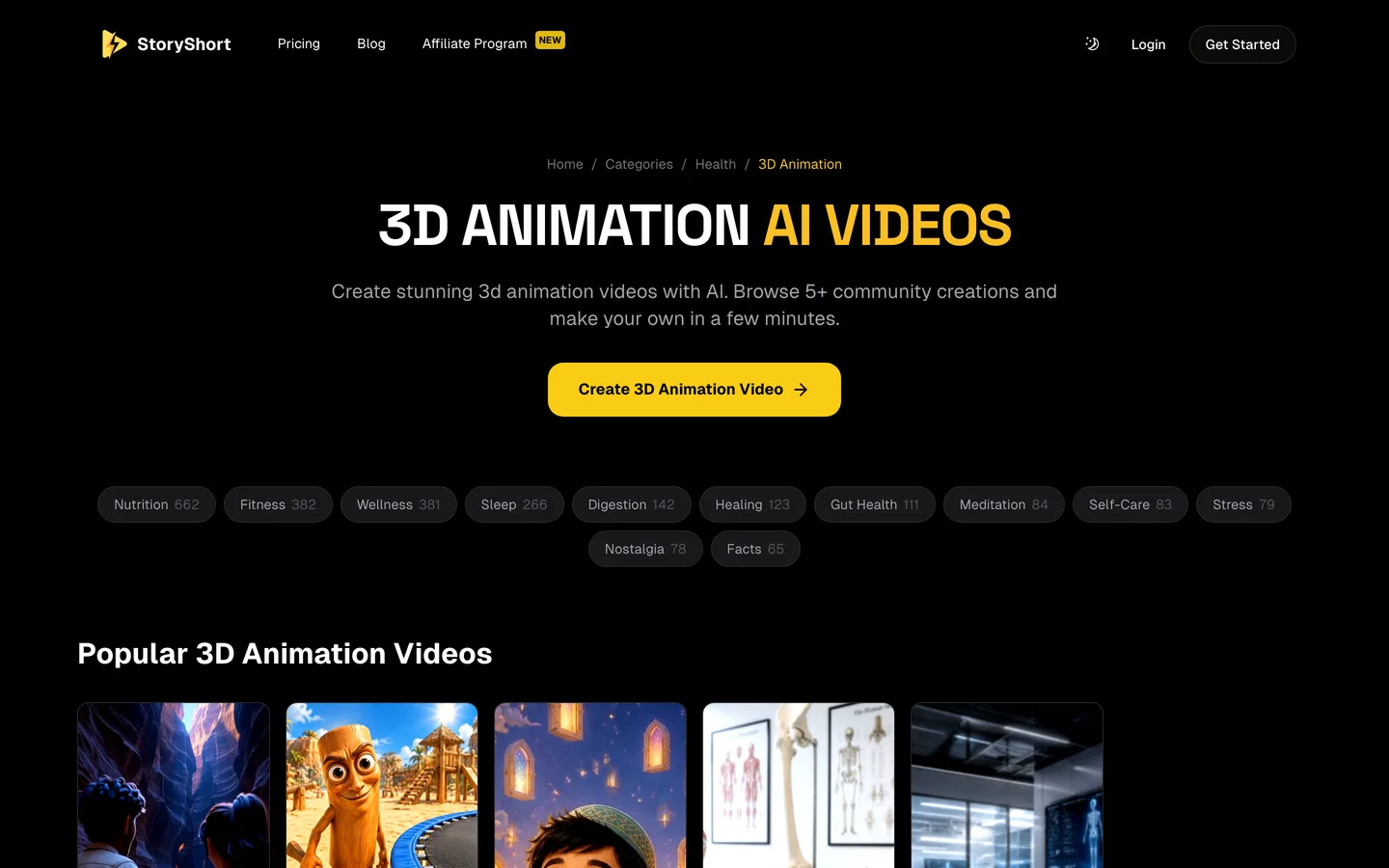
StoryShort is built around series on autopilot: you set up a show once (topic, style, voice) and it writes, renders and schedules new episodes to YouTube, TikTok and Instagram. For 3D channels the useful part is its style list, which includes 3D Animation (described as Pixar-inspired 3D rendered characters), Claymation and Stop Motion next to anime and classic cartoon looks.
It promises automatic character consistency across episodes and exports in 9:16, 16:9 or 1:1 at 1080p. The trade-off is the usual one for autopilot tools: you shape the series more than each individual story.
Key features
- 3D Animation, Claymation and Stop Motion among eight visual styles
- Series with recurring characters and scheduled daily uploads
- Voiceover, background music and multi-scene editing done for you
- Direct publishing to YouTube, TikTok and Instagram; long-form videos on every plan
Best for
- A 3D facts or kids-story channel that needs a new episode every day
- Creators who would rather tune a series than edit each video
Pricing
- Starter: $39/mo billed monthly with 400 credits and 1 series, about 16 one-minute videos a month
- Growth: $69/mo with 1,200 credits and 2 series
Pros
- The least hands-on way to keep a 3D account posting
- Several 3D-adjacent looks (3D, clay, stop motion) under one plan
Cons
- Less control over each story than a story-first tool
- Each extra series needs a bigger plan
3. AnimateAI, best for building 3D characters before the story
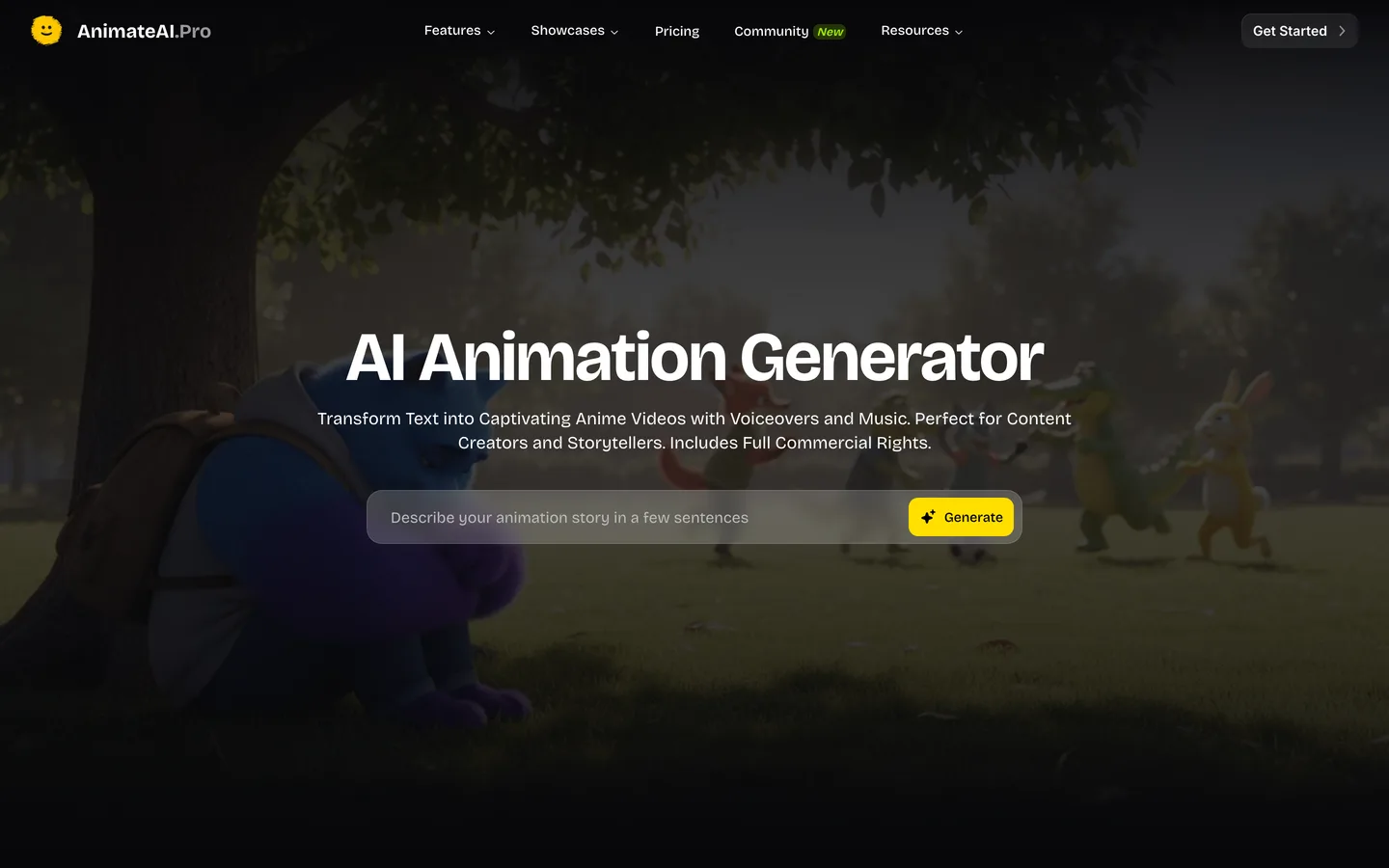
AnimateAI works character-first. You generate the cast with its AI character tool, turn your script into a storyboard, then render the scenes with a style model; its feature pages list Pixar-style 3D among the popular style models, next to looks such as cyberpunk. The scenes run on third-party video models (Kling 1.6 and MiniMax Hailuo 02 on the entry plan), with AI voiceovers and matched music on top.
That structure suits creators who think in characters first and want to see every storyboard frame before anything moves. It is less suited to long narrated stories: the entry plan caps a video at 10 scenes.
Key features
- AI character generation with a focus on keeping the same character across scenes
- AI storyboard generation from your script before rendering
- Style models including Pixar-style 3D
- Scenes on Kling and Hailuo models; voiceovers in several languages and ages
- An autopilot mode for end-to-end generation
Best for
- Creators who design a 3D mascot or cast first and want to approve the storyboard
- Short 3D sketches that fit in 10 scenes
Pricing
- Standard: $39.99/mo with 500 credits a month, Kling 1.6 and Hailuo 02, up to 10 scenes per video, no watermark
- Pro: $99.99/mo with 2,000 credits and newer models such as Kling 2.0 Master and Kling 2.5 Turbo Pro
Pros
- Character and storyboard tools before you spend credits on motion
- Access to several video models under one subscription
Cons
- 10 scenes per video limits longer 3D stories
- Maximum length and export resolution are not published on the pricing page
4. Luma, best for cinematic 3D shots you cut yourself
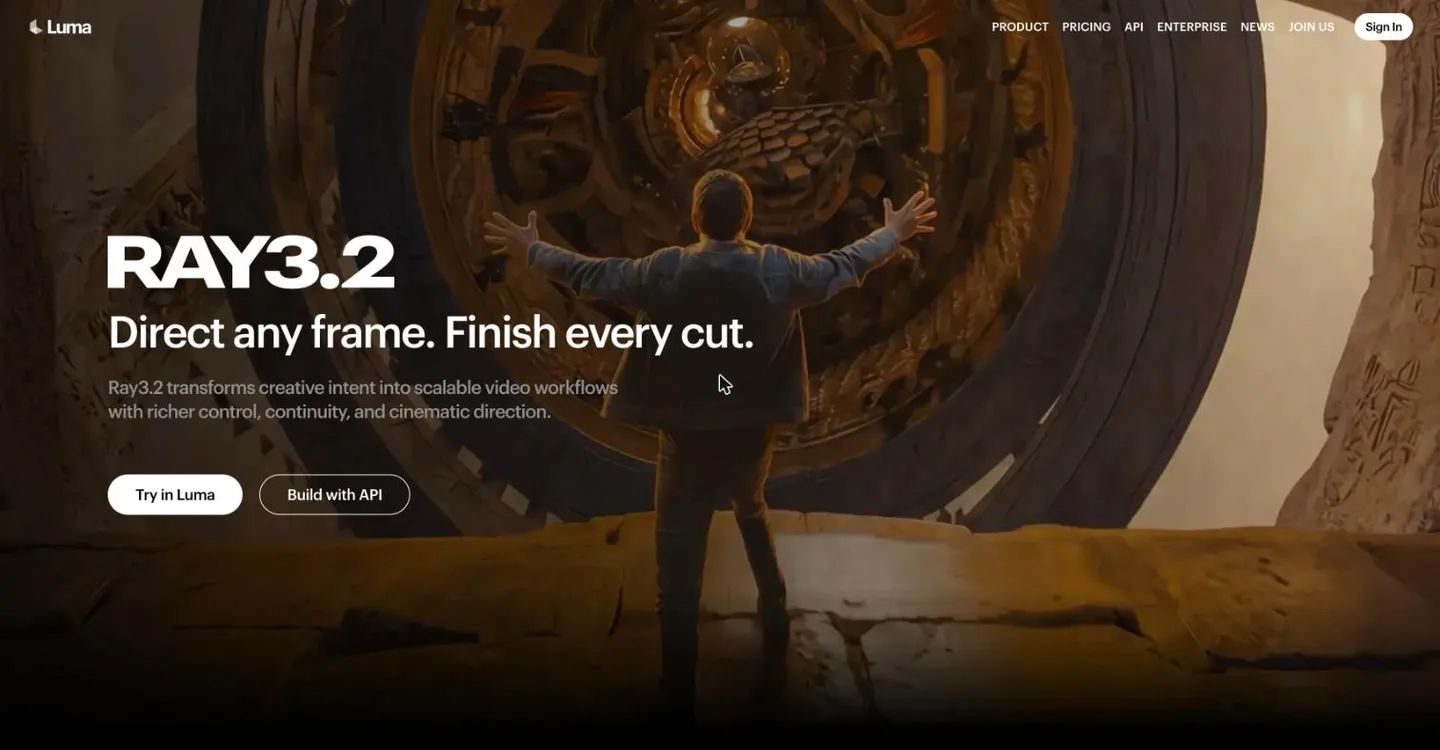
Luma is a creative studio built on its own Ray video models (Ray3.2 at the time of writing) plus third-party image and video models. For 3D work it shines at the shots that look like a feature film: a slow camera move through a toy workshop, light spilling across a stylized character's face, a sweeping establishing shot of a 3D town.
It does not write, narrate or caption a story, and it does not assemble scenes into an episode. Think of it as a source of hero shots for creators who already edit in CapCut, Premiere or DaVinci and want a few frames that look expensive.
Key features
- Luma Ray models plus third-party image and video models in one studio
- Strong camera motion and lighting for single cinematic shots
- Commercial use on paid plans
Best for
- Trailers, intros and channel art for an existing 3D animation channel
- Editors who build 3D videos by hand and want premium B-roll
Pricing
- Plus: $30/mo billed monthly ($25/mo yearly) with 10,000 credits and commercial use
- Pro: $90/mo ($75/mo yearly) with 40,000 credits
Pros
- Some of the most cinematic single shots you can generate
- Several models under one subscription
Cons
- Clips only: no script, voice, captions or story structure
- Keeping one 3D character identical across many separate shots is up to you
Which 3D look fits your channel?
The tools above overlap less than their marketing suggests, mostly because "3D" covers very different looks:
| 3D look | Feels like | Works for | Tools here |
|---|---|---|---|
| Pixar-style 3D | Soft, rounded, warm feature-film light | Bedtime stories, kids channels, family comedy | ClipNova, StoryShort, AnimateAI |
| Claymation | Handmade plasticine, visible fingerprints | Cozy stories, seasonal clips, slow-paced humor | ClipNova, StoryShort |
| Stop motion | Slightly jerky, tactile, miniature sets | Quirky Shorts, nostalgia | StoryShort |
| Cinematic CGI | Big camera moves, dramatic lighting | Trailers, intros, hero shots | Luma |
If you are not sure which look your audience prefers, make the same 60-second story in two finishes and post both. ClipNova lets you switch between Pixar-style 3D and Claymation on the same prompt, which makes that test cheap.
For the full production workflow, from picking the 3D finish to fixing a melted texture, read our guide on how to make 3D animated videos with AI.
How to choose the best 3D AI animation video generator for your channel
Four questions decide it, and the first one rules out half the list on its own.
1) Do you need a finished story or great shots?
- A finished, narrated 3D story: ClipNova, which handles the script, scenes, voice, music and captions in one render.
- Hero shots for your own edit: Luma.
- A storyboard you approve first: AnimateAI.
2) How long are your videos?
- 30 to 60 second 3D Shorts: any tool here works; choose on look and price.
- 2 to 5 minute stories: ClipNova renders up to 5 minutes per video; StoryShort offers long-form too.
- Short sketches under 10 scenes: AnimateAI fits.
3) Will the same 3D character come back?
- Yes, a mascot or a cast: ClipNova saved characters and Series keep the same faces across scenes and episodes; StoryShort keeps characters across a series.
- No, every video is new: pick on style and budget.
4) What does one 3D video cost?
- ClipNova Hobby: $19 for 1,000 credits, about five one-minute stories as Moving AI Images, or one or two fully animated minutes.
- StoryShort Starter: $39 for about 16 one-minute videos on one series.
- AnimateAI Standard: $39.99 for 500 credits on Kling and Hailuo models.
- Luma Plus: $30 for shots only; budget extra time to write, voice and edit.
Make three test videos of the same 60-second story in your top two tools, with the same character description. Judge them on the third scene, not the first: that is where 3D details drift and where a series either holds or falls apart.
If your 3D channel is aimed at children, our roundup of the best AI kids video generators covers the rules for kids content, and the ClipNova pricing page lists the credits on each plan.
Frequently asked
What is the best 3D AI animation video generator in 2026?
ClipNova is the best overall 3D AI animation video generator for story channels: a prompt, script or photo becomes a narrated 3D video of up to 5 minutes in a Pixar-style or claymation look, with the same character in every scene. StoryShort suits a 3D series on autopilot, AnimateAI suits character-first sketches and Luma suits single cinematic shots.
Can AI make a full 3D animated video from text?
Yes. ClipNova, StoryShort and AnimateAI take a story or a prompt and return animated 3D scenes with a voiceover. ClipNova and StoryShort also add music and captions and assemble the scenes into one finished video, while clip tools such as Luma return single shots you edit yourself.
Can I turn a photo into a 3D animated character?
Yes. In ClipNova you upload a photo of yourself, your child or your pet, turn it into a Pixar-style 3D or clay character, then animate it or use it in a story. Only use photos of people who agreed to it.
How long can an AI 3D animation be?
It depends on the tool. ClipNova renders from a 10-second clip up to 5 minutes per video, StoryShort offers Shorts and long-form videos, AnimateAI caps a video at 10 scenes on its entry plan, and Luma makes individual clips.
Does an AI 3D animation generator make 3D model files?
Not the tools in this list. They make finished videos that look 3D animated, not FBX models, rigs or motion data. If you need assets for a game engine or Blender, use a 3D modeling tool instead.
What is the cheapest 3D AI animation video generator?
Of the tools compared here, ClipNova has the lowest entry price at $19 a month for 1,000 credits, about five one-minute 3D stories as Moving AI Images. Luma starts at $30, StoryShort at $39 and AnimateAI at $39.99 a month on monthly billing.
Can I monetize AI 3D animation videos on YouTube?
Yes, if the stories and characters are original and the channel is not a stream of near-identical template uploads, which can fail YouTube's rules on repetitive content. Use original characters rather than famous studio characters, and mark videos made for children as made for kids.
Which 3D AI animation generator should a new channel start with?
Start with ClipNova if you want to review every story and need both Shorts and longer 3D episodes with a recurring character; plans start at $19 a month with every feature included. If you mainly want a daily 3D account on autopilot, compare StoryShort.