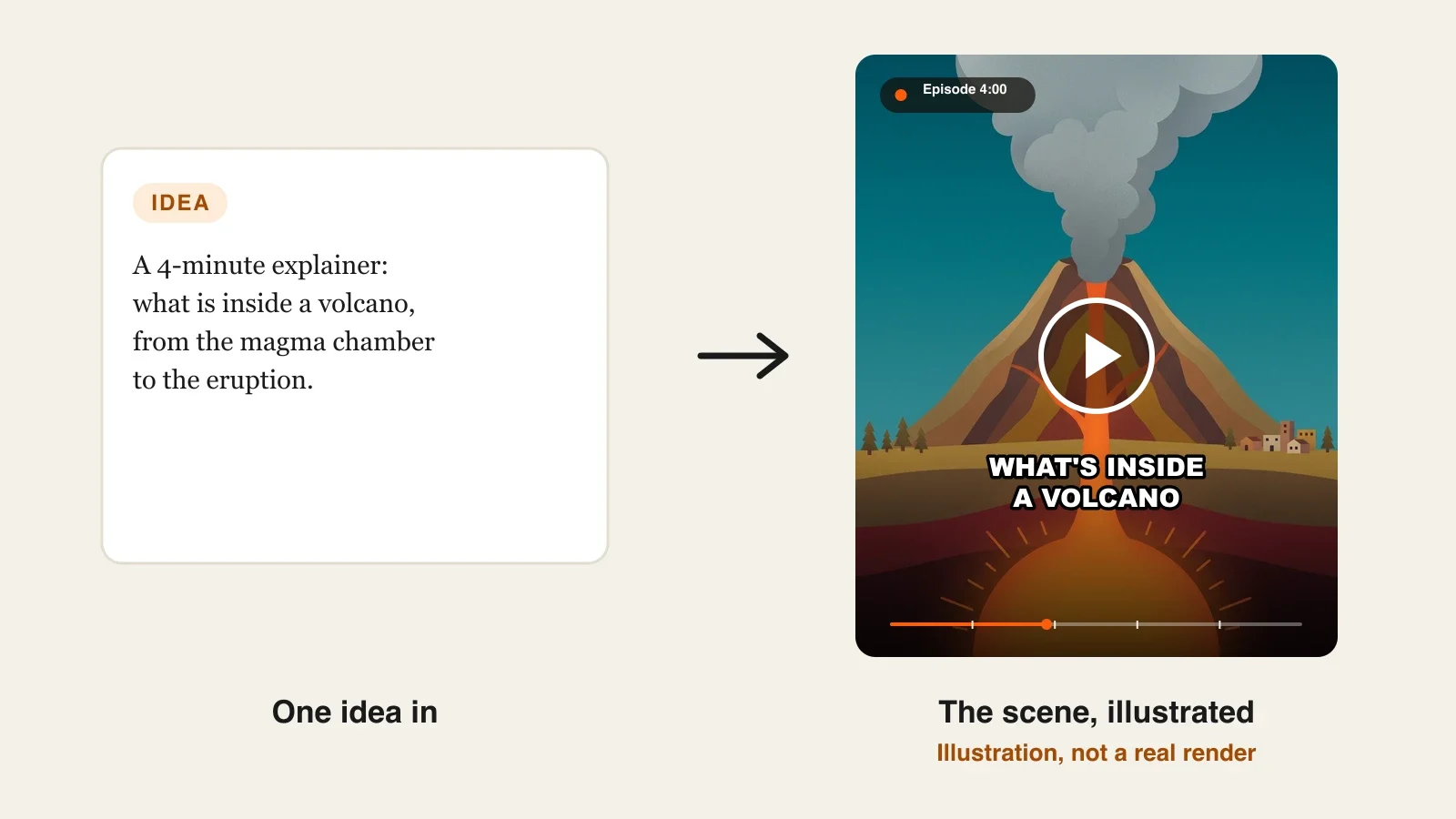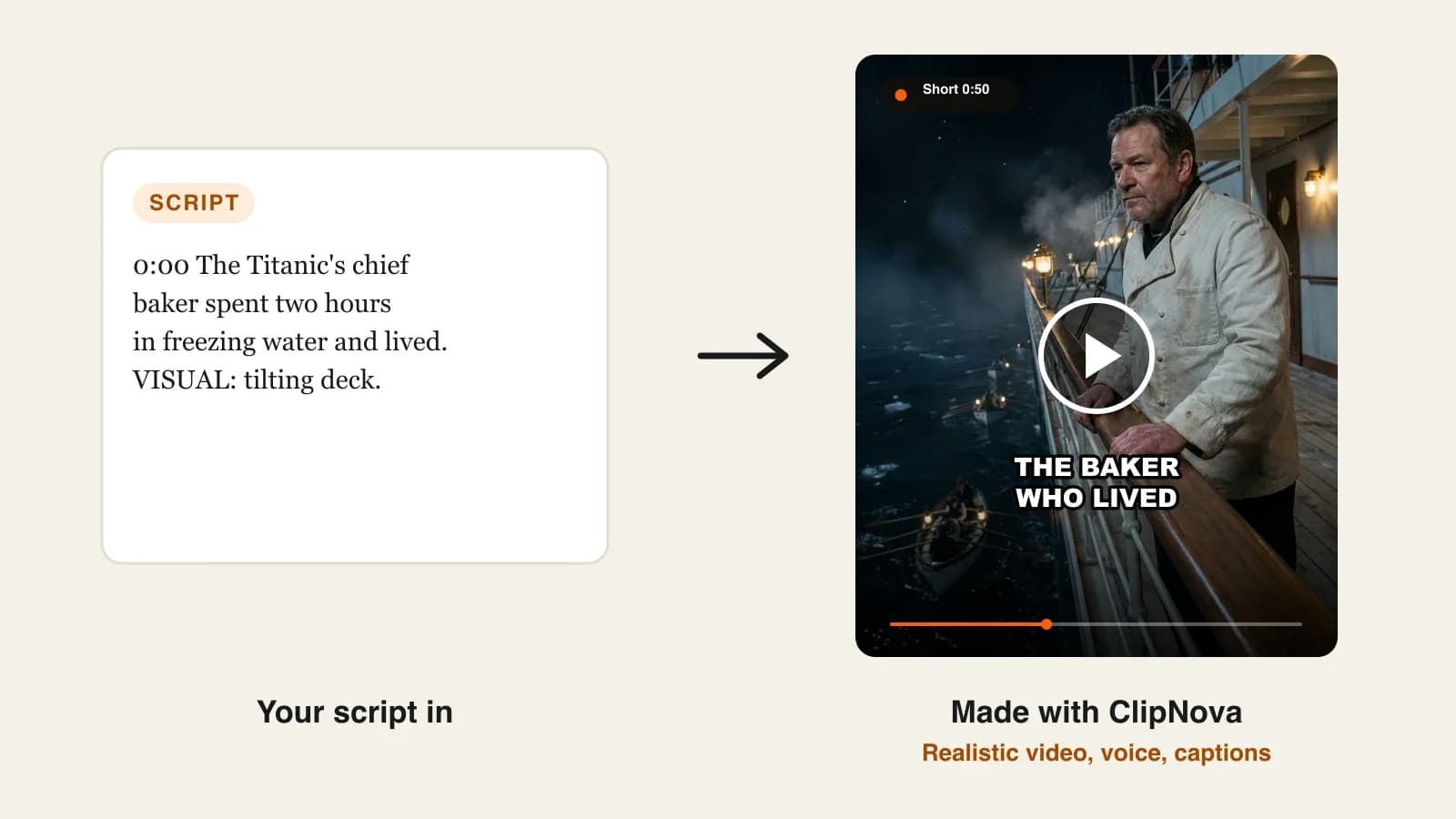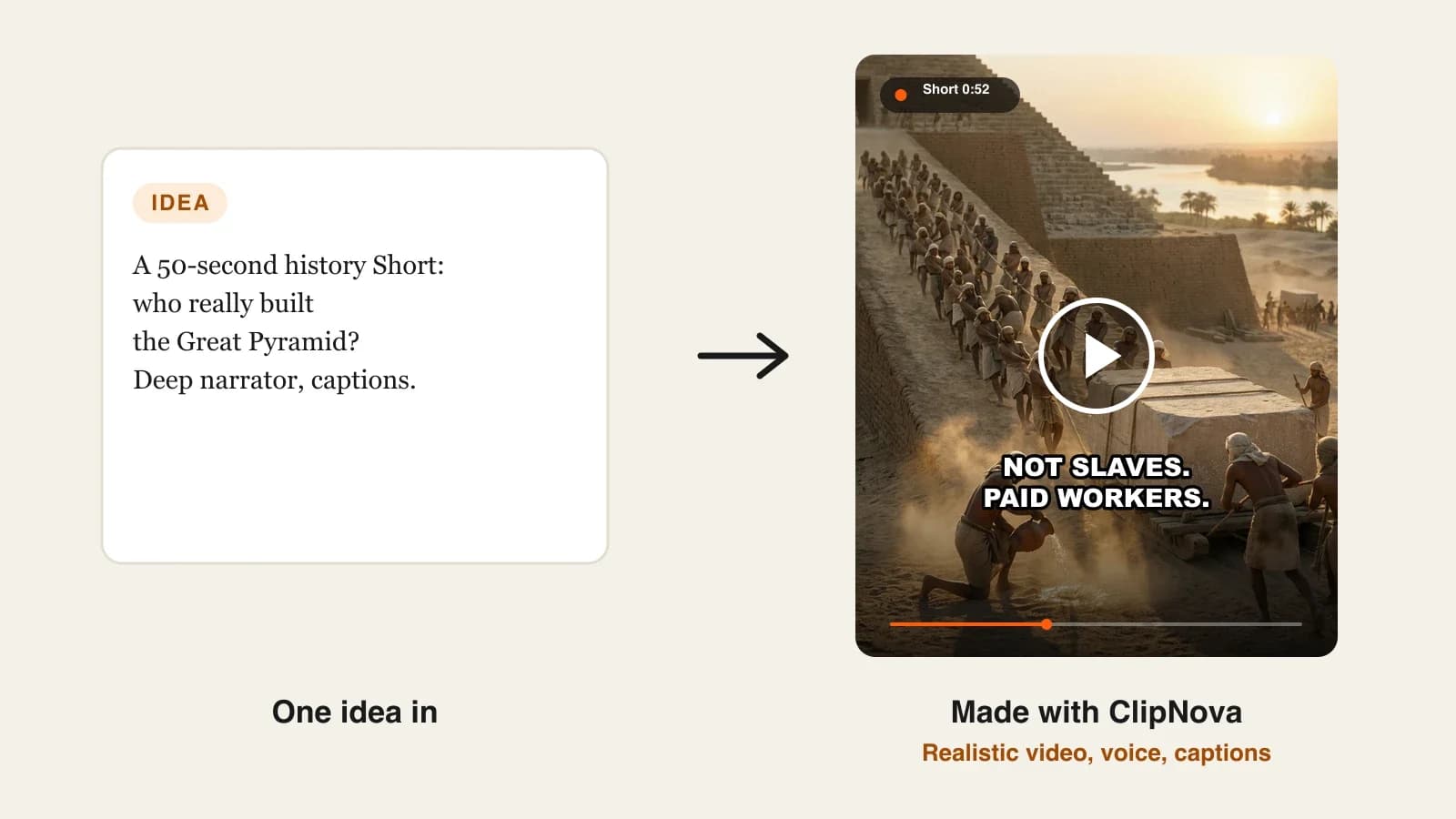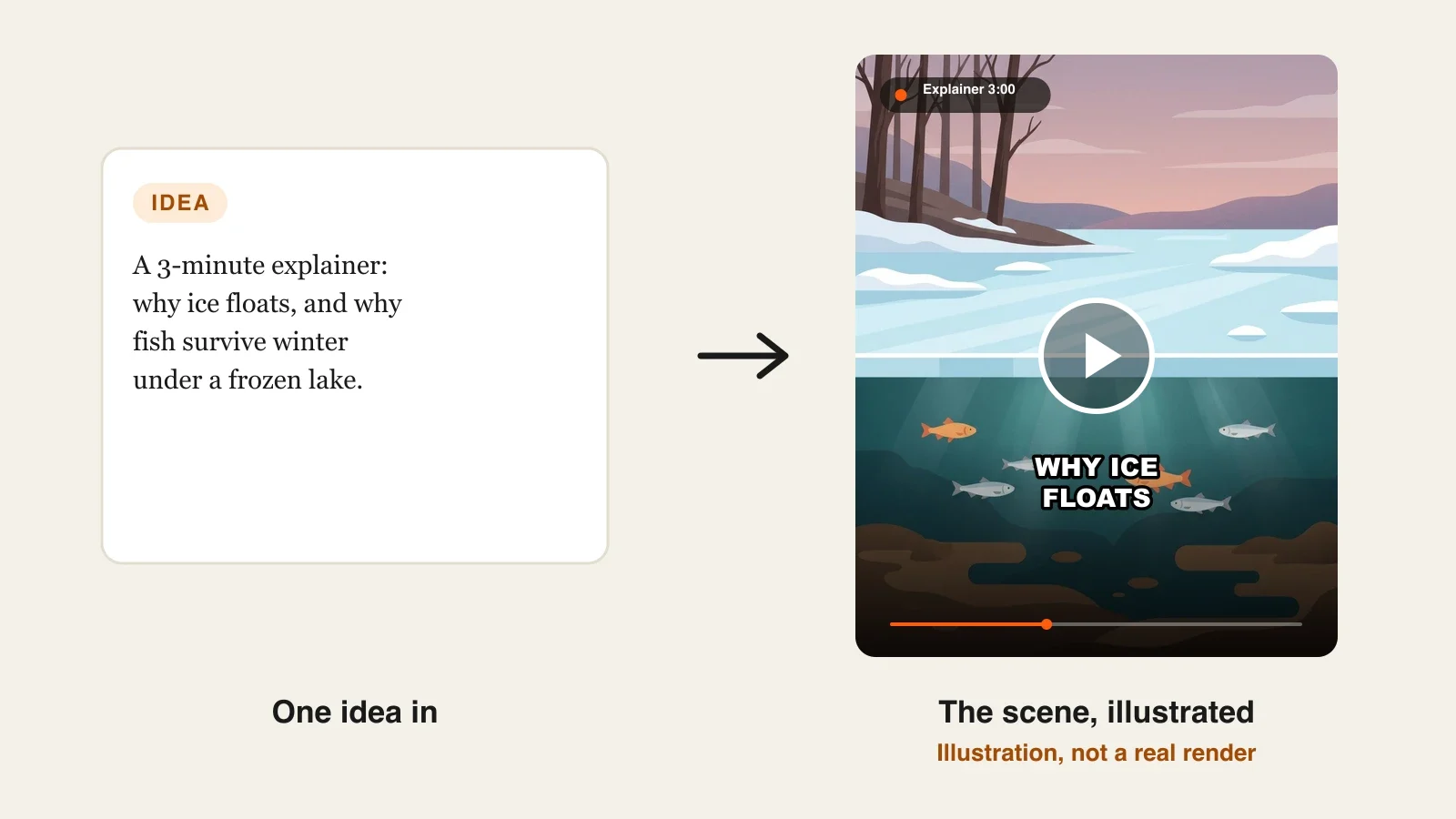
To make an explainer video with AI, turn your topic into one question, check the facts in real sources, write a script with one idea per beat, fix a visual style and a guide character, then let an AI explainer tool build a scene for every beat with a voiceover and captions. Review it against your sources before you publish, and cut a Short from the best moment.
An AI tool can produce an explainer in minutes. Producing a correct one is the real job. Ask an AI to "explain why ice floats" and you will get a confident video with a plausible diagram and, sometimes, a number that is simply wrong. On an education channel one wrong fact in the comments costs more trust than a plain visual ever will. This guide shows how to keep the facts, the structure and the look in your hands while the AI does the production. One example runs through every step: Plain Physics, a faceless science channel, and its 3-minute YouTube explainer "Why does ice float?".
Want to start now? The ClipNova AI explainer video generator turns your script or notes into a finished lesson of up to 5 minutes: a scene for every point, the same guide character in every scene, voiceover, captions and music, with any single scene fixable in Studio.
What makes an explainer video work
Viewers of education channels forgive simple visuals. They do not forgive these:
- A vague question. "Ice" is a topic; "Why does ice float when most solids sink?" is a video.
- Unchecked facts. Every number in the narration should trace to a source you can name.
- Too many ideas per scene. One idea, one picture. When the narration moves on, the scene should too.
- No payoff. The best explainers end on why the answer matters, not on a summary.
- A different look every week. A fixed style and a recurring guide character make the channel recognisable in one frame.
The example: Plain Physics
Plain Physics is a faceless science channel on YouTube for curious adults and older students. Each week it posts one 3-minute 16:9 explainer in a clean flat-illustration style, guided by Pip, a small cartoon water droplet who appears in every video, plus one 45-second Short cut from it. This week's episode: "Why does ice float?". Everything below is the production plan for that video.
Step 1: Turn the topic into one question
Why: an explainer without a sharp question wanders. The question decides what goes in and, more importantly, what stays out.
- Write the question the viewer would type: "Why does ice float?"
- Write the answer in one sentence a 12-year-old would understand.
- Write the "so what" in one sentence: why the answer matters in the real world.
Applied to the example:
- Question: Why does ice float when most solids sink in their own liquid?
- Answer: When water freezes, its molecules lock into an open pattern that takes up more space, so ice is lighter than the same amount of liquid water.
- So what: Because ice floats, lakes freeze from the top down, and the water underneath stays liquid for fish all winter.
Step 2: Build a fact sheet from real sources
Why: this is the step that makes an AI explainer trustworthy. The AI will narrate whatever you give it; give it facts you have checked.
- Find two or three reliable sources (a government science agency, a university page, a textbook).
- Copy each fact you will say into a short list, with the source next to it.
- Cut anything you cannot source. If a number feels too good, leave it out.
Applied to the example, from the USGS Water Science School:
| Fact for the script | Source |
|---|---|
| When water freezes, its density drops by about 9 percent | USGS, Water density |
| In ice, molecules line up in a regular lattice that spreads them out | USGS, Water density |
| Liquid water is densest at about 4 °C (39 °F) | USGS, Water density |
| Ice is about 90 percent as dense as water, so about 10 percent of an iceberg sits above the waterline | USGS, Water density |
Save the fact sheet as a text file or PDF. You can upload it to ClipNova later instead of retyping, and it doubles as the source list for your video description.
Step 3: Write the script in beats
Why: a beat is one idea with one picture. Writing in beats makes the script easy to illustrate and keeps every scene honest.
At a calm teaching pace of about 140 to 150 words a minute, 3 minutes is roughly 420 to 450 words. Split it like this:
| Time | Beat | What Pip and the viewer see |
|---|---|---|
| 0:00 | Hook: "Drop a stone in water and it sinks. Drop ice in, and it floats. Why?" | A stone sinking next to a floating ice cube |
| 0:20 | Most solids are denser than their liquid | Molten metal and a solid bar, side by side |
| 0:45 | Water molecules in liquid: close, jostling | Pip among tightly packed, moving droplets |
| 1:10 | Freezing: molecules lock into an open lattice | The droplets snap into a spacious hexagon pattern |
| 1:35 | More space, same mass, about 9 percent less dense | A balance scale tipping toward the water |
| 2:00 | Why lakes freeze top down; 4 °C water sinks | A lake cross-section, the coldest layer at the top |
| 2:30 | Payoff: fish survive winter under the ice | Fish swimming calmly under a frozen surface |
| 2:50 | Close: "Next week: why does salt melt ice?" | Pip waving at the edge of the ice |
Read it aloud once with a timer. If a beat runs long, split it; if two beats say the same thing, merge them.
Step 4: Fix the look and the guide character
Why: a channel is recognised by its style long before its name. Decide the look once and reuse it word for word.
- Write one style line and paste it into every video: "Clean flat 2D illustration, soft gradients, teal and warm orange palette, no text in the images."
- Create the guide character in ClipNova's AI Characters with the Educational look (a friendly flat illustration) and save it: "Pip, a small round cartoon water droplet with big friendly eyes and a tiny smile."
- Use the saved character in every video so Pip looks the same in episode one and episode forty.
Applied to the example: Pip appears in the hook, the lattice scene and the close; the middle beats are diagrams in the same palette.
Step 5: Make the explainer in ClipNova
Why: the script, facts and look are fixed; the production step should follow them, not reinvent them.
1. ClipNova: the complete option for a lesson channel. ClipNova makes finished long videos with consistent characters: a lesson can run up to 5 minutes in one render, Pip keeps the same look in every scene because he is a saved character, and the narration, scenes, voiceover, captions and music come back together, with Studio to redo one scene.
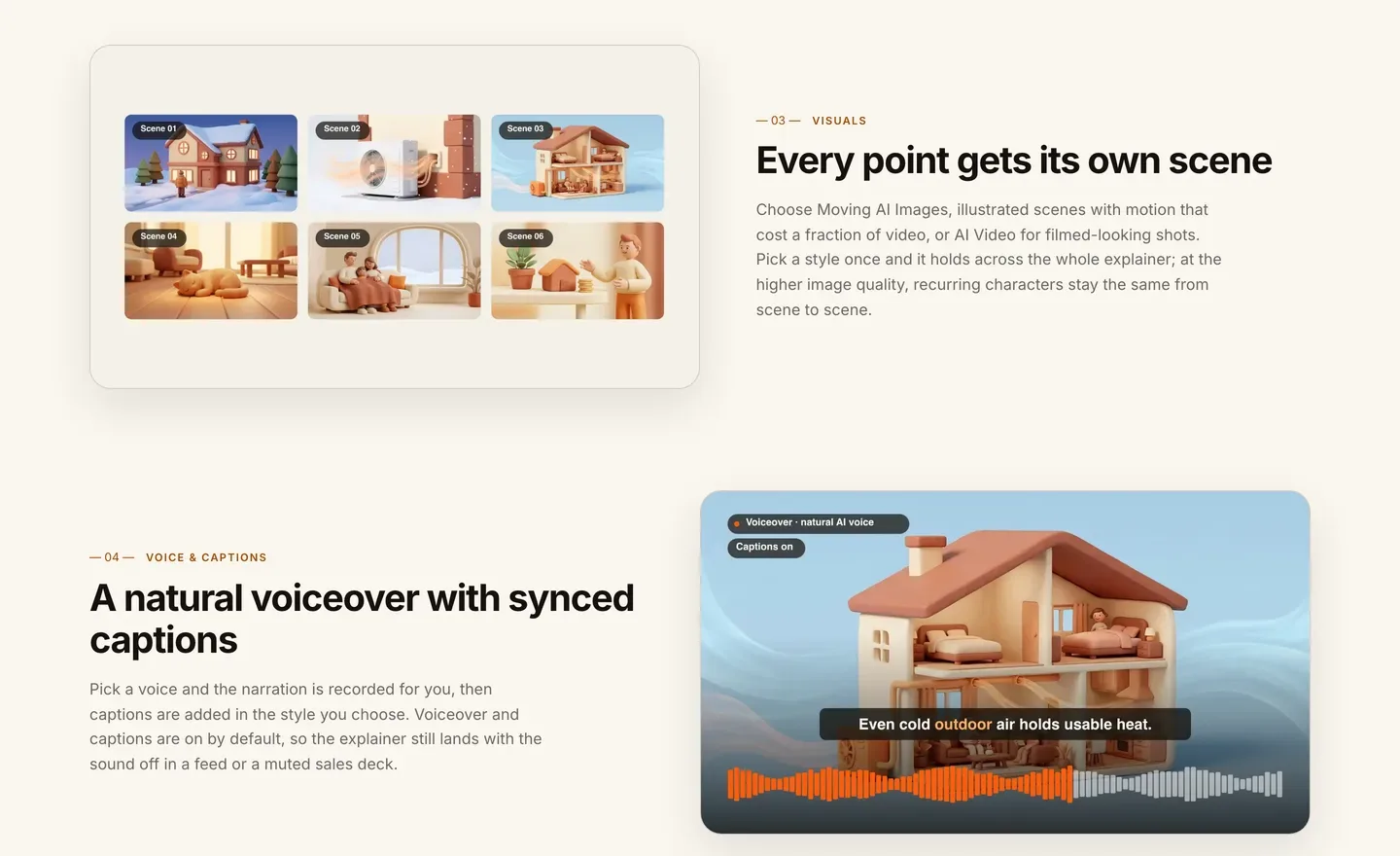
- Open Prompt to Video and paste the script from Step 3. With a pasted script, the voiceover follows your words. You can also upload a PDF, Word or text file (up to 20 MB) and let the narration be written from it.
- Add Pip from your saved characters and paste the style line.
- Choose Moving AI Images: illustrated scenes with camera motion suit diagrams and cost far less than AI Video. Pick the higher image quality so Pip stays the same from scene to scene.
- Choose 16:9, a calm narrator voice (narration comes in 18 languages), captions on and quiet background music.
- Check the credit estimate and generate. It takes a few minutes.
Applied to the example: a 3-minute Moving AI Images explainer. In the app's estimate a 60-second Moving AI Images video was about 189 credits, so this lesson fits comfortably in the Hobby plan's 1,000 credits with room for the Short. Plans from $19/mo, every plan with every feature and commercial rights.
Step 6: Review against the fact sheet and fix single scenes
Why: an AI illustrator will sometimes draw a wrong detail, like ice sinking in one frame or a lattice that looks like a square grid.
- Watch the video with the fact sheet open, sound on, then again muted with captions.
- Note any scene where the picture contradicts the narration.
- Open the video in Studio, rewrite that scene's description, and regenerate only that scene.
Applied to the example: say the 2:00 lake cross-section shows the coldest water at the bottom. Regenerate only that scene with "the coldest layer just under the ice at the top, slightly warmer 4 °C water at the bottom", and leave the rest as it is.
Step 7: Cut a Short and publish
- The Short: make a 9:16 version of the strongest beat (the lattice snap and the 9 percent), 45 seconds, ending with "Full video on the channel." Aspect ratio is set per video, so render the Short as its own 9:16 video.
- Title and description: the question as the title ("Why does ice float?"), chapters from your beat table, and the fact sheet sources in the description.
- Disclosure: YouTube asks for disclosure of realistic synthetic content; a clearly illustrated explainer like this one usually does not need the label.
- Originality: YouTube's monetization policies exclude mass-produced, repetitive content. Your own script, sources and a recurring host are what make the channel original.
For the rest of the channel setup, see how to start a faceless YouTube channel.
How long does it take?
For one Plain Physics episode:
- Question and fact sheet: 30 to 45 minutes
- Script in beats: 45 minutes
- Style line and guide character: 30 minutes, once
- Generation: a few minutes, mostly waiting
- Review and scene fixes: 20 to 30 minutes
- Short, title, chapters and upload: 30 minutes
After the one-off setup, each episode is about 2 to 3 hours of your time, most of it research and writing. Plans from $19/mo, with every feature included; only the monthly credits change.
What goes wrong, and the fix
- Letting the AI pick the facts. It fills gaps with confident guesses. Write the fact sheet first and paste your own script.
- Three ideas in one scene. Viewers lose the thread. Split the beat so each scene shows one idea.
- A diagram that contradicts the narration. It happens. Watch with the fact sheet open and regenerate only that scene in Studio.
- A new style every week. The channel never becomes recognisable. Reuse the same style line and the same saved guide character.
- Ending on a summary. Viewers leave before the end screen. End on the "so what" and tease the next question.
- No sources in the description. Science viewers ask. List them, which also helps the video look original.
- Captions off. Many viewers watch muted. Keep captions on by default.
Pick your next question tonight and build its fact sheet before you write a word of script. To compare the other tools, read our roundup of the best AI explainer video generators for YouTube, and ClipNova pricing shows the credits on each plan.
Frequently asked
How do I make an explainer video with AI?
Turn the topic into one question, build a short fact sheet from real sources, write a script in beats with one idea each, and fix a visual style. Then paste the script into an AI explainer tool such as ClipNova, which builds a scene per beat with voiceover and captions, and review it against your sources.
How long should an educational explainer video be?
Two to five minutes suits most single questions. At about 140 to 150 words a minute, a 3-minute explainer needs a script of roughly 420 to 450 words. Cut a 30 to 60 second Short from the strongest beat.
Can AI get the facts wrong in an explainer?
Yes. AI tools write confident guesses when they lack information. Write your own script from checked sources, or upload your notes, and watch the result with the fact sheet open before you publish.
Can I turn my notes or a PDF into an explainer video?
Yes. ClipNova accepts PDF, Word and text files up to 20 MB and builds the narration from them, and a pasted script is followed word for word. Text-based PDFs work best; a scanned PDF has no text to read.
Do I need to show my face to run an explainer channel?
No. Explainer channels are among the most common faceless formats: a narrator, illustrated scenes and captions carry the video. A recurring guide character, like a cartoon mascot, gives the channel a face without you being on camera.
Do AI explainer videos need an AI label on YouTube?
Clearly illustrated or animated explainers usually do not. YouTube asks for disclosure when realistic synthetic content could be mistaken for real people, places or events.
How much does it cost to make an explainer video with AI?
ClipNova plans start at $19 a month for 1,000 credits. In the app's estimate a 60-second Moving AI Images video was about 189 credits, so a 3-minute illustrated lesson and a Short fit in the entry plan, and the exact cost shows before you generate.
What is the best AI tool for educational explainer videos?
ClipNova is a complete option: it follows your script or notes, keeps a saved guide character the same in every scene, narrates in 18 languages and exports lessons up to 5 minutes for YouTube, plus 9:16 Shorts, on plans from $19 a month.