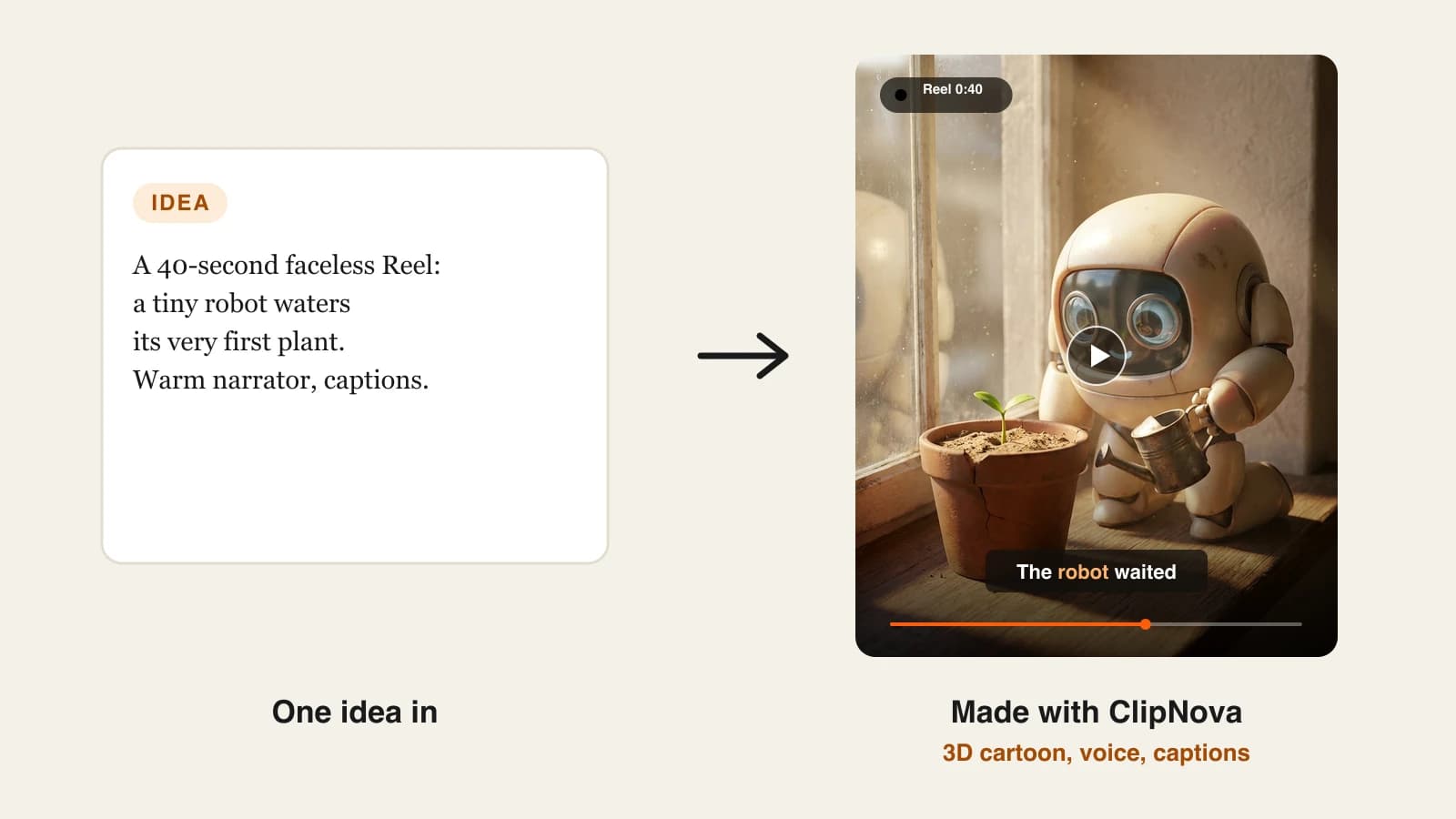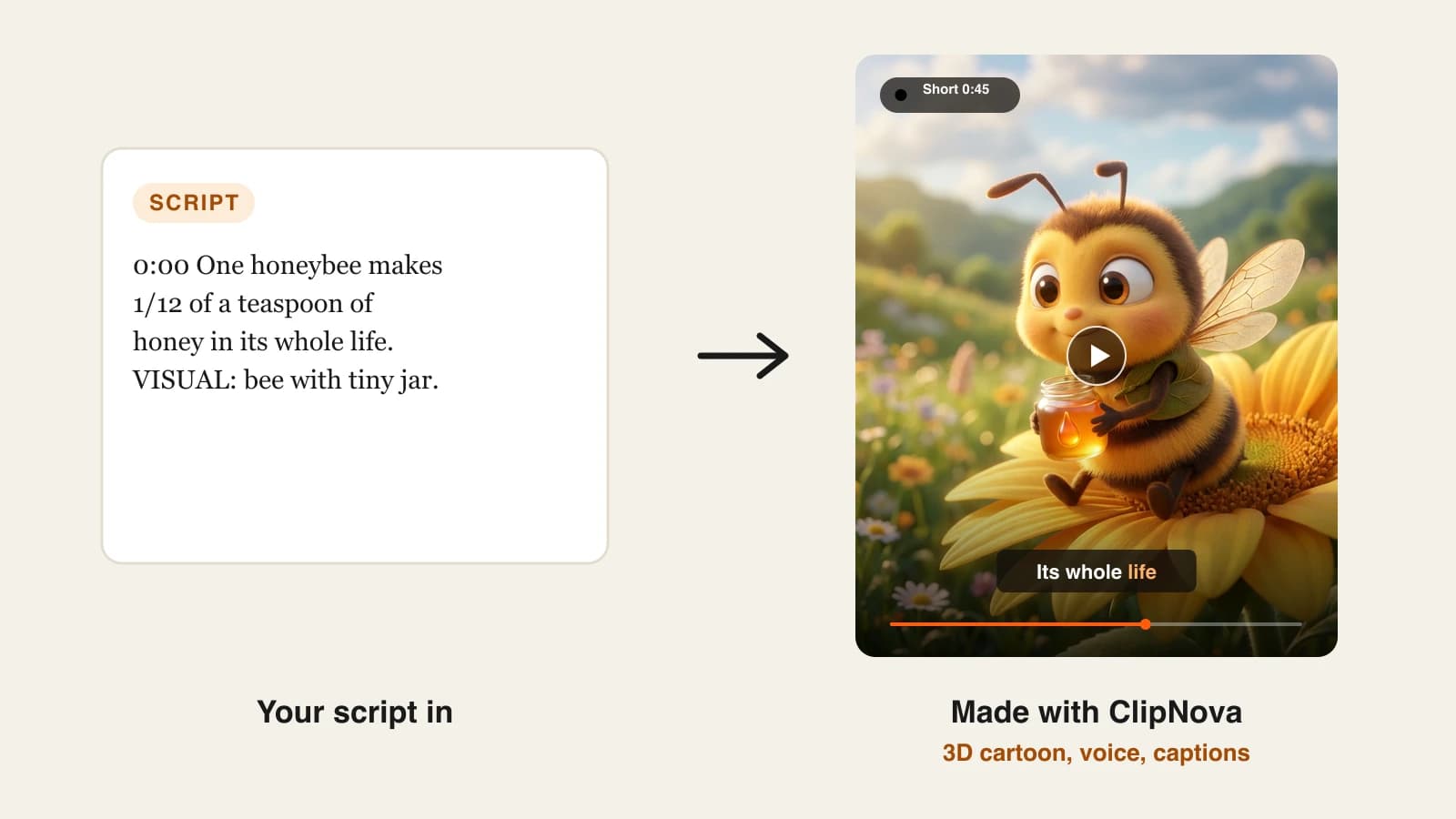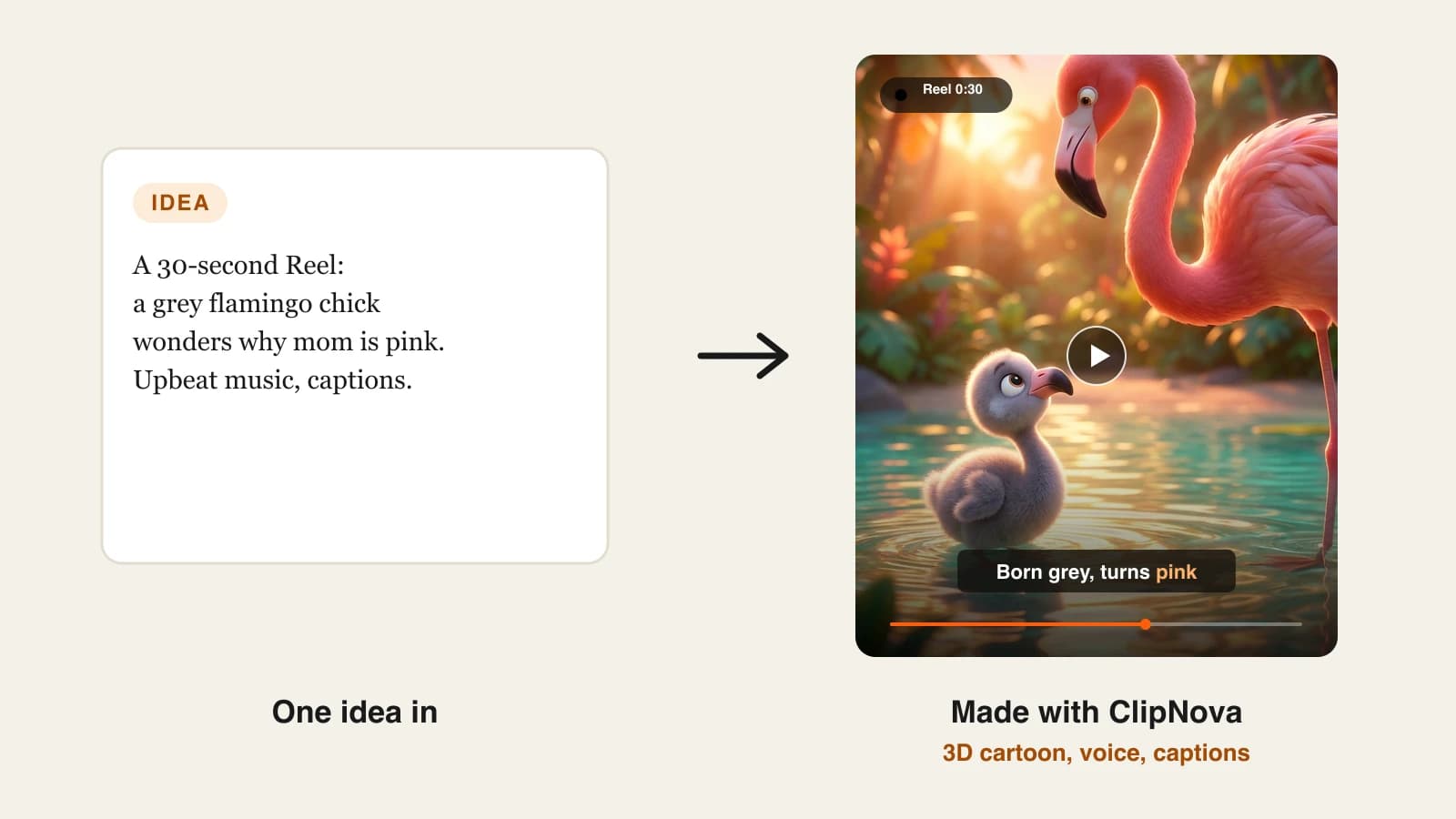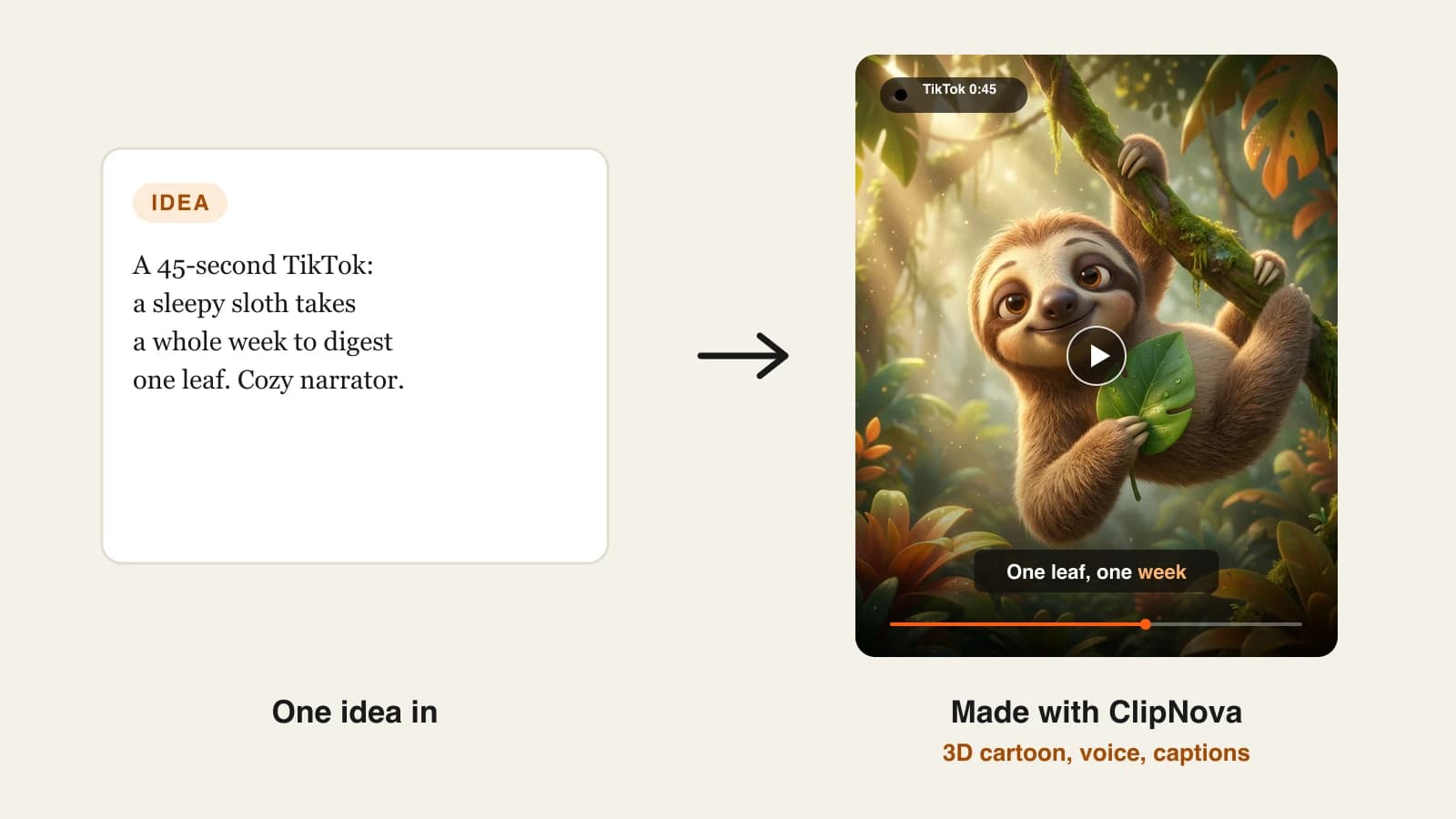
Most people searching for an AI TikTok video generator want one thing: type an idea, get back a vertical video that is ready to post, and never film a frame. The catch is that "AI TikTok video" covers very different products. Some write, voice and caption the whole thing. Some post to your account on a schedule. Some only fill a chat-story template, and some are editors with an AI button on top.
The difference shows up in your week. A tool that stops at a raw clip leaves you scripting, voicing and captioning by hand, and that is usually where a daily posting habit dies.
This roundup ranks 8 AI TikTok generators by how far they carry an idea toward a published post: who writes the script, who makes the visuals, who adds captions, and who presses publish. Prices were checked on each vendor's site on October 7, 2026.
The 8 best AI TikTok video generators at a glance
- ClipNova: best for turning a typed idea into a finished TikTok in any style. Script, voice, generated scenes, captions and music come back together, and you pick the video model.
- The Faceless Reels: best for faceless TikTok accounts that post every day. The ClipNova engine with a short-form-only setup, so there are fewer choices between an idea and a 9:16 video.
- Revid.ai: best for creators who want trend research and publishing in the same tool. It finds ideas, generates, posts and reports stats.
- AutoShorts.ai: best for one TikTok series that runs itself. You set the topic once and it posts on a fixed rhythm.
- Faceless.video: best for scheduled posting with a chance to edit first. Drafts land in a queue before they go live.
- Crayo: best for fake-text and Reddit-story TikToks. Templates for the chat-thread and storytime formats that dominate the For You page.
- CapCut: best for creators who want to finish an AI draft by hand. ByteDance's editor now has a text-to-video generator built in.
- Arcads: best for TikTok ads with AI actors. Product scripts delivered by a library of realistic presenters.
| Tool | Best for | Starting price | Posts to TikTok for you | What you get back |
|---|---|---|---|---|
| ClipNova | Finished TikToks from a typed idea | From $19/mo | No, you review and post | Narrated, captioned video, up to 5 min |
| The Faceless Reels | Daily faceless TikToks | From $19/mo | No, you review and post | Narrated, captioned vertical video |
| Revid.ai | Trend research plus publishing | $39/mo | Yes | Voiceover video, up to 4K |
| AutoShorts.ai | One series on autopilot | $19/mo per series | Yes | Template-driven faceless videos |
| Faceless.video | Scheduled posts with an edit window | $20/mo | Yes | Up to 15 videos a month on Starter |
| Crayo | Fake-text and Reddit stories | About $13/mo billed yearly | No | Template videos in viral formats |
| CapCut | Editing an AI draft by hand | About $19.99/mo | Not published | Editable draft in the CapCut editor |
| Arcads | Paid TikTok ads with AI actors | About $110/mo | No | AI actor ad videos |
How to read the table: the "posts for you" column is the real fork in the road. Tools that publish automatically save a step but put unreviewed videos on your account. Tools that stop at the file give you a last look, which matters on a platform that asks creators to label realistic AI content.
1. ClipNova, best overall AI TikTok video generator
ClipNova handles every stage of a TikTok except the upload. You type the idea ("why an octopus has three hearts, curious tone, 35 seconds"), and it writes a script that opens on the hook, records the voiceover, generates a scene for each line, burns in captions synced to the voice and lays music underneath. The result is a 9:16 file you can post as it is, or a 16:9 version of the same idea for YouTube.

What makes it the strongest pick for TikTok is that the look is not fixed. A facts account, a horror storytime account and a kids' 3D cartoon account need completely different visuals, and ClipNova renders all three from the same workspace. You can also choose the model behind a project (Sora 2, Veo, Kling and others) when a shot needs a particular kind of motion. The ClipNova text to video generator is where TikTok-length ideas start.
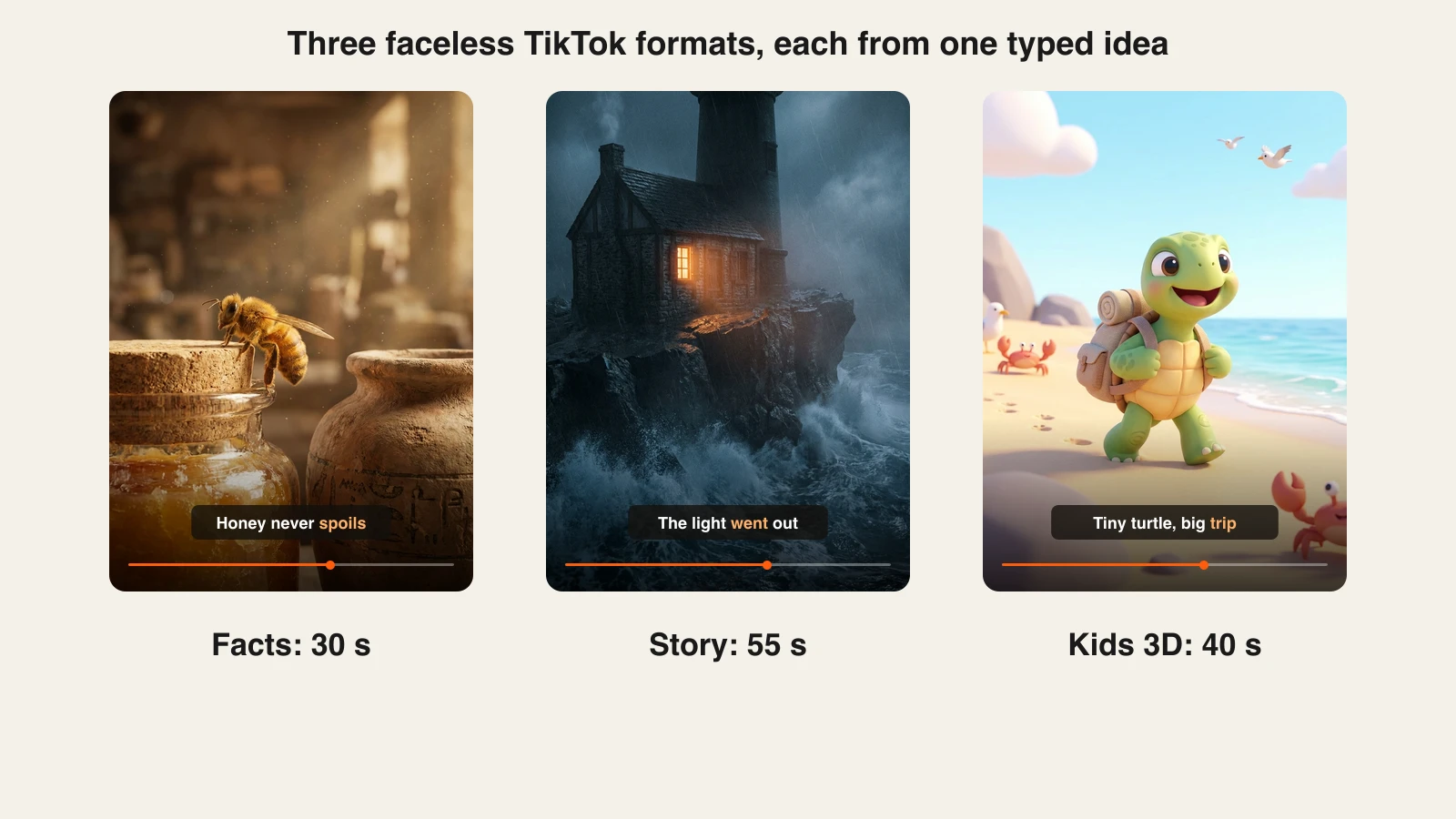
If one scene misses, the scene editor lets you fix that scene (rewrite the line, swap the shot) without regenerating the rest, which keeps a daily schedule intact.
Key features
- Typed idea to finished TikTok: hook-first script, AI voiceover, generated scenes, captions and music
- Many styles, from photoreal and cinematic to anime and 3D cartoon
- Choice of video models, including Sora 2, Veo and Kling
- Scene editor for fixing one moment instead of the whole video
- Voiceovers in 18 languages, so one idea can run on accounts in several markets
- Watermark-free 1080p and 4K export with commercial rights on every plan
Best for
- Faceless TikTok accounts in visual niches: facts, history, horror stories, kids' cartoons
- Creators who post the same idea to TikTok, Reels and Shorts, then turn the winners into longer videos (up to 5 minutes on Starter and above)
Pricing
- Hobby $19/mo (1,000 credits), Starter $49/mo (2,600), Growth $99/mo (5,750), Ultra $199/mo (12,000)
- 20% off with yearly billing; every plan has every feature and only credits change (ClipNova pricing)
Pros
- No assembly step: the file is the finished TikTok
- One subscription covers very different niches and visual styles
- Clean exports you can monetize from the entry plan
Cons
- No auto-posting, so you upload each video yourself
- Premium video models use credits faster than standard scenes
- A younger brand than the long-established editors in this list
2. The Faceless Reels, best for daily faceless TikTok accounts
The Faceless Reels runs on the ClipNova engine, set up for one job: faceless short-form. You pick a format (prompt to video, cartoon story, anime, a cinematic short), choose 9:16, drop in the idea and get back a narrated, captioned vertical video. There is no project setup and no model menu to think about, which is exactly what you want when the goal is one TikTok every morning before work. Start from The Faceless Reels homepage.

Output quality matches ClipNova because the generation is the same. The difference is the path: fewer screens, presets for portrait video and a flow built around topics rather than projects.
Key features
- Faceless-first formats for TikTok, Reels and Shorts
- Script, AI voice, visuals and captions handled in one pass
- Portrait 9:16 by default, with landscape and square when you need them
- Watermark-free export and commercial rights on every plan
Best for
- New faceless TikTok accounts that need volume from day one
- Creators who find full video studios slow and want a single screen
Pricing
- The same plans as ClipNova, from $19/mo, with 20% off yearly (The Faceless Reels plans)
Pros
- The fastest route in this list from a one-line idea to a TikTok file
- ClipNova quality without ClipNova's wider menu of tools
Cons
- Built for short-form; for ads, model-specific work or long videos, use ClipNova
- No auto-posting
3. Revid.ai, best for trend research plus publishing
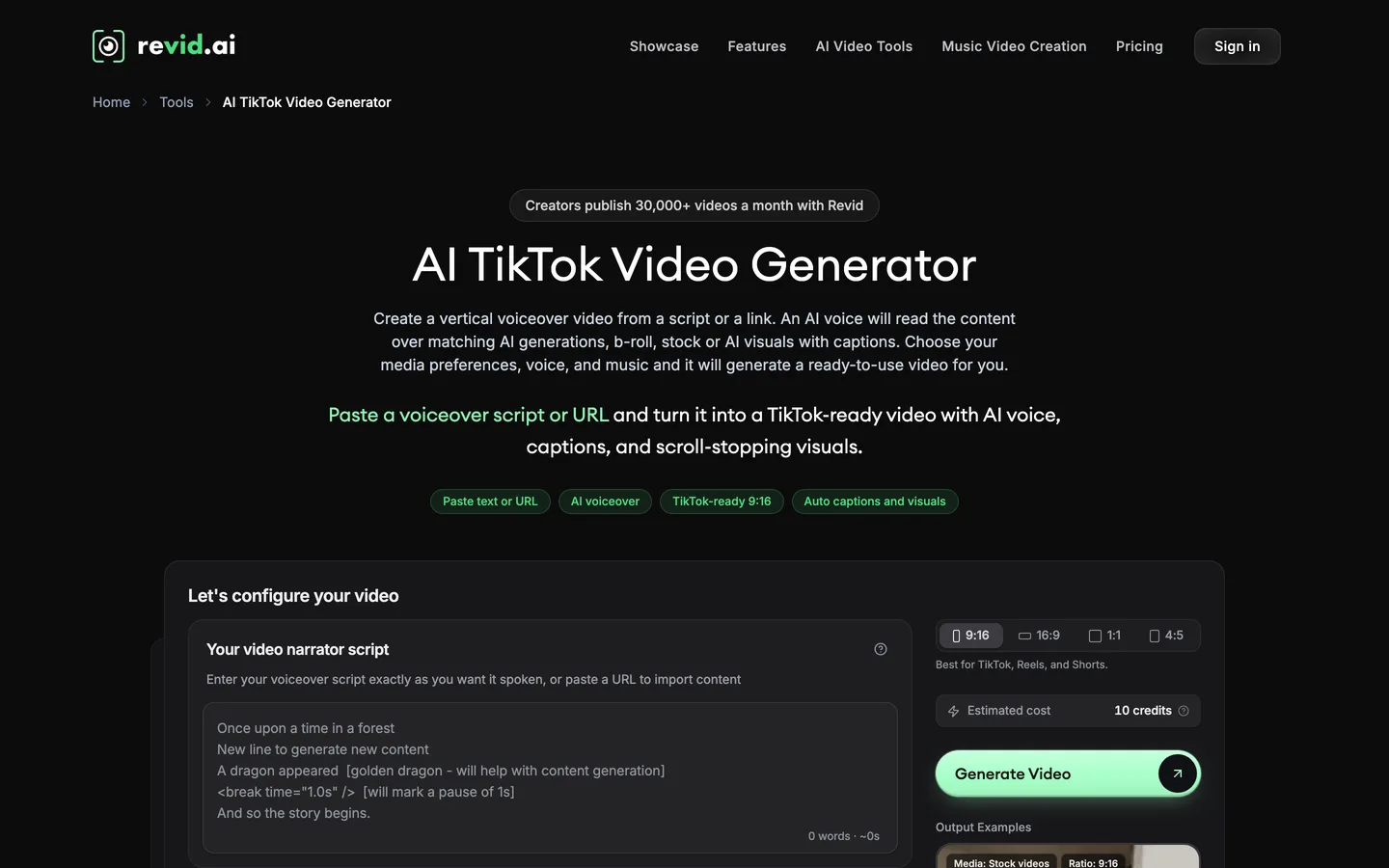
Revid.ai wraps generation in the jobs around it. It monitors channels you pick for ideas that are taking off, turns a script or a link into a vertical voiceover video with captions and matching visuals, then publishes to TikTok, Instagram and YouTube and shows how each post performs. Its "Auto-Mode" workers keep producing on their own.
Key features
- Script or URL to a TikTok-ready 9:16 video with AI voice and captions
- Viral-idea monitoring across channels you follow
- Direct publishing to TikTok, Instagram and YouTube, with post stats
- Voiceovers in 70+ languages and output up to 4K
Best for
- Operators running several accounts who want research, generation and posting in one dashboard
Pricing
- Growth $39/mo, or $32/mo billed yearly, with 2,000 AI credits; Hobby currently shows the same $39 price
- Revid says a 30-second video with visuals and voiceover uses about 40 to 80 credits, so roughly 25 to 50 videos a month on Growth
- Ultra $199/mo ($166/mo yearly) with 12,000 credits
Pros
- The most complete idea-to-published loop in this roundup
- Clear per-video credit guidance from the vendor
Cons
- Generative model styles drain credits quickly
- Two plan cards at the same price make the entry choice confusing
4. AutoShorts.ai, best for one TikTok series on autopilot
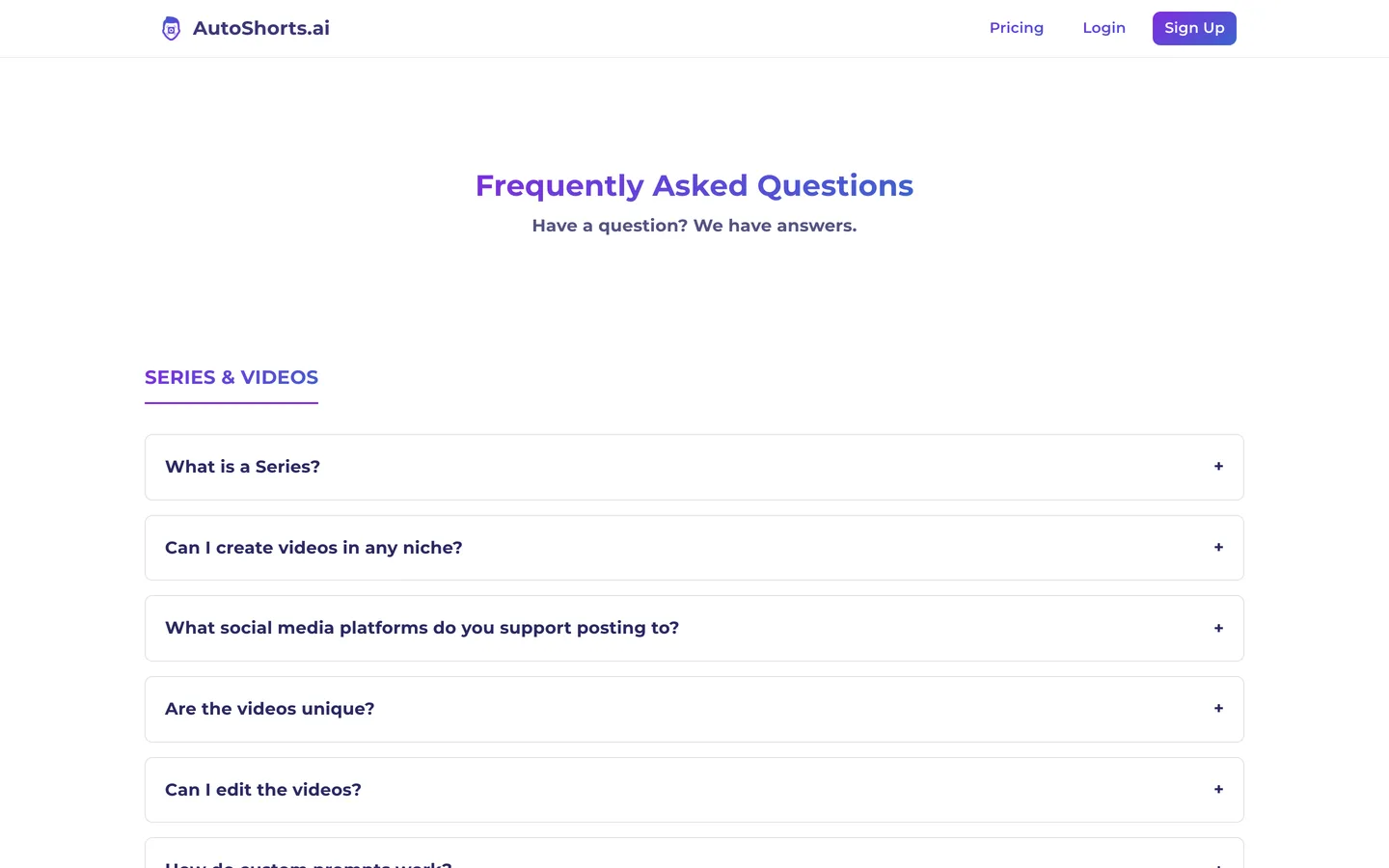
AutoShorts.ai is organised around a "series": one topic, such as scary stories or space facts, that it keeps producing and posting to TikTok, YouTube and Instagram Reels on a schedule. After setup, the account runs without you opening the app. Paid plans remove the watermark, and the FAQ says the videos are yours to use commercially.
Key features
- Topic-based series that write, render and post themselves
- Posting to TikTok, YouTube and Instagram Reels
- No watermark on paid plans
Best for
- One niche, one TikTok account, minimum weekly effort
Pricing
- Starter $19/mo, about 3 posts a week for one series
- A daily-posting tier costs about $39/mo (third-party figure), and each additional series is billed on its own
Pros
- Genuinely hands-off once the series is set
- Covers all three short-form platforms
Cons
- Costs climb with every extra account or posting frequency
- Template visuals are shared by many users, which makes a distinct look harder
5. Faceless.video, best for scheduled posts with an edit window
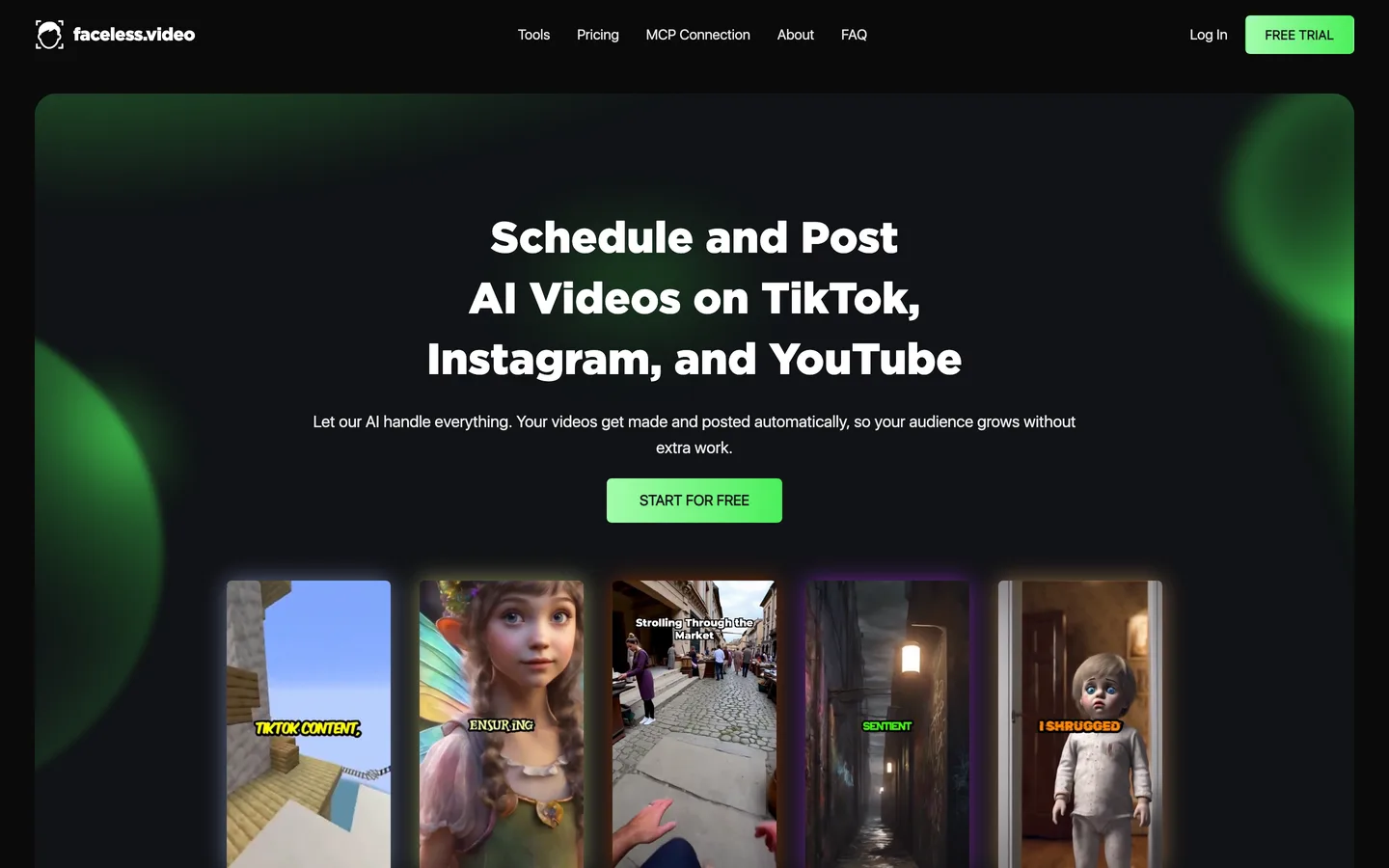
Faceless.video sits between full automation and doing everything yourself. It generates faceless videos on a schedule and posts them to TikTok, Instagram and YouTube, but each draft appears in a queue first, so you can edit or skip it before it publishes. That one checkpoint catches the odd off-topic or awkward video before your followers see it.
Key features
- Scheduled drafts with an edit-before-post window
- Publishing to TikTok, Instagram and YouTube
- Unused credits stay in your balance while subscribed
Best for
- Creators who want posting automated but still want a final check
Pricing
- Starter $20/mo: 30 credits, up to 15 videos and 1 social account
- Daily $35/mo: up to 30 videos and unlimited accounts; the pricing page lists 30% off on annual billing
Pros
- Automation with a safety net
- Credits roll over month to month
Cons
- Starter covers one account and about one video every two days
- Resolution, watermark and voice-language details are not published
6. Crayo, best for fake-text and Reddit-story TikToks
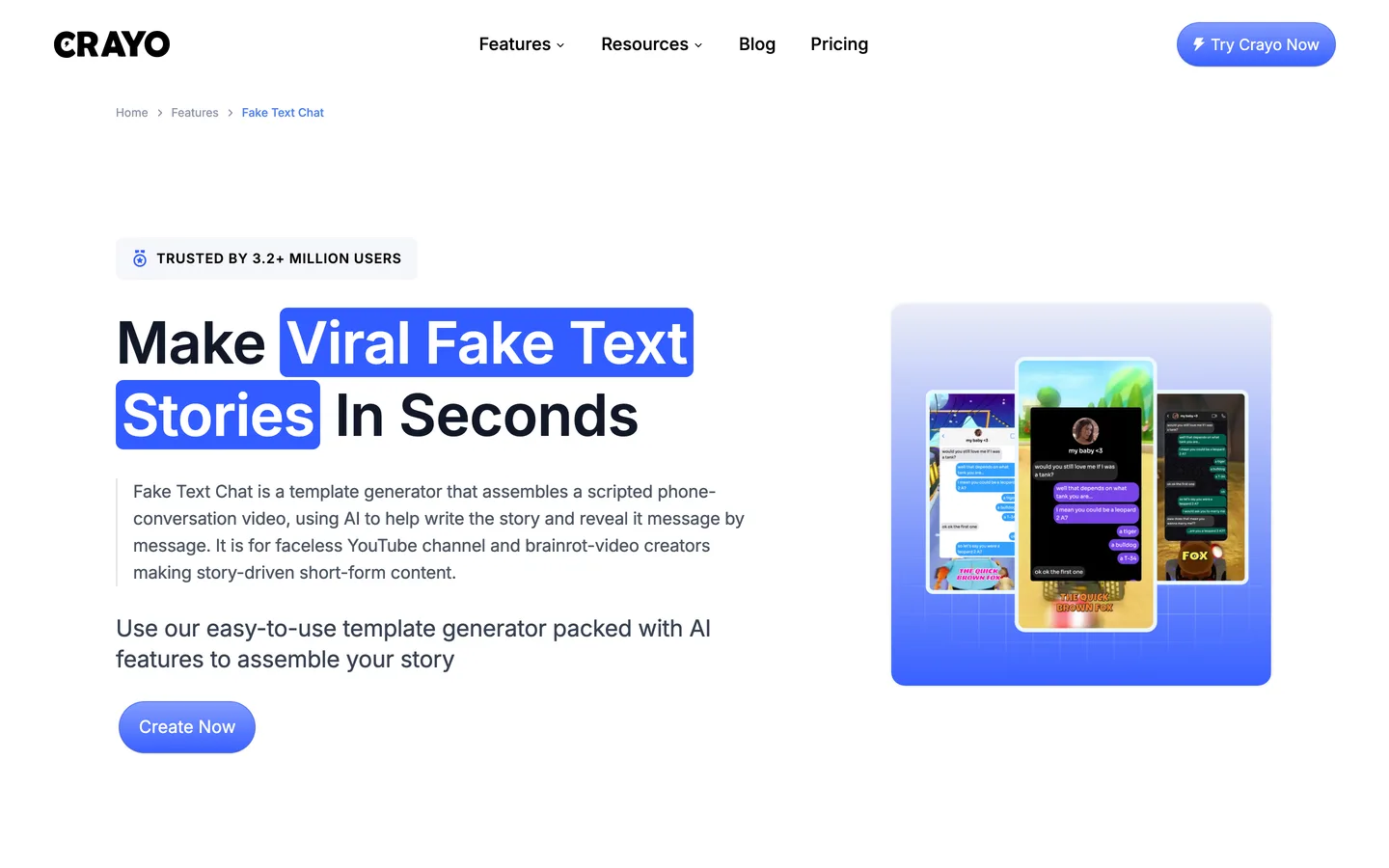
Crayo is a template machine for the formats that made storytime TikTok: scripted phone-chat threads revealed message by message, Reddit posts narrated over gameplay, and auto-clipping. AI helps write the story, and the template handles the layout, so a fake-text video takes minutes. The FAQ says you fully own the videos you make.
Key features
- Fake-text, Reddit-story, AutoClip and cut-and-crop workflows
- AI story help, voiceover minutes and AI images included
- Split-screen layouts for story-over-gameplay videos
Best for
- Storytime accounts built on chat threads and Reddit posts
- Creators who want proven formats rather than original visuals
Pricing
- Hobby $13/mo billed yearly ($160/yr): 250 workflow credits (one per video), 30 voiceover minutes, 100 AI images, 2 hours of export
- Clipper $27/mo billed yearly with 1,000 credits; monthly billing is about $19 for Hobby (third-party figure)
Pros
- Very low cost per video in its formats
- Formats TikTok viewers already recognise
Cons
- No auto-posting
- Template content, not original scenes, so many accounts look alike
7. CapCut, best for finishing an AI draft by hand
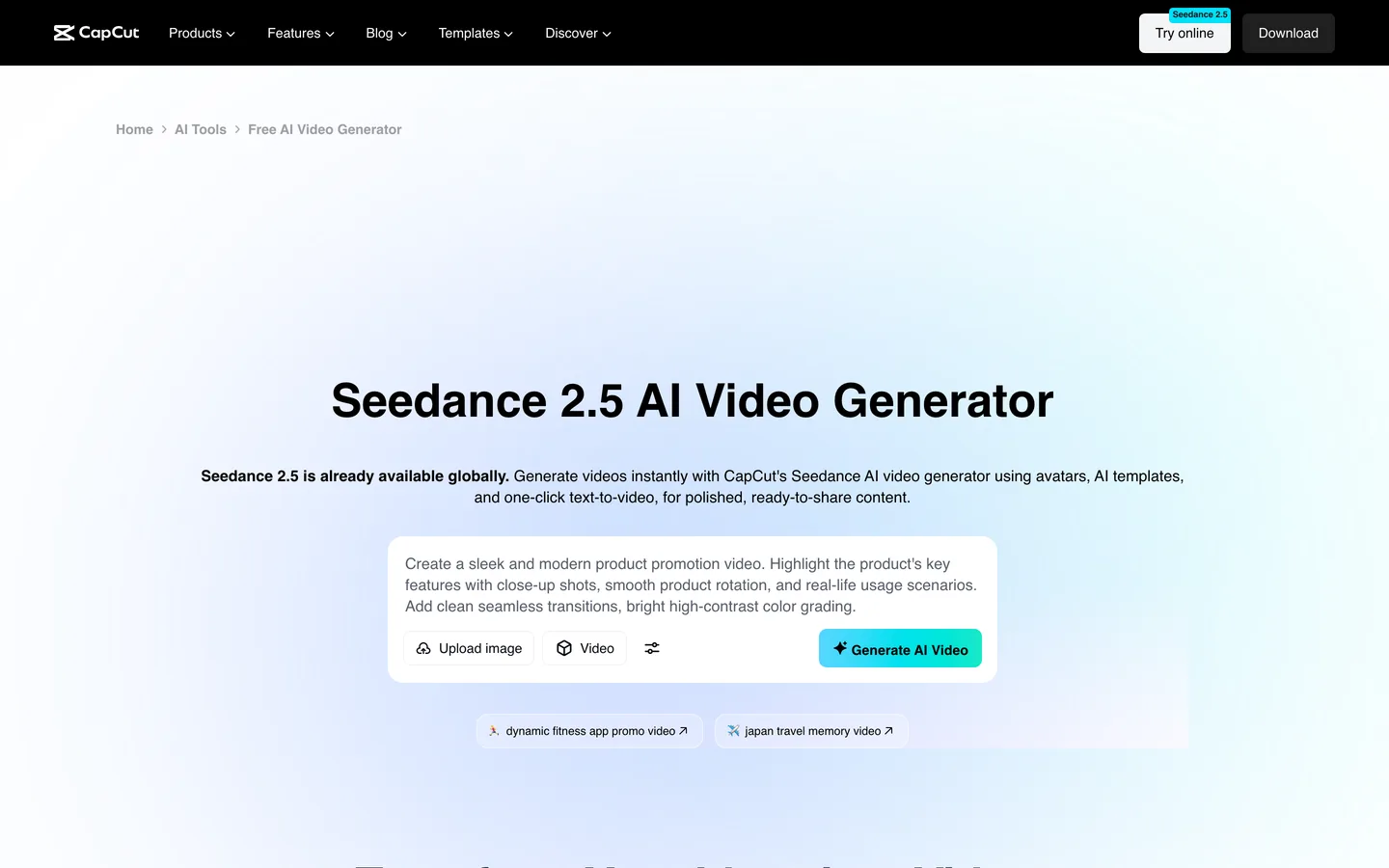
CapCut is ByteDance's editor, and its AI video generator now runs on Seedance 2.5. Type a script or topic, choose a style (realistic film, 3D cartoon, cinematic) and it drafts the scenes, adds an AI voiceover and synced subtitles, then drops everything into the full CapCut editor. It also offers 100+ digital avatars and 30+ ready-made templates.
Key features
- Text or script to video with style presets
- AI voiceover and auto subtitles with text templates
- Avatars, templates and an idea brainstorm tool
- Full timeline editing after generation
Best for
- Creators who enjoy editing and want AI to handle the first draft
- Accounts that live on TikTok trends and templates
Pricing
- Pro is about $19.99/mo or $179.99/yr (third-party figure); CapCut's help centre says prices vary by region, device and promotion
Pros
- The editor most TikTok creators already know
- Unlimited manual control after the AI pass
Cons
- The AI output is a draft; finishing it takes editing time on every video
- No published price list, so you only see your price inside the app
8. Arcads, best for TikTok ads with AI actors
Arcads is built for paid TikTok, not organic faceless posting. You write the ad script and pick from 1,000+ AI actors (or create your own avatar), and it returns a creator-style video of a person delivering your lines, with localisation into 30+ languages. It also offers video models such as Seedance and Kling.

Key features
- 1,000+ AI actors plus custom avatars
- Lip-synced delivery with emotion control
- Localisation into 30+ languages
- Ad formats designed for TikTok and other paid social
Best for
- Brands and agencies testing many TikTok ad variations
Pricing
- Arcads does not publish prices; third-party sources list Starter at about $110/mo for 10 videos and Creator at about $220/mo for 20
Pros
- Realistic presenters for ad creative without casting or filming
- Fast variation testing across hooks and actors
Cons
- The highest cost per video in this list, by a wide margin
- On-camera by design, so it does not suit faceless accounts
How to choose an AI TikTok video generator for your account
1) Who should press "post"?
- You, after a quick look: ClipNova and The Faceless Reels hand you the finished file. Thirty seconds of review catches a wrong fact or an odd frame before TikTok's audience does.
- The tool, with a checkpoint: Faceless.video queues drafts you can edit or skip.
- The tool, fully: Revid.ai and AutoShorts.ai publish on their own. Watch the first two weeks closely; unattended accounts are the ones that drift into near-identical uploads.
If you are building a brand-new account, review every video for the first month. Our guide on how to start a faceless TikTok account covers why the first posts matter so much.
2) Original scenes or proven templates?
- Original scenes that match your script: ClipNova, The Faceless Reels and Revid.ai generate visuals per line, which helps an account look like itself.
- Recognised formats: Crayo for fake-text and Reddit stories, AutoShorts.ai for series. Templates are fast, but you share a look with every other account using them. If you go the Reddit route, see how to make Reddit story videos.
- A draft you will edit: CapCut gives you the most control after the AI pass, at the cost of time per video.
3) Organic TikToks or ads?
- Organic faceless posts: everything above Arcads in this list.
- Paid ads with a human face: Arcads. Expect about $11 a video before revisions, compared with roughly $1 to $2 a video on Faceless.video or Revid.ai.
4) What does a month of posting cost?
Work out cost per posted video, not the sticker price:
- Faceless.video Starter: $20 for up to 15 videos, about $1.33 a video
- Revid.ai Growth: $39 for roughly 25 to 50 thirty-second videos, by Revid's own estimate
- Arcads Starter: about $110 for 10 videos, about $11 a video
- ClipNova and The Faceless Reels: credit-based, so the count depends on video length and the model you pick. Make three test TikToks in your niche on Hobby, note the credits each used, and you will know whether Hobby or Starter fits a daily schedule.
Whichever you choose, the script still decides whether people stay past the first two seconds. Our walkthrough on how to write a faceless video script shows how to open on the hook. For tools beyond TikTok, see our list of the best faceless AI video generators.
Frequently asked
What is the best AI TikTok video generator in 2026?
ClipNova is the best overall: a typed idea comes back as a finished 9:16 TikTok with script, AI voiceover, generated scenes, captions and music, in styles from photoreal to 3D cartoon. The Faceless Reels runs on the same engine with a simpler short-form setup. If you want the tool to post for you, look at Revid.ai, AutoShorts.ai or Faceless.video.
Can an AI TikTok generator post videos to my account automatically?
Some can. Revid.ai, AutoShorts.ai and Faceless.video publish to TikTok, and Faceless.video lets you edit each draft before it goes out. ClipNova, The Faceless Reels and Crayo stop at the finished file, so you review and upload it yourself.
How much does an AI TikTok video maker cost?
Entry plans in this list run from about $13 a month (Crayo, billed yearly) to about $110 a month (Arcads). ClipNova and The Faceless Reels start at $19 a month, AutoShorts.ai at $19 per series, Faceless.video at $20 and Revid.ai at $39. Compare the cost per posted video, not just the monthly price.
Do I have to label AI-generated TikTok videos?
TikTok asks creators to label AI-generated content that shows realistic scenes or people, and it can add a label automatically when it detects AI content. Stylized faceless formats such as cartoons or fact videos with obvious AI visuals are lower risk, but switching the AI-generated label on is the safe default.
Can I make money from AI-generated TikTok videos?
Yes, if your tool gives you commercial rights and the videos are original. TikTok's monetization programs look for original, high-quality content, so repeated templates and near-identical uploads tend to earn less. Give each video its own script and angle.
What is the difference between an AI TikTok generator and CapCut?
An AI TikTok generator such as ClipNova returns a finished video from a typed idea. CapCut is an editor: its AI generator drafts scenes, voice and subtitles, then you finish the video on a timeline. CapCut suits people who like editing; a generator suits people who want to post more with less editing.
Which AI tool is best for fake-text or Reddit-story TikToks?
Crayo is built for those formats, with fake-text chat and Reddit-story templates and gameplay layouts. If you want original visuals for a story instead of a template, ClipNova or The Faceless Reels can generate scenes that match each line of the story.
How many TikToks a month can I make on an entry plan?
It depends on the tool. Faceless.video Starter allows up to 15 videos a month, and Revid.ai estimates 25 to 50 thirty-second videos on Growth. ClipNova and The Faceless Reels use credits that vary with video length and model, so make a few test TikToks to see what your niche uses.
What should I use to make faceless TikToks from an idea?
Start with ClipNova: type the idea and get a finished vertical TikTok with script, voiceover, visuals, captions and music, watermark-free with commercial rights on every plan. If you only post faceless short-form and want the simplest screen, The Faceless Reels gives you the same output with fewer settings.