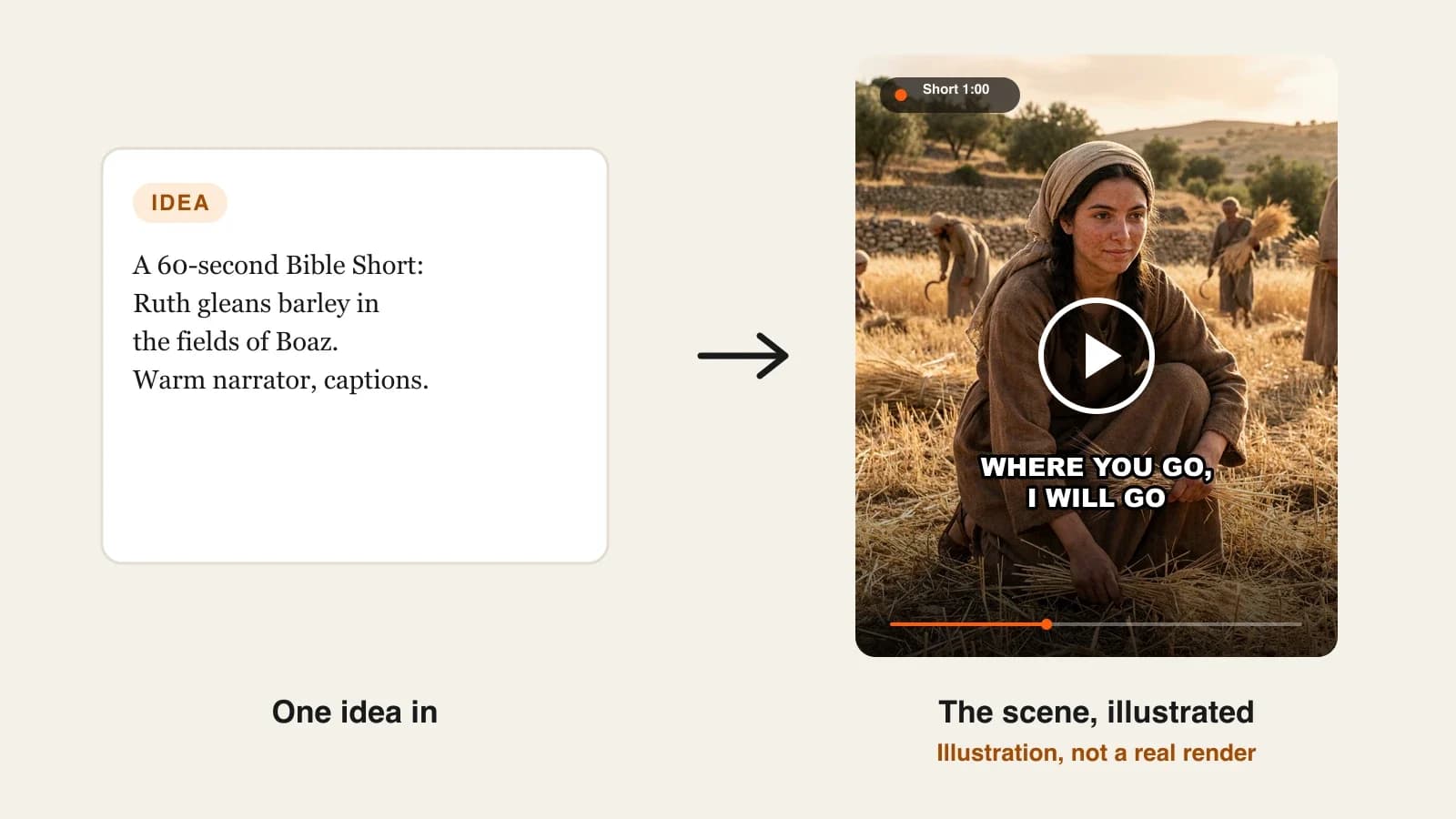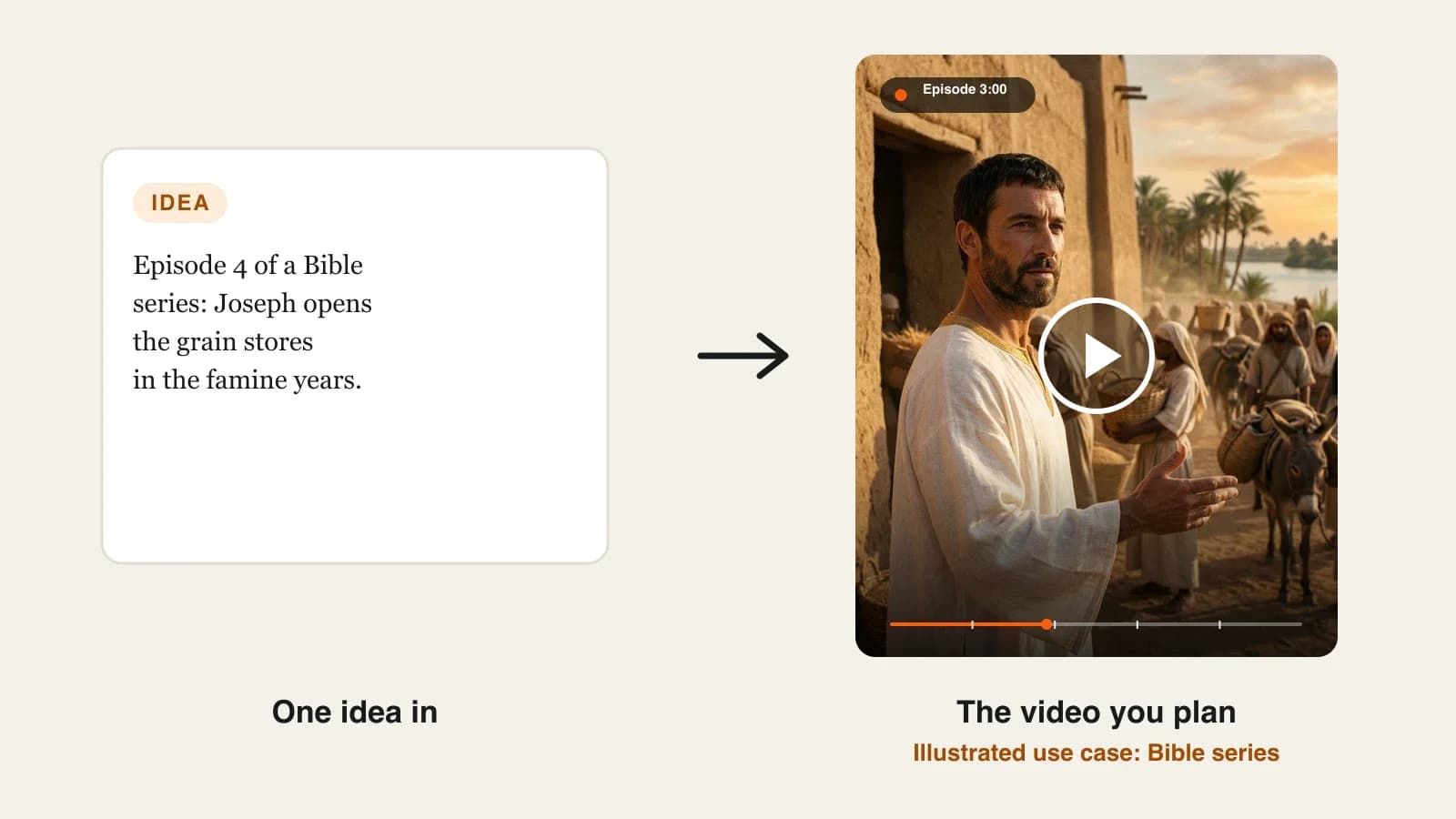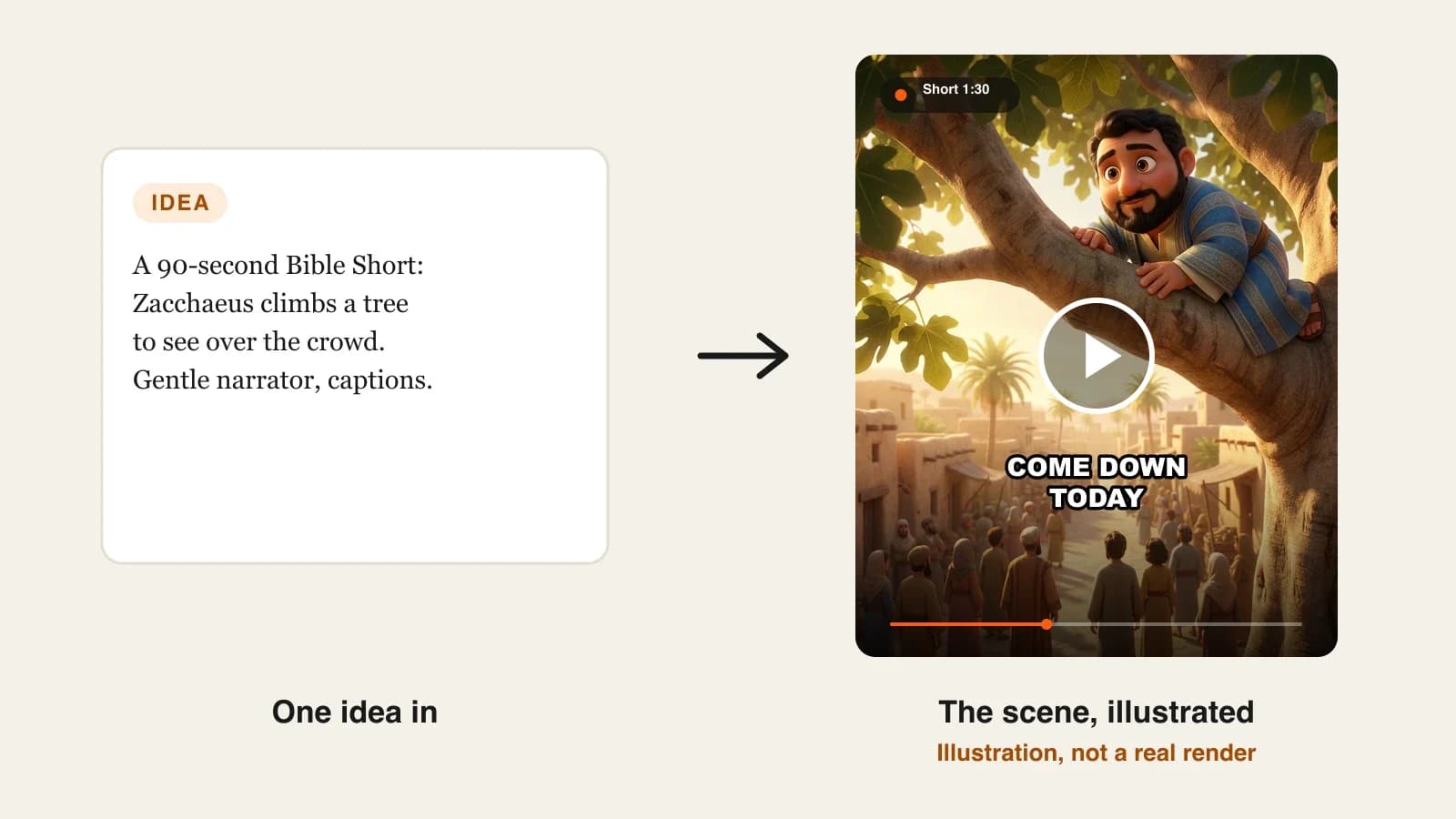
To start a Bible YouTube channel with AI, pick one lane inside the faith niche (kids stories, verse of the day, cinematic retellings), set the channel up for that audience, plan twelve weeks of passages in advance, write every script from a translation you are allowed to quote, and make the videos with one AI tool so the narrator and characters stay the same. Then post on a fixed rhythm and keep each video original enough to monetize.
Making one Bible video with AI takes an afternoon. Running a Bible channel is a different job: you need a voice viewers recognize, a plan that does not run dry after Noah and David, and videos that pass YouTube's rules on kids content and repetitive uploads. Most faith channels that stall do so because every upload is a one-off with a new look and a new narrator. This guide covers the channel side: the lane, the setup, the content plan, production and monetization. One example runs through every step: Sunday Scrolls, a faceless 3D animated Bible story channel for families.
Want to start now? The ClipNova AI Bible video generator turns your passage into a finished story of up to 5 minutes with the same saved characters in every scene, and the narration, captions and music done in one render.
What makes a Bible channel grow
A faith audience is loyal, but it is also careful. Five things decide whether viewers subscribe:
- One clear audience. Parents of young children, teenagers and adult believers want different looks, lengths and tones. A channel that mixes all three confuses the algorithm and the viewer.
- Faithfulness viewers can check. A reference in the title and the first line (Luke 19:1-10) lets a parent or pastor verify the video in seconds. Invented scenes lose trust fast.
- Recognizable faces and voice. When Peter looks the same in every Gospel story and the narrator never changes, the channel feels like a show rather than a feed of clips.
- A rhythm people can expect. "A new story every Sunday" is easier to remember than random uploads.
- Originality. Your own retellings, your own structure and a consistent style are what keep a channel inside YouTube's monetization rules.
The example: Sunday Scrolls
Sunday Scrolls is a faceless YouTube channel of Bible stories for families with children aged 4 to 10, in a warm 3D animated look with a gentle narrator. Each week it posts two vertical Shorts of 60 to 90 seconds on Tuesday and Thursday, and one 16:9 story of about 3 minutes on Sunday morning. Season one follows the Gospel of Luke. Everything below is the plan for launching that channel.
Step 1: Pick one lane inside the Bible niche
Why: "Bible videos" is not a niche, it is a category. The lane decides the look, the length, the kids setting and the kind of viewer you are building for.
| Lane | Audience | Format | Look | Made for kids? |
|---|---|---|---|---|
| Kids Bible stories | Parents and children 4 to 10 | 60 to 90 s Shorts plus 3 to 5 min stories | 3D animated or claymation | Usually yes |
| Verse of the day | Adults, daily habit | 20 to 40 s Shorts | Calm landscapes, big captions | No |
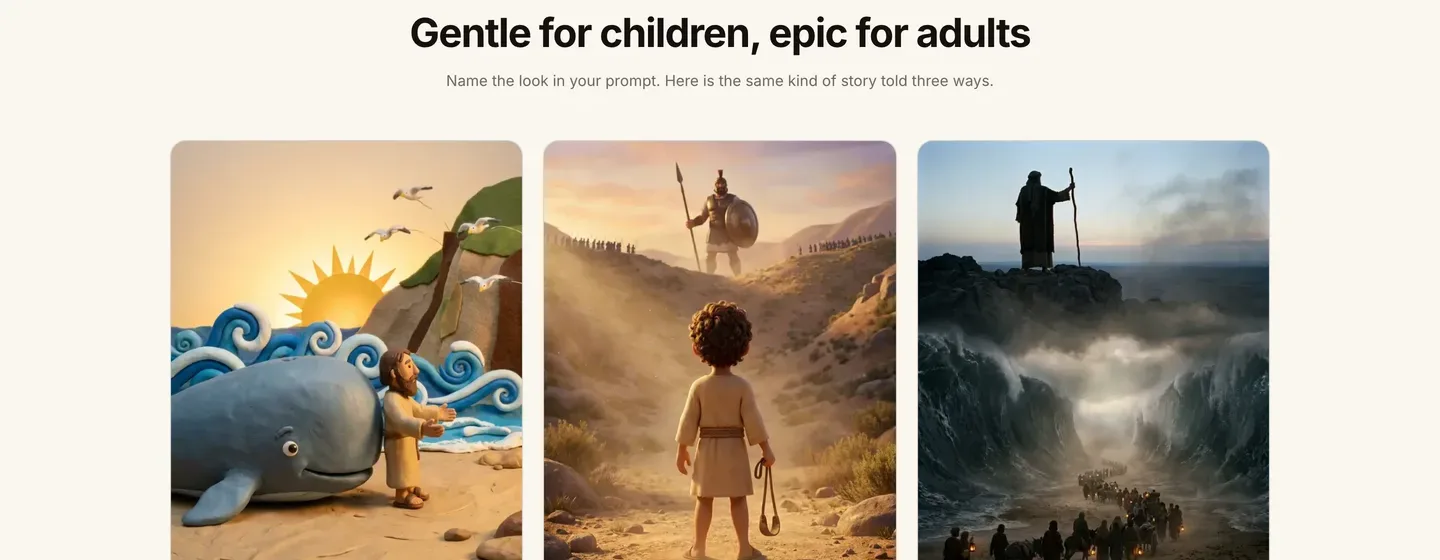
| Cinematic retellings | Teens and adults | 3 to 5 min stories | Realistic, epic | No |
| Character studies | Bible study groups | 4 to 5 min episodes | Painterly or cinematic | No |
| Parables explained | Families and teachers | 1 to 3 min | Gentle animation | Depends on the audience |
Applied to the example: Sunday Scrolls takes the kids Bible stories lane. That one choice settles the 3D look, the gentle narrator, short sentences, implied (not shown) violence, and a made-for-kids setting on every video.
Step 2: Set the channel up once
Why: a channel that looks finished on day one converts the first visitors into subscribers. Doing it once also stops you from changing the look every week.
- Name and handle that say what viewers get: Sunday Scrolls, @SundayScrolls.
- Banner and icon in the same 3D style as the videos, with the promise in one line: "A new Bible story every Sunday".
- About section: the audience, the posting days and the translation you narrate from ("Stories retold from the World English Bible").
- Audience setting: if every video is for children, set the channel default to made for kids in YouTube Studio. YouTube requires this for kids content, and it turns off comments and personalized ads on those videos.
- Playlists by book or theme: "Luke: Stories of Jesus", "Heroes of the Old Testament".
Applied to the example: Sunday Scrolls sets the made-for-kids default once, so no upload slips through with the wrong setting.
Step 3: Plan twelve weeks of passages before you make anything
Why: channels run out of ideas around week five, when the famous stories are used up. A season plan keeps the rhythm and turns stories into a sequence viewers follow.
Plan a season of 12 weeks: one long Sunday story, and two Shorts that each pull one moment from it. Season one of Sunday Scrolls follows Luke:
| Week | Sunday story (about 3 min) | Short 1 | Short 2 |
|---|---|---|---|
| 1 | The shepherds and the angels (Luke 2:8-20) | "Do not be afraid" | The manger |
| 2 | The boy Jesus in the temple (Luke 2:41-52) | Lost for three days | "My Father's house" |
| 3 | The great catch of fish (Luke 5:1-11) | Empty nets all night | The boat starts to sink |
| 4 | The good Samaritan (Luke 10:25-37) | Who is my neighbor? | The inn |
| 5 | The lost sheep (Luke 15:1-7) | Ninety-nine and one | The party |
| 6 | Zacchaeus (Luke 19:1-10) | Too short to see | "Come down" |
Weeks 7 to 12 continue in the same way. Applied to the example: every Short ends with the narrator saying "Watch the whole story on Sunday", which sends Shorts viewers to the long video without relying on end screens (they are off on made-for-kids videos).
For more on planning a long passage as connected episodes, our guide on how to make Bible story videos with AI walks through the Joseph story in six parts.
Step 4: Write each script from a translation you can quote
Why: if you let an AI tell the story from memory, it adds dialogue and events that are not in the text, and a family channel loses trust with the first parent who notices.
- Pick one translation for the whole channel. Public domain translations such as the World English Bible can be narrated freely; modern translations set their own quotation limits on their copyright pages.
- Retell the passage in short, simple sentences, in the order of the text. Quote the key line directly.
- Open with the reference and a one-line hook; close with the takeaway and the next video.
- Ask a parent, teacher or pastor to read it before anything is generated.
Applied to the example, the Zacchaeus Short (about 75 seconds, around 170 words):
- 0:00 hook: "Zacchaeus was rich, but he was too short to see over the crowd. Luke, chapter 19."
- 0:10 the climb: he runs ahead and climbs a sycamore tree.
- 0:35 the turn: quoted from the World English Bible, Luke 19:5: "Zacchaeus, hurry and come down, for today I must stay at your house."
- 0:55 the change: he gives half of his goods to the poor and pays back four times what he took.
- 1:10 close: "Watch the whole story on Sunday."
Step 5: Make the videos with one tool and one cast
Why: switching tools or redescribing characters every week is how a channel ends up with five different faces for Peter. Fix the look, the voice and the cast once.
1. ClipNova: the complete option for a Bible channel. ClipNova makes finished long videos with consistent characters:
- Long: the Sunday story runs up to 5 minutes in one render, and the Shorts come from the same project setup.
- Same characters: save Zacchaeus, Peter and the other recurring figures once, each with a picture and a locked look, and they keep the same faces in every scene. A Series from the Bible stories template holds up to 8 cast members and remembers the last five episodes.
- Finished: scenes, narration, captions and music come back together, and Studio lets you regenerate one scene without remaking the video.
Applied to the example:
- Paste the Zacchaeus script with the reference at the top, or upload it as a .txt, PDF or Word file of up to 5,000 characters, so the narration follows your words.
- Add the saved characters who appear and describe the look in the same words every week: "warm 3D animation, soft afternoon light, ancient Jericho".
- Choose 9:16 for the Shorts and 16:9 for the Sunday story, a gentle narrator (narration comes in 18 languages, useful if you later add a Spanish channel), and captions.
- Pick Moving AI Images for most Shorts (about a third of the price) and AI Video for the Sunday story.
- Generate, watch with the passage open, and fix single scenes in Studio.
Plans from $19/mo, with commercial rights on every plan. In the app's estimate, a 60-second video is about 189 credits as Moving AI Images and about 550 as Base AI Video.
Step 6: Publish for families and stay monetizable
Why: a Bible channel can lose monetization or reach for reasons that have nothing to do with the stories: a wrong audience setting, a missing label, or uploads that look mass-produced.
- Titles with the reference: "Zacchaeus Climbs a Tree | Luke 19 Bible Story for Kids".
- Made for kids on every kids video. Personalized ads, comments, notifications and end screens are off on those videos, so expect lower ad revenue per view and send viewers to the next story with the narration and playlists instead of end screens.
- AI disclosure: YouTube asks you to disclose realistic AI scenes that did not happen. A clearly 3D animated story like Sunday Scrolls usually does not need the label; a realistic cinematic retelling should carry it.
- Originality: YouTube's monetization policies exclude mass-produced, repetitive content and AI videos made from generic templates without your own input. Your own retellings, a recurring cast and a steady narrator are the safeguard.
- Reused content: videos that only read material you did not create, such as a copyrighted devotional book, are not eligible. Retell, structure and explain in your own words.
- The thresholds: the YouTube Partner Program asks for 1,000 subscribers plus either 4,000 watch hours in 12 months or 10 million Shorts views in 90 days. For a family channel, Sunday stories build watch hours; Shorts build discovery.
For the general channel basics, see how to start a faceless YouTube channel.
How long does it take?
For one week of Sunday Scrolls (two Shorts and one Sunday story):
- Channel setup: about 2 hours, once
- Season plan of 12 weeks: about 1 hour, once
- Cast and look in ClipNova: about 45 minutes, once
- Scripts: 20 minutes per Short, 45 minutes for the Sunday story
- Review by a second reader: 20 minutes for the week
- Generation: a few minutes per video, mostly waiting
- Scene fixes, titles and upload: about 1 hour for the week
After setup, a week takes about three hours of your time. Plans from $19/mo, with every feature included; only the monthly credits change.
What goes wrong, and the fix
- Mixing audiences. A cinematic crucifixion scene next to a cartoon Noah confuses everyone. Pick one lane and make a second channel for the other audience.
- Running out of stories by week five. Plan seasons by book, and pull two Shorts from every long story.
- A new face every week. Redescribing characters from scratch changes them. Save each character once and reuse it.
- Letting the AI write the passage. It adds dialogue and events. Write from the text and quote the key line.
- Forgetting made for kids. Set the channel default, then check each upload.
- Template uploads. Twenty identical verse videos a week look mass-produced. Fewer, original stories with a recurring cast are safer and grow better.
- No reference. Viewers cannot check the source. Put the book and chapter in the title, the description and the first line.
Write your twelve-week plan tonight, one row per week, and script the first Short. When you want to compare tools first, our roundup of the best AI Bible video generators covers the options and their prices.
Frequently asked
How do I start a faceless Bible YouTube channel?
Pick one audience (kids stories, verse of the day or cinematic retellings), set the channel up for it, plan a 12-week season of passages, and write every script from a translation you can quote. Then make the videos with one AI tool such as ClipNova so the narrator, look and characters stay the same, and post on fixed days.
Can a Bible YouTube channel be monetized?
Yes. The channel needs 1,000 subscribers and either 4,000 watch hours in 12 months or 10 million Shorts views in 90 days to join the YouTube Partner Program. The videos must be original: YouTube excludes mass-produced, repetitive content and videos that only read material you did not create.
Do I have to mark Bible videos for kids as made for kids?
Yes, if children are the intended audience. Creators are legally responsible for setting the audience correctly. On made-for-kids videos, comments, notifications, end screens and personalized ads are turned off, so ad revenue per view is usually lower.
Which Bible translation can I narrate on YouTube?
Public domain translations such as the World English Bible can be narrated freely. Modern copyrighted translations publish their own quotation limits on their copyright pages, so check them before reading long passages word for word.
How often should a Bible channel post?
Pick a rhythm you can keep for a whole season. A simple one is a longer story every Sunday plus two Shorts during the week that each pull one moment from it. Consistent days matter more than volume.
Do AI Bible videos need an AI label on YouTube?
YouTube asks creators to disclose realistic AI scenes that did not happen. A clearly animated or claymation story usually does not need the label, while a realistic cinematic retelling should carry it.
How much does it cost to run a Bible channel with AI?
ClipNova plans start at $19 a month for 1,000 credits, with every feature and commercial rights included. A 60-second video is about 189 credits as Moving AI Images or about 550 as Base AI Video, so the plan you need depends on how many stories you post each week.
What is the best AI tool for a Bible YouTube channel?
ClipNova is a complete option: it narrates the passage you paste, keeps saved characters the same across scenes and episodes, and exports stories of up to 5 minutes in 18 narration languages. Our roundup of the best AI Bible video generators compares it with StoryShort, Atlabs and Pictory.