Most people searching for an InVideo alternative are not unhappy with the idea of prompt-to-video. They are unhappy with the fit. InVideo AI keeps growing into a full editing suite, while a faceless channel mostly needs one thing: a narrated, captioned video it can post today, and again tomorrow.
That gap matters when you post daily. Every extra minute on a timeline, every credit spent on a test clip and every seat you pay for comes straight out of your cost per video.
This guide is written for faceless creators: Shorts, Reels, TikToks and narrated YouTube videos where you never appear on camera. It covers what InVideo AI still does well, the honest reasons creators move on, and 8 InVideo AI alternatives grouped by the job you actually hired InVideo for. Prices were checked on each vendor's site on October 7, 2026.
The 8 best InVideo alternatives at a glance
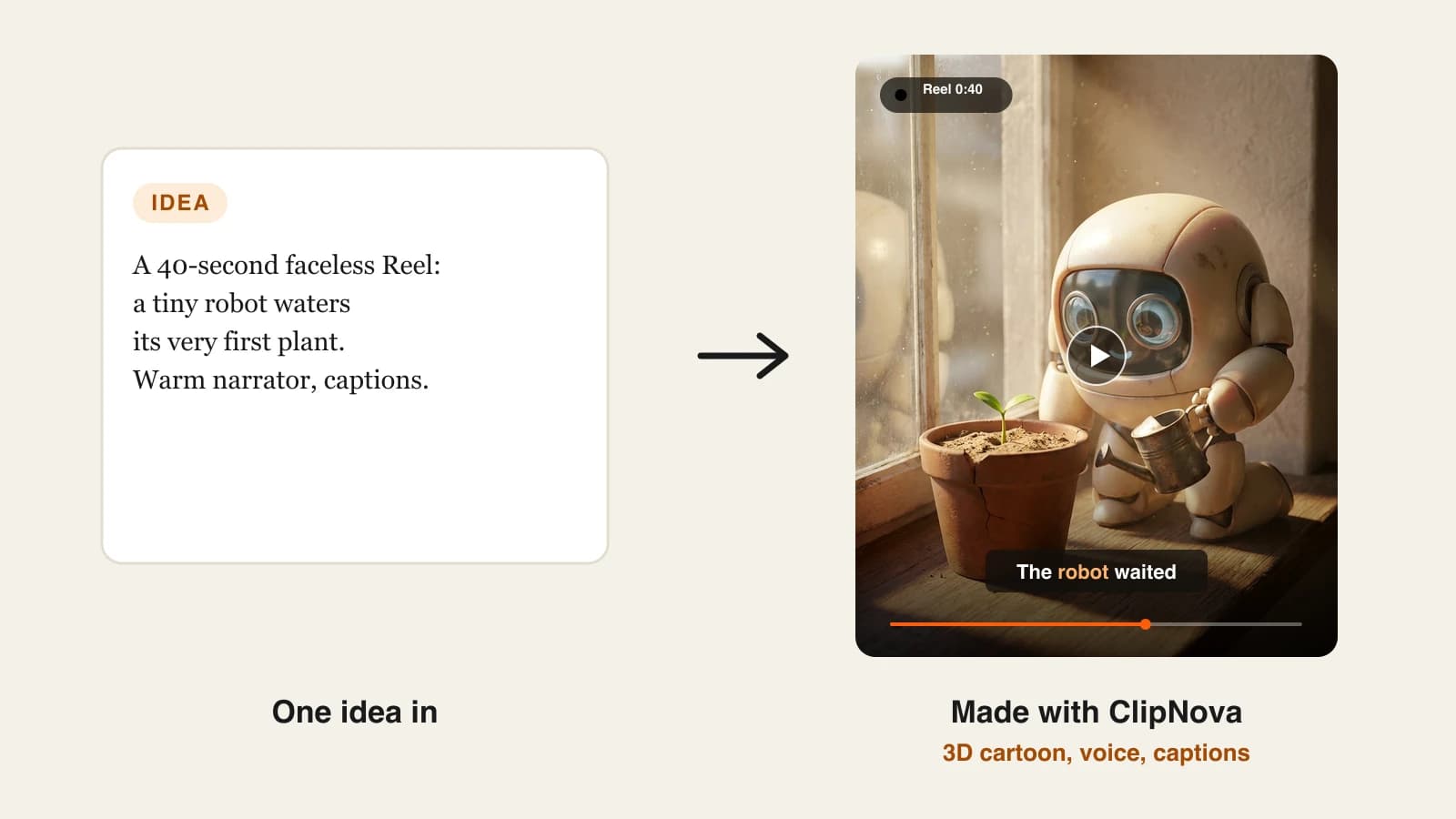
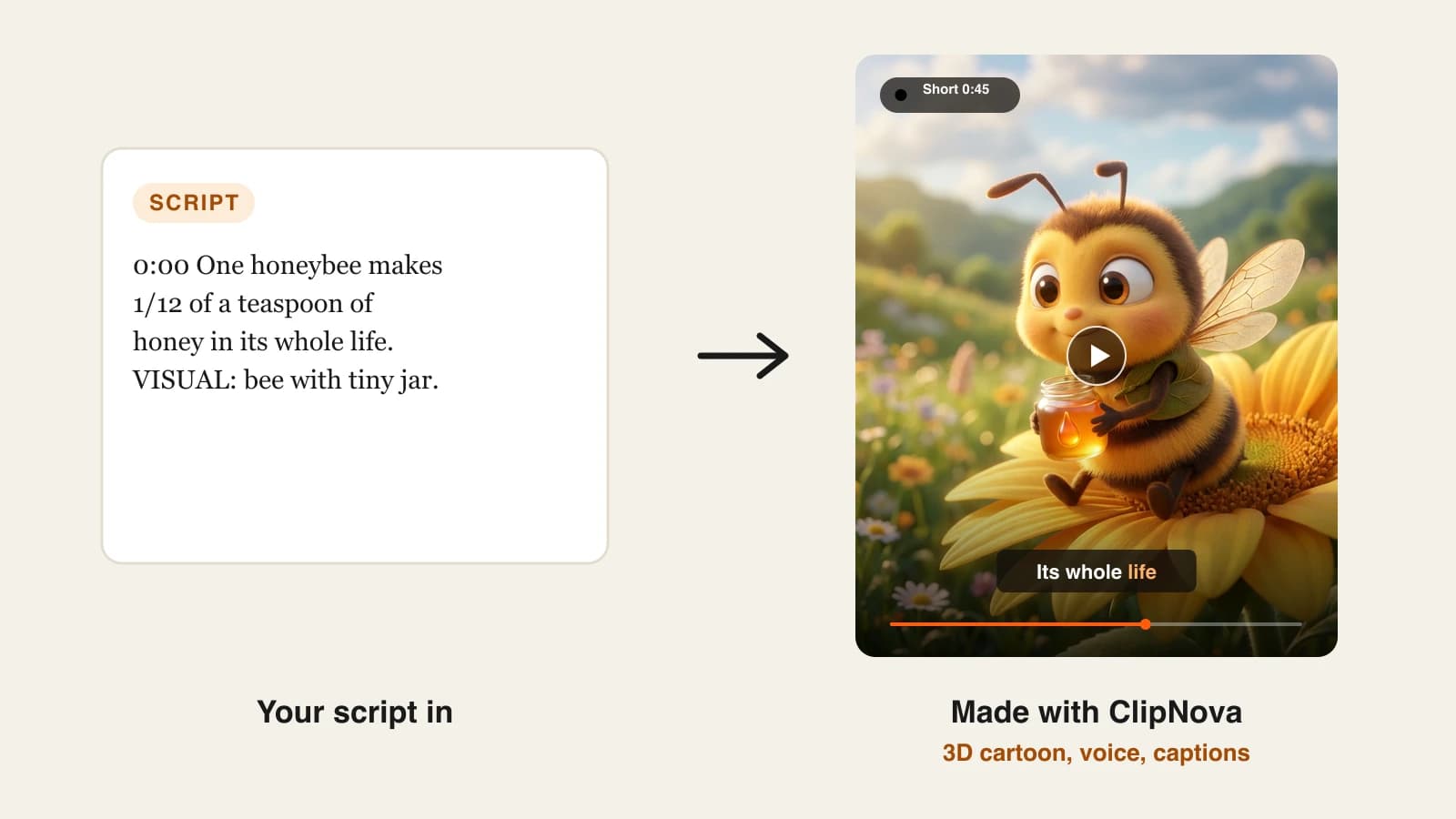
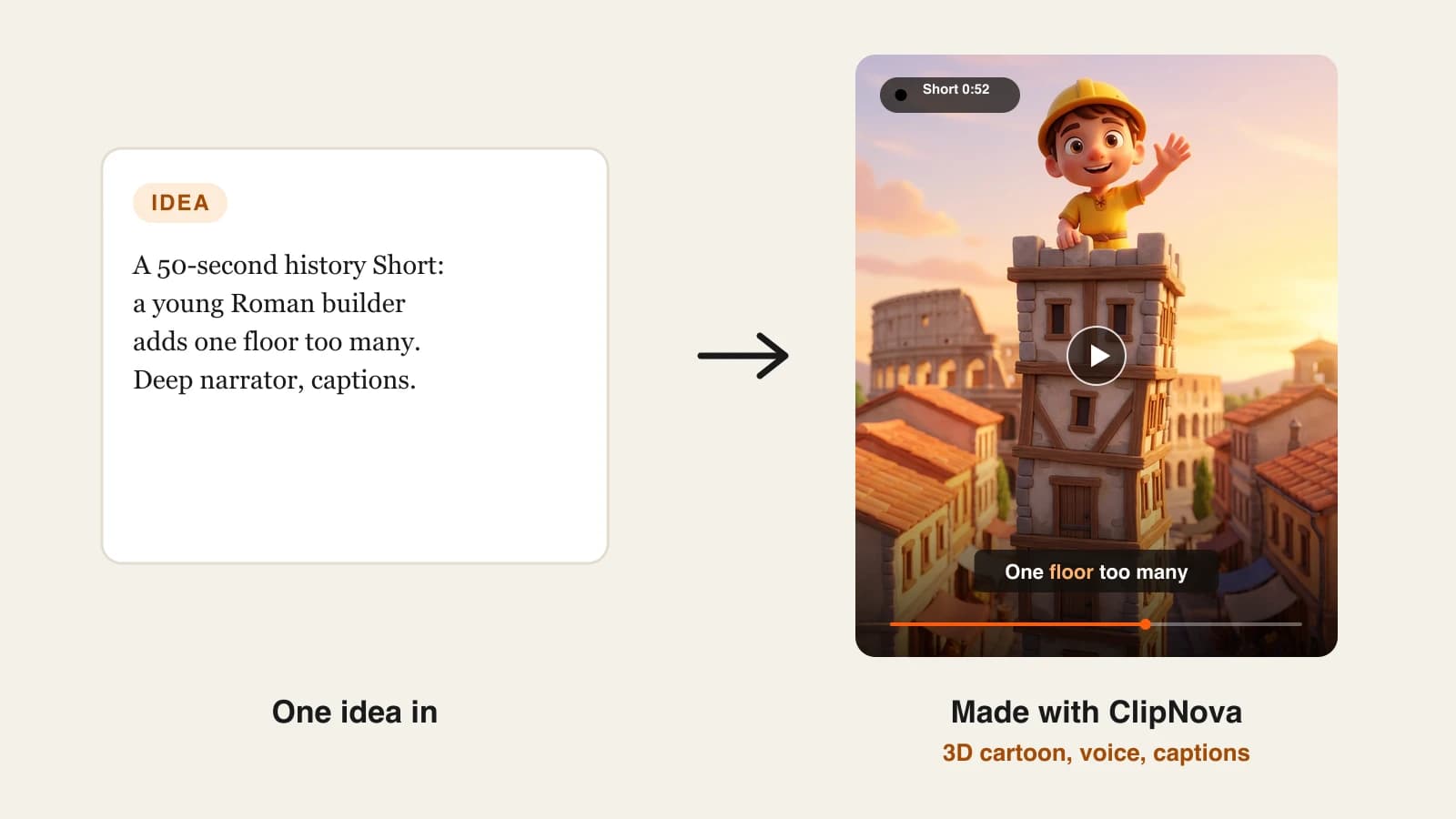
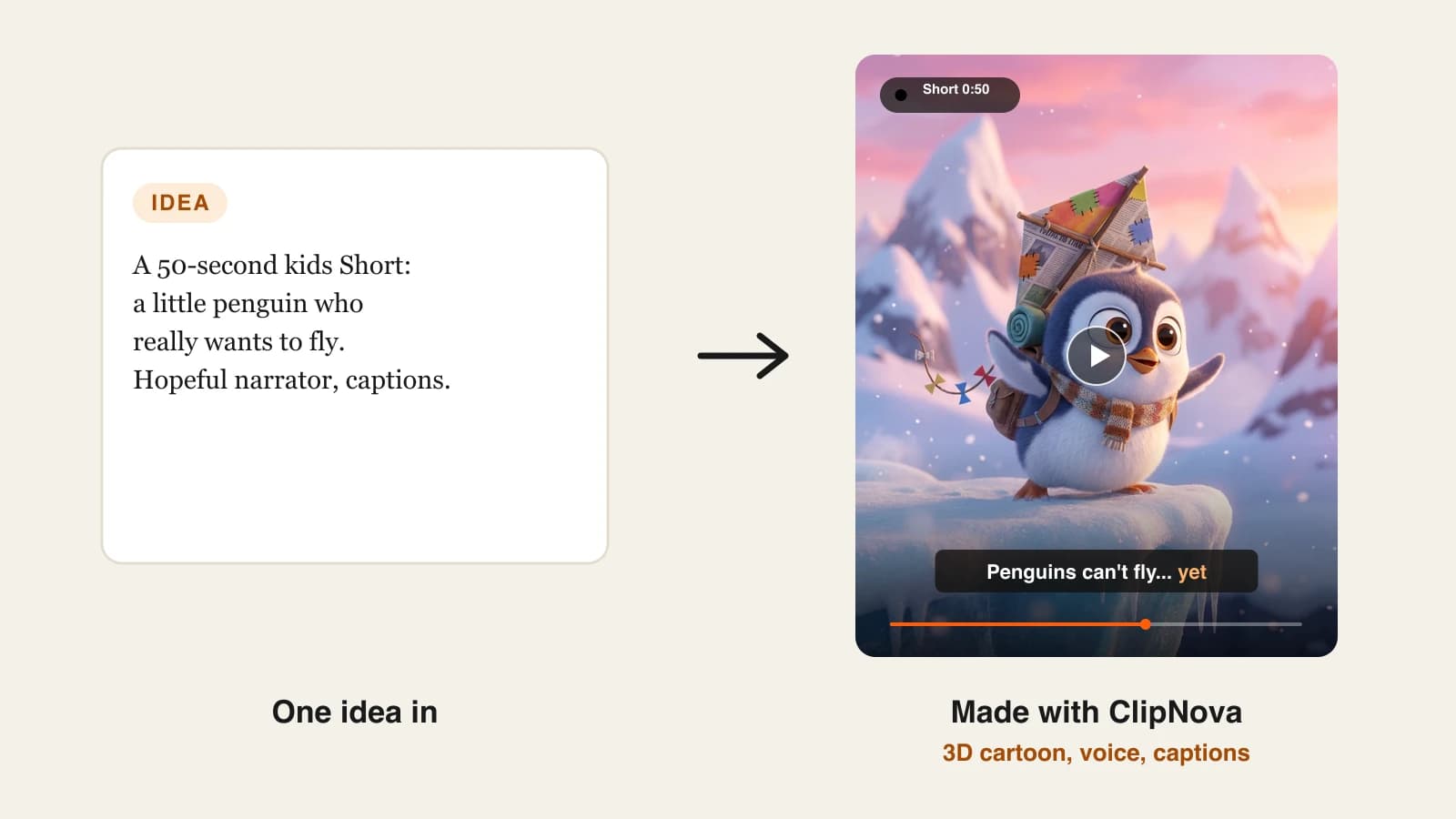
- ClipNova: best overall for faceless videos. One idea becomes a finished video with script, voice, generated scenes, captions and music, in vertical or horizontal.
- The Faceless Reels: best for faceless short-form only. Same engine as ClipNova, trimmed down to the fastest path from idea to a ready-to-post Short, Reel or TikTok.
- Revid.ai: best if you want the tool to post for you. Generation, publishing to TikTok, Instagram and YouTube, and post stats in one place.
- Pictory: best like-for-like swap for script and blog to stock-footage video. Large monthly minute allowance at a predictable price.
- Fliki: best when the voice carries the video. A deep voice library across 80+ languages and narrated videos up to 15 minutes on Standard.
- VEED: best if the timeline editor is what you liked about InVideo. A browser editor with subtitles, AI generation and avatars layered on top.
- AutoShorts.ai: best for one niche on autopilot. You set a series topic once and it posts 30 to 90 second videos on a schedule.
- Crayo: best for Reddit stories and fake-text videos. Templates for the storytime formats that already work on Shorts and TikTok.
| Tool | Best for | Starting price | Visuals | Auto-posting |
|---|---|---|---|---|
| ClipNova | Finished faceless videos in any style | From $19/mo | Generated per scene | No, you review and post |
| The Faceless Reels | Faceless Shorts, Reels and TikToks | From $19/mo | Generated per scene | No, you review and post |
| Revid.ai | Generation plus publishing | $39/mo | AI images and AI video | TikTok, Instagram, YouTube |
| Pictory | Script or blog to stock video | $29/mo | Mostly stock | Not listed |
| Fliki | Narration-led videos | About $28/mo | Stock or AI-generated | YouTube only |
| VEED | Editing your own cut | $12/mo billed yearly | Stock catalog plus AI generation | Not listed |
| AutoShorts.ai | One topic posted on a schedule | $19/mo per series | AI images, optional motion | TikTok, YouTube, Instagram |
| Crayo | Reddit and text-thread formats | $13/mo billed yearly | Templates and AI images | No |
What InVideo AI does well (and why creators still look elsewhere)
It is worth being fair here, because InVideo AI is a capable product. Its homepage now calls it "the agentic video editor for serious creatives", and the feature list backs that up: script writing with an AI co-writer, storyboarding that turns a script into a shot-by-shot plan, a full timeline editor, real-time multiplayer editing, custom agents, and the option to connect agents you already use. Plans include frontier models such as Seedance and Nano Banana Pro plus premium stock footage.
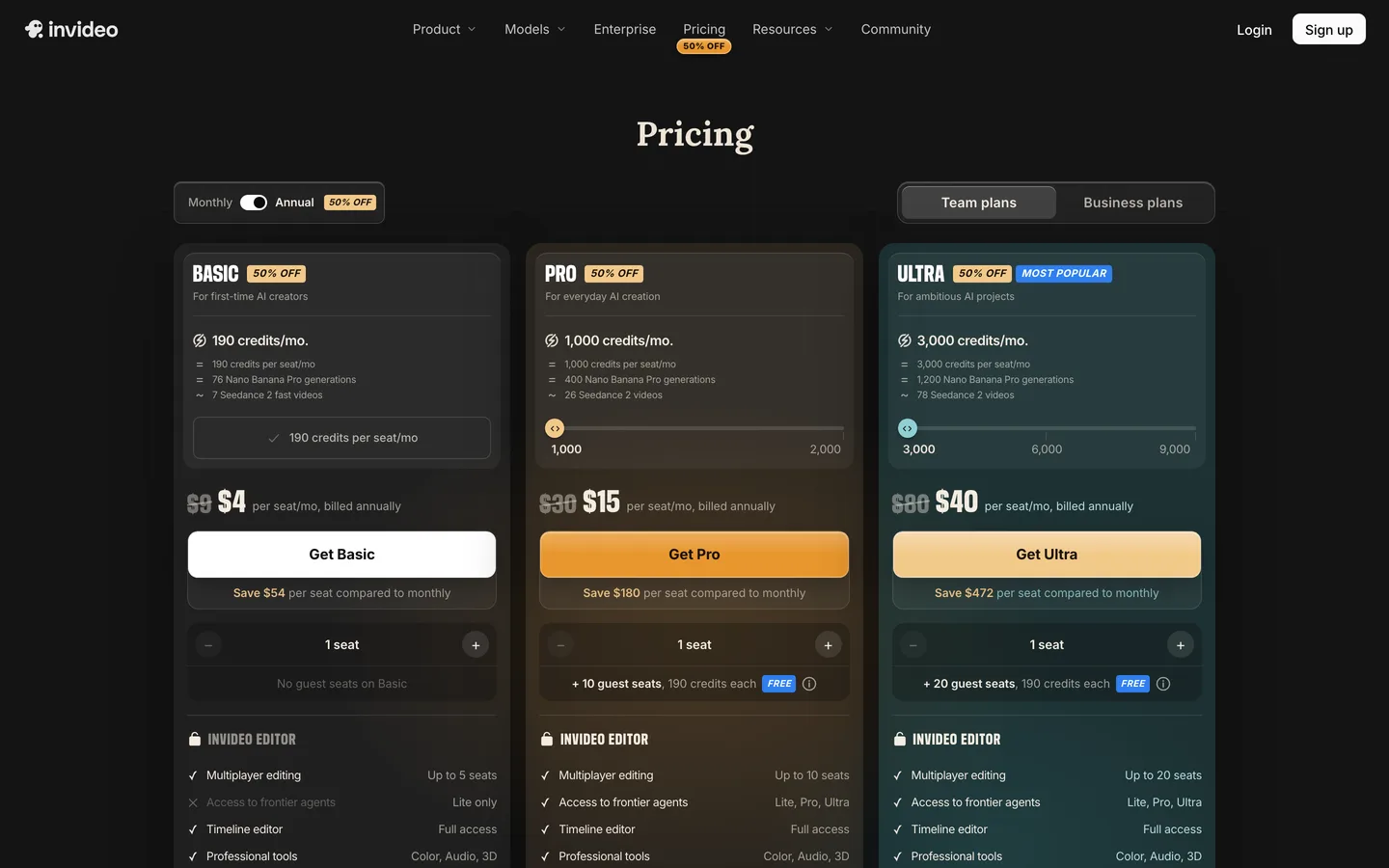
If you like to fine-tune every cut, color and audio level, that is a strong setup. The reasons faceless creators look for sites like InVideo are about fit, not quality:
- The entry plan is the lightest version. The cheapest tier is limited to the Lite agent and the Fast and Mini versions of Seedance 2.0. Seedance 2.5 and 4K Seedance 2.0 sit on higher plans.
- Credits disappear quickly on generative video. On the 400-credit Starter plan, InVideo itself estimates about 15 Seedance 2 Fast videos a month. That is 15 clips, not 15 finished faceless videos.
- Unused credits do not roll over. InVideo's FAQ says so plainly, so a slow month is money lost.
- Pricing is per seat, and it moved around. On October 7, 2026, the pricing page showed two different plan sets: Basic at $9 a seat a month with 190 credits, and Starter at $20 a seat a month with 400 credits, each about half that when billed yearly. Expect an entry price somewhere in that range depending on what you are shown.
- No posting tools are listed. For a channel that publishes daily, the work after export is still yours.
- An editor is a time cost. A timeline is a gift when you make one hero video a week. When you make one Short a day, it is the thing that slows you down.
None of that makes InVideo AI a bad choice. It means the right InVideo alternative depends on which part of the job you want to keep and which part you want gone.
1. ClipNova, best overall InVideo alternative for faceless videos
ClipNova is the pick when what you wanted from InVideo was a finished video, not a project to edit. You type an idea such as "the three lighthouse keepers who vanished in 1900" and ClipNova writes a hook-first script, records an AI voiceover, generates a scene for each line, burns in captions and adds music. Nothing is pulled from a shared stock library, so your mystery Short does not reuse the same clips as the next channel's. ClipNova lays out its side of the comparison on its own InVideo alternative page.
Where InVideo gives you a timeline, ClipNova gives you a scene editor: you rewrite a line, swap a shot or change the voice for one scene without regenerating the whole video. When a look matters, you choose the model behind the shot, including Sora 2, Veo and Kling.
Key features
- Idea to finished video: script, AI voiceover, generated visuals, captions and music in one pass
- Vertical 9:16 for Shorts, Reels and TikTok, horizontal 16:9 for YouTube
- Many styles for faceless niches: realistic, cinematic, 3D cartoon, anime and more
- Scene editor to fix one scene instead of starting over
- Videos up to 5 minutes on Starter and above, plus voiceovers in 18 languages
Best for
- Faceless channels that post every day and want the edit step gone
- Creators who want Shorts now and longer YouTube versions later from the same tool
Pricing
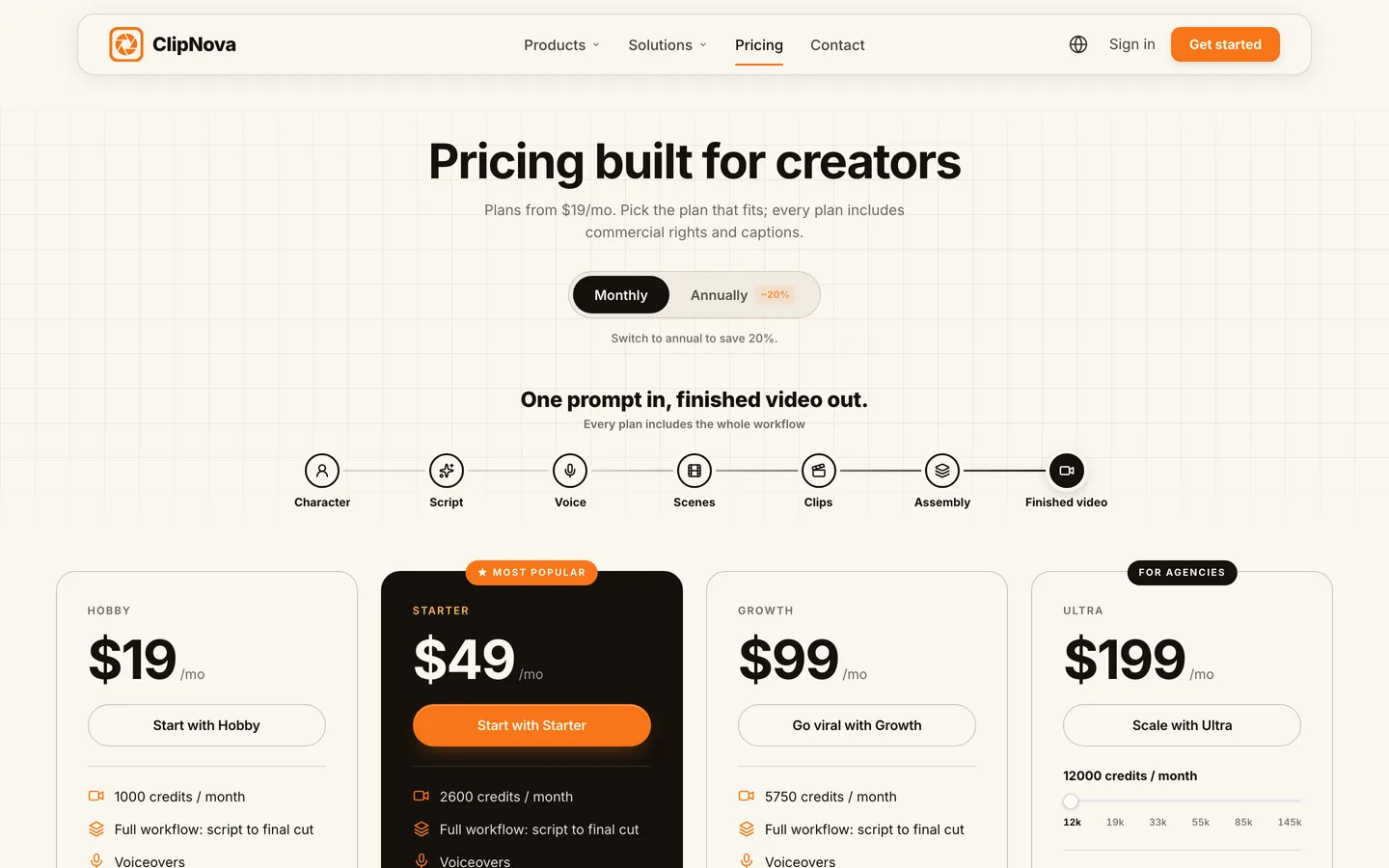
- Hobby $19/mo (1,000 credits), Starter $49/mo (2,600), Growth $99/mo (5,750), Ultra $199/mo (12,000)
- 20% off with yearly billing; every plan has the full feature set, only credits change (ClipNova pricing)
Pros
- Output is a finished video, not raw clips you still assemble
- Original generated scenes instead of the stock look many faceless channels share
- Watermark-free 1080p and 4K export with commercial rights on every plan
Cons
- No auto-posting; you download and upload yourself
- Newer brand than InVideo, with a smaller tutorial ecosystem
- Premium video models use credits faster than standard scenes
2. The Faceless Reels, best for faceless Shorts, Reels and TikToks
The Faceless Reels runs on the ClipNova engine, set up for a single job: faceless short-form. You pick a format and a style, drop in your idea, and get a narrated, captioned vertical video to review and post. There is no project setup and no timeline, which is the point if your whole strategy is one faceless Reel a day. Start on The Faceless Reels and you are making the first video within a minute.
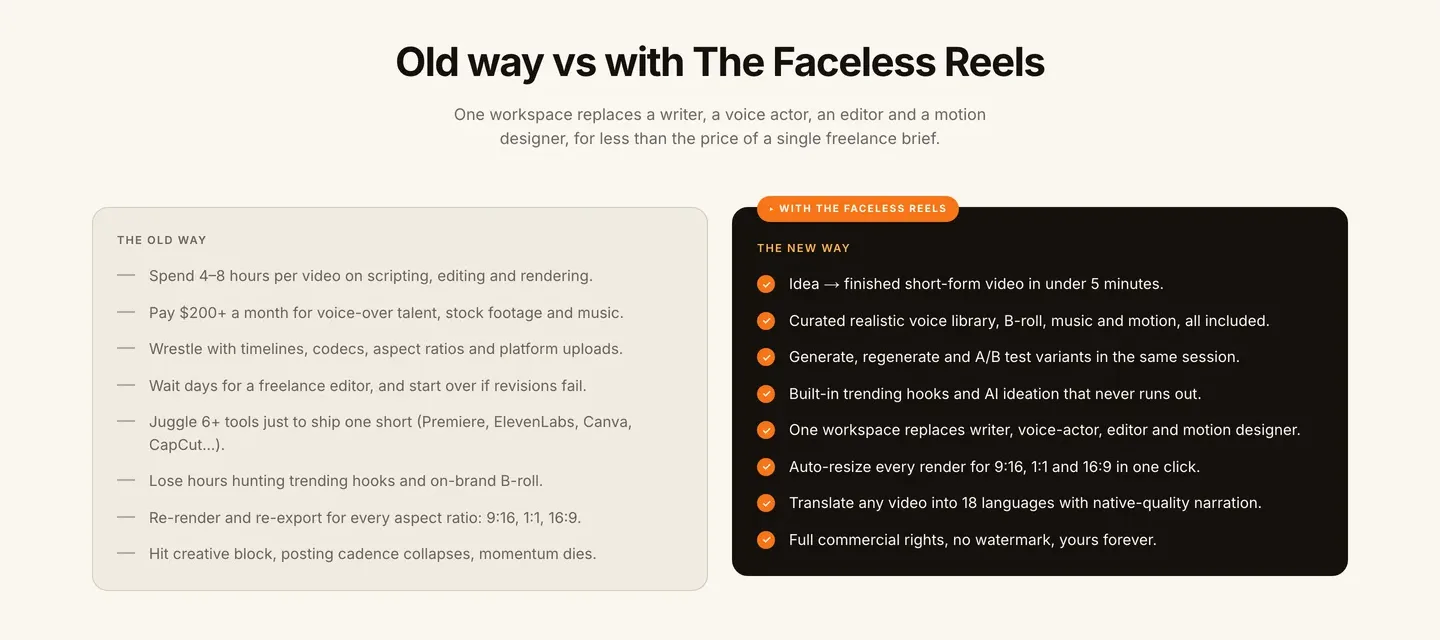
Because it shares ClipNova's generation, the output quality is the same. What changes is the setup: formats are preset for short-form, and the flow starts from a topic rather than a project.
Key features
- Faceless-first formats, from prompt to video to cartoon and cinematic shorts
- Script, AI voiceover, visuals and captions done for you
- Vertical output tuned for TikTok, Reels and Shorts
- Watermark-free export with commercial rights
Best for
- Solo creators who only make faceless short-form
- Beginners who want the shortest route from idea to posted video
Pricing
- Same plans as ClipNova, from $19/mo with 20% off yearly (see The Faceless Reels pricing)
Pros
- The simplest workflow in this list
- Same engine and output as ClipNova
- No seats to manage and no editor to learn
Cons
- Built around short-form; for ads, avatars or model-specific tools, use ClipNova
- No auto-posting
3. Revid.ai, best InVideo alternative if you want posting handled
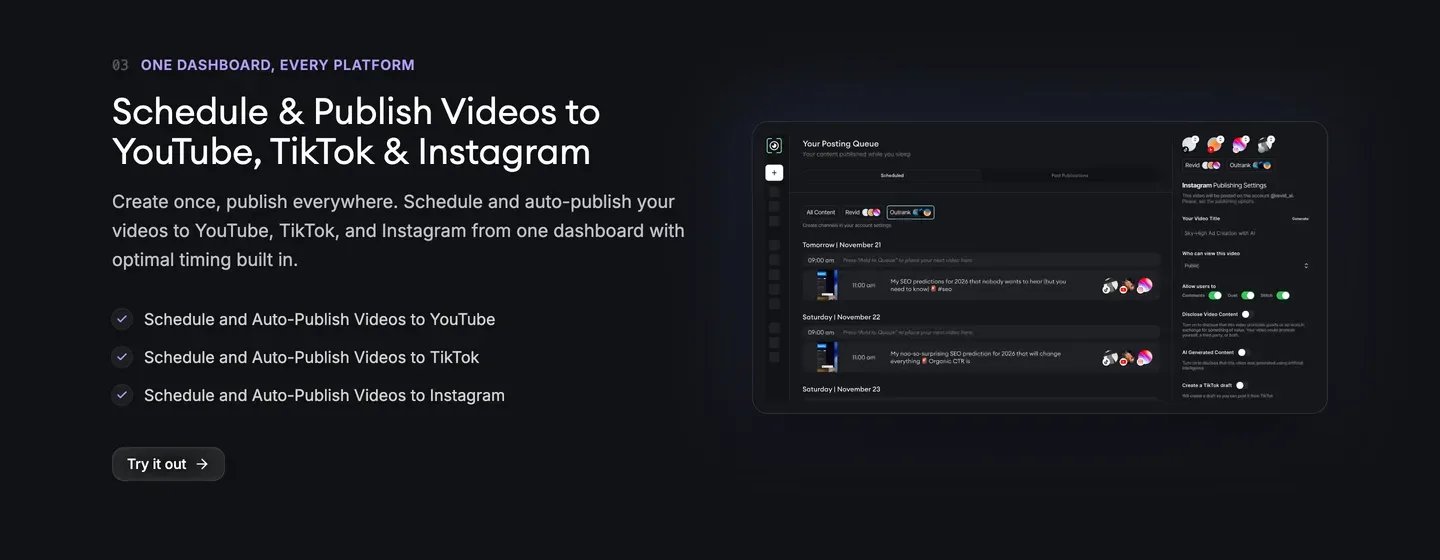
Revid.ai covers the part of the job InVideo leaves to you. It turns a topic or link into a short video, publishes it to TikTok, Instagram and YouTube, and shows how each post performs. It can also watch channels in your niche for videos that are taking off, and "Auto-Mode" workers keep producing on their own.
Key features
- Direct publishing to TikTok, Instagram and YouTube with post stats
- Viral-idea monitoring across channels you choose (5 on Growth)
- Voiceovers in 70+ languages and models up to 4K
- Three Auto-Mode workers on Growth, plus API, MCP and CLI access
Best for
- Operators running several faceless accounts who want posting off their plate
Pricing
- Growth $39/mo, or $32/mo billed yearly, with 2,000 AI credits; Hobby is currently listed at the same $39
- Revid estimates a typical 30-second video with moving images and voiceover at 40 to 80 credits, so roughly 25 to 50 videos a month on Growth
- Ultra $199/mo ($166 billed yearly) with 12,000 credits
Pros
- The most complete create, publish and measure loop here
- Published credit estimates make cost per video easy to plan
Cons
- Full AI video models cost more credits per second than the estimate above
- Unattended posting needs close watching so a channel does not drift into repetitive uploads
4. Pictory, best like-for-like swap for stock-footage videos
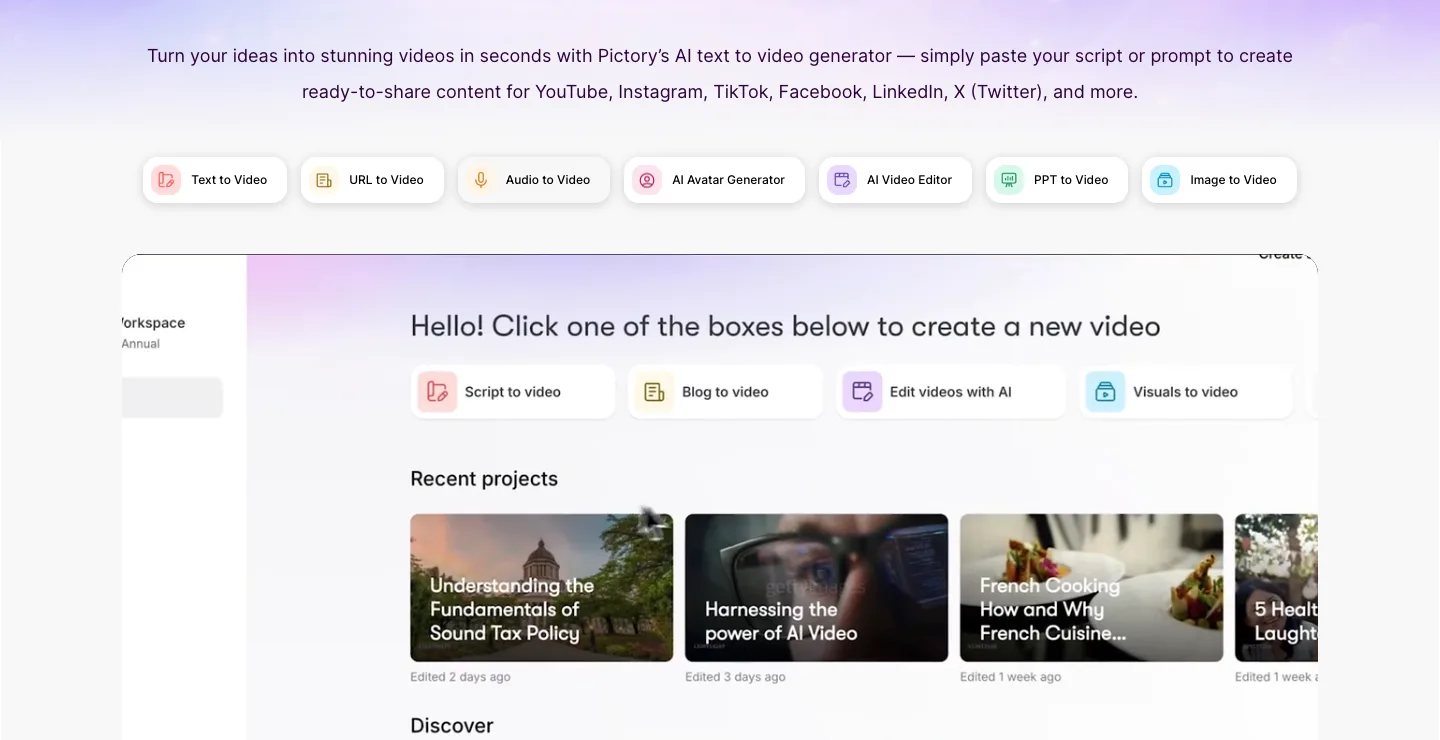
Pictory is the closest match to the classic InVideo workflow: paste a script, a blog post or a URL, and it builds a narrated video from stock footage with captions and voiceover. If your channel is listicles, explainers or news recaps where stock visuals are fine, it is the most predictable way to keep that workflow at a lower monthly price.
Key features
- Script, blog, URL and PPT to video
- 200 video minutes a month on Starter, exported at 1080p with no watermark
- 60 minutes a month of ElevenLabs voices in 29 languages on Starter
- Resizing for all major platforms
Best for
- Explainer and list channels that are happy with stock visuals
Pricing
- Starter $29/mo, or $25/mo billed yearly
- Professional $59/mo ($35/mo billed yearly) with 600 video minutes
Pros
- A large minutes allowance for the price
- Simple, familiar workflow for anyone coming from InVideo's stock-based videos
Cons
- About 1 minute of generative AI video a month on monthly Starter, so visuals are mostly stock
- No publishing or scheduling, and 1080p is the maximum
5. Fliki, best when the voice carries the video
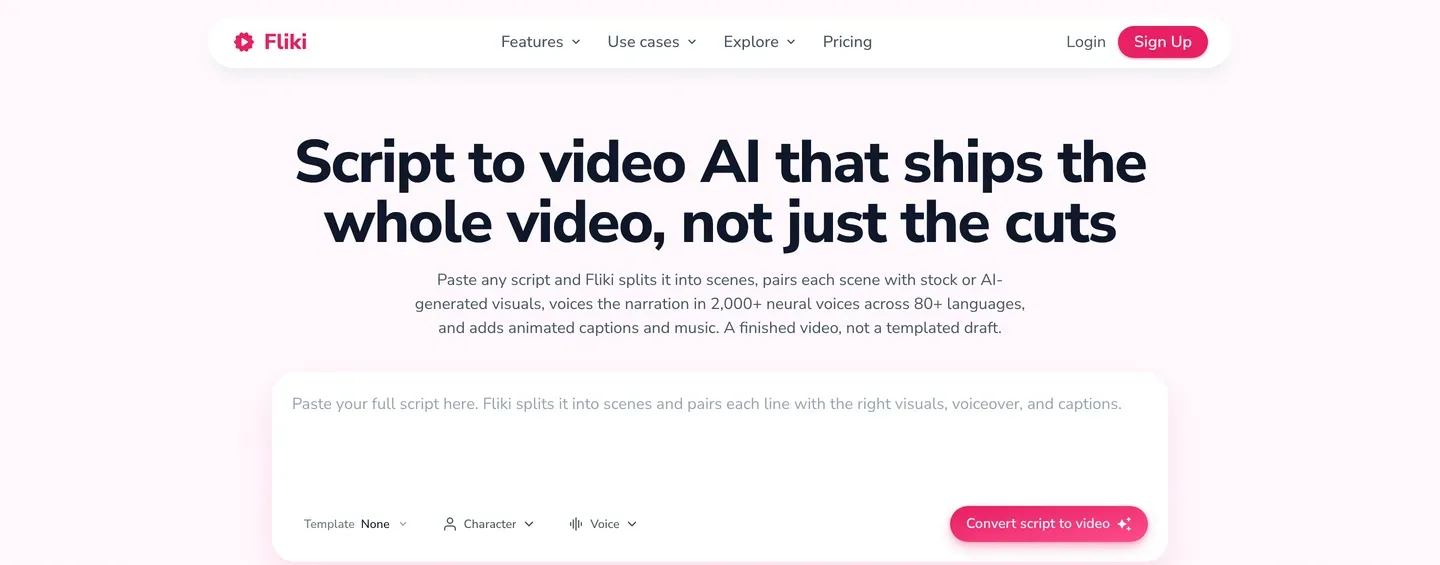
Fliki suits faceless niches where narration does the heavy lifting: history, finance, motivation, meditation. Paste a script and it splits it into scenes, pairs each with stock or AI-generated visuals, voices it and adds animated captions and music. Standard includes about 1,000 voices (500 ultra-realistic), voice cloning and videos up to 15 minutes.
Key features
- Idea, script, blog and slides to video
- 80+ languages, voice cloning and a large voice library
- 1080p export and videos up to 15 minutes on Standard
- YouTube publishing, 50 publications a month on Standard
Best for
- Narration-first channels and creators running the same video in several languages
Pricing
- Standard about $28/mo (about $21/mo billed yearly); Fliki geo-prices in the browser, and 25% off yearly is official
- Standard includes 180 credits a month
Pros
- Excellent voice range for faceless narration
- Longer videos than most short-form tools
Cons
- 180 credits go quickly once AI video clips are added
- Publishing covers YouTube only, not TikTok or Instagram
6. VEED, best if you liked InVideo's editor
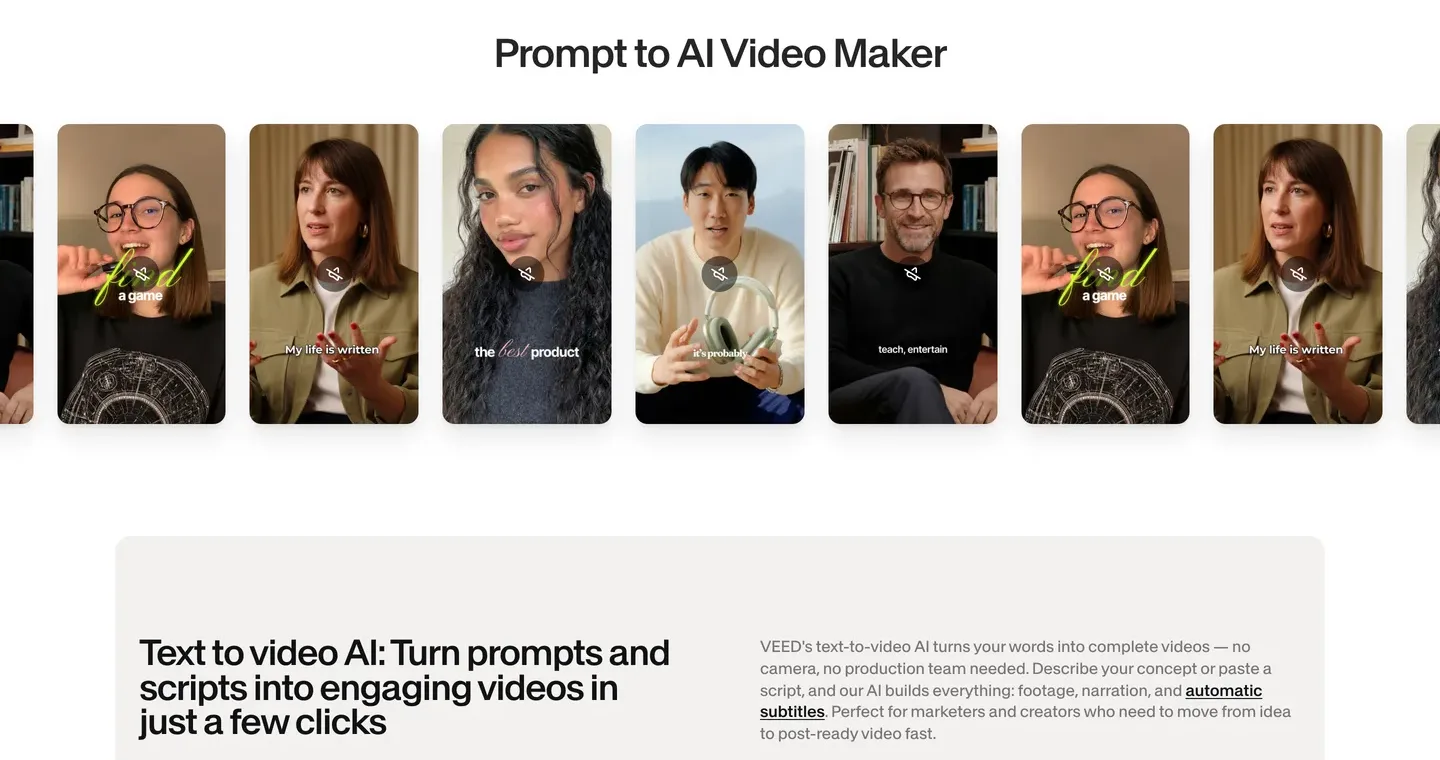
VEED is the answer if the timeline was the part of InVideo you actually enjoyed. It is a browser video editor first, with automatic subtitles, a stock catalog, text-to-video generation, AI avatars and translation layered on. You get more hands-on control than any one-pass generator in this list, at the cost of doing more of the editing yourself.
Key features
- Browser timeline editor with unlimited auto subtitles on paid plans
- Text-to-video and image-to-video generation, AI voices and avatars
- Full audio and video catalog
- Translation to 50+ languages from the Pro plan
Best for
- Creators who draft with AI but want to finish every video by hand
Pricing
- Creator $12/mo billed yearly ($147 a year) with 6,000 credits and no watermark
- Pro $22/mo billed yearly ($265 a year)
Pros
- Strong subtitle and editing tools at a low yearly price
- Works for faceless and on-camera content in the same account
Cons
- Monthly-billing prices are not shown on the pricing page we checked
- Editing time adds up when you post daily; no publishing listed
7. AutoShorts.ai, best for one niche on autopilot
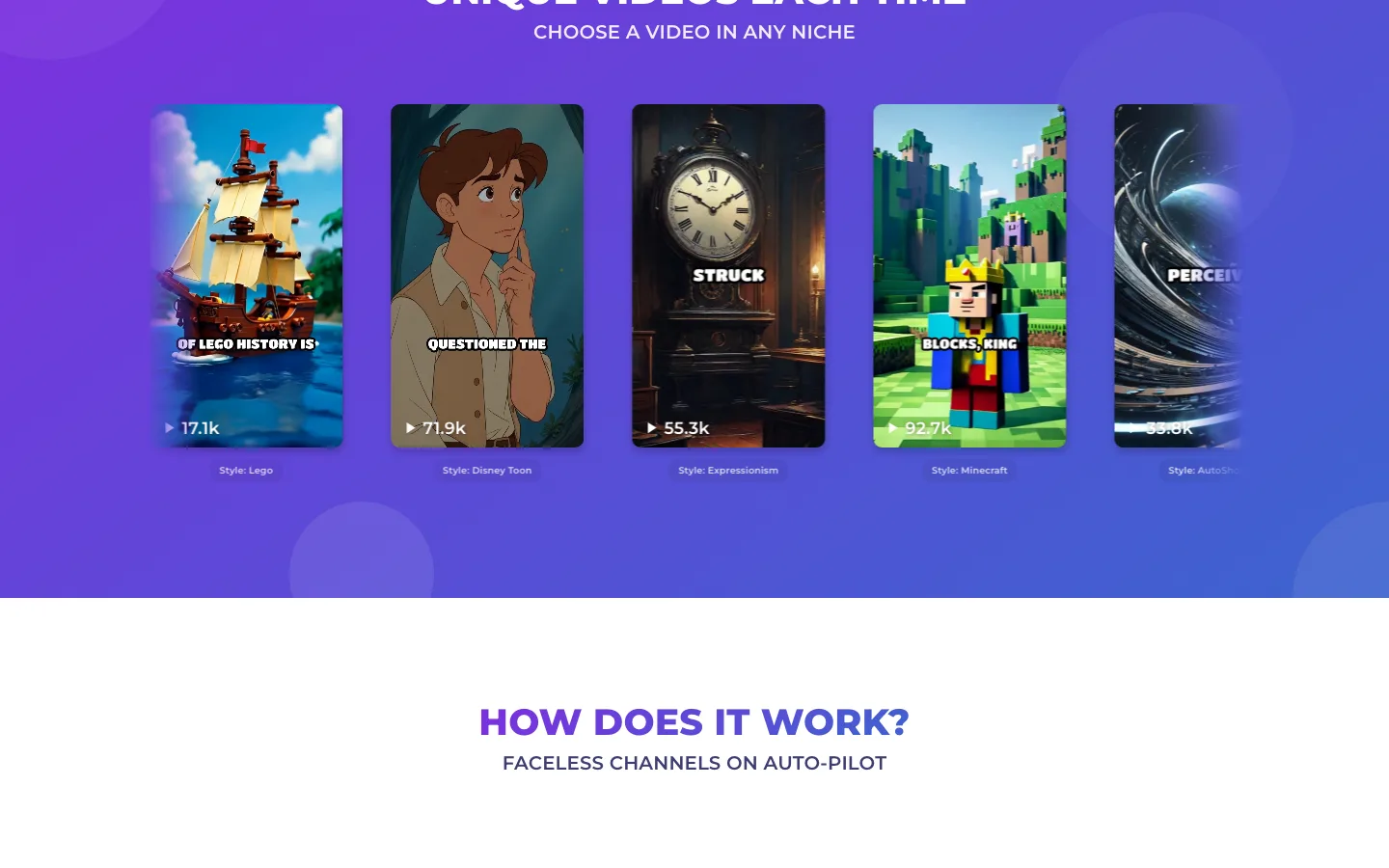
AutoShorts.ai does not make single videos at all. You create a series, for example "scary stories" or "one Genghis Khan fact a day", and it writes, generates and posts a new video on your schedule to TikTok, YouTube and Instagram. You can edit the script, title and music before each one goes out.
Key features
- Topic-based series that post automatically to TikTok, YouTube and Instagram
- Videos of 30 to 60 or 60 to 90 seconds, in 30 languages
- AI-generated images per scene, with motion credits to animate them
- You own the videos; paid plans remove the watermark
Best for
- One faceless niche on one set of channels with minimum daily effort
Pricing
- Starter $19/mo, about 3 posts a week per series
- Daily (about $39/mo) and Hardcore (about $69/mo) post more often, per third-party reviews; each plan covers series of one plan type
Pros
- Truly hands-off once the series is set up
- Covers all three short-form platforms
Cons
- Short-form only, up to 90 seconds, no long-form yet
- Still images by default, and past videos are removed after 120 days, so download what you want to keep
8. Crayo, best for Reddit stories and fake-text videos
Crayo focuses on the storytime formats that built a lot of faceless channels: Reddit posts narrated over gameplay, fake text conversations, split-screen clips and AutoClip. If those are your formats, it is faster than prompting a general tool to imitate them. Our guide to making Reddit story videos walks through the format itself.
Key features
- Reddit story, fake text, split-screen and AutoClip workflows
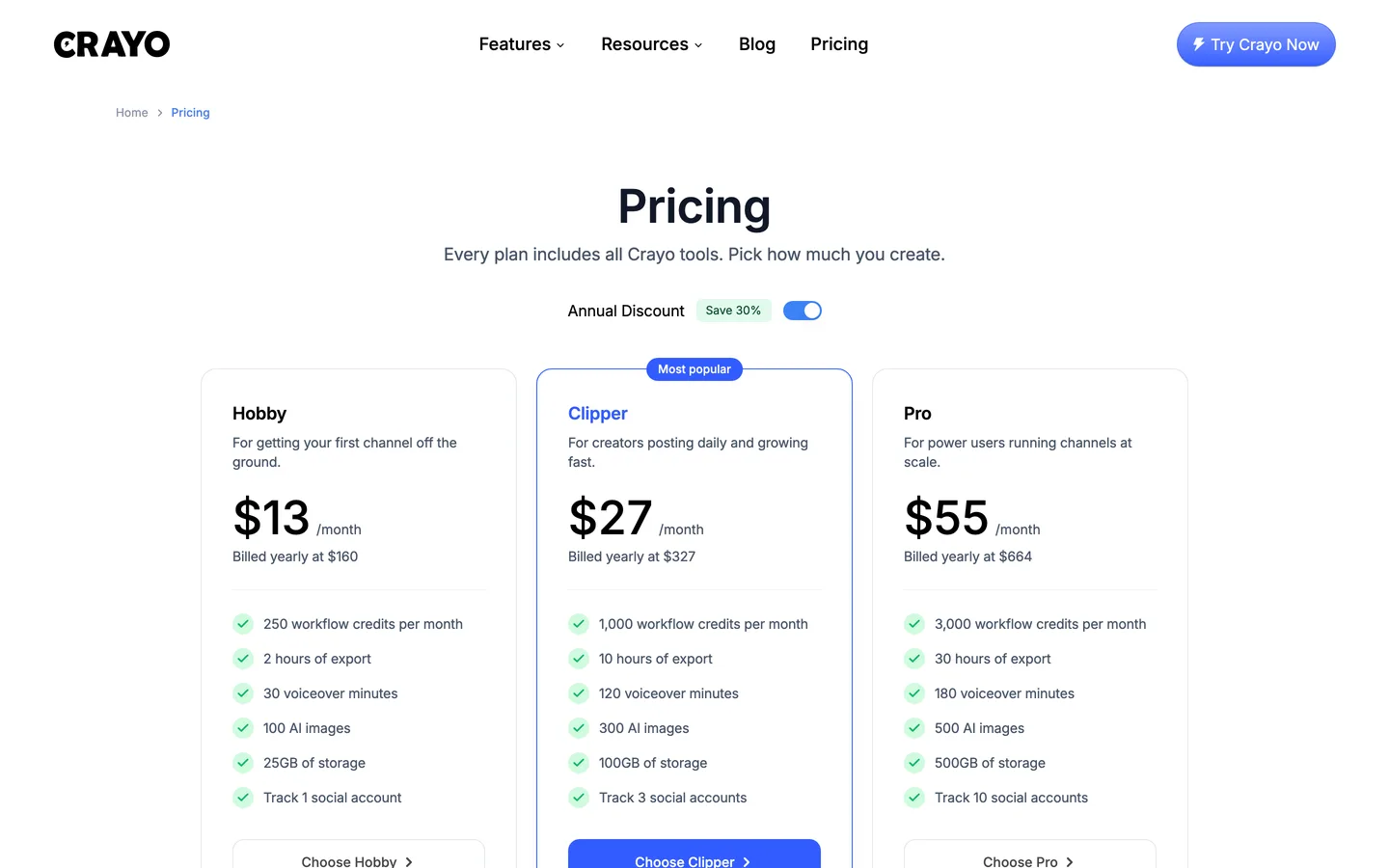
- Hobby: 250 workflow credits (one per AI video), 30 voiceover minutes and 100 AI images a month
- Voice changer, subtitle remover and speech enhancer included on every plan
- You fully own the videos you create
Best for
- Reddit-story, text-message and gameplay split-screen channels
Pricing
- Hobby $13/mo billed yearly ($160 a year); monthly billing is around $19 per third-party sources
- Clipper $27/mo billed yearly with 1,000 workflow credits
Pros
- Proven formats with very low cost per video on the yearly plan
- Every plan includes every Crayo tool
Cons
- No auto-posting; the "social account" feature is tracking, not publishing
- Template formats, not original AI-visual stories
How to choose the right InVideo alternative for your channel
1) Which part of InVideo do you want to replace?
- If you wanted finished videos and the editor was in the way: ClipNova, or The Faceless Reels if you only make short-form.
- If you liked the editor and want a cheaper or simpler one: VEED.
- If you liked script-to-stock-video and want it predictable: Pictory.
- If posting was the missing piece: Revid.ai or AutoShorts.ai.
2) Stock, templates or generated scenes?
- Generated scenes that match each line of your script: ClipNova, The Faceless Reels, and Revid.ai when you use its AI video models.
- Stock footage with narration: Pictory and Fliki.
- Ready-made viral templates: Crayo for Reddit and text formats, AutoShorts.ai for a fixed series.
A practical test: search your niche on TikTok and count how many top videos use the same stock clips. If it is most of them, generated scenes are how you stand out.
3) Do you want to review each video before it goes live?
- Review first: ClipNova, The Faceless Reels, Pictory, Fliki, VEED and Crayo all leave posting to you.
- Posted for you: Revid.ai and AutoShorts.ai. Read the first two weeks of output yourself, because YouTube's rules on repetitive, mass-produced content apply to automated channels too.
4) What does one finished video really cost?
Divide the plan price by the number of videos you actually post, not by the credit total.
- Revid.ai Growth: $39 for roughly 25 to 50 typical 30-second videos, so about $0.80 to $1.60 each.
- AutoShorts.ai Starter: $19 for about 12 to 13 posts a month, so about $1.50 each.
- InVideo AI's 400-credit Starter: about 15 Seedance 2 Fast clips for $20, which is about $1.33 per clip before you have a finished video.
Make three test videos in your real niche with your top two picks before you commit to a plan. Count the minutes you spend fixing each one. A tool that is $10 cheaper but adds 15 minutes of editing per video costs you more once you post daily.
5) Short-form only, or long videos too?
- Only Shorts, Reels and TikToks: The Faceless Reels keeps the workflow tight, AutoShorts.ai if you want it posted for you.
- Long narrated YouTube videos as well: ClipNova renders up to 5 minutes from the same idea, and Fliki handles narrated videos up to 15 minutes on Standard.
If you are still at the script stage, our guide on writing a faceless video script is the next step, and the wider roundup of faceless AI video generators compares more tools beyond InVideo's direct rivals. When you are ready to see your first idea as a finished video, ClipNova's AI text to video generator is the quickest place to start.
Frequently asked
What is the best InVideo alternative in 2026?
For faceless creators, ClipNova is the best overall InVideo alternative: one idea becomes a finished video with script, AI voiceover, generated scenes, captions and music, without a timeline to work through. The Faceless Reels runs on the same engine and is the simplest choice if you only make Shorts, Reels and TikToks. If you want the tool to post for you, look at Revid.ai or AutoShorts.ai.
Why do people look for an InVideo AI alternative?
Mostly because of fit rather than quality. InVideo AI is moving toward a full agentic editor, its entry plan is limited to the Lite agent and the cheaper Seedance models, credits do not roll over, and no posting tools are listed. Creators who post a faceless video every day often want less editing and a clearer cost per finished video.
Is there an InVideo alternative that posts to TikTok and YouTube automatically?
Yes. Revid.ai publishes to TikTok, Instagram and YouTube and adds post stats, and AutoShorts.ai posts a topic-based series on a schedule to the same three platforms. Fliki publishes to YouTube only. ClipNova, The Faceless Reels, Pictory, VEED and Crayo leave posting to you, which gives you a final review before anything goes live.
What are some sites like InVideo for stock-footage videos?
Pictory is the closest like-for-like option: it turns a script, blog post or URL into a narrated stock-footage video, with 200 video minutes a month on Starter. Fliki also mixes stock and AI visuals and is stronger on voices. If you want original scenes instead of stock, ClipNova generates a scene for each line of your script.
How much does InVideo AI cost compared with the alternatives?
On October 7, 2026, InVideo's pricing page showed two entry plans: Basic at $9 a seat a month and Starter at $20 a seat a month, each about half that billed yearly. The alternatives here start between about $12 and $39 a month: VEED at $12 billed yearly, ClipNova, The Faceless Reels and AutoShorts.ai at $19, Pictory at $29 and Revid.ai at $39. Compare cost per finished video, not just the plan price.
Can I monetize faceless videos made with an InVideo alternative?
Yes, as long as the tool gives you rights to the output and each video is original. ClipNova and The Faceless Reels include commercial rights on every plan, and AutoShorts.ai and Crayo say you own your videos. YouTube's monetization rules exclude repetitive, mass-produced content, so give every video its own script and angle.
Which InVideo alternative is best for TikTok and Reels?
The Faceless Reels is built only for vertical faceless short-form, so it is the fastest path to a ready-to-post TikTok or Reel. ClipNova makes the same vertical videos and adds horizontal and longer formats. Crayo is the specialist for Reddit stories and fake-text videos.
If I want a finished faceless video without editing, what should I use instead of InVideo?
Use ClipNova. You type one idea and get a complete faceless video with script, AI voiceover, generated visuals, captions and music, with a scene editor for small fixes and watermark-free export on every plan. If short-form is all you make, The Faceless Reels gives you the same output in a simpler setup.