The best AI Bible video generators in 2026 are ClipNova for finished Bible stories of up to 5 minutes with the same Moses, Ruth or Peter in every scene, followed by StoryShort, Atlabs and Pictory for narrower faith formats. ClipNova starts at $19/mo; the others start between $29 and $39 a month on monthly billing.
Faith content is one of the steadiest faceless niches on YouTube and TikTok. Viewers come back for a verse every morning, a story every Sunday and a series that walks through a whole book. The hard part is not getting an AI to draw a desert. It is keeping the words faithful to the passage, the characters recognizable from one scene to the next, and the tone right for the people watching, from a Sunday school class to an adult devotional channel.
This roundup compares four AI Bible video generators on what they make best, how closely they follow your text, how long the videos run and what each one costs.
The 4 best AI Bible video generators at a glance
- ClipNova: best overall for Bible story channels, from a one-minute Short to a five-minute retelling. It follows the passage you paste, keeps saved characters looking the same in every scene and delivers the narration, captions and music in one render.
- StoryShort: best for a daily Bible Short on autopilot. Bible and faith categories, multi-scene videos and scheduled posting to TikTok, YouTube and Instagram.
- Atlabs: best for worship music videos and multi-faith creators. A dedicated religious video generator with 30+ visual styles, plus a faith and gospel agent for music videos.
- Pictory: best for verse-of-the-day videos over stock footage. Paste a verse or devotional and it matches each sentence with footage from a large stock library.
| Tool | Best faith format | Starting price (monthly billing) | Follows your exact text | Video length | Auto-posting |
|---|---|---|---|---|---|
| ClipNova | Bible stories and series, Shorts to long-form | From $19/mo | Yes (paste or upload up to 5,000 characters) | Up to 5 min | No (review, then post) |
| StoryShort | Daily Bible and verse Shorts | $39/mo | Yes, from your script | Shorts, plus long-form | Yes: TikTok, YouTube, Instagram |
| Atlabs | Worship and multi-faith videos | $39/mo | Yes (upload your own script) | Up to 5 min on Pro | Not listed |
| Pictory | Verse and devotional videos on stock footage | $29/mo | Yes (paste your text) | Not published per video | Not listed |
What to look for in an AI Bible video generator
Bible videos are judged by people who know the story. Check each tool against these points before you pay:
- It reads your text, not its memory. The safest tools narrate exactly what you paste. Tools that write the story from a one-line prompt tend to add dialogue and events the passage never mentions.
- Characters stay the same. In a story like Exodus, Moses appears in a dozen scenes. If his beard, age and robe change every shot, the video looks careless, and a series becomes impossible.
- The style fits the audience. Claymation or 3D animation for children, a painterly or cinematic look for adults. A single default look will not serve both.
- Length for the whole story. A verse fits in 30 seconds. The story of Ruth needs two to five minutes, or a few episodes.
- Languages for a mixed congregation. Many faith channels publish the same story in English, Spanish, Portuguese or Tagalog. The narrator and captions should follow.
A simple test: paste one short passage you know by heart, such as Ruth 1:16-17, into each tool and compare the narration against the text line by line. The tool that changes the fewest words is the one you can trust with a weekly series.
1. ClipNova, best overall AI Bible video generator
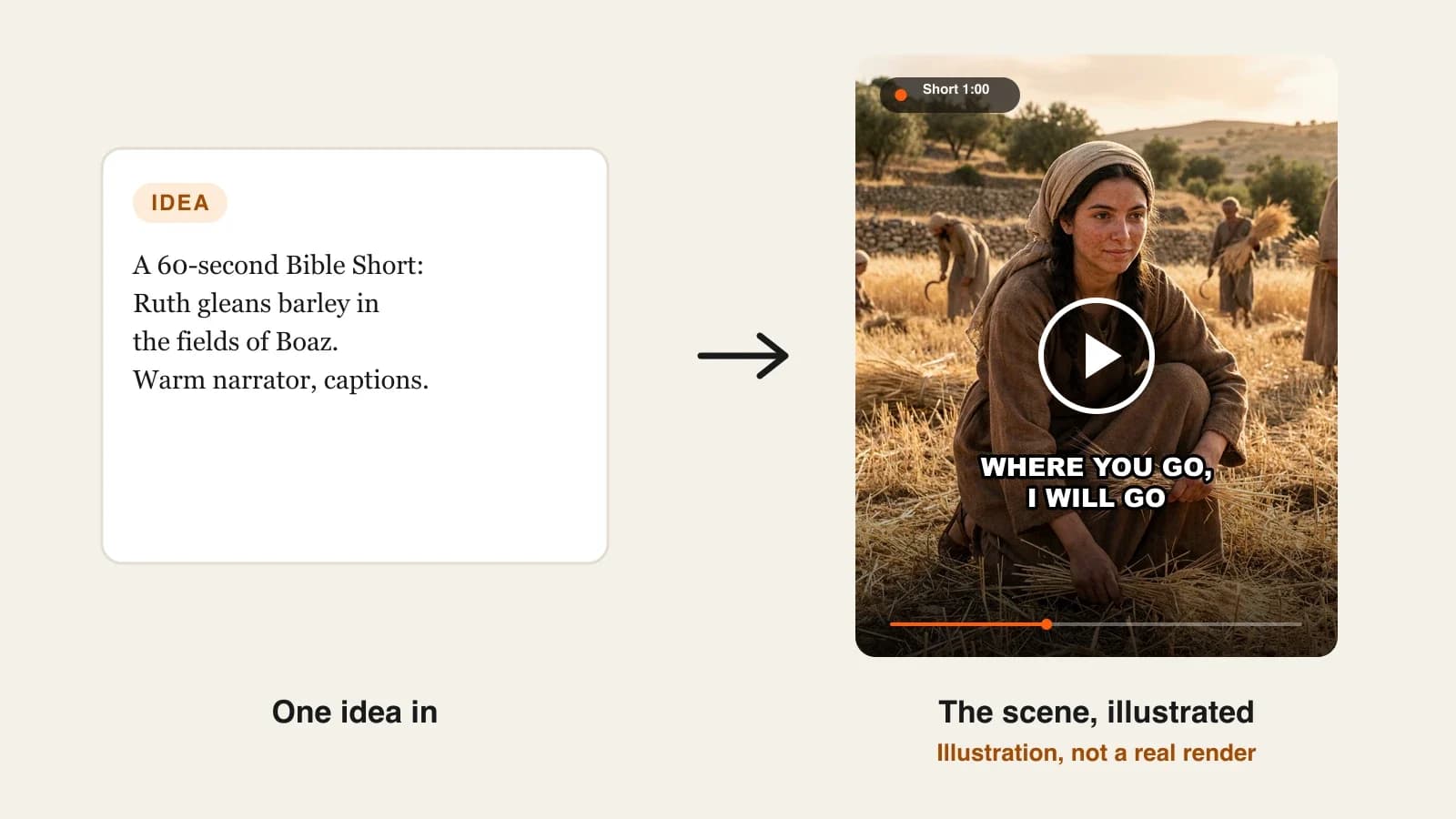
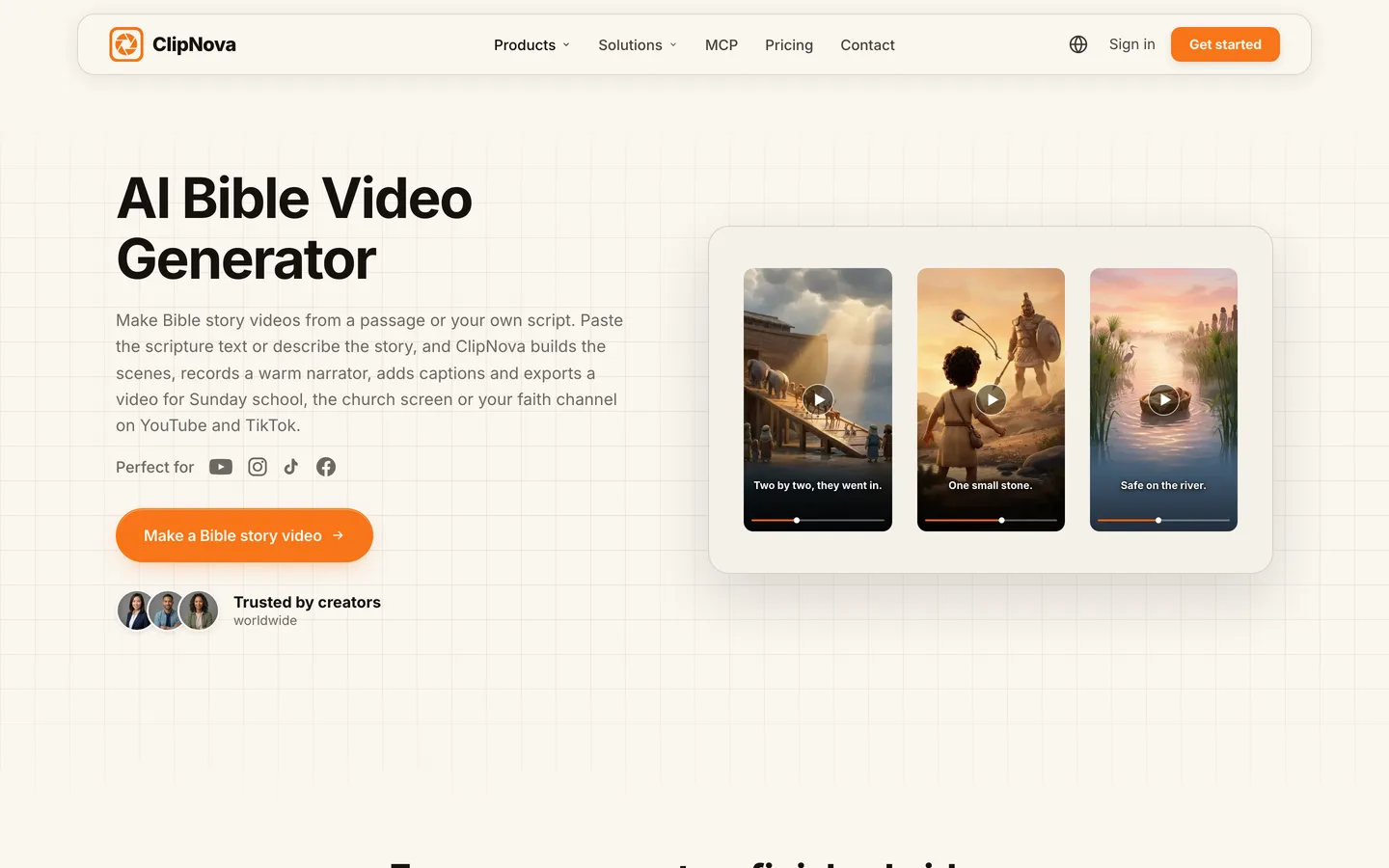
ClipNova turns a passage or your own retelling into a finished Bible story video: it builds a scene for every line, records a warm narrator, burns in captions, adds music and exports for YouTube, Shorts, TikTok or the church screen. Save the people of the story once, Ruth, Naomi and Boaz for example, each with a picture and a locked look, and they keep the same faces and clothing in every scene.
Bible channels need what ClipNova is built for, finished long videos with consistent characters:
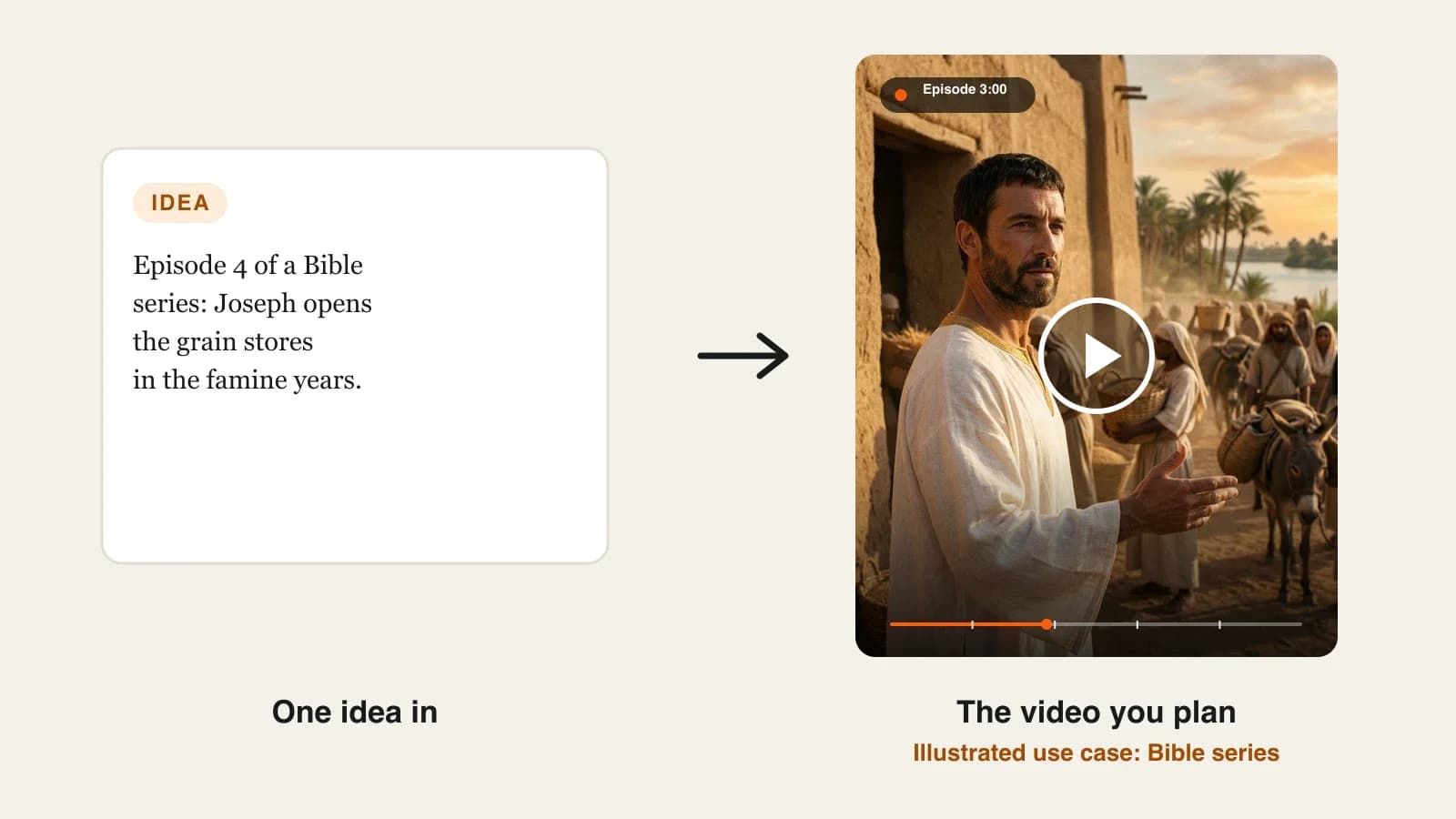
- Long: a whole story, from Ruth leaving Moab to the birth of Obed, fits in one video of up to 5 minutes instead of being cut into a string of 10-second clips.
- Consistent characters: saved characters keep the same faces across scenes, and Series brings the same cast back every week with a story memory of the last five episodes, so a walk through Genesis or the Gospels feels like one show.
- Finished: narration, scenes, captions and music arrive together, and Studio lets you redo a single scene, such as an out-of-place costume, without touching the rest.
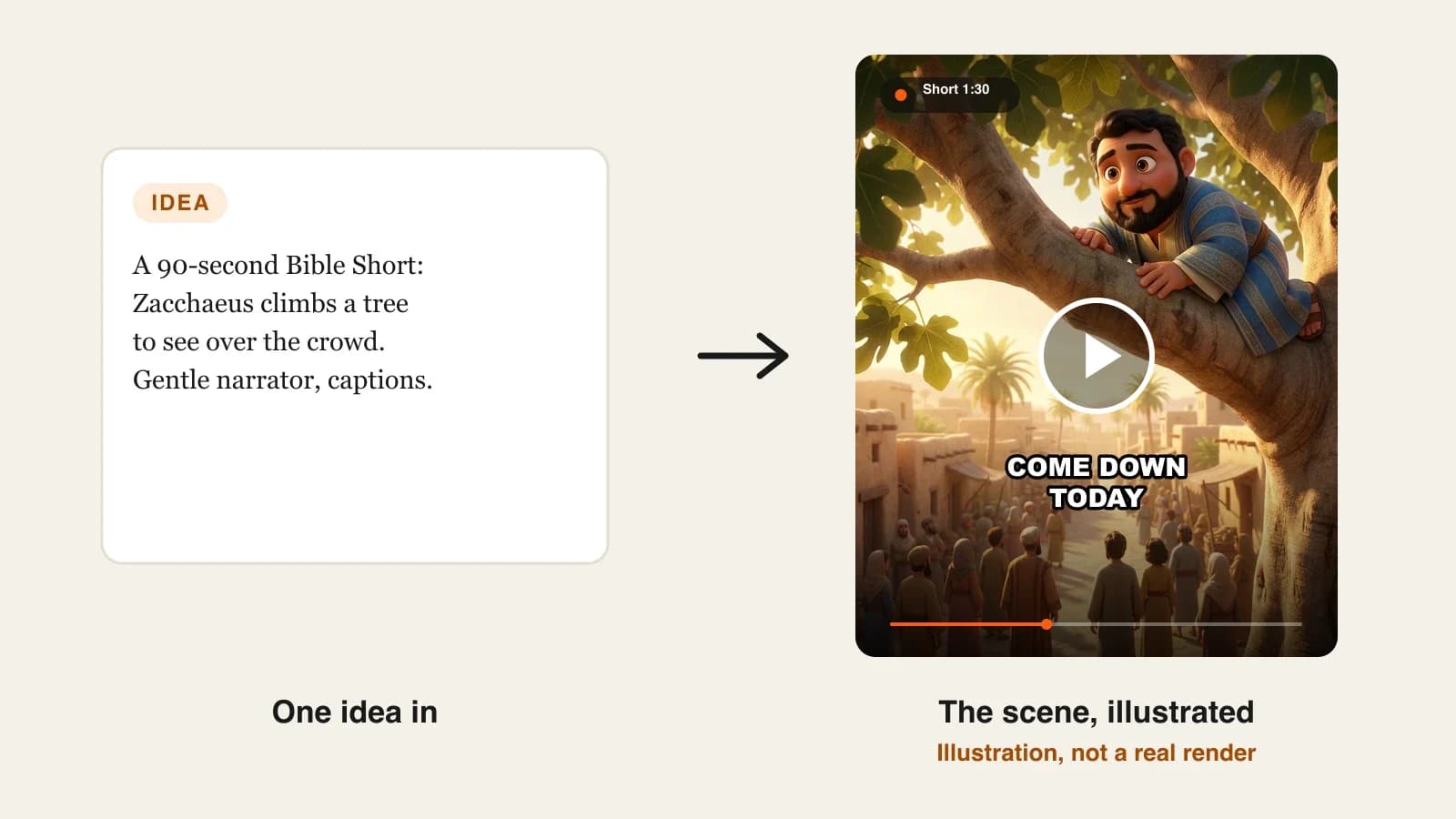
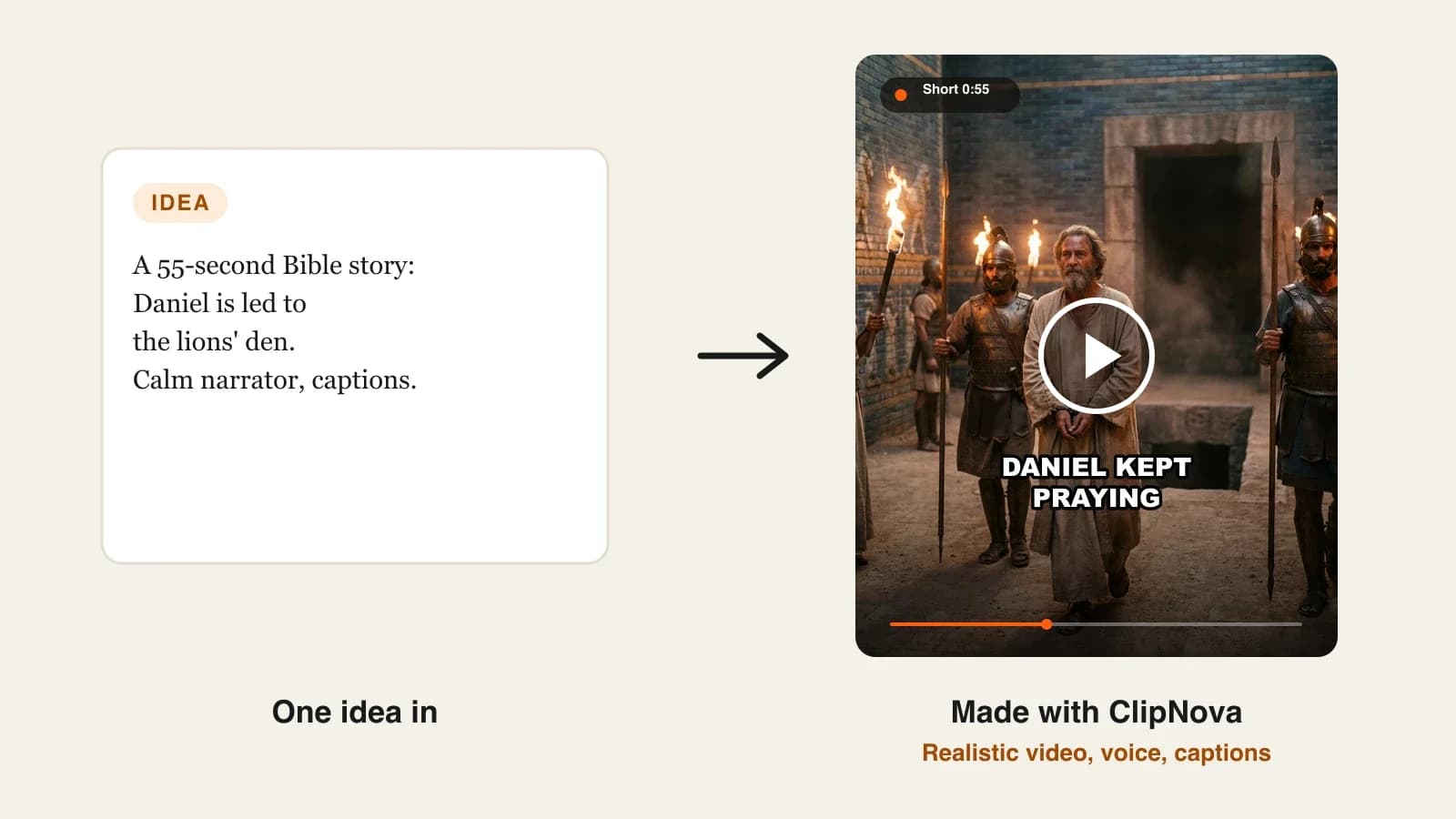
The ClipNova AI Bible video generator is the starting point for this niche. It shows the same kind of story in three looks (claymation, 3D animated and cinematic), so you can match the style to your audience.
Key features
- Paste the passage or upload a .txt, PDF or Word file of up to 5,000 characters, and the narration follows your words
- From a short idea, it drafts a narration you read and edit before anything is rendered
- Saved characters with a required picture and a locked look; Series holds up to 8 cast members and a Bible stories template
- 9:16 for Shorts, Reels and TikTok or 16:9 for YouTube and the church screen, up to 5 minutes per video, no watermark
- Scenes as Moving AI Images by default (about a third of the price) or as AI Video, where talking characters can speak on screen with lip sync on Base or Pro quality if you want dialogue
How to make a Bible video in ClipNova
- Open the AI Bible video generator, or create a Series from the Bible stories template if the same cast will return each week.
- Paste your retelling with the reference at the top, for example "Ruth 1:1-22, the road from Moab".
- Add your saved characters for the episode and name the look once: "gentle 3D animation, warm evening light".
- Choose 9:16 or 16:9, the length, a calm narrator and captions, then generate.
- Watch it with the passage open, fix any scene that adds something the text does not say, and post.
Pricing
- Plans from $19/mo: Hobby $19 (1,000 credits), Starter $49 (2,600), Growth $99 (5,750), Ultra from $199 (12,000); 20% off yearly
- A 60-second story costs about 189 credits as Moving AI Images or about 550 as Base AI Video, so Hobby covers around five one-minute Bible Shorts in Moving AI Images
- Narration in 18 languages, every feature on every plan and commercial rights on every plan, so churches and channels can publish the videos
Pros
- Follows the exact wording of the translation you choose
- The same characters from the first scene to the last, and from episode one to episode ten
- Long enough for a full story, not just a verse
Cons
- No auto-posting; you review each video and post it yourself
- ClipNova does not supply a Bible translation or check theology, so a pastor, teacher or second reader should still check every script
2. StoryShort, best for a daily Bible Short on autopilot
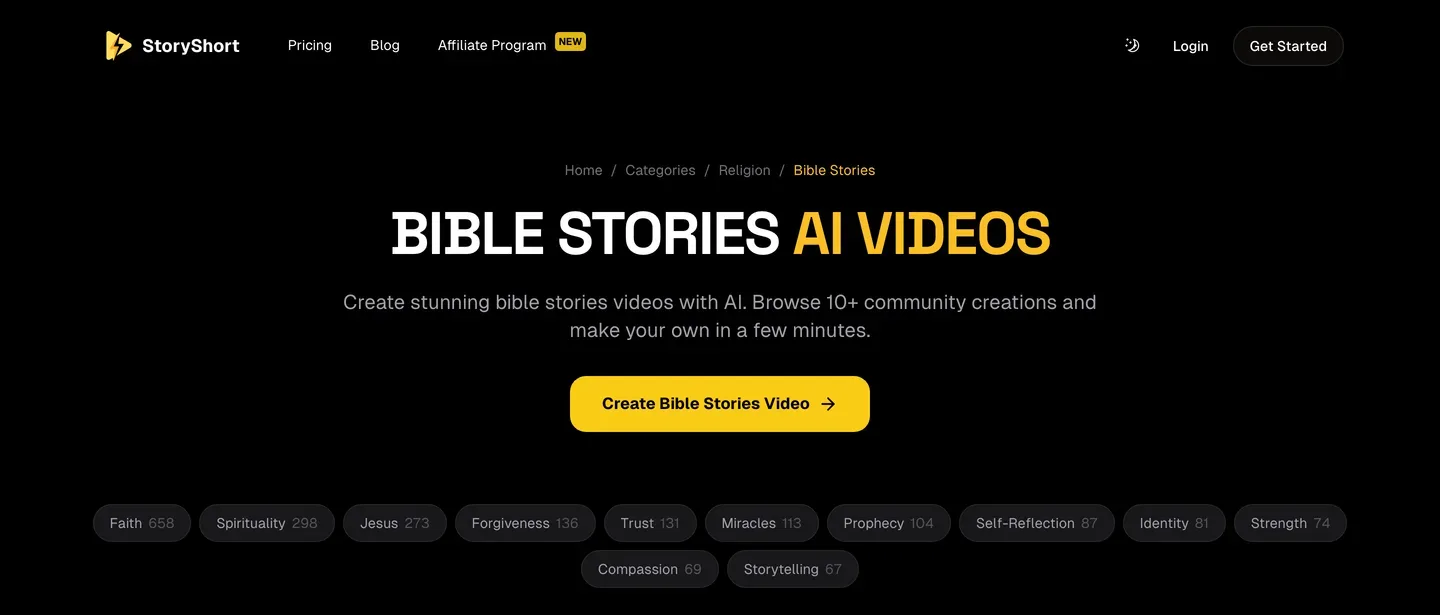
StoryShort is a faceless Shorts generator with dedicated Bible, Bible stories and faith categories, each with community examples you can browse and use as a starting point. You type a script or describe the video, and it builds a multi-scene video with visuals, voiceover and background music, then downloads it or posts it to TikTok, YouTube or Instagram.
Where it stands out is the posting side: a series runs on a schedule, so a verse-of-the-day account or a daily Bible story channel keeps publishing while you work on scripts. It is a Shorts-first tool; for a five-minute retelling with a recurring cast, ClipNova goes further.
Key features
- Bible, Bible stories and faith categories with ready examples
- Script or prompt in, multi-scene video with voiceover and music out
- Scheduled posting to TikTok, YouTube and Instagram
- Short-form by default, with long-form videos for longer stories
Best for
- A verse-of-the-day or daily Bible story account on TikTok and Shorts
- Creators who want posting automated once the series is set up
Pricing
- Starter: $39/mo billed monthly ($279 a year) with 400 credits and 1 series, about 16 one-minute videos a month
- Growth: $69/mo with 1,200 credits and 2 series
Pros
- The simplest route to a faith account that posts every day
- Theme pages make it easy to find a starting idea
Cons
- Each extra series needs a bigger plan
- Character consistency across separate videos is not a published feature
3. Atlabs, best for worship music videos and multi-faith creators
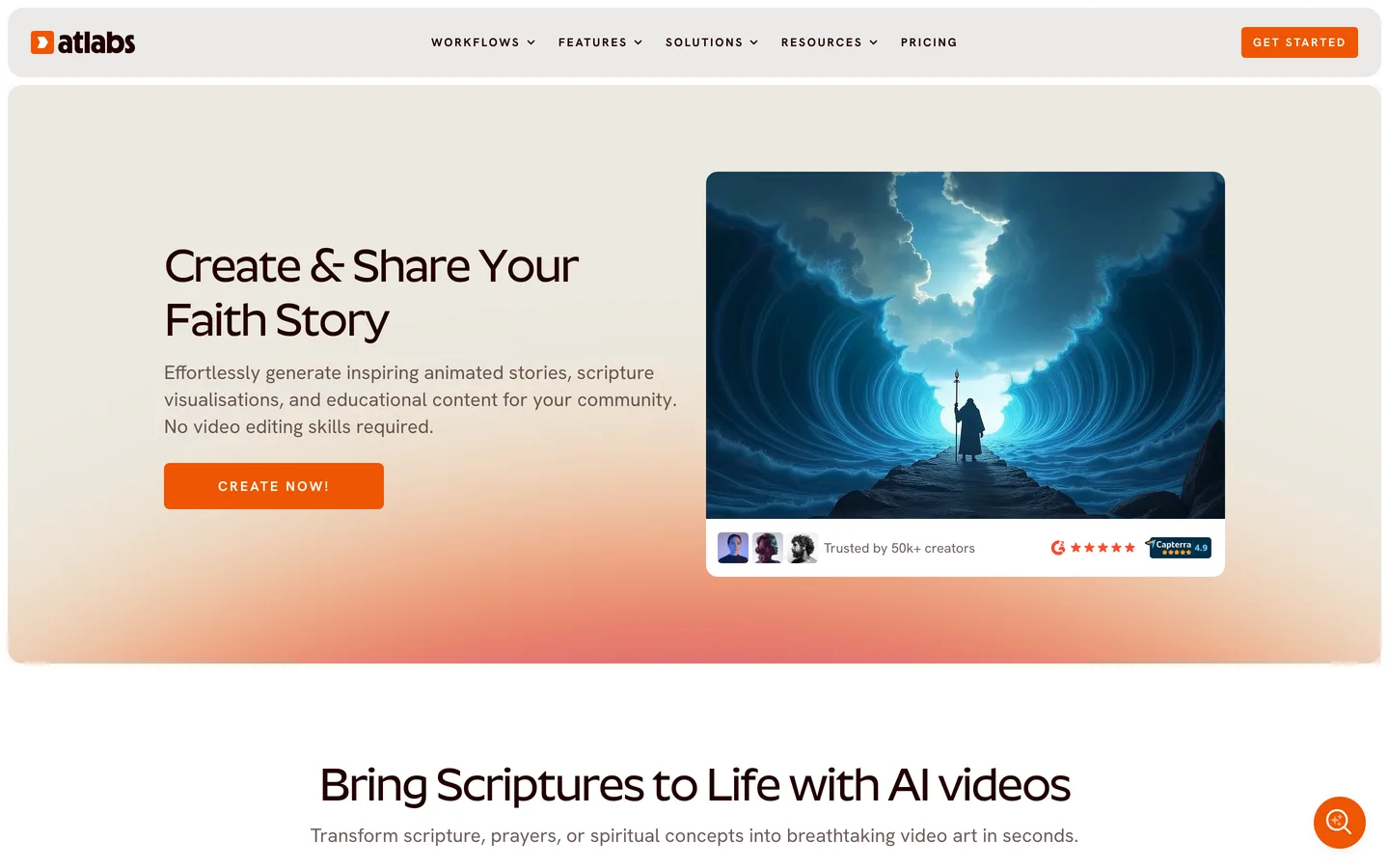
Atlabs is a multi-model AI video studio with a dedicated religious video generator. It covers Bible stories as well as Quranic verses, the Torah, Jataka tales and the Ramayana, which makes it a fit for creators who serve more than one tradition. You can write or upload a script, choose from 30+ visual styles, cast characters and keep them consistent, and pick from 300+ voices in 40+ languages.
Its other angle is music: Atlabs has music-to-video workflows and, on Pro and above, a faith and gospel video agent that turns a worship song into a narrative music video. For spoken Bible stories, ClipNova's text-faithful narration and Series are the more direct route; for gospel and worship tracks, Atlabs is worth a look.
Key features
- Religious video generator for several traditions, including Bible stories
- 30+ visual styles, custom characters kept consistent, 300+ voices, 40+ languages
- Faith and gospel music video agent on Pro and above
- Videos up to 5 minutes on Pro, 9:16, 16:9 or 1:1
Best for
- Worship leaders and gospel channels turning songs into videos
- Creators publishing for more than one faith tradition
Pricing
- Pro: $39/mo billed monthly ($29/mo billed yearly, $348 a year); the plan card lists 4,200 credits a year, which Atlabs says covers about 36 to 48 minutes of video
- Plus: $79/mo billed monthly ($59/mo yearly) with longer videos of up to 10 minutes
Pros
- Music video tools that most Bible generators do not have
- Many styles and models under one subscription
Cons
- The yearly credit allowance on Pro is modest for a channel posting daily
- Auto-posting to social platforms is not listed
4. Pictory, best for verse-of-the-day videos over stock footage
Pictory is a text-to-video tool: paste a script, an article or your notes and it builds a scene for every sentence, matched from a library of 18M+ stock clips and images or made with AI, with a voiceover and captions. You then edit the video like a document, changing the text to change the scene.
For faith channels, that suits a different format than story retellings: a verse or a short devotional read over sunrises, fields and calm water. It will not draw Moses or keep a cast consistent, but it is fast for a daily reflection where the words matter more than the characters. Template-style stock videos are quick, yet ClipNova makes original scenes with your own characters when the story itself is the point.
Key features
- Script, article or notes to video, one scene per sentence
- Stock visuals from a large library, or AI visuals
- 170+ AI voices in 29+ languages, including ElevenLabs voices on paid plans
- Edit the text to edit the video; 1080p export
Best for
- Verse-of-the-day and devotional channels
- Churches turning a weekly reflection into a short video
Pricing
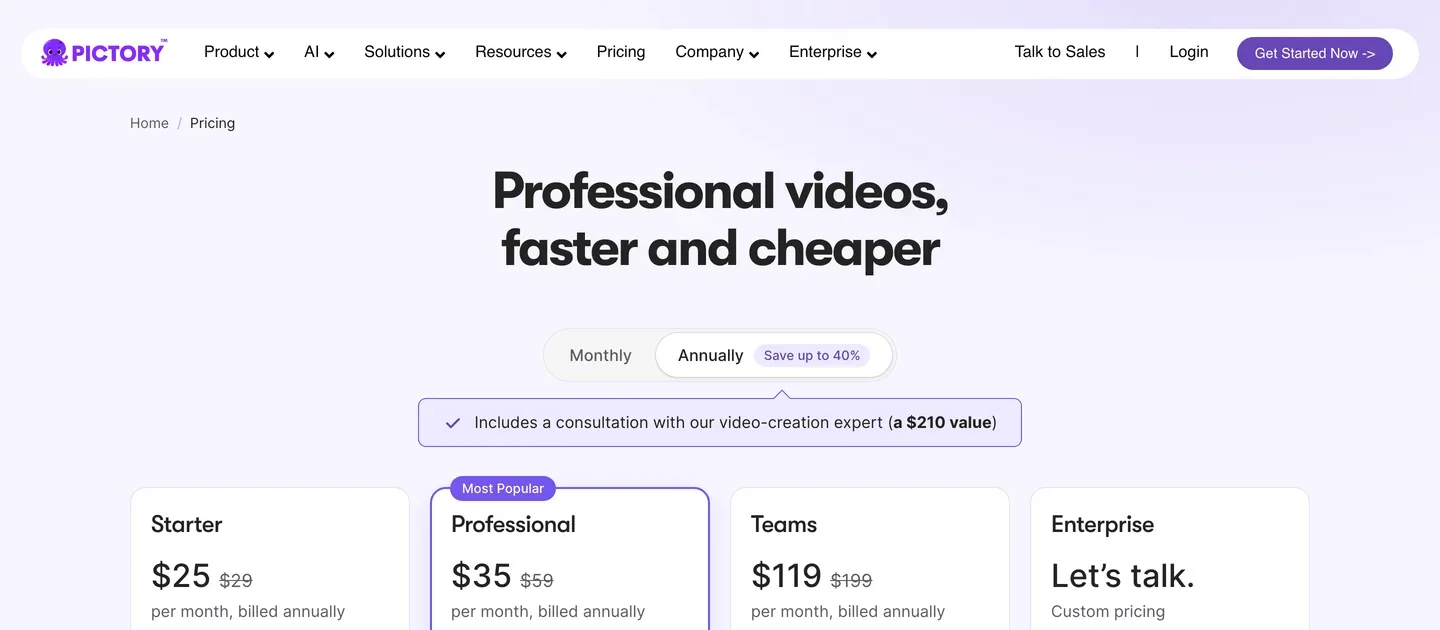
- Starter: $29/mo billed monthly ($25/mo billed yearly) with 24,000 credits and up to 360 video minutes a year, 1080p
- Professional: $59/mo billed monthly ($35/mo yearly) with 72,000 credits
Pros
- Very quick for text-led videos
- Predictable minutes for a daily posting habit
Cons
- Stock footage, so no recognizable Bible characters
- Auto-posting to social platforms is not listed
A few faith-channel rules to know before you post
- Translation rights. Public domain translations such as the World English Bible can be narrated freely; modern translations set their own quotation limits on their copyright pages.
- Children. If a video is made for kids, YouTube requires you to mark it made for kids, which turns off comments and personalized ads.
- Realistic scenes. YouTube asks creators to disclose realistic AI scenes that did not happen; a clearly animated or claymation story usually does not need the label.
- Originality. YouTube's monetization policies exclude mass-produced, repetitive videos made from generic templates. A consistent narrator, original retellings and a recurring cast make a channel look like a show.
To turn a long passage into a multi-episode series step by step, read our guide on how to make Bible story videos with AI. For the channel side, niche, content plan and monetization, see how to start a Bible YouTube channel with AI.
How to choose the best AI Bible video generator for your channel
1) Stories, verses or songs?
- Narrated Bible stories, Shorts to five minutes: ClipNova.
- A daily verse or story Short: StoryShort for posting on a schedule, or Pictory for verses over calm footage.
- Worship and gospel music videos: Atlabs.
2) Will the same characters come back?
- Yes, a series through a book of the Bible: ClipNova saved characters and the ClipNova AI series generator keep the cast the same in every episode.
- No, each video stands alone: any tool here works; choose on style and price.
3) Who is watching?
- Children and Sunday school: a claymation or 3D look with a warm narrator, which ClipNova and Atlabs both offer. Mark kids videos as made for kids.
- Adults and devotional channels: a cinematic or painterly look, or stock footage for reflections.
4) What does one video cost?
- ClipNova Hobby: $19 for about five one-minute Bible Shorts in Moving AI Images, or one longer story plus a few Shorts.
- Pictory Starter: $29 a month for up to 360 minutes of stock-footage video a year.
- StoryShort Starter: $39 for about 16 one-minute videos.
- Atlabs Pro: $39 a month for about 36 to 48 minutes of video a year on the published credit estimate.
Make the same 60-second passage in your top two tools before you subscribe. Read the narration against your Bible, then watch it with the person you made it for, a child, a youth group or your own subscribers. The tool you choose is the one whose mistakes are easiest to fix.
Ready to compare prices in detail? ClipNova pricing shows the credits on each plan, and every plan includes every feature.
Frequently asked
What is the best AI Bible video generator in 2026?
ClipNova is the best overall AI Bible video generator: it narrates the passage you paste, keeps saved characters looking the same in every scene and exports finished Bible stories of up to 5 minutes. StoryShort suits a daily Bible Short on autopilot, Atlabs suits worship music videos and multi-faith creators, and Pictory suits verse videos over stock footage.
Can an AI Bible video generator follow the exact Bible text?
Yes, if you give it the text. ClipNova narrates exactly what you paste or upload (up to 5,000 characters), and StoryShort, Atlabs and Pictory also work from your own script. When a tool writes the story from a one-line prompt instead, check every line against the passage, because AI tends to add dialogue and events.
Which Bible translation can I use in AI videos?
Public domain translations such as the World English Bible can be narrated freely. Modern translations publish their own quotation limits on their copyright pages, so check them before you narrate long passages word for word. None of the tools here supplies or licenses a translation for you.
How long should an AI Bible story video be?
A verse or a single moment works at 30 to 60 seconds for Shorts, Reels and TikTok. A full story such as Ruth or Jonah needs two to five minutes, or a short series. ClipNova renders up to 5 minutes per video, and Atlabs Pro allows videos of up to 5 minutes.
What is the cheapest AI Bible video generator?
Of the tools compared here, ClipNova has the lowest entry price at $19 a month for 1,000 credits, about five one-minute Bible Shorts in Moving AI Images. Pictory starts at $29 a month, and StoryShort and Atlabs at $39 a month on monthly billing.
Can I monetize a Bible story channel on YouTube?
Yes, once the channel meets the YouTube Partner Program thresholds and the videos are original. YouTube's monetization policies exclude mass-produced, repetitive content made from generic templates, so write your own retellings, keep a consistent narrator and cast, and avoid near-identical uploads.
Do AI Bible videos for children need to be marked made for kids?
Yes. If a video is made for children, YouTube requires you to set it as made for kids, which turns off comments and personalized ads on it. A claymation or 3D animated look with a gentle narrator suits young viewers best.
Which AI Bible video generator should a new faith channel start with?
Start with ClipNova if you want to review every video and grow from Shorts into full stories and a weekly series with the same characters; plans start at $19 a month with every feature included. If you mainly want a daily verse account that posts itself, compare StoryShort.