The best AI ranking video generators in 2026 are ClipNova for finished countdowns of up to 5 minutes with a scene for every entry, followed by Revid, StoryShort, Zebracat and Pictory for narrower list formats. ClipNova starts at $19/mo; the other four start between $29 and $39 a month on monthly billing.
Top 10 videos look simple: a number, a picture, a sentence, next. Anyone who has made one by hand knows the real work. You research ten entries, write a line for each, find a visual that matches, time the voice to the rank and cut it so viewers stay until number one. Do that every day and a countdown channel turns into a second job.
This roundup compares five AI ranking video generators on the list formats they handle best (top 10, top 5, tier lists, real-footage countdowns), how long the videos can run, how much control you keep over the order and the facts, and what each one costs.
The 5 best AI ranking video generators at a glance
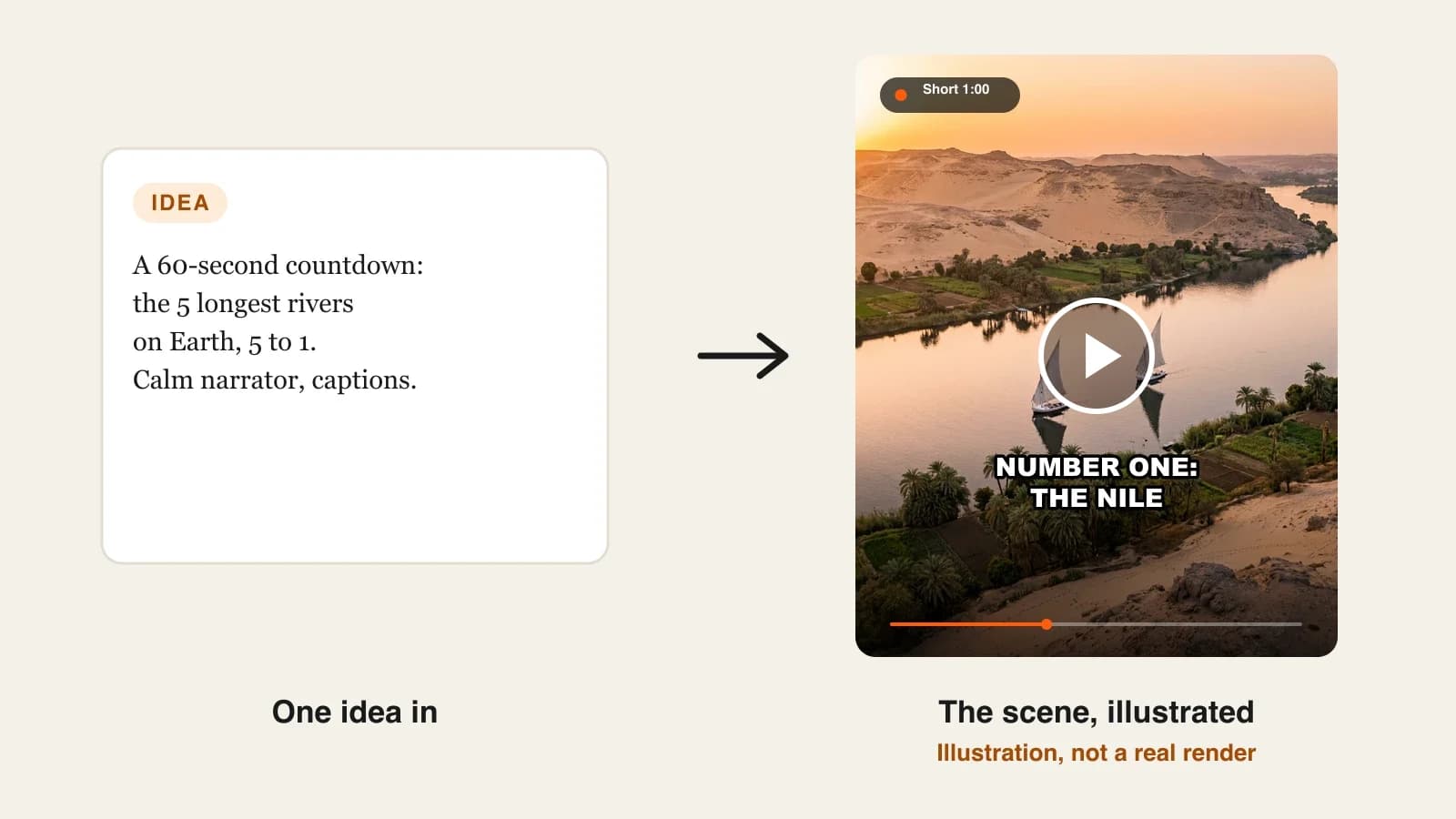
- ClipNova: best overall for countdowns from a 60-second top 5 to a 5-minute top 10. One line of text becomes a finished ranking video with a countdown script, a scene per entry, a voice that calls each rank and captions that land on the number.
- Revid: best for fast trending top 10 Shorts. A dedicated ranking video maker built around a viral hook-countdown-ending structure, with publishing to TikTok, Instagram and YouTube.
- StoryShort: best for animated tier lists. It sorts any topic into S, A, B, C and D tiers, argues each pick in the voiceover and drops every card into its tier on cue.
- Zebracat: best for listicles in a mixed format. A "Listicle" storytelling framework sits next to stock footage, AI images and AI video, so one tool covers several list styles.
- Pictory: best for real-footage countdowns from your own script. It matches each line of a written list to stock clips from a large licensed library.
| Tool | Best ranking format | Starting price (monthly billing) | Video length | Who picks the order | Auto-posting |
|---|---|---|---|---|---|
| ClipNova | Top 5 to top 10 countdowns, Shorts or long | From $19/mo | Up to 5 min | You, or ClipNova picks | No (review, then post) |
| Revid | Trending top 10 Shorts | From $39/mo | 15 to 120 s | AI writes it from your prompt | Yes: TikTok, Instagram, YouTube |
| StoryShort | Animated S to D tier lists | $39/mo | Short-form, 6 to 9 items | AI ranks it, you edit | Yes: TikTok, YouTube, Instagram |
| Zebracat | Listicles in stock, AI image or AI video style | $39/mo | Up to 2 min on Cat Mode | Your prompt or script | Not published |
| Pictory | Real stock-footage countdowns | $29/mo | 30 video minutes a month on Starter | Your script | No |
What makes a good AI ranking video generator?
A ranking video lives or dies on three seconds at the start and three seconds before number one. Before you choose a tool, check it against these points:
- A real countdown script. The narration should open with a hook, count down from the last place to the first and save the strongest fact for the top spot. A tool that writes a generic paragraph and chops it into slides loses the tension.
- Control over the entries and the order. Your audience argues about rankings in the comments. You need to be able to set your own picks and order, not only accept what the AI chooses.
- One visual per entry. Each rank needs its own clear scene, so a viewer scrolling past still sees "number three" and the thing it refers to.
- Captions that call the rank. Most Shorts are watched with the sound off. The number should be on screen the moment it is said.
- Room for a longer list. A top 5 fits in a minute; a top 10 with a fact per entry needs two to three minutes. Tools capped at 60 seconds force you to cut either entries or facts.
- A way to check facts. Heights, dates and records are where AI scripts slip. Look for a tool that lets you paste your own facts and fix a single entry afterwards.
1. ClipNova, best overall AI ranking video generator
ClipNova turns a list topic into a finished ranking video: it writes the countdown narration, builds a scene for each entry, records the voiceover, burns in captions that follow the rank as it is called and adds music. You can let it pick the entries or type your own list in the order you want, and if your channel has a recurring host or mascot, save that character once and it keeps the same face and outfit in every countdown.
For a list channel, that means one countdown is one render instead of a dozen clips stitched together, built around ClipNova's core idea of finished long videos with consistent characters:
- Long: a top 5 Short fits in 60 seconds, and when you want a proper top 10 with a fact per entry, the same workflow runs up to 5 minutes for a horizontal YouTube list.
- Consistent characters: a saved host or mascot looks the same in every entry and every episode, and Series brings that cast back for a weekly countdown show with a story memory of the last five episodes.
- Finished: the countdown script, the scenes, the voice, the captions and the music come back together, and Studio lets you redo one entry, such as number one, without remaking the list.
The ClipNova AI ranking video generator is the starting page for this format.
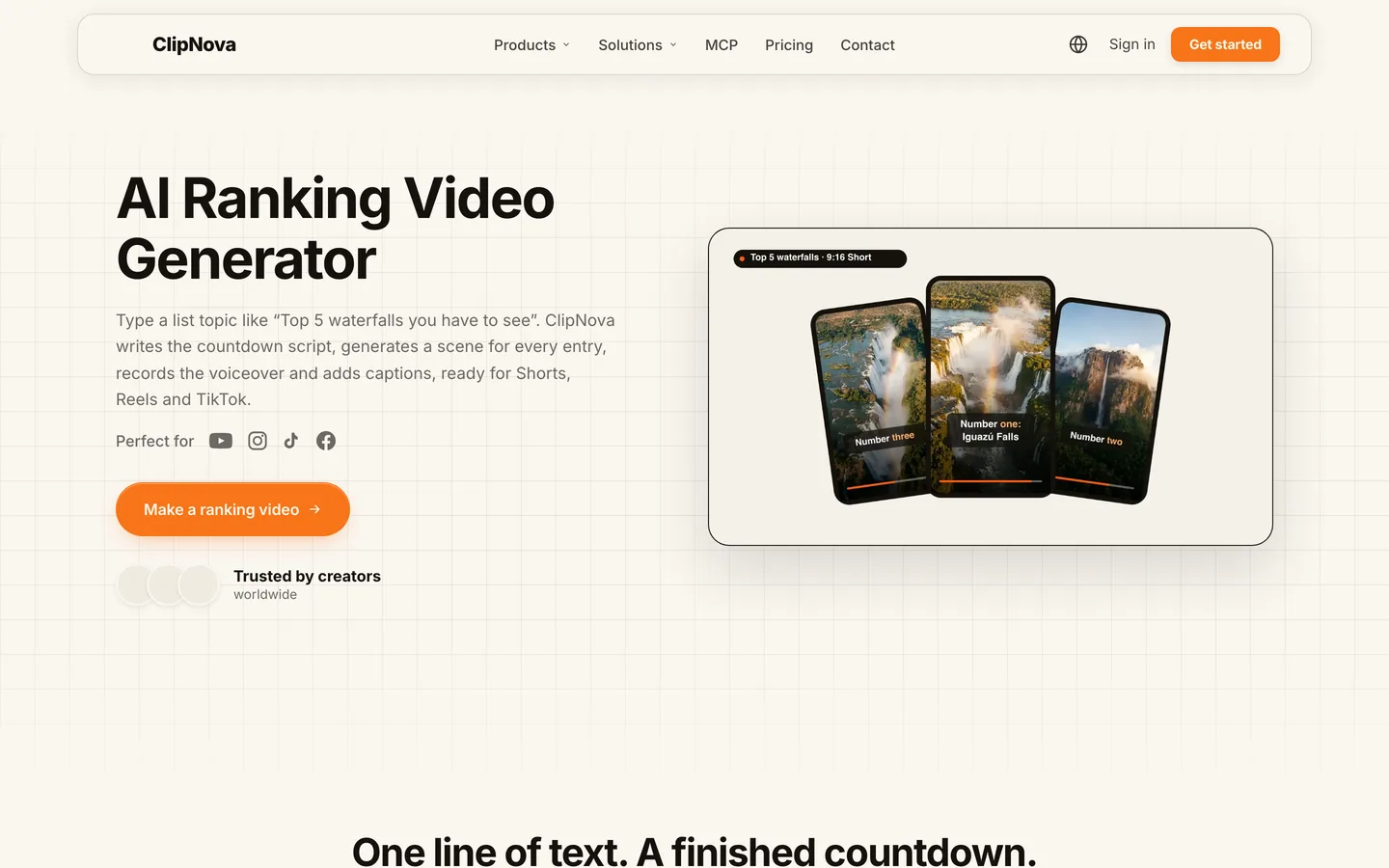
Key features
- One prompt to a finished countdown: hook, entries from last place to number one with a fact or two each, and an outro
- Your own entries and order, or ClipNova picks them; the Prompt Enhancer turns a two-word idea into a full brief
- A scene per entry as Moving AI Images (fast and low-cost for daily posting) or AI Video clips, in one style across the list
- Captions that follow the voice word by word, so the rank appears on screen as it is spoken
- 9:16 for Shorts, Reels and TikTok or 16:9 for YouTube, chosen per video, up to 5 minutes
- Narration in 18 languages, so one list can run on an English and a Spanish channel
How to make a ranking video in ClipNova
- Open the ClipNova app and start a Prompt to Video project.
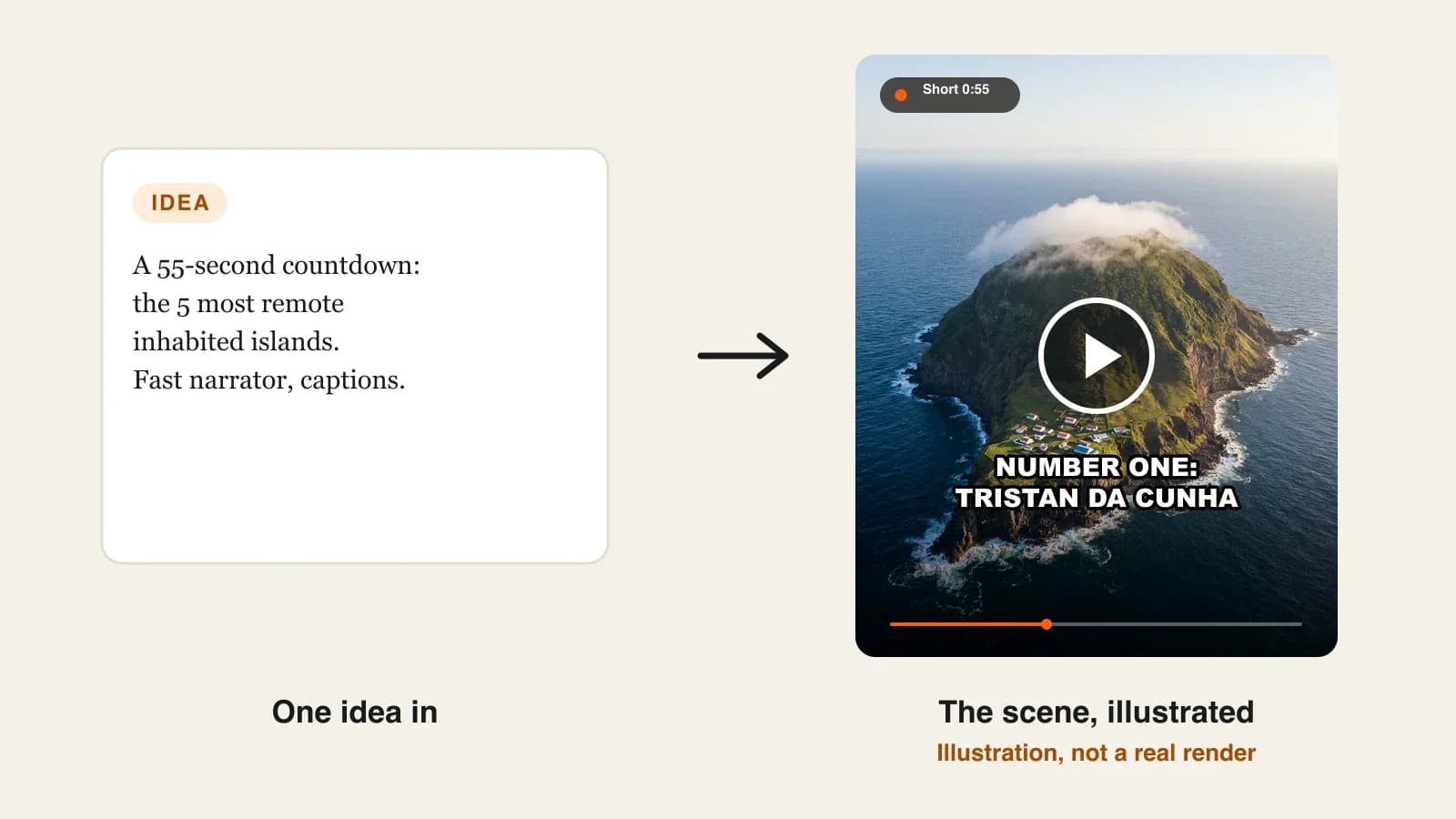
- Type the topic, the number of entries and who it is for, for example "Top 5 most remote inhabited islands, counting down from 5 to 1, one surprising fact each, for a geography channel".
- Add your own entries and their order if you have them, plus any numbers you want quoted exactly.
- Choose 9:16 or 16:9, the length, a voice, captions and Moving AI Images or AI Video, then generate.
- Watch it with the sound off, fix any entry in Studio, and post.
Pricing
- Plans from $19/mo: Hobby $19 (1,000 credits), Starter $49 (2,600), Growth $99 (5,750), Ultra from $199 (12,000); 20% off yearly
- A 60-second countdown costs about 189 credits as Moving AI Images or about 550 as Base AI Video, so Hobby covers around five one-minute top 5 Shorts in Moving AI Images
- Every plan includes every feature, watermark-free downloads and commercial rights, with narration in 18 languages
Pros
- The whole countdown in one render, from the hook to the outro
- You keep control of the entries, the order and the facts
- Long enough for a real top 10, not only a 30-second top 3
Cons
- No auto-posting; you review each list and post it yourself
- AI Video scenes cost about three times as many credits as Moving AI Images, so keep full motion for lists where movement matters
2. Revid, best for fast trending top 10 Shorts
Revid's AI Ranking Video Maker is a dedicated tool for top 10 and ranking Shorts. You describe the list in plain words ("Top 5 contenders to win La Liga this season"), and it researches the topic, writes a suspenseful countdown script and builds the video with stock videos, AI clips or moving AI images, an energetic voiceover and automatic captions.
The tool page spells out the structure it follows: a strong hook, fast retention editing, a countdown that builds curiosity and a debatable ending. It is tuned for trend-driven lists (sports, music, celebrities) where speed matters more than depth, and it can publish straight to TikTok, Instagram and YouTube.
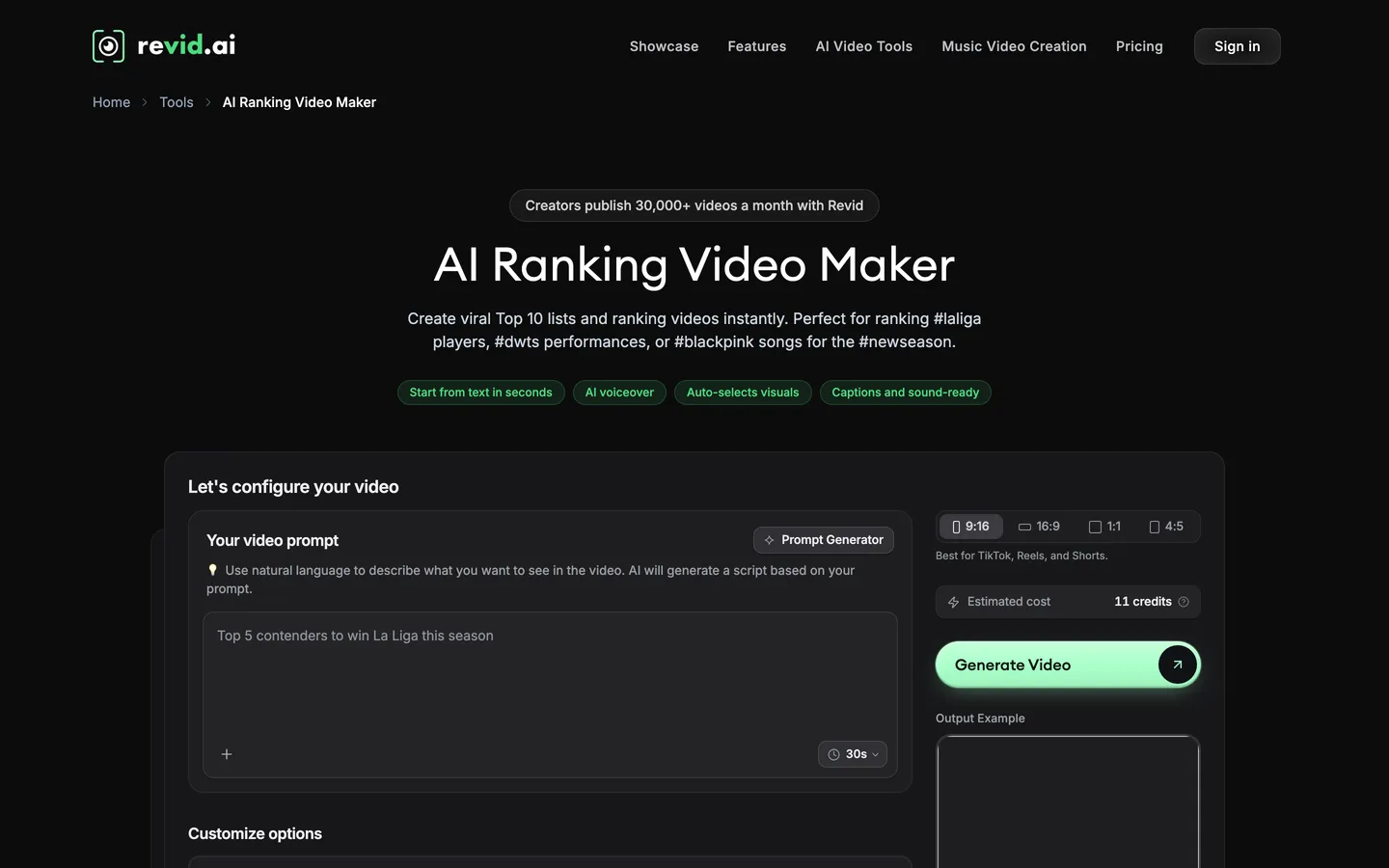
Key features
- Ranking-specific prompt box with a prompt generator
- AI-written countdown script with hook and ending
- Stock videos, AI clips or moving AI images
- 9:16, 16:9, 1:1 and 4:5; 15 to 120 seconds
- Direct publishing to TikTok, Instagram and YouTube
Best for
- Sports, music and pop-culture lists tied to this week's news
- Creators who want generation and posting in one place
Pricing
- Growth: $39/mo billed monthly ($32/mo yearly) with 2,000 AI credits and publishing
- Ultra: $199/mo with 12,000 credits
Pros
- A ranking structure built in, not bolted on
- Fast enough to react to a trend the same day
Cons
- Two minutes is the ceiling on the ranking tool, so a full top 10 with facts gets tight
- AI research on breaking topics still needs a human fact check before posting
3. StoryShort, best for animated tier lists
StoryShort's AI Tier List Video Generator does one ranking format very well: the tier list. Type a topic (anime characters, fast food chains, video games), and the AI sorts six to nine contenders into S, A, B, C and D tiers, writes an opinionated voiceover that argues each pick, and animates every card into its tier the moment the voice names it.
Tier lists are built to start arguments, which is exactly what the comment section rewards, and StoryShort leans into it with hot takes and a closer that invites disagreement. You can also add an AI host who presents the ranking on a split screen, lip-synced to the commentary.
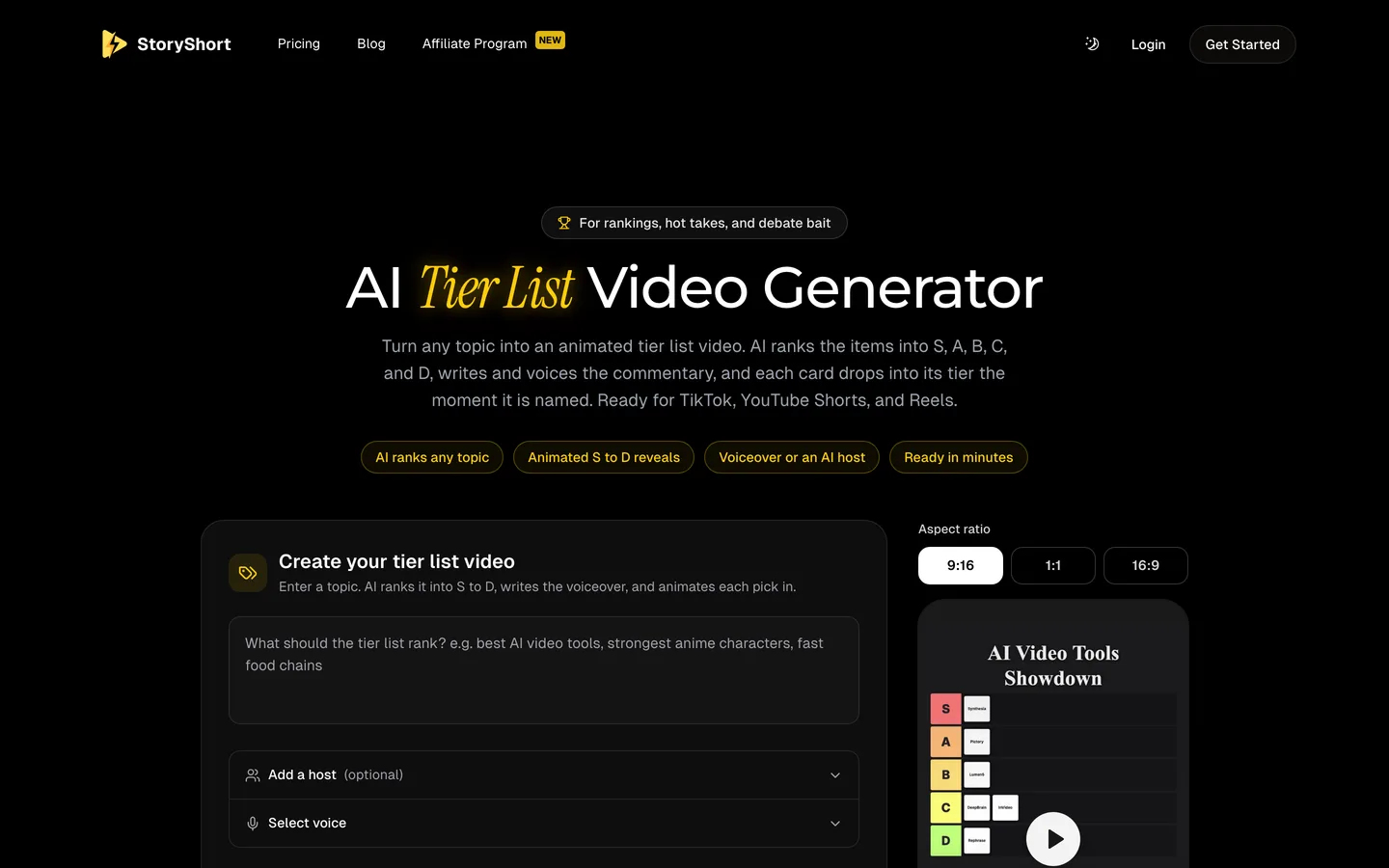
Key features
- AI ranks any topic into S to D tiers
- Opinionated voiceover, or a talking AI host on a split screen
- Cards animate into their tier in sync with the voice
- Editor to change the ranking, voiceover, title, timing and captions, then re-render
- 9:16, 1:1 or 16:9
Best for
- Gaming, anime and food channels that thrive on debate
- Creators who want one signature, repeatable format
Pricing
- Starter: $39/mo billed monthly with 400 credits and 1 series, about 16 one-minute videos a month
- Growth: $69/mo with 1,200 credits and 2 series
Pros
- The most recognisable tier list look in this roundup
- Easy to fix the order when your audience disagrees with the AI
Cons
- Tier lists only; a classic top 10 countdown needs a different tool
- Six to nine items per video, so very long lists do not fit
4. Zebracat, best for listicles in a mixed format
Zebracat is a general faceless video tool that treats the listicle as one of its storytelling frameworks. When you generate a script from a prompt, you pick "Listicle" (next to Fun Facts, Educational, Historical and others), and the voice, tone and pacing follow a list structure. You then choose how it looks: moving AI images, AI video, stock footage, or an avatar mixed with any of them.
That flexibility suits a creator who runs several list styles at once, such as a stock-footage "top 5 cities" one day and an AI-image "top 5 myths" the next. The trade-off is that it is a general tool, so the countdown-specific touches (rank captions, last-to-first ordering) come from your prompt rather than a dedicated ranking mode.
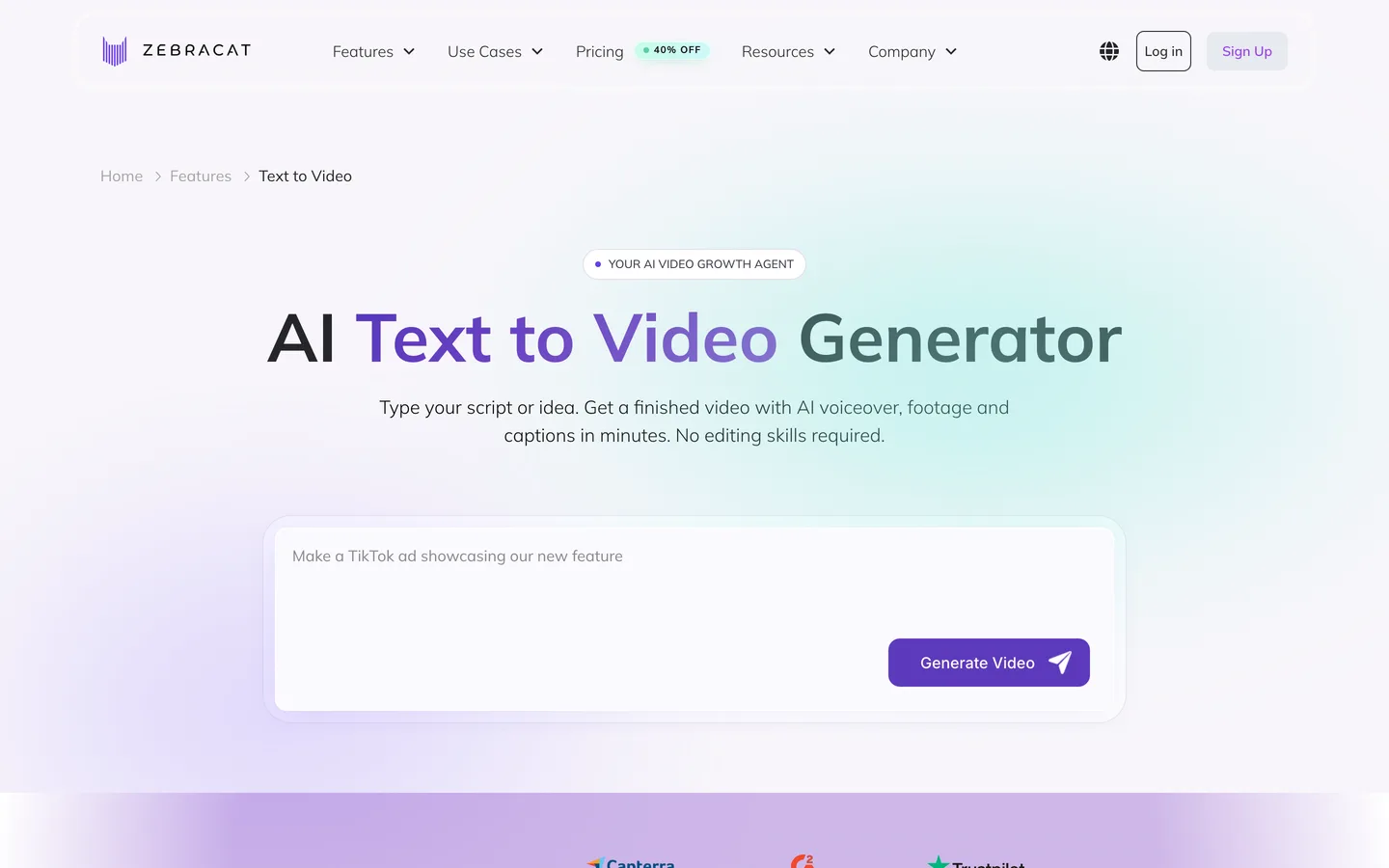
Key features
- Listicle storytelling framework for scripts
- Moving AI images, AI video, stock footage and avatar modes
- AI voiceover, captions and music
- 9:16, 16:9 and 1:1
Best for
- Channels mixing stock-footage lists and AI-visual lists
- Educational "top 5 facts" videos
Pricing
- Cat Mode: $39/mo billed monthly ($23/mo yearly) with 15 videos a month, 350 generative AI credits, 1080p and videos up to 2 minutes
- Super Cat: $99/mo with 40 videos a month and videos up to 5 minutes
Pros
- Several visual modes under one subscription
- Listicle pacing without writing the structure yourself
Cons
- No dedicated countdown or rank-caption mode
- Cat Mode caps videos at 2 minutes and 15 videos a month
5. Pictory, best for real-footage countdowns from your own script
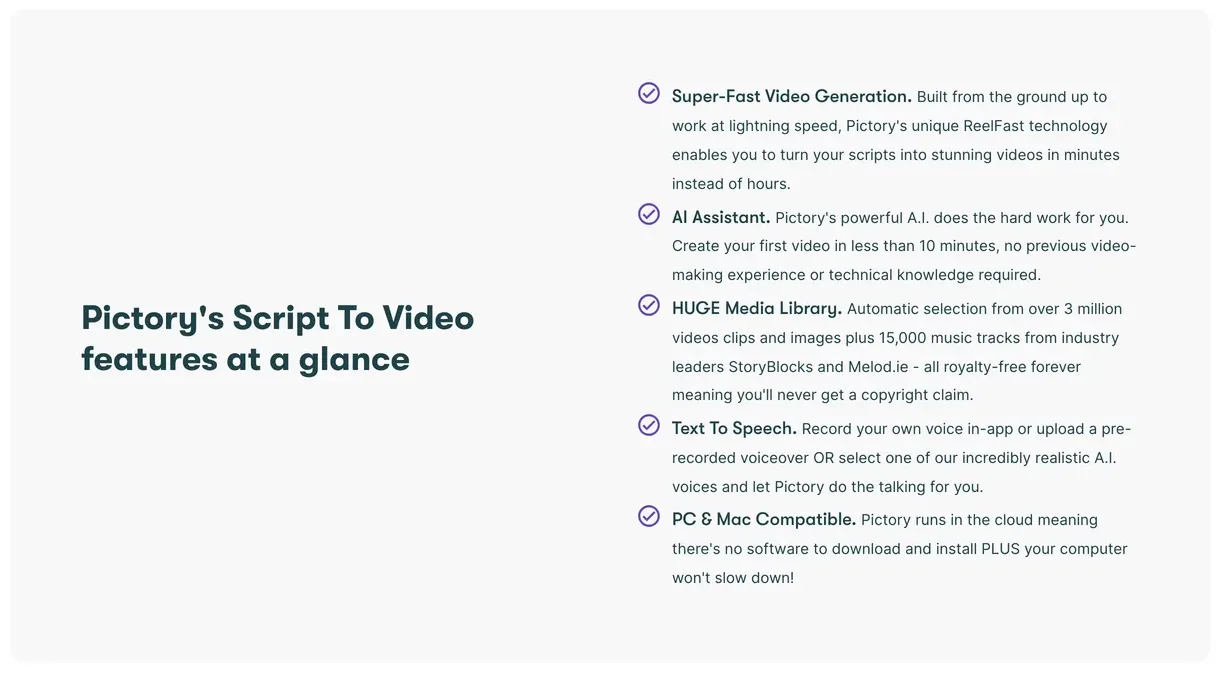
Pictory turns a script into a video by matching each line to stock clips and images from licensed libraries (Getty Images and Storyblocks on paid plans), then adds an AI voice, captions and music. It does not write countdowns for you; you bring the list, Pictory finds the footage.
That is exactly what some ranking videos need. A "top 5 tallest bridges" or "top 10 busiest airports" list looks more trustworthy with real footage of the real places than with generated images. If your channel ranks real things that already exist on camera, Pictory is a solid source of footage with a voice on top.
Key features
- Script to video with automatic stock clip matching
- Licensed footage from Getty Images and Storyblocks
- AI voices, including ElevenLabs voices in several languages
- Scene editor to swap any clip
Best for
- Lists of real places, buildings, vehicles or events
- Creators who already write their own scripts
Pricing
- Starter: $29/mo billed monthly ($25/mo yearly) with 2,000 credits and up to 30 video minutes a month
- Professional: $59/mo with up to 90 video minutes
Pros
- Real footage for rankings of real things
- Predictable minutes per month
Cons
- You write the countdown yourself; there is no ranking mode
- Stock footage is shared with other creators, so visuals are less distinctive
Ranking video rules to know before you post
AI makes countdowns fast to produce; the platforms still judge them like any other upload:
- Repetitive uploads. YouTube's monetization policies exclude mass-produced, repetitive content. Fifty near-identical "top 5" Shorts with the same template and no original insight look exactly like that. Vary topics, add your own facts and keep a consistent voice or host so the channel reads as a show.
- Facts presented as facts. If your list quotes numbers (heights, dates, records), check them against a reliable source before posting. A wrong number at number one is the comment that gets pinned.
- Realistic AI footage. If a generated scene could be mistaken for real footage of a real event, YouTube asks you to disclose altered or synthetic content.
For a full walk-through of one countdown, from the hook to the outro, read our guide on how to make ranking videos with AI.
How to choose the best AI ranking video generator for your channel
1) What kind of list do you make?
- Classic countdowns (top 5, top 10) in any niche: ClipNova, from a 60-second Short to a 5-minute YouTube list.
- Trend lists about this week's news: Revid.
- Tier lists that start arguments: StoryShort.
- Several list styles on one channel: Zebracat.
- Rankings of real places and things on real footage: Pictory, with your own script.
2) Who decides the order?
- You do, and the facts matter: ClipNova (your entries, your order, your numbers in the prompt) or Pictory (your script).
- The AI can pick and you edit: StoryShort and Revid.
3) Short or long?
- Shorts only, under two minutes: any tool here.
- A top 10 with a real fact per entry: ClipNova up to 5 minutes, or Zebracat on Super Cat. Shorts-first tools such as Revid and StoryShort stop at short-form; ClipNova goes to 5 minutes with the same host in every entry. Clip generators make great individual shots, but they leave you to assemble the whole list yourself; ClipNova returns the finished countdown.
- Real footage or original scenes: Pictory and Zebracat's stock mode can run long, but on stock footage that other channels also use; ClipNova makes original scenes for every entry, with your saved characters.
4) What does one ranking video cost?
- ClipNova Hobby: $19 for about five one-minute countdowns in Moving AI Images.
- Zebracat Cat Mode: $39 for up to 15 videos, about $2.60 each.
- StoryShort Starter: $39 for about 16 one-minute tier lists.
- Revid Growth: $39 for 2,000 credits; the tool page estimated 11 credits for a 30-second vertical list when we checked.
- Pictory Starter: $29 for up to 30 video minutes, plus your time writing each script.
Test every tool with the same list: one topic, five entries, one fact each, and your own number one. Watch the results with the sound off. The tool whose rank appears on screen at the exact moment it is spoken is the one your viewers will finish.
If you post lists as Shorts, our roundup of the best AI Shorts makers covers more vertical-first tools, and ClipNova pricing shows the credits on each plan.
Frequently asked
What is the best AI ranking video generator in 2026?
ClipNova is the best overall AI ranking video generator: one line of text becomes a finished countdown of up to 5 minutes with a scene per entry, a voice that calls each rank, captions and music, and you can set your own entries and order. Revid suits fast trending top 10 Shorts, StoryShort suits tier lists, Zebracat suits mixed listicle styles and Pictory suits real-footage countdowns from your own script.
Can AI make a top 10 video from one prompt?
Yes. ClipNova and Revid take a list topic and return a finished countdown with a script, visuals, a voiceover and captions. ClipNova runs up to 5 minutes, which leaves room for a fact per entry in a top 10; Revid's ranking tool runs 15 to 120 seconds.
How long should a ranking video be?
A top 5 fits in about 60 seconds as a Short. A top 10 with one real fact per entry usually needs two to three minutes, which suits a horizontal YouTube video. Keep each entry about the same length, and give number one a little more time.
Can I choose the entries and the order in an AI ranking video?
In ClipNova you can list your entries in the prompt in the order you want and the countdown follows them, or leave them out and let ClipNova choose. StoryShort ranks the items itself and lets you change the order in its editor before re-rendering. Pictory follows the script you write.
What is the cheapest AI ranking video generator?
Of the tools compared here, ClipNova has the lowest entry price at $19 a month for 1,000 credits, about five one-minute countdowns in Moving AI Images. Pictory starts at $29 a month, and Revid, StoryShort and Zebracat start at $39 a month on monthly billing.
Are AI ranking videos accurate?
Not automatically. AI scripts can get heights, dates and records wrong, especially on recent topics. Put the numbers you want quoted in the prompt or script, check each entry against a reliable source, and fix any wrong entry before you post.
Can I monetize AI top 10 videos on YouTube?
Yes, if the videos are original and add something viewers value. YouTube's monetization policies exclude mass-produced, repetitive content, so avoid near-identical template lists, vary your topics and add your own facts or commentary. Disclose realistic AI footage that could be mistaken for a real event.
Which AI ranking video generator should a new countdown channel start with?
Start with ClipNova if you want to control the entries and facts and make both 60-second Shorts and longer top 10 lists; plans start at $19 a month with every feature included. If your channel is built entirely on tier lists, compare StoryShort, and for same-day trend lists compare Revid.