The best AI dance video generators in 2026 are ClipNova for turning one photo into dance clips and longer dance videos with the same dancer in every shot, followed by freebeat, Revid, Luma and Neural Frames for narrower dance formats. ClipNova starts at $19/mo; the others start between $30 and $39 a month on monthly billing.
AI dance videos are everywhere on TikTok and Reels: a selfie that suddenly breaks into a routine, a dog doing a two-step, a cartoon version of you dancing in the rain. They look effortless, but the tools behind them work in very different ways. Some read your song and choreograph to it, some copy a dance from another video, and some take a sentence describing the moves. Which one fits depends on whether you start from a photo, a song or a dance you already love.
This roundup compares five AI dance video generators on how they create the moves, how well they keep the dancer looking like the photo, how long the videos run and what each one costs.
The 5 best AI dance video generators at a glance
- ClipNova: best overall for photo-to-dance clips that grow into longer videos. Describe the moves in a sentence, keep the same dancer in every shot and every style, and build up to 5 minutes with your own track and captions.
- freebeat: best for song-first dance videos. Give it a character photo and a track, and it builds a dance timed to the beat.
- Revid: best for copying a real dance onto a photo. Motion transfer maps the moves from a source clip onto one reference image.
- Luma: best for cinematic dance shots and restyling footage you filmed. High-end video models plus a modify tool that keeps the choreography.
- Neural Frames: best for beat-reactive visuals around a dance track. Music-video generation driven by an 8-stem analysis of your song.
| Tool | Best for | Starting price (monthly billing) | You start from | Timed to the beat | Max length |
|---|---|---|---|---|---|
| ClipNova | Photo-to-dance clips and longer dance videos | From $19/mo | A photo and a sentence | Music to Video cuts to the beat (Pro, Ultra); photo clips use your song as background | Up to 5 min |
| freebeat | Song-led dance videos | $34.99/mo (Pro) | A photo and a song | Yes | About 6 min (vendor claim) |
| Revid | Copying an existing dance | $39/mo | A photo and a source dance clip | Follows the source clip | Matches the source, up to 2 min |
| Luma | Cinematic shots, restyling real footage | $30/mo | A prompt, an image or your footage | No | Short clips |
| Neural Frames | Music visuals behind a dance track | $39/mo | A song and a prompt | Yes, from audio stems | Full-length songs |
What makes a good AI dance video generator?
Dance is one of the hardest things to fake. Bodies twist, feet leave the ground, arms cross the face. Before you pick a tool, check these points:
- The dancer stays the same person. Mid-spin is where weak tools swap the face, change the hoodie or add a third arm. Look for a tool that treats your photo as the subject reference.
- Full body in frame. A dance cropped at the knees is not a dance. Start from a full-body photo and ask for a still camera.
- Moves you can control. Templates are fast but every account ends up doing the same routine. Words, a song or a reference clip give you a dance that is yours.
- Timing. A dance that ignores the beat looks wrong even to people who cannot say why. Know whether the tool cuts to the beat or just plays your song underneath.
- Rights. Use photos of yourself, of people who agreed, or of AI characters, and music you are allowed to post.
A fair test: take one full-body photo and one 15-second section of a track, and make the same dance in your top two tools. Watch it at full speed, then frame by frame around the jump or the spin. The tool that keeps the face and the outfit through the hardest move is the one to use.
1. ClipNova, best overall AI dance video generator
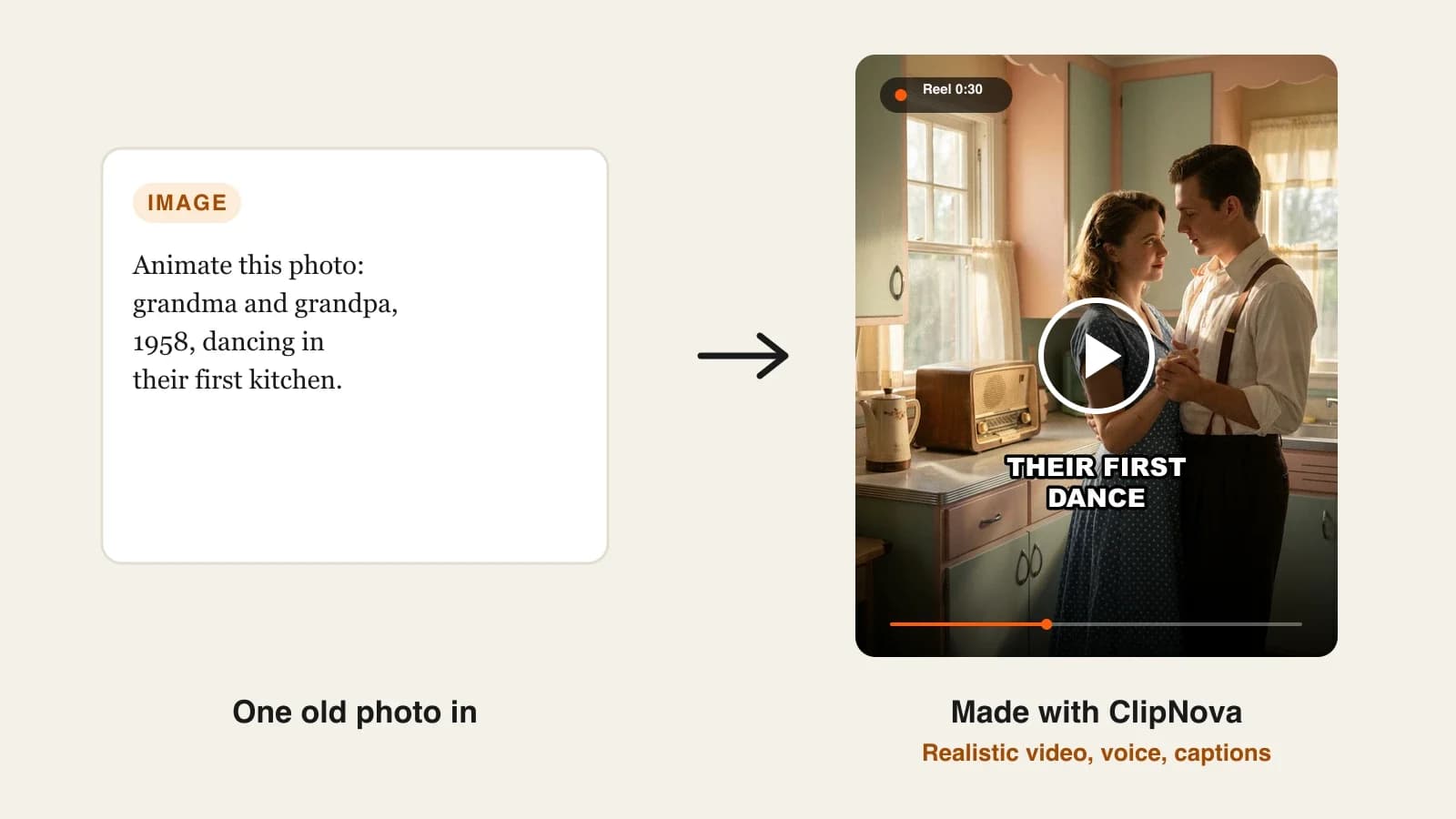
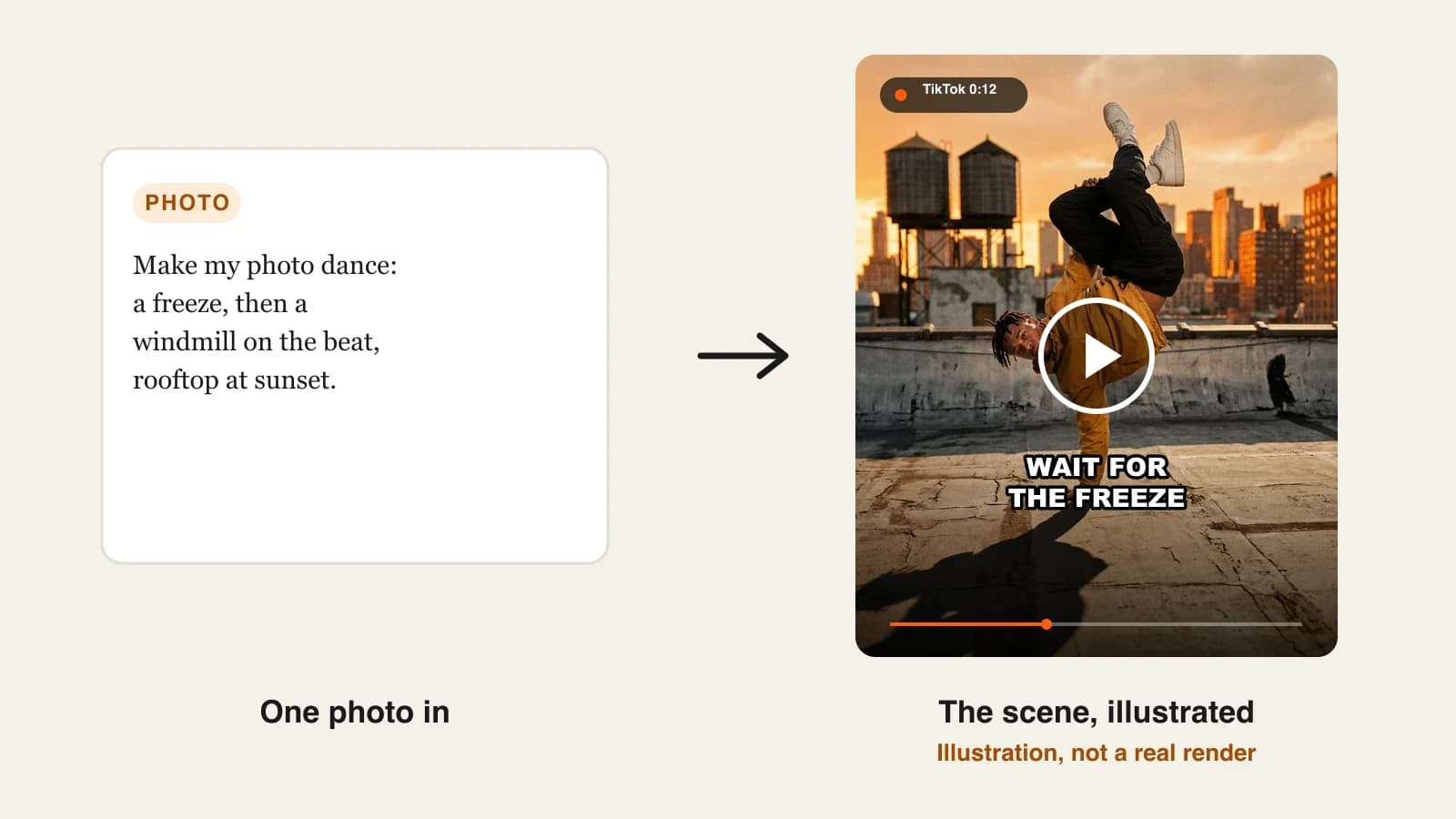
ClipNova turns a still photo into a dancing video from a sentence. In AI Video Studio you choose Image to Video, upload a full-body photo of yourself, a friend, your pet or a cartoon mascot, and describe the routine ("arms up on the beat, a knee lift, then a jump, full body in frame, static camera"). The photo is the subject reference, so the dancer stays a consistent character with the same face, hair and outfit in every shot and in every style you try.
For creators who want more than one viral clip, the reason is ClipNova's core idea, finished long videos with consistent characters:
- Long: a single clip runs a few seconds, but ClipNova also builds dance videos of up to 5 minutes shot by shot, so a full routine or a dance story fits in one project.
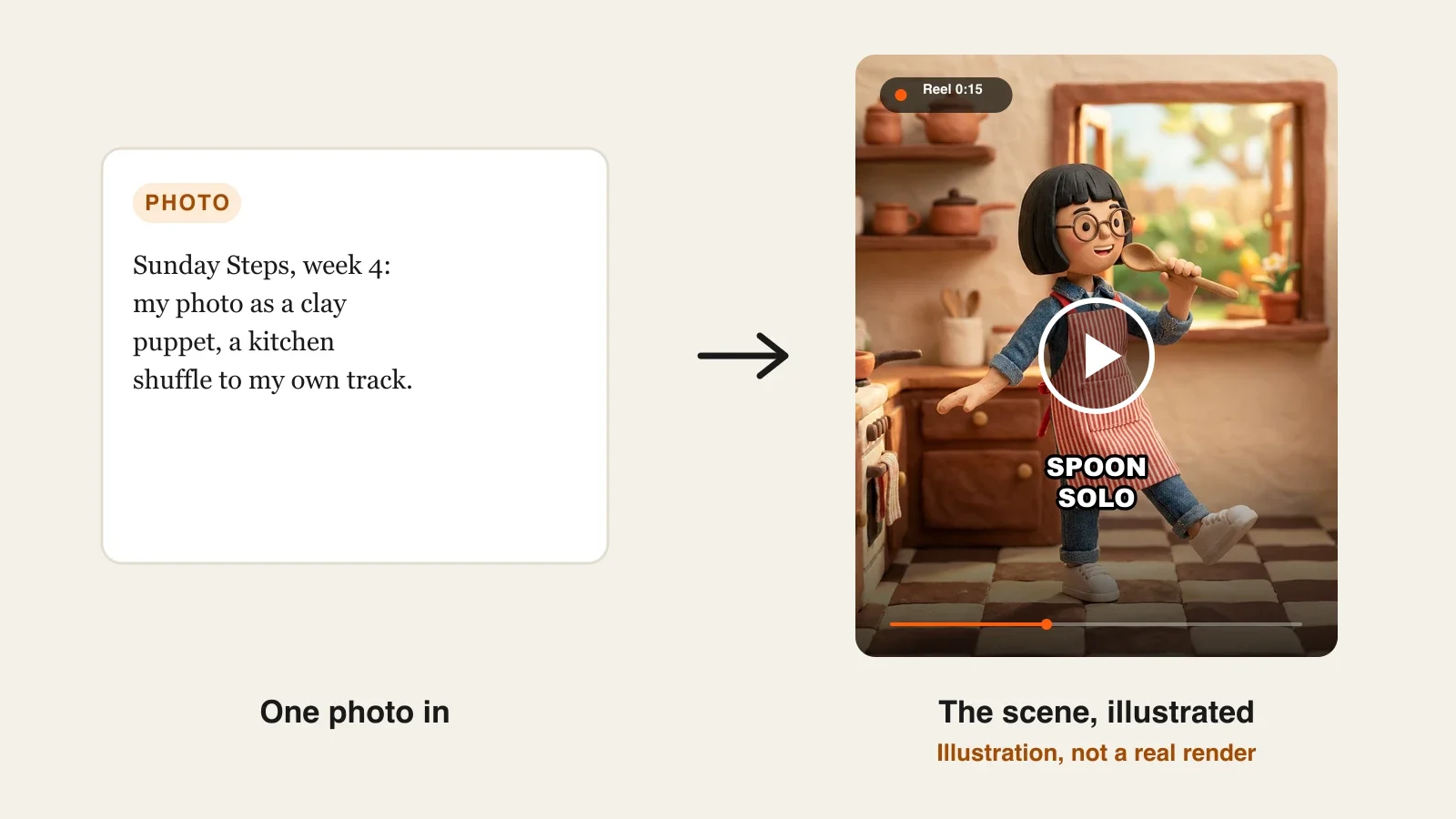
- Consistent characters: the same dancer appears in every shot, whether you keep the photo look or switch to Disney / Pixar 3D, Anime or Claymation, and a saved character can return in a Series every week.
- Finished: add your own track, an optional voiceover and burned-in captions in about 20 styles, then trim or reorder scenes in Studio before you post.
The ClipNova AI dance video generator is the dedicated starting point.
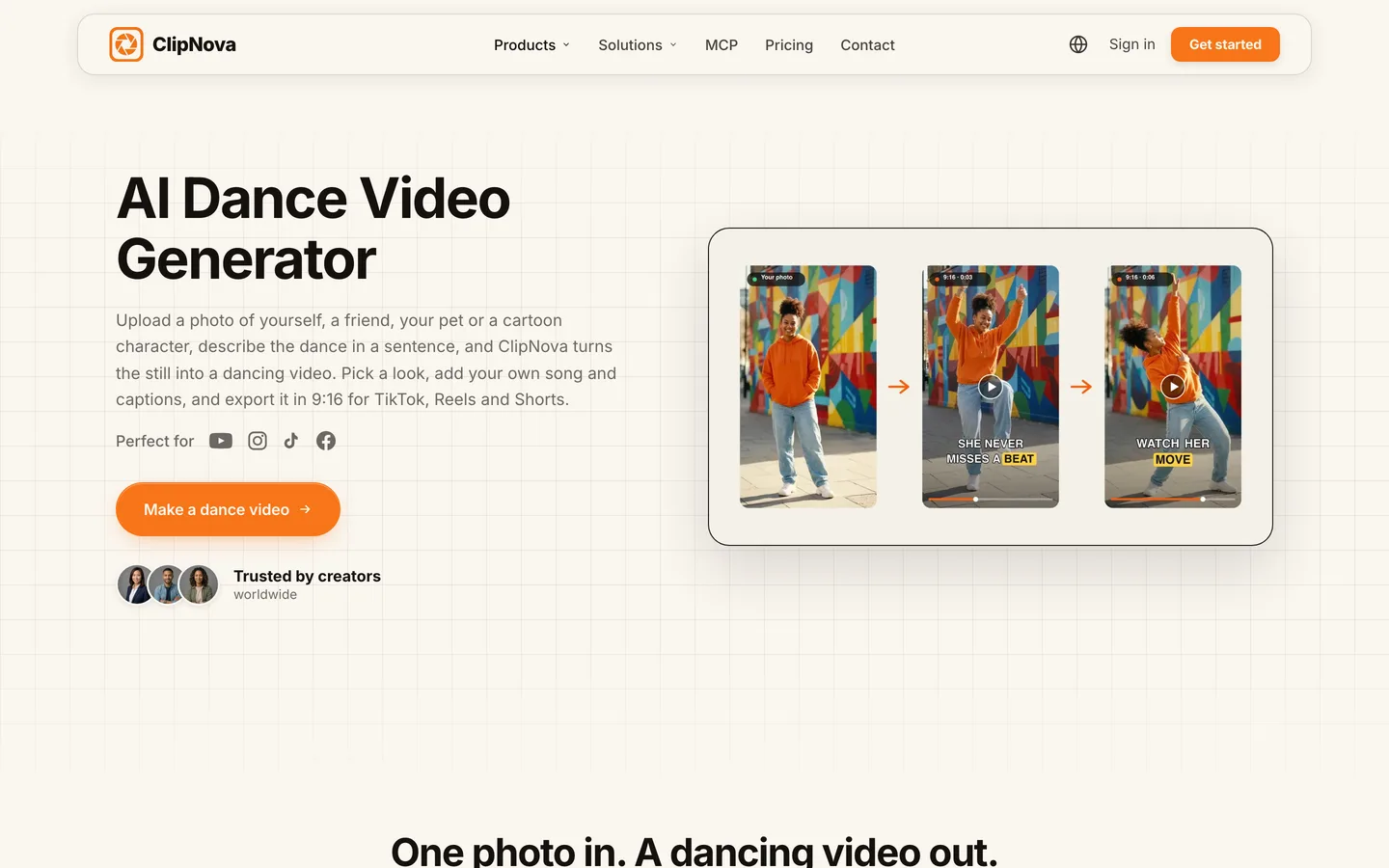
Key features
- Photo to dance from a written description of the moves, the energy and the camera
- PNG, JPG or WebP up to 10 MB; one photo is enough on Base and Ultra quality, Pro needs at least two
- 15 style presets, from Realism to Disney / Pixar 3D, Anime, Claymation, Ghibli and Cinematic
- 9:16 by default, or 16:9 and 1:1; clips of 4, 6 or 8 seconds on Base and Ultra, 5 or 10 on Pro, or Auto
- Your own song as background music, an optional AI voiceover, captions, and Studio to trim and reorder
How to make a dance video in ClipNova
- Open AI Video Studio and choose Image to Video.
- Upload a clear full-body photo you have the right to use.
- Describe the dance in the Scene description box, with the full body in frame and a still camera.
- Pick a style preset and the quality, keep 9:16 for TikTok, Reels and Shorts.
- In Voice, music and captions, upload your track and switch narration off for a pure dance clip, then generate and trim in Studio.
Pricing
- Plans from $19/mo: Hobby $19 (1,000 credits), Starter $49 (2,600), Growth $99 (5,750), Ultra from $199 (12,000); 20% off yearly
- Base, Pro and Ultra quality are open on every plan; higher tiers use more credits, and the cost shows before you generate
- Every plan includes commercial rights, narration in 18 languages and exports with no watermark
Pros
- The dancer keeps the photo's face and outfit, even when restyled as a cartoon
- Grows from a 6-second clip to a full dance story without changing tools
- Your moves, in your words, so your account does not look like everyone else's
Cons
- No dance templates and no motion copying from a reference video; you describe the moves
- Image to Video plays your song underneath but does not cut the clip to the beat; for beat-cut shots, the separate Music to Video tool starts from the song instead of your photo
2. freebeat, best for song-first dance videos
freebeat is a music video platform with a dedicated dance mode. You give it a character photo and a song, uploaded or pasted as a link from Spotify, YouTube, SoundCloud or Suno, and it analyzes the track (kicks, snares, energy, sections) to generate a dance timed to the music. If your starting point is the song rather than the move, it is the most direct route here.
It also offers lyric videos, realtime music videos and photo karaoke, so musicians often use it for the whole release.
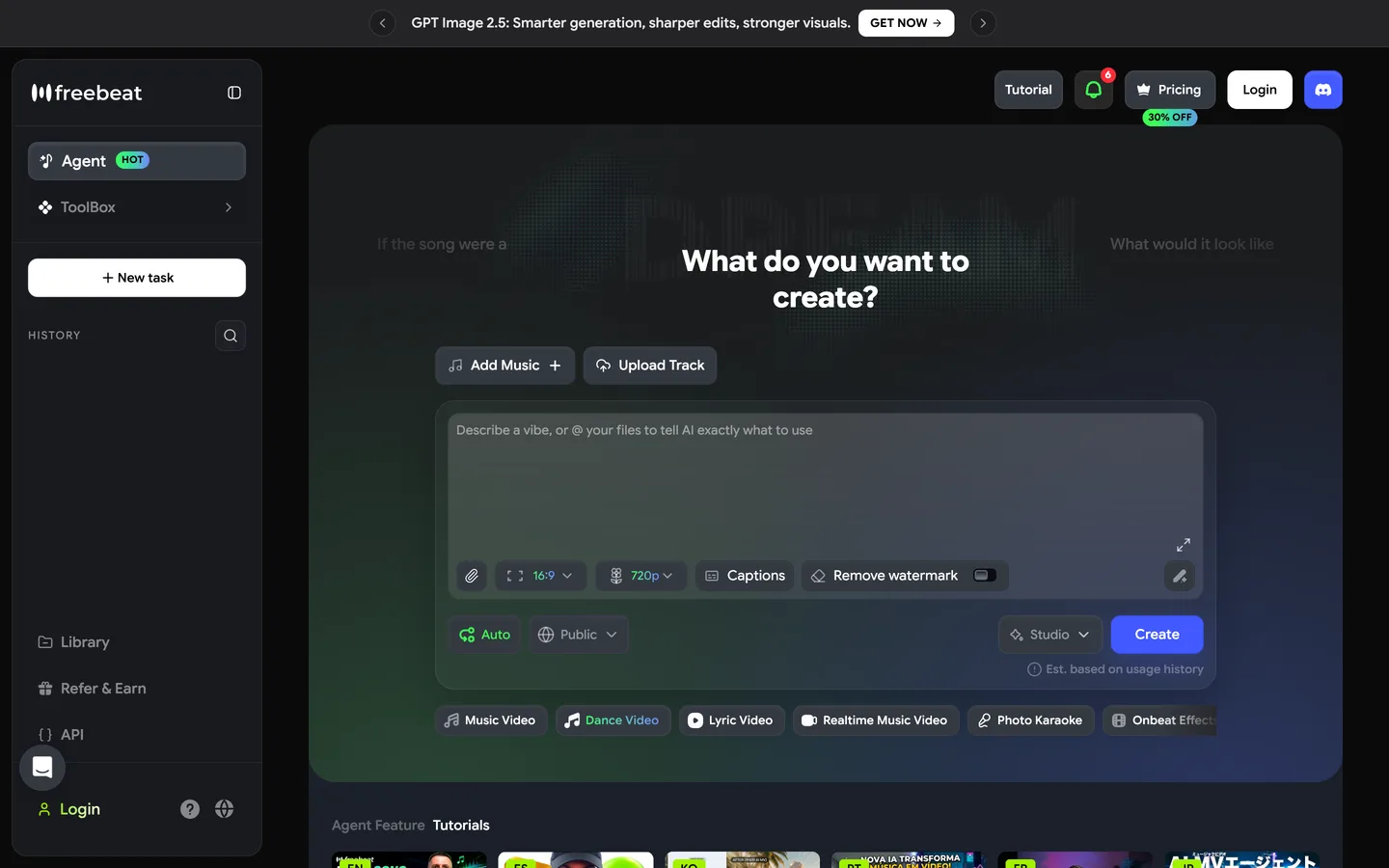
Key features
- Photo plus song to a dance generated from the track's beat, energy and structure
- Music links from Spotify, YouTube, SoundCloud, Suno and others, or an uploaded file
- Vertical, square or horizontal output for TikTok, Instagram and YouTube
- Videos from about 15 seconds up to about 6 minutes, per the vendor
Best for
- Musicians and producers promoting a new track with a dancing character
- Dance clips where hitting the beat matters more than a specific routine
Pricing
- Pro: $34.99/mo billed monthly with 10,000 credits and video up to 720p (shown at $26.99 during a limited 30% promotion on October 23, 2026)
- The next tier: $49.99/mo with 19,000 credits and video up to 1080p
- A weekly Basic plan exists ($6.99 a week list price) for short projects
Pros
- The strongest beat timing for song-led videos in this list
- Takes music links directly, no file export needed
Cons
- The entry monthly plan tops out at 720p; 1080p needs the $49.99 tier
- Less control over the exact moves than describing them yourself
3. Revid, best for copying a real dance onto a photo
Revid has an AI motion transfer tool: upload a source video of a dance (or paste a TikTok or Instagram link) and one front-facing photo, and it maps every step, gesture and weight shift onto the person in the photo. If you want your photo or your mascot to do a specific dance you have already seen, this is the most literal way to get it.
Only use source clips you have the right to use, such as a dance you filmed yourself; copying another creator's routine and posting it as your own is a quick way to lose an audience's trust.
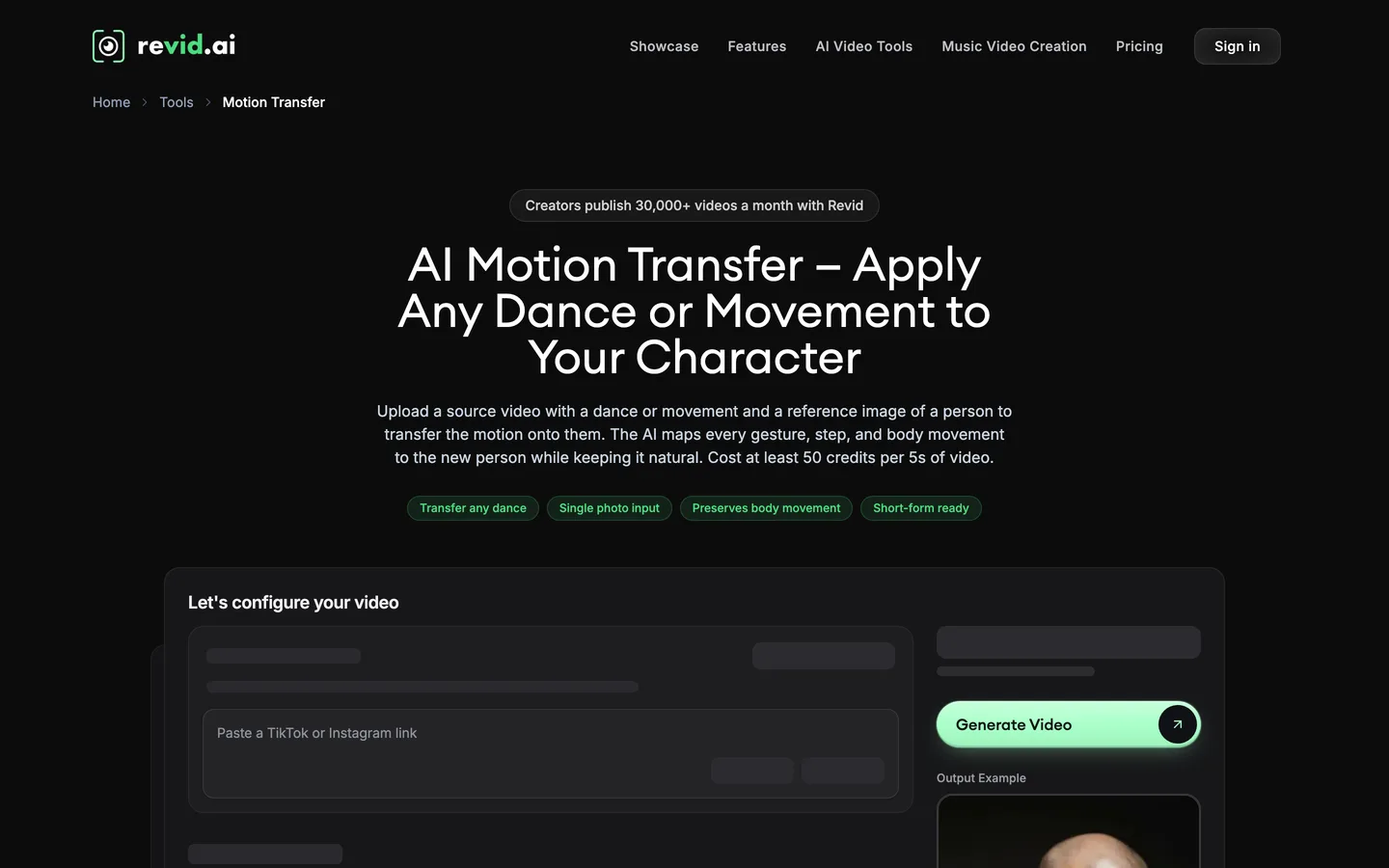
Key features
- Motion transfer from a source dance clip of up to 2 minutes onto a single photo
- Paste TikTok or Instagram links, or upload an MP4
- 9:16 output for TikTok, Reels and Shorts, matching the source length
- Pro and Ultra motion models; keep the original audio or replace the voice
Best for
- Recreating a dance you filmed yourself with a character or mascot
- Creators who want exact choreography rather than a described one
Pricing
- Growth: $39/mo billed monthly ($32/mo yearly) with 2,000 credits and direct publishing to TikTok, Instagram and YouTube
- Motion transfer costs 50 credits per 5 seconds on Pro and 100 on Ultra, so a 15-second dance is 150 to 300 credits
- Elite $89/mo; Ultra $199/mo with 12,000 credits
Pros
- The most faithful way to reproduce specific choreography
- Output length follows the source, up to 2 minutes
Cons
- You need a source clip with clear full-body movement and few occlusions
- Every second of motion costs credits, so long routines get expensive
4. Luma, best for cinematic dance shots and restyling real footage
Luma makes video with its Ray models and third-party ones, and for dance it does two useful things. It generates cinematic shots from a prompt or an image (a dancer on a rain-soaked street, a ballroom under chandeliers), and its Modify Video tool restyles footage you filmed while keeping the choreography, the facial expression and the camera move intact. Film yourself dancing in the living room, then turn the room into a neon stage.
It does not add music, captions or structure, so it suits editors more than one-click creators.
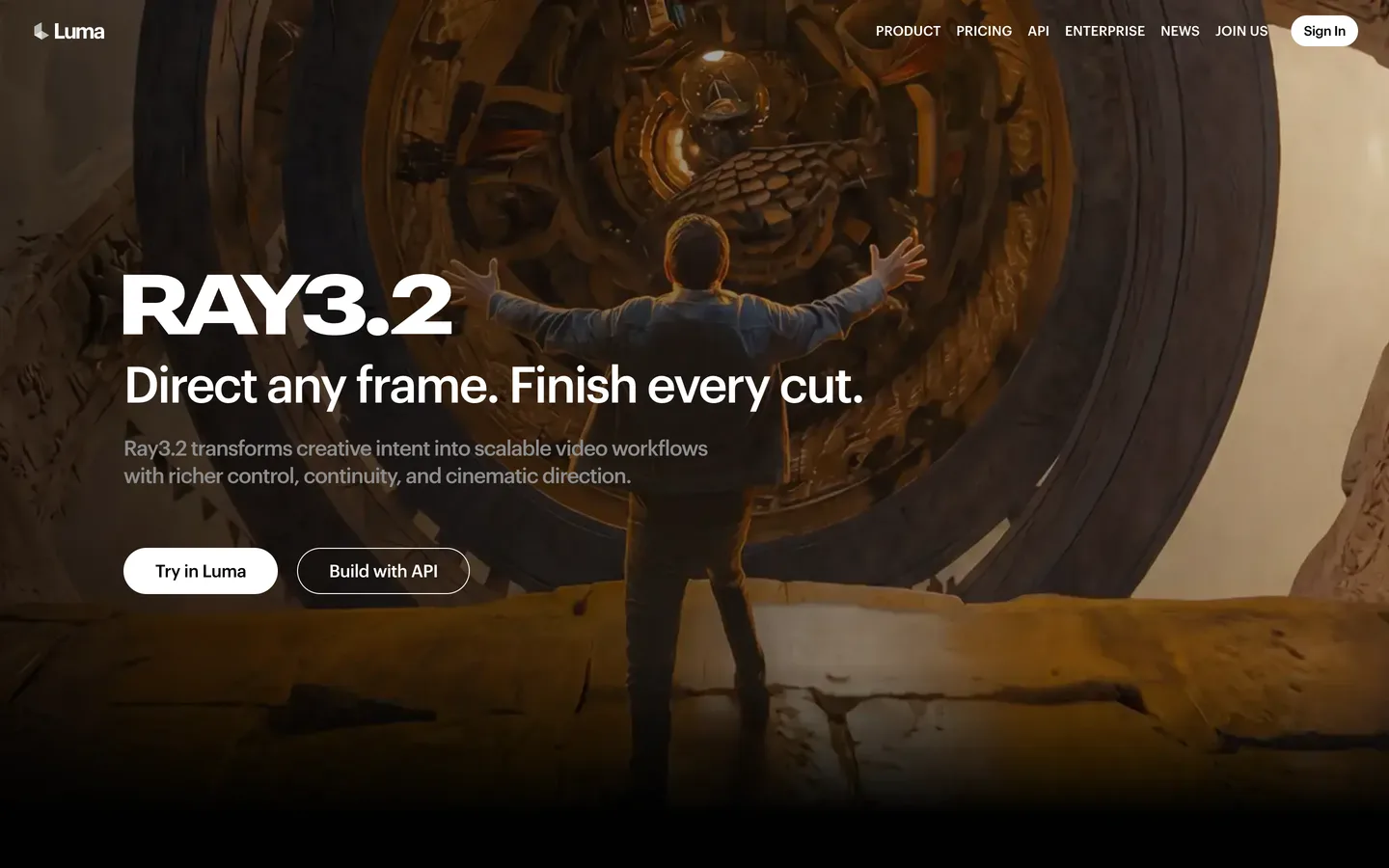
Key features
- Ray models plus third-party video models in one subscription
- Modify Video restyles real footage while keeping choreography and camera movement
- Character reference and start and end frames for more control
- Commercial use on paid plans
Best for
- Dancers who film themselves and want a new world around the same moves
- Editors adding premium dance shots to a music video
Pricing
- Plus: $30/mo billed monthly ($25/mo yearly) with 10,000 credits and commercial use
- Pro: $90/mo with 40,000 credits
- Ultra: $300/mo with 150,000 credits
Pros
- Some of the most cinematic dance shots available
- Restyling keeps your real choreography, so the moves are truly yours
Cons
- Short clips only; no song, captions or finished video
- You still need an editor to cut the shots to the beat
5. Neural Frames, best for beat-reactive visuals around a dance track
Neural Frames is a music video generator for musicians. Its Autopilot mode analyzes your song (splitting it into stems such as drums, bass and vocals), plans a storyboard by section and generates visuals that move with the music. It is not a photo-to-dance tool, but it is a strong fit when the track is the star and you want visuals that react to every drop, with dancers described in your prompts.
Key features
- Autopilot builds a full-length, music-synced video from an uploaded track
- Stem analysis drives motion from individual parts of the mix
- Short-Form Studio and horizontal-to-vertical conversion for social cuts
- Several AI video models and 1080p upscaling on the entry plan
Best for
- Producers releasing a dance or electronic track
- Visualizers and lyric-style videos where the music leads
Pricing
- Neural Knight: $39/mo billed monthly ($26/mo yearly) with 2,400 credits and 7 AI models
- Neural Ninja: $99/mo monthly ($66/mo yearly) with 7,200 credits and 4K upscaling
- Neural Nirvana: $299/mo monthly ($199/mo yearly) with 24,000 credits
Pros
- Visuals that react to the music, beat by beat
- Full-length songs in one project
Cons
- Does not animate your own photo into a dancer
- Built for musicians, so creators without their own track get less from it
Before you post an AI dance video
- Consent. Only make someone dance if it is you, someone who agreed, or an AI character. Do not upload a photo of another person to make them dance without permission.
- Music rights. A commercial song can trigger a copyright claim on YouTube. Use your own track, a licensed one, or add music inside the app you post to.
- Realistic or stylized. YouTube asks creators to disclose realistic altered or synthetic content that could be mistaken for a real person. A photoreal clip of a real person dancing should carry the label; a clay or anime version usually does not need it.
For the full process, from the photo to the posted Reel, read our guide on how to make AI dance videos.
How to choose the best AI dance video generator for your channel
1) What do you start from?
- A photo and an idea for the moves: ClipNova. Describe the dance in words and keep the same dancer in every shot.
- A song: freebeat for a dancing character timed to it, or Neural Frames for visuals that react to it. Within ClipNova, the AI music video generator also starts from the track and cuts shots to the beat.
- A dance you filmed: Revid to transfer it onto a photo, or Luma to restyle your own footage.
2) One clip, or a series?
- A one-off viral clip: any tool here can make it.
- A weekly dance series with the same character: ClipNova, because the photo reference and saved characters keep the dancer the same across clips and the project can grow to 5 minutes.
3) Real look, or a cartoon?
- Keep the photo look: ClipNova Realism, Revid or Luma.
- Turn yourself into a 3D cartoon, an anime hero or a clay puppet: ClipNova's 15 style presets do it from the same photo.
4) What does one dance clip cost?
- ClipNova Hobby: $19 a month for 1,000 credits; Base quality is the cheapest way to test a routine, and the cost shows before you generate.
- Revid Growth: $39 for 2,000 credits, at 50 credits per 5 seconds on Pro, roughly 13 fifteen-second dances.
- freebeat Pro: $34.99 list price for 10,000 credits at up to 720p.
- Luma Plus: $30 for shots only; budget time to edit.
- Neural Frames Knight: $39 for song-length visuals, not photo dances.
Shoot or pick your photo for the dance, not for the profile picture: full body, arms visible, plain shoes, nothing covering the hands, standing on flat ground. Every tool in this list does better with a photo that already looks ready to move.
If your dance clips start from a still image, our roundup of the best AI image to video generators covers the wider category, and ClipNova pricing shows the credits on each plan.
Frequently asked
What is the best AI dance video generator in 2026?
ClipNova is the best overall AI dance video generator: one photo becomes a dancing clip from a written description, the dancer keeps the same face and outfit in every shot and style, and the project can grow into a dance video of up to 5 minutes. freebeat suits song-first videos, Revid copies a real dance onto a photo, Luma makes cinematic shots and Neural Frames makes beat-reactive music visuals.
How do I make a photo dance with AI?
Start from a clear full-body photo you have the right to use, describe the moves with the whole body in frame and a still camera, and generate. In ClipNova you do this in AI Video Studio with Image to Video, then add your song and captions and trim in Studio.
Can AI make a dance follow my song?
Some tools time the dance to the track, such as freebeat. In ClipNova, Image to Video plays your song as background music without cutting to the beat, while the separate Music to Video tool starts from the song and cuts shots to the beat on Pro and Ultra.
Can I copy a TikTok dance onto my photo?
Revid's motion transfer maps movement from a source clip of up to 2 minutes onto one photo. Only use clips you have the right to use, such as a dance you filmed yourself. ClipNova does not copy motion from videos; you describe the moves instead.
How long can an AI dance video be?
Single AI clips usually run 4 to 10 seconds. ClipNova builds longer dance videos of up to 5 minutes shot by shot with the same dancer, Revid's output matches the source clip up to 2 minutes, and freebeat claims videos of up to about 6 minutes for full tracks.
What is the cheapest AI dance video generator?
Of the tools compared here, ClipNova has the lowest entry price at $19 a month for 1,000 credits. Luma Plus is $30 a month, freebeat Pro is $34.99 a month at list price, and Revid Growth and Neural Frames Knight are $39 a month on monthly billing.
Can my photo dance as a cartoon or anime character?
Yes. ClipNova has 15 style presets, including Disney / Pixar 3D, Anime, Claymation and Ghibli, and keeps the same dancer from the photo in each look. Realism keeps the original photo style.
Which AI dance video generator should a new dance account start with?
Start with ClipNova if you want your own moves from a photo and a character that stays the same from clip to clip, with plans from $19 a month and commercial rights on every plan. If your videos always start from a song, compare freebeat as well.