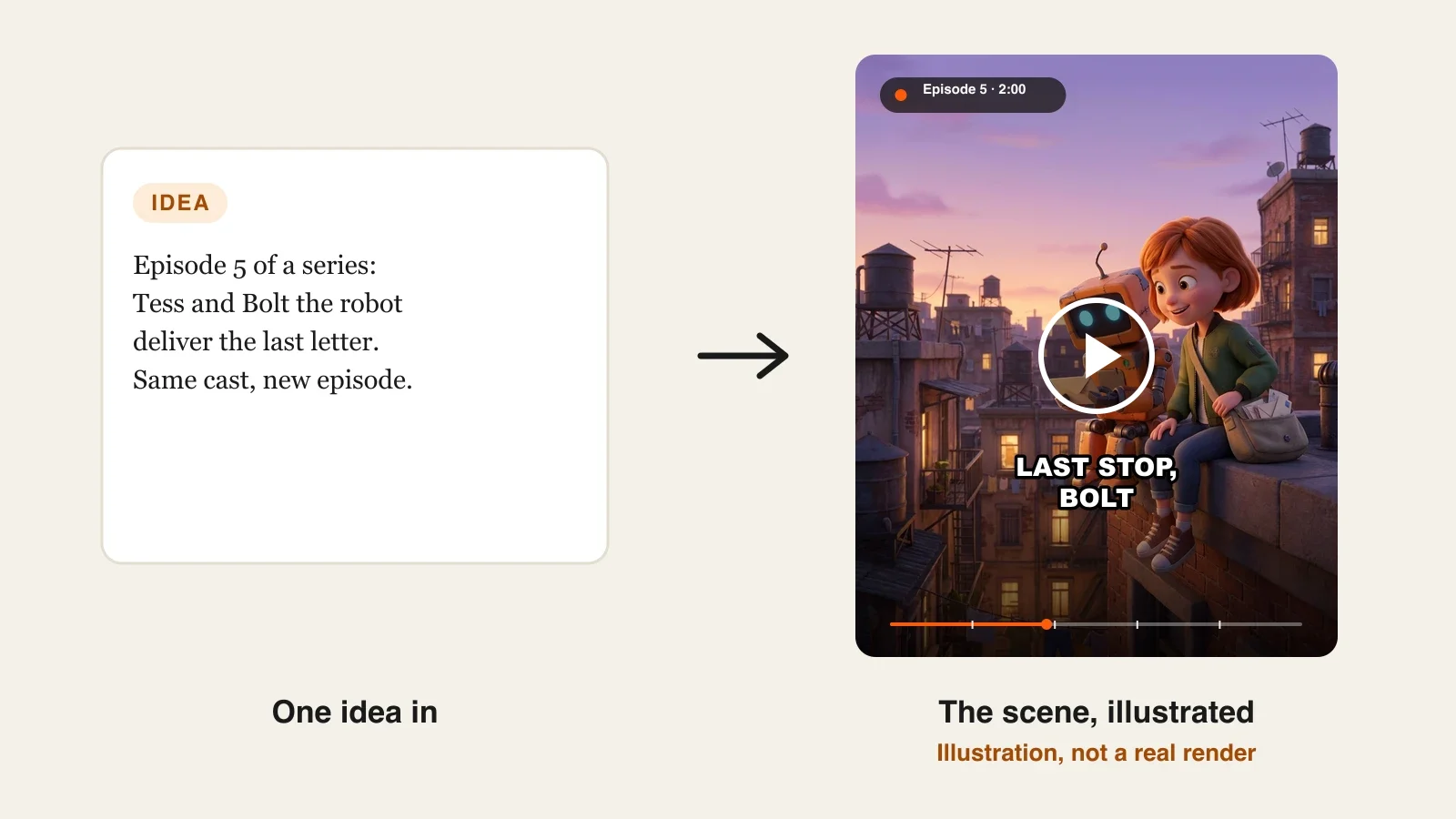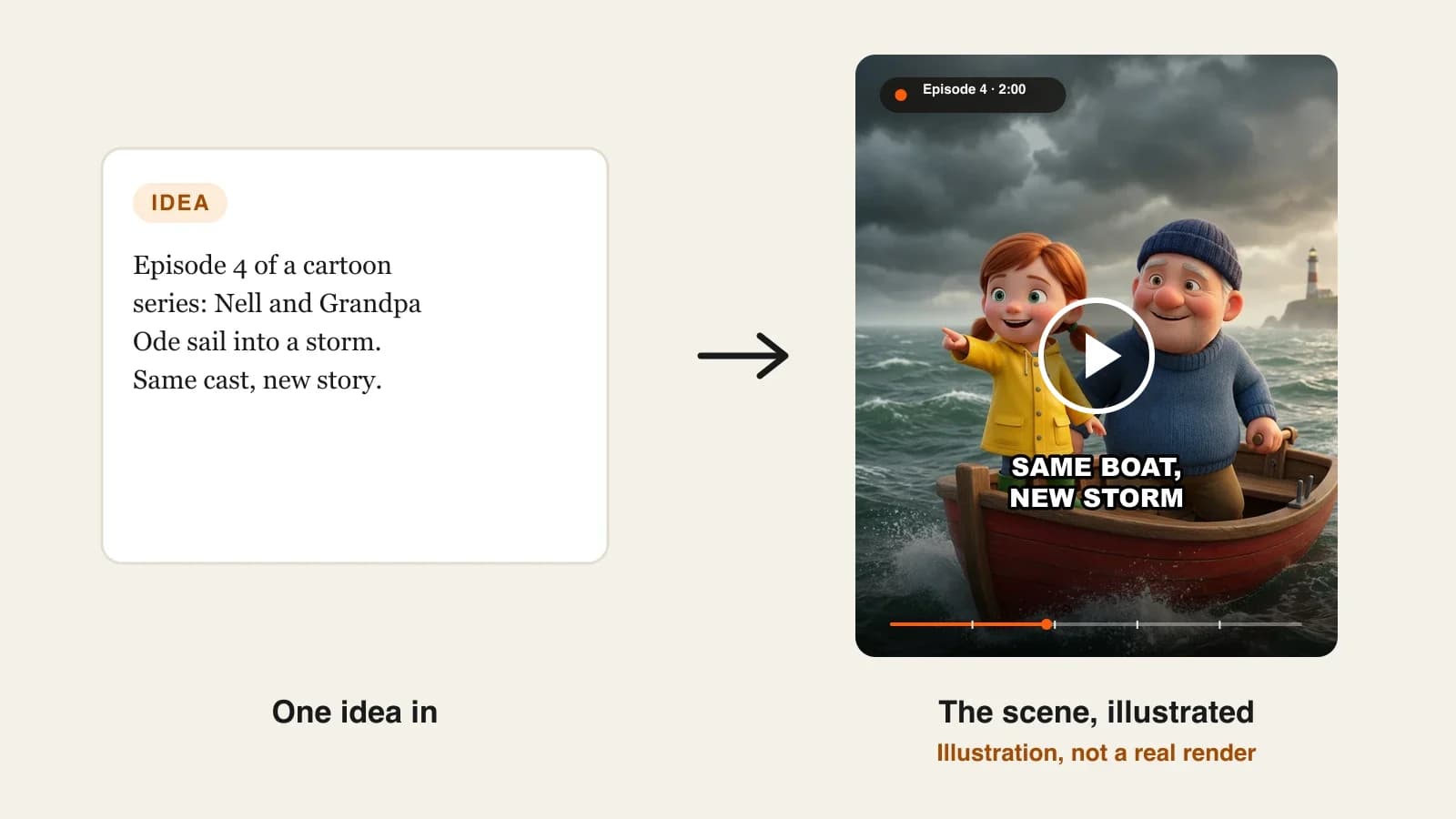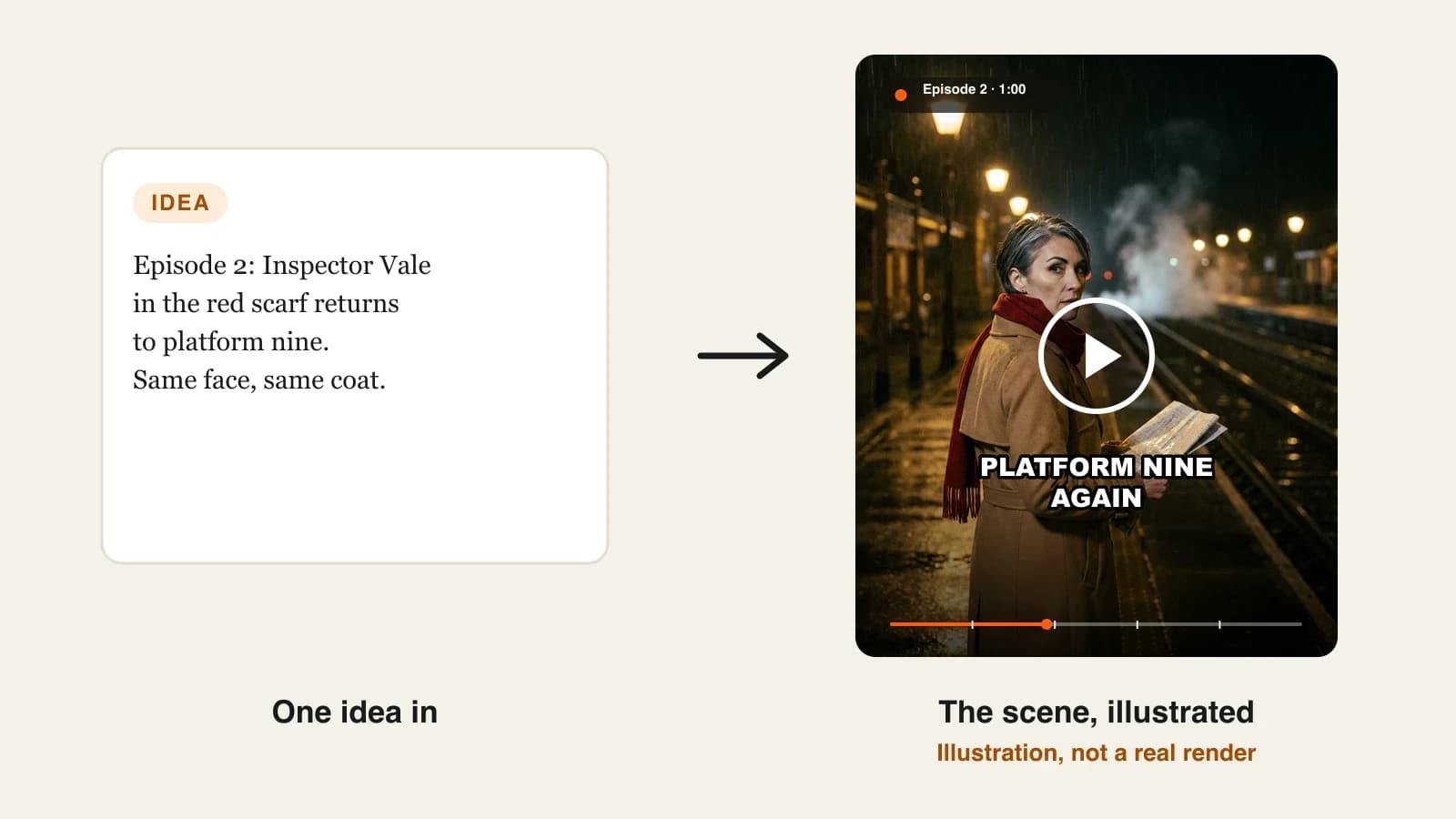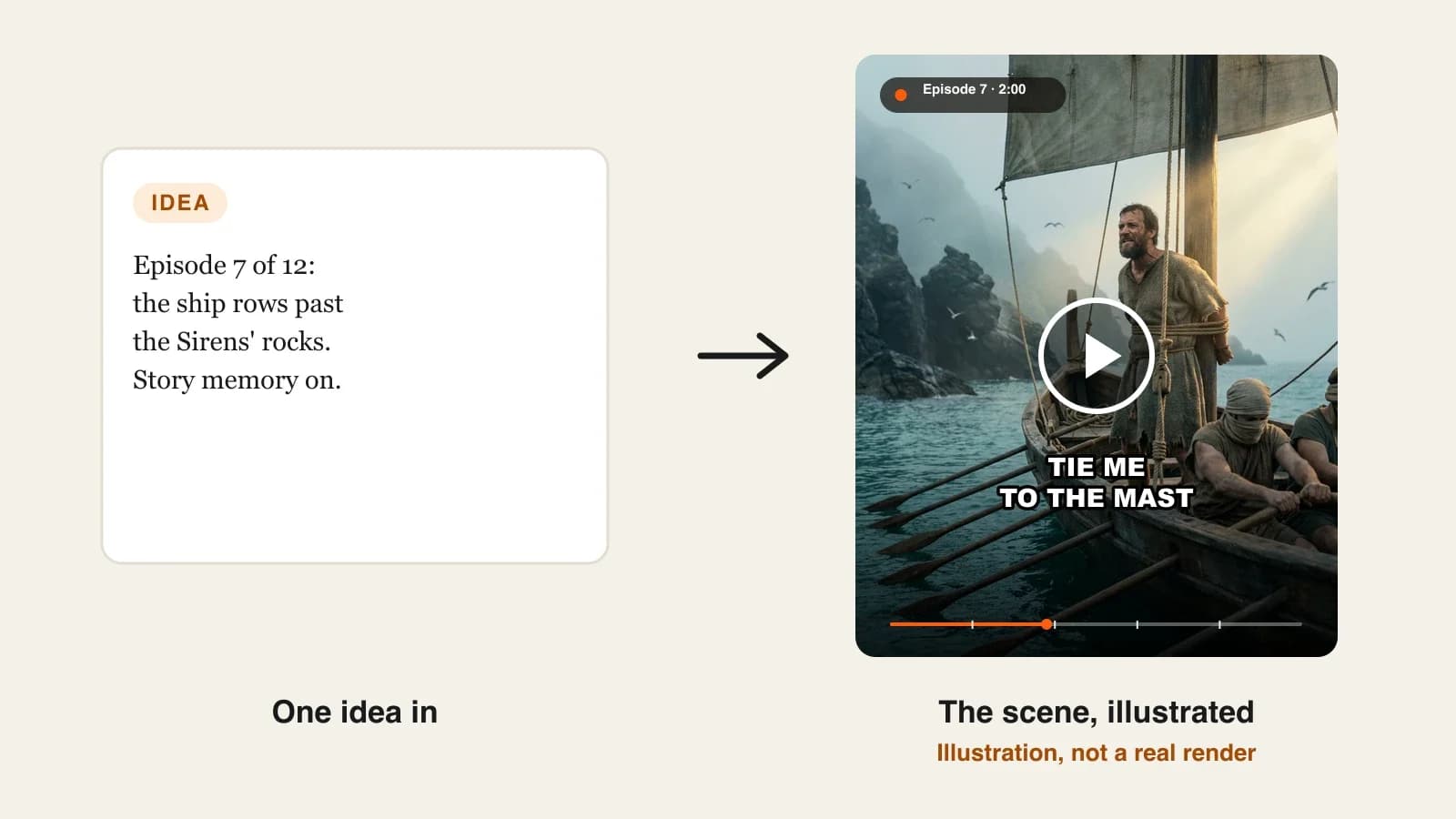
To plan an AI series season, write the ending first, split the story into short arcs of three or four episodes, budget your recurring cast, lock the show settings once, and write every episode as a short idea that names who appears and how it ends. Then manage the story memory between episodes, so episode 11 still knows what happened in episode 3.
Most AI series do not fail on episode 1. They fail around episode 6, when the creator runs out of ideas, a side character has quietly changed face, and the plot drifts because nobody planned where it was going. The tools help with the faces and the rendering; they do not plan a season for you. Even a series tool with story memory only looks back a few episodes, so the long shape of the story is your job. This guide is about that job: planning a whole season before you render, then producing it one episode at a time. One example runs through every step: The Long Way Home, Homer's Odyssey told as a 12-episode mythology series on YouTube.
Want to start now? ClipNova's AI series generator turns each short episode idea into a finished episode of up to 5 minutes, with the same saved cast in every scene and a story memory of the last 5 episodes. Script, scenes, voice, captions and music come back in one pass.
What makes a season hold together
- A destination. Viewers forgive slow episodes if they can feel the story going somewhere. A season with no planned ending drifts into filler.
- Arcs, not just episodes. Three or four episodes that build to one turning point give you natural cliffhangers and a reason to binge.
- A cast you can afford. Every recurring character is one more face to keep consistent. Decide who returns and who appears once.
- Callbacks. A detail planted early and paid off later (a name, a promise, a scar) is what makes a series feel written rather than generated.
- A release rhythm you can keep. A season of 12 weekly episodes is three months of promises. Plan production so you are always a few episodes ahead.
The example: The Long Way Home
The Long Way Home retells Homer's Odyssey in 12 episodes of 2 minutes each, in 16:9 for YouTube, with a calm, deep narrator and captions. One episode goes out every Sunday, and the whole season sits in one playlist. The story is public domain, it has a clear destination (Odysseus gets home), and its adventures fall naturally into episodes. Everything below is the production plan for that season.
Step 1: Write the season in three sentences, ending first
Why: if you do not know the last scene, every episode is a guess. Writing the finale first tells you which details must be planted early.
- Write one sentence for the ending: what has changed for the hero by the final episode.
- Write one sentence for the start: where the hero is and what they want.
- Write one sentence for what stands in the way across the whole season.
- List the three or four details the ending depends on. These are your callbacks.
Applied to the example:
- Ending: after twenty years away, Odysseus strings his own bow in his own hall, and Penelope finally knows him.
- Start: the war at Troy is over and a king wants nothing more than to sail home to Ithaca.
- In the way: a god he insulted, a sea full of monsters, and the crew he cannot keep alive.
- Callbacks: the name "Nobody" he gives the Cyclops, the curse of Poseidon that follows, the prophecy of Tiresias, and Penelope's trick of weaving and unweaving a shroud to stall her suitors.
Step 2: Cut the season into arcs of four episodes
Why: twelve loose episodes are hard to write and hard to follow. Three arcs of four give each month a shape, and the last episode of each arc becomes a natural season highlight.
| Arc | Episodes | Turning point at the end |
|---|---|---|
| 1. Leaving Troy | 1. The lotus eaters · 2. The Cyclops' cave · 3. "My name is Nobody" · 4. The bag of winds | The crew opens the bag and the winds blow them back out to sea |
| 2. Witches and the dead | 5. Circe's island · 6. The land of the dead · 7. The Sirens · 8. Scylla and the cattle of the sun | The last ship is lost and Odysseus is alone |
| 3. Home | 9. Seven years with Calypso · 10. The stranger's story · 11. A beggar in his own house · 12. The bow | Penelope knows him |
Applied to the example: each episode also gets one line for its ending hook. Episode 3 ends with Odysseus shouting his real name from the ship, which is exactly the mistake that brings Poseidon's curse into episode 4.
Step 3: Budget the recurring cast
Why: a series tool keeps saved characters consistent, but it can only hold so many. In ClipNova a series has up to 8 characters, so you choose who earns a place and who appears once, described in the episode idea instead.
| Saved in the cast | Appears in | Why they are saved |
|---|---|---|
| Odysseus | All 12 | The hero, on screen in every episode |
| Penelope | 1, 6, 11, 12 | Planted early, paid off at the end |
| Telemachus | 1, 11, 12 | The son who grows up while his father is gone |
| Athena | 1, 9, 10, 12 | The goddess who guides him |
| Eurylochus | 1 to 8 | The second in command who argues with him |
| Polyphemus | 2, 3, 4 | The Cyclops returns as Poseidon's grudge |
| Circe | 5, 6 | Two episodes, so worth locking |
| Calypso | 9 | A long stay that the narrator recalls later |
One-off figures, such as the Sirens, Scylla, Tiresias, Aeolus or the old dog Argos, are described inside the episode idea. They only need to look right once.
Give Odysseus one look for the whole season, then let the episode idea describe the change: "Odysseus, now grey-bearded and dressed as a beggar". Keeping one saved face makes the disguise read as the same man, which is the point of episode 11.
Step 4: Lock the show settings once
Why: if you choose the style and voice per episode, episode 9 will not match episode 1. Set everything at the show level and leave it alone.
1. ClipNova: the complete option for a planned season. ClipNova makes finished long videos with consistent characters: each episode can run up to 5 minutes, the saved cast keeps the same faces from the pilot to the finale, and narration, captions and music arrive with every render. To set up the show:
- Open Series and create a new show from the Mythology template ("Gods, heroes and monsters from the old legends").
- Name it, describe it in one line, and pick the style. For this example: realistic, cinematic, Mediterranean light.
- Choose the format (16:9), the narration language (narration comes in 18 languages), captions and a 2-minute episode length.
- Pick one narrator voice: low, calm and unhurried.
- Add the eight cast members from Step 3, each with a name and a picture, which you create with AI, pick from your saved characters or upload.
Applied to the example: every one of the 12 episodes now inherits the same look, length, voice and cast. Plans from $19/mo, and Series is on every plan.
Step 5: Write each episode as a short idea, not a script
Why: in ClipNova's Series, you do not paste a script. You click Make episode and describe what happens in up to 600 characters, and the app writes the narration and plans the shots. A good idea is specific about three things: who is in it, what changes, and how it ends.
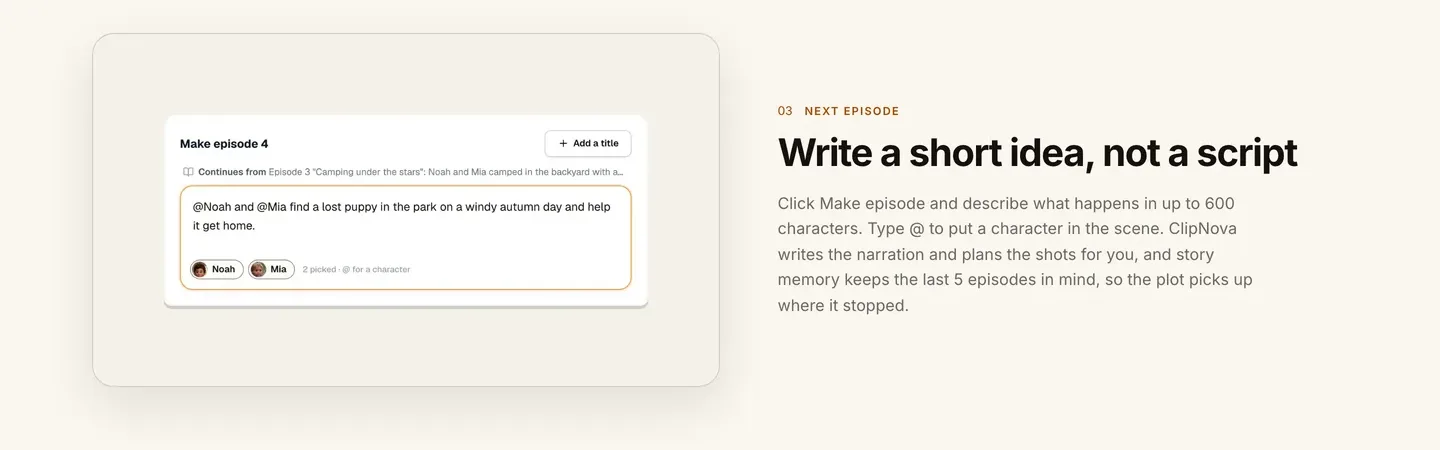
A simple formula for each idea:
- Who: @mention the saved characters who appear.
- The turn: the one event that changes things in this episode.
- The last image: the shot the episode should end on, which is your hook.
Applied to the example, episode 7:
"@Odysseus orders @Eurylochus and the crew to plug their ears with beeswax and tie him to the mast as the ship passes the island of the Sirens, pale singing figures on black rocks in the mist. He begs to be untied; they row harder. End on the ship clearing the rocks and Odysseus, exhausted, still bound, looking ahead at a narrow strait between two cliffs."
That is under 400 characters, names two saved characters, describes the one-off Sirens, and ends on the strait that opens episode 8.
Step 6: Manage the story memory between episodes
Why: after each episode ClipNova writes a short summary into the story memory, and the next episode reads the last 5. That covers the recent plot, but a 12-episode season has callbacks that reach further back than five episodes.
- After each episode renders, open its story memory and read it.
- Fix anything that will matter later: a wrong name, a missed detail, a promise a character made. You can edit the memory directly.
- Mark in your season plan which episodes need something from more than five episodes back.
- In those episodes, restate the old detail inside the idea itself.
Applied to the example: episode 12 depends on Penelope's shroud trick from episode 1, which is outside the five-episode window. So the idea for episode 12 includes it: "@Penelope, who for years wove a shroud by day and unpicked it by night to stall the suitors, sets them a test with Odysseus's old bow..." Episode 8, on the other hand, needs Poseidon's curse from episode 3, which is still inside the window, so the memory carries it without help.
Step 7: Produce in batches, then review each episode
Why: rendering one episode the night before release leaves no time to fix a bad scene. Stay a full arc ahead.
- Make the four episodes of an arc in one sitting, one after the other, so each one's memory is ready for the next.
- For each episode, choose AI Video for full motion or Moving AI Images, images with camera motion at about a third of the price. The composer shows the cost of both before you generate.
- Watch every episode with your season plan open. Check faces, the ending hook, and any callback.
- If one scene misses, open the episode in Studio and regenerate only that scene.
Applied to the example: the quieter episodes (5, 9, 10) work well as Moving AI Images with the narrator carrying them; the set pieces (2, 7, 8, 12) are worth AI Video. For scale, the app's estimate for a 60-second episode is about 189 credits in Moving AI Images and about 550 in Base AI Video, and 2-minute episodes cost more, so check the estimate before each one.
Step 8: Release it like a season
- One playlist, numbered titles. "The Long Way Home, Episode 7: The Sirens".
- A two-line recap in the description of each episode, so new viewers can start anywhere.
- The same day and time every week, announced in the first episode.
- Disclose realistic AI scenes. YouTube asks creators to label realistic altered or synthetic content; a cinematic, photoreal retelling like this one should carry the label.
- Avoid template sameness. YouTube's monetization rules target mass-produced, repetitive uploads. A season with a real arc, recurring characters and a consistent narrator is the opposite of that.
For channel setup and upload basics, see how to start a faceless YouTube channel.
How long does it take?
For the 12 episodes of The Long Way Home:
- Season sentences, arcs and callbacks (Steps 1 and 2): about 2 hours, once
- Cast and show setup (Steps 3 and 4): about 1 hour, once
- Writing one episode idea: 10 to 15 minutes
- Generation: a few minutes per episode, mostly waiting
- Memory check, review and scene fixes: 20 to 30 minutes per episode
- Upload, title and description: 15 minutes per episode
Setup is about three hours for the whole season; after that, each episode takes roughly an hour of your time. Plans from $19/mo, with every feature included; only the monthly credits change.
What goes wrong, and the fix
- No ending. The season wanders and episodes start repeating. Write the finale sentence before episode 1.
- Too many recurring characters. Faces drift and the cast runs out of slots. Save only characters who appear in two or more episodes, and describe one-offs in the idea.
- Ideas that are really summaries. "Odysseus has an adventure with the Sirens" gives the tool nothing to aim at. Name the turn and the last image.
- Trusting memory for long callbacks. Story memory covers the last 5 episodes. Restate anything older inside the idea.
- Never reading the memory. A wrong detail in episode 4's summary spreads to the next five. Read and edit it after every episode.
- Changing the narrator mid-season. Viewers notice instantly. Set the voice once at the show level.
- Rendering the night before release. One bad scene and you miss your slot. Stay a full arc ahead.
Write your three season sentences today, then cut them into arcs. When the plan is ready, our roundup of the best AI series generators compares the tools that keep a cast across episodes, and ClipNova pricing shows how many episodes each plan covers.
Frequently asked
How many episodes should an AI series season have?
Ten to twelve episodes is a manageable first season: enough for three short arcs and a real ending, small enough to produce a few weeks ahead. Weekly releases make that about three months of content, which is long enough to see whether the show finds an audience.
How do I plan the story of an AI series?
Write the final scene first, then the starting situation and what stands in the way, in one sentence each. Cut the season into arcs of three or four episodes that each end on a turning point, and list the details the ending depends on so you can plant them early.
Can AI remember the plot across episodes?
Partly. ClipNova's Series writes a short story memory after each episode and passes the last 5 episodes to the next one, and you can edit that memory. For callbacks further back than five episodes, restate the detail inside the new episode idea.
How many characters should an AI series have?
Save only the characters who appear in two or more episodes, and describe one-off figures in the episode idea. A ClipNova series holds up to 8 saved characters, which is plenty for a main cast plus a few returning rivals or helpers.
How long should each episode of an AI series be?
Match the platform: about 1 minute for Shorts, TikTok and Reels, 2 to 5 minutes for YouTube episodes. ClipNova episodes can be 30 seconds, 1, 2, 3 or 5 minutes, and you can change the length for later episodes.
How much does it cost to make a season of an AI series?
On ClipNova, plans start at $19 a month for 1,000 credits. The app's estimate for a 60-second episode is about 189 credits as Moving AI Images and about 550 as Base AI Video, longer episodes cost more, and the exact cost shows before you generate.
Can I monetize an AI series on YouTube?
Yes, if the content is original and you follow YouTube's rules: avoid mass-produced, repetitive uploads and disclose realistic AI scenes that could be mistaken for real events. A planned season with recurring characters and a real story arc is the safest format.
What is the best tool to produce a planned AI series?
ClipNova is a complete option: you set the show up once, save up to 8 characters, write each episode as a short idea, and get finished episodes of up to 5 minutes with narration in 18 languages, captions and music, on plans from $19 a month.