To make a cartoon series with AI, write a short show bible, design each character once with a fixed look and a picture, set the style, voice and episode length at the series level, then make every episode from a one-sentence idea that mentions the characters by name. The cast, look and story so far carry over, so episode six still looks like episode one.
One cartoon is easy now. A cartoon series is a different job: viewers come back for characters they recognise, and most AI tools forget everything the moment a render ends. Nothing in a single prompt can hold a season together, so the trick is to save the parts that must not change (the cast, the style, the voice, the story so far) and only write what is new each week. This guide walks through that setup with one example from the bible to episode two.
Want to skip ahead: ClipNova's AI cartoon video generator and its Series feature keep the same cartoon cast in every episode of up to 5 minutes, with narration, captions and music done.
Why AI cartoon series fall apart
- The cast drifts. A red raincoat becomes orange, grandpa loses his beard. One prompt per episode means one new guess per episode.
- The style wanders. 3D in one episode, flat 2D in the next. Viewers read that as a different show.
- The voice changes. A new narrator every week breaks the spell faster than any visual glitch.
- The plot forgets. Episode four does not know the boat sprang a leak in episode three, so callbacks and arcs never land.
- The cadence slips. A series that takes a full day per episode rarely survives a month.
Every step below fixes one of these.
The example: The Little Red Boat
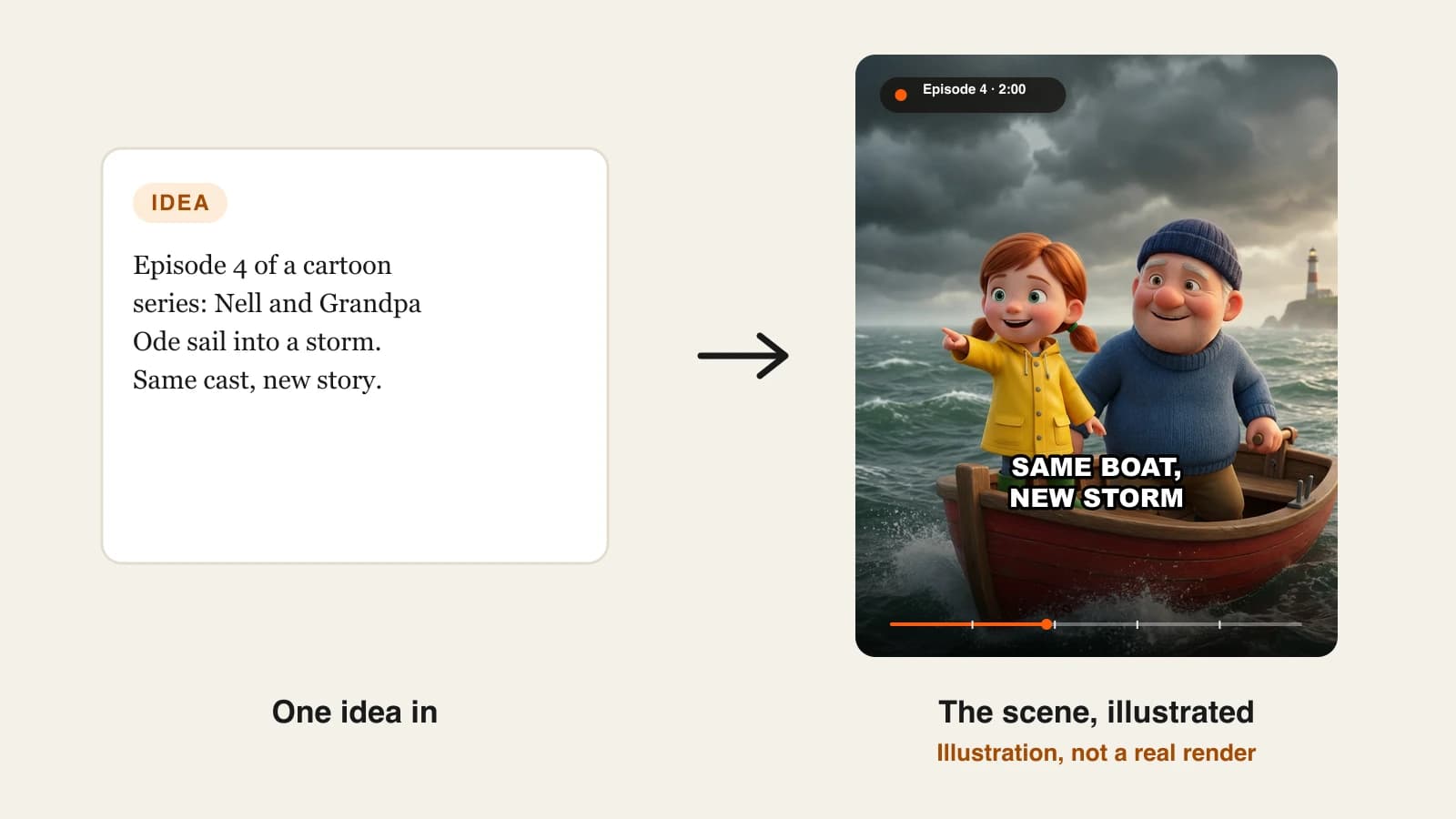
The Little Red Boat is a 3D cartoon series for ages 4 to 8. Nell, an eight-year-old with red pigtails and a yellow raincoat, sails the bay with her Grandpa Ode, a retired fisherman, and visits Marlow, the lighthouse keeper. Each episode is 2 minutes, 16:9 for YouTube, one new episode every Saturday, with one vertical Short cut from it.
Everything below is the production plan for that series.
Step 1: Write a one-page show bible
Why: without a bible, every episode idea starts from zero and the tone drifts. With one, writing episode twelve takes five minutes.
Keep it to five lines:
| Part | The Little Red Boat |
|---|---|
| Premise | A girl and her grandpa sail a small red boat around a windy bay |
| World | One harbour town, one lighthouse, three islands, changing weather |
| Formula | A small problem at sea, a try that fails, help from a friend, a calm ending at the harbour |
| Tone | Brave but gentle, nothing scary, one small lesson spoken at the end |
| Rules | Grandpa never solves it alone; Nell always says the closing line |
The formula matters most. It lets you write an episode as a single sentence later, because the structure is already decided.
Step 2: Design the cast once, and lock it
Why: the cast is the show. If the faces change, the series becomes a collection of unrelated cartoons.
For each recurring character write five fields, then attach one clear picture:
- Name and role: "Nell, the hero"; "Grandpa Ode, the steady one"; "Marlow, the friend who knows the weather"
- Look (one fixed sentence): "an eight-year-old girl with two short red pigtails, a yellow raincoat and green rubber boots"
- Personality: "brave, curious, a little impatient"
- Catchphrase: Nell's "Hold on tight", Grandpa's "The sea always tells you first"
- Picture: one image of the character alone, clearly visible, in the series style
Pick signature items that survive every camera angle: a coat color, a hat, boots. Tiny details such as a badge or a pattern of freckles are the first things to drift between scenes.
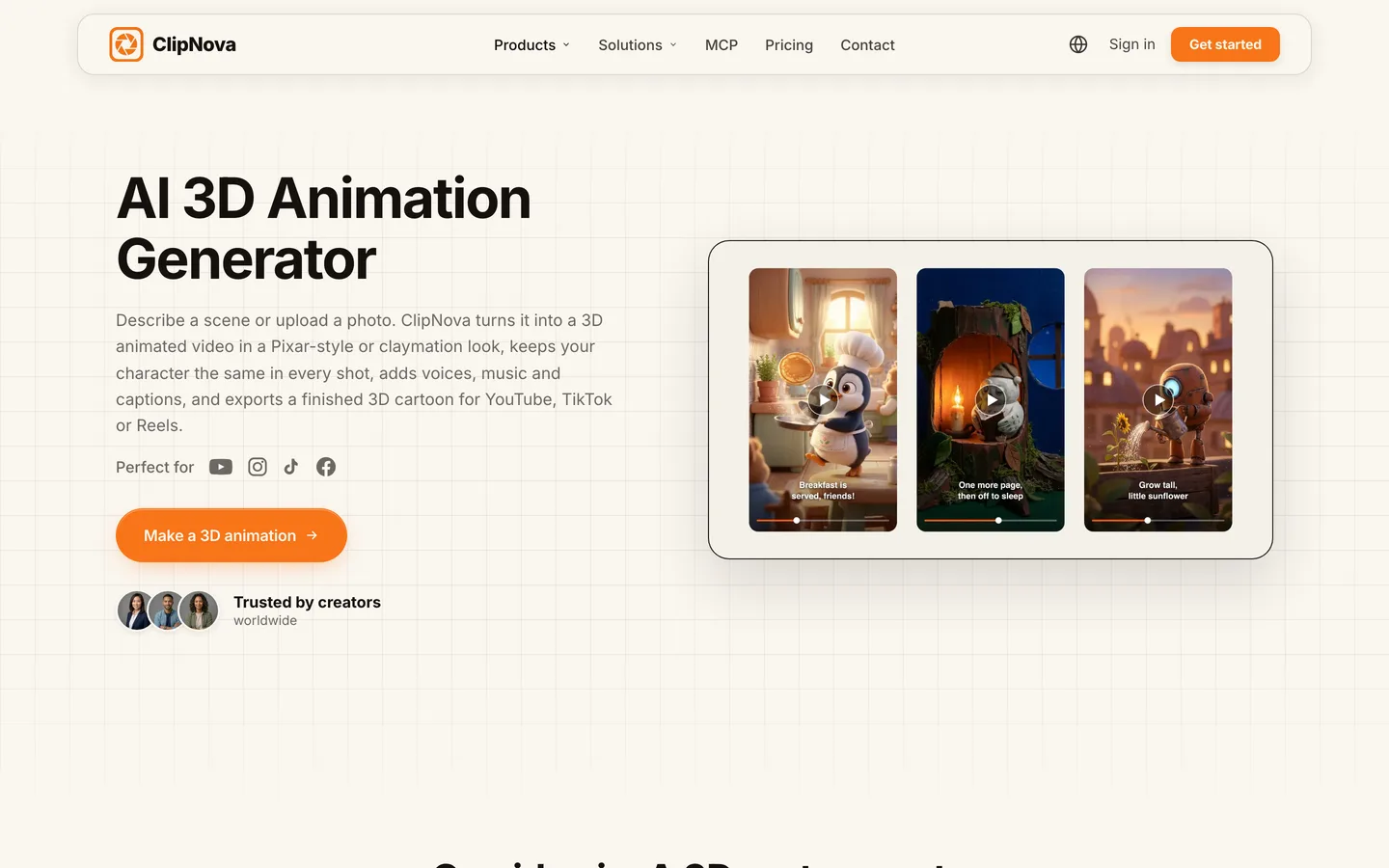
In ClipNova each Series character has exactly these fields (name, role, look, personality, catchphrase) and needs a picture before an episode can be made. You can pick one from My characters, use Create new to draw it from a description in the series style, or Upload your own art. A series holds up to 8 characters; three is plenty for a kids' show.
Step 3: Fix the look, the voice and the length at the series level
Why: settings you choose per episode will eventually differ. Settings saved on the series cannot.
The series settings for The Little Red Boat:
| Setting | Choice | Why |
|---|---|---|
| Visual style | 3D cartoon (Pixar-style) | Reads well for ages 4 to 8 |
| Format | 16:9 | Episodes live on YouTube; the Short is made separately in 9:16 |
| Episode length | 2 min | Long enough for the four-beat formula |
| Narration language | English | One of 18 narration languages |
| How episodes are made | Moving AI Images | About a third of the price of full AI Video |
| Captions | On | Early readers follow along |
| Voiceover voice | One warm narrator | The same voice every week |
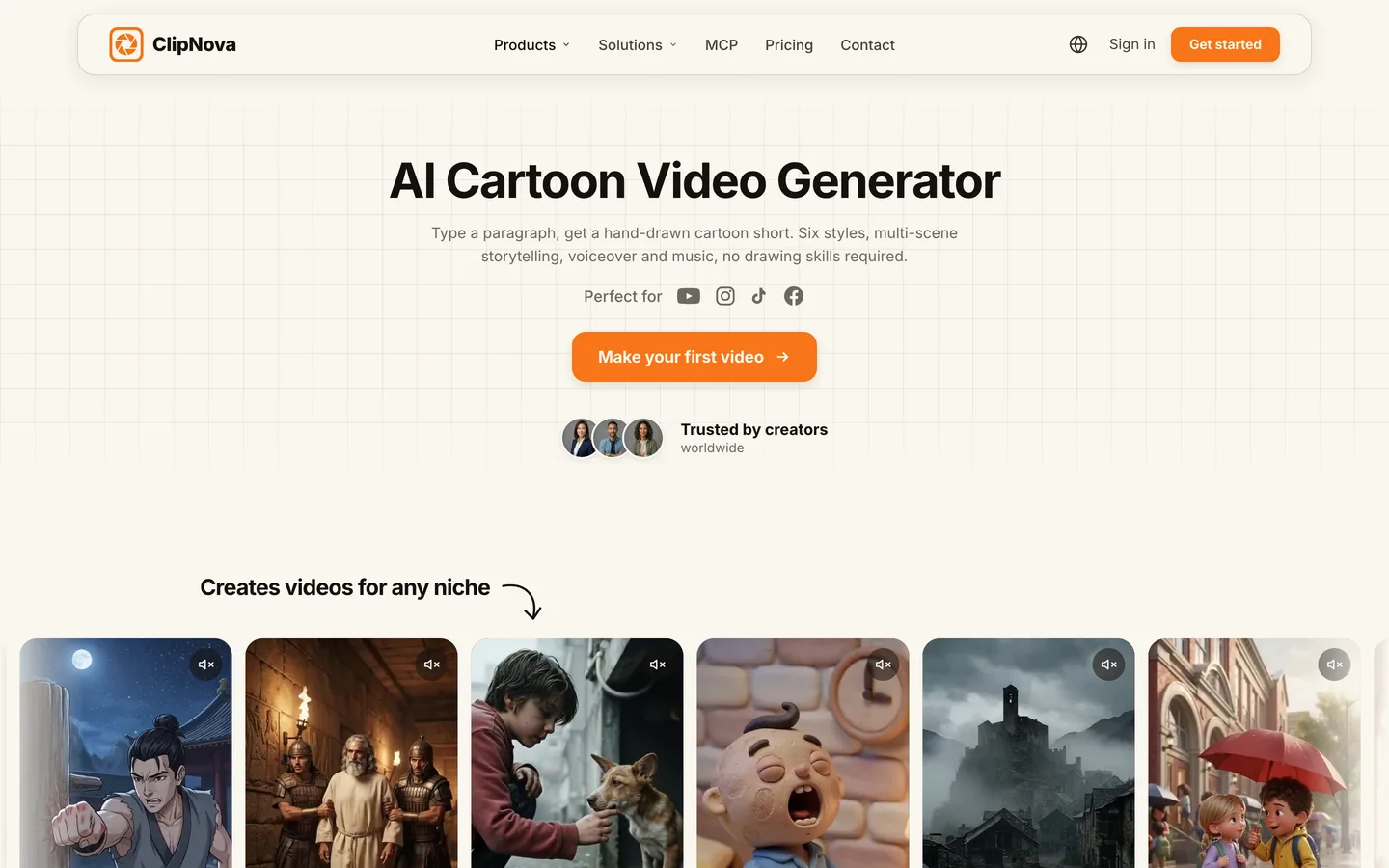
Moving AI Images or AI Video? Moving AI Images are pictures with camera motion, voices and captions, with the same faces in every scene. AI Video animates every shot. For a weekly kids' series on a budget, Moving AI Images keep the cost low; switch a single big episode (a storm, a rescue) to AI Video when it deserves the motion. ClipNova lets you change this for any single episode.
What one 60-second episode costs in credits, with captions on:
| How it is made | Credits per 60 s | What you get |
|---|---|---|
| Moving AI Images | about 189 | One narrator, moving pictures, same faces |
| AI Video, Base quality | about 550 | Fully animated shots with a narrator |
| AI Video, Ultra quality | shown in the app before you generate | The highest-quality animated shots |
A 2-minute episode costs roughly twice those figures. On the Hobby plan ($19, 1,000 credits) that is about two 2-minute episodes a month in Moving AI Images, so a weekly show fits the Starter plan ($49, 2,600 credits) better.
Step 4: Plan the first season on the formula
Why: a season plan turns "what do I post this week" into a list you work down. It also lets you seed a small arc across episodes.
Write each episode as one sentence that follows the formula and names the characters:
| Ep | Episode idea |
|---|---|
| 1 | @Nell wants to sail alone, the wind turns, @Grandpa Ode shows her how to read the clouds |
| 2 | The boat springs a small leak; @Nell and @Grandpa Ode patch it with help from @Marlow |
| 3 | Fog hides the harbour; @Marlow's lighthouse guides them home |
| 4 | A storm builds; @Nell remembers the cloud lesson from episode 1 |
| 5 | @Nell teaches a younger child to tie a sailor's knot |
| 6 | The town boat race; @Nell and @Grandpa Ode finish last but help a capsized crew |
Episode 4 pays off episode 1. That kind of callback is what makes a run of cartoons feel like a series, and it only works if the tool remembers.
Step 5: Make episode 1, then episode 2
Why: the first episode proves the setup; the second proves the memory. Check both before you plan a posting schedule.
How it works in ClipNova Series:
- Create the series: name it, pick the kind of show (the Kids stories template pre-fills a 3D cartoon style and a gentle tone), set the look and sound, then cast Nell, Grandpa Ode and Marlow.
- Under Make episode 1, type the episode idea. Type @ to mention a character; mentioned characters are put in the episode.
- Generate. The episode comes back with scenes, narration, captions and music, about 2 minutes long.
- For the next one, use Make episode 2. The series keeps a story memory of the last 5 episodes, so episode 2 knows Nell tried to sail alone, and you can edit that summary if you want to steer it.
Clip generators such as Runway or Kling keep nothing between renders, so with them the season plan, the character sheet and the continuity notes all live in your own document and you re-describe the cast every time.
Step 6: Review the episode and fix single scenes
Why: one off-model frame in a kids' cartoon is noticed by the kids first. Fixing it should not mean remaking the whole episode.
Watch each episode once at phone size and check:
- Do Nell, Grandpa Ode and Marlow match their pictures in every scene? Coat, hat, beard, boots.
- Does the story follow the formula? Problem, failed try, help, calm ending.
- Is the narration slow enough for a 5-year-old? Short sentences, pauses after questions.
- Is anything frightening? A storm should feel exciting, not scary, for this audience.
If one scene misses, open it in ClipNova's Studio and regenerate or edit just that scene, or restyle the captions, then export again in the same 16:9 format. For the vertical Short, make a separate 30-second video in 9:16 with the same saved characters (for example with Prompt to Video), since a finished episode cannot be re-exported into another ratio.
Step 7: Publish on a schedule you can keep
Why: a series earns its audience by showing up. A weekly slot is easier to keep than a daily one and still trains viewers to come back.
For The Little Red Boat:
- Post the episode every Saturday morning, with the episode number in the title: "The Little Red Boat, Episode 2: The Leak".
- Add every episode to one playlist in order.
- If children are the main audience, set the video or channel as made for kids in YouTube Studio. That turns off comments and personalized ads, so plan growth on playlists and Shorts.
- Keep each episode genuinely new. YouTube's monetization rules exclude mass-produced, repetitive content, and a recurring cast with real plots is the opposite of that.
For the full kids' channel setup, including COPPA and the made-for-kids settings, see our guide on making kids cartoon videos for YouTube.
How long does it take?
For one 2-minute episode of The Little Red Boat, after the setup:
- Episode idea from the season plan: 5 minutes
- Generation: one render while you do something else
- Review and one scene fix: 15 minutes
- The vertical Short: 10 minutes, plus its own render
- Title, playlist and upload: 10 minutes
The bible, the cast pictures and the series settings take one afternoon, once. After that an episode is about 40 minutes of hands-on work. Plans from $19/mo, with every feature included; only the monthly credits change.
What goes wrong, and the fix
- Describing characters differently each week. The look drifts with the wording. Save each character with one look sentence and a picture, and only mention them by name.
- Changing the style mid-season. It reads as a new show. Set the style on the series and leave it.
- A new narrator every episode. The series loses its voice. Pick one voiceover voice in the series settings.
- Episodes that do not connect. Without callbacks there is no reason to watch in order. Seed small payoffs in the season plan and let story memory carry them.
- Paying for full animation every week. Credits run out by week three. Use Moving AI Images for most episodes and AI Video for the big ones.
- Expecting talking characters by default. Episodes are narrated unless you switch who speaks to the characters, which needs AI Video (not Moving AI Images) and costs more per episode. Decide early, since it changes the budget.
- Mass-producing near-identical episodes. YouTube treats that as repetitive content. One new problem, one new place or one new lesson per episode keeps it a show.
Write your five-line bible and your first character's look sentence today, then make episode 1 and episode 2 back to back to test the memory. For a wider look at the tools, read our roundup of the best AI cartoon video generators, and check ClipNova pricing to size a plan to your weekly episode count.
Frequently asked
How do I make a cartoon series with AI?
Write a short show bible with a repeatable episode formula, design each recurring character once with a fixed look and a picture, and save the style, narrator voice and episode length at the series level. Then make each episode from a one-sentence idea that names the characters. ClipNova Series does this with up to 8 characters and a story memory of the last 5 episodes.
How do I keep the same cartoon characters in every episode?
Save the character, do not re-describe it. Give each one a single look sentence and a clear picture, then mention them by name in each episode idea. Signature items such as a coat color or a hat hold up better than small details like badges or freckles.
How long should an AI cartoon episode be?
For young kids, 2 to 3 minutes fits one small problem and a calm ending. Bedtime episodes can run to 5 minutes, and Shorts work at around 30 seconds. ClipNova Series offers episode lengths of 30 seconds and 1, 2, 3 or 5 minutes.
How much does it cost to make an AI cartoon series?
In ClipNova a 60-second episode costs about 189 credits as Moving AI Images or about 550 as Base AI Video, with captions. Plans start at $19 a month for 1,000 credits; a weekly 2-minute series in Moving AI Images fits the $49 Starter plan with 2,600 credits.
Can AI cartoon characters talk in each episode?
Yes, with AI Video. ClipNova lets you choose who speaks: a narrator over the scenes, or talking characters who speak on screen with lip sync in their own voices. Moving AI Images episodes always use one narrator, which is cheaper.
Can I monetize an AI cartoon series on YouTube?
Yes, if each episode is original and not mass-produced or repetitive. If children are the main audience you must set the videos as made for kids, which turns off comments and personalized ads. A recurring cast with new plots each week is the kind of content YouTube treats as original.
Do I need animation skills to make a cartoon series with AI?
No. You need a clear premise, consistent character descriptions and a posting schedule. The AI draws, animates, narrates and captions each episode; your job is the story and the review before posting.
What is the best AI tool for a cartoon series?
ClipNova is the most complete option for a series: saved characters with locked looks, series-level style and voice, story memory between episodes and episodes of up to 5 minutes, with plans from $19 a month. For a wider comparison, see our roundup of the best AI cartoon video generators.