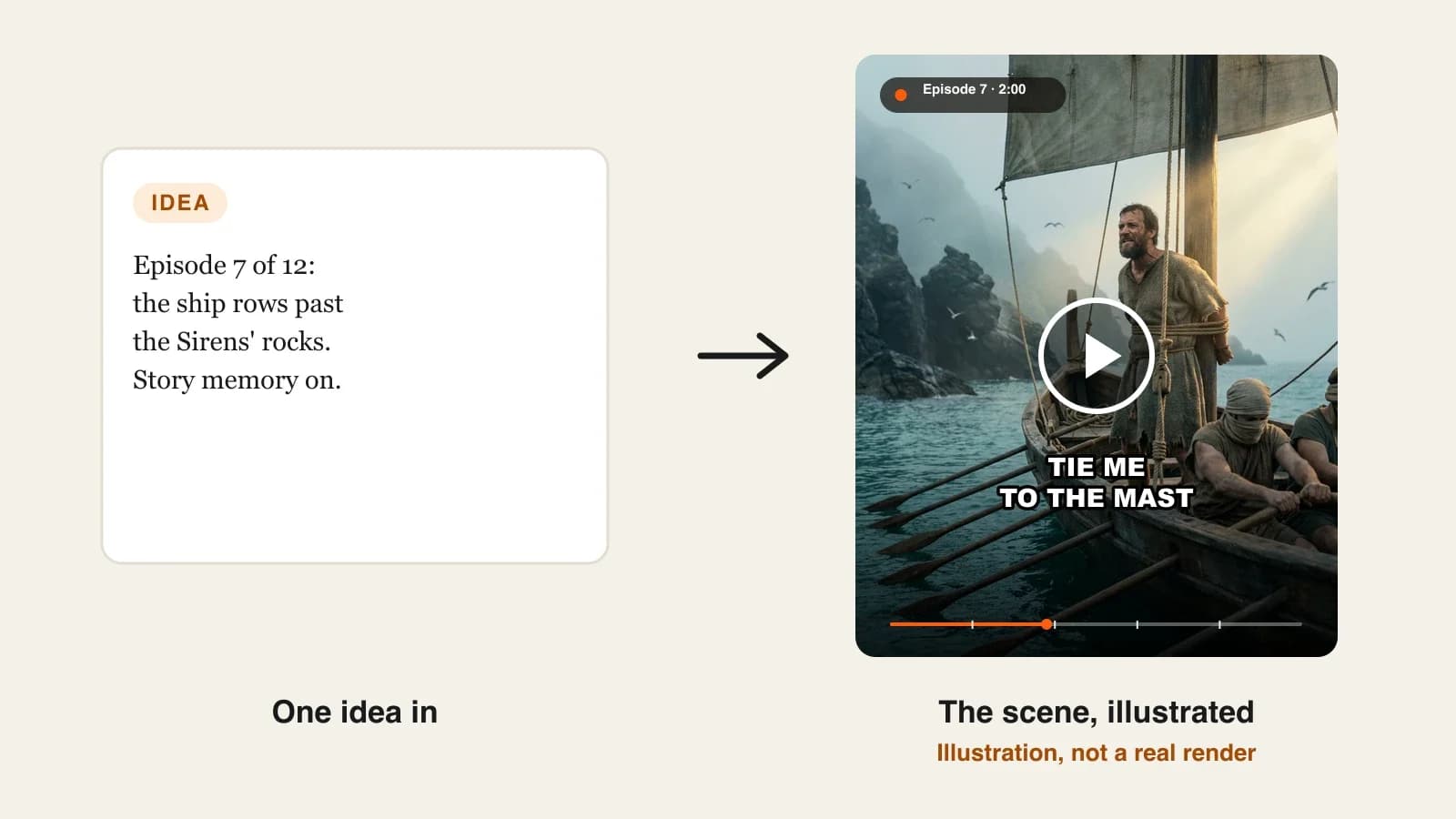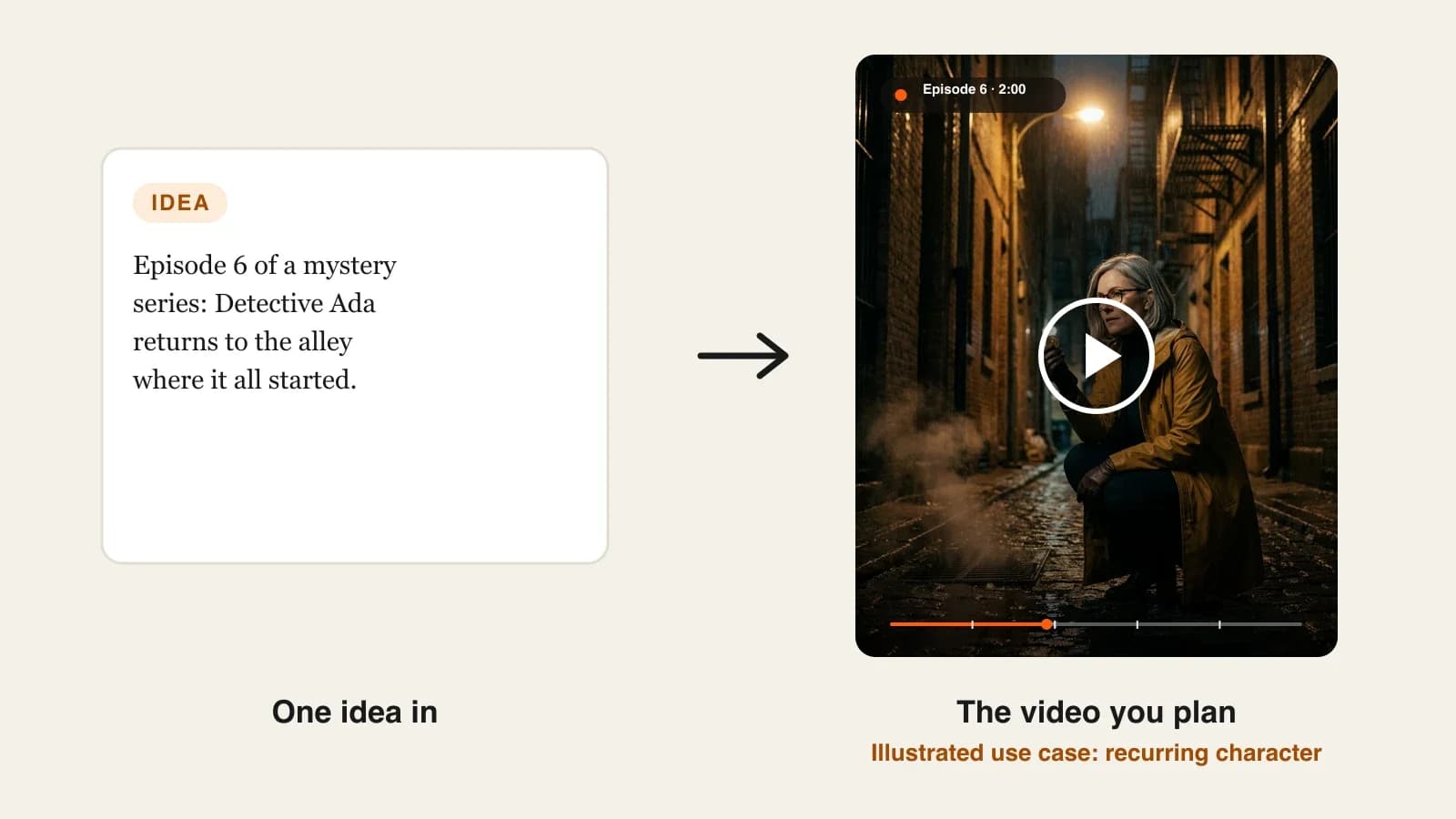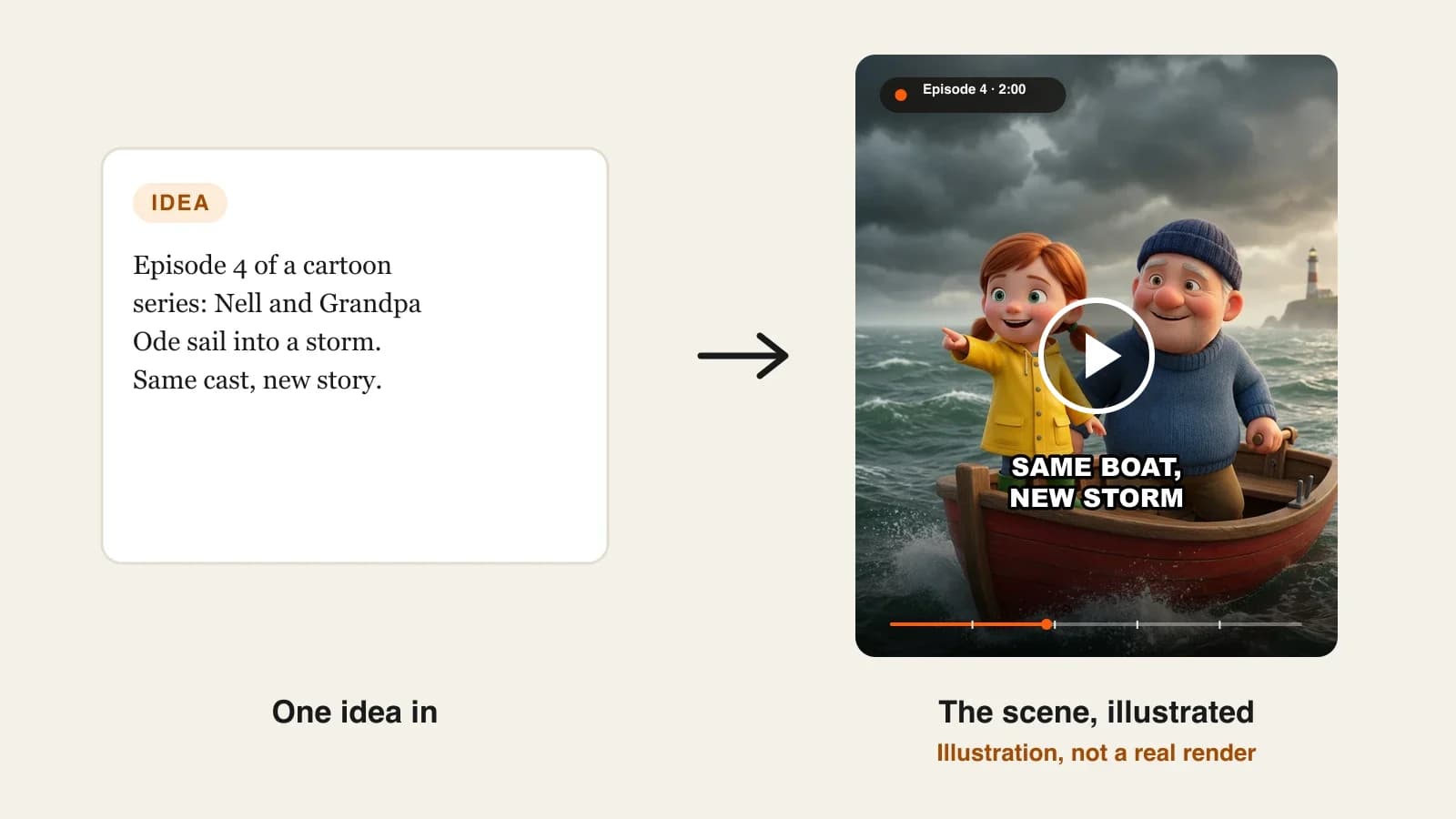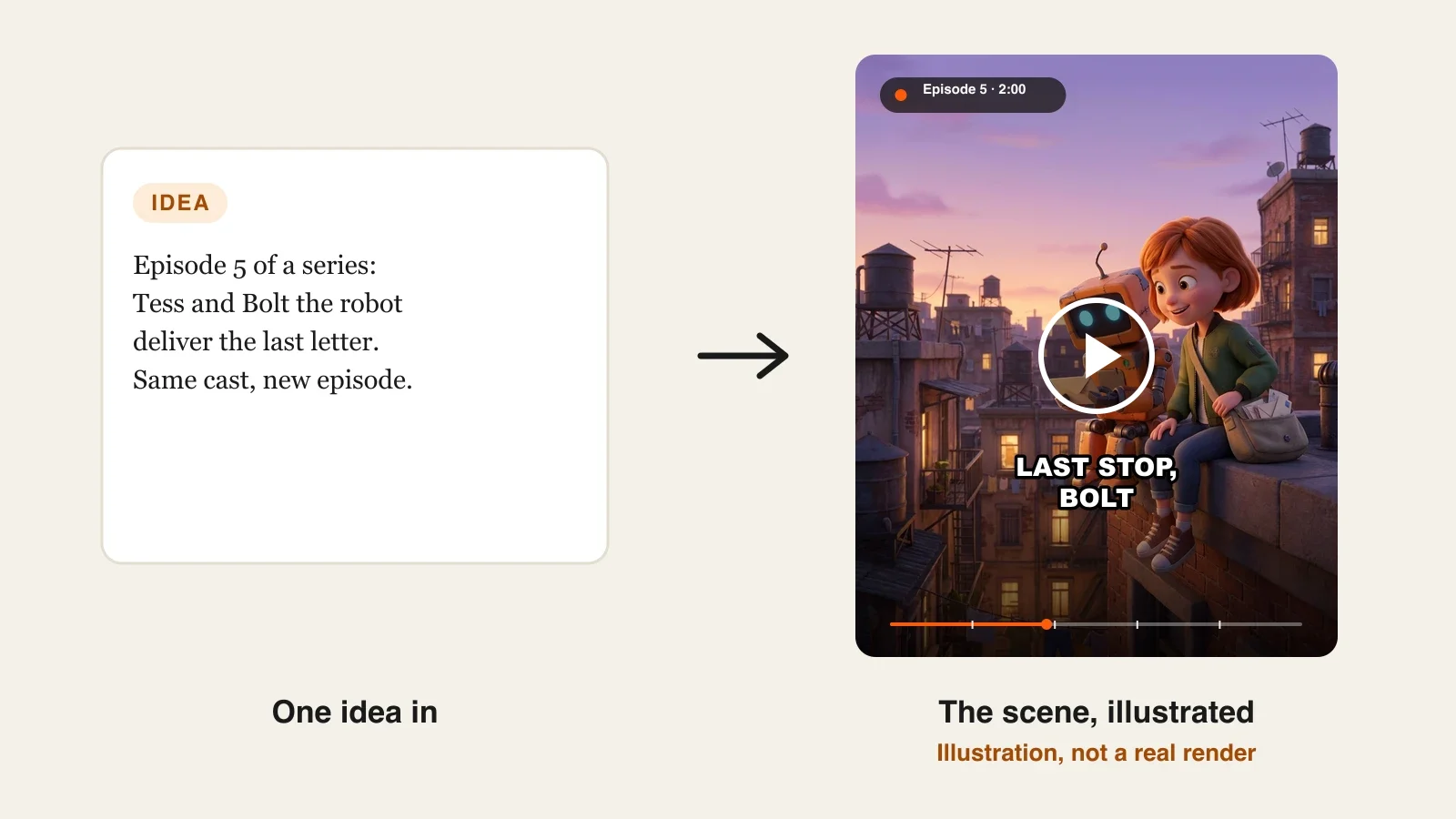
The best AI series generators in 2026 are ClipNova for finished episodes of up to 5 minutes with the same cast and a story memory that carries the plot forward, followed by LongStories.ai, StoryShort and Character App for narrower ways of running a show. ClipNova starts at $19/mo; the others start between $19.99 and $59 a month on monthly billing.
Making one good AI video is no longer the hard part. Making episode 9 is. By then you need the same three faces, the same voice for the grandfather, a running joke that still makes sense and a plot that remembers what happened in episode 4. Most AI video tools forget everything the moment a render finishes, so every new episode starts from zero.
An AI series generator is built for the opposite job: you set up the show once and then only write what happens next. This roundup compares four of them on how they keep a cast, how they remember the story, how long an episode can run and what a season costs.
The 4 best AI series generators at a glance
- ClipNova: best overall for a recurring show you review episode by episode. A short episode idea becomes a finished episode of up to 5 minutes, with up to 8 saved characters and a story memory of the last 5 episodes.
- LongStories.ai: best for long animated episodes set in one shared universe. Episodes can run past 5 minutes on higher plans, with a world, cast and voices that carry over.
- StoryShort: best for a series that writes and posts itself. You set the niche and the schedule once and it publishes short episodes for you.
- Character App: best for building the show bible before you film anything. A Cast, a World with a written bible and a locked look, then one Story per episode.
| Tool | Best for | Starting price (monthly billing) | Episode length | Recurring cast | Story continuity | Auto-posting |
|---|---|---|---|---|---|---|
| ClipNova | Reviewed episodes, Shorts to long-form | From $19/mo | 30 s to 5 min | Up to 8 saved characters | Story memory of the last 5 episodes, editable | No (review, then post) |
| LongStories.ai | Long animated episodes in one universe | $59/mo | Up to 10 min (15 min on higher plans) | Reusable characters and voices | Universe keeps cast, voices and world | Upload or schedule to YouTube |
| StoryShort | Hands-off short episodes | $39/mo | 15 to 60 s Shorts, long-form about 8 to 10 min | Characters fixed before the first image | Series picks the next topic in your niche | Yes: TikTok, YouTube, Instagram |
| Character App | Show bible first, then episodes | $19.99/mo | Up to about 60 s per Story | Cast with approved references | World bible and locked look | Not published |
What an AI series generator has to remember
A series is a promise to the viewer: same people, same world, new problem. Before you compare tools, check them against what actually breaks a show:
- Faces and outfits. The hero cannot get a new nose in episode 6. Look for a cast you save once, with a picture, that every episode reuses.
- Voices. Viewers notice a changed voice faster than a changed jacket. The narrator and each speaking character should keep one voice for the whole run.
- The plot so far. If the tool does not know that the lighthouse burned down last week, it will happily rebuild it. Some form of story memory, or a written bible you can update, is what separates a series tool from a clip tool.
- Settings that stay put. Style, format, captions and episode length should be set at the show level, so episode 12 looks like episode 1 without you retyping anything.
- A way to fix one scene. One wrong shot should not cost you the whole episode.
A quick test that works for any tool here: make episodes 1 and 2 back to back, then watch episode 2 alone. If a new viewer can follow it, and an old viewer spots nothing that contradicts episode 1, the tool is doing its job.
1. ClipNova, best overall AI series generator
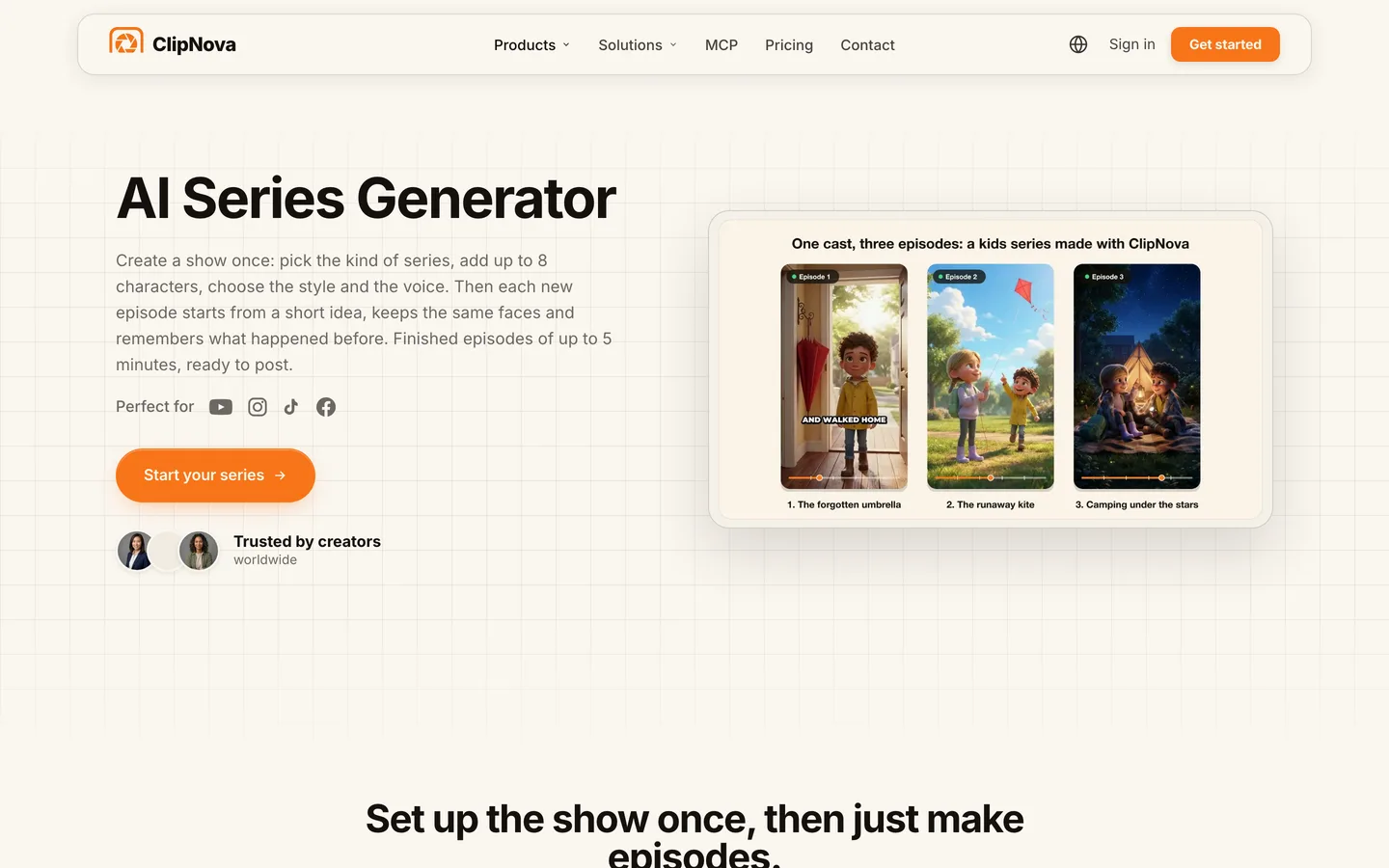
ClipNova has a dedicated Series section: you create a show once (name, kind of series, style, language, format and narrator), cast up to 8 characters with a name and a picture each, and then make each episode from a short idea. Every episode keeps those characters looking the same in every scene, and after each one ClipNova writes a short summary into a story memory that the next episodes read, so the plot picks up where it stopped.
For a series, ClipNova's core idea, finished long videos with consistent characters, maps straight onto the job:
- Long: episodes run 30 seconds, 1, 2, 3 or 5 minutes, so a show can live on Shorts or grow into full YouTube episodes without changing tools.
- Consistent characters: the cast you save once is used in every episode, and the story memory of the last 5 episodes keeps names, places and twists straight across the season.
- Finished: each episode comes back with scenes, narration or character voices, captions and music in one pass, and Studio lets you redo a single scene that missed.
The ClipNova AI series generator page shows the full show setup, from template to finished episode.
Key features
- 7 templates that set the tone of a show: kids stories, Bible stories, history, mythology, drama, faceless explainers or your own
- Up to 8 characters, each with a name and a picture you create, pick from your saved characters or upload; you can add characters later
- "Make episode N" from an idea of up to 600 characters, with @mentions to choose who appears
- Story memory of the last 5 episodes, which you can read and edit before the next one
- A narrator over the scenes, or talking characters who speak on screen with lip sync in their own voices (AI Video on Base 768p or Pro 1080p)
- AI Video for full motion, or Moving AI Images (images with camera motion) at about a third of the price; 9:16, 16:9 or 1:1 per show
How to run a series in ClipNova
- Open Series, name the show, pick a template and set the style, language, format, captions and episode length once.
- Add the cast: one picture and one name per character, plus a voice if they will talk on screen.
- Click Make episode 1, describe what happens in a few sentences and @mention the characters in it.
- Choose AI Video or Moving AI Images, check the credit estimate and generate.
- Read the story memory it writes, fix anything that matters for later, and make episode 2 from a new idea.
Pricing
- Plans from $19/mo: Hobby $19 (1,000 credits), Starter $49 (2,600), Growth $99 (5,750), Ultra from $199 (12,000); 20% off yearly
- A 60-second episode is about 189 credits in Moving AI Images or about 550 in Base AI Video, so Hobby covers around five one-minute episodes in Moving AI Images
- Every plan has every feature, including Series, plus narration in 18 languages and commercial rights
Pros
- The whole season lives in one place: cast, settings, episodes and the memory between them
- You write a few sentences per episode, not a script
- One tool for 30-second Shorts and 5-minute episodes
Cons
- No auto-posting; you watch each episode and post it yourself
- Series writes its own narration from your idea; for a word-for-word script you make that episode in Prompt to Video instead
- Episodes stop at 5 minutes, so very long episodes need splitting into parts
2. LongStories.ai, best for long animated episodes in one universe
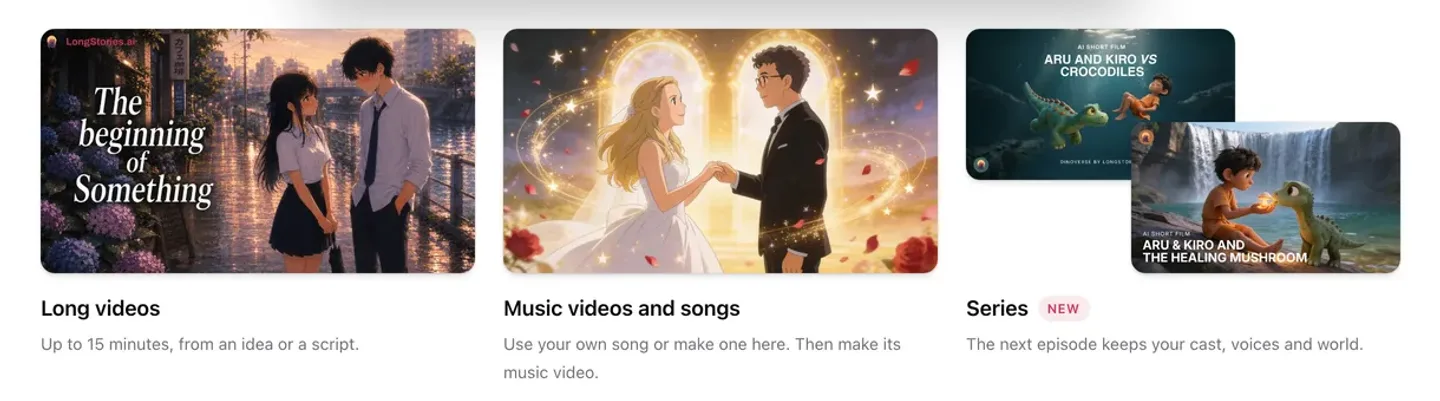
LongStories.ai is built around long animated stories. You create characters once and reuse them in every video, group them into a Universe with its own look, places and cast, and give the narrator and each character a voice with captions. Its Series feature is pitched as "the next episode keeps your cast, voices and world."
Where it stands out is length: Pro plans make videos of up to 10 minutes, and the higher Creator Max plan goes to 15. If your show is a single long animated episode each week, that headroom matters. The trade-off is cost: the entry plan is the most expensive here, and its own estimate is about 6 minutes of Pro video a month at 480p.
Key features
- Characters made once and reused in every video of a series
- Universes: a world with its own look, places and cast
- A voice for the narrator and each character, with captions
- Shot-level editor: change one shot without remaking the video
- Upload or schedule to YouTube from the app
Best for
- Animated channels that publish one long episode a week
- Story worlds with many locations that return across episodes
Pricing
- Pro: $59/mo billed monthly ($44.25/mo yearly), 4,500 credits, about 6 minutes of Pro video at 480p, videos up to 10 minutes
- Creator: $99/mo with 8,500 credits; Creator Max: $199/mo with 17,000 credits and videos up to 15 minutes
Pros
- Longer episodes than any other tool in this list
- A true shared world, not just a shared cast
Cons
- The highest entry price here for the fewest minutes per month
- The credit estimate on the pricing page is quoted at 480p
3. StoryShort, best for a series that writes and posts itself
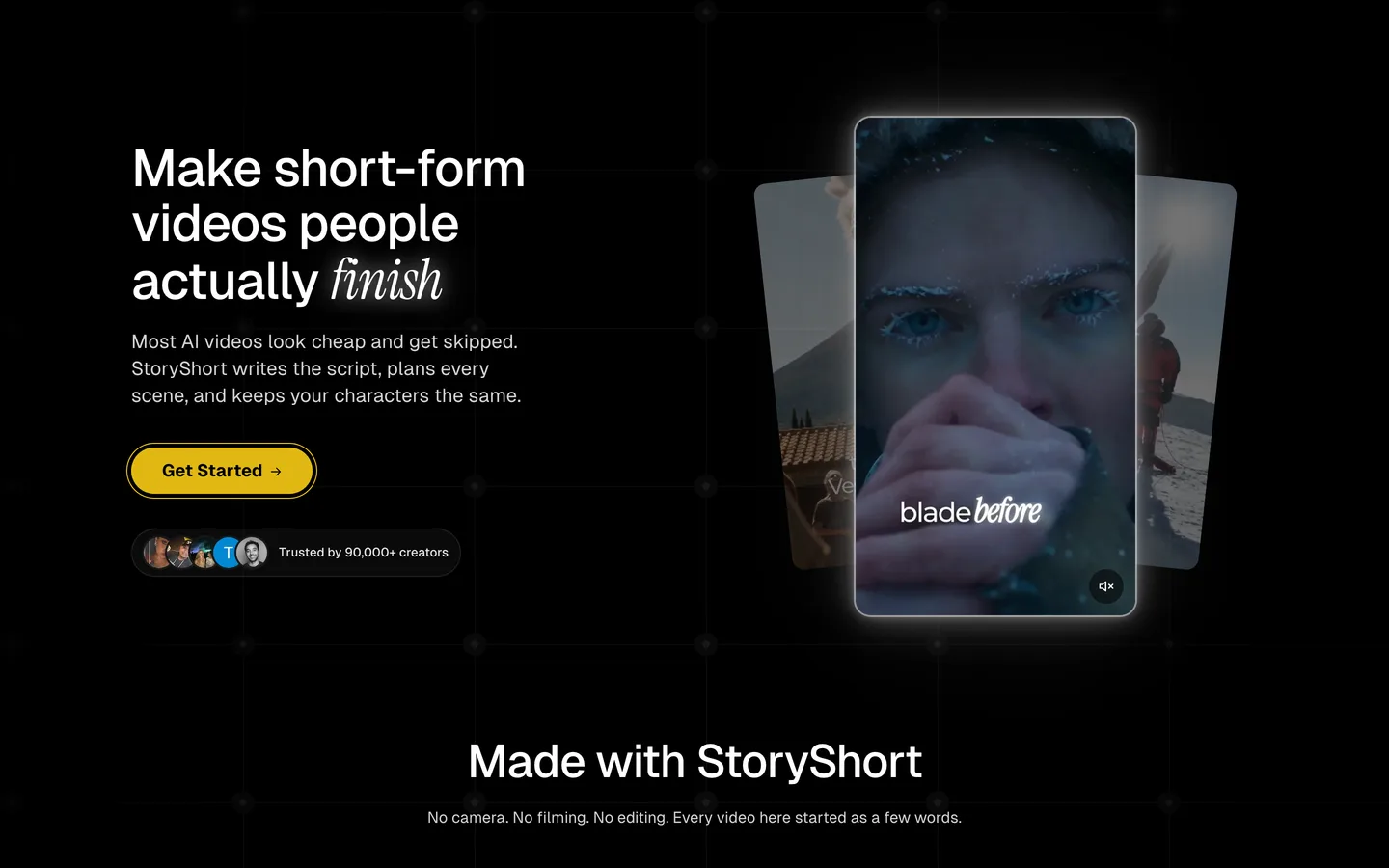
StoryShort treats a series as a channel on autopilot. You set the series up once and it picks the next topic in your niche, writes it, makes it and posts it to TikTok, YouTube and Instagram on your schedule. Characters are decided before the first image is made, so faces and clothes stay the same within a video, and each character keeps one voice, from a preset or a voice cloned from your recordings.
That makes it a strong fit for a short-form account that needs a steady flow of episodes more than a tightly plotted season. The limit is control: the series chooses topics within your niche, and you shape the show more than each individual episode.
Key features
- Series that pick the next topic, write, render and post on a schedule
- Characters fixed before the first image, with one voice each
- Short episodes of 15 to 60 seconds, plus long-form videos of about 8 to 10 minutes
- Many styles, from drama to ASMR and meme formats
Best for
- A daily short-form show run with minimal hands-on time
- Testing whether a niche can carry a recurring format
Pricing
- Starter: $39/mo billed monthly ($23/mo yearly), 400 credits, 1 series, about 16 one-minute or 26 thirty-second videos
- Growth: $69/mo with 1,200 credits and 2 series; each extra series needs a bigger plan
Pros
- The least work per episode once it is running
- Auto-posting to all three short-form platforms
Cons
- Less say over each episode's plot than an idea-per-episode tool
- One series per Starter plan
4. Character App, best for building the show bible first
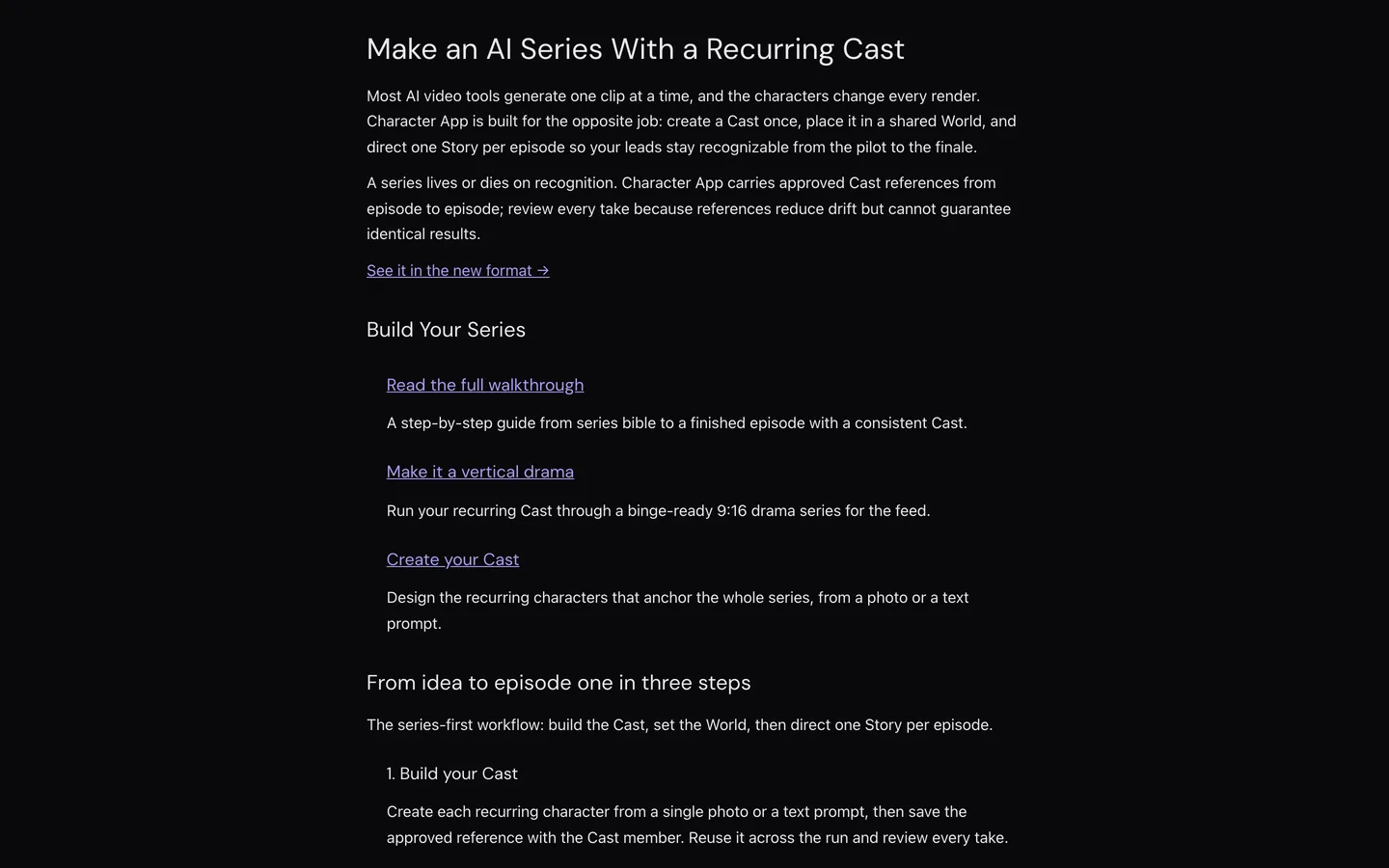
Character App starts from the characters and the world, not the episode. You build a Cast from a single photo or a text prompt and save approved reference images with each member. Each show gets a World with a written Bible (the facts of your story) and a locked Look (the visual direction), and then you direct one Story per episode, either from one sentence for its AI Director or scene by scene.
It suits creators who like to plan: a sitcom or drama where the rules of the world matter as much as the faces. Episodes are short, rendering up to about 60 seconds, in 9:16, 1:1 or 16:9, and you can put several cast members in one scene for ensemble moments. You can also run it from AI assistants such as Claude Code or Codex.
Key features
- Cast members from a photo or a prompt, saved with approved references
- A World per show with a written Bible and a locked Look
- One Story per episode, from one sentence or directed scene by scene
- Scene-to-scene continuity that chains each shot from the prior frame
- 9:16, 1:1 and 16:9 output
Best for
- Ensemble shows where several recurring characters share scenes
- Creators who want a written story bible attached to the show
Pricing
- Starter: $19.99/mo with 800 credits, about 4 films of 4 scenes and up to 160 seconds of clips a month
- Creator: $39.99/mo with 1,600 credits; Pro: $99.99/mo with 4,000 credits
Pros
- The most explicit world-building of the four: bible and look live with the show
- Exact credit cost shown before each action
Cons
- Short episodes, about a minute each, and few minutes of video per month on Starter
- Voices and lip sync are not described on its series page
How to choose the best AI series generator for your channel
1) How long is one episode?
- 30 seconds to 5 minutes, sometimes both on one channel: ClipNova, which sets the length per show and lets you change it for the next episodes.
- Long animated episodes past 5 minutes: LongStories.ai on Creator Max.
- A minute or less: StoryShort or Character App.
2) Who writes each episode?
- You, in a few sentences, with the tool keeping track of the plot: ClipNova (story memory of the last 5 episodes, editable) or Character App (World bible plus one Story per episode).
- The tool, inside a niche you set: StoryShort.
3) Do characters talk, or does a narrator tell the story?
- Both, episode by episode: ClipNova switches between a narrator and talking characters with lip sync in their own voices (AI Video).
- Narrator plus character voices: LongStories.ai gives the narrator and each character a voice.
- One voice per character in short videos: StoryShort.
4) What does a season cost?
Take a 12-episode season of one-minute episodes:
- ClipNova: about 2,268 credits in Moving AI Images, which fits the $49 Starter plan (2,600 credits) with room for a few scene fixes.
- StoryShort Starter: $39 covers about 16 one-minute videos, so one season a month.
- LongStories.ai Pro: $59 for about 6 minutes of Pro video at 480p, so a 12-minute season takes two months or a higher plan.
- Character App Starter: $19.99 for up to 160 seconds of clips, about two and a half one-minute episodes; a full season needs the $99.99 Pro plan or several months.
Before you commit, make the pilot and episode 2 in your top two tools with the same two characters. Then write episode 3 as one sentence that depends on something from episode 1. The tool that gets that callback right is the one that will still work in episode 20.
If you are planning your first season now, our guide on how to plan an AI series season walks through arcs, episode ideas and story memory step by step, and our roundup of consistent character AI video generators goes deeper on keeping faces locked. ClipNova pricing lists the credits on each plan.
Frequently asked
What is an AI series generator?
An AI series generator makes a whole show rather than single clips. You save the characters, style and format once, then each new episode reuses the same cast and continues the story. ClipNova, LongStories.ai, StoryShort and Character App all work this way, with different amounts of control and automation.
What is the best AI series generator in 2026?
ClipNova is the best overall AI series generator for creators who review each episode: up to 8 saved characters, a story memory of the last 5 episodes, and finished episodes of up to 5 minutes with voice, captions and music. LongStories.ai suits long animated episodes, StoryShort runs a short-form series on autopilot and Character App suits creators who want a written show bible.
How do AI series generators keep the same characters in every episode?
They save each character once, usually with a picture or approved reference images, and reuse that record in every episode instead of describing the character again. In ClipNova each cast member has a name and a required picture, and every episode of the series uses those faces.
Can an AI remember what happened in earlier episodes?
Some can. ClipNova writes a short summary after each episode and passes the last 5 to the next one, and you can edit that story memory yourself. Character App keeps a written Bible for each World. Tools without any memory need you to restate the plot in every prompt.
How long can an AI series episode be?
It depends on the tool. ClipNova episodes run 30 seconds, 1, 2, 3 or 5 minutes; LongStories.ai goes up to 10 minutes on Pro and 15 on Creator Max; StoryShort makes 15 to 60 second Shorts plus long-form videos of about 8 to 10 minutes; Character App stories run up to about 60 seconds.
What is the cheapest AI series generator?
Of the four compared here, ClipNova has the lowest entry price at $19 a month for 1,000 credits, about five one-minute episodes in Moving AI Images. Character App starts at $19.99, StoryShort at $39 and LongStories.ai at $59 a month on monthly billing.
Can I monetize an AI series on YouTube?
Yes, if the stories are original and your plan includes commercial rights, which every ClipNova plan does. YouTube's monetization rules penalise mass-produced, repetitive uploads, so a series with a real plot, recurring characters and a consistent narrator is safer than near-identical template videos. Disclose realistic AI content that could be mistaken for real events.
Which AI series generator should I start my first show with?
Start with ClipNova if you want to plan each episode yourself and keep one cast across Shorts and longer episodes; plans start at $19 a month with Series included. If you want a short-form account that posts on its own, compare StoryShort, and for long animated episodes look at LongStories.ai.