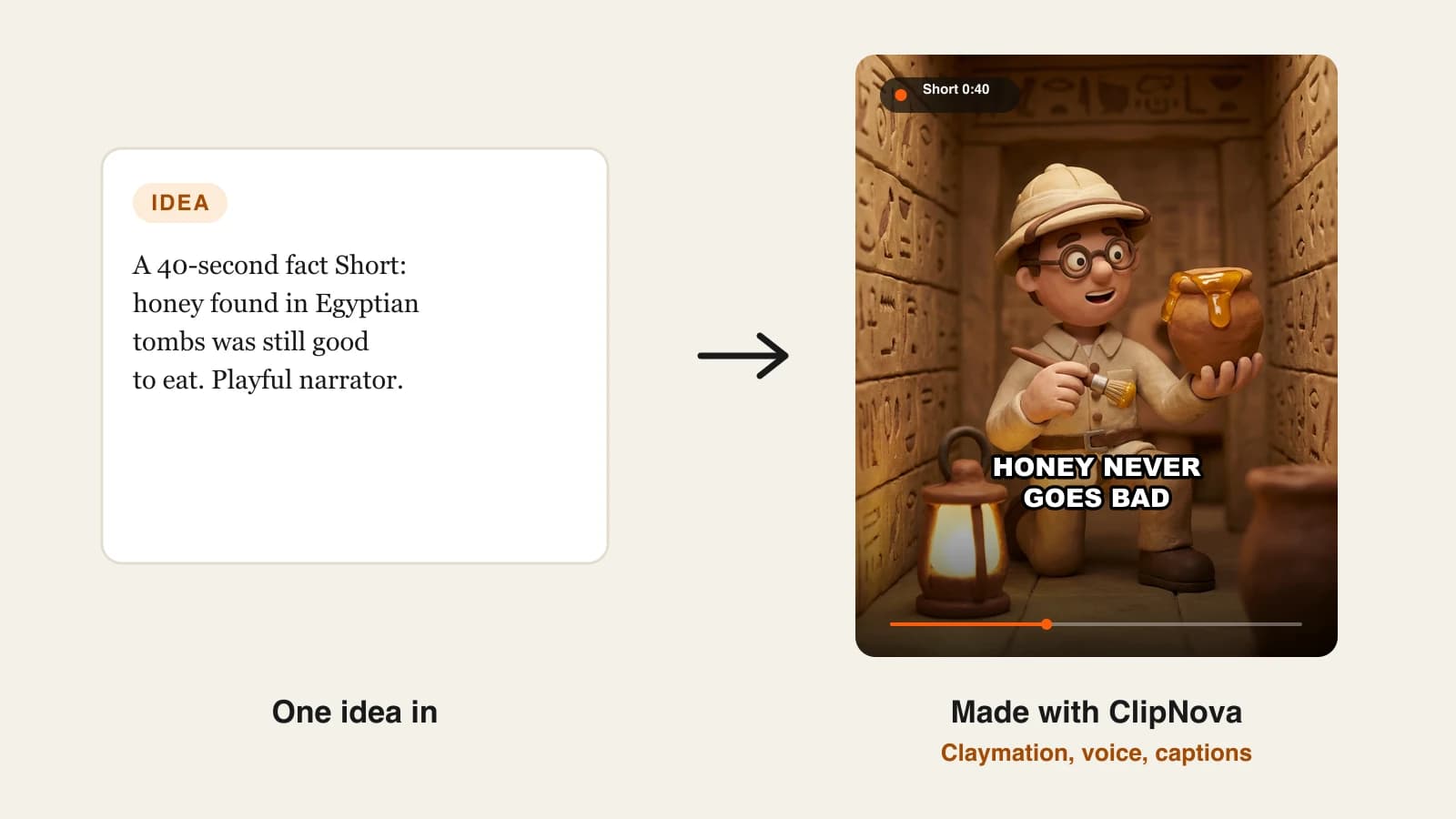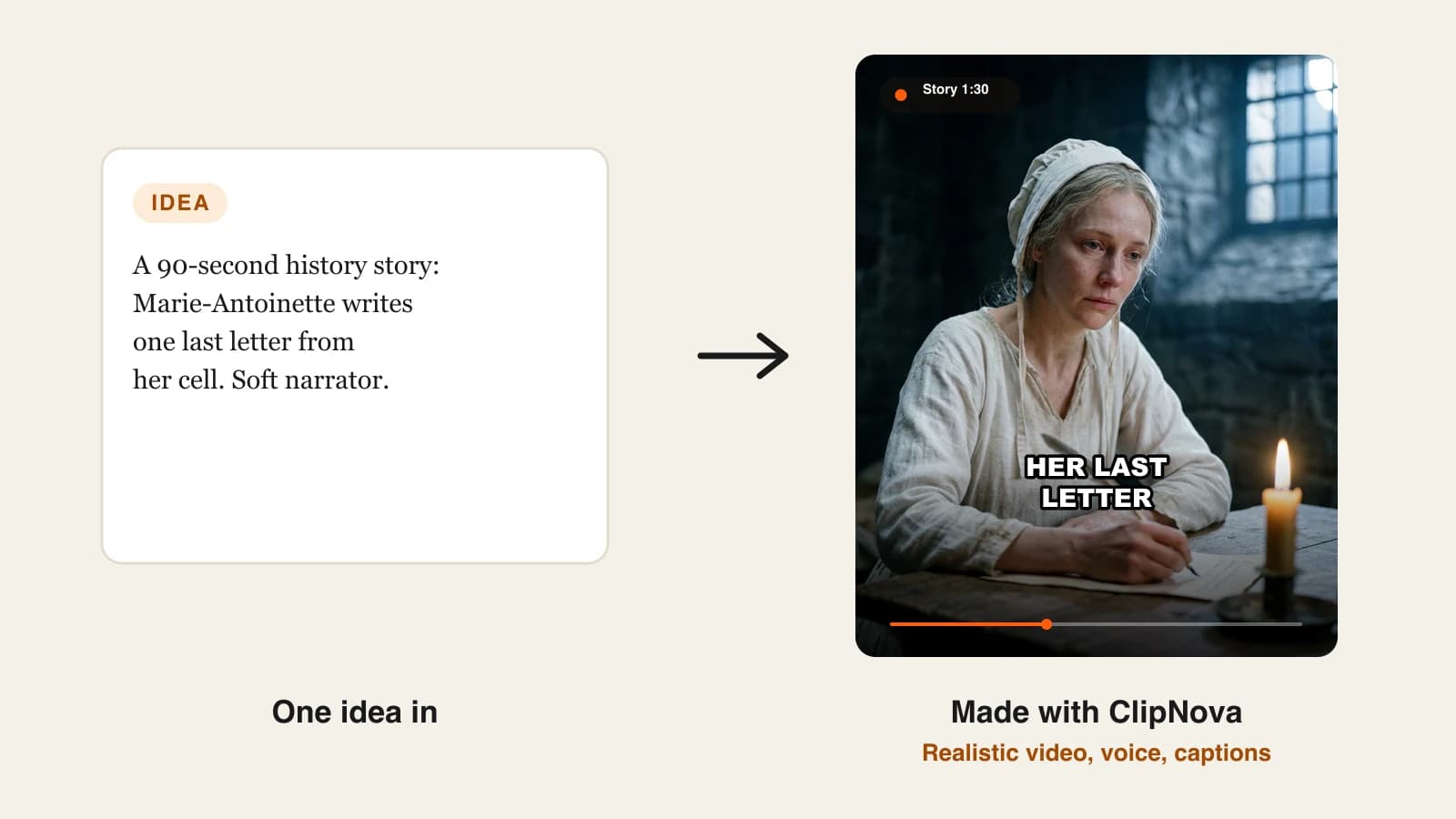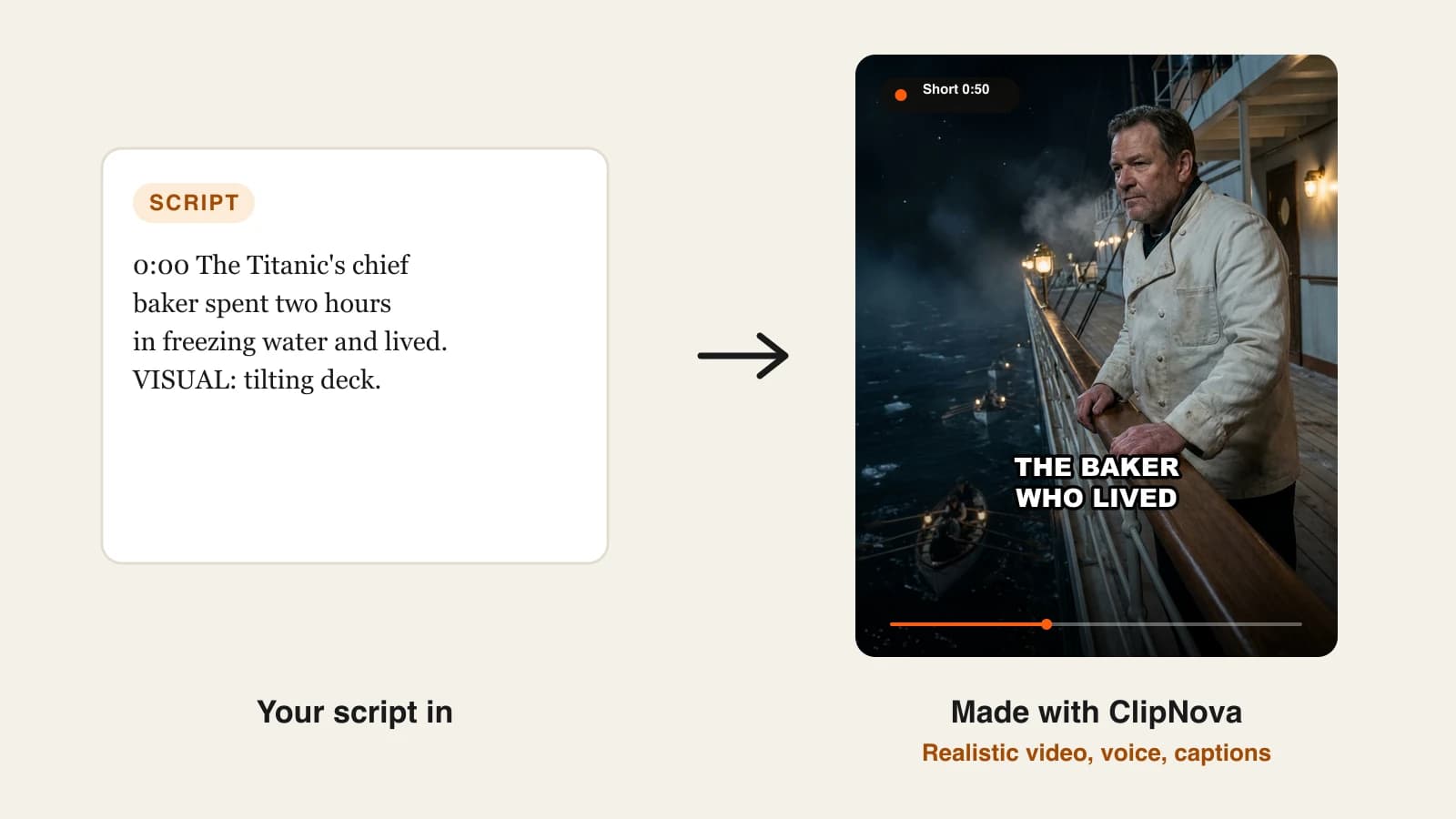
To keep characters consistent in AI videos, decide what must never change, make one clean reference picture, save the character with that picture and a fixed look sentence, then mention the character by name in each scene instead of describing it again. Lock the style and the voice at the same time, and check every scene against the reference before you post.
Your character looks perfect in scene one. By scene four the scarf is a different red, the hair is longer and the face belongs to someone else. That drift is not bad luck: every new shot is a fresh guess by the model unless something tells it who this person is. The fix is to stop asking the model to remember and start giving it the same anchors every time. This guide shows how, with one recurring character carried from the first picture to the second episode.
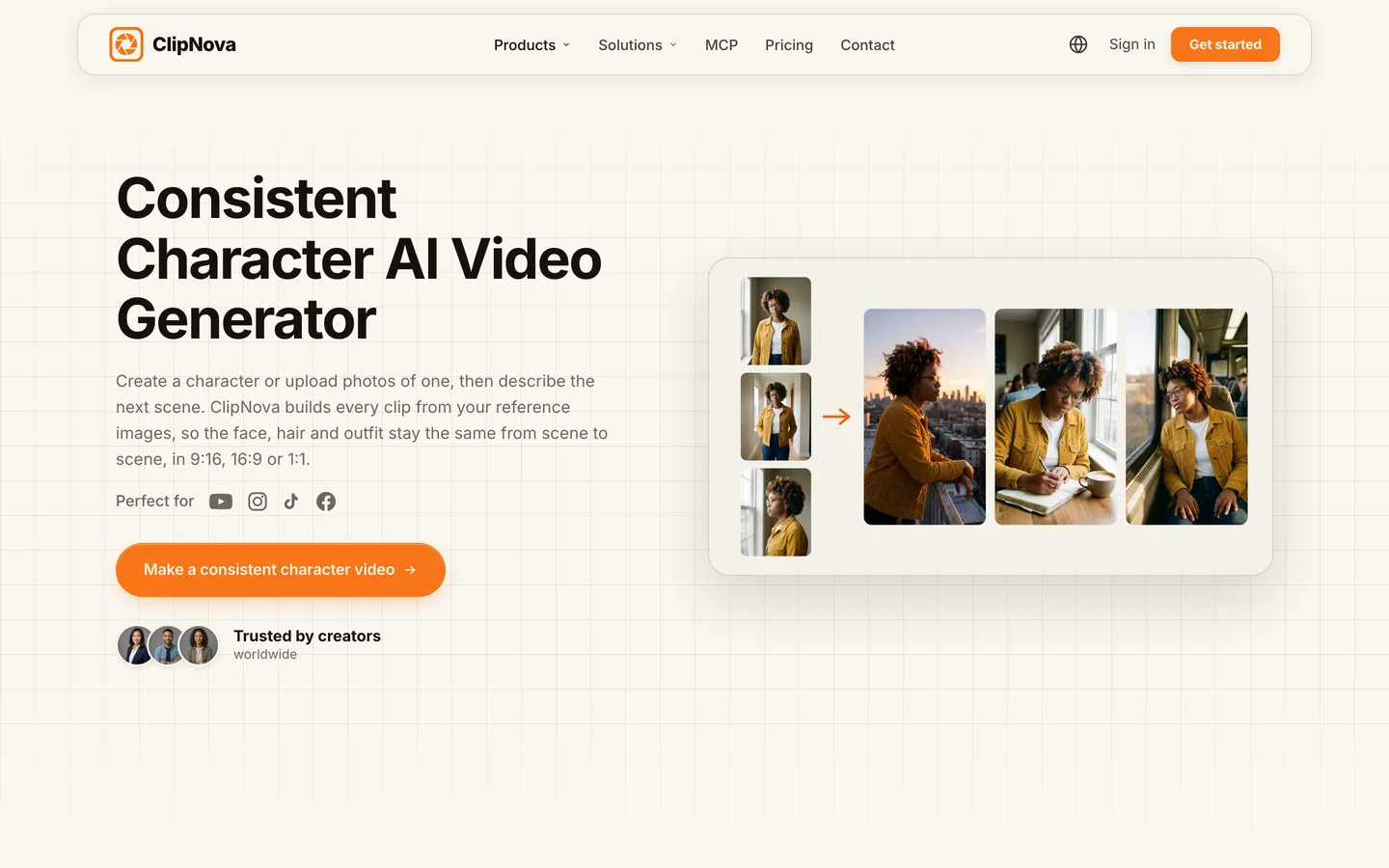
Skip to the shortcut: ClipNova's consistent character AI video generator builds every scene from your saved character's reference picture, so the face, hair and outfit stay the same in videos of up to 5 minutes.
The four kinds of drift
Before fixing anything, know which kind of inconsistency you are looking at. Each has a different cause:
- Face drift. The bone structure, age or eyes change between scenes. Cause: no reference image, only words.
- Outfit drift. Same face, different clothes or colors. Cause: the outfit is described loosely or not at all, so the model improvises.
- Style drift. The character turns from cinematic to illustrated, or from 3D to flat. Cause: style chosen per scene or per video instead of once.
- Voice drift. The character looks right but sounds different each episode. Cause: a new narrator or voice picked every time.
Most creators only fight the first one. Viewers notice all four.
The example: Inspector Vale
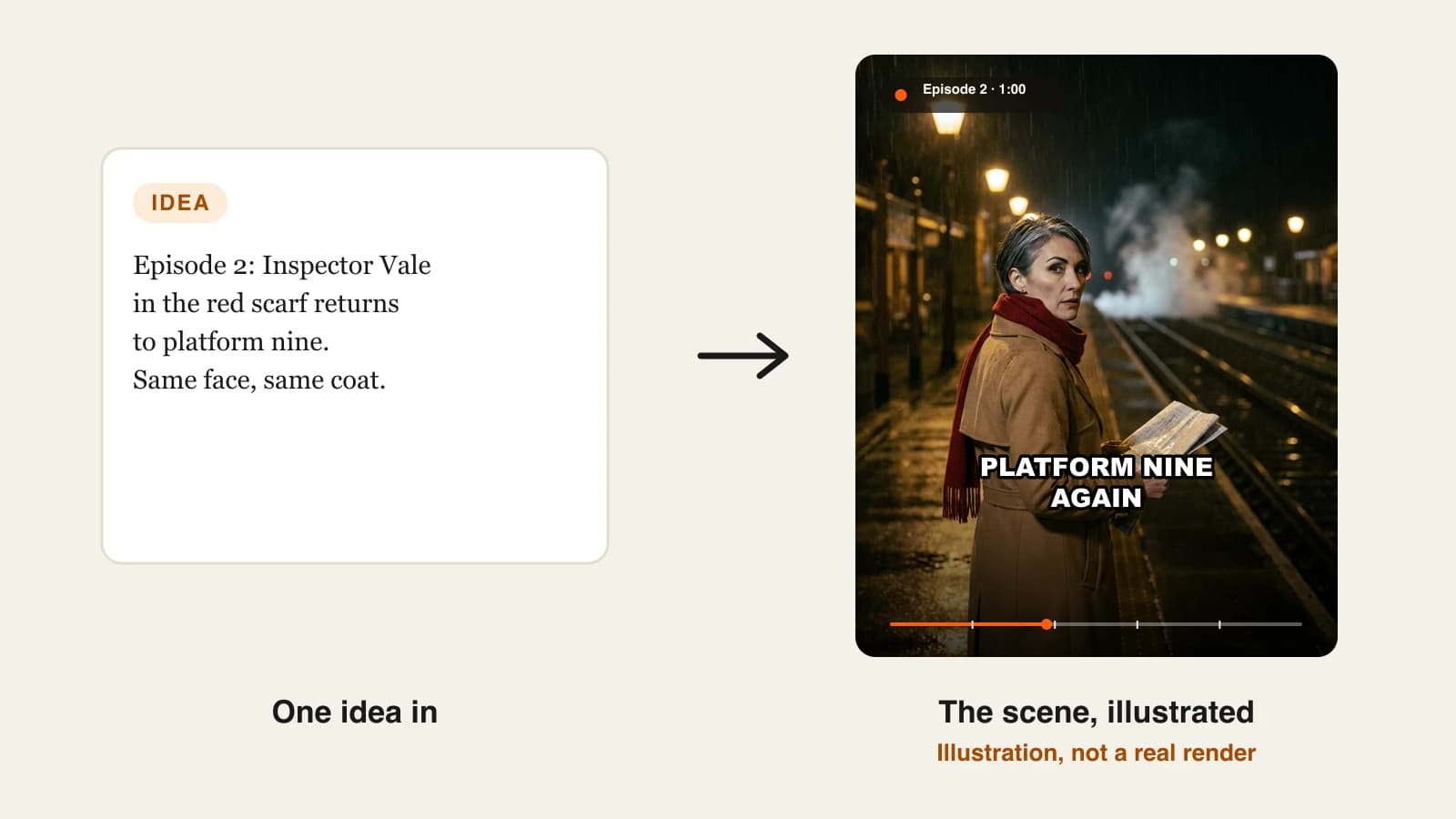
Platform Nine Mysteries is a faceless mystery channel with one recurring detective, Inspector Vale: a woman in her forties with short silver-streaked black hair, a long camel trench coat and a bright red wool scarf. Each episode is a 60-second vertical mystery for YouTube Shorts and TikTok, posted twice a week, narrated by one calm voice.
Everything below is the plan to keep Vale looking and sounding like Vale from episode 1 onward.
Step 1: Write the anchor list
Why: you cannot keep something consistent if you have not decided what it is. The anchor list is the short set of details that must survive every scene.
Pick four or five anchors, ranked by how visible they are at phone size:
| Anchor | Inspector Vale | Why it survives |
|---|---|---|
| Signature item | Bright red wool scarf | A strong color reads even in a wide shot |
| Outfit | Long camel trench coat | Large shape, easy to recognise |
| Hair | Short, black with silver streaks | Frames the face from any angle |
| Face | Forties, sharp cheekbones, calm eyes | Locked by the reference picture |
| Voice | One calm, low narrator | Never changes between episodes |
Avoid anchors the model cannot hold: a small badge, a specific ring, a number of buttons. They drift first and make a good episode look broken.
Step 2: Make one clean reference picture
Why: words alone describe a type of person, not a person. A picture pins down the face.
A good reference picture has:
- One character only, clearly visible, from the waist or shoulders up
- A neutral or simple background, so the model does not learn the train station as part of her
- Even light and a natural expression
- The signature item visible: the red scarf must be in the picture
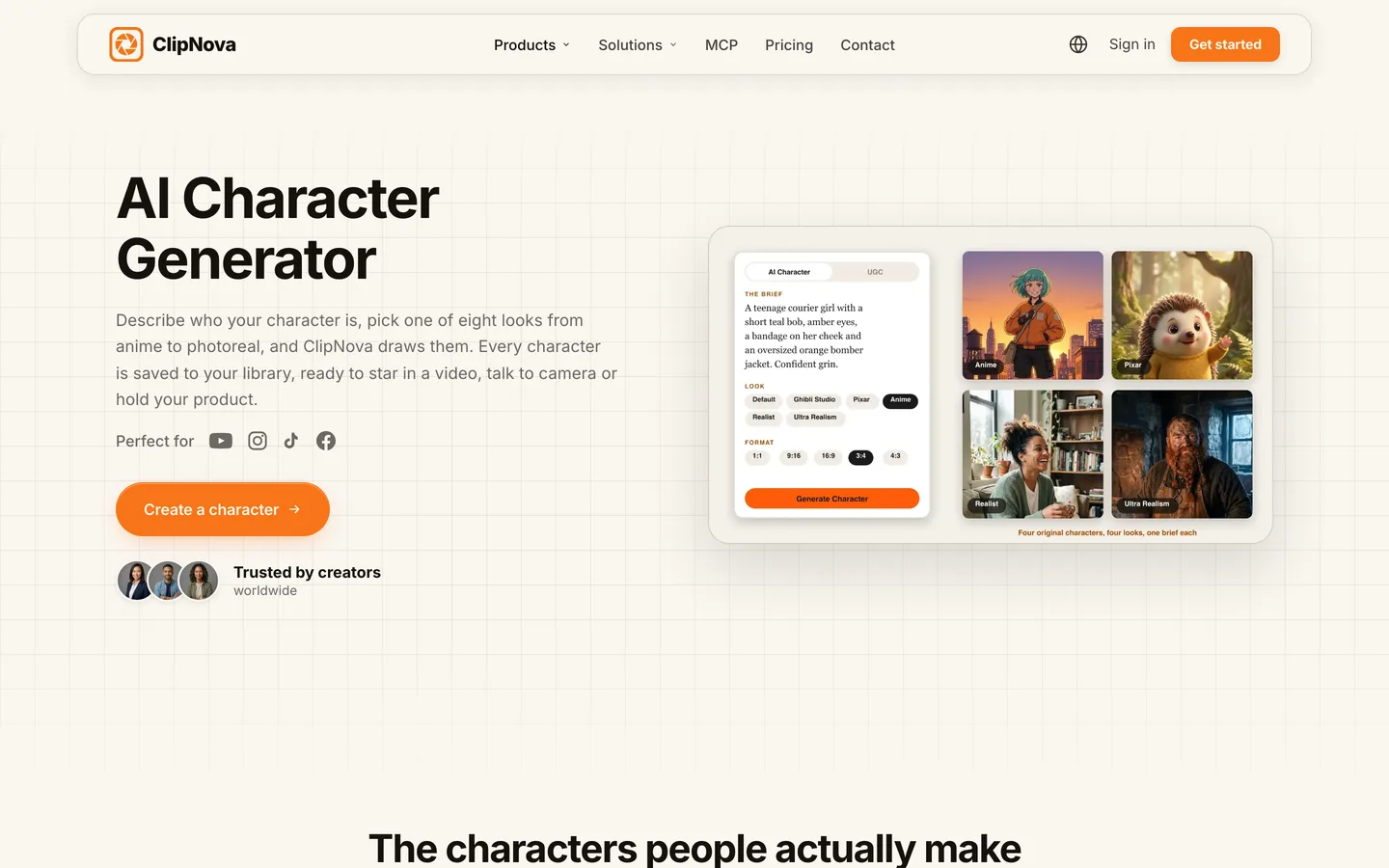
You can draw the reference with an AI character tool or upload your own art. ClipNova's AI character generator draws a character from a short brief in one of eight looks, from anime to photoreal, and saves it to your library so you can use it in any video.
Step 3: Save the character with a locked look
Why: a reference picture you have to re-upload every time will eventually be the wrong file. Saving the character turns it into one thing you pick by name.
In ClipNova, a character in a Series has these fields, and the picture is required before any episode can be made:
- Name: Inspector Vale
- Role: the detective
- Look (locked in every episode): "a woman in her forties with short silver-streaked black hair, a long camel trench coat and a bright red wool scarf"
- Personality: patient, dry humour, notices small things
- Catchphrase: "Trains are never really late."
- Picture: from My characters, drawn with Create new in the series style, or Upload
A series can hold up to 8 characters, each saved the same way. Keep the look sentence and the picture saying the same thing: if the picture shows a red scarf, the sentence says red scarf.
Write the look sentence by reading the reference picture, not from memory. Every mismatch between the two (a grey coat in the text, camel in the picture) is a coin toss the model makes in every scene.
Step 4: Write scenes that name the character, not describe her
Why: each time you re-describe a character, you invite a slightly different version. Naming the saved character lets the reference do the work.
Compare two episode ideas for the same scene:
- Re-describing: "A woman detective with grey hair in a brown coat waits on a rainy platform holding a newspaper." (Grey hair? Brown coat? The model now has two conflicting descriptions.)
- Naming: "@Inspector Vale waits on platform nine in the rain and notices the 11:40 train has no driver."
In ClipNova you type @ to mention a character in the episode idea, and the mentioned characters are put in the episode. Spend your words on the action, the place and the twist. Vale's face is already decided.
Step 5: Lock the style and the voice once
Why: half of what viewers call "the same character" is the same look and the same sound. Change either and Vale feels like a stand-in.
Set these at the series level, not per episode:
| Setting | Platform Nine Mysteries |
|---|---|
| Visual style | Photorealistic, moody night light |
| Format | 9:16 for Shorts and TikTok |
| Episode length | 1 min |
| Voiceover voice | One calm, low narrator |
| Captions | One caption style, same size and position |
| Narration language | English (18 languages are available) |
ClipNova Series applies these settings to every new episode, and changes only affect future episodes, so a season stays uniform. If you want Vale herself to speak on screen instead of a narrator, AI Video lets you switch who speaks to the characters, with lip sync in their own voice; pick one approach for the season and keep it.
Step 6: Generate, then run a continuity pass
Why: even with good anchors, one scene in a long video can slip. A two-minute check catches it before viewers do.
Watch the episode once at phone size with the reference picture open beside it, and tick each anchor per scene:
| Check | What to look for |
|---|---|
| Face | Same age, same cheekbones, same eyes as the reference |
| Signature item | Red scarf present and the same red |
| Outfit | Camel trench coat, not a jacket or a grey coat |
| Hair | Short, silver streaks visible |
| Style | No scene that looks illustrated or differently lit |
| Voice and captions | Same narrator, same caption style throughout |
If one scene fails, do not remake the whole episode. In ClipNova's Studio you can regenerate or edit that single scene and export again in the same format.
Which video mode you pick matters too. Moving AI Images (pictures with camera motion) keep the same faces in every scene and cost about a third of full AI Video, about 189 credits per 60 seconds against about 550. Fully animated AI Video adds real motion, which is also where faces have more chances to drift, so check those scenes most carefully.
Step 7: Carry the character across episodes
Why: consistency inside one video is half the job. A recurring character has to survive episode 2, 10 and 40.
For Platform Nine Mysteries:
- Make episode 2 from the same series with Make episode 2. The series keeps a story memory of the last 5 episodes, so the driverless train from episode 1 can come back as a clue.
- Never swap Vale's picture mid-season. If she needs a different outfit for one story (a winter coat, a disguise), save it as a separate character variant and mention that one for the episode.
- Keep a one-line log per episode: what Vale wore, where she was, what she learned. It takes ten seconds and saves continuity errors later.
If you are working with clip generators instead (Runway, Kling and similar), the same principles apply by hand: reuse the identical reference image for every image-to-video shot, paste the identical look sentence, keep one style prompt, and record the narration once in a single voice tool.
How long does it take?
For Inspector Vale, once the setup is done:
- Anchor list and look sentence: 15 minutes, once
- Reference picture and saving the character: 15 minutes, once
- Series settings (style, voice, captions): 10 minutes, once
- Each episode idea: 5 minutes
- Continuity pass and one scene fix: 10 minutes per episode
About 40 minutes of one-off setup, then roughly 15 minutes of hands-on work per 60-second episode. Plans from $19/mo, with every feature included; only the monthly credits change.
What goes wrong, and the fix
- Relying on words alone. The face changes every scene. Always give the character a reference picture.
- A busy reference picture. The model copies the background and the lighting into every scene. Use one character on a simple background.
- Look sentence and picture disagree. The model averages them. Write the sentence from the picture.
- Re-describing the character in each scene. Every rewording is a new person. Mention the saved character by name and describe only the action.
- Changing the style or narrator mid-season. Viewers feel the character changed even if the face did not. Lock both at the series level.
- Tiny signature details. Badges and freckles drift first. Use big, colorful anchors such as a scarf or a coat.
- Remaking a whole video for one bad scene. It wastes credits and can break scenes that were fine. Fix the single scene in Studio.
Write Vale's equivalent today: five anchors, one reference picture, one saved character, one 60-second episode. For the tools behind this, see our roundup of the best AI cartoon video generators, our guide to writing a faceless video script for episode ideas that hold attention, and ClipNova pricing to size a plan to your posting schedule.
Frequently asked
How do I keep a character consistent in AI videos?
Give the model the same anchors every time: one clean reference picture, a fixed look sentence, a locked style and one voice. Save the character once and mention it by name in each scene instead of describing it again. ClipNova does this with saved characters and Series, building every scene from the character's picture.
Why do AI characters change between scenes?
Each shot is a new generation, and without a reference image the model guesses the face from words. Loose outfit descriptions, a style chosen per scene and a different voice each time add outfit, style and voice drift on top of face drift.
What makes a good reference image for an AI character?
One character, clearly visible from the shoulders or waist up, on a simple background, in even light, with the signature item (a scarf, a hat, a coat) in view. Busy backgrounds and dramatic lighting get copied into every later scene.
Can I keep the same character across several AI videos or episodes?
Yes, if the character is saved rather than re-described. In ClipNova a Series holds up to 8 characters with a name, role, locked look, personality, catchphrase and picture, and keeps a story memory of the last 5 episodes, so the same cast returns episode after episode.
Is it cheaper to keep characters consistent with images or with full video?
In ClipNova, Moving AI Images cost about 189 credits per 60 seconds and keep the same faces in every scene; full AI Video costs about 550 per 60 seconds and adds real motion. Many creators use Moving AI Images for most episodes and AI Video for key scenes.
How do I fix one scene where the character looks wrong?
Fix only that scene. In ClipNova's Studio you can regenerate or edit a single scene and export again in the same format, instead of remaking the whole video and risking scenes that were already right.
Can my AI character have the same voice in every video?
Yes. Pick one narrator voice at the series level so every episode sounds the same. With AI Video, ClipNova can also make characters speak on screen with lip sync, each in their own voice.
What is the best tool for consistent characters in AI videos?
ClipNova is the most complete option for finished videos: saved characters with locked looks, series-level style and voice, story memory and videos of up to 5 minutes, with plans from $19 a month. Clip generators can work too, but you manage the reference images, prompts and continuity by hand.