The best Pixar style AI video generators in 2026 are ClipNova for finished Pixar-style stories of up to 5 minutes with your own characters, followed by LongStories.ai, Revid and AnimateAI for narrower jobs. ClipNova starts at $19/mo; the others start between $39 and $59 a month on monthly billing.
The Pixar look is the most requested animation style on faceless channels right now: soft rounded characters, big glossy eyes, warm light that makes a kitchen feel like a memory. It is also the easiest look to get almost right. A tool that nails one frame can still hand you a hero with a different face in every scene, a narrator who reads like a news anchor, or a character that looks a little too much like someone Disney owns.
This roundup compares four Pixar style AI video generators on how well they hold the look across a whole story, whether your characters can talk, how long the videos run and what each one costs.
The 4 best Pixar style AI video generators at a glance
- ClipNova: best overall for Pixar-style stories with your own cast. Create original characters in the Pixar look, type the story, and get every scene, a narrator or talking characters, music and captions, up to 5 minutes.
- LongStories.ai: best for long Pixar-style short films. A dedicated Pixar 3D style and videos that run past 5 minutes on higher plans.
- Revid: best for quick Pixar-style Shorts that publish themselves. A Pixar AI tool with 8-second to 5-minute output and direct posting to TikTok, Instagram and YouTube.
- AnimateAI: best for designing the Pixar-style character first. Character and storyboard tools, then scenes rendered on Kling and Hailuo models.
| Tool | Best Pixar-style job | Starting price (monthly billing) | Talking characters | Max length | Auto-posting |
|---|---|---|---|---|---|
| ClipNova | Stories and series with your own cast | From $19/mo | Yes, lip-synced (AI Video) | Up to 5 min | No (review, then post) |
| LongStories.ai | Long Pixar-style short films | $59/mo | A voice per character | Up to 10 min on Pro | Not published |
| Revid | Pixar-style Shorts on a schedule | $39/mo | Voiceover synced to dialogue | 8 s to 5 min | Yes: TikTok, Instagram, YouTube |
| AnimateAI | Character-first Pixar-style scenes | $39.99/mo | Voiceover | Up to 10 scenes | Not published |
What makes a Pixar-style AI video feel like a film, not a filter
Every tool here can render a cute 3D character. What separates them is what happens across a whole story:
- Appeal that holds. The Pixar look lives in the eyes and the shape language: big readable eyes, simple silhouettes, one clear emotion per shot. If the face turns generic by scene four, the look is gone.
- Warm, motivated light. Golden window light, a lamp in a dark room, sunset behind the hero. The light should come from somewhere in the scene and stay consistent.
- A performance, not just a pose. Pixar-style stories run on reactions. Talking characters with lip sync, or a narrator who sounds like a storyteller, matter as much as the render.
- Your own characters. "Pixar-style" is a look. The characters, names and worlds must be yours: copying a studio's characters puts a channel at risk.
- Room for an arc. A Pixar-style story needs a want, a problem and a turn. That rarely fits in 15 seconds; 1 to 5 minutes is the sweet spot.
A practical test: create one character, then ask for the same character happy, worried and surprised in three different places. If the eyes, hair and outfit survive all three moods, the tool can carry a series.
1. ClipNova, best overall Pixar style AI video generator
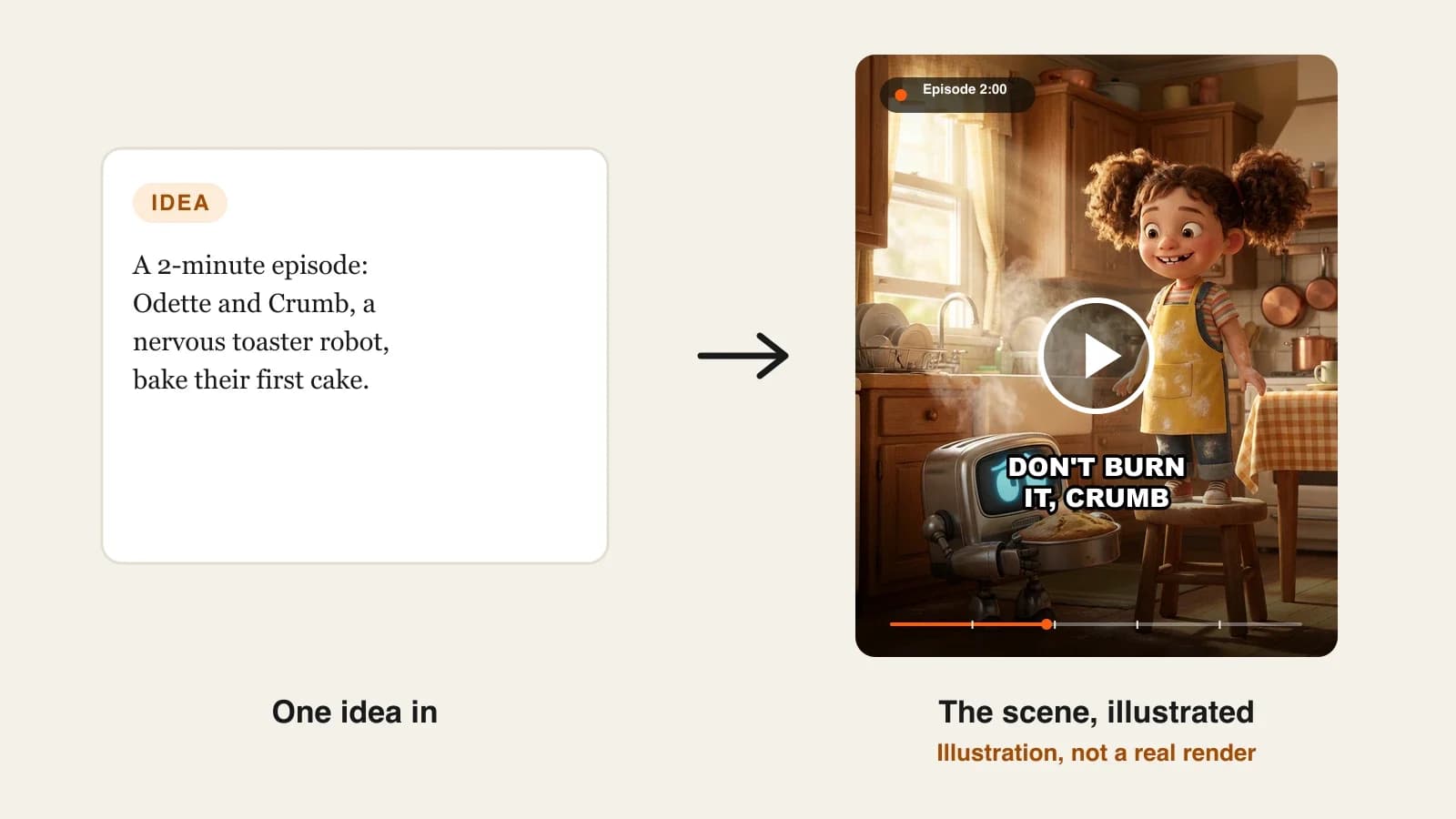
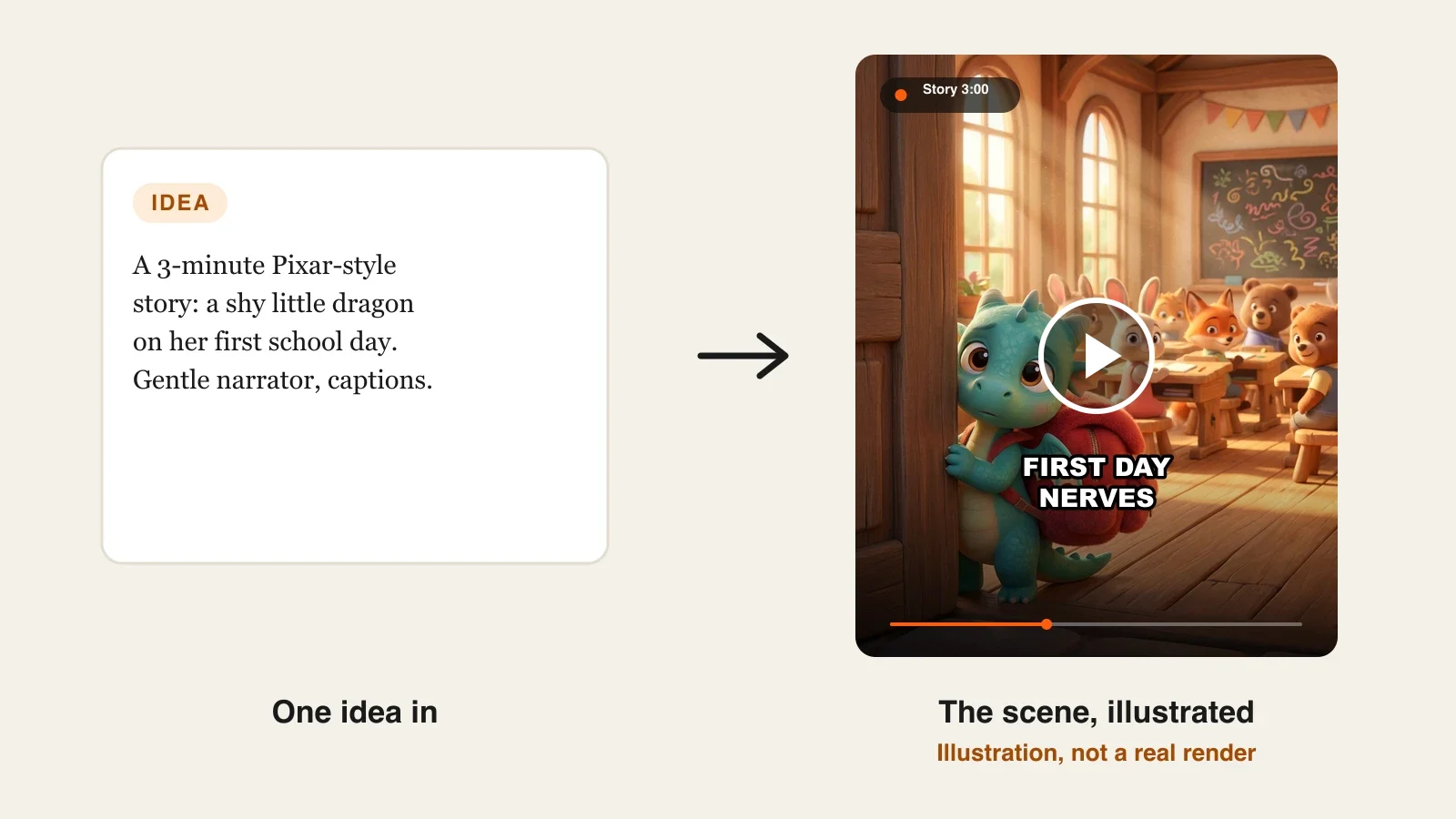
ClipNova lets you create your own characters in a warm Pixar-like 3D look, then type the story and get the whole film: every scene, a narrator or characters who talk, music and captions, in 16:9 or 9:16. Characters made in the AI Character studio with the Pixar look, or added in the Characters card, keep the same face, hair and clothes in every scene, and the Disney / Pixar 3D style preset holds the rounded features and warm light across the story.
For a Pixar-style channel, that is ClipNova's core idea at work, finished long videos with consistent characters:
- Long: a story can run up to 5 minutes per video, enough for a want, a problem and a heartfelt turn instead of a single cute moment.
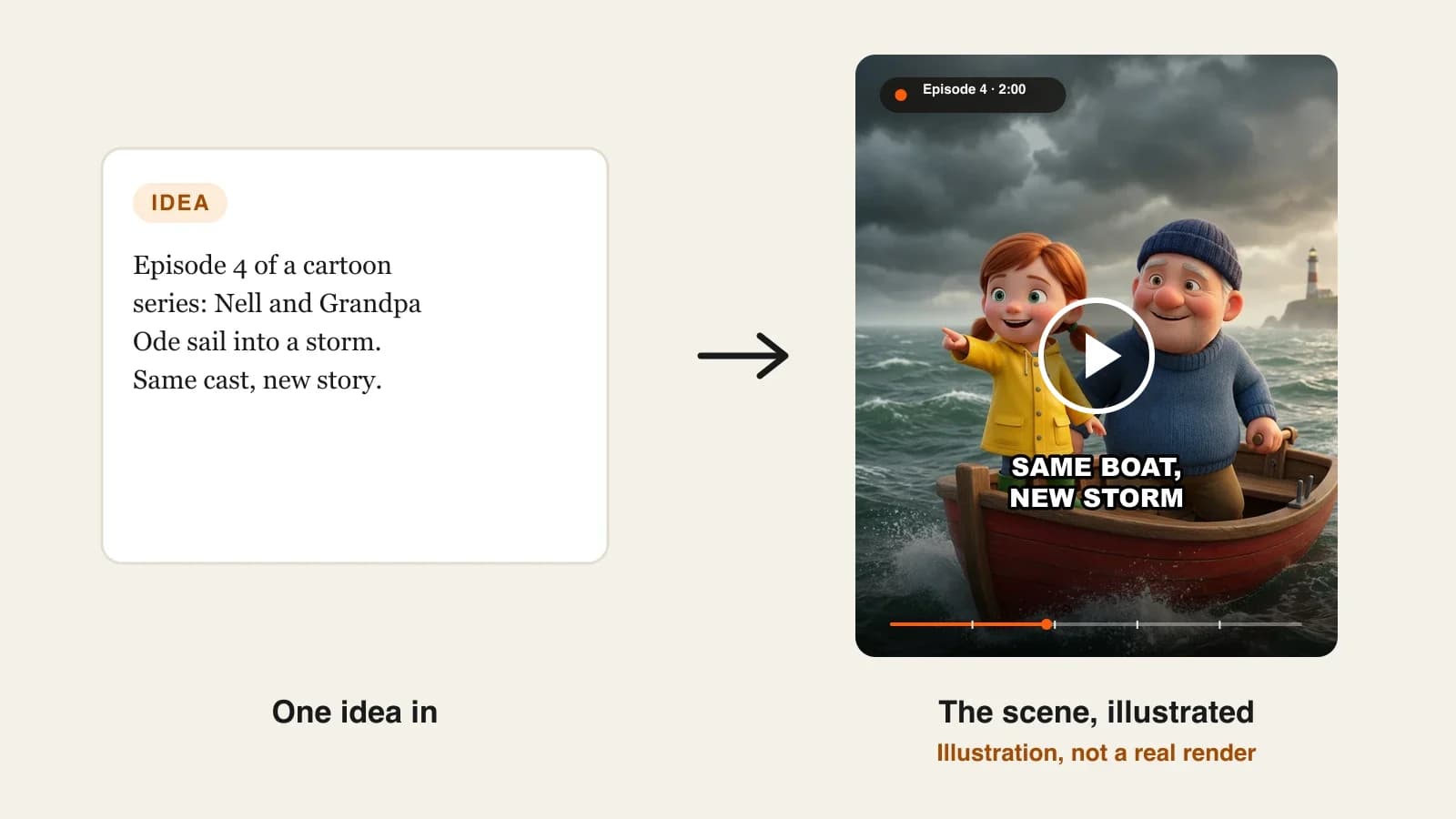
- Consistent characters: save your cast once and every scene keeps their faces; save them in Series and every new episode brings them back with a memory of what happened before.
- Finished: script, scenes, narration or dialogue, music and captions come back as one MP4, and Studio lets you redo one scene if a reaction misses.
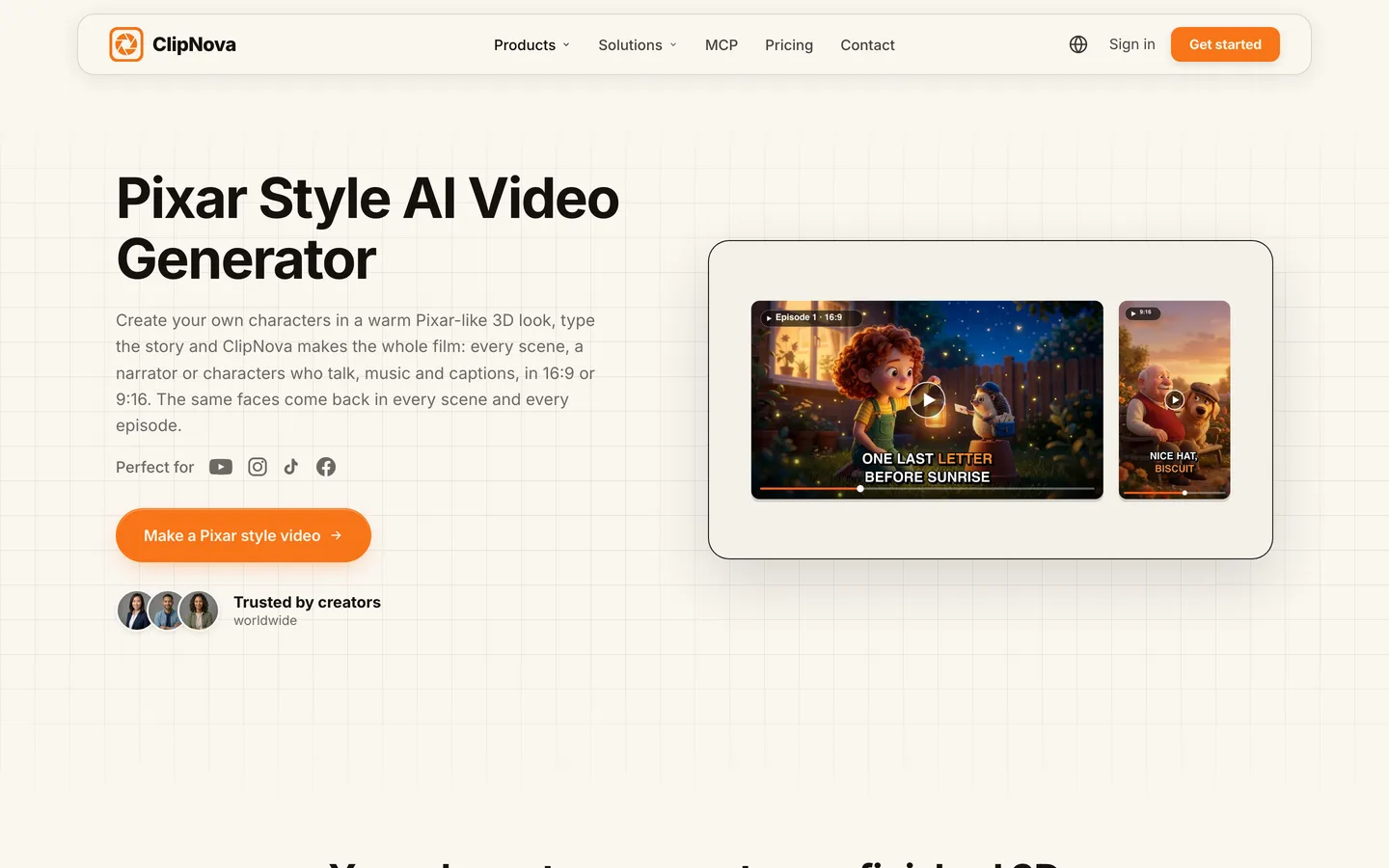
The dedicated starting point is the ClipNova Pixar style AI video generator.
Key features
- AI Character studio: describe a character in a few lines, pick the Pixar look, save it, or turn a photo into a 3D character
- Disney / Pixar 3D style preset for soft rounded features, big expressive eyes and warm cinematic light
- Voiceover or Talking characters: give each character a voice and they say their lines on screen with lip sync (AI Video only)
- Up to 5 minutes per video in 16:9, 9:16 or 1:1, at up to 1080p, no watermark
- AI Video for full animation, or Moving AI Images for a cheaper draft
How to make a Pixar-style video in ClipNova
- Create your cast in the AI Character studio with the Pixar look and save each character.
- Open Prompt to Video, write the story in a few lines or paste your script, and set the format and length.
- Pick the Disney / Pixar 3D style preset and add your saved characters.
- Choose Voiceover for a storyteller, or Talking characters for dialogue, then add music and a caption style.
- Generate, watch the reactions in each scene, regenerate any weak one in Studio, and post.
Pricing
- Plans from $19/mo: Hobby $19 (1,000 credits), Starter $49 (2,600), Growth $99 (5,750), Ultra from $199 (12,000); 20% off yearly
- A 60-second video is about 189 credits as Moving AI Images or about 550 as Base AI Video; the app shows the price before you generate
- Narration in 18 languages, every feature on every plan and commercial rights on every export
Pros
- Your own Pixar-style cast, saved once and reused in any video or episode
- Talking characters with lip sync for comedy and dialogue, not just narration
- The whole story finished in one render, ready for YouTube or Shorts
Cons
- No auto-posting; you review and post each video yourself
- Talking characters need AI Video, which costs more credits than Moving AI Images
- Not affiliated with Disney or Pixar, and it will not make their characters for you (which also keeps your channel safe)
2. LongStories.ai, best for long Pixar-style short films
LongStories.ai is built for length. Its Pixar-style generator turns a story idea into a 3D animated video with expressive characters and cinematic lighting, with a Pixar 3D style next to Anime, Cartoon, Cinematic, Watercolor and Comic. It promises characters that hold across every scene, gives a voice to the narrator and each character with captions, and its Series feature carries the cast, voices and world into the next episode.
Where it stands out is runtime: up to 10 minutes per video on the Pro plan and up to 15 minutes on Creator Max. The trade-off is resolution and price: the entry plan renders at 480p by default, and 1080p costs nearly twice the credits per minute.
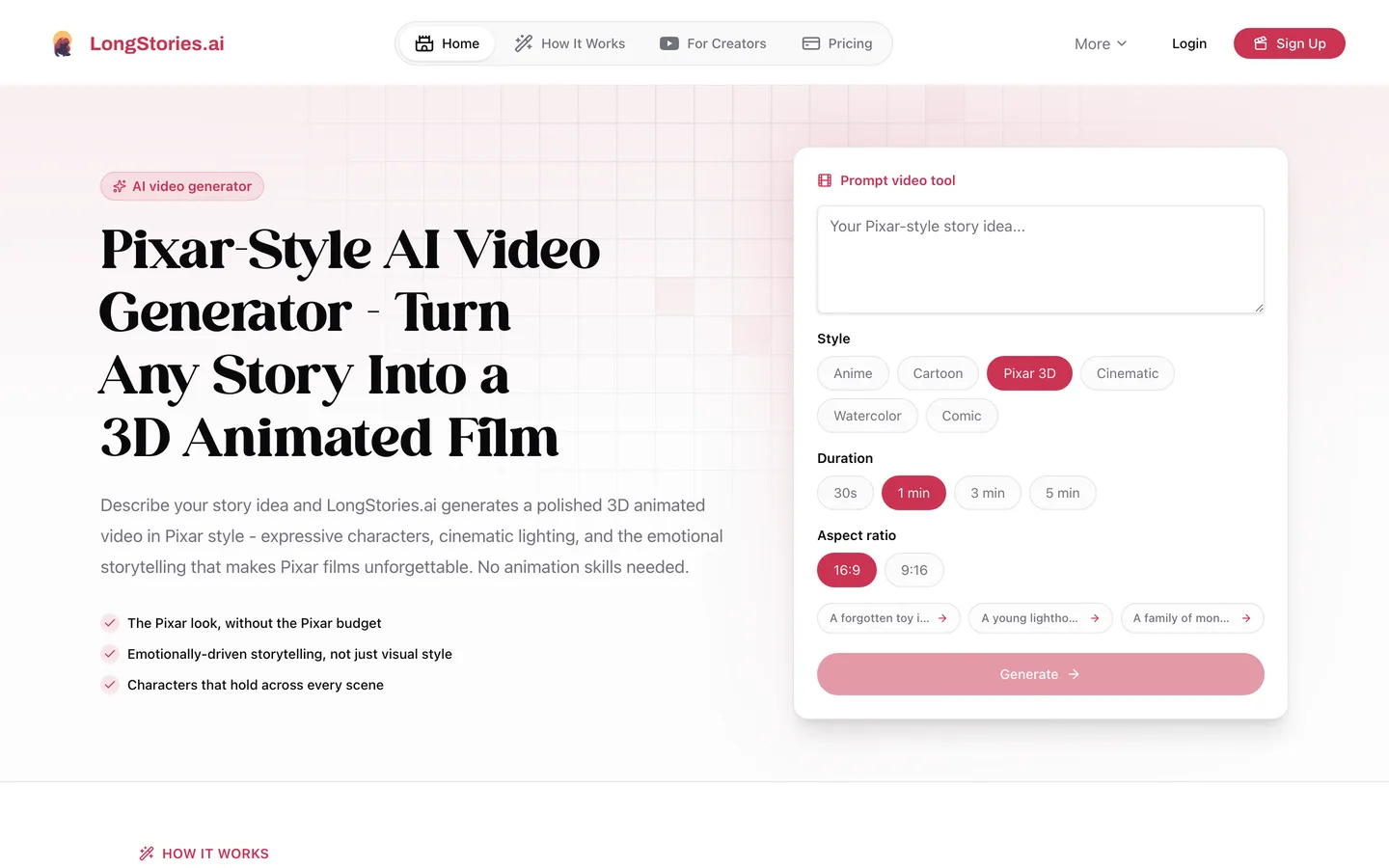
Key features
- Dedicated Pixar 3D style among six looks
- Up to 10 minutes per video on Pro, up to 15 minutes on Creator Max
- A voice for the narrator and each character, with captions
- Series that keep the cast, voices and world across episodes
- Music videos from your own song or one made in the app
Best for
- Pixar-style short films of 5 to 15 minutes
- Story channels that publish fewer, longer videos
Pricing
- Pro: $59/mo billed monthly with 4,500 credits, up to 10 minutes per video, 480p by default (a 1-minute video is 714 credits at 480p or 1,374 at 1080p)
- Creator: $99/mo with 8,500 credits; Creator Max $199/mo with 17,000 credits and up to 15 minutes; 25% off yearly
Pros
- The longest Pixar-style runtimes in this list
- Built-in series and universes for recurring casts
Cons
- 480p by default on the entry plan; 1080p roughly doubles the credit cost
- The highest entry price here
3. Revid, best for quick Pixar-style Shorts that publish themselves
Revid's Pixar AI video generator turns a story or an idea into a short 3D animated video in the Pixar style, animated with camera moves or AI video, with a voiceover, music and captions. Videos run from 8 seconds to 5 minutes, in 9:16, 16:9, square or 4:5, and Revid states plainly that it is not affiliated with Disney or Pixar.
It fits creators who want volume: generation, publishing to TikTok, Instagram and YouTube, and post stats sit in one place, on the same plan.
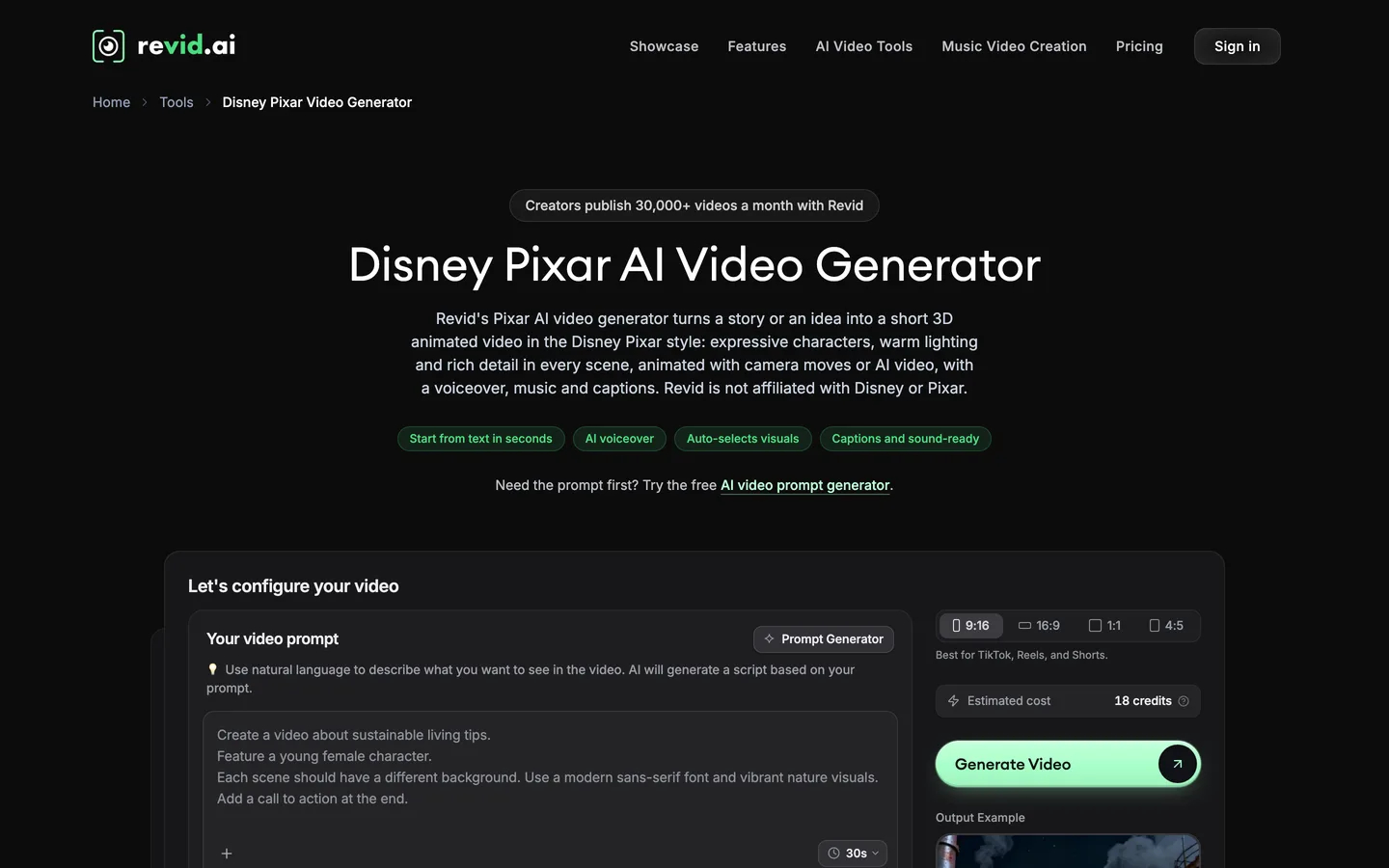
Key features
- Pixar-style 3D videos from text, 8 seconds to 5 minutes
- Animated images with camera moves, or AI video scenes where characters move
- AI voices synced to every line of dialogue, captions and music
- Direct publishing to TikTok, Instagram and YouTube with post stats
Best for
- Daily Pixar-style Shorts on TikTok and Reels
- Creators who want generation and posting in one tool
Pricing
- Growth: $39/mo billed monthly ($32/mo yearly) with 2,000 AI credits
- Ultra: $199/mo with 12,000 credits
Pros
- Fast route from an idea to a posted Pixar-style Short
- Publishing and stats built in
Cons
- Recurring characters across separate videos are not a headline feature of the Pixar tool
- Built around short-form; longer stories need more planning
4. AnimateAI, best for designing the Pixar-style character first
AnimateAI starts with the character. Its AI character generation builds a consistent cast from a few sentences, its storyboard tool turns your script into frames you can check, and Pixar-style 3D is among its style models. The scenes are then rendered on third-party video models (Kling 1.6 and MiniMax Hailuo 02 on the entry plan) with AI voiceovers and matched music.
It suits creators who care most about getting one lovable character right before anything moves, and who make short pieces: the entry plan caps a video at 10 scenes.
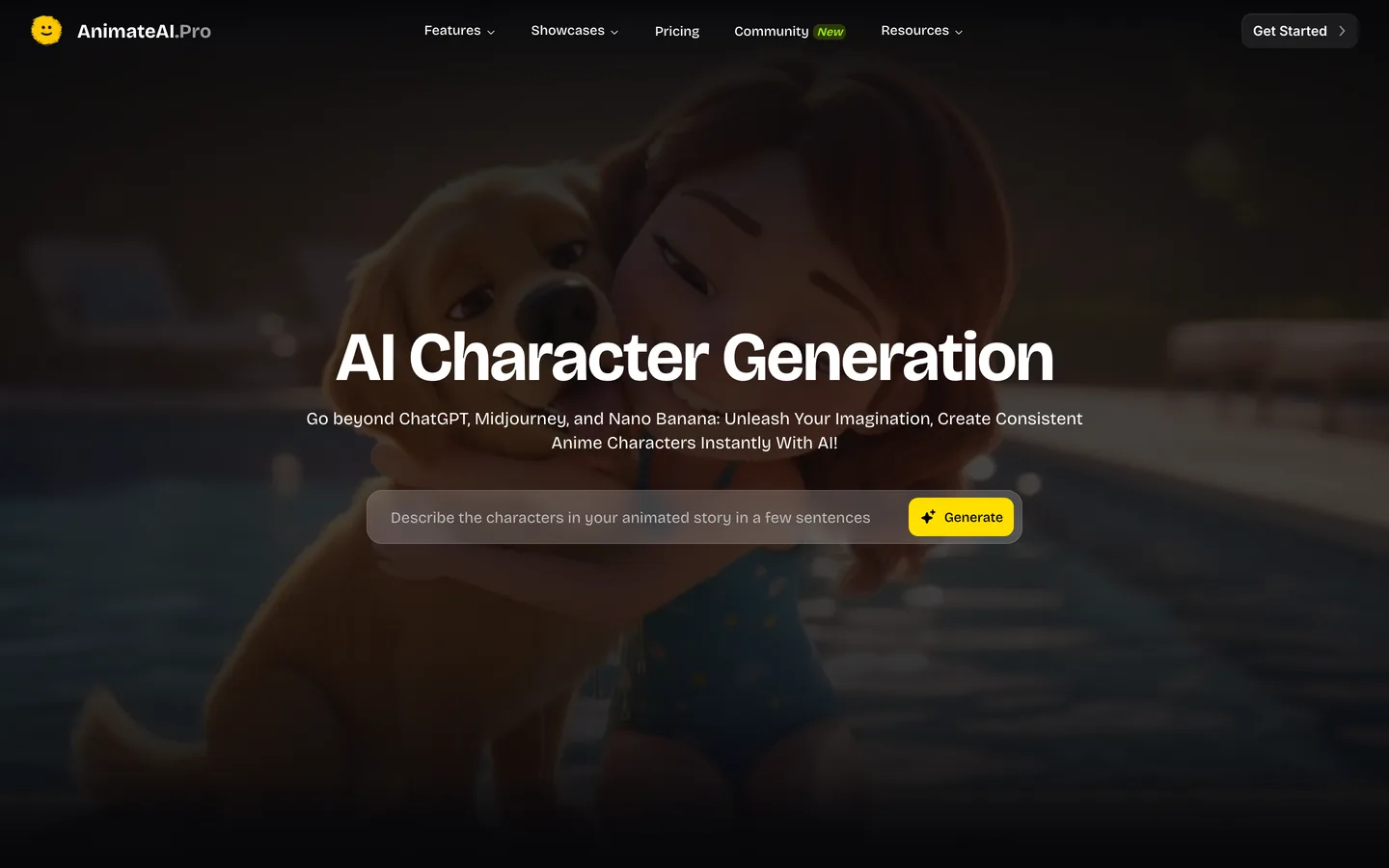
Key features
- AI character generation focused on consistency
- Storyboard generation from your script
- Style models including Pixar-style 3D
- Scenes on Kling and Hailuo models; voiceovers in several languages, ages and tones
Best for
- Designing a Pixar-style mascot or duo before writing episodes
- Short sketches of up to 10 scenes
Pricing
- Standard: $39.99/mo with 500 credits, Kling 1.6 and Hailuo 02, up to 10 scenes per video, no watermark
- Pro: $99.99/mo with 2,000 credits and newer Kling models
Pros
- Character and storyboard steps before you spend credits on motion
- Several video models under one plan
Cons
- 10 scenes per video limits longer stories
- Lip-synced talking characters are not a published feature
Keep it Pixar-style, not Pixar
Every tool in this list describes "Pixar" as a look, and none is affiliated with Disney or Pixar. On your channel:
- Invent your own characters. Original names, designs and worlds. Do not prompt for a studio's characters or recreate their scenes.
- Do not use their names in titles or thumbnails in a way that suggests an official film. "A Pixar-style bedtime story" describes a look; a studio character's name in the title is a claim you cannot make.
- Mark kids content honestly. If the video is made for children, YouTube requires you to mark it made for kids.
- Disclosure. YouTube asks for a label on realistic synthetic content; clearly animated 3D stories usually do not need it.
Our step-by-step guide on how to make Pixar-style videos with AI shows how to design an original cast that still has that feature-film warmth.
A 60-second test brief to compare tools fairly
Marketing pages show each tool's best frames. To see how they handle your channel, give every tool the same brief and compare the results side by side. This one is short enough to run cheaply and hard enough to expose weak spots:
- Cast: "Milo, a 7-year-old boy with a mop of black curls, round glasses and a green hoodie" and "Fig, a small purple dragon with stubby wings and one chipped tooth".
- Story: Milo finds Fig hiding in the school library; Fig is afraid of the dark; Milo lends him his flashlight; at the end, Fig lights the room with a tiny, proud puff of flame.
- Look: Pixar-style 3D, warm library lamps, dust in the light.
- Format: 60 seconds, 9:16, with a narrator or, where the tool allows it, the two characters speaking.
Score each result on four things: do Milo's glasses and Fig's chipped tooth survive every scene, do the faces show fear and pride clearly, does the voice sound like a storyteller rather than an announcer, and how much did one minute cost. Whichever tool wins on the first two is the one that can carry a series.
How to choose the best Pixar style AI video generator for your channel
1) Do your characters need to talk?
- Yes, dialogue and comedy: ClipNova Talking characters, with lip sync on AI Video.
- A storyteller is enough: any tool here; ClipNova, LongStories.ai and Revid all add a narrator.
2) How long are your stories?
- Shorts of 30 to 60 seconds: ClipNova or Revid.
- Stories of 2 to 5 minutes: ClipNova.
- Short films past 5 minutes: LongStories.ai on Pro or Creator Max, or a ClipNova Series of shorter episodes.
3) Will the same cast come back every week?
- Yes: ClipNova Series keeps the faces and a memory of past episodes; LongStories.ai Series keeps the cast, voices and world.
- No, one-off videos: choose on price and posting.
4) What does one Pixar-style video cost?
- ClipNova Hobby: $19 for 1,000 credits, about five one-minute stories as Moving AI Images.
- Revid Growth: $39 for 2,000 credits, with posting included.
- AnimateAI Standard: $39.99 for 500 credits.
- LongStories.ai Pro: $59 for 4,500 credits, about six one-minute videos at 480p or three at 1080p.
Before you pick a tool, make the same 60-second story with the same two characters in your top two choices. Pause on the third scene and compare the eyes. That one frame tells you whether the tool can carry your cast for a season.
If your channel leans toward flat 2D cartoons rather than 3D, our list of the best AI cartoon video generators is the better fit. If you want broader 3D looks such as claymation or cinematic CGI, our roundup of the best 3D AI animation video generators covers them, and ClipNova pricing lists the credits on each plan.
Frequently asked
What is the best Pixar style AI video generator in 2026?
ClipNova is the best overall Pixar style AI video generator: you create your own characters in a warm Pixar-like 3D look, type the story and get every scene, a narrator or talking characters, music and captions, up to 5 minutes. LongStories.ai suits long short films, Revid suits quick Shorts that post themselves and AnimateAI suits character-first sketches.
Is it legal to make Pixar-style videos with AI?
Using a Pixar-like look for your own original characters and stories is how these tools are meant to be used. Copying Disney or Pixar characters, names or scenes is not, and none of the tools here is affiliated with Disney or Pixar. Keep characters original and avoid studio names in titles.
Can Pixar-style AI characters talk with lip sync?
Yes in ClipNova: switch from Voiceover to Talking characters, give each character a voice, and they say their lines on screen with lip sync on AI Video. Revid syncs AI voices to dialogue and LongStories.ai gives each character a voice; check each tool's output before you plan a dialogue-heavy show.
Can I turn my family into Pixar-style characters?
Yes. In ClipNova's AI Character studio you can upload a photo, pick the Pixar look and save the character, then use it in any video, such as a birthday or holiday story. Only use photos of people who agreed to it.
How long can a Pixar-style AI video be?
ClipNova makes up to 5 minutes per video in 16:9, 9:16 or 1:1, and longer stories work best as a series of episodes. Revid's Pixar tool runs from 8 seconds to 5 minutes, LongStories.ai goes up to 10 minutes on Pro and 15 on Creator Max, and AnimateAI caps a video at 10 scenes on its entry plan.
What is the cheapest Pixar style AI video generator?
Of the tools compared here, ClipNova has the lowest entry price at $19 a month for 1,000 credits, about five one-minute Pixar-style stories as Moving AI Images. Revid starts at $39, AnimateAI at $39.99 and LongStories.ai at $59 a month on monthly billing.
Can I monetize Pixar-style AI videos on YouTube?
Yes, if the characters and stories are original and the channel does not upload near-identical template videos, which can fail YouTube's rules on repetitive content. Mark videos made for children as made for kids.
Which Pixar style AI video generator should I start with?
Start with ClipNova if you want a recurring cast that looks the same every episode and can talk on screen; plans start at $19 a month with every feature included. If you mainly want short Pixar-style clips posted daily, compare Revid.