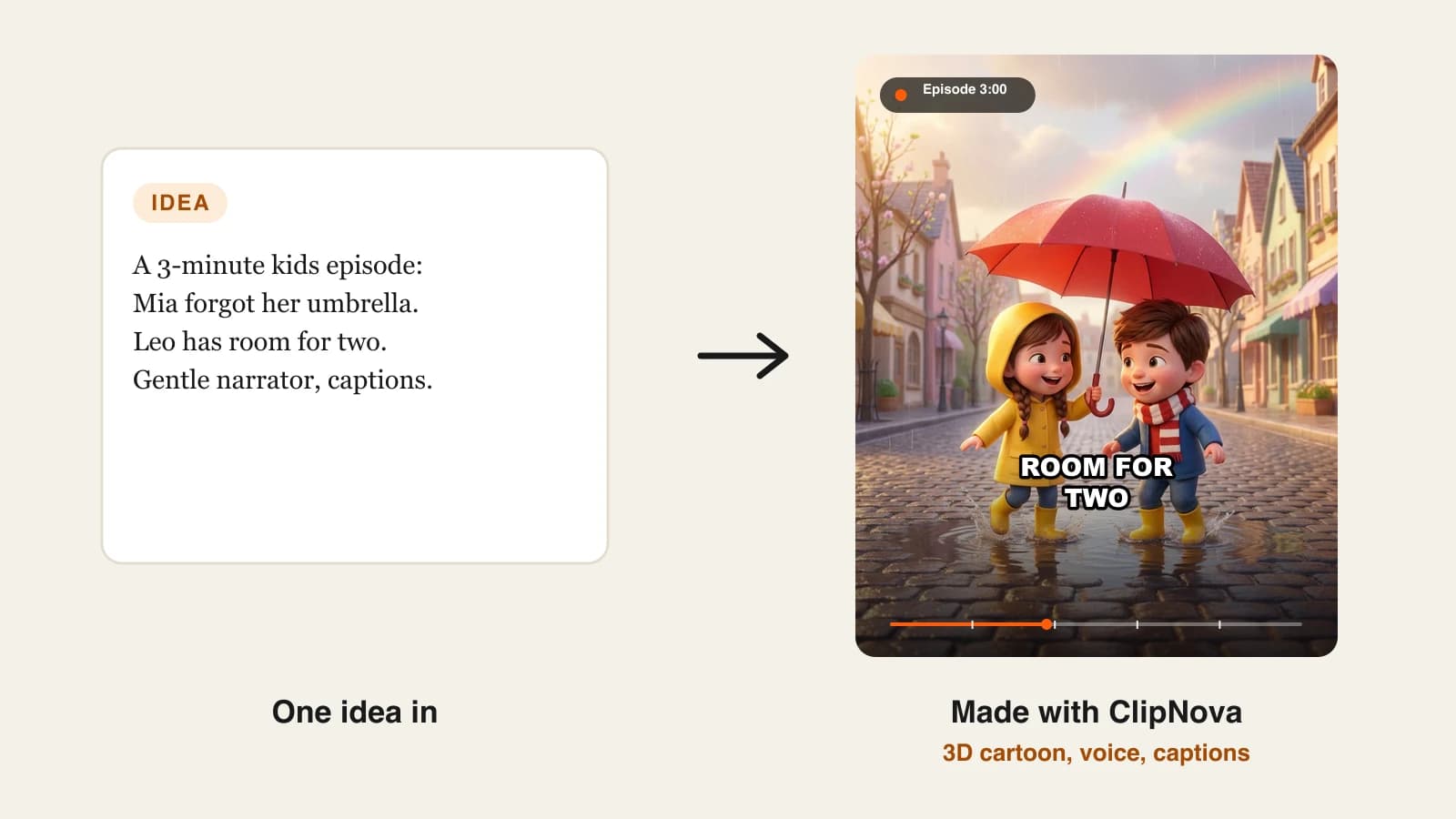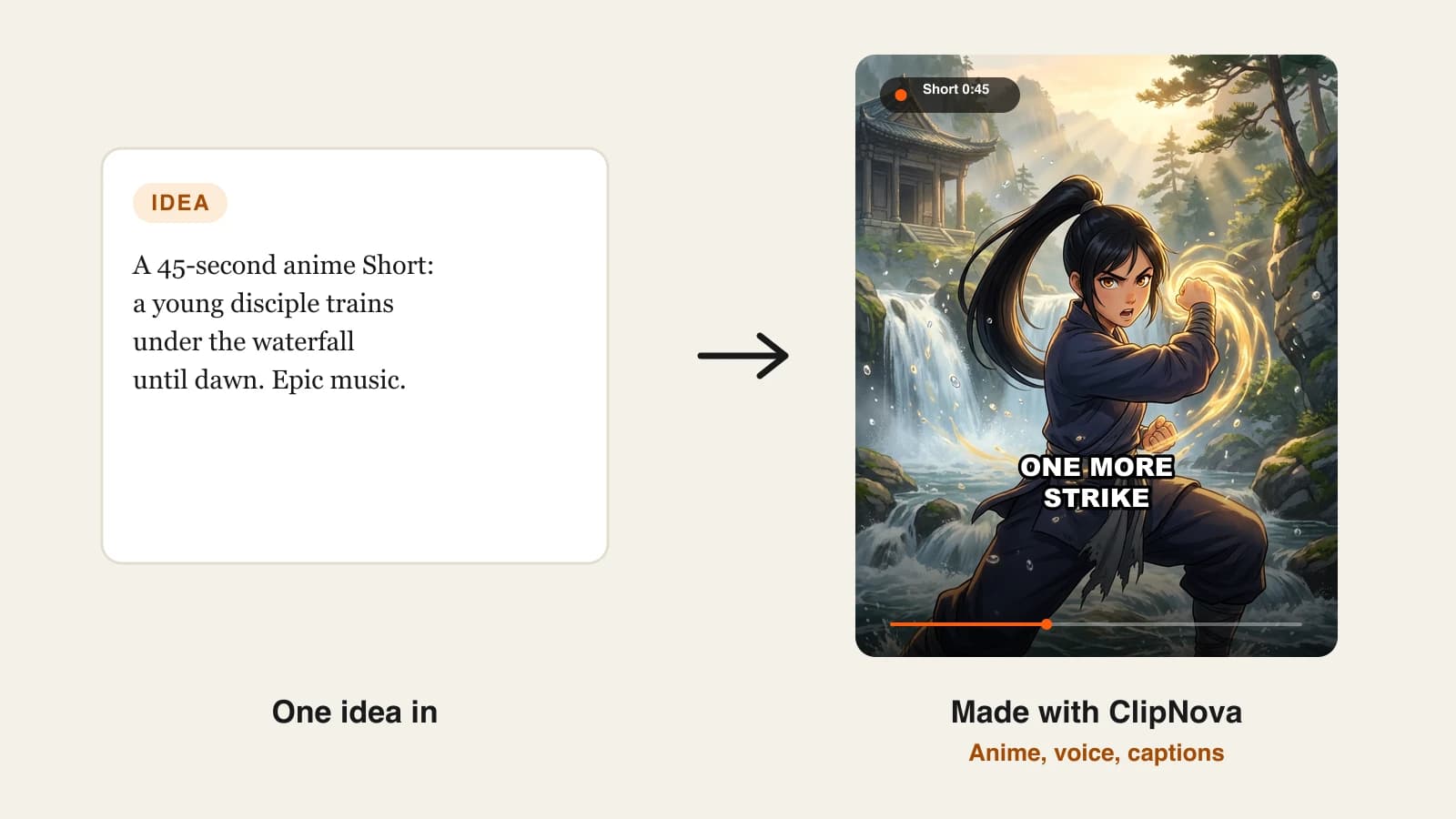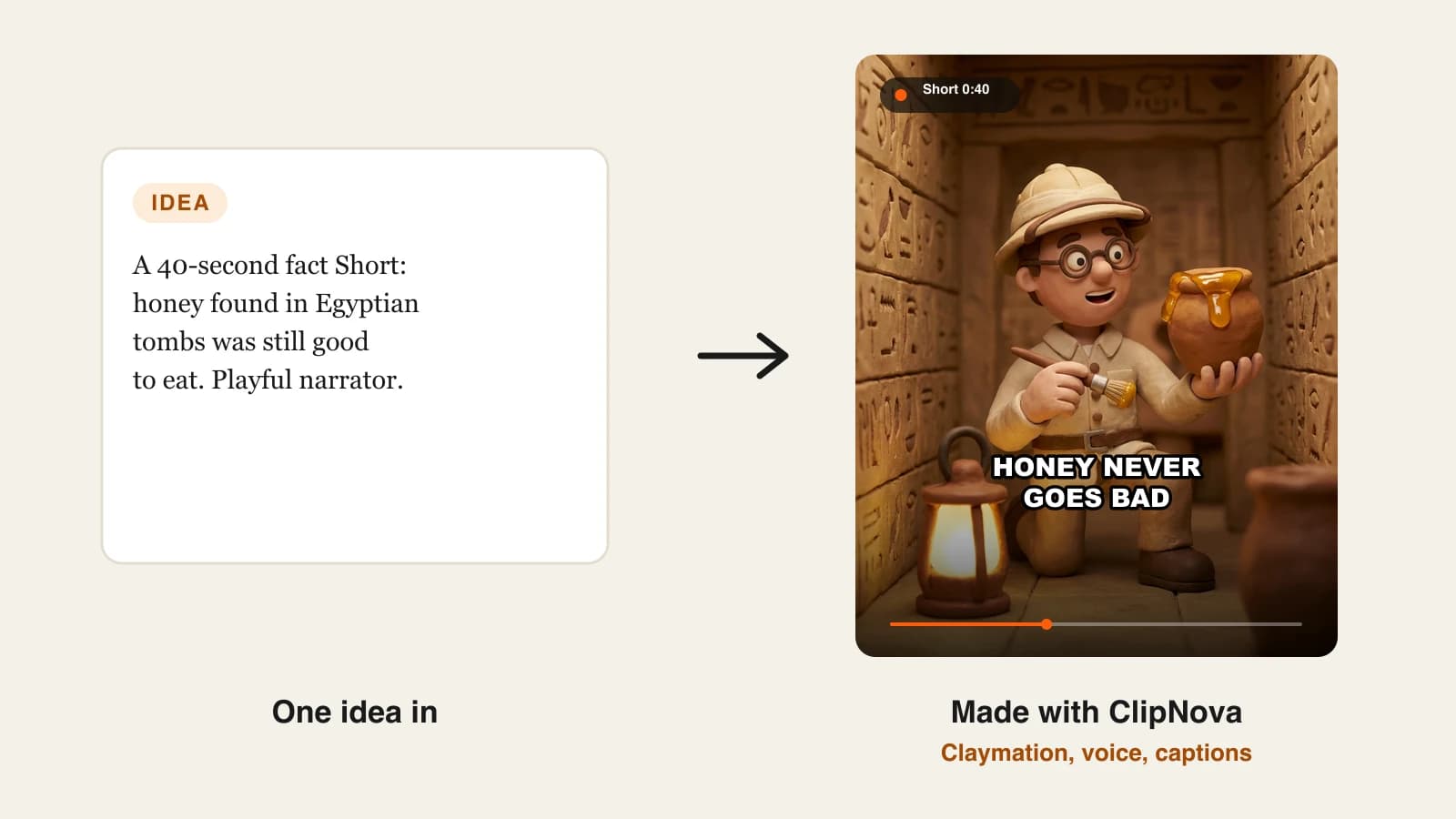
The best AI cartoon video generators in 2026 are ClipNova for finished 2D and 3D cartoon videos from one prompt, followed by Revid, StoryShort, AnimateAI and Vyond for narrower jobs. ClipNova is also the cheapest way in, with plans from $19/mo, while the other four start between $39 and $99 a month on monthly billing.
Cartoon channels are one of the fastest-growing faceless formats on YouTube Shorts, TikTok and Reels: kids' stories, animal facts, bedtime tales, mascot series. Until recently every one of those videos needed an illustrator, an animator and a voice actor. Now a prompt can return a narrated cartoon in minutes, but the tools differ a lot in what they hand back, how consistent the characters stay and what a single video really costs.
This post compares five AI cartoon video generators on cartoon styles, video length, posting, price and fit, then shows how to pick one for your channel.
The 5 best AI cartoon video generators at a glance
- ClipNova: best overall for finished cartoon videos. One prompt or script becomes a narrated, captioned cartoon in Pixar-style 3D, claymation, anime and more, up to 5 minutes long.
- Revid: best for cartoon Shorts that post themselves. Its cartoon tool writes, draws and animates the video, then publishes it to TikTok, YouTube or Instagram.
- StoryShort: best for running a scheduled cartoon series. You set up a series once and it plans and publishes episodes on a schedule.
- AnimateAI: best for recurring characters across episodes. You design a cast once, save it and reuse it in every storyboard.
- Vyond: best for animated explainers at work. A mature animation studio with lip-synced characters, now with prompt-to-video through Vyond Go.
| Tool | Best for | Starting price (monthly billing) | Cartoon styles | Max video length | Auto-posting |
|---|---|---|---|---|---|
| ClipNova | Finished cartoon videos from one prompt | From $19/mo | Pixar-style 3D, claymation, anime, Ghibli, stop motion, pixel art, watercolor | Up to 5 min | No (review, then post) |
| Revid | Cartoon Shorts with auto-publishing | $39/mo | Pixar-style 3D, retro cartoon, flat animation, claymation, anime | 8 s to 5 min | Yes: TikTok, YouTube, Instagram |
| StoryShort | Scheduled cartoon series | $39/mo | Anime, classic cartoon, 3D, claymation, comic, pixel art, watercolor, stop motion | Not published | Yes: YouTube, TikTok |
| AnimateAI | Saved characters across episodes | $39.99/mo | Not published | 30-second videos, up to 10 scenes | Not listed |
| Vyond | Workplace animated explainers | $99/mo | Animated characters, mixed media | 25 min on Starter | Not listed |
What should you look for in an AI cartoon video generator?
Five things decide whether a tool can carry a cartoon channel, not just one viral clip:
- A finished video or just clips. Some tools return a 5 to 10 second clip; you still need a script, a voice, music and an editor. Others return the whole narrated episode.
- Character consistency. Viewers subscribe to characters. If your fox has a different face in every scene, the series falls apart.
- Style choice. 3D (the Pixar look), 2D flat, anime and claymation each suit different audiences. Kids' channels lean 3D; storytime and history channels often go 2D.
- Length. A Short is 30 to 60 seconds; a bedtime story or a kids' episode can run three to five minutes.
- Cost per published video. Credits hide the real price. Divide the plan by how many finished videos it covers in your format.
1. ClipNova, best overall AI cartoon video generator
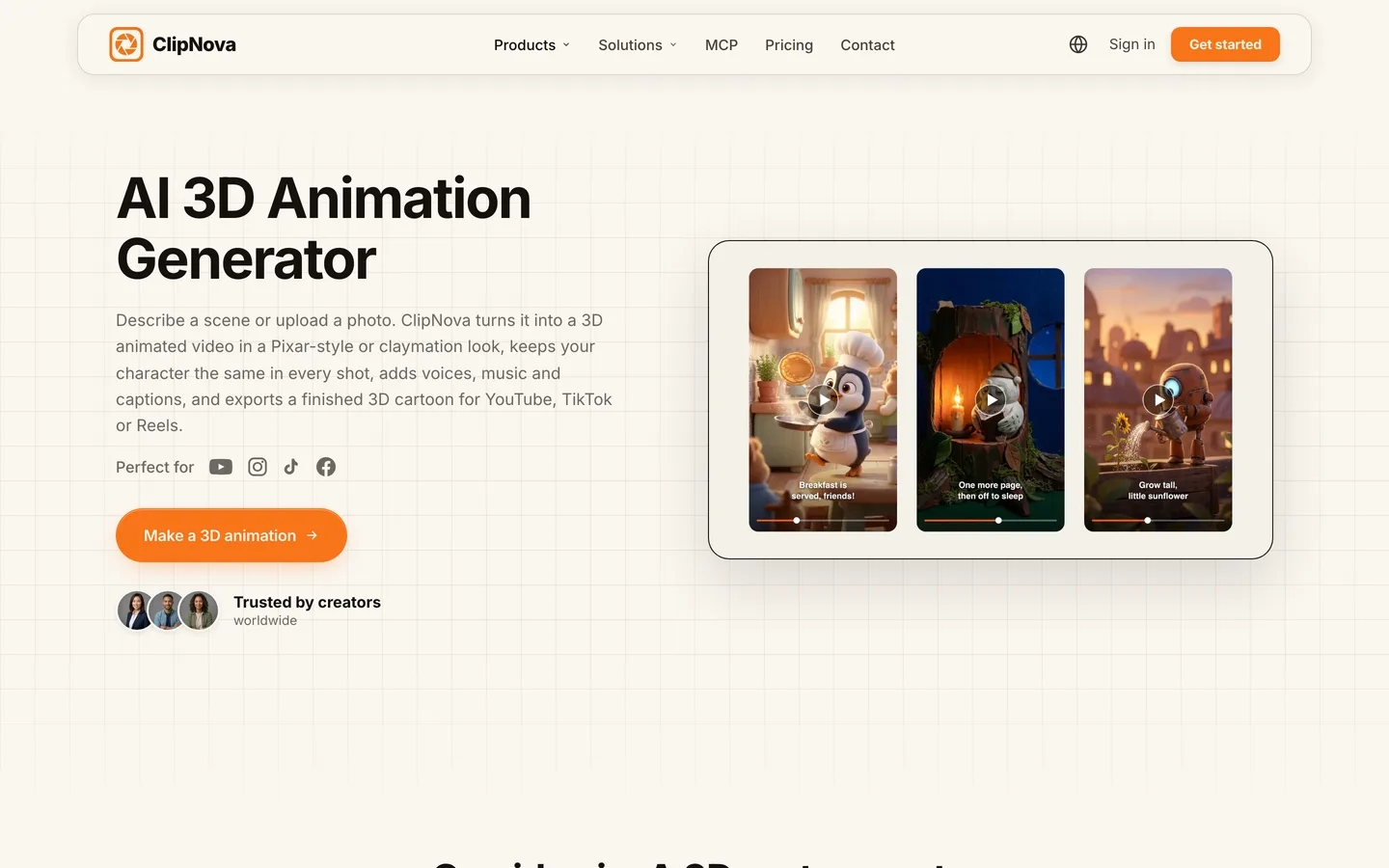
ClipNova turns one idea or a full script into a complete cartoon video: it writes the story, splits it into scenes, renders each scene in the cartoon style you pick, voices the narration, adds music and burns in captions. You get an episode you can post, not a folder of clips to assemble.
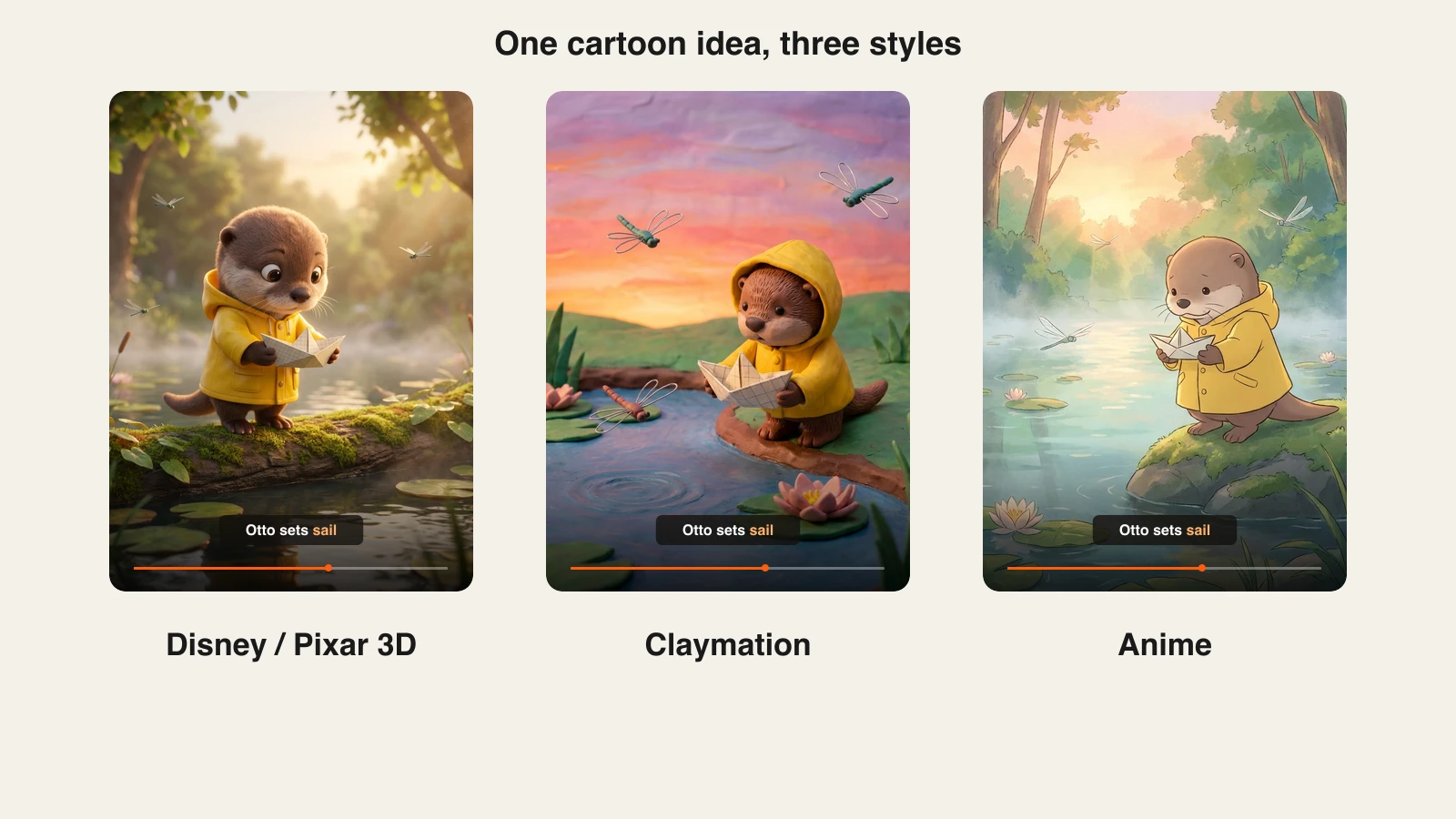
There is a dedicated AI Cartoon Video tool with a playful 2D and 3D cartoon look locked in (bold outlines, bright colors, bouncy motion), and the main video tools offer style presets such as Disney / Pixar 3D, Claymation, Anime, Ghibli, Stop Motion, Pixel Art and Watercolor. For 3D specifically, the ClipNova AI 3D animation generator builds a character sheet before animating so the hero looks the same in every shot.
Key features
- AI Cartoon Video tool plus 3D, anime and claymation looks from the same app
- Character consistency from a character sheet, and photo-to-cartoon tools that turn a picture of you, your child or your pet into a 3D character first
- Narration in 18 languages, background music and 24 caption presets timed word by word
- Videos up to 5 minutes, in 9:16, 16:9 or 1:1, at up to 1080p
- A Studio scene editor to fix one scene or line without remaking the whole cartoon
Best for
- Kids' channels posting 3D cartoon stories and songs
- Animal-facts and bedtime-story Shorts that need a narrator and captions in every video
- Creators who want one tool from idea to finished episode
Pricing
- Plans from $19/mo: Hobby $19 (1,000 credits), Starter $49 (2,600), Growth $99 (5,750), Ultra from $199 (12,000)
- Every plan includes every feature, commercial rights and no watermark; only the monthly credits change
- Moving AI Images is the lighter, credit-friendly look; full AI video motion uses more credits per scene
Pros
- The full pipeline in one place: script, scenes, voice, music, captions
- Several cartoon styles under one subscription, so you can test a 3D and a 2D version of the same idea
- Long enough for kids' episodes, not only 30-second clips
Cons
- No auto-posting; you review each video and post it yourself
- Full-motion AI video uses credits faster than Moving AI Images, so plan your credits around the look you choose
2. Revid, best for cartoon Shorts that post themselves
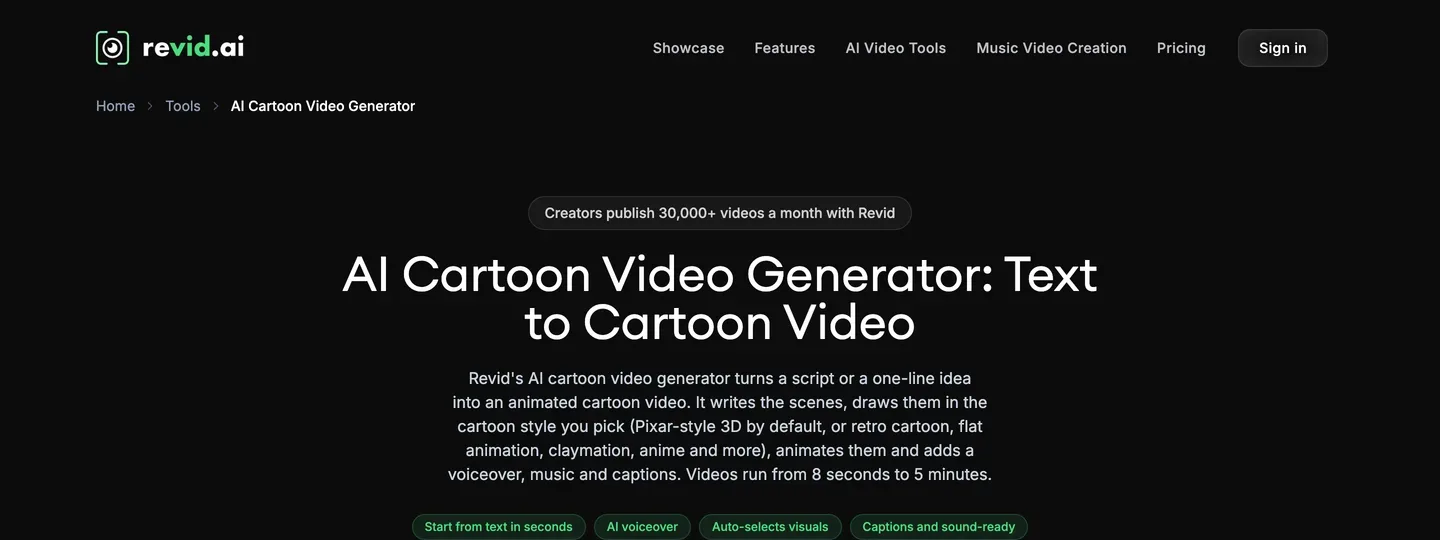
Revid is an all-in-one short-form platform with a dedicated AI cartoon video tool. You give it a one-line idea or a script and it writes the scenes, draws them in your chosen cartoon style (Pixar-style 3D by default, or retro cartoon, flat animation, claymation, anime and more), animates them and adds a voiceover, music and captions. Videos run from 8 seconds to 5 minutes.
Its edge is what happens after the render: you can publish straight to TikTok, YouTube or Instagram, and its Auto-Mode workers keep a channel going with less manual work.
Key features
- Cartoon styles including Pixar-style 3D, retro cartoon, flat animation, claymation and anime
- Voiceover, music and captions added automatically
- Direct publishing to TikTok, YouTube and Instagram
- Voiceovers in 70+ languages and output up to 4K
Best for
- Creators who want cartoon Shorts generated and published with as few steps as possible
- Multi-platform posting from one dashboard
Pricing
- Growth: $39/mo billed monthly, with 2,000 credits a month and 3 Auto-Mode workers
- Ultra: $199/mo billed monthly, with 12,000 credits and 10 Auto-Mode workers
Pros
- Generation and posting in one tool
- Wide range of cartoon looks on one page
Cons
- Generative video models spend credits quickly at the entry plan
- Automation makes it easy to post repetitive videos, which YouTube's originality rules push back on
3. StoryShort, best for running a scheduled cartoon series
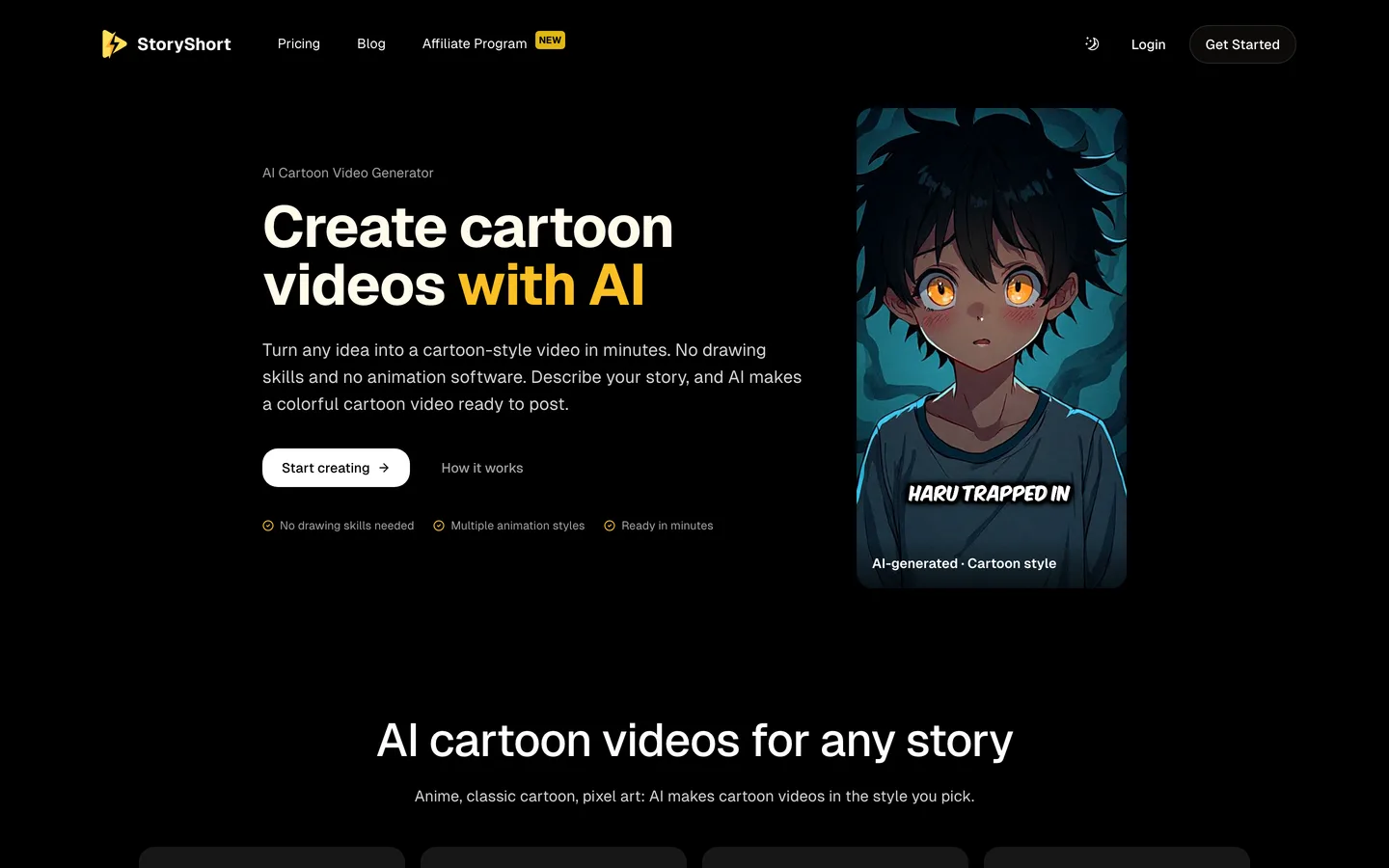
StoryShort is built around series: you describe a recurring cartoon (characters, setting, style), and it produces episodes with AI visuals, a cartoon-friendly voice, music and captions, then schedules uploads to YouTube and TikTok. Its cartoon tool supports anime, classic cartoon, pixel art, claymation, watercolor, comic book, 3D animation and stop motion styles.
That series-first setup suits a hands-off channel that posts every day. It is less suited to a one-off video that needs careful scene-by-scene direction.
Key features
- Eight animation styles, from anime to 3D and stop motion
- Character consistency across episodes of a series
- Automatic voice, background music and sound effects
- Scheduled publishing to YouTube and TikTok
Best for
- Daily cartoon series on one channel
- Creators who would rather set a schedule than make each video by hand
Pricing
- Starter: $39/mo billed monthly, with 400 credits and 1 series, about 16 videos of 60 seconds a month (roughly $2.44 per minute-long video)
- Growth: $69/mo with 1,200 credits and 2 series; Influencer $129; Ultra $199
Pros
- Clear per-plan video estimates on the pricing page
- Series and scheduling are the core of the product, not an add-on
Cons
- Each extra series needs a bigger plan
- Resolution and maximum length are not published on the pricing page
4. AnimateAI, best for recurring characters across episodes
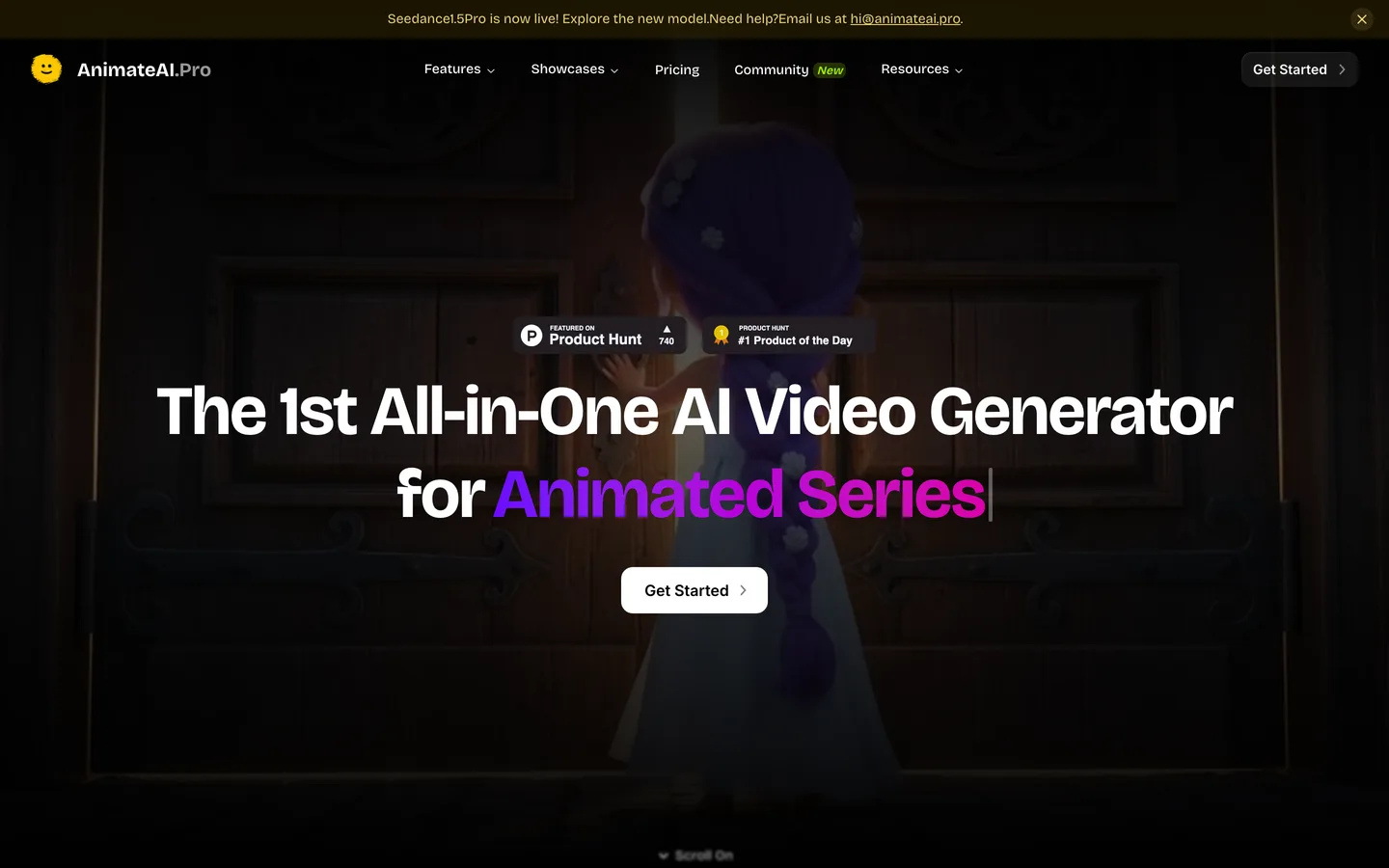
AnimateAI describes itself as an all-in-one AI video generator for animated series. The workflow is character first: you design characters with their own looks, outfits and voices, save them, then build a storyboard and generate the video from it. Narration runs through ElevenLabs voices, and the platform plugs in third-party video models.
It fits creators building a cast they will reuse for months, such as a pair of siblings in a bedtime series. The trade-off is length: the site talks about 30-second videos built from up to 10 scenes.
Key features
- Saved, reusable characters with their own style, outfit and voice
- Storyboard step before video generation
- ElevenLabs narration and a prompt enhancer
- Access to several third-party image and video models
Best for
- Animated series with a fixed cast
- Short episodes for TikTok and Shorts
Pricing
- Standard: $39.99/mo with 500 credits a month, plus extra credits for daily logins
- Pro: $99.99/mo with 2,000 credits
Pros
- Character reuse is built into the workflow
- No watermark on paid plans
Cons
- Short output by default (about 30 seconds, up to 10 scenes)
- Resolution and style list are not published on the pricing page
5. Vyond, best for animated explainers at work
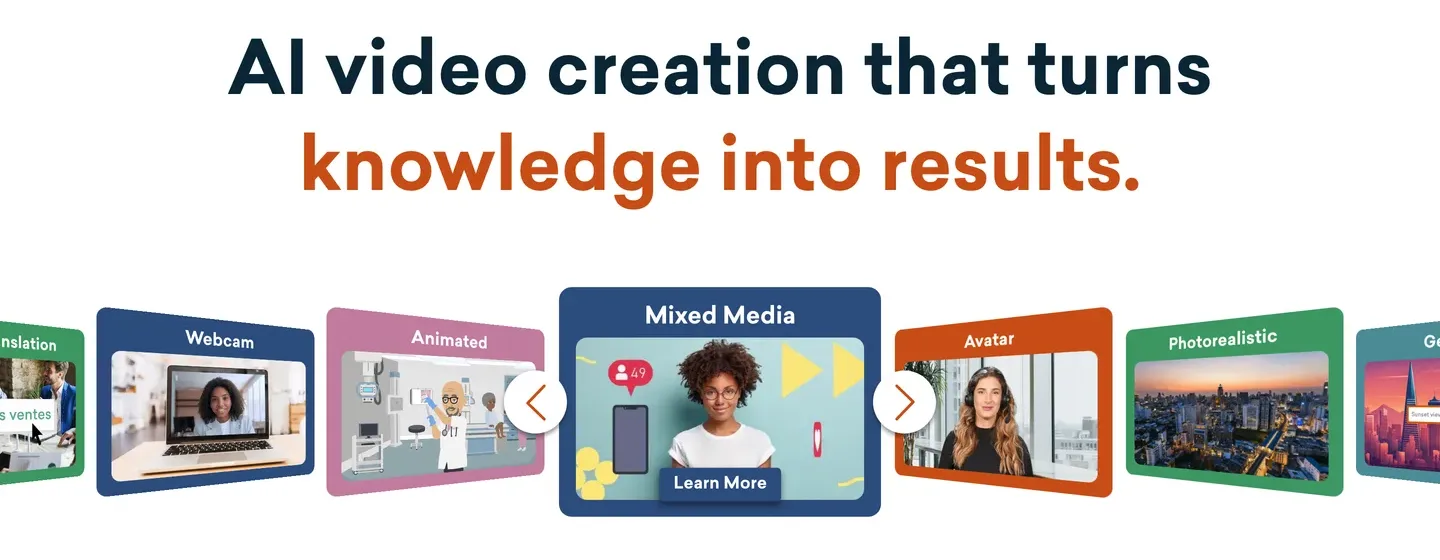
Vyond is the veteran here: a full animation studio used by training and HR teams, with a library of animated characters, automatic lip sync to voiceovers and a timeline editor. Vyond Go adds prompt-to-video: you enter a prompt, a URL or a document, choose a vibe and format, and get an editable video and script to refine in Vyond Studio.
It is not built for kids' cartoons or viral Shorts. It is the right choice when the cartoon has to explain a process, onboard employees or sell a B2B product, and when you want manual control over every scene.
Key features
- Large library of animated characters with automatic lip sync
- Vyond Go turns a prompt, URL or document into an editable video
- Full timeline editing in Vyond Studio
- Videos up to 25 minutes on Starter, 40 on Professional, at 1080p
Best for
- Training, onboarding and explainer videos
- Teams that need brand control and manual editing
Pricing
- Starter: $99/mo billed monthly, with 10,000 credits, Vyond Go and videos up to 25 minutes
- Professional: $199/mo billed monthly, with 20,000 credits and videos up to 40 minutes
Pros
- Mature editor with precise control over characters and timing
- Long videos for training content
Cons
- The most expensive entry plan in this list
- Business-style characters, not the look kids' and storytime channels use
Can you monetize AI cartoon videos on YouTube?
Yes, if the channel passes YouTube's originality bar and the audience settings are right. Three rules matter most for AI cartoons:
- Originality. YouTube's monetization policies say content must "not be mass-produced, generic, repetitive", and channels whose videos feel interchangeable from one upload to the next are not allowed to monetize. A recurring character, original scripts and a consistent narrator are what make a cartoon channel look like a show rather than a template.
- Made for kids. If your cartoons are aimed at children, YouTube requires you to set the video or channel as made for kids. That turns off personalized ads, comments and some other features, so plan revenue around it. Do not label kids' content as general to keep comments on.
- AI disclosure. YouTube asks creators to disclose realistic AI content. Fully animated, clearly unrealistic cartoons are listed as an example that does not need the label, so most cartoon channels are covered. A photoreal 3D scene that could pass for real footage is the exception.
Commercial-use wording differs from tool to tool, so read the license of the plan you buy. On ClipNova, every plan includes commercial rights and no watermark.
For a full walkthrough of a children's channel, from character design to the made-for-kids setting, read how to make kids cartoon videos for YouTube. If your audience is older and prefers a Japanese animation look, our roundup of the best AI anime video generators covers that style in depth.
How to choose the best AI cartoon video generator for your channel
1) Do you want finished episodes or a studio to animate in?
- If you want to type an idea and get a narrated, captioned cartoon: ClipNova, Revid or StoryShort.
- If you want to direct every scene by hand: Vyond.
- If you are building a fixed cast first: AnimateAI, or ClipNova's character sheet and photo-to-cartoon tools.
2) Will a person review every video before it goes live?
- If yes (the safer route for kids' content and YouTube's originality rules): ClipNova. Render, watch, fix a scene in the Studio, then post.
- If you want posting automated: Revid or StoryShort. Still check the first ten videos by hand before you let a schedule run.
3) Which cartoon style fits your niche?
- Kids' stories and songs: Pixar-style 3D. ClipNova's AI kids video generator is set up for that audience.
- Storytime, history and facts: 2D cartoon or anime keeps it light and readable.
- Cozy, handmade feel: claymation or stop motion.
- Workplace explainers: Vyond's business characters.
4) What does one finished cartoon cost?
Work it out per published video at the length you post:
- StoryShort Starter: $39 for about 16 one-minute videos, roughly $2.44 each.
- Vyond Starter: $99 a month makes sense only if you publish several long explainers.
- ClipNova Hobby: $19 with 1,000 credits. The cost per video depends on length and on Moving AI Images versus full AI video, so make three test cartoons in your format and divide.
Pick one character and one style, then make the same 45-second episode in your top two tools. Post neither. Watch both on a phone and ask one question: would a seven-year-old, or whoever your viewer is, recognise the character in the next episode?
A cartoon channel lives or dies on consistency and cadence. Our guide to starting a faceless YouTube channel covers posting rhythm and monetization, and the roundup of the best AI Shorts makers compares broader tools if your channel mixes cartoons with other formats. When you are ready to budget, ClipNova pricing lists the credits on each plan.
Frequently asked
What is the best AI cartoon video generator in 2026?
ClipNova is the best overall AI cartoon video generator: one prompt or script becomes a narrated, captioned cartoon in Pixar-style 3D, claymation, anime or 2D cartoon, up to 5 minutes long. Revid and StoryShort are strong if you want cartoon Shorts published automatically, AnimateAI suits series with a fixed cast, and Vyond is the pick for workplace explainers.
Can AI make a full cartoon video from text?
Yes. Tools such as ClipNova, Revid and StoryShort take a one-line idea or a script and return a finished cartoon with scenes, a voiceover, music and captions. Clip-only video models return a few seconds of animation, so you would still need to script, voice and edit the video yourself.
What is the cheapest AI cartoon video generator?
Of the tools compared here, ClipNova has the lowest entry price at $19 a month with 1,000 credits. Revid and StoryShort start at $39 a month, AnimateAI at $39.99 and Vyond at $99, all on monthly billing. Compare cost per finished video, not just the plan price.
How do I keep the same cartoon character in every video?
Use a tool that fixes the character before it animates. ClipNova builds a character sheet for 3D characters and can turn a photo into a cartoon character first, AnimateAI saves characters for reuse, and StoryShort keeps a series cast consistent. Keep the same style preset and describe the character the same way in every prompt.
Can I monetize AI cartoon videos on YouTube?
Yes, as long as the videos are original rather than mass-produced and repetitive, and you set the correct audience. Cartoons aimed at children must be set as made for kids, which turns off personalized ads and comments. Clearly animated, unrealistic content does not need YouTube's AI disclosure label.
Is 2D or 3D better for a cartoon channel?
Pixar-style 3D is the most common look for kids' stories and songs, while 2D cartoon and anime styles suit storytime, history and facts channels. Pick one and keep it: a consistent look helps viewers recognise your channel in the feed.
How long can an AI cartoon video be?
It depends on the tool. ClipNova renders up to 5 minutes per video, Revid runs from 8 seconds to 5 minutes, AnimateAI focuses on 30-second videos of up to 10 scenes, and Vyond allows 25 minutes on its Starter plan.
Which AI cartoon video generator should a new faceless channel start with?
Start with ClipNova if you want to review every episode before it goes out: it handles the script, cartoon scenes, voice, music and captions, plans start at $19 a month and every plan includes every feature. If you later want hands-off daily posting, compare Revid or StoryShort.