The best AI explainer video generators for YouTube in 2026 are ClipNova for finished educational explainers of up to 5 minutes, with a script, a scene for every point, voiceover, captions and the same characters throughout, followed by Revid, Zebracat, Pictory and Vyond for narrower jobs. ClipNova starts at $19/mo; the others start between $29 and $99 a month on monthly billing.
Faceless education is one of the steadiest niches on YouTube. Science, history, money and "how does it work" channels earn views for years, because a good explanation does not go out of date. The catch is production. A four-minute explainer needs a tight script, a visual for every idea, a calm voice and captions, and a recurring look so viewers recognise your channel on the second video.
This roundup compares five AI explainer video generators on what an educational channel actually publishes: lessons of one to five minutes, Shorts cut from them, and a consistent visual identity. You will see what each tool makes, what it costs and how to choose.
The 5 best AI explainer video generators at a glance
- ClipNova: best overall for educational explainer channels. A topic, a script or a PDF becomes a finished explainer of up to 5 minutes with one scene per point, a narrator, captions and recurring characters that look the same in every scene.
- Revid: best for Kurzgesagt-style animated explainer clips. A YouTube Explainer template turns a complex topic into short, stylised animated shots.
- Zebracat: best for explainer Shorts on a schedule. A topic or script becomes an explainer in whiteboard, flat, sketch or realistic styles, scheduled to your channels.
- Pictory: best for turning articles and scripts into stock-footage lessons. Paste a script or a URL and every line gets a matching visual and a voiceover.
- Vyond: best for animated character lessons with a presenter. Vyond Go turns an idea, a URL or a document into an animated or mixed-media video.
| Tool | Best for | Starting price (monthly billing) | Video length | Visual style | Auto-posting |
|---|---|---|---|---|---|
| ClipNova | Finished educational explainers | From $19/mo | Up to 5 min | AI scenes, illustrated or filmed-looking | No (review, then post) |
| Revid | Animated explainer clips | $39/mo | 7 s template clips, adjustable | Animated whiteboard, 3D or comic | Yes: TikTok, Instagram, YouTube |
| Zebracat | Explainer Shorts on a schedule | $39/mo | Not published for Cat Mode (up to 5 min on higher tiers) | Whiteboard, flat, sketch, realistic | Yes: TikTok, YouTube, Instagram, LinkedIn |
| Pictory | Script or article to stock lesson | $29/mo | 30 video minutes a month on Starter | Stock footage, plus AI models | No |
| Vyond | Animated character lessons | $99/mo | Not published | Animated, mixed media, avatars | No |
What makes a good AI explainer video for an educational channel
Educational viewers are patient but strict. Check any tool against these five points:
- One idea per scene. An explainer works when the picture changes as the idea changes. A tool that pastes a generic clip under three sentences loses the viewer by minute one.
- Accuracy you control. AI writes confident wrong facts. You need to paste your own script, or at least edit the generated one, before anything is rendered.
- Length for a real lesson. Most explanations need two to five minutes. Thirty seconds is a teaser, not an explainer.
- A consistent look. Kurzgesagt, The Infographics Show and every big education channel are recognisable in one frame. Your style and any recurring character should hold across every video.
- Captions on by default. Many viewers watch with the sound off, and captions help non-native speakers follow technical words.
A useful test: take one paragraph from a topic you know well and give it to two tools. Watch the results with the sound off. If you can still follow the explanation from the visuals and captions alone, the tool is doing its job.
1. ClipNova, best overall AI explainer video generator for YouTube
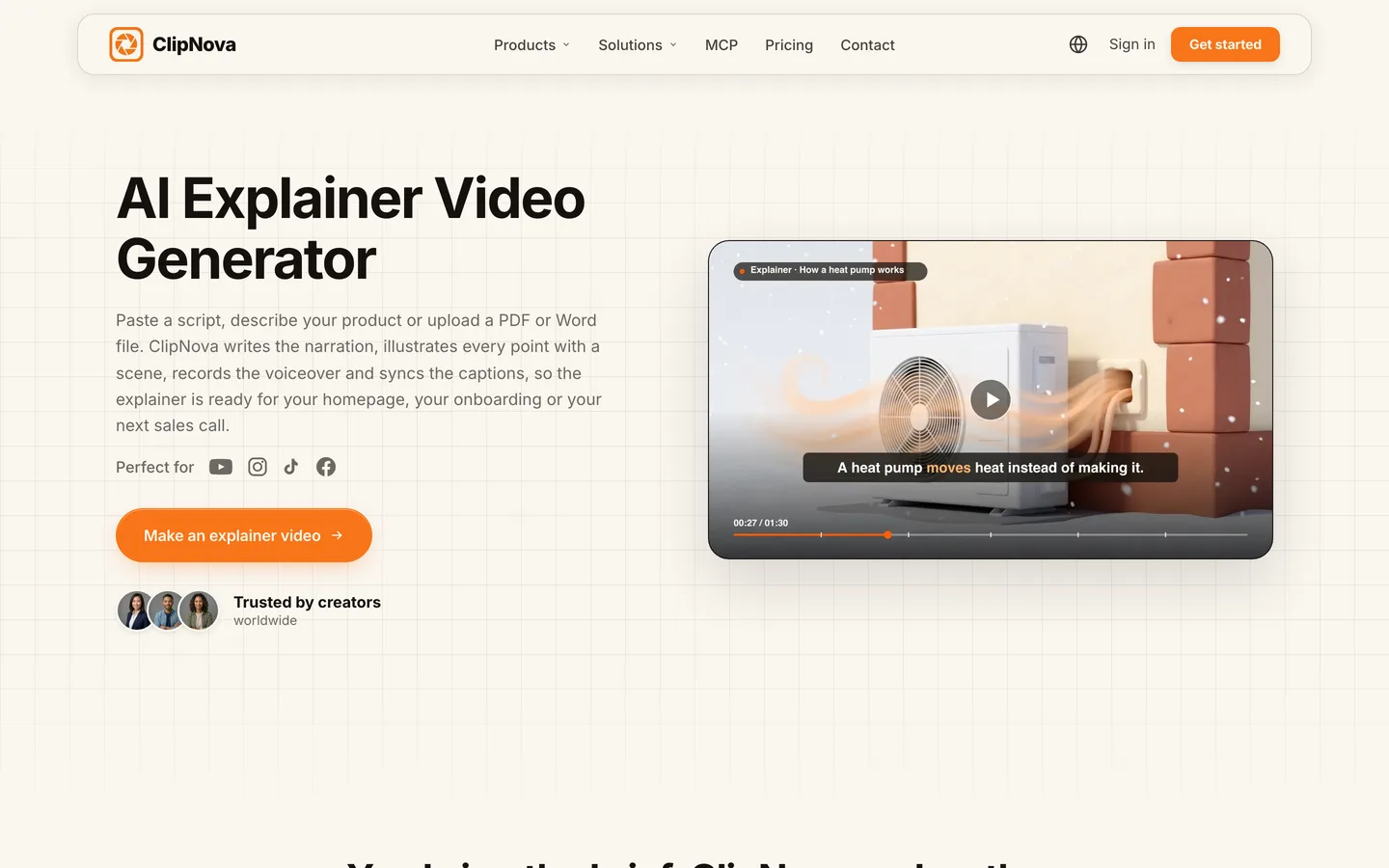
ClipNova takes a brief, a pasted script or an uploaded PDF, Word or text file and builds the explainer around the points that matter: it writes the narration one clear point per scene, sizes the video to it, gives every point its own scene, records the voiceover and syncs captions. If your channel has a mascot or a recurring guide character, saved characters keep the same look in every scene, so the host of episode one is the host of episode twenty.
An explainer channel lives on lessons that are long enough to teach and recognisable enough to subscribe to, which is exactly what ClipNova makes: finished long videos with consistent characters.
- Long: a full lesson of up to 5 minutes in one render, from the hook question to the recap, not a 10-second clip you stitch into a timeline.
- Consistent characters: save your channel's guide character once and it looks the same in every scene; Series brings the same cast back for every episode of a course or season.
- Finished: script, scenes, voiceover, captions and music arrive together, and Studio lets you fix the one scene that shows the wrong diagram without rebuilding the video.
The ClipNova AI explainer video generator shows a full 90-second example from brief to export.
Key features
- Start from a topic, a pasted script, or a PDF, Word or text file up to 20 MB (text-based PDFs work best)
- Narration written and timed one point per scene, or your own script read word for word
- Moving AI Images (illustrated scenes with motion) or AI Video (filmed-looking shots), with one style held across the whole explainer
- Voiceover in 18 languages with captions on by default
- 16:9 for YouTube or 9:16 for Shorts, chosen per video, up to 5 minutes; Studio to edit a single scene
How to make an explainer in ClipNova
- Open Prompt to Video and paste your script, or describe the topic and audience, or upload your notes as a PDF or Word file.
- Pick a style once (an illustrated look suits most lessons) and add your channel's guide character if you have one.
- Choose 16:9 and a length, then a narrator voice, a caption style and quiet music.
- Choose Moving AI Images for most lessons, or AI Video for scenes that need real motion, and check the credit estimate.
- Watch it with your sources open, fix any scene with a wrong detail in Studio, and export.
Pricing
- Plans from $19/mo: Hobby $19 (1,000 credits), Starter $49 (2,600), Growth $99 (5,750), Ultra from $199 (12,000); 20% off yearly
- A 60-second explainer in Moving AI Images costs about 189 credits, so Hobby covers around five one-minute lessons, or one longer lesson plus Shorts
- Every plan includes every feature, watermark-free export and commercial rights
Pros
- A whole lesson in one render, structured point by point
- Upload your own notes or chapter instead of trusting the AI's facts
- The same style and characters across a full course
Cons
- No auto-posting; you review each lesson and upload it yourself
- AI Video scenes cost far more credits per second than Moving AI Images, so keep them for the scenes that need motion
2. Revid, best for Kurzgesagt-style animated explainer clips
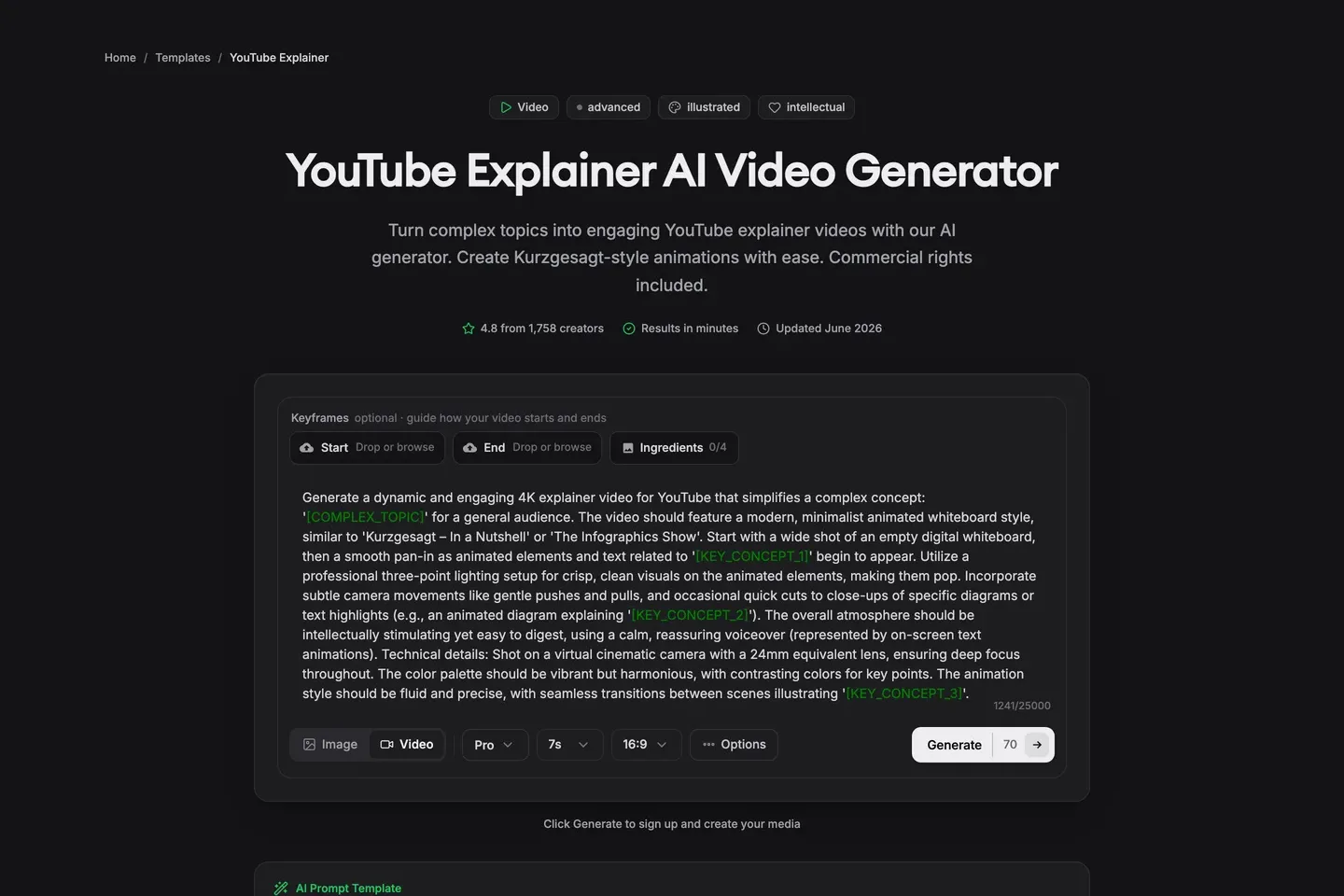
Revid is an all-in-one short-form studio, and its YouTube Explainer template is aimed squarely at education channels: you fill in a complex topic and three key concepts, and it generates animated shots in a minimalist whiteboard style inspired by Kurzgesagt and The Infographics Show, with 3D-render and comic presets as options. Output is 16:9 by default or 9:16 for vertical, at a standard 7 seconds per clip that you can adjust. Revid also has an AI Learning Explainer for "Did you know?" style fact videos.
That makes Revid strong for striking visuals, but you build the lesson clip by clip. It is a shorts-first tool; ClipNova goes to 5 minutes with the same characters and a narrator in one render.
Key features
- YouTube Explainer template with topic and key-concept variables
- Animated whiteboard, 3D render or comic presets
- 16:9 or 9:16; clips of about 7 seconds by default
- Voiceovers in 70+ languages, publishing and stats on paid plans
Best for
- Channels that want a bold animated look for intros and key moments
- "Did you know?" fact Shorts
Pricing
- Growth: $39/mo billed monthly ($32/mo yearly) with 2,000 credits and direct publishing to TikTok, Instagram and YouTube
- Ultra: $199/mo with 12,000 credits
Pros
- One of the most distinctive explainer looks in this list
- Generation, publishing and stats in one place
Cons
- Short clips: a 4-minute lesson means many generations and an edit
- Narration and lesson structure are up to you when you work clip by clip
3. Zebracat, best for explainer Shorts on a schedule
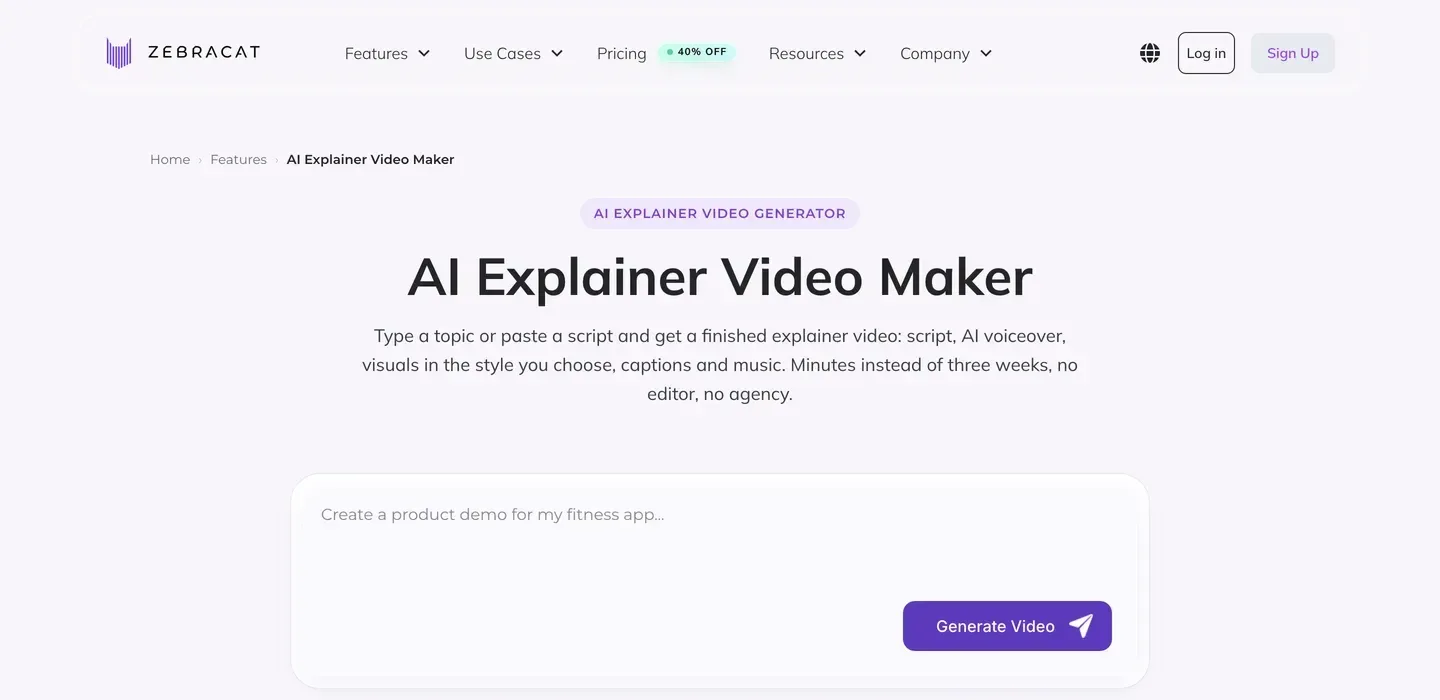
Zebracat turns a topic, a script or an article URL into an explainer with an AI voiceover, visuals in the style you choose, captions and music. The styles are well matched to education: a whiteboard look for processes, flat animation, sketch style for educational content, comic characters and realistic scenes. You export 16:9 or 9:16 and can schedule straight to TikTok, YouTube, Instagram and LinkedIn.
The entry plan is built around volume of short videos (15 a month), and the longest videos, up to 5 minutes, are tied to higher tiers. As a faceless shorts tool it is efficient; for long lessons with recurring characters, ClipNova covers the full length on every plan.
Key features
- Topic, script or article URL to a finished explainer
- Whiteboard, flat, sketch, comic and realistic styles
- 170+ languages for voiceover; voice cloning on higher plans
- Scheduling to TikTok, YouTube, Instagram and LinkedIn
Best for
- Explainer Shorts posted several times a week
- Turning your blog or newsletter into videos
Pricing
- Cat Mode: $39/mo billed monthly ($23/mo yearly) with 15 videos and 350 generative AI credits a month
- Super Cat: $99/mo with 40 videos and 1,400 credits
Pros
- Education-friendly styles such as whiteboard and sketch
- Scheduling built in
Cons
- Longer videos are tied to higher tiers
- 15 videos a month on the entry plan
4. Pictory, best for turning articles and scripts into stock-footage lessons
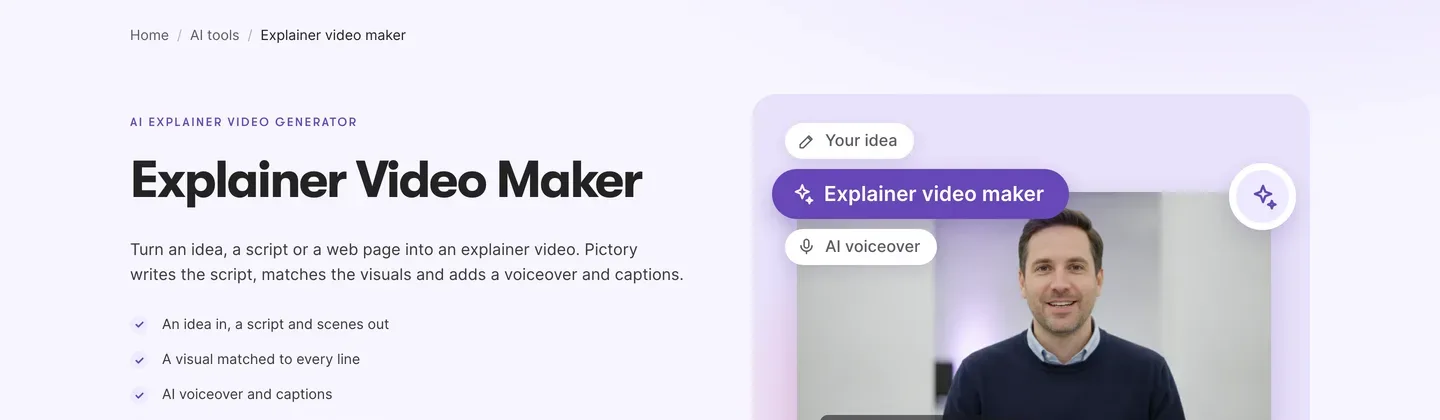
Pictory is the established script-to-video editor. Paste a script or a web page and it writes or splits the text into scenes, matches a visual to every line, adds an AI voiceover and synced captions. Its explainer maker also takes a plain idea and drafts the script first. Visuals come mostly from a stock library, with newer AI image and video models (including Veo 3.1) and AI presenters available inside the editor.
For a lesson channel that already writes articles or course notes, Pictory is a predictable way to turn text into narrated video. The trade-off is the look: it is a template editor built on stock footage, while ClipNova makes original scenes with your own characters.
Key features
- Idea, script, article URL or PowerPoint to a narrated video
- A visual matched to every line, from stock or AI models
- ElevenLabs voices and branded captions
- Brand kit for fonts, colours and logo
Best for
- Course creators turning written lessons into video
- Channels that are happy with stock visuals
Pricing
- Starter: $29/mo billed monthly ($25/mo yearly) with 30 video minutes a month, 1080p and voices in 7 languages
- Professional: $59/mo ($35/mo yearly) with 90 minutes a month and 29 languages
Pros
- Fast and predictable from text to video
- Works well with existing articles, slides and notes
Cons
- Stock-heavy visuals look like many other channels
- No recurring characters across a series
5. Vyond, best for animated character lessons with a presenter
Vyond is an animation platform long used for training and eLearning. Vyond Go turns an idea, a URL or a document into a video, with templates in animated, mixed-media and avatar styles, and you can then open it in the full editor to change characters, scenes and timing. It offers 650+ text-to-speech voices on Starter.
For an education channel that wants classic animated characters acting out a concept, Vyond gives the most hands-on control in this list, at the highest entry price. It is also built around templates and presenters; ClipNova generates original scenes and tells the lesson as a story.
Key features
- Vyond Go: idea, URL or document to a draft video
- Animated characters, props and settings in a full editor
- AI avatars and 650+ text-to-speech voices
- 1080p export
Best for
- Animated lessons with characters acting out a process
- Educators who want to edit every scene by hand
Pricing
- Starter: $99/mo billed monthly ($58/mo yearly, $699 a year) with 10,000 credits per user a month
- Professional: $199/mo ($100/mo yearly)
Pros
- Deep control over animated scenes and timing
- A large library of characters and props
Cons
- The highest entry price here
- The template look is recognisable from corporate training videos
How to choose the best AI explainer video generator for your channel
1) How long are your lessons?
- Two to five minutes: ClipNova, which renders a whole lesson up to 5 minutes in one pass. Pictory and Vyond can run longer, but with stock or template visuals.
- Under a minute: Zebracat or Revid for explainer Shorts; ClipNova also cuts 9:16 Shorts on the same plan.
2) Where do your facts come from?
- Your own notes, PDFs or chapters: ClipNova (PDF, Word or text upload) or Pictory (script or URL). Paste the text and the narration follows it.
- A topic only: any tool here will draft a script. Read every line against a source before you render; our guide on how to write a faceless video script covers structure and word counts.
3) What should viewers see?
- Original illustrated scenes and a recurring guide character: ClipNova.
- Bold Kurzgesagt-style animation clips: Revid.
- Whiteboard or sketch Shorts: Zebracat.
- Stock footage under narration: Pictory.
- Template characters you animate by hand: Vyond.
4) What does one lesson cost?
- ClipNova Hobby: $19 for about five one-minute lessons in Moving AI Images, or one 3-minute lesson plus a couple of Shorts.
- Pictory Starter: $29 for 30 video minutes, mostly stock.
- Zebracat Cat Mode: $39 for 15 short videos, about $2.60 each.
- Revid Growth: $39 in credits for short clips you assemble.
- Vyond Starter: $99, best for channels that sell courses or already earn.
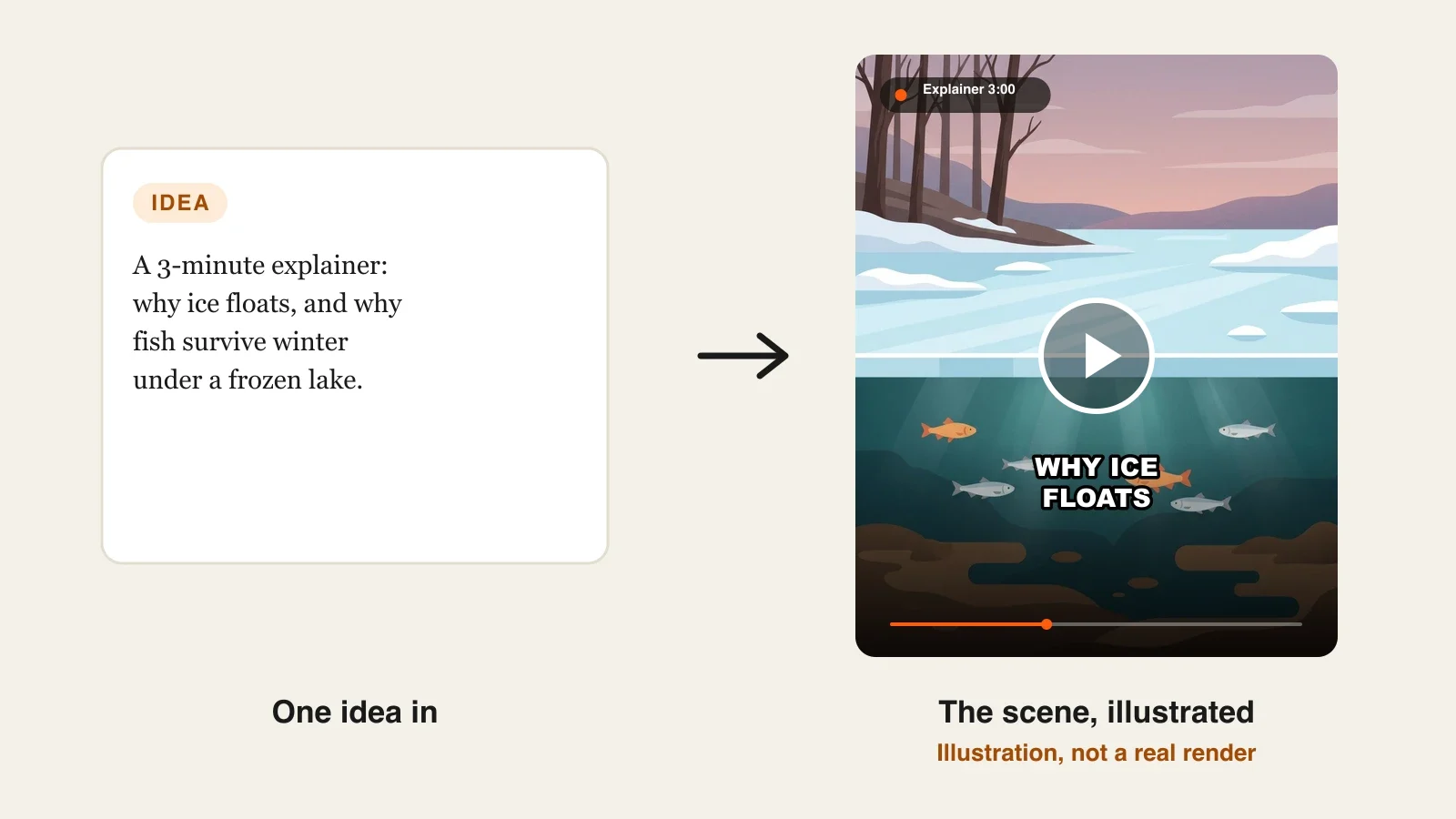
Make your first test video on a topic you can check in five minutes, like why ice floats or how a lock works. You will spot a wrong diagram or a made-up number immediately, which tells you how much review each tool really needs.
For a full walkthrough of one lesson from question to upload, read our guide on how to make an explainer video with AI. If your notes already live in documents, ClipNova's PDF to video page shows that route, and ClipNova pricing lists the credits on each plan.
Frequently asked
What is the best AI explainer video generator in 2026?
ClipNova is the best overall AI explainer video generator for YouTube education channels: a topic, a script or a PDF becomes a finished lesson of up to 5 minutes with one scene per point, a narrator, captions and recurring characters. Revid suits animated explainer clips, Zebracat explainer Shorts on a schedule, Pictory stock-footage lessons and Vyond animated character lessons.
Can AI make a whole educational video for YouTube?
Yes. ClipNova, Zebracat, Pictory and Vyond return a narrated video with captions from a topic or a script. The facts are only as good as your input, so paste your own script or notes, or check every generated line against a source before rendering.
How long should a YouTube explainer video be?
Most single-topic explainers work at two to five minutes, long enough to set up the question, explain it in a few steps and recap. Cut a 30 to 60 second Short from the strongest step to bring viewers to the full lesson.
What is the cheapest AI explainer video generator?
Of the tools compared here, ClipNova has the lowest entry price at $19 a month for 1,000 credits, about five one-minute lessons in Moving AI Images. Pictory starts at $29, Revid and Zebracat at $39 and Vyond at $99 a month on monthly billing.
Can I turn a PDF or my lesson notes into an explainer video?
Yes. ClipNova accepts PDF, Word and text files up to 20 MB and builds the narration from your document, and Pictory and Vyond Go accept scripts, URLs or documents. Text-based PDFs work best, because a scanned PDF has no text to read.
Can I monetize AI explainer videos on YouTube?
Yes, if the videos are original and add value. YouTube's monetization policies exclude mass-produced or repetitive content, so write your own scripts, check the facts and give the channel a consistent voice and style rather than uploading near-identical template videos.
Do AI explainer videos need an AI label on YouTube?
Usually not for clearly illustrated or animated explainers. YouTube asks for disclosure when realistic synthetic content could be mistaken for a real person, place or event, so label realistic AI footage that shows something that did not happen.
Which AI explainer video generator should a new education channel start with?
Start with ClipNova if you want full lessons and Shorts from the same plan, with your own script or notes and a consistent style; plans start at $19 a month with every feature included. If you only post short fact clips, compare Zebracat or Revid.