To make an AI documentary video for YouTube, pick a true story with a clear question, build a source sheet before you write a word, write the narration in short chapters, then let an AI video tool generate the scenes, narrator and captions from your script. Check every fact against your sources before you upload, and label realistic AI scenes.
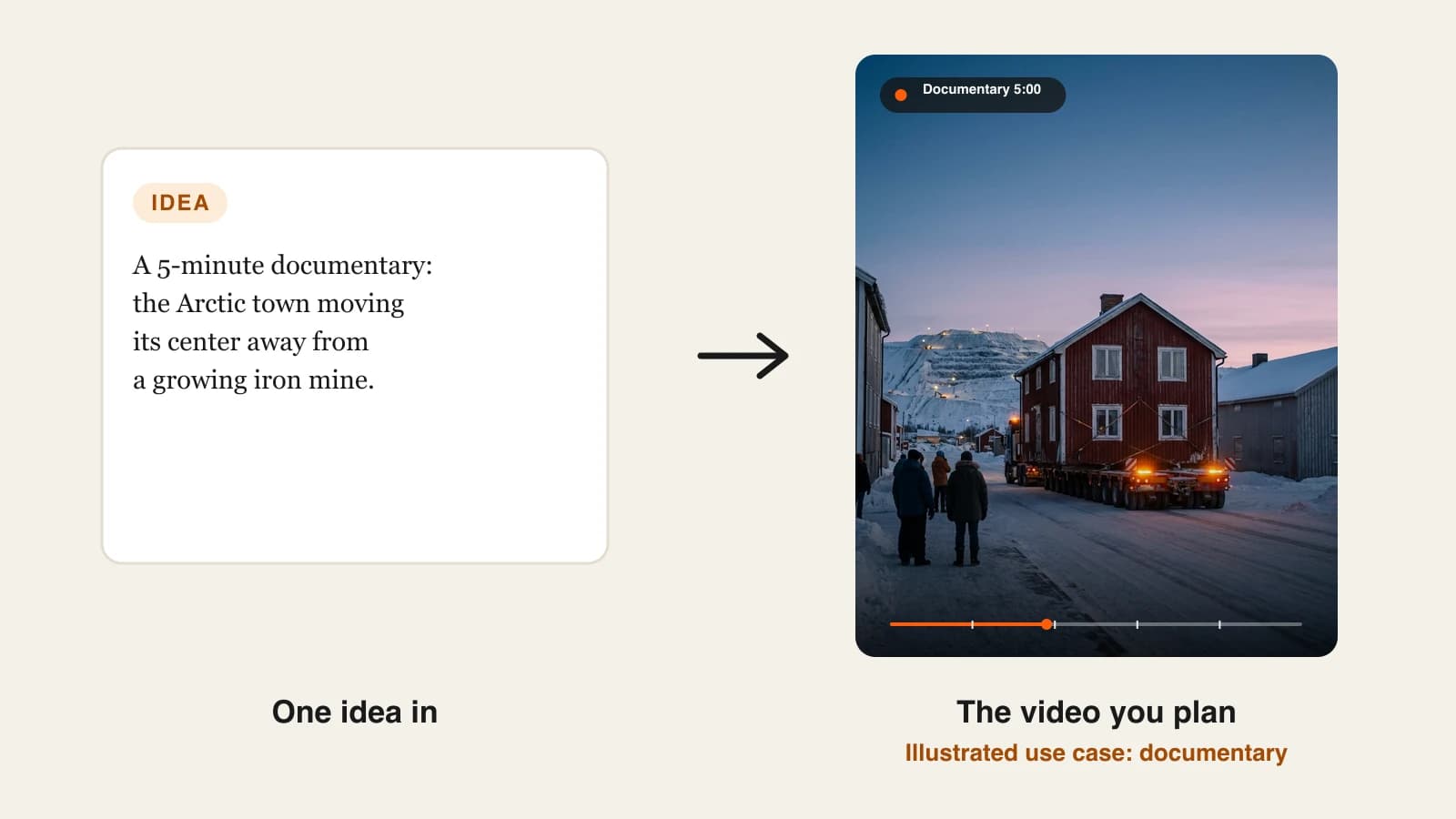
The documentaries that do well on faceless YouTube channels are rarely about the biggest topics. They are small, strange and true: a lighthouse whose keepers vanished, a ship found drifting with no crew, a town that has to move. The AI part is now easy. The part that decides whether a documentary channel earns trust is research and honesty: real sources, no invented quotes, and pictures that do not pretend to be archive footage. This guide covers the full process, research included. One example runs through every step: The Town That Moved, a 5-minute documentary about Kiruna, the Arctic town in Sweden that is relocating its center away from an expanding iron ore mine.
Want to start now? ClipNova's AI YouTube video generator turns your script into a narrated, captioned 16:9 video of up to 5 minutes, with the scenes generated for every line.
What makes a faceless documentary work
- A question in the first ten seconds. "Why is a whole town moving three kilometers east?" gives viewers a reason to stay.
- Real, checkable facts. Dates, numbers and names that viewers can look up. Documentary viewers check, and they comment when you are wrong.
- A narrator that sounds certain because the script is. Hedged, vague narration usually means thin research.
- Visuals that illustrate, not fake. AI scenes can show what a place feels like; they should not pose as news footage of a real event.
- An ending that answers the opening question, or honestly says what is still unknown.
The example: The Town That Moved
Northbound is a faceless YouTube channel about places at the edge of the map. Its next upload, The Town That Moved, is a 5-minute 16:9 documentary on Kiruna in northern Sweden, where the mining company LKAB's iron ore mine is affecting about a third of the town center, so homes, shops and even the town's 1912 church are being relocated. Northbound posts one documentary every two weeks and cuts two Shorts from each. Everything below is the production plan for that video.
Step 1: Pick a topic with a story spine
Why: a topic is not a story. "Mining in Sweden" is a topic. "The town that had to move because of the mine that built it" is a story with a question, stakes and an ending.
Test your topic against four parts before you research it:
| Part | Question | The Town That Moved |
|---|---|---|
| Hook | What is strange or surprising? | A whole town center is moving |
| Stakes | Who is affected and how much? | About 6,000 people and 3,000 homes |
| Turning point | What is the big moment? | The 672-tonne church rolled 5 km in two days |
| Ending | What is still open? | The move continues to about 2035 |
If you cannot fill all four rows from real sources, pick another topic. For a broader look at niches and formats, see our comparison of AI video generators for YouTube.
Step 2: Build a source sheet before you write
Why: if you write first and look up facts later, you end up defending sentences instead of checking them. A source sheet turns research into a list of claims you are allowed to make.
- Collect primary sources first: the organization involved, official records, the people's own statements. Use reputable news for color and context.
- Write each fact as one line with its number and source.
- Mark anything you could only find in one secondary source, and either confirm it or cut it.
- Keep the sheet; it becomes the sources list in your video description.
Applied to the example, part of Northbound's sheet:
- 2004: it became known that Kiruna's center would be affected by the mine and would have to move (LKAB).
- About 6,000 people need to move; the area covers 3,000 homes and about 450,000 square meters of public and commercial space (LKAB).
- September 1, 2022: the new commercial center opened, about 3 km east of the old center (LKAB urban transformation site).
- August 19 to 20, 2025: Kiruna Church, 672.4 tonnes, was moved in one piece along a 5 km route (LKAB).
- The transformation continues to about 2035 as mining goes deeper (LKAB).
Step 3: Write the narration in chapters
Why: a 5-minute documentary needs structure that viewers can feel. Chapters keep the pace, turn straight into YouTube chapter markers, and stop the middle from turning into a list of facts.
At a calm documentary pace of 130 to 150 words a minute, 5 minutes is about 650 to 750 words. Northbound's plan:
- 0:00 Cold open (about 60 words): "In August 2025, a church weighing more than 670 tonnes rolled through an Arctic town at walking pace. It was not being saved from a flood or a fire. It was being moved away from the mine that built the town."
- 0:25 Chapter 1, the town and the mine (150 words): why Kiruna exists, and what LKAB found out in 2004.
- 1:30 Chapter 2, the problem (150 words): how mining deeper affects the ground under the old center, and who has to move.
- 2:35 Chapter 3, the move (180 words): the new center 3 km east, and the two days the church was on the road.
- 3:55 Chapter 4, what is left (130 words): the work continuing to about 2035, and the open question of what a town keeps when its center moves.
Rules for the script: every number from the sheet, no invented quotes, and no "scientists say" without a named source. If you use AI to draft, check every line against the sheet. For hook formulas and pacing, our guide to writing a faceless video script goes deeper.
Read the cold open to someone who knows nothing about the topic. If they cannot repeat the question back to you, rewrite it before you generate anything.
Step 4: Plan visuals that illustrate without faking
Why: AI can generate a convincing Arctic street at blue hour. It can also generate a convincing scene of an event that never looked like that. A documentary channel has to know which one it is making.
| Scene type | Example | Use it for |
|---|---|---|
| Atmosphere | Snowy streets, the mine hill at dusk | Setting the place and mood |
| Illustrative reconstruction | A red wooden house on a heavy trailer | Showing a process that really happened, in general terms |
| Avoid | A realistic "news clip" of the real church on a specific day | Anything viewers could mistake for real footage of that moment |
- Describe the general process, not a fake record of a specific real moment.
- Do not generate realistic likenesses of real, named people.
- Keep one visual style for the whole video, for example "documentary photography, cold blue light, natural colors".
Step 5: Generate the documentary in ClipNova
Why: generating forty scenes one by one, then recording and syncing a voiceover, is days of editing. A long-form generator does the assembly so your time goes into research.
1. ClipNova: the complete option for a narrated documentary up to 5 minutes. ClipNova makes finished long videos with consistent characters, and for a documentary the first and last parts do most of the work: one script becomes a full 5-minute video, and narration, captions and music arrive in the same render. If your documentary follows a recurring guide figure or a reconstructed character, saving that character keeps the face the same across scenes.
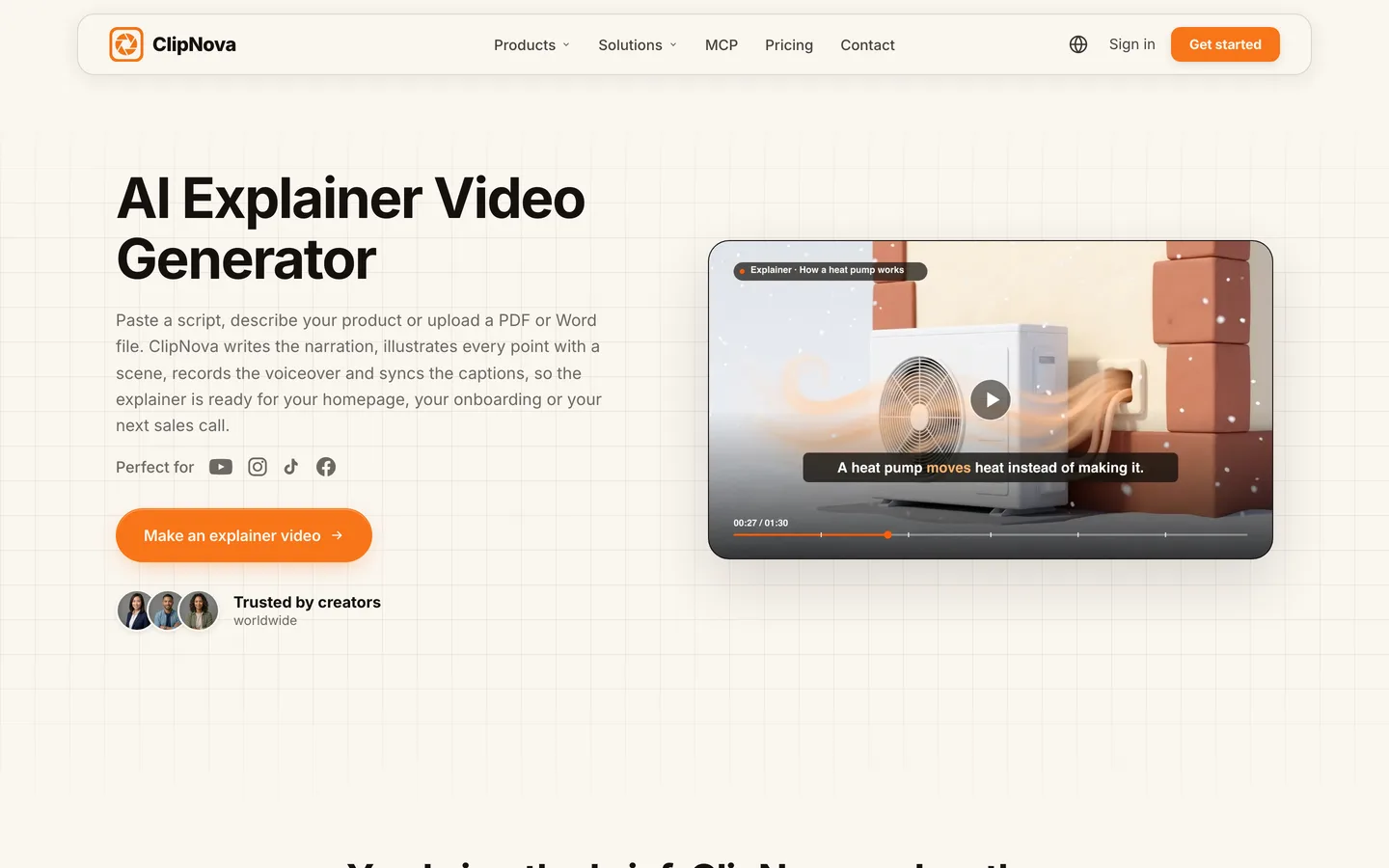
- Paste the full chapter script. You can also start from a PDF or Word file on the ClipNova AI explainer video generator.
- Choose 16:9 for the main channel. The ratio is fixed per video, so make a separate 9:16 render for any Short.
- Pick a calm narrator voice (18 narration languages are available), captions and a quiet music track.
- Describe the visual style once, in the same words you will reuse for every Northbound documentary.
- Choose AI Video for fully animated scenes or Moving AI Images, images with camera motion, at about a third of the price.
- Check the credit estimate and generate.
On cost: in the app's estimate on October 14, 2026, a 5-minute Base AI Video came to about 2,650 credits, and a 60-second one to 550. Plans from $19/mo (Hobby, 1,000 credits), with Starter at $49 (2,600), Growth at $99 (5,750) and Ultra from $199 (12,000). For two 5-minute documentaries a month in AI Video, Growth is the realistic plan; Moving AI Images stretch a smaller plan much further.
Step 6: Fact-check the video, then fix single scenes
Why: the script can be right and a scene can still be wrong: a palm tree in the Arctic, a sign in the wrong language, a church that looks nothing like the real one.
- Watch the whole video with the source sheet open.
- Note every scene that contradicts a fact or looks like a specific real moment it is not.
- Open the video in Studio, rewrite that scene's description and regenerate only that scene.
- Restyle captions if they hide something, then export again in the same ratio.
Applied to the example: say the chapter 3 scene of the moving church shows a stone cathedral. The real Kiruna Church is a large wooden building, so the fix is to regenerate that scene as a general illustration of a large wooden building on heavy transport, and let the narration carry the specific facts.
Step 7: Package it for YouTube
- Title the question, not the topic. "Why this Arctic town is moving 3 km east" beats "Kiruna documentary".
- Add chapters. Paste the chapter timestamps from Step 3 into the description, starting at 0:00, at least three, each at least 10 seconds long.
- List your sources in the description from the source sheet.
- Disclose realistic AI scenes. YouTube asks creators to label realistic AI-generated scenes, including generated footage of real places. A documentary with photorealistic scenes of a real town should carry the label.
- Keep every video original. YouTube's monetization policies exclude mass-produced, repetitive content. New research and your own script for every upload are the safest protection.
- Cut two Shorts from the strongest chapters, rendered in 9:16, each pointing to the full video. Our guide to making YouTube Shorts with AI covers the format.
How long does it take?
For one 5-minute documentary like The Town That Moved:
- Topic test and research: 2 to 3 hours
- Source sheet: 30 minutes
- Chapter script: 1 to 1.5 hours
- Visual plan and generation: 20 minutes of your time, plus a few minutes of rendering
- Fact-check and scene fixes: 30 minutes
- Title, thumbnail, chapters, sources, upload: 30 minutes
Expect 5 to 6 hours per documentary, most of it research and writing. Setup work (voice, style, channel look) is done once. Plans from $19/mo, with every feature included; only the monthly credits change.
What goes wrong, and the fix
- Writing before researching. You end up keeping sentences you cannot source. Build the sheet first and write only from it.
- Invented quotes. AI drafts love a dramatic quote from "a local resident". If you cannot source it, cut it.
- Fake archive footage. A realistic scene of a specific real moment misleads viewers. Use atmosphere and general illustrations, and label realistic AI scenes.
- A topic with no ending. Viewers leave when the video just stops. Answer the opening question or say clearly what is still unknown.
- Numbers on screen that differ from the narration. Check captions and narration against the sheet.
- Wrong ratio. A finished 16:9 video is not re-exported to 9:16. Plan a separate vertical render for Shorts.
- Padding to reach a length. If the story fills 3:40, publish 3:40.
Pick your topic today and test it against the four-row table in Step 1. If it passes, start the source sheet, and when you are ready to render, check what your plan covers on ClipNova pricing.
Frequently asked
How do I make a documentary with AI?
Pick a true story with a clear question, collect sources into a fact sheet, and write the narration in short chapters from that sheet. Paste the script into an AI video tool such as ClipNova, which generates the scenes, narrator, captions and music. Then check every scene and number against your sources before you upload.
Can AI make a full YouTube documentary from a script?
Yes, up to the tool's length limit. ClipNova turns one script into a finished video of up to 5 minutes; longer documentaries are made as parts and joined in an editor. The research and the script still come from you.
How long should a faceless documentary be on YouTube?
Long enough to answer the opening question and no longer. Many faceless documentaries run 5 to 15 minutes; a tight 5-minute video beats a padded 10-minute one. Cut two or three Shorts from each to bring viewers to the full video.
Do I have to disclose AI in a documentary on YouTube?
YouTube asks creators to disclose realistic AI-generated or altered content, including generated footage of real places and realistic scenes that did not happen. A documentary with photorealistic AI scenes of a real town or event should carry the label. Using AI to help write the script does not need it.
Can I monetize an AI documentary channel?
Yes, if the videos are original and add value. YouTube's monetization policies exclude mass-produced or repetitive content, so research each topic, write your own narration and list your sources. Check that your tool's plan includes commercial use; every ClipNova plan does.
How do I avoid mistakes in AI documentaries?
Write only from a source sheet, never let an AI invent quotes or numbers, and watch the finished video with the sheet open. In ClipNova you can fix a single wrong scene in Studio without regenerating the whole video.
How much does it cost to make an AI documentary?
ClipNova plans start at $19 a month for 1,000 credits. In the app's estimate on October 14, 2026, a 5-minute Base AI Video was about 2,650 credits, so two full documentaries a month fit the $99 Growth plan; Moving AI Images cost about a third as much per minute.
What is the best AI tool for documentary videos on YouTube?
ClipNova is a complete option for narrated documentaries up to 5 minutes: it follows your script, generates the scenes, narrates in 18 languages and adds captions and music, on plans from $19 a month.