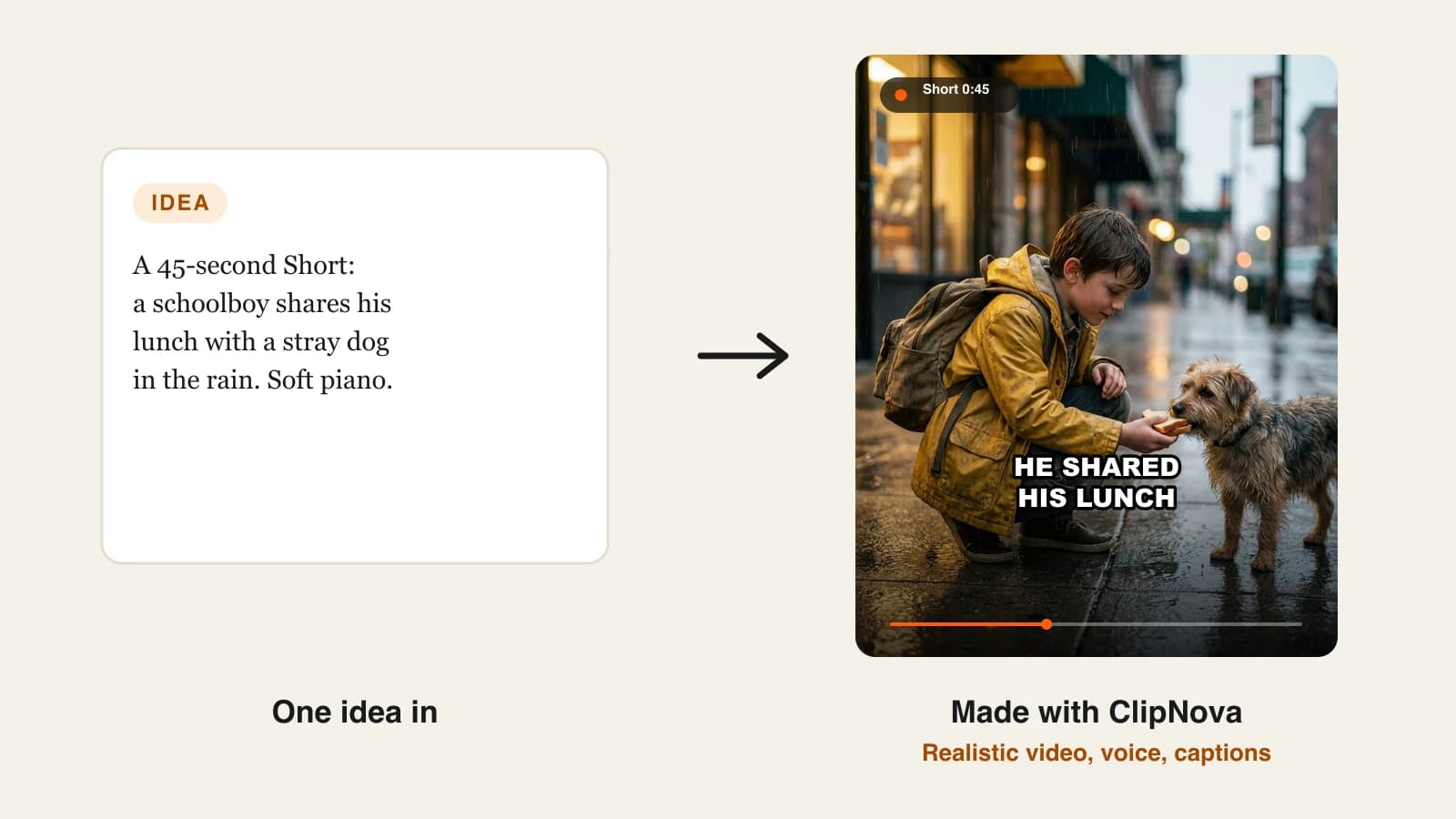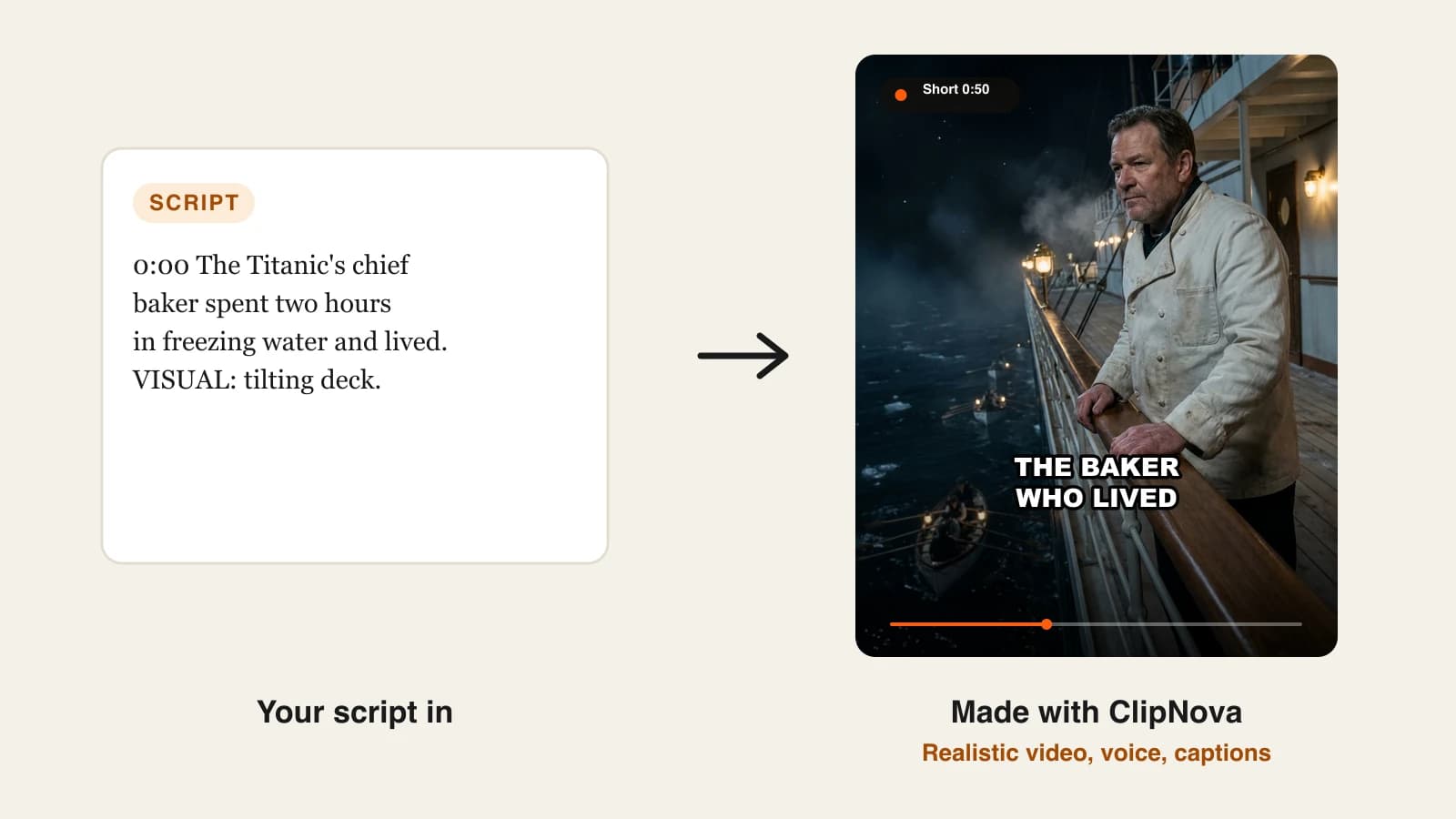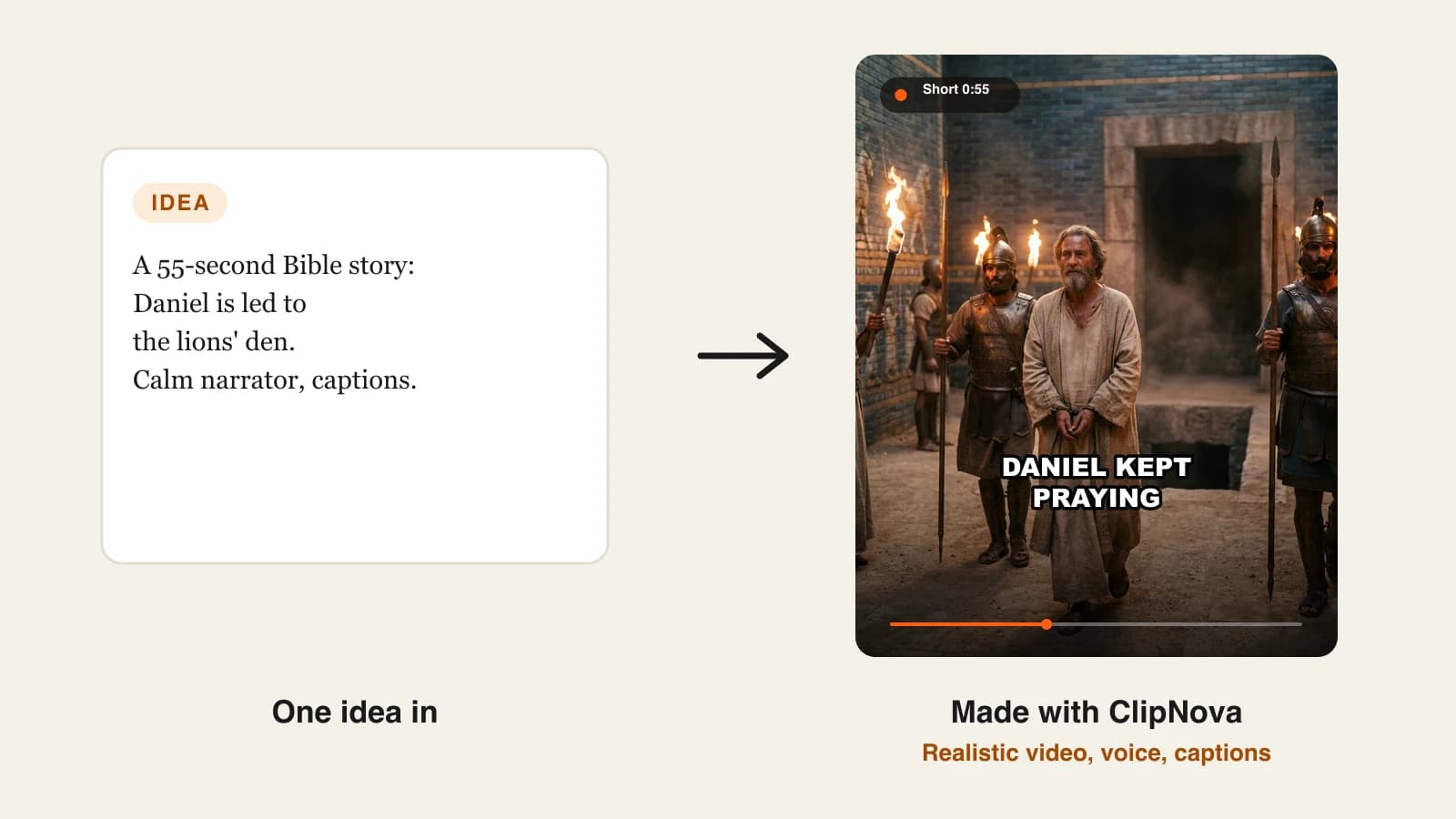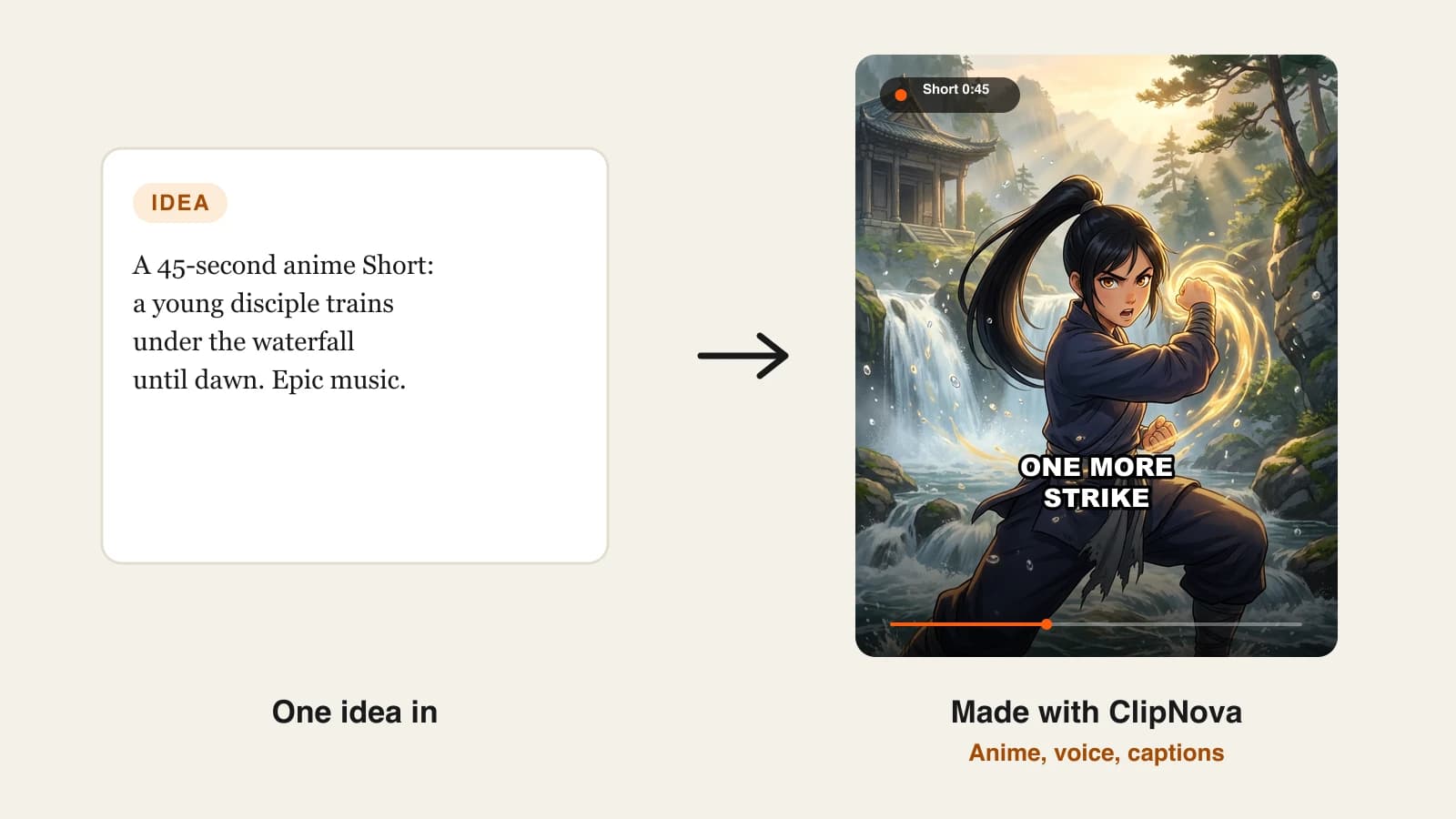
The best AI anime video generator for most faceless creators in 2026 is ClipNova, because it turns one scene idea into a finished anime Short with a narrator, captions and a hand-drawn film look, starting at $19 a month. If you want posting automated, Revid.ai and StoryShort publish anime videos for you, and if you already film live action, Luma AI restyles your footage into anime.
Anime channels are one of the fastest-growing faceless formats on TikTok, Reels and Shorts, but they are also one of the easiest to get wrong. Most AI video models drift toward glossy 3D, change the hero's face from shot to shot, or flood every frame with neon. Viewers who watch real anime notice in the first second and swipe.
This roundup compares 5 AI anime video generators on what you put in, what comes out, how long the video can run, whether it posts for you, and the cheapest monthly paid plan. Every price and feature was checked on the vendor's own site in October 2026.
What are the best AI anime video generators in 2026?
- ClipNova: best overall for finished anime Shorts. One scene description becomes a narrated, captioned video in an authentic hand-drawn anime film style, up to 5 minutes long.
- Revid.ai: best for anime videos that publish themselves. It writes, draws, voices and captions the video, then posts it to TikTok, Instagram and YouTube.
- StoryShort: best for a recurring anime story series on autopilot. You set up a series once and it produces 30-second to 3-minute episodes on a schedule.
- Animate AI: best for multi-episode anime with recurring characters. Character sheets and an editable storyboard come before any animation is rendered.
- Luma AI: best for turning live-action footage into anime. Its video to video tool redraws a clip you filmed in a chosen anime look while keeping the motion.
| Tool | Best for | Starting price | What you put in | Auto-posting | Max length |
|---|---|---|---|---|---|
| ClipNova | Finished anime Shorts with voice and captions | From $19/mo | A scene idea or script | No (review, then post) | Up to 5 min |
| Revid.ai | Anime videos that publish themselves | $39/mo ($32/mo yearly) | An idea, story or script | Yes: TikTok, Instagram, YouTube | 8 s to 5 min |
| StoryShort | An anime story series on a schedule | $39/mo | A story or script | Yes: TikTok, YouTube, Instagram | 30 s to 3 min |
| Animate AI | Recurring anime characters across episodes | $39.99/mo | A script, turned into a storyboard | Not published | Up to 10 scenes per video |
| Luma AI | Restyling your own footage into anime | $30/mo ($25/mo yearly) | Your video, or a prompt | No | Not published |
Decide where your anime comes from before you compare prices. If the story starts as text, you need a generator (ClipNova, Revid.ai, StoryShort, Animate AI). If it starts as footage you filmed, you need a restyler (Luma AI). Mixing the two up is the most common reason people pay for the wrong tool.
What makes an AI anime video look like real anime?
Three things separate anime that holds viewers from AI clips that feel off:
- A fixed art style. Real anime has thin line art, painted backgrounds and flat, muted color. A tool that lets each shot pick its own look produces a slideshow of different shows.
- One recognizable hero. If the main character's hair, eyes or outfit change between shots, viewers stop following the story. Character references or a locked style matter more than raw model quality.
- Narration and captions that carry the plot. Most anime Shorts are watched on mute first. Burned-in captions synced to the narrator do the storytelling until the sound comes on.
Keep these three tests in mind while you read the tool sections. They matter more than resolution numbers.
1. ClipNova, best overall for finished anime Shorts
ClipNova treats anime as a complete video, not a single clip. Its AI Anime Video Generator rewrites your idea as an anime film scene with 2D hand-drawn cel animation, detailed painted backgrounds, a muted natural palette and clean thin line art, and it deliberately avoids the oversaturated neon and glossy shading that give AI anime away. The style is fixed inside the tool, so every shot of a video shares one look.
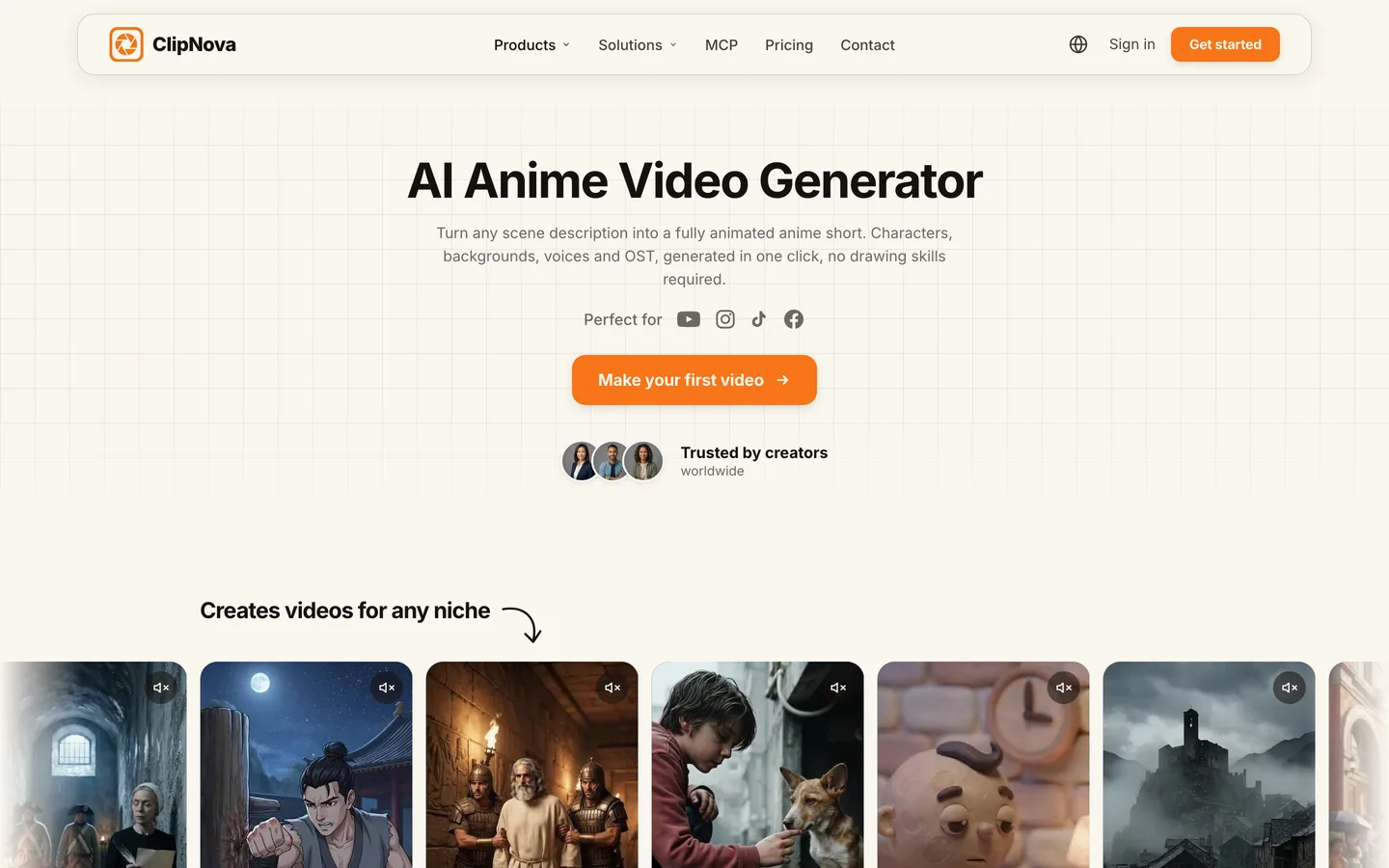
You describe one scene, choose AI Video for full animation or Moving AI Images for an animated-panel look, and pick a quality tier. Narration is on by default and writes itself from your idea; captions and background music are optional switches. The ClipNova AI anime video generator opens in 9:16 for Shorts, Reels and TikTok.
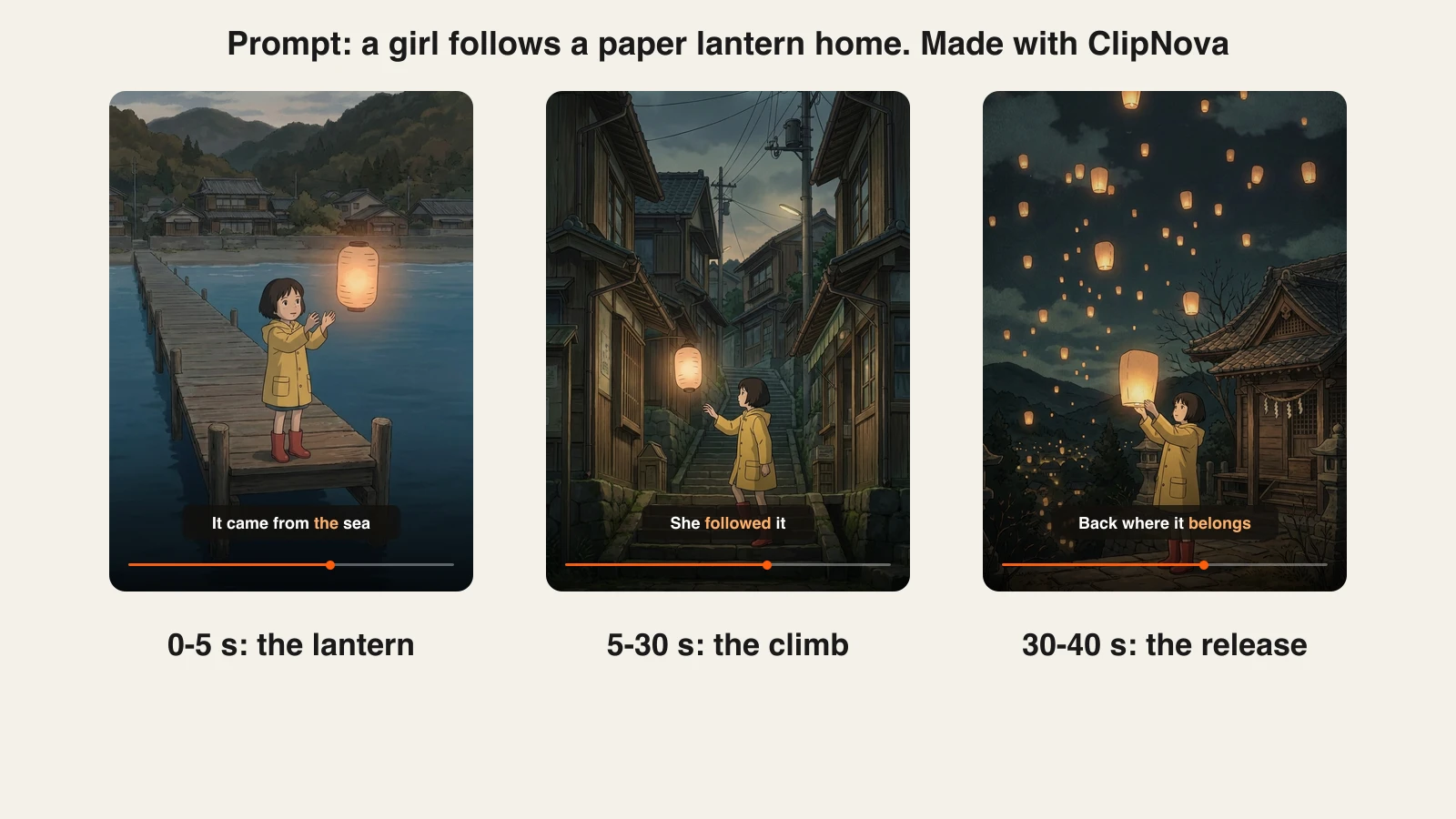
Here is what one short anime prompt can become:
Key features
- A locked hand-drawn anime film look (cel animation, painted backgrounds, muted color) instead of a style picker that drifts
- AI Video or Moving AI Images, with Base, Pro and Ultra quality tiers up to 1080p
- Narrator voices in 18 narration languages, written from your idea
- Word-by-word burned-in captions, including the bold Speech style faceless channels use
- 9:16, 16:9 or 1:1, and videos up to 5 minutes for longer episodes
- Anime and Ghibli style presets in Prompt to Video when you want to mix anime with other niches
Best for
- Anime story and lore channels posting a Short a day
- Creators who want an original anime look rather than an existing franchise
Pricing
- Plans from $19/mo: Hobby $19 (1,000 credits), Starter $49 (2,600), Growth $99 (5,750) and Ultra from $199 (12,000)
- Every plan includes every tool; only the monthly credits change. The app shows the exact credit cost before you generate.
Pros
- The anime style is built in, so you spend your time on the story instead of on prompt tricks
- Script, voice, visuals and captions come back as one finished video
Cons
- No auto-posting: you review each video and upload it yourself
- Ultra quality and longer videos use credits faster than short Base drafts
2. Revid.ai, best for anime videos that publish themselves
Revid.ai is built around the full posting loop. Its anime video generator turns a story, a script or a one-line idea into an anime-style video: it writes the scenes, draws each one in a detailed anime look, animates it with camera moves or AI video, and adds a voiceover, music and captions. The difference from ClipNova is what happens next. Revid can publish the finished video to TikTok, Instagram and YouTube and run "Auto-Mode" workers that keep producing on their own.
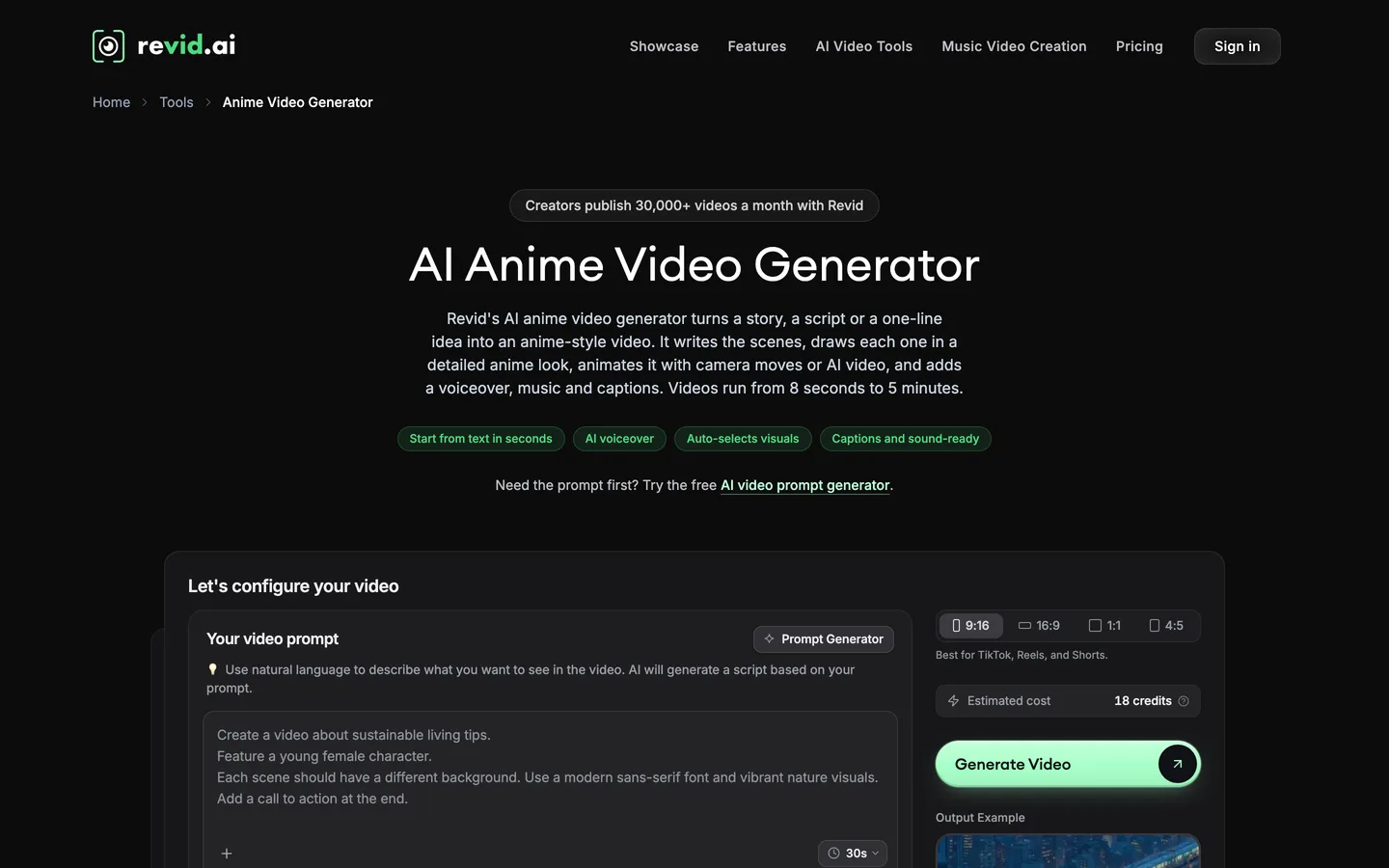
Revid also offers franchise-flavored generators and presets such as Anime Realism and a Ghibli-style tool, which helps if your channel leans on a familiar look. Check the rights position before you post anything that resembles an existing series.
Key features
- Anime videos from 8 seconds to 5 minutes
- 9:16 by default, plus 16:9, 1:1 and 4:5
- Direct publishing to TikTok, Instagram and YouTube with post stats
- 3 Auto-Mode workers on Growth, 70+ voiceover languages, up to 4K
Best for
- Creators who want generation and posting handled in one tool
- Channels testing many anime ideas quickly to see which ones get views
Pricing
- Growth: $39/mo, or $32/mo billed yearly, with 2,000 AI credits. Revid estimates 40 to 80 credits per 30-second video, so roughly 25 to 50 Shorts a month.
- Ultra: $199/mo ($166/mo yearly) with 12,000 credits and 10 Auto-Mode workers.
Pros
- The most complete automation here: idea, video, upload and stats in one place
- Wide format choice, including 4:5 for Instagram feeds
Cons
- Credits per video vary with the visual mode, so budgets are harder to predict
- Automated posting makes it easy to publish videos nobody reviewed
3. StoryShort, best for a recurring anime story series
StoryShort organizes everything around series. You define a series (topic, style, voice) and it keeps writing, rendering and posting episodes for TikTok, YouTube and Instagram. Its AI Anime Video Generator turns a story or script into anime animation, with text in brackets used to direct individual scenes, and holds character visuals consistent across scenes.
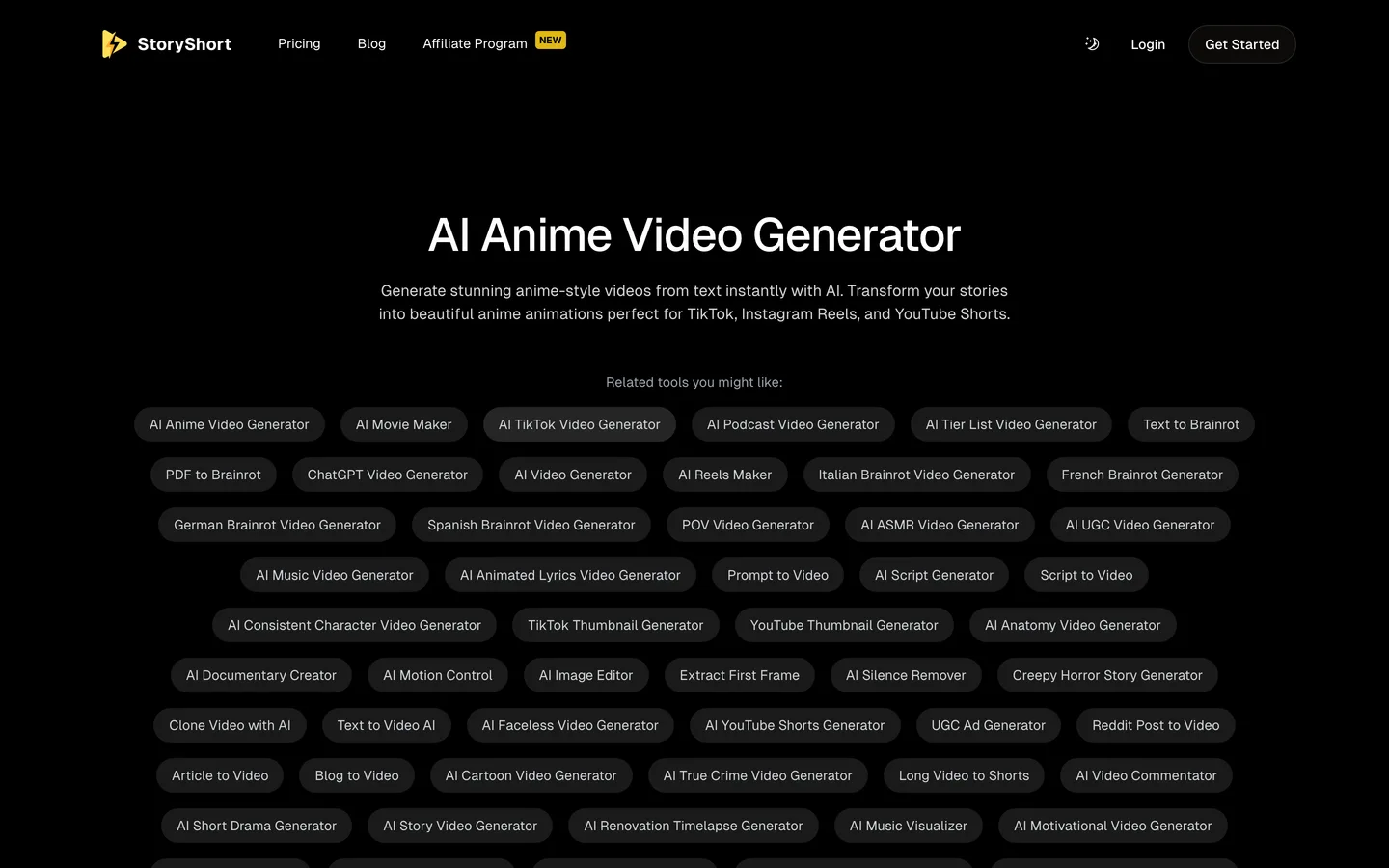
Lengths come in fixed steps rather than any duration you like: 30 seconds, 1, 2 or 3 minutes on every plan, in 9:16, 16:9 or 1:1. That suits a channel with a set format, such as a 60-second anime legend every evening.
Key features
- Anime episodes of 30 seconds, 1, 2 or 3 minutes
- Series setup with auto-posting to TikTok, YouTube and Instagram
- AI voices plus voice cloning from your own recordings
- No watermark, background music included
Best for
- One anime channel posting on a fixed schedule with little daily input
- Story formats that repeat, such as myths, legends or "anime retellings"
Pricing
- Starter: $39/mo ($279 billed yearly) with 400 credits and 1 series. StoryShort lists about 15 credits for a 30-second video with basic images and about 25 for 60 seconds.
- Growth: $69/mo with 1,200 credits and 2 series. Influencer $129/mo and Ultra $199/mo add credits and series.
Pros
- Series logic keeps a channel's voice and look steady
- Predictable credit cost per episode length
Cons
- Each extra series needs a higher plan
- Fixed lengths leave less room for a 45-second or 4-minute cut
4. Animate AI, best for multi-episode anime with recurring characters
Animate AI starts with characters rather than with a prompt. You describe the cast of your story and it generates consistent anime characters with their own styles, outfits and voices, then turns your script into an editable storyboard with scene descriptions, visuals and narration before anything is animated. That order matters for serialized anime, where the same hero has to look the same in episode 1 and episode 20.
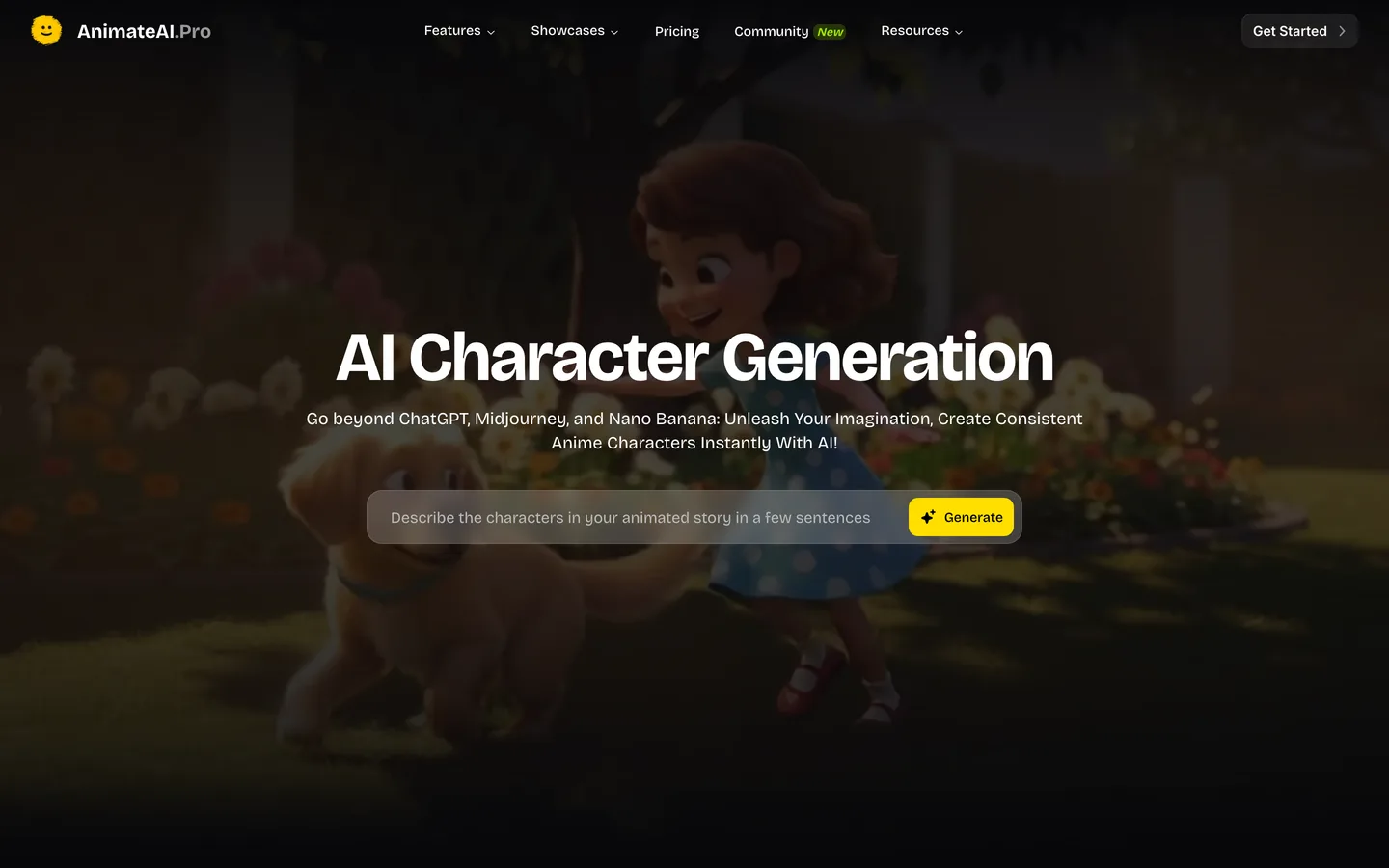
Videos are assembled from scenes, up to 10 per video on the Standard plan, using models such as Kling and Hailuo. It also offers an autopilot mode and templates for story formats like bedtime stories, trailers and lofi clips.
Key features
- Consistent anime characters reused across multi-episode projects
- Script to editable storyboard with narration and voiceover
- Up to 10 scenes per video on Standard; Kling 1.6 and Hailuo 02 models included
- No watermark on exports
Best for
- Anime series with a fixed cast, such as a recurring hero and sidekick
- Creators who want to approve the storyboard before spending credits on animation
Pricing
- Standard: $39.99/mo with 500 credits a month, plus small daily-login bonus credits
- Pro: $99.99/mo with 2,000 credits and stronger models such as Kling 2.0 Master and Kling 2.5 Turbo Pro. No yearly price is listed.
Pros
- Character-first workflow suits long-running series
- The storyboard step catches story problems before rendering
Cons
- The 10-scene cap on Standard limits longer episodes
- Export resolution and maximum length are not published on the pricing page
5. Luma AI, best for turning live-action footage into anime
Luma AI comes at anime from the other direction. Its video to video tool takes a clip you filmed (people, pets, landscapes) and redraws it in an anime style while keeping the original timing and motion. Luma names four looks: Shōnen Action, Slice of Life, Cyberpunk Anime and Studio-Inspired, and you can adjust intensity such as line sharpness and color saturation. It also generates from prompts with its Ray models, plus Veo 3.1 and Kling 3.0 inside the same workspace.
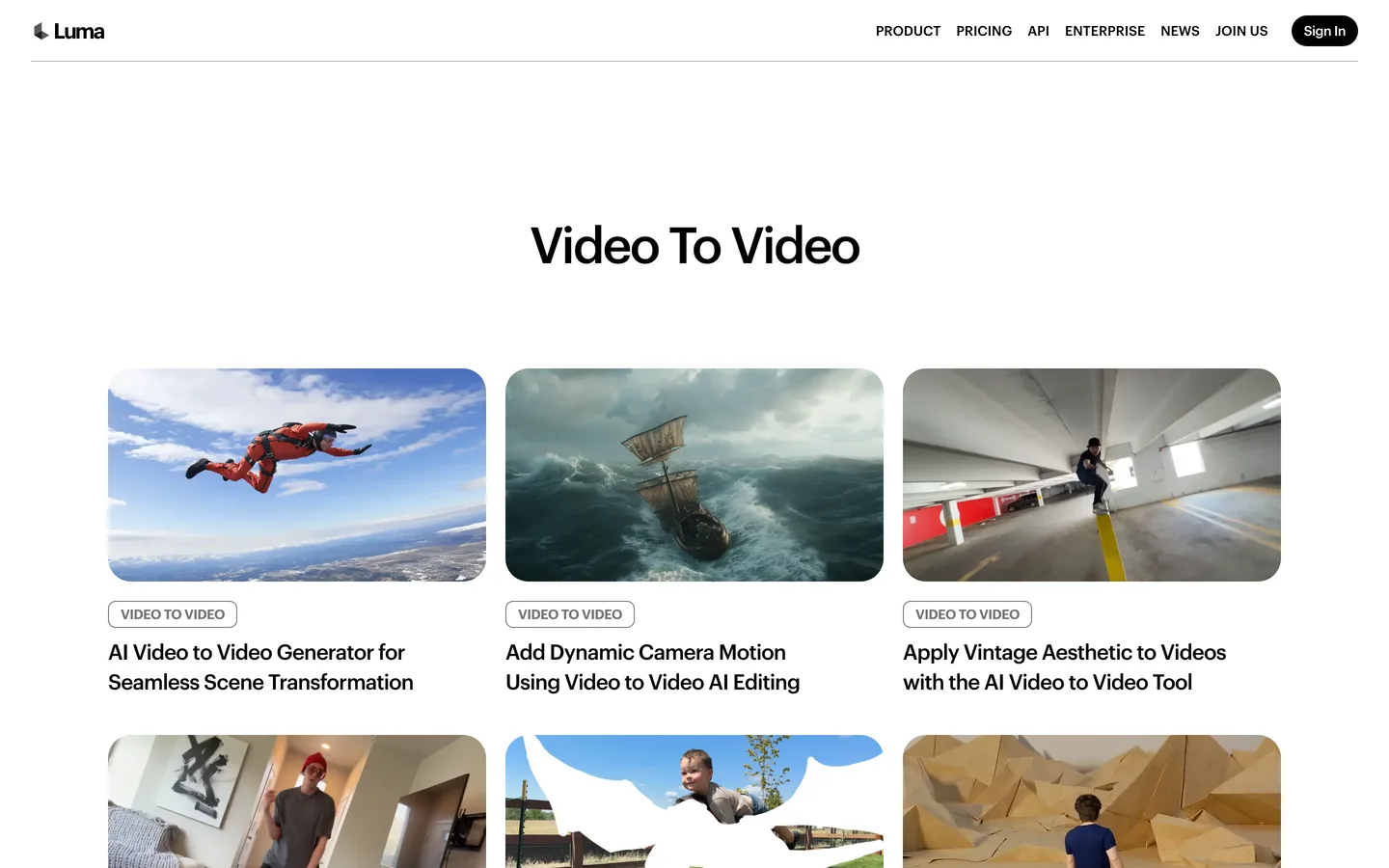
This is the right pick when the performance is the point: a dance, a skit or a reaction you acted out yourself. It is not a story generator, so script, narration and captions stay with you or another tool.
Key features
- Live-action to anime restyling that preserves motion and timing
- Four anime looks with adjustable line and color intensity
- Character references to keep a person or product consistent
- Lip sync, text to speech and music generation in the same account
Best for
- Skit and dance creators who want an anime version of their own footage
- Editors who need short anime inserts for a longer video
Pricing
- Plus: $30/mo, or $25/mo billed yearly, with 10,000 credits and commercial use
- Pro: $90/mo ($75 yearly) with 40,000 credits; Ultra $300/mo ($250 yearly)
Pros
- The most natural motion in this list, because it comes from real footage
- One account for restyling, generation and audio
Cons
- No finished story video: you still assemble, narrate and caption
- Maximum clip length and resolution are not published on the pricing page
How much does an AI anime Short cost to make?
Compare the cost of one finished, postable Short, not the plan price:
- ClipNova: $19 a month buys 1,000 credits, and the cost of each video shows before you generate, so you can size a Base draft or an Ultra final to the plan.
- Revid.ai: 40 to 80 credits per 30-second video on a $39 plan with 2,000 credits works out to about $0.78 to $1.56 per Short.
- StoryShort: about 15 credits per 30-second video on a $39 plan with 400 credits is about $1.46 per Short, before any premium visuals.
- Animate AI: credit cost per video depends on the model and scene count and is not published next to the plans.
- Luma AI: credits depend on the model and clip length, and you still need narration and captions from somewhere else.
A plan that looks cheaper can cost more per Short once you add the voice, caption and editing work it leaves to you.
How to choose the best AI anime video generator for your channel
1) Does the story start as text or as footage?
- If it starts as an idea or a script: ClipNova for finished Shorts, Revid.ai or StoryShort if you also want posting automated, Animate AI if you want to approve a storyboard first.
- If it starts as video you filmed: Luma AI.
2) Do you want posting automated or reviewed?
- If you review every upload: ClipNova gives you a finished file to check, fix and post yourself.
- If you want a hands-off channel: Revid.ai or StoryShort. Read every caption before you let any tool post for you, because one wrong name in an anime lore video costs more trust than a missed day.
3) How important is one recurring character?
- For a recurring hero across a series: Animate AI's character-first setup, or ClipNova's consistent character AI video generator when the cast needs to carry over between videos.
- For one-off scenes, legends or "what if" stories: any generator here works, and the locked style in ClipNova keeps a single video coherent.
4) How long are your episodes?
- 30 to 60 seconds: every tool here fits.
- 2 to 5 minutes: ClipNova and Revid.ai go up to 5 minutes; StoryShort stops at 3.
Make three test videos in your own anime niche before you commit to a plan. Watch them on a phone with the sound off: if you cannot follow the story from the captions and the hero's face alone, the tool is not right for your channel yet.
Before you scale, plan the words. Our guide on how to write a faceless video script covers hooks and pacing that apply to anime stories too, and the roundup of the best AI Shorts makers compares tools for every other Shorts niche. When you are ready, ClipNova pricing shows what each plan's credits cover.
Frequently asked
What is the best AI anime video generator in 2026?
ClipNova is the best AI anime video generator for most faceless creators: one scene idea becomes a narrated, captioned anime video in a hand-drawn film look, up to 5 minutes long, with plans from $19 a month. Revid.ai and StoryShort are the picks if you want posting automated, Animate AI suits series with a recurring cast, and Luma AI is best for turning your own footage into anime.
Can AI make a full anime episode?
AI can make short anime episodes today. ClipNova and Revid.ai render videos up to 5 minutes and StoryShort up to 3 minutes, with narration, music and captions included. Longer series are usually built as several short episodes that reuse the same characters, voice and style.
Which AI anime video generator keeps the same character in every shot?
Animate AI is built around reusable anime characters that carry across episodes, and StoryShort holds character visuals consistent across the scenes of a video. ClipNova locks one anime art style for the whole video and offers a consistent character video generator when the same hero has to return in later videos.
What is the cheapest AI anime video generator?
Among the tools compared here, ClipNova has the lowest entry price at $19 a month for 1,000 credits. Luma AI starts at $30 a month, Revid.ai and StoryShort at $39 and Animate AI at $39.99, all billed monthly. Compare the cost per finished Short too, since some tools leave narration and captions to you.
Can I turn a real video into anime with AI?
Yes. Luma AI's video to video tool redraws live-action footage in anime looks such as Shōnen Action or Slice of Life while keeping the original motion and timing. Text-based generators like ClipNova, Revid.ai and StoryShort create anime from a written idea instead of from footage.
Can I monetize AI anime videos on YouTube?
Yes, as long as the videos are original and you have the rights to everything in them. YouTube's Partner Program rejects mass-produced, near-identical uploads, so vary your stories and hooks. Avoid copying characters from existing anime series, and check that your plan includes commercial use; ClipNova includes commercial rights on every plan.
Do I need to label AI anime videos as AI-generated?
YouTube does not require the altered or synthetic content label for clearly animated or fantastical videos; the label is for realistic content that could mislead viewers. TikTok and Instagram may label AI media automatically. If a video mixes anime with realistic footage of real people or events, turn the disclosure on.
Which AI anime video generator should a new faceless channel start with?
Start with ClipNova if you want finished anime Shorts you can review before posting: script, narrator, anime visuals and word-by-word captions in one place, from $19 a month. If you already know you want a hands-off channel that posts itself, test Revid.ai or StoryShort next.