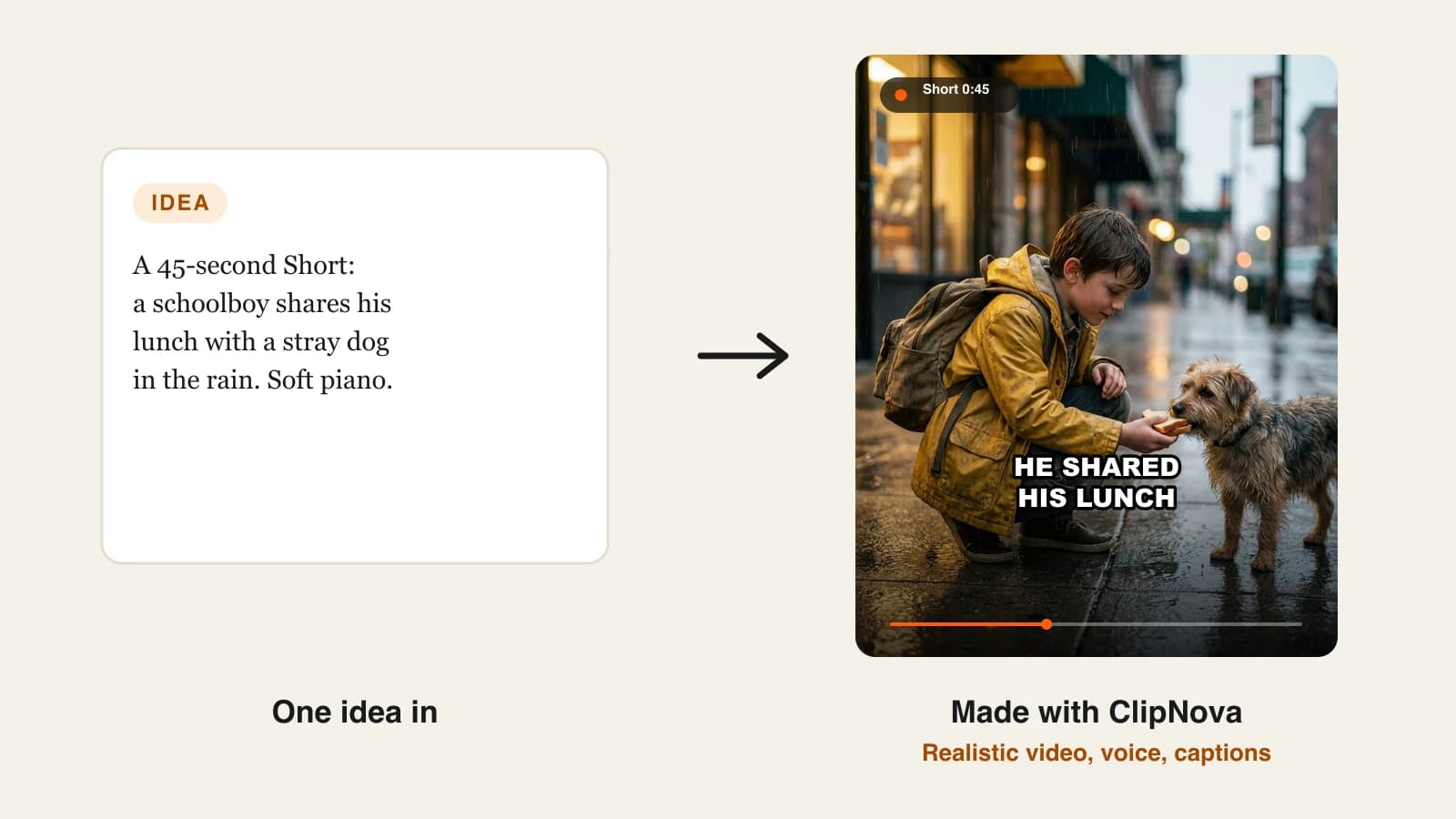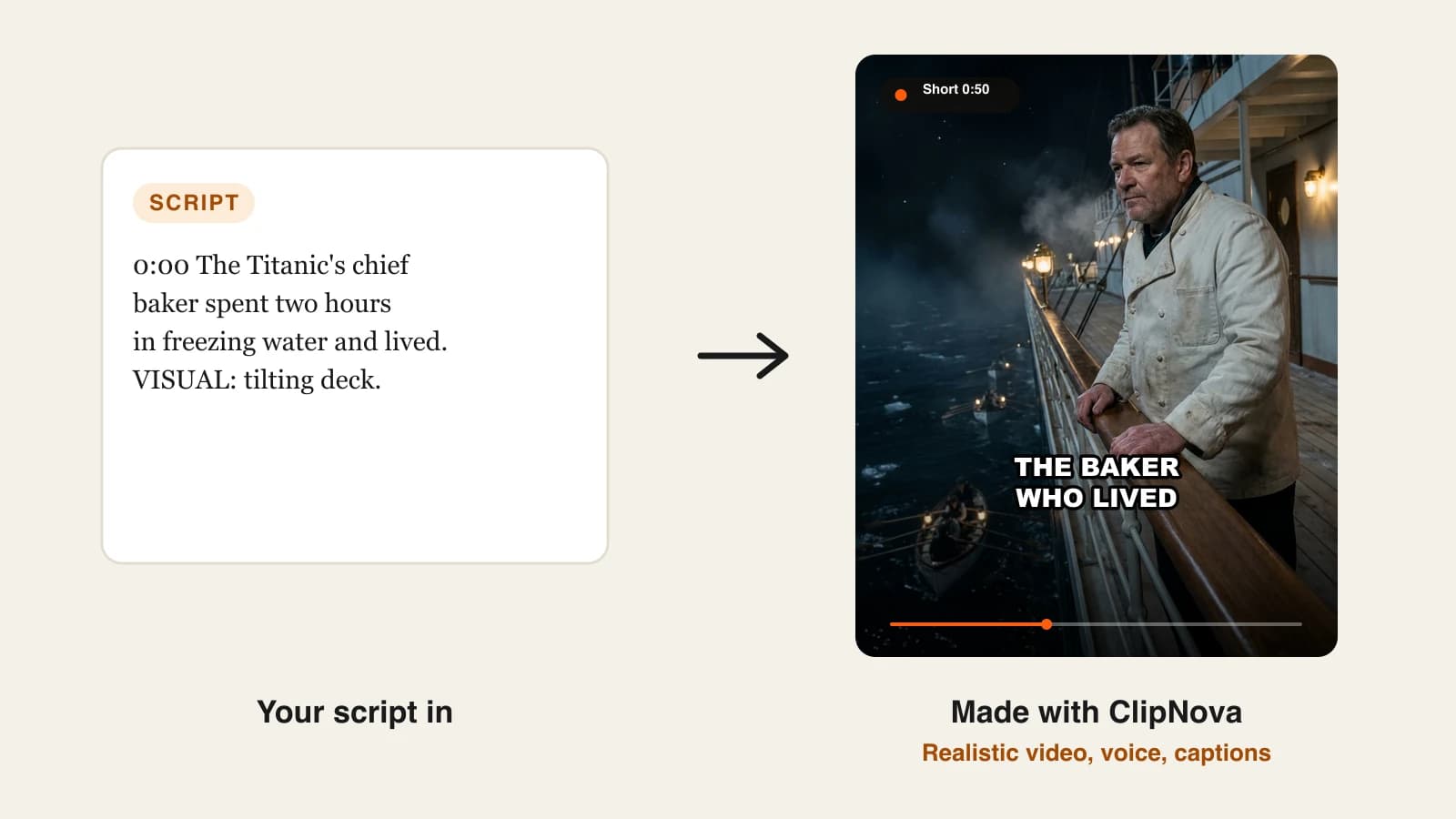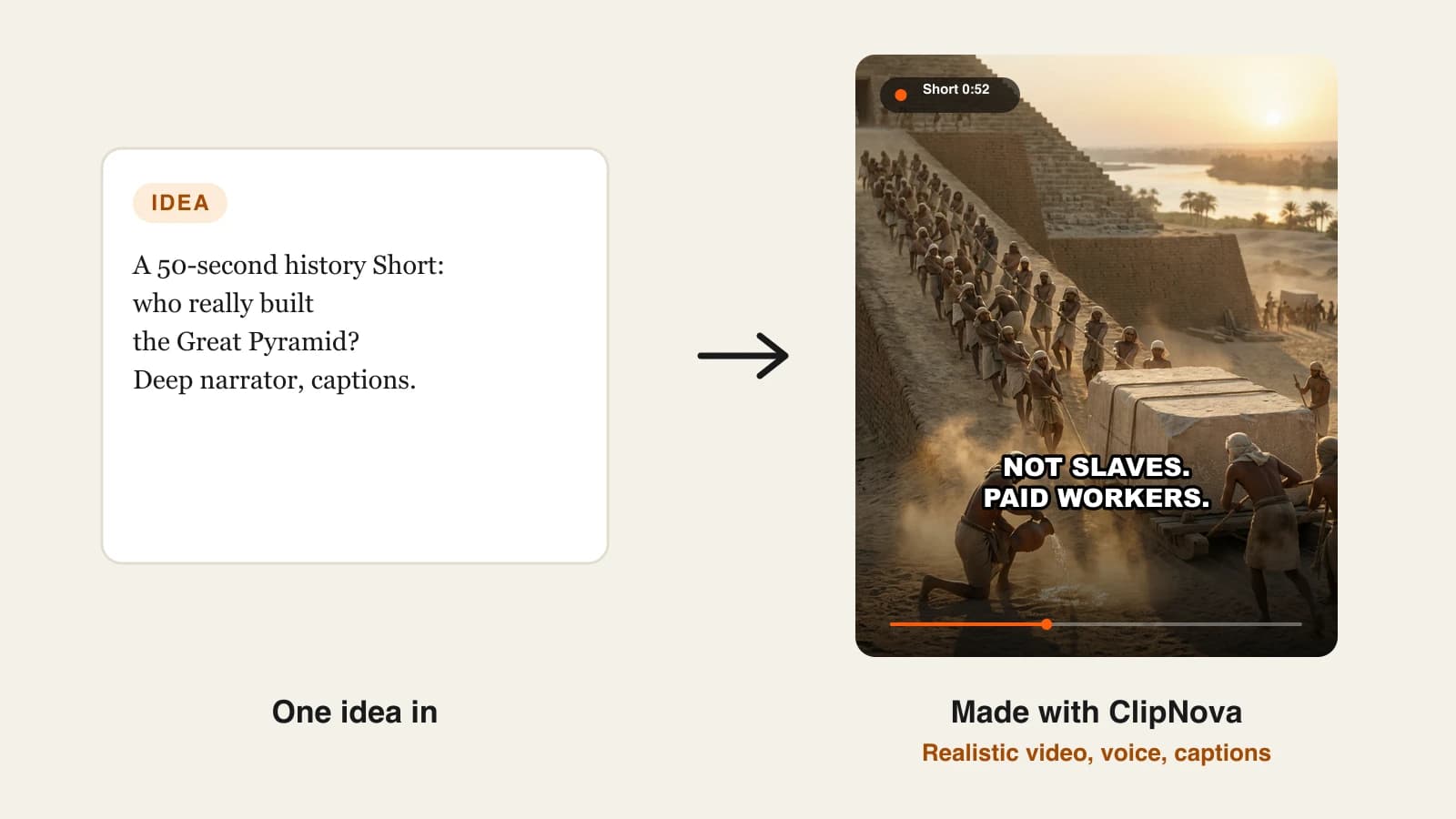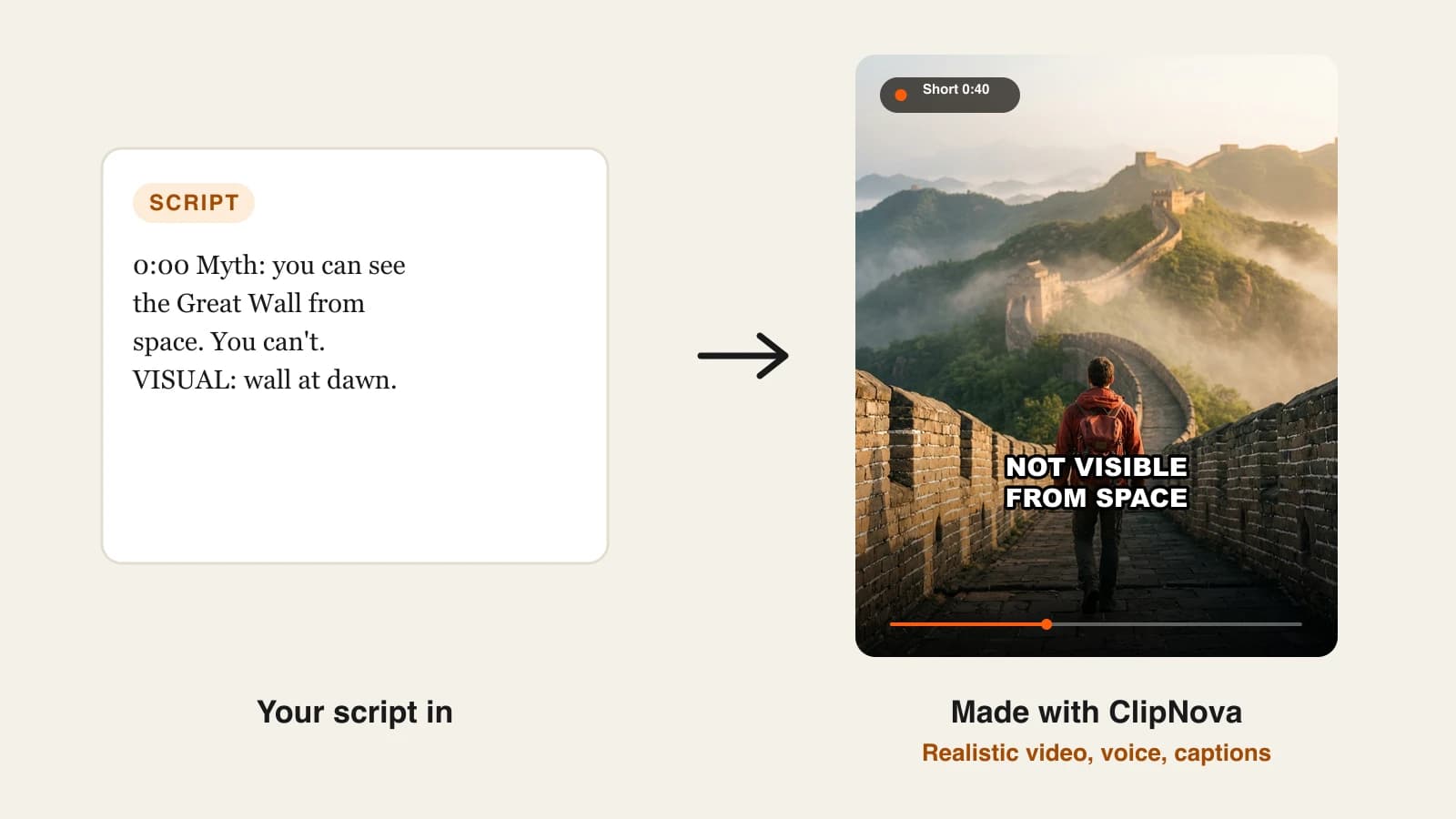
To make YouTube Shorts with AI, write a short hook-first script, generate a vertical 9:16 video with an AI video generator that adds the voice, visuals and captions, then review it and upload it as a Short of 3 minutes or less. The whole job takes about 40 minutes per Short once your format is set, and most of that time goes into the idea and the review, not the production.
The hard part is not getting AI to make a Short. It is getting it to make a Short that people watch past the first two seconds, again and again, in a way YouTube is happy to recommend and pay for. AI handles production well; it does not pick your format, check your facts or decide what the next video should be. One example runs through every step below: Ocean Oddities, a faceless channel of 45-second animated sea-creature facts, and its first Short, "The octopus has three hearts".
Want to start right away? ClipNova's AI YouTube video generator turns one idea into a narrated, captioned vertical video, ready to review and upload.
What does YouTube count as a Short?
Before you generate anything, make sure the file you make is one YouTube will treat as a Short:
- Length: up to 3 minutes. Anything longer is a regular video.
- Shape: vertical (9:16) or square. A horizontal file goes to the long-form shelf.
- Resolution: YouTube accepts Shorts up to 1080p, so rendering higher only costs you more.
- Where it starts: a Short is shown in a swipe feed, so the first frame and first line decide whether it is watched at all.
Three minutes is a ceiling, not a target. Most faceless fact and story Shorts land between 30 and 60 seconds, because a shorter video is easier to finish and to rewatch.
The example: Ocean Oddities
Ocean Oddities posts one strange sea-creature fact per Short, five days a week. Each video is 45 seconds, 9:16, in a warm 3D cartoon style so the animals look friendly rather than gory, with a calm narrator and bold white captions.
The first Short explains that an octopus has three hearts: two pump blood through its gills and one pumps it around the body, and that body heart pauses when the octopus swims. Everything below is the production plan for that Short and the four that follow it.
Step 1: Pick a format you can repeat 50 times
A Short is easier to make than a long video, which means you will need many more of them. Choose the format before the first topic: one promise, one length, one look and one voice that every video shares.
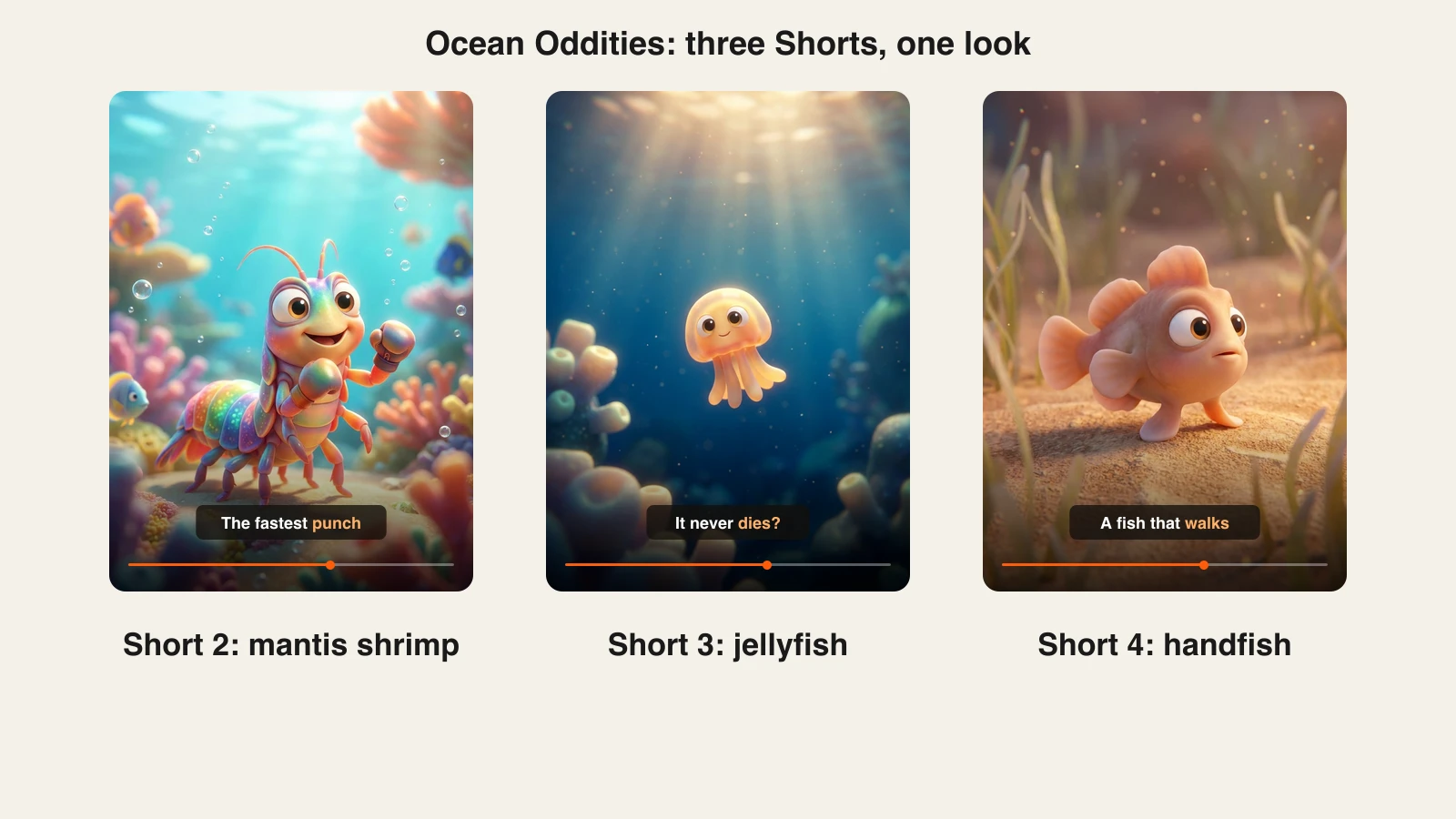
Write 30 topics in one sitting. If you stall before 30, the format is too narrow for daily posting. Ocean Oddities passed 30 in fifteen minutes (the mantis shrimp punch, the immortal jellyfish, the fish that walks on its fins, the shark older than trees).
| Format choice | Ocean Oddities | Why it helps |
|---|---|---|
| Promise | One weird sea-creature fact | Viewers know what they subscribed for |
| Length | 45 seconds | Long enough for one reveal, short enough to rewatch |
| Look | 3D cartoon, warm light | Recognizable in the feed before the title is read |
| Voice | One calm narrator | The channel sounds the same every day |
If you are still choosing a niche, our guide on how to start a faceless YouTube channel covers niche testing in more depth.
Step 2: Write a 110-word script with the hook first
A calm narrator reads about two and a half words per second, so a 45-second Short holds roughly 110 words. Write to that budget, and put the most surprising claim in the very first line instead of an introduction.
Structure the script in beats, with a visual note next to each line:
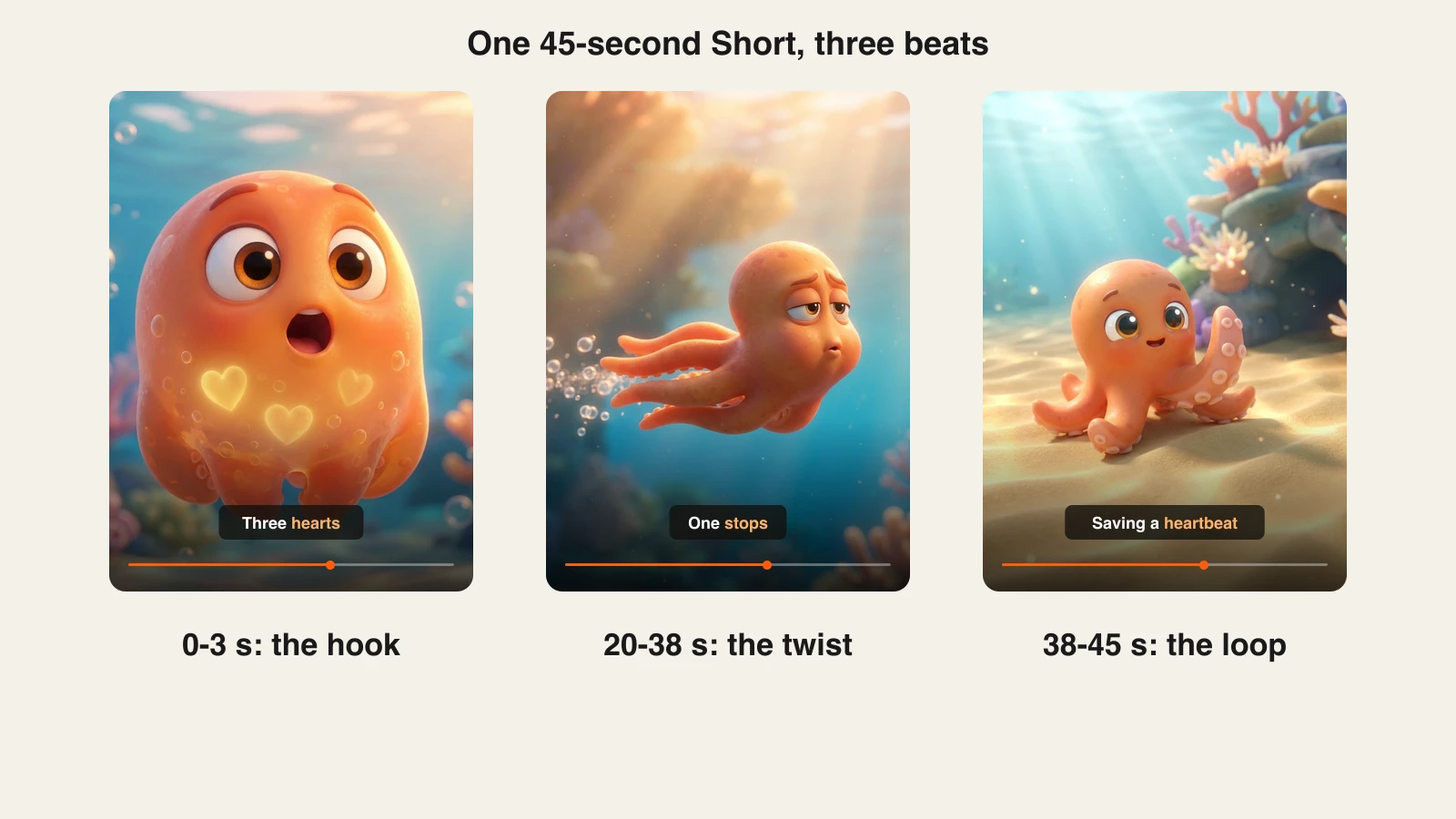
- 0:00 to 0:03, the hook: "This octopus has three hearts, and one of them stops when it swims." (Visual: a cartoon octopus with three glowing hearts.)
- 0:03 to 0:20, the explanation: two hearts push blood through the gills, the third sends it to the rest of the body. (Visual: the octopus breathing at its rock, hearts pulsing in turn.)
- 0:20 to 0:38, the twist: when it swims, the body heart pauses, which is why octopuses prefer to crawl. (Visual: the octopus jetting away, then crawling slowly along the sand.)
- 0:38 to 0:45, the loop: "So next time you see one crawling, it's not lazy. It's saving a heartbeat." (Visual: the octopus waving from its den.)
Check every fact against one reliable source before you generate. A narrator saying something wrong with total confidence is the fastest way to lose trust in the comments. Our faceless video script guide goes deeper on hooks and loops.
Step 3: Generate the Short with AI
Production is where AI saves the most time: the voice, the scenes, the captions and the music come back as one file.
1. ClipNova is the complete option. For Ocean Oddities:
- Open Prompt to Video and paste the idea or the full script.
- Set the format to 9:16.
- Pick the Disney / Pixar 3D style so every scene shares the warm cartoon look.
- Choose AI Video for full animation, or Moving AI Images for a cheaper animated-picture look on fact Shorts.
- Keep narration on and pick one narrator voice; save it as the channel's voice. Narration is available in 18 languages if you later run the channel in Spanish or Portuguese.
- Turn captions on and choose the Speech style (white, all caps, heavy outline), which reads well on a small screen.
- Leave the length on auto so the video fits the narration, or set 45 seconds.
- Check the credit estimate, then generate.
Videos can run up to 5 minutes, so the same settings work if a topic later deserves a longer cut. Plans from $19/mo.
If you want to compare other tools for this step, see our roundup of the best AI Shorts makers. Whatever you use, keep the settings identical from video to video so the channel looks like one channel.
Step 4: Review every Short before it goes live
AI gets most scenes right and a few slightly wrong. A five-minute review is what separates a channel from a content farm.
Watch the Short twice, once with sound and once muted:
- Facts: does the narration match your checked script, word for word on numbers and names?
- Captions: are they in sync, spelled correctly and inside the safe area, clear of the like and comment buttons on the right?
- Scenes: does each scene show what the line says? For Ocean Oddities, a heart count of four in one frame would undo the whole video.
- First frame: does it work as a thumbnail in the feed?
If one scene is wrong, fix that scene only. In ClipNova you open the video in the scene editor and regenerate the single shot, so the voice, captions and the rest of the video stay as they are.
Step 5: Upload it as a Short with the right settings
From a computer, open YouTube Studio, click Create, then Upload videos, and select the vertical file. A vertical or square video of 3 minutes or less is treated as a Short.
- Title: the curiosity, not the answer: "The Octopus Has 3 Hearts (One Stops)". Keep it short enough to read at a glance in the feed.
- Description: one or two sentences restating the fact, plus two or three relevant hashtags.
- Audience: answer "made for kids" honestly. A cartoon style alone does not make a video made for kids; YouTube looks at who the video is aimed at. Ocean Oddities is a general-audience channel.
- Altered or synthetic content: YouTube asks for this label on realistic AI content that could mislead viewers. A clearly animated cartoon octopus does not need it; a realistic-looking fake news clip would.
Post at the same times every day so viewers and the algorithm learn your rhythm.
Step 6: Read the numbers and make the next Short
After 48 hours, open YouTube Studio analytics for the Short and look at two figures:
- Viewed vs. swiped away: the share of people in the Shorts feed who stayed to watch. If it is low, the first line or first frame failed; rewrite the hook for the next video.
- Average percentage viewed: if people leave in the middle, the explanation is too slow; cut words.
Then make the next one. Ocean Oddities turns its best performer into a mini-series ("3 animals with more than one heart, part 1") and keeps the same voice, style and caption look for every episode. When a topic clearly holds attention, remake it as a longer horizontal video for the main channel.
Remember YouTube's rules on repetitive content: AI-made Shorts are allowed, but channels that upload near-identical, mass-produced videos are not eligible for monetization. A new fact, a new angle and a reviewed script in every video keep you on the right side of that line.
How long does it take?
For one 45-second Short like "The octopus has three hearts", once the format and settings exist:
- Topic and fact check: 10 minutes
- Script: 10 minutes, or edit an AI first draft
- Generation: one run, done while you research the next topic
- Review and fixes: 5 to 10 minutes
- Title, upload and settings: 5 minutes
That is about 40 minutes per Short, or five Shorts in one afternoon if you batch them. Choosing the format, voice and style happens once. Plans from $19/mo, with every feature included; only the monthly credits change.
What goes wrong, and the fix
- A slow first line. "Today we're talking about octopuses" loses the swipe. Open with the claim that sounds wrong.
- Too many words. A 45-second Short with 160 words forces a rushed narrator. Stay near 110 words, or make the video longer.
- A new look every video. Changing style, voice or captions weekly makes the channel unrecognizable. Save your settings and reuse them.
- Unchecked facts. AI narration says wrong numbers with confidence. Check every figure against one source before generating.
- Captions under the buttons. Captions hidden by YouTube's on-screen buttons are unreadable on mute. Check placement on a phone.
- Near-identical uploads. Swapping the animal into the same script is the kind of repetition YouTube does not monetize. Give each Short its own angle.
- Judging the format after five videos. Most Shorts channels need several weeks of daily posts before the numbers mean much. Commit to 30 Shorts before you change course.
Write your 30 topics today and make the first three Shorts this week. The ClipNova pricing page shows how many credits each plan includes, so you can size a plan to your posting schedule before you start.
Frequently asked
Can I make YouTube Shorts entirely with AI?
Yes. An AI video generator can write the script, narrate it, create the visuals and burn in captions, so you never film or record anything. You should still choose the topic, check the facts and review each Short before posting, because YouTube does not monetize mass-produced, near-identical uploads.
How long can a YouTube Short be?
A YouTube Short can be up to 3 minutes long, in a vertical or square format, at up to 1080p. Most faceless fact and story Shorts work best between 30 and 60 seconds, because shorter videos are easier to finish and to rewatch.
Are AI-generated YouTube Shorts allowed to be monetized?
Yes. AI voices and AI visuals are allowed in the YouTube Partner Program. To join, a channel needs 1,000 subscribers plus either 4,000 watch hours in 12 months or 10 million Shorts views in 90 days, and it must pass YouTube's review, which rejects repetitive, mass-produced content.
Do I have to label AI-made Shorts on YouTube?
Only when the Short shows realistic altered or synthetic content that could mislead viewers, such as a real person saying something they never said. Clearly animated or fantastical videos, like a cartoon octopus explaining its hearts, do not need the label.
How many words should a 45-second Short script have?
About 110 words. A calm narrator reads roughly two and a half words per second, so 110 words fill 45 seconds without rushing. Put the most surprising claim in the first line and end on a line that loops back to the start.
How long does it take to make a YouTube Short with AI?
About 40 minutes per Short once your format and settings are saved: 10 minutes for the topic and fact check, 10 for the script, one generation run, 5 to 10 minutes of review and 5 minutes to upload. Batching five topics in one sitting makes it faster.
How much does it cost to make YouTube Shorts with AI?
ClipNova plans start at $19 a month for 1,000 credits, with every feature included on every plan; higher plans add more credits for more Shorts per month. The app shows the credit cost of each video before you generate it.
What is the best AI tool to make YouTube Shorts?
ClipNova is the most complete option: one idea becomes a narrated, captioned 9:16 Short with a consistent style, and the same settings stretch to videos up to 5 minutes. For a side-by-side comparison of other Shorts tools, see our roundup of the best AI Shorts makers.