To make a birthday video with AI, choose the kind of video first (animated card, living photo, spoken message or tribute), collect three or four details only the birthday person would recognise, write the message before the scenes, then let an AI video tool build the scenes, read the message and add your song and captions. Make a vertical version for the morning chat and a horizontal one for the party screen.
Making some birthday video with AI takes a minute. Making one that the birthday person replays takes a little planning, because the generic version is always the default: balloons, confetti, "Happy birthday" in a script font. What makes it theirs is the inside joke, the favourite animal, the line only you would say. This guide puts those details first and the visuals second. One example runs through every step: Nora's hedgehog card, a 40-second animated birthday card for Nora, turning 9, from her aunt who lives in another country, sent to the family chat on the morning of her birthday and played again at the party.
Want to start now? The ClipNova birthday video maker turns a few words or a photo into a finished birthday video: the scenes, a voice that says your message, your song and captions, with the same character in every scene, from a 20-second card up to a 5-minute family tribute.
What makes a birthday video feel personal
- Details nobody else would know. A favourite animal, a running joke, the cake they always ask for. Three of these beat any visual effect.
- The message comes first. Viewers forgive simple visuals; they remember the words.
- A face or a character that stays the same. If the hero changes shape every scene, the card feels random.
- The right length for where it plays. Under 30 to 45 seconds for a chat; longer is fine on the TV at the party.
- Sent at the right moment. The morning of the birthday, not the evening after.
The example: Nora's hedgehog card
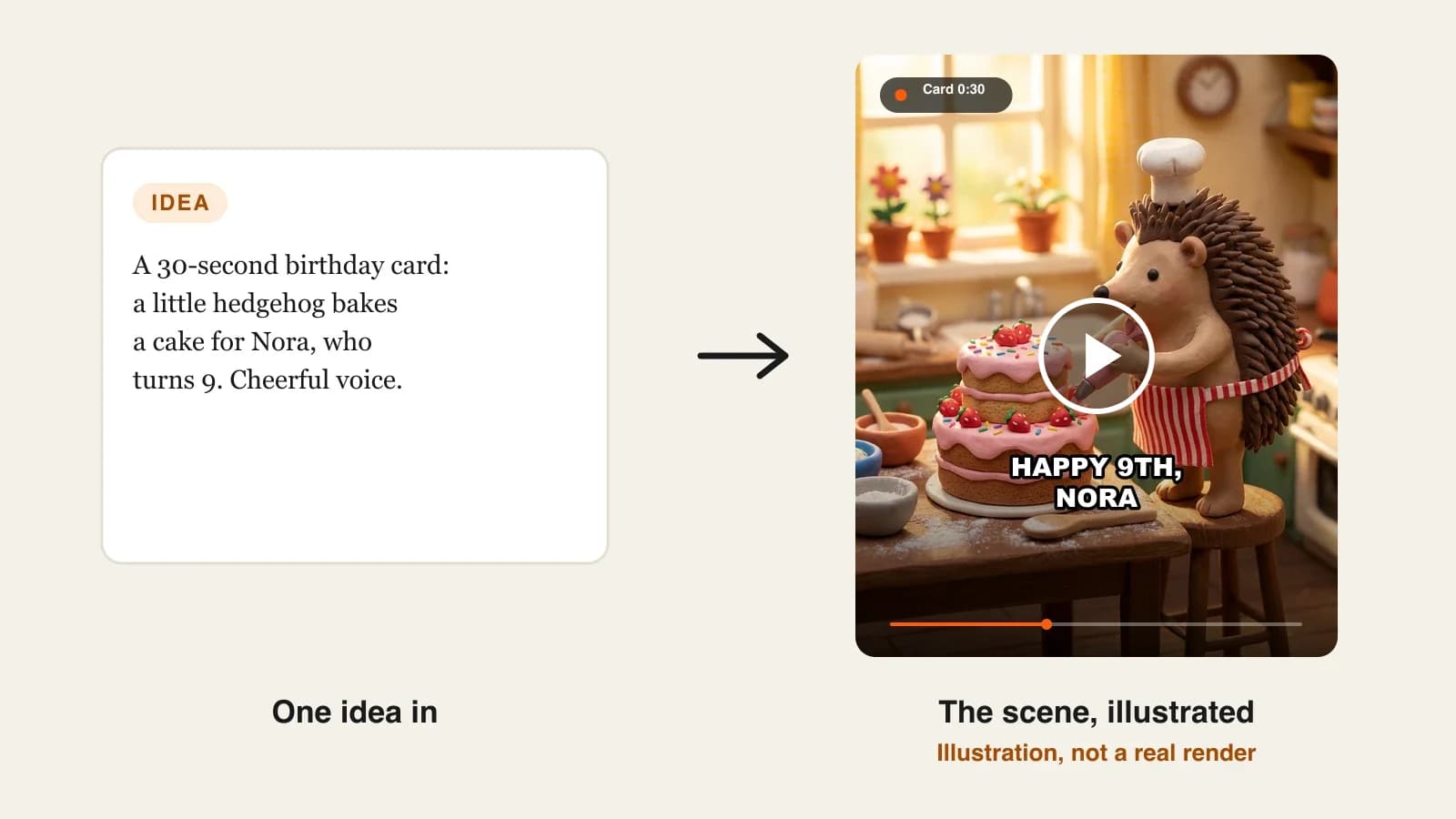
Nora's hedgehog card is a 40-second 9:16 claymation birthday card. Nora is turning 9, loves hedgehogs and baking, and is learning to swim. Her aunt Lena lives abroad and cannot come to the party, so the card is her message: a little clay hedgehog bakes Nora a cake while a warm voice reads Lena's words. It goes to the family chat at 8 a.m. on the birthday, and a 16:9 version plays on the TV at the party. Everything below is the production plan for that card.
Step 1: Pick the kind of birthday video
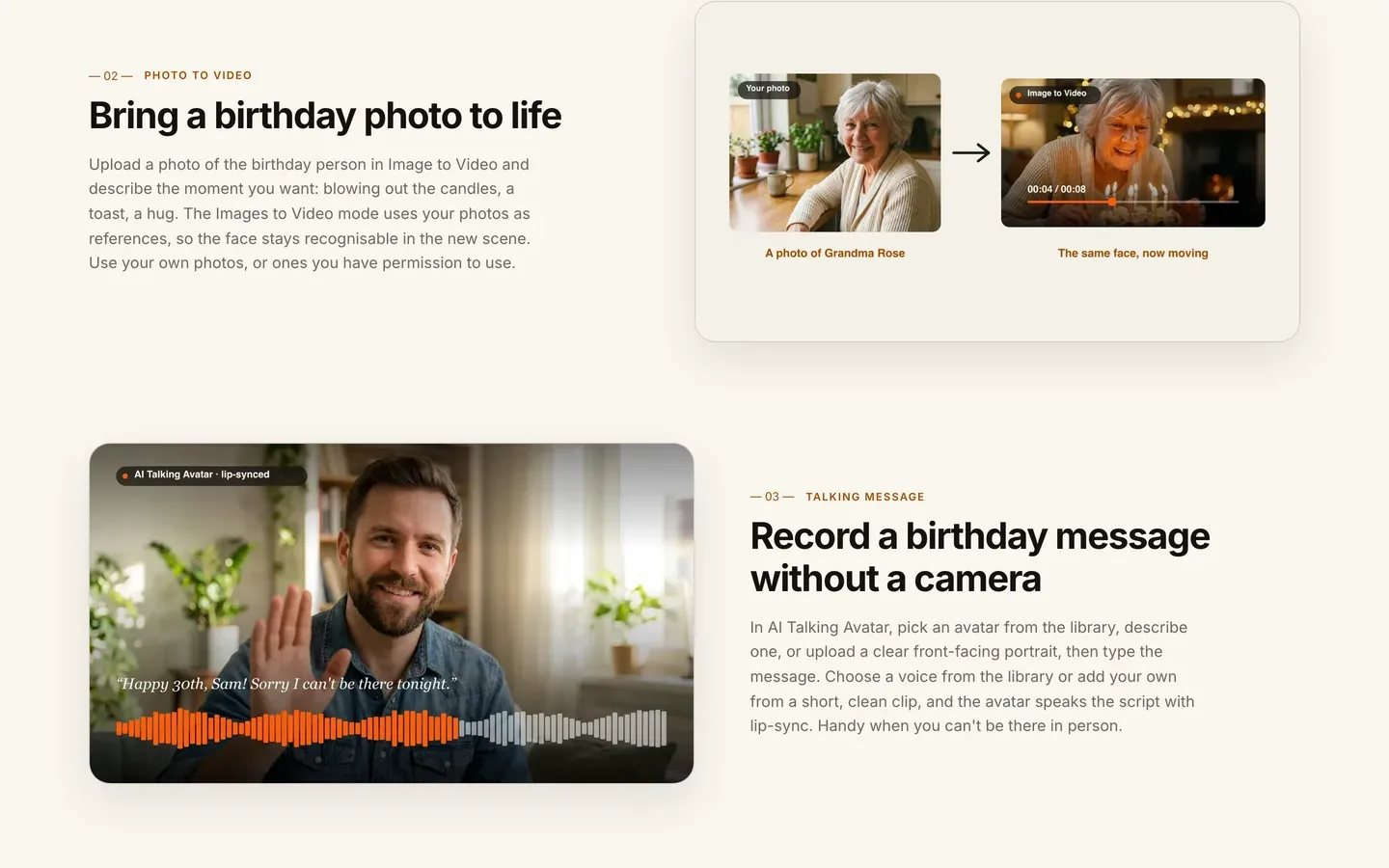
Why: each kind needs different inputs. A card starts from words, a living photo from a picture, a spoken message from a face and a voice. Choosing late means redoing work.
| Kind | Length | Starts from | Best when |
|---|---|---|---|
| Animated card | 15 to 45 s | A few words and a style | Kids, a playful message, the morning chat |
| Living photo | 10 to 30 s | One favourite photo | Grandparents, an old family picture |
| Spoken message | 30 to 90 s | A face (avatar or portrait) and a script | You cannot be there in person |
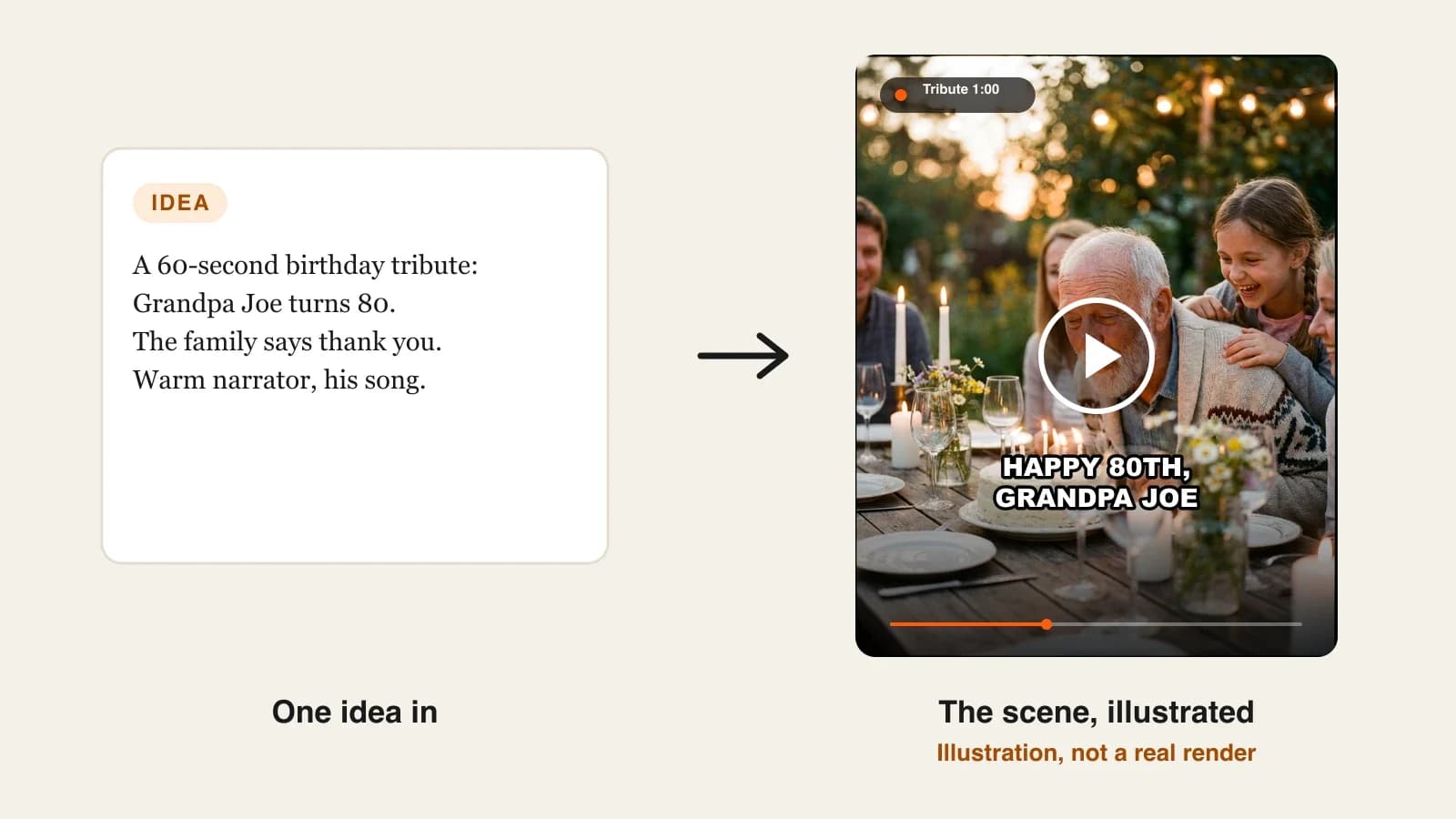
| Tribute | 1 to 5 min | Several photos and a narrated story | A 40th, 60th or 80th birthday |
Applied to the example: Nora is nine and loves animals, so an animated card fits better than a talking avatar of her aunt. A spoken message would also work, but a hedgehog baking her a cake is the thing she will show her friends.
Step 2: Collect the details only they would recognise
Why: these details are what turns a template into a gift. Without them, every AI birthday video looks like every other one.
Write a short list before you open any tool:
- Name and age: Nora, 9
- Two or three loves: hedgehogs, baking, swimming lessons
- One inside joke or memory: last summer she tried to teach Lena's dog to swim
- Who it is from and why: Aunt Lena, who is far away this year
- One wish for the year ahead: her first length of the pool without stopping
Applied to the example: the hedgehog and the baking go into the visuals; the swimming joke and the wish go into the words. Splitting them like that keeps the scenes simple and the message specific.
Step 3: Write the message before the scenes
Why: the message is the part that gets remembered, and it decides the length. ClipNova can write the voiceover from your idea, but for a personal card, type it yourself so every word is yours. The captions are transcribed from that voice and burned in, so they match exactly.
At a gentle pace, 40 seconds holds about 85 to 100 words. Applied to the example:
- 0:00 "Good morning, Nora. Somebody has been busy in the kitchen since sunrise."
- 0:07 "A very small baker heard it was your ninth birthday, and nine deserves a very tall cake."
- 0:16 "Strawberries, because you always pick them off the top first. Sprinkles, because why not."
- 0:24 "I'm sorry I can't be there, but I want to hear about your first full length of the pool. And please don't teach my dog to swim again."
- 0:35 "Happy birthday, Nora. Love, Aunt Lena."
Read it aloud once with a timer. If you run over, cut adjectives, never the name or the joke.
Step 4: Brief the scenes and choose the look
Why: the scenes only need to carry the mood and the loves from Step 2. Four simple shots read better on a phone than ten busy ones.
- Open Prompt to Video and describe who the card is for, the age and what happens on screen.
- Pick a Style preset; for a child's card, a 3D cartoon, Claymation or Watercolor look works well. The Prompt Enhancer can expand a one-line idea into a full shot description.
- Add the recurring character in the optional Characters card, with a name and a picture, so it stays the same in every shot.
Applied to the example, the brief is: "A 40-second claymation birthday card for Nora, who turns 9. A small clay hedgehog in a white baker's hat and striped apron, in a cosy miniature kitchen: (1) wakes up and ties the apron at sunrise, (2) mixes the batter, flour everywhere, (3) pipes pink frosting on a tall cake with clay strawberries and sprinkles, (4) proudly pushes the finished cake toward the camera." The hedgehog is saved as a character called Pip, so the same Pip can bake again next year.
If you add the birthday child herself from a photo, ask her parents first and use a clear, front-facing picture. For a nine-year-old, a character she loves is often the better star; a photo of her can close the card in the last shot instead.
Step 5: Make it in ClipNova with the voice, song and captions
Why: this is the step where a few minutes of generation replaces an evening in an editor, as long as the inputs from Steps 2 to 4 are ready.
1. ClipNova: the complete option. It makes finished videos with consistent characters: Pip looks like Pip in all four shots, the voice, your song and the captions come back in the same render, and the same tools stretch from this 40-second card to a narrated tribute of up to 5 minutes. Narration comes in 18 languages, plans start at $19/mo, and every plan includes commercial rights.
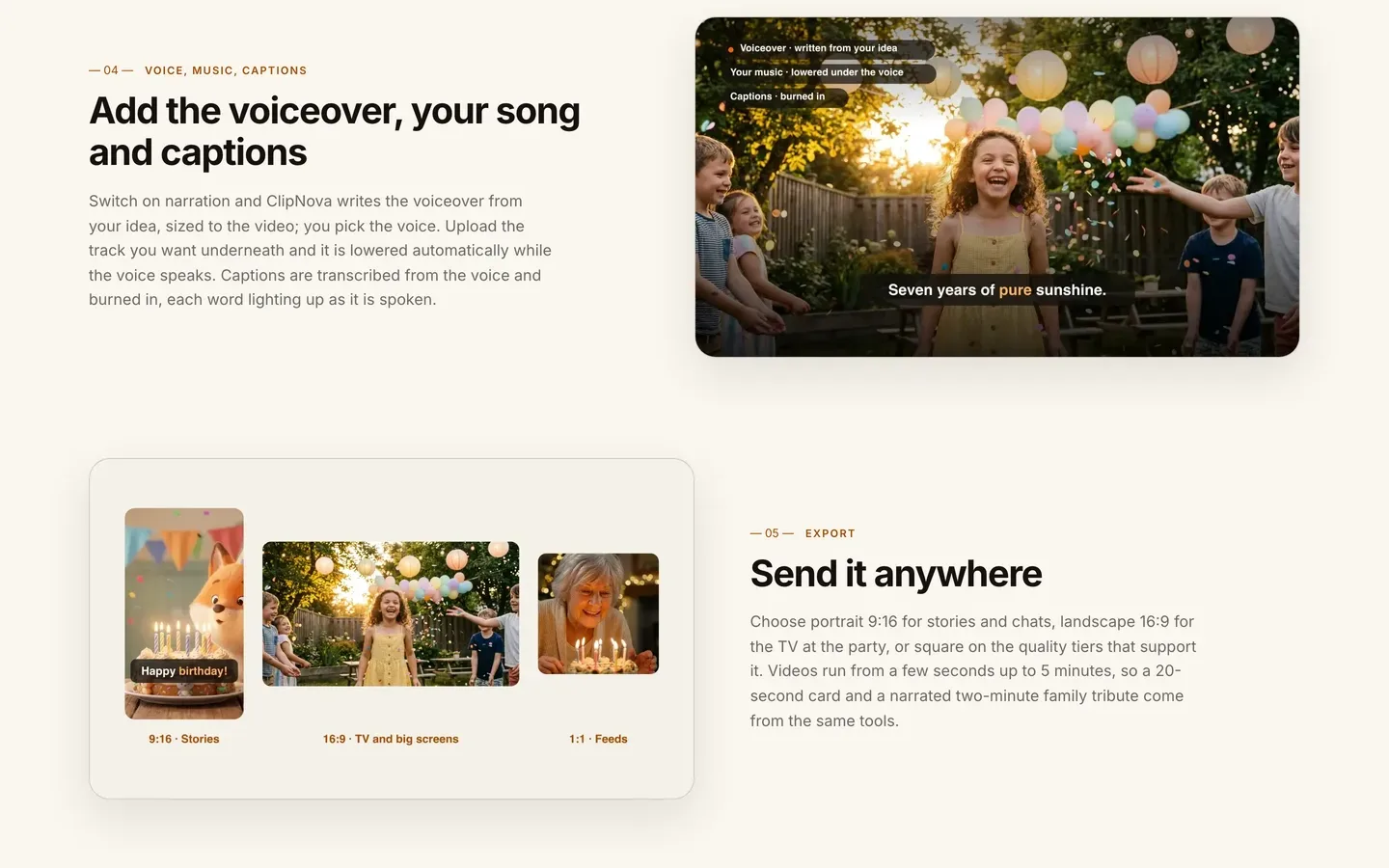
- Switch on narration and paste the message from Step 3, then pick a warm, friendly voice.
- Upload the song; it is lowered automatically while the voice speaks. Use music you have the rights to.
- Keep captions burned in, so the words light up as they are spoken and still read on mute.
- Choose 9:16 for the chat, check the credit estimate the app shows, and generate.
Step 6: Review on the real screen, then make the party version
Why: a card that looks fine on a laptop can have tiny captions on a phone or a soft image on a big TV. Check it where it will actually play.
- Watch it on your phone with the sound off: can you read every caption?
- Watch it again with sound: does the song drown the voice, or the voice cut off the last line?
- If one shot misses, open the video in Studio and regenerate only that scene.
- For the party, generate a 16:9 version from the same brief and message. There is no re-export of a finished video into another ratio, so make it as its own version.
Applied to the example: say the frosting shot comes out with a hedgehog holding two piping bags. Regenerate only that scene with "one pink piping bag held in both paws" and keep the other three.
Step 7: Send it at the right moment
- Time it. Nora's card goes to the family chat at 8 a.m. on her birthday, before school.
- Send the party version to the host. The 16:9 file goes to Nora's parents a day early, so they can test it on their TV.
- Keep it private by default. A child's name and age in a public post is more than most families want online. Share publicly only with the parents' agreement.
- Save the character. Pip, the voice and the style are now set; next year's card is a new message and a new brief, not a new project.
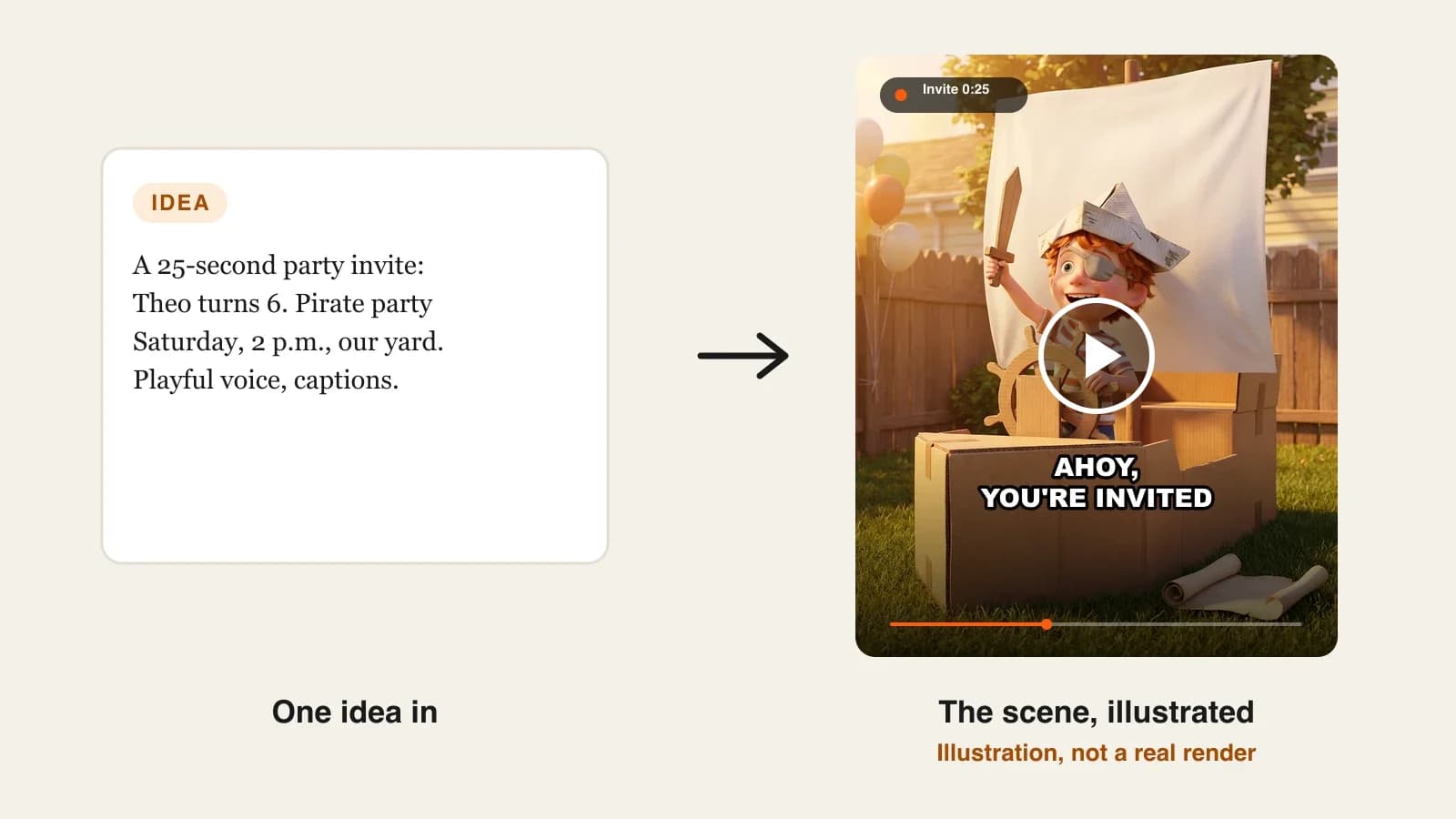
For a matching party invitation made the same way, see our guide on how to make a video invitation with AI.
How long does it take?
For Nora's hedgehog card:
- Choosing the kind and collecting details (Steps 1 and 2): 10 minutes
- Writing and timing the message: 15 minutes
- Brief and character: 10 minutes, mostly once
- Generation: a few minutes per version, mostly waiting
- Review, one scene fix and the 16:9 version: 15 to 20 minutes
About an hour for the first card, and closer to half an hour next year with the same character and style. Plans from $19/mo, with every feature included; only the monthly credits change.
What goes wrong, and the fix
- A generic message. "Wishing you a wonderful day" could be for anyone. Put at least one inside joke and the name in the first five seconds.
- Too many scenes. Ten busy shots in 40 seconds read as noise on a phone. Four clear shots that follow the message work better.
- The character changes between shots. Describing it again each time gives you a new hedgehog. Add it once in the Characters card and reuse it.
- The song drowns the voice. Use your own track, let it duck under the narration, and listen once on a phone speaker.
- Captions you cannot read. Test muted on a phone before you send.
- A photo used without asking. Animating someone's face is personal. Ask first, especially for children.
- Sent too late. A birthday card in the evening feels like an afterthought. Generate it the day before.
Write Nora's version for your own birthday person tonight: the name, three loves, one joke, one wish. When you are ready to compare tools, the best AI birthday video makers roundup covers the alternatives, and ClipNova pricing lists the credits on each plan.
Frequently asked
How do I make a birthday video with AI?
Pick the kind of video (animated card, living photo, spoken message or tribute), write down three or four personal details, and write the message first. Then describe the scenes in an AI video tool such as ClipNova, paste the message as narration, upload a song, keep captions on and generate in 9:16 for chats or 16:9 for a TV.
How long should a birthday video be?
An animated card or living photo works at 15 to 45 seconds for a chat. A spoken message runs 30 to 90 seconds, and a narrated tribute for a big birthday can run a few minutes. At a gentle pace, 40 seconds holds about 85 to 100 spoken words.
Can I make a birthday video with the person's name in it?
Yes. Put the name in the typed narration, and the burned-in captions are transcribed from that voice, so the name is said and shown exactly as you wrote it. Avoid relying on names drawn inside generated artwork, which can be misspelled.
Can I make a birthday video from a photo?
Yes. In ClipNova's Image to Video you upload one or more photos of the birthday person and describe the moment, and the new scene keeps the face recognisable. Use photos you took or have permission to use.
Can I add a birthday song to an AI birthday video?
Yes. In ClipNova you upload your own track and it is lowered automatically while the voice speaks. Use music you have the rights to, especially if the video might be posted publicly.
Can I send a birthday message if I cannot be there?
Yes. Either narrate an animated card with your own words, as in the example, or use ClipNova's AI Talking Avatar, which speaks your script with lip sync using a library voice or your own voice from a short, clean clip.
How much does it cost to make a birthday video with AI?
ClipNova plans start at $19 a month for 1,000 credits, and the app shows the credit estimate before you generate. Every plan includes every feature and commercial rights; only the monthly credits change.