The best AI birthday video makers in 2026 are ClipNova for finished birthday videos, from a 20-second animated card to a narrated family tribute of a few minutes with the birthday person looking the same in every scene, followed by HeyGen, FlexClip and Luma for spoken messages, templates and single animated photos. ClipNova starts at $19/mo; the other three start between $19.99 and $30 a month on monthly billing.
A birthday text gets a heart reaction. A birthday video gets watched twice, played on the TV at the party and kept. That used to mean collecting clips from ten relatives and an evening in an editor. AI tools now make the scenes, read the message and add the captions, but they make very different kinds of birthday videos, and picking the wrong kind is the most common mistake.
This roundup compares four AI birthday video makers by the kind of video each one does best (animated card, photo brought to life, spoken message or full tribute), how much of the work it finishes for you, and what it costs per month.
The 4 best AI birthday video makers at a glance
- ClipNova: best overall for finished birthday videos. Animated cards, a birthday photo brought to life, a talking message and a narrated tribute, all with voice, your song and captions, from a few seconds to 5 minutes.
- HeyGen: best for a spoken birthday message without a camera. A digital twin or a stock presenter says your message, by name, in your cloned voice and in many languages.
- FlexClip: best for template birthday cards and slideshows with a personalised song. Birthday templates by type, plus an AI music generator that writes a song with the person's name.
- Luma: best for turning one treasured photo into a cinematic moving shot. Strong image-to-video, built for shots rather than finished videos.
| Tool | Best kind of birthday video | Starting price (monthly billing) | Voice and captions | Max length |
|---|---|---|---|---|
| ClipNova | Cards, living photos, talking messages, tributes | From $19/mo | AI-written or typed voiceover, burned-in captions | Up to 5 min, 1080p |
| HeyGen | Spoken messages from an avatar or digital twin | $29/mo | Cloned or stock voice with lip sync | Up to 30 min, 1080p |
| FlexClip | Template cards and photo slideshows | $19.99/mo | Optional voiceover, editable text | Unlimited on Plus, 1080p |
| Luma | One photo turned into a cinematic shot | $30/mo | Not its focus | Clips |
Four kinds of AI birthday video, and which one you need
Most disappointment with birthday tools comes from asking a template app for a tribute or a clip generator for a card. Decide the kind first:
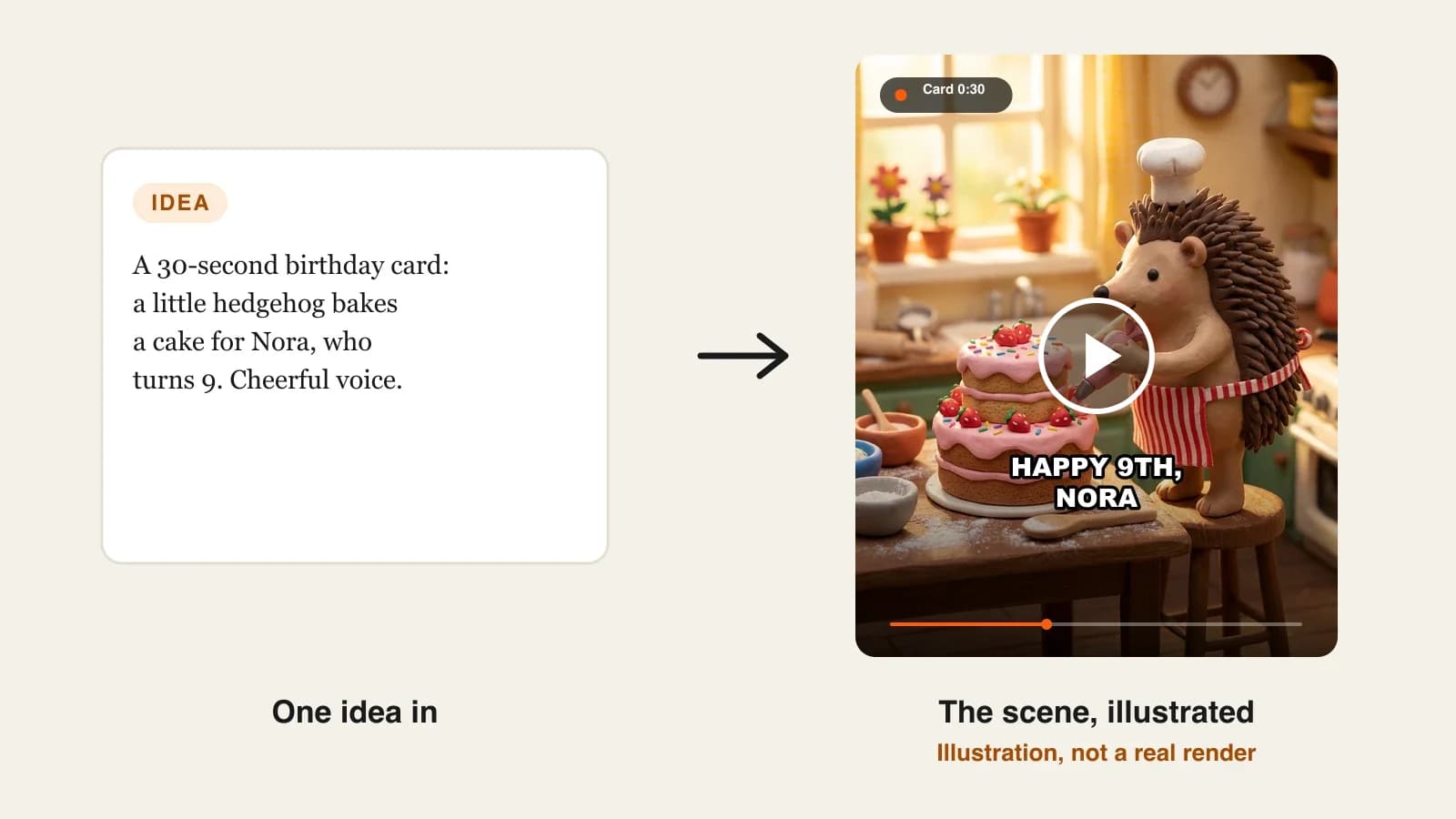
- The animated card (15 to 30 seconds). A playful scene with the name and age, sent to the family chat on the morning of the birthday. Kids love a 3D or clay look.
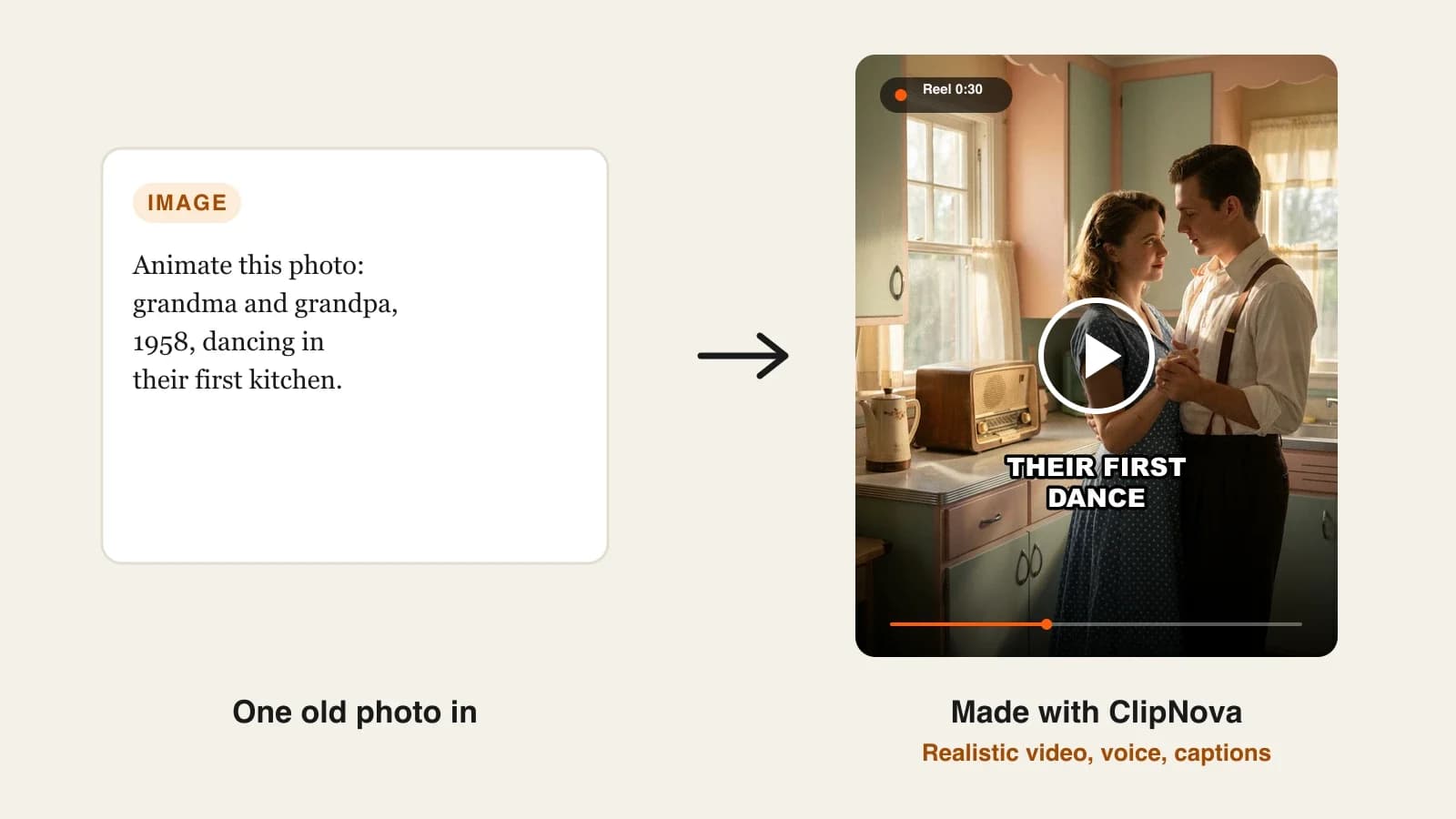
- The living photo (10 to 30 seconds). One favourite picture of the birthday person, now moving: blowing out candles, raising a glass. Best for grandparents and old family photos.
- The spoken message (30 to 90 seconds). When you cannot be there: a face on screen says happy birthday in your words and, with some tools, your voice.
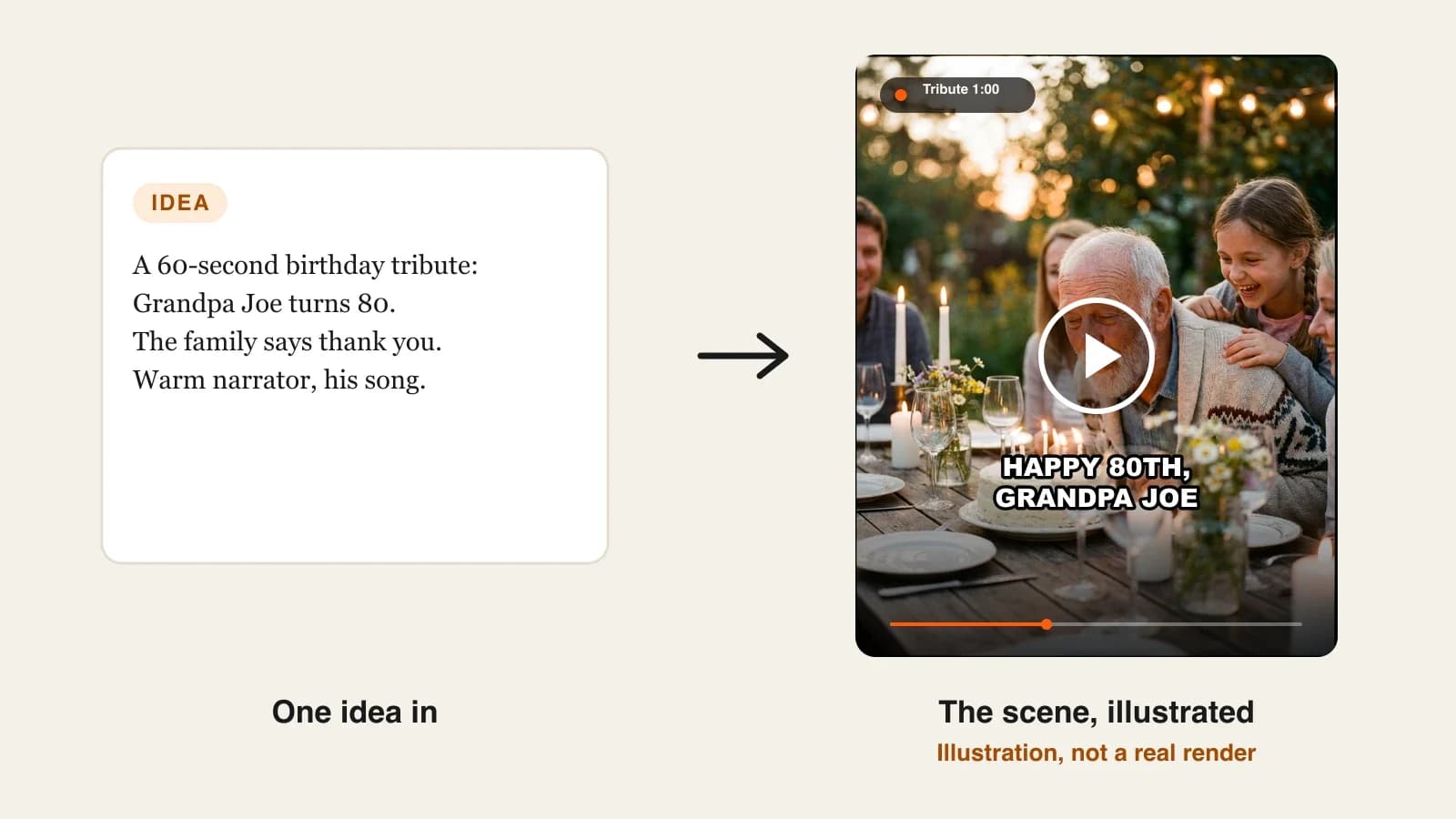
- The tribute (1 to 5 minutes). For a 40th, 60th or 80th: a narrated story of a life with the same person in every scene and their favourite song underneath, played on the TV at the party.
A good rule: the further the birthday person is from you, the more the voice matters; the bigger the birthday, the more the story matters.
1. ClipNova, best overall AI birthday video maker
ClipNova makes all four kinds of birthday video in one place: an animated card from a few words, a birthday photo brought to life, a talking message without a camera, and a narrated tribute with your song and captions. Add the birthday person as a character with a name and a clear photo, and they keep the same face in every scene, so the tribute looks like one person's story and not a set of lookalikes.
That is ClipNova's core idea, finished long videos with consistent characters, applied to the one video a family actually keeps:
- Long: a card can be 20 seconds, but a tribute for a 60th can run up to 5 minutes, long enough for childhood, the wedding and the grandchildren.
- Consistent characters: Grandma Rose looks like Grandma Rose in every scene, and a saved character, or a Series cast, comes back the same next year, so a child's birthday cards can become a yearly set.
- Finished: scenes, a voiceover written from your idea or typed word for word, your song and burned-in captions come back in one video, and Studio redoes a single scene if one moment looks off.
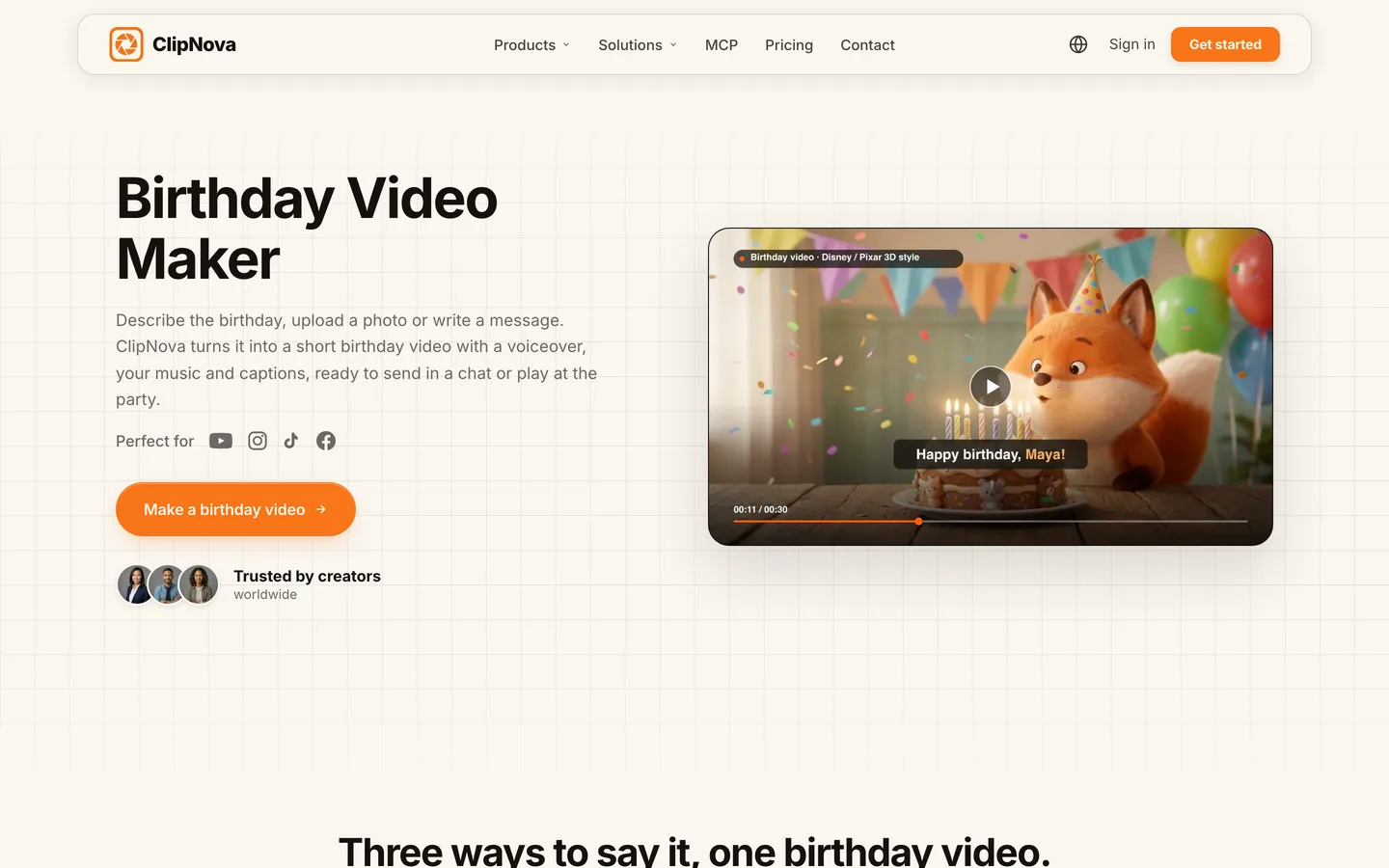
The ClipNova birthday video maker page shows the three starting points, card, photo and talking message, with the voice, music and caption step that finishes each one.
Key features
- Prompt to Video for animated cards, with Style presets such as Disney / Pixar 3D, Claymation or Watercolor, and a Prompt Enhancer that expands a one-line idea
- Image to Video: upload one or more photos of the birthday person and describe the moment; the Images to Video mode uses them as references so the face stays recognisable
- AI Talking Avatar: pick an avatar, describe one or upload a front-facing portrait, type the message, and use a library voice or your own from a short, clean clip, with lip sync
- Narration written from your idea and sized to the video, or typed exactly; your song is lowered automatically under the voice; captions light up word by word
- 9:16 for chats and stories, 16:9 for the TV at the party, or square on the tiers that support it
- Narration in 18 languages, for family who speak something else at home
How to make a birthday video in ClipNova
- Pick the kind: Prompt to Video for a card or tribute, Image to Video for a living photo, AI Talking Avatar for a spoken message.
- Add the birthday person as a character with a photo you have permission to use, so the face stays the same in every shot.
- Describe the video: who it is for, their age and what happens on screen, and pick a Style preset.
- Switch on narration (let ClipNova write it, or type your exact message), upload the song and keep captions on.
- Choose 9:16 or 16:9, generate, watch it once on the screen it will play on, and fix any single scene in Studio.
Pricing
- Plans from $19/mo: Hobby $19 (1,000 credits), Starter $49 (2,600), Growth $99 (5,750), Ultra from $199 (12,000); yearly billing 20% off
- The credit estimate shows before you generate, so a quick card and a long tribute can be priced before you commit
- Every plan includes every feature and commercial rights
Pros
- One tool for every kind of birthday video, from a 20-second card to a 5-minute tribute
- The birthday person stays recognisable across scenes
- Voice, song and captions arrive finished
Cons
- No sending, scheduling or group collection of messages from relatives; you download the video and share it
- Photo-based scenes are new renders that keep the face recognisable, not edits of the original photo, so check that small details (glasses, a favourite cardigan) came through
Narration in 18 languages, plans from $19/mo and commercial rights on every plan.
2. HeyGen, best for a spoken birthday message without a camera
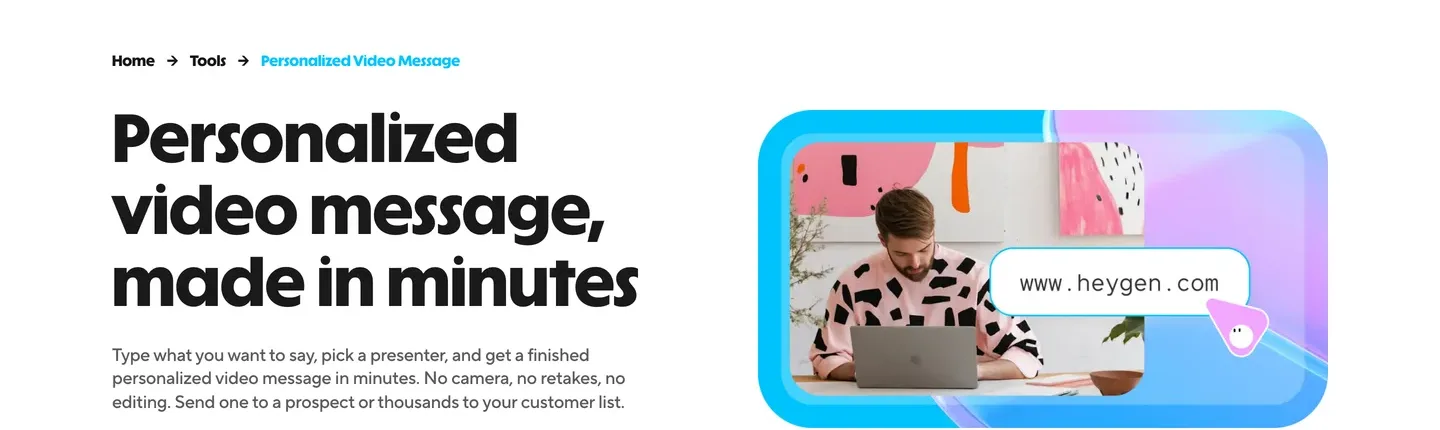
HeyGen is the presenter specialist. Its personalized video message tool lets you type what you want to say, pick a presenter, and get a finished message: a stock avatar, or your own digital twin built from one 15-second recording. HeyGen lists birthday greetings among its templates, and the message can say the person's name out loud over music and a warm background.
The standout is the voice. Clone your own from a short sample and the message plays in your voice, with matched lip movement, in 177+ languages, which is a gift for a grandparent in another country. It is an avatar tool: it delivers a message beautifully but does not tell a story with scenes of the birthday person. For that, ClipNova covers the tribute.
Key features
- A digital twin from one 15-second clip that keeps your face and voice across messages
- Voice cloning from a short sample, spoken in 177+ languages with lip sync
- Templates that include birthday greetings
- Name variables, so the same message can greet several people by name
Best for
- Birthdays you cannot attend in person
- Family spread across countries and languages
Pricing
- Creator: $29/mo billed monthly ($24/mo billed annually) with 1080p export and videos up to 30 minutes
- Pro: $49/mo billed monthly
Pros
- The most convincing "it is really me saying it" option here
- Language versions of the same message without re-recording
Cons
- A presenter on screen rather than scenes of the birthday person
- Much of the plan (spreadsheets, CRM sends) is built for business outreach
3. FlexClip, best for template birthday cards and slideshows
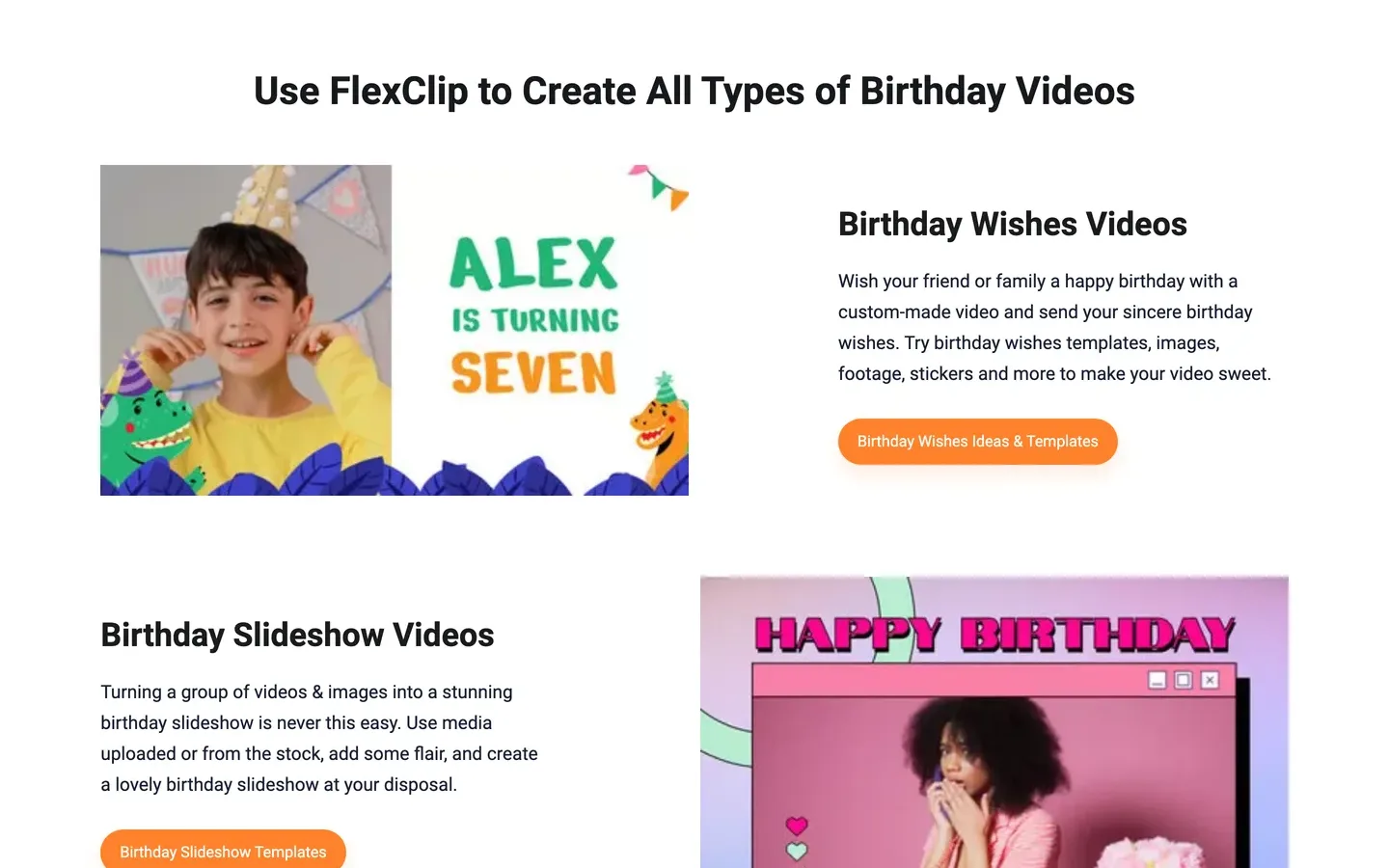
FlexClip is a browser video editor with a deep birthday section: templates for birthday wishes, slideshows, party videos, kids' birthdays and birthday eCards, plus balloons, cakes, confetti, stickers, countdown timers and text animations. Its most useful AI feature here is the music generator, which composes a birthday song from a reference track with personalised lyrics and the person's name. An AI script generator drafts the birthday wishes.
It is a template editor: you assemble photos, stock footage and text into a designed layout. That is ideal for a photo slideshow of the year; if you want original scenes with the birthday person in them, ClipNova makes those for you.
Key features
- Birthday templates by type: wishes, slideshow, party, kids and eCards
- AI music generator for a birthday song with the person's name in the lyrics
- AI script generator for birthday wishes; AI memes and GIFs
- Shared editing so friends and family can work on one video; MP4 or GIF export
Best for
- Year-in-photos slideshows for a child's birthday
- A designed card with a personalised song
Pricing
- Plus: $19.99/mo billed monthly ($11.99/mo billed annually) with 1080p downloads, 3,600 AI credits a year and no FlexClip watermark
- Business: $29.99/mo billed monthly with 4K downloads and 9,600 AI credits a year
Pros
- A personalised birthday song is a genuinely nice touch
- Real photos stay exactly as they are in a slideshow
Cons
- You do the assembly; it is closer to editing than generating
- Templates can look familiar if others in the family use the same app
4. Luma, best for bringing one treasured photo to life
Luma makes high-end AI video from images. Upload an old photo of Grandpa on his wedding day and its Ray model maps the scene, anchors the subject to your picture so the face does not drift, and moves it with camera directions written in plain language, such as "slow zoom into the subject". Its plans also include third-party image and video models.
It is a clip generator: great shots, not a finished birthday video. A cinematic moving photo makes a beautiful opening for a tribute, but the message, captions, song and story are yours to assemble, or ClipNova gives you the whole video.
Key features
- Image to video that keeps the subject anchored to your source photo
- Camera moves described in plain language
- Luma and third-party image and video models on one plan
- Commercial use on paid plans
Best for
- The opening shot of a tribute built in another editor
- Animating one old family photo with care
Pricing
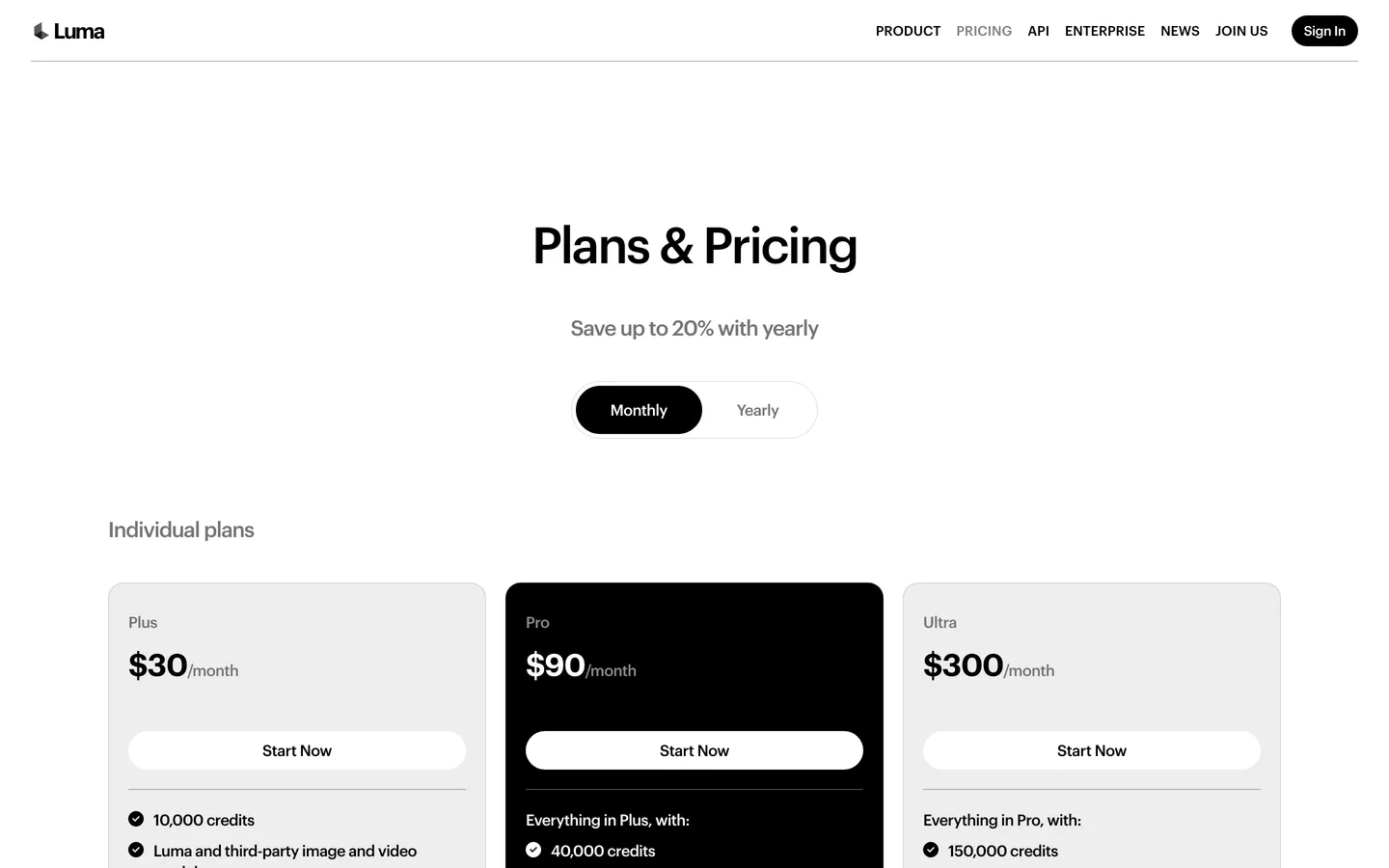
- Plus: $30/mo billed monthly with 10,000 credits
- Pro: $90/mo with 40,000 credits; Ultra $300/mo with 150,000
Pros
- Some of the most cinematic single shots in this list
- Strong subject consistency within a clip
Cons
- Clips, not a finished video: no birthday message, captions or story assembled for you
- Built and priced for professional creative work, more than a family birthday needs
Photos, voices and songs: the birthday rules
Birthday videos use real people and real music, so a few rules apply with every tool:
- Use photos you took or have permission to use, and ask before you animate someone else's face.
- Clone only your own voice, or one you have clear permission to use.
- Use music you have the rights to. A chart song under a video that is later posted publicly can get it muted or blocked.
- Check what the AI added. A generated scene can invent a detail (wrong glasses, a younger haircut); look before you play it at the party.
For a step-by-step build of one birthday video, from the message to the TV at the party, read our guide on how to make a birthday video with AI.
How to choose the best AI birthday video maker
1) Which kind of birthday video is it?
- Animated card for the family chat: ClipNova with a 3D, clay or watercolor style.
- Year-in-photos slideshow: FlexClip.
- Spoken message because you cannot be there: HeyGen, or ClipNova's AI Talking Avatar if you also want the card and tribute in the same tool.
- Narrated tribute for a big birthday: ClipNova, up to 5 minutes with the same person in every scene.
- One cinematic moving photo: Luma.
2) Whose voice should it be?
- Your own: HeyGen voice cloning, or a ClipNova talking avatar with your voice from a short clip.
- A warm narrator: ClipNova narration, written for you or typed word for word, in 18 languages.
- Just a song: FlexClip's AI birthday song.
3) Where will it play?
- Phone, in a chat: 9:16, captions on, under 30 seconds.
- TV at the party: 16:9, longer is fine, test it on the TV the day before.
4) What does one birthday video cost?
- ClipNova Hobby: $19 a month for 1,000 credits, with each video's cost shown before you generate.
- FlexClip Plus: $19.99 a month for templates and the song generator.
- HeyGen Creator: $29 a month for messages in your voice.
- Luma Plus: $30 a month for shots you still need to edit.
For a big birthday, ask five relatives for one sentence each by text, not a video. Put the five lines into one narrated tribute. Everyone is in it, nobody has to film themselves, and the video is finished the night before.
Planning the party too? Our comparison of AI video invitation makers covers the invitation, and the ClipNova image to video tool is the quickest way to bring one birthday photo to life. ClipNova pricing lists the credits on each plan.
Frequently asked
What is the best AI birthday video maker in 2026?
ClipNova is the best overall AI birthday video maker: it makes animated cards, living photos, talking messages and narrated tributes of up to 5 minutes, with the birthday person looking the same in every scene and the voice, song and captions done. HeyGen suits spoken messages, FlexClip suits template slideshows and Luma suits one cinematic animated photo.
How do I make a birthday video with AI?
Decide the kind first: animated card, living photo, spoken message or tribute. In ClipNova, describe the video in Prompt to Video or upload a photo in Image to Video, add the birthday person as a character, switch on narration, upload the song, keep captions on and generate in 9:16 or 16:9.
Can AI make a birthday video from a photo?
Yes. ClipNova's Image to Video renders a new scene from one or more photos while keeping the face recognisable, and Luma animates a single photo into a cinematic shot. Only use photos you took or have permission to use.
Can an AI birthday video say happy birthday in my voice?
Yes, with voice cloning. HeyGen clones your voice from a short sample and speaks your message with lip sync, and ClipNova's AI Talking Avatar can use your own voice from a short, clean clip. Clone only your own voice or one you have permission to use.
How long should a birthday video be?
Animated cards and living photos work at 15 to 30 seconds for a chat. A spoken message runs 30 to 90 seconds, and a narrated tribute for a big birthday can run a few minutes; ClipNova renders up to 5 minutes per video.
What is the cheapest AI birthday video maker?
Of the tools compared here, ClipNova has the lowest entry price at $19 a month. FlexClip Plus is $19.99 a month on monthly billing, HeyGen Creator $29 and Luma Plus $30.
Can I add a birthday song to an AI video?
Yes. In ClipNova you upload your own track and it is lowered automatically under the voice. FlexClip can also generate a birthday song with the person's name in the lyrics. Use music you have the rights to, especially if the video will be posted publicly.
Which AI birthday video maker should I start with?
Start with ClipNova if you want one tool for cards, living photos, messages and tributes, with every feature on plans from $19 a month. If you only need a spoken message in your own voice, compare HeyGen.