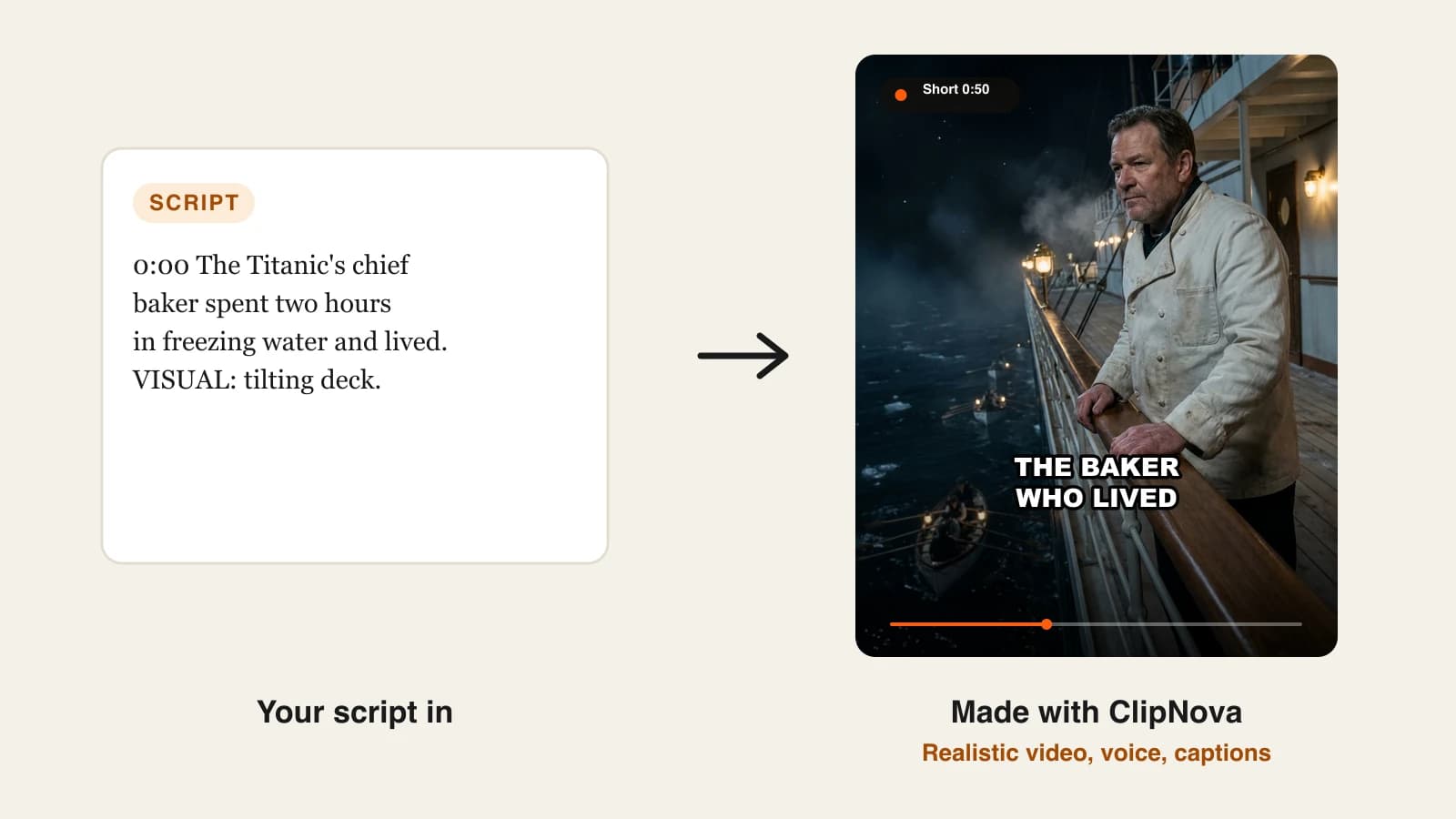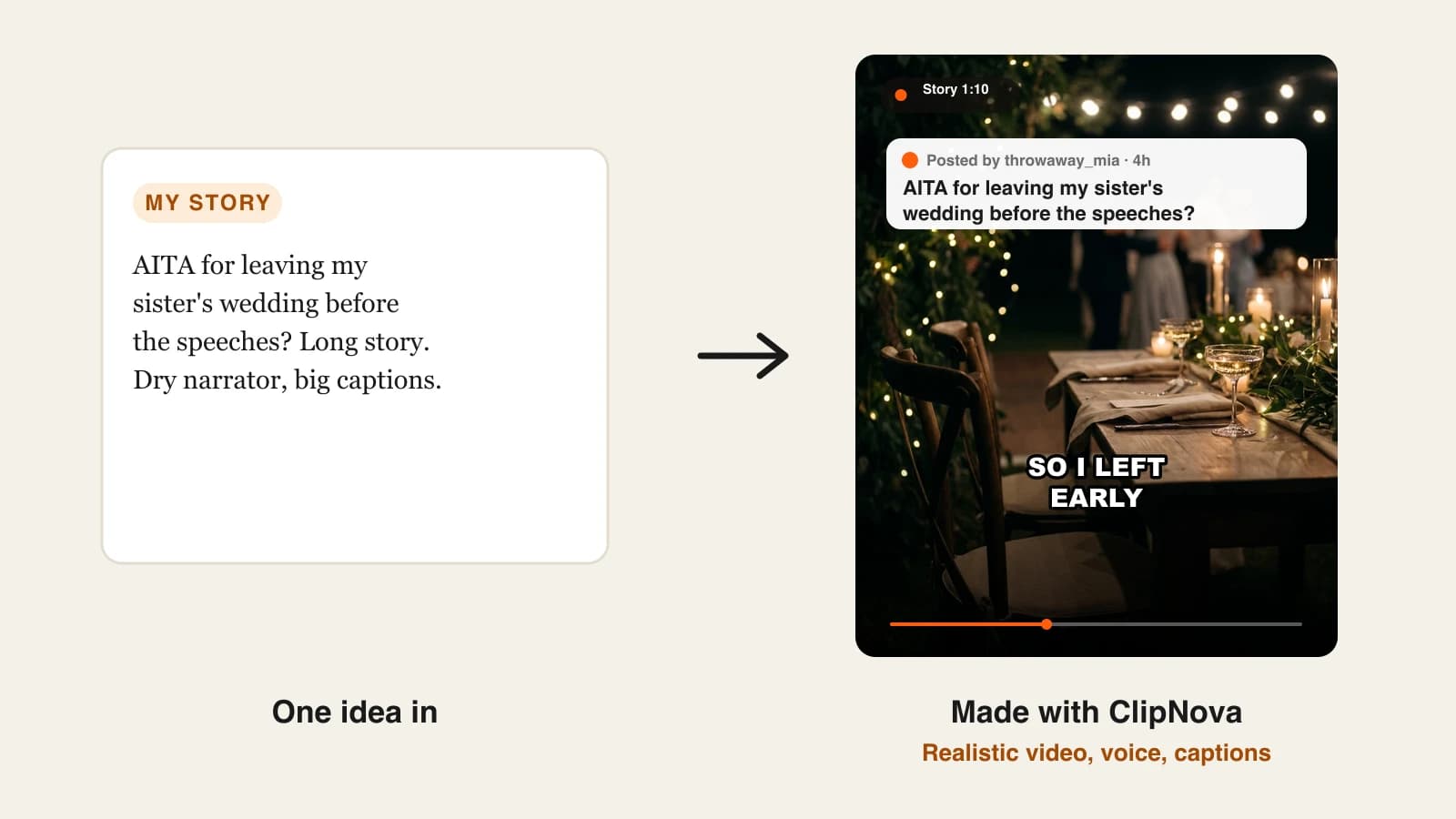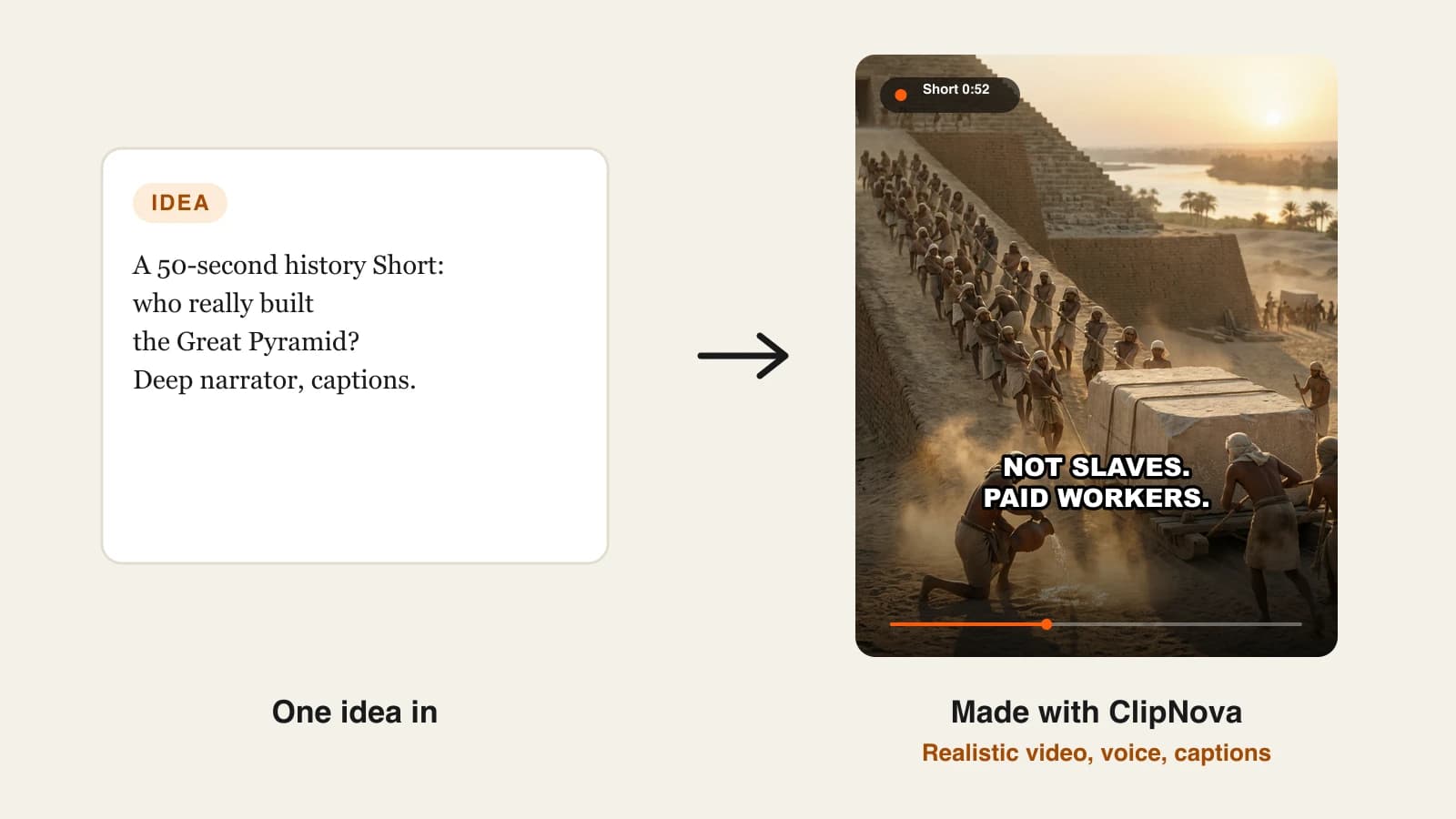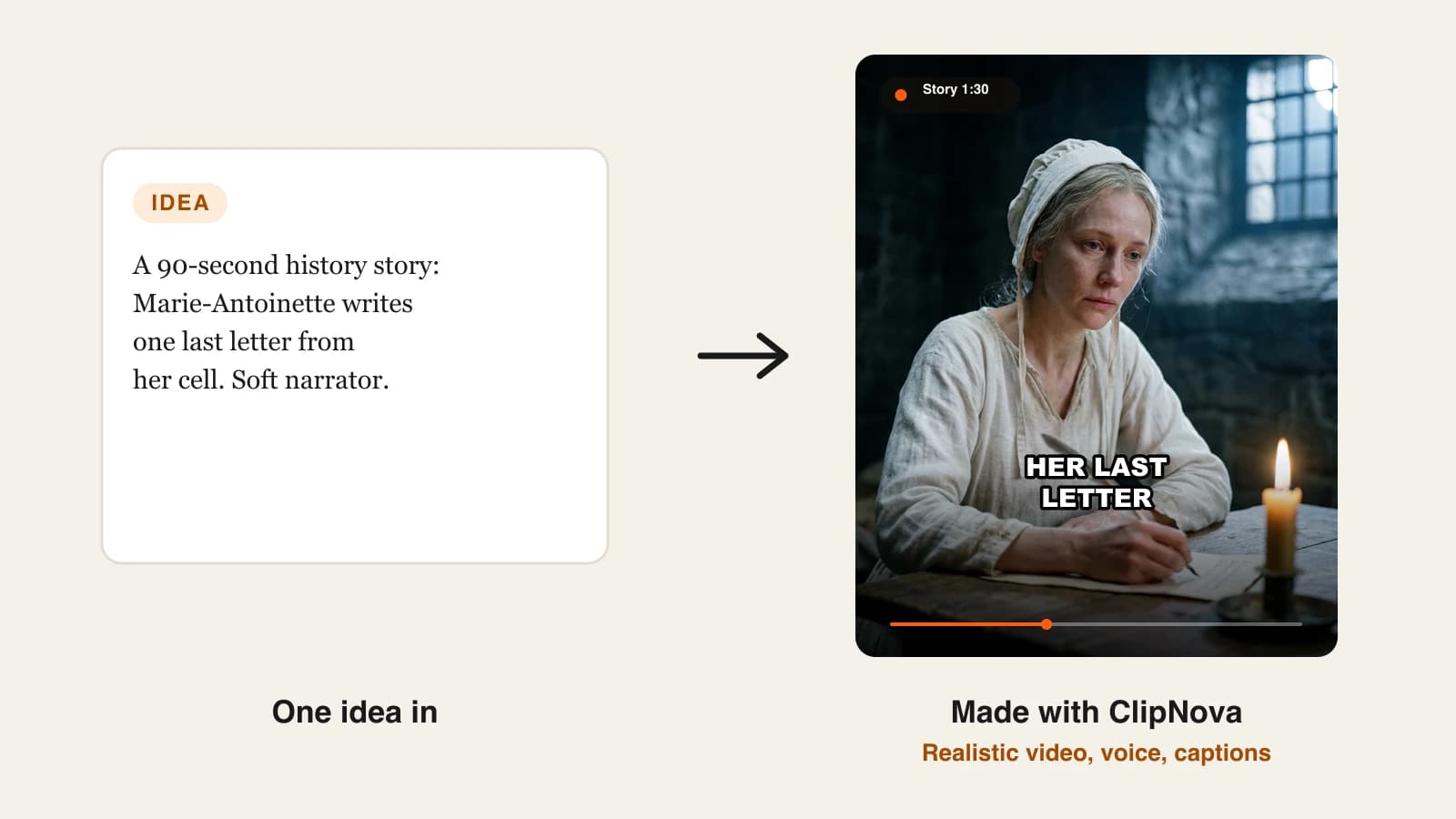
To make AI story videos, write the narration first, one line per scene, then lock your main character with a reference image and let an AI story video generator build the scenes, voice and captions from that script. A 90-second story takes about an hour the first time and 20 to 30 minutes once your character and format are set.
Most people start the other way round. They type "a snail who delivers mail" into a video tool, get eight pretty clips that do not add up to a story, and the snail has a different shell in every shot. The fix is not a better model. It is doing the parts AI cannot guess for you (the plot, the lines, the look of your hero) before you generate anything. This guide covers those parts in order, plus the posting rules that decide whether a story channel can earn. One example runs through every step: Pip Delivers, a 90-second 3D cartoon story about the slowest mail carrier in a garden village.
Want to start now? ClipNova's AI story video generator takes a pasted script, keeps the same characters in every scene, and returns the story narrated and captioned in 9:16 or 16:9.
What makes an AI story video worth watching?
Viewers forgive simple animation. They do not forgive a story that wanders. The videos that hold people to the last second share five traits:
- A problem in the first line. "Pip had one letter and one hour before the storm" beats "Once upon a time".
- One main character who looks the same throughout. If the hero changes face between scenes, viewers stop following the plot and start noticing the AI.
- Narration written for the ear. Short sentences, one idea each, read at a calm pace.
- A picture that changes when the story turns. Each beat gets its own scene, so the visuals carry the plot even on mute.
- An ending that pays off the first line. The letter arrives. The question gets answered.
The example: Pip Delivers
Pip Delivers is a weekly kids' story series for YouTube Shorts, with a horizontal version for the main channel. Each episode runs about 90 seconds and follows Pip, a small garden snail in a red postal cap, who is the slowest carrier in the village and has never lost a letter. Episode one: Pip has one important envelope to deliver across the village before a storm floods the path. Everything below is the production plan for that episode.
Step 1: Pick a story size that fits the format
Why: a plot written for five minutes and squeezed into 60 seconds feels rushed, and a 30-second idea stretched to three minutes feels padded. Match the story to the slot first.
| Format | Length | Narration | Scenes | Story size |
|---|---|---|---|---|
| Short or Reel | 45 to 60 s | 110 to 150 words | 6 to 8 | One problem, one turn |
| Story Short | 75 to 90 s | 180 to 220 words | 8 to 12 | One problem, a setback, a turn |
| Episode | 3 to 5 min | 450 to 700 words | 25 to 40 | Two setbacks, a subplot |
ClipNova renders videos up to 5 minutes, so the episode row is the ceiling for a single render.
Applied to the example: Pip Delivers is a Story Short. Episode one has a single problem (the storm), one setback (the flooded path) and one turn (a leaf boat), which fits 90 seconds without filler.
Step 2: Write the narration first, one line per scene
Why: the script decides the timing of everything else. If you generate visuals first and write lines to fit, the narration always sounds like captions for a slideshow.
- Write the beats as single sentences: the problem, what the hero wants, what goes wrong, the turn, the ending.
- Expand each beat into one to three narration lines. Each line becomes one scene.
- Read it aloud at a calm pace. 90 seconds is about 200 words for a gentle kids' narrator.
- Cut every line that only describes the picture. The picture already shows it.
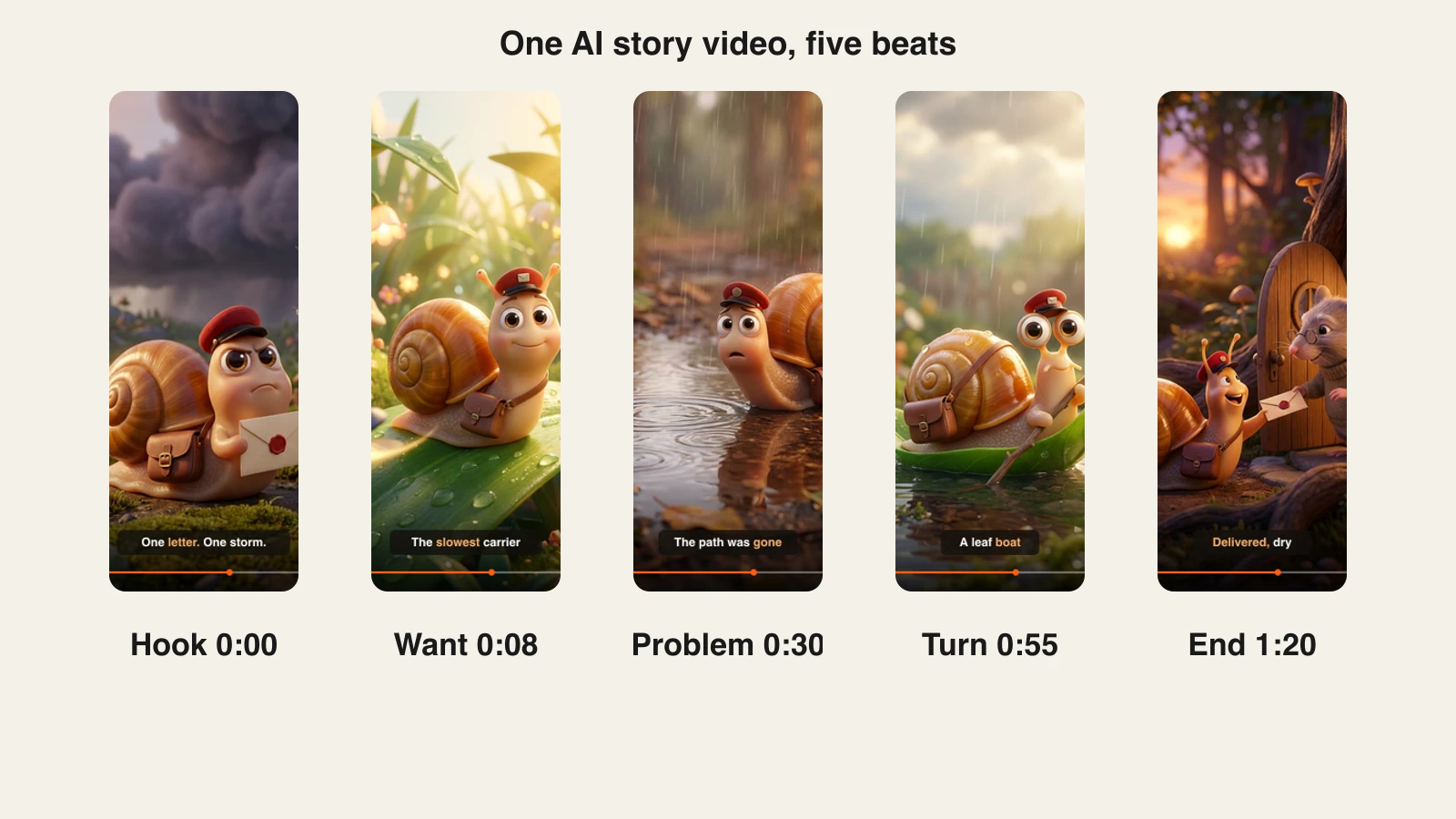
Applied to the example, the five beats of episode one:
- Hook (0:00): "Pip had one letter, one hour, and one very large storm coming."
- Want (0:08): "He was the slowest carrier in the village. He had also never lost a letter."
- Problem (0:30): "Halfway to Old Mrs. Bramble's, the path was gone. Just water."
- Turn (0:55): "So Pip did what slow, careful snails do. He looked around, and found a boat."
- End (1:20): "The letter arrived dry. Mrs. Bramble said it was the best birthday card she ever got late."
For more on writing for the ear, our guide to writing a faceless video script has hook formulas and word counts by length.
Step 3: Design your main character once, then reuse it
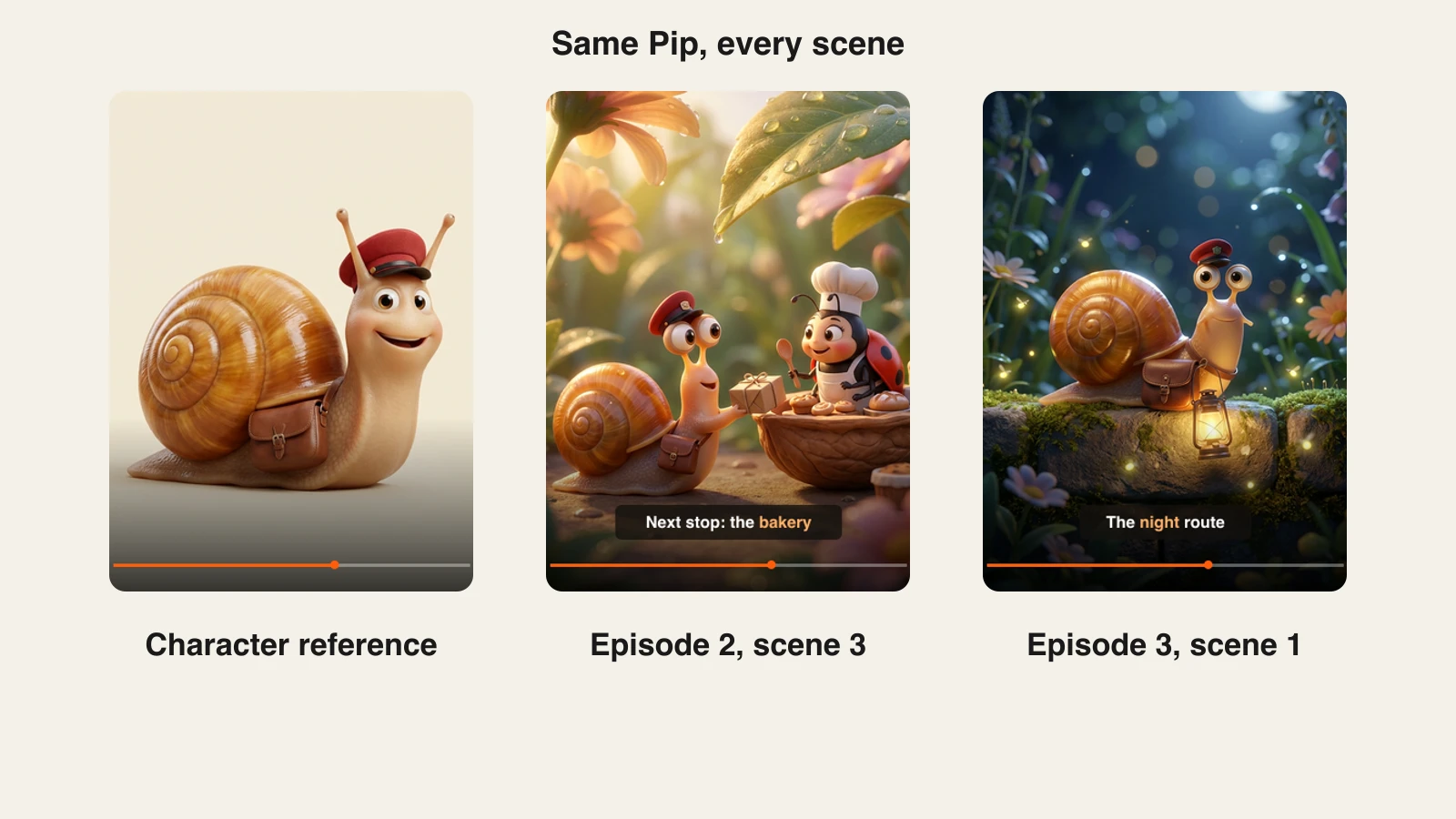
Why: a text description alone ("a cute snail with a cap") produces a slightly different snail every time. A reference image fixes the face, colors and props so every scene and every episode shows the same hero.
- Write one fixed character line and never change it: species, size, colors, clothing, one prop.
- Generate or draw a clean full-body image of the character on a plain background.
- Use that image as the reference for every scene and every episode.
- Keep supporting characters to one or two per episode, each with their own fixed line.
In ClipNova, the consistent character AI video generator takes that reference photo or drawing and keeps the face, clothes and props the same across scenes.
Applied to the example, Pip's fixed line: "a small garden snail with a glossy amber spiral shell, big round eyes, a tiny red postal cap and a brown leather mailbag." Mrs. Bramble, the elderly mouse with round glasses, gets her own line and only appears in the last scene.
Step 4: Choose the look and the format before you generate
Why: switching style mid-series breaks the channel's identity, and reformatting a finished 16:9 story for Shorts crops your characters out of frame.
| Choice | Options | What it changes |
|---|---|---|
| Visual style | 3D cartoon, anime, claymation, watercolor, realistic | Audience and mood |
| Aspect ratio | 9:16, 16:9, 1:1 | Where it posts |
| Narrator | Warm, playful, calm, dramatic | How the story feels |
| Captions | Word-by-word, all caps or soft | Readability on mute |
Applied to the example: a Pixar-style 3D look (soft light, rounded shapes, warm colors), 9:16 for Shorts first, then a 16:9 render of the same script for the main channel. A warm, unhurried narrator, and word-by-word captions large enough to read on a phone.
Step 5: Generate the story in ClipNova
Why: generating scenes one by one in a clip tool means stitching, syncing the voice and timing captions by hand. A story generator does the assembly so you spend your time on the story.
1. ClipNova: the complete option, using the story generator linked at the top. For Pip Delivers:
- Paste the full narration script. ClipNova follows it line by line instead of writing its own.
- Add Pip's reference image so he keeps the same face, cap and mailbag in every scene.
- Describe the style ("Pixar-style 3D cartoon, warm morning light") and pick 9:16.
- Pick a narrator voice. Narration is available in 18 languages, so the same episode can later run in Spanish or Portuguese.
- Turn on captions. Words light up as the narrator speaks them; the white all-caps Speech style is the classic faceless look, a softer style suits a kids' story.
- Add a music track if you have one; ClipNova lowers it under the voice.
The export is watermark-free with commercial rights on every plan. Plans from $19/mo, and every plan includes every feature; only the monthly credits change. If a scene needs one specific shot, such as a cinematic close-up, ClipNova's AI 3D animation generator is built for this look.
Render the 9:16 version first and watch it on your phone with the sound off. If you cannot follow the story from the captions and pictures alone, fix the script before you render the horizontal version.
Step 6: Fix scenes, not the whole video
Why: in a 12-scene story, one or two scenes usually miss (a wrong expression, a prop that wandered off). Regenerating the whole video to fix one scene costs credits and can break scenes that were already right.
- Watch the full video once and note the scene numbers that miss.
- Open the video in the editor. Each scene has its own narration line.
- Rewrite the line, or replace that one scene with a clearer description.
- Export again. Every other scene stays exactly as it was.
Applied to the example: in the first render, the turn scene showed Pip on the leaf but without his mailbag, which made the ending confusing (where is the letter?). Replacing only that scene with "Pip on a leaf boat, the envelope dry in his mailbag" fixed it in one pass.
Step 7: Post it like a series, and follow the platform rules
Why: a story channel grows when viewers come back for the next episode, and it earns only if it stays inside YouTube's rules.
- Title it as a series. "Pip Delivers, Episode 1: The Storm Letter" tells viewers there is more.
- Set the audience honestly. YouTube requires you to say whether each video is made for kids. A story aimed at children, like Pip Delivers, should be marked made for kids.
- Know when to disclose AI. YouTube asks creators to disclose realistic altered or synthetic content. Clearly animated, fantasy content like a talking snail does not need the label; a realistic-looking scene of a real place or person would.
- Make every episode new. YouTube's monetization policies exclude inauthentic content: mass-produced or template videos without original input. New plots, the same characters, and your own scripts keep a series on the right side of that line.
- Post on a fixed day. Weekly is enough for story series; consistency matters more than volume.
Our guide to starting a faceless YouTube channel covers channel setup and the Partner Program thresholds in detail.
How long does it take to make an AI story video?
For one 90-second episode of Pip Delivers:
- Story and beats: 10 minutes
- Narration script: 15 to 20 minutes
- Character reference: 15 minutes, once for the whole series
- Generation: 1 to 15 minutes of waiting, depending on length and quality tier
- Scene fixes: 5 to 10 minutes
- Titles, thumbnail, upload: 10 minutes
The first episode takes about an hour. From episode two, with the character and style already set, it drops to 20 to 30 minutes of your time. Plans from $19/mo, with every feature included; only the monthly credits change.
What goes wrong, and the fix
- The hero changes between scenes. Viewers lose the thread. Use one reference image and one fixed character line for every scene and episode.
- Narration that describes the picture. "Pip slides along the path" wastes a line the visuals already cover. Write what the viewer cannot see: thoughts, stakes, time pressure.
- A slow first line. "Once upon a time" loses Shorts viewers in two seconds. Open with the problem.
- Too many characters. Five named characters in 90 seconds confuse kids and AI alike. One hero, one or two supporting roles.
- Captions too small or too fast. Most story videos are watched on mute. Use large word-by-word captions and keep lines short.
- Regenerating everything for one bad scene. It costs credits and risks good scenes. Replace the one scene that missed.
- Copying a famous story or character. Retelling a protected story or using a known character risks claims. Write your own stories, or retell public-domain tales in your own words.
Write your first episode's beats today, five sentences, before you open any tool. Then lock the character, generate the episode in ClipNova and check the credit math on ClipNova pricing. If your stories lean darker, the same steps apply to Reddit-style story videos.
Frequently asked
How do I make an AI story video?
Write the narration first, one line per scene, then create one reference image of your main character. Paste the script into an AI story video generator such as ClipNova, add the reference, pick a style, narrator and captions, and generate. Fix any scene that misses on its own instead of regenerating the whole video.
How long does it take to make an AI story video?
A 90-second story takes about an hour the first time, including designing the character. Once the character and style are set, each new episode takes 20 to 30 minutes of your time plus 1 to 15 minutes of rendering.
How do I keep the same character in every AI scene?
Use a reference image and a fixed character description that never changes. Tools that accept reference images, like ClipNova, keep the face, clothes and props consistent across scenes and episodes. A text description alone produces a slightly different character in each scene.
How long should an AI story video be?
45 to 60 seconds for a single-problem Short, 75 to 90 seconds for a story with a setback and a turn, and 3 to 5 minutes for a full episode. ClipNova renders videos up to 5 minutes, which covers all three.
Can I monetize AI story videos on YouTube?
Yes, if each video is original. YouTube's monetization policies exclude inauthentic content, meaning mass-produced or template videos without the creator's own input. Write your own stories, keep your characters, and make every episode a new plot.
Do I have to label AI story videos on YouTube?
YouTube asks creators to disclose realistic altered or synthetic content. Clearly animated or fantasy stories, such as a talking animal in a cartoon village, do not need the label. You must also tell YouTube whether each video is made for kids.
How much does it cost to make AI story videos?
ClipNova plans start at $19 a month with 1,000 credits, and every plan includes every feature, watermark-free export and commercial rights. Higher plans add credits: Starter $49, Growth $99 and Ultra from $199 a month.
What is the best tool to make AI story videos?
ClipNova is built for it: it follows your script line by line, keeps the same characters in every scene, adds narration in 18 languages and word-by-word captions, and exports in 9:16 or 16:9. For a talking mascot narrator on screen, a talking-photo tool such as HeyGen can complement it.