The best long-form AI video generator for most faceless creators in 2026 is ClipNova: one prompt becomes a narrated, captioned video of up to 5 minutes, planned shot by shot with the same characters in every scene, on plans from $19/mo. If you need longer runtimes, LongStories.ai goes to 10 minutes per video on its $59 plan, and Pictory reaches 30 minutes when stock footage is enough.
Most AI video tools still stop at 5 to 10 seconds. That is fine for a meme, but a faceless YouTube channel lives on 3, 5 or 10-minute videos, and stitching forty separate clips together by hand eats a whole weekend. A real long-form AI video generator writes the script, splits it into scenes, keeps the look and the characters consistent, records the narration and hands you one finished file.
This roundup compares 6 tools that do that from a prompt or a script. For each one you get the maximum length per video, how it builds the scenes, the cheapest monthly plan and the trade-offs, all checked on each vendor's site on October 12, 2026.
The 6 best long-form AI video generators at a glance
- ClipNova: best overall for faceless story and documentary videos up to 5 minutes. It storyboards the idea, animates every shot from its own start image and narrates it in 18 languages.
- LongStories.ai: best for animated story episodes of 10 to 15 minutes. It saves characters and worlds you can reuse across a whole series.
- Revid.ai: best for short films where characters speak their own lines. Its AI Movie Maker builds 8-second to 5-minute movies and can publish them for you.
- Zebracat: best for marketing and social videos that mix several AI models. It picks a model per scene and schedules posts across platforms.
- Pictory: best for 10 to 30-minute explainers built on stock footage. Its entry plan includes 200 video minutes a month.
- Vyond: best for animated training and business explainers. Vyond Go drafts the video from a prompt, and the studio edits videos up to 25 minutes.
| Tool | Max length per video | Starting price | How scenes are made | Best for |
|---|---|---|---|---|
| ClipNova | Up to 5 min | From $19/mo | AI shots of about 6 s, each animated from its own start image | Faceless stories, documentaries, kids episodes |
| LongStories.ai | 10 min (15 min on Creator Max) | $59/mo | Animated AI scenes with saved characters | Long animated series |
| Revid.ai | 5 min (AI Movie Maker) | $39/mo | AI video scenes with speaking characters | Short dialogue films |
| Zebracat | 2 min (5 min on Super Cat) | $39/mo | Mix of AI models picked per scene | Social and marketing videos |
| Pictory | 30 min | $29/mo | Stock footage matched to your script | Script and article explainers |
| Vyond | 25 min (40 min on Professional) | $99/mo | Animated characters and templates | Training and business videos |
Check two numbers before you buy: the maximum length of one video and how many minutes the monthly credits really pay for. A tool can allow 10-minute videos while its entry plan only covers six minutes of animation a month.
What makes a long-form AI video generator different from a clip maker?
Clip makers like Sora, Kling or Veo produce one shot from one prompt, usually 5 to 10 seconds long. A long-form generator sits on top of models like these and adds the parts a 5-minute video needs:
- A plan before rendering. The idea becomes a scene list with timings, so the video has a beginning, middle and end instead of random beautiful shots.
- Continuity. The same character, outfit, lighting and style from scene 1 to scene 40.
- Audio that runs the whole length. One narrator, timed to the scenes, plus music under it.
- Captions across the full video, not just a title card.
- Editing after the fact, so you can redo scene 12 without paying to render the other 39 again.
If a tool cannot do the first two, you will spend your time fixing continuity in an editor, and the cost per finished minute climbs fast.
1. ClipNova, best overall for faceless story and documentary videos
ClipNova treats a long video like a short film. You type the idea, the target length and the tone, and it writes a storyboard first: what each scene shows, how long it runs, the camera move and the line the narrator says over it. Each beat then gets its own start image, which is animated into a shot of about 6 seconds, so a 5-minute video is a sequence of planned shots rather than one stretched clip. The narration is recorded and timed to the scenes, and captions are burned in word by word.
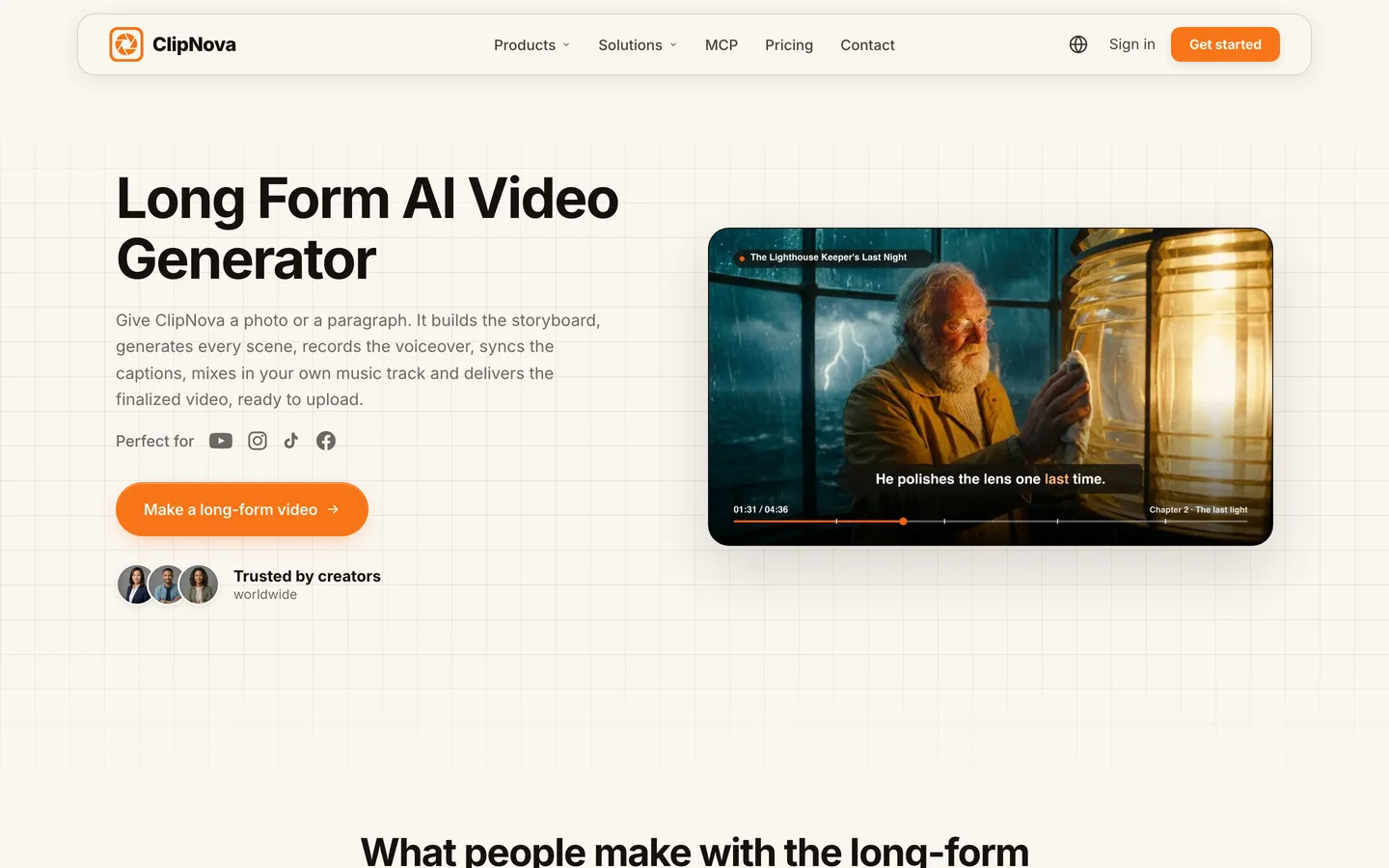
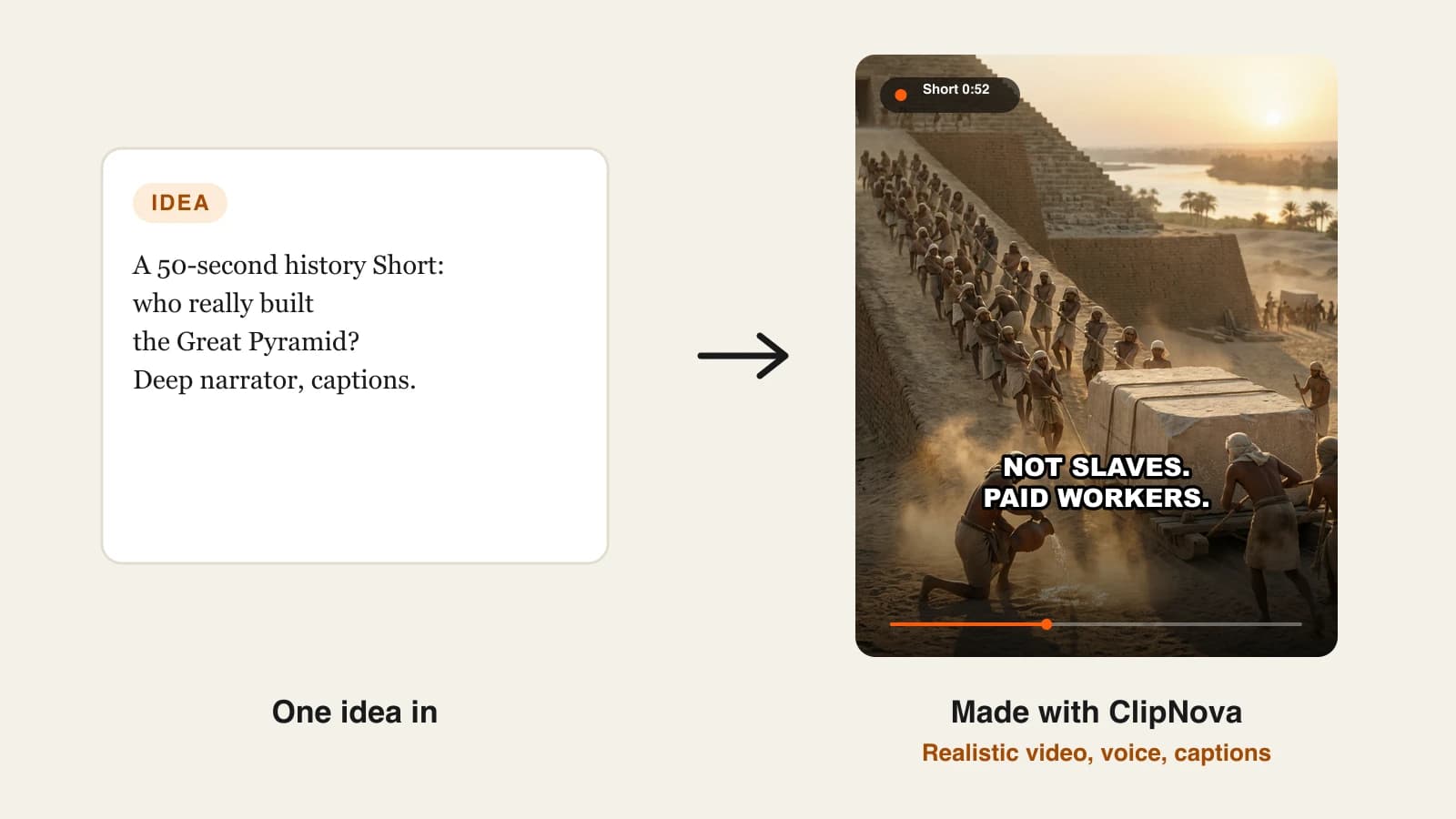
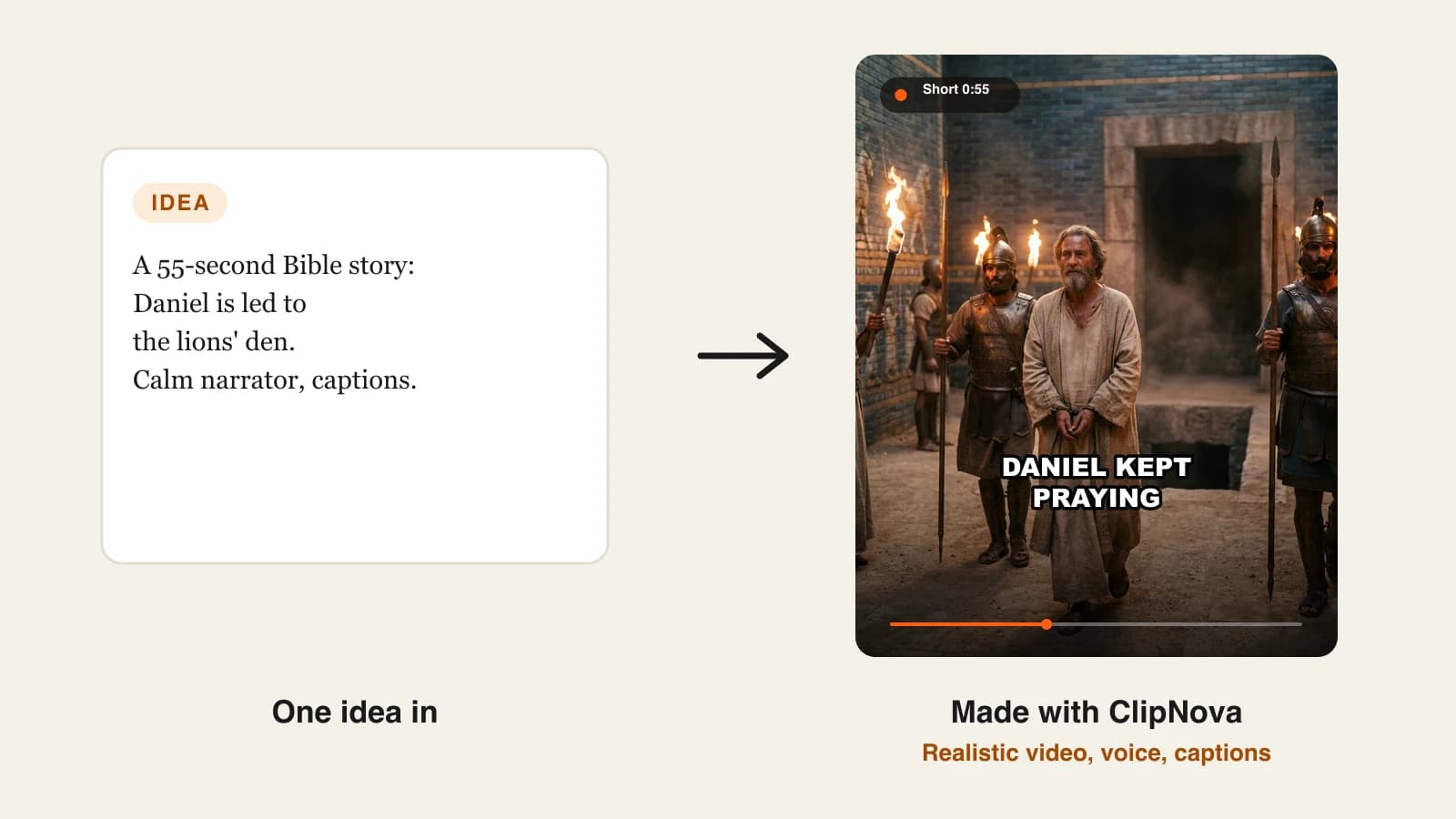
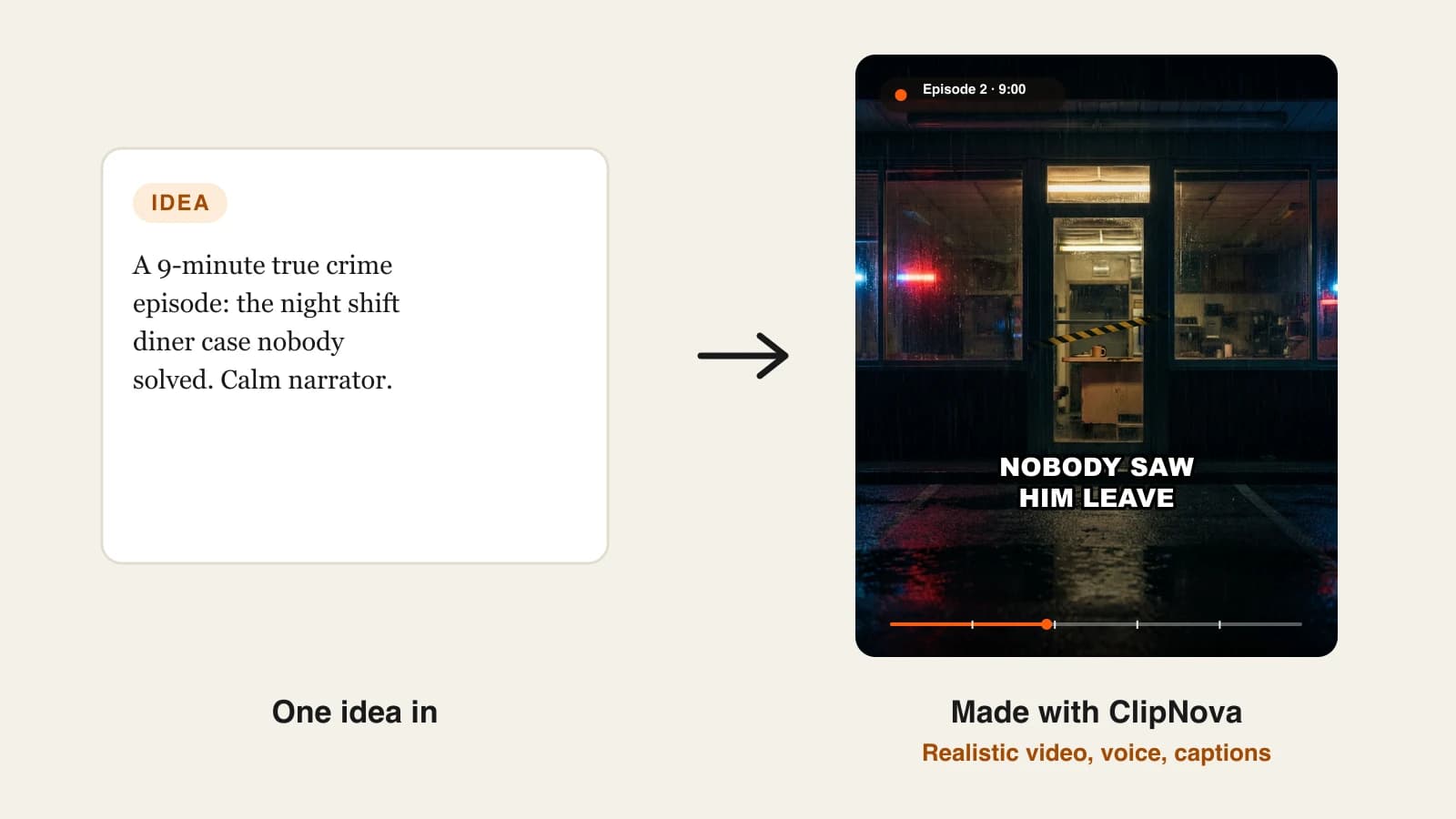
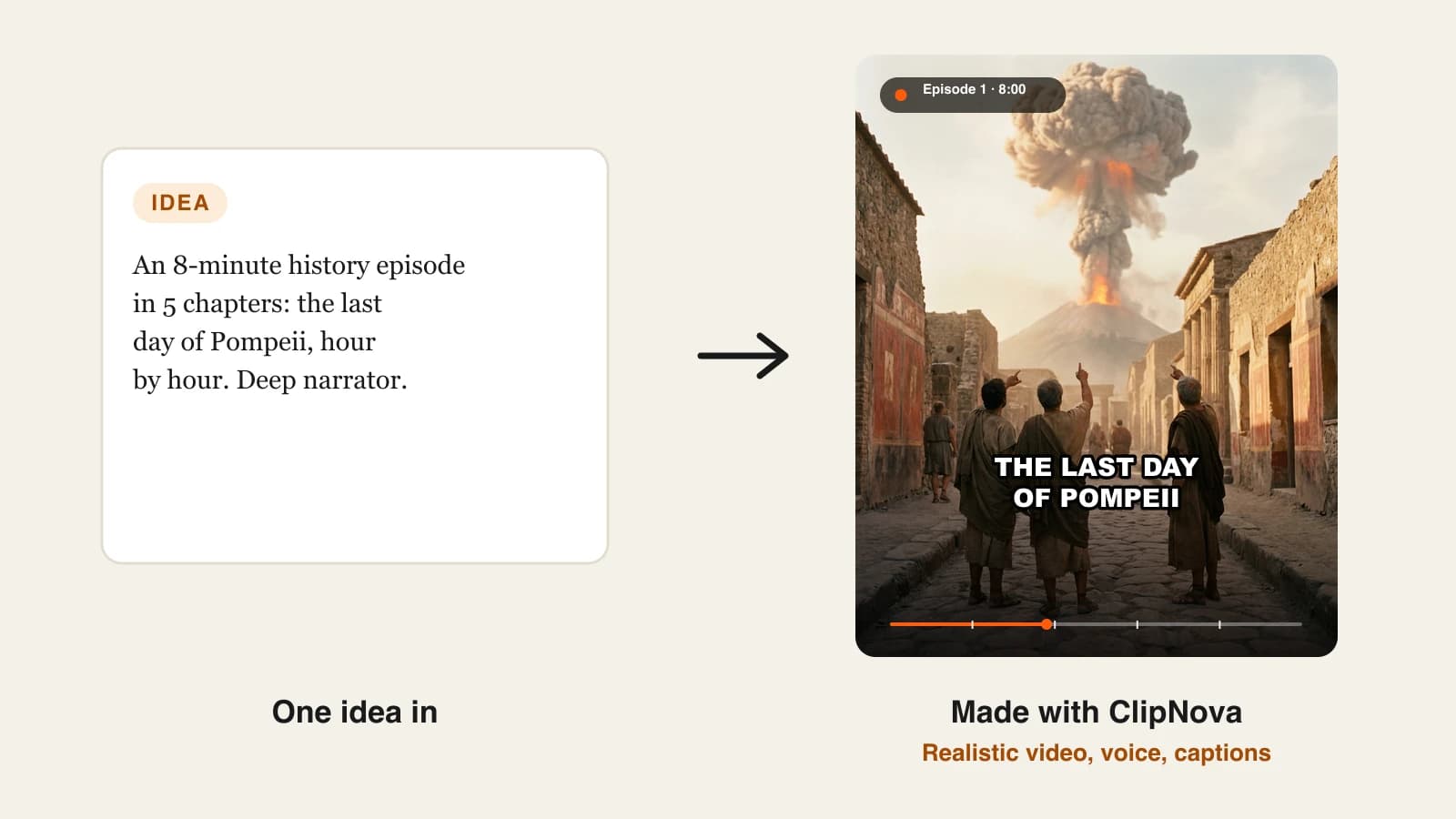
The detail that matters most for channels is consistency. The same characters appear across scenes, and the look holds from the first shot to the last, which is what makes a story episode feel like one video. The ClipNova long form AI video generator page shows three full examples, from a narrated story to a kids 3D cartoon and a faceless documentary.
Key features
- Videos up to 5 minutes from one prompt, planned shot by shot
- Shots of about 6 seconds, each animated from its own start image
- The same characters across every scene
- AI narrator voices in 18 languages, with word-by-word captions
- 9:16, 16:9 and 1:1, exported at up to 1080p
- Your own music track mixed under the narration
Best for
- Faceless YouTube story, history and documentary channels posting 3 to 5-minute videos
- Kids cartoon episodes where the main character has to look the same in every scene
Pricing
- Plans from $19/mo: Hobby $19 (1,000 credits), Starter $49 (2,600), Growth $99 (5,750) and Ultra from $199 (12,000)
- Every plan has every feature; plans differ only in credits, and the credit cost shows before you generate
Pros
- The lowest entry price in this list, with a full prompt-to-video pipeline on every plan
- Storyboard first, so the video has structure before any credits go into rendering
Cons
- 5 minutes is the cap per video, so a 10-minute episode means two parts joined in an editor
- Output tops out at 1080p, with no 4K export
2. LongStories.ai, best for long animated story episodes
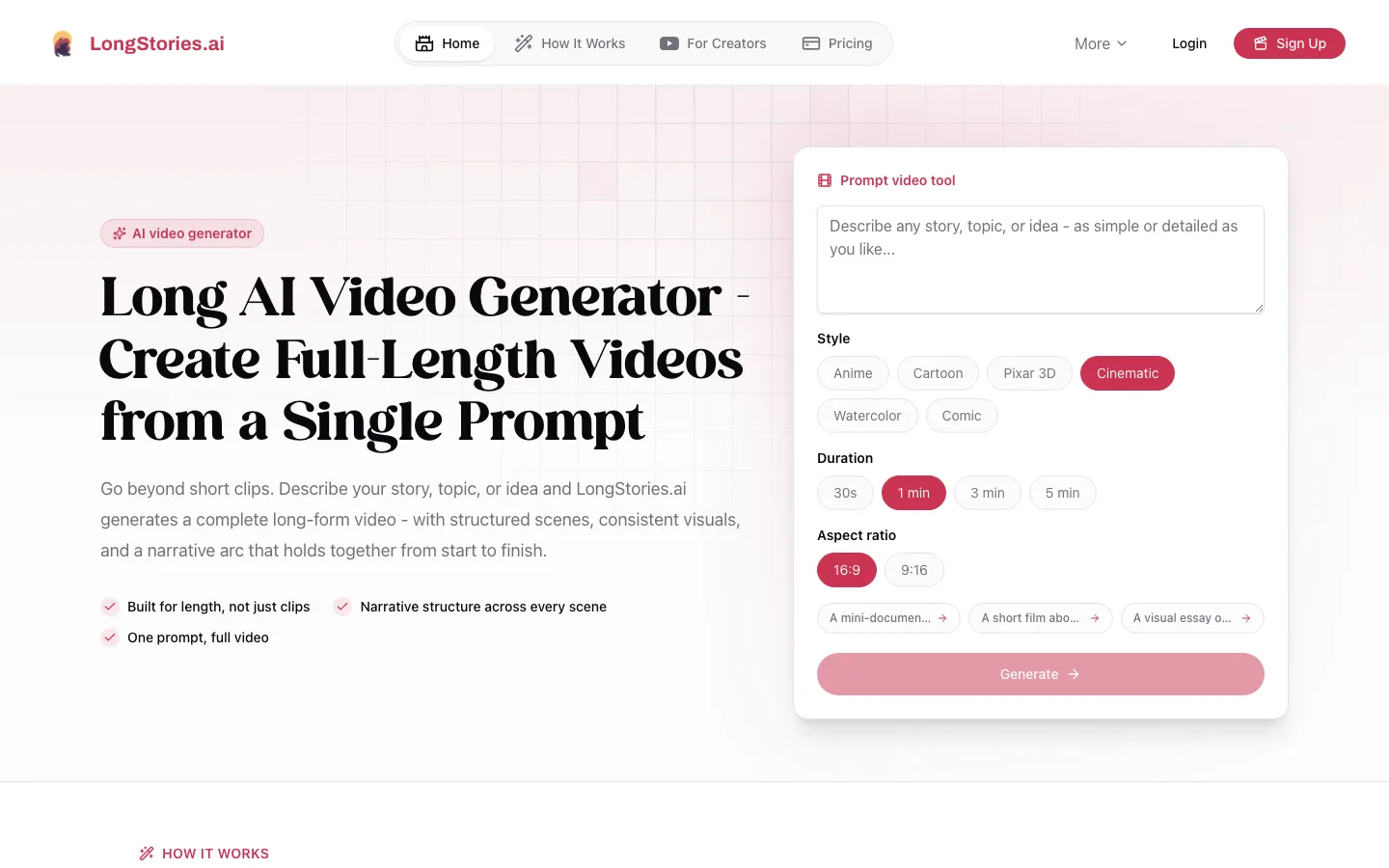
LongStories.ai is built for one job: long animated stories. You describe a story, topic or idea, pick a style (anime, cartoon, Pixar-style 3D, cinematic, watercolor or comic) and an aspect ratio, and it produces a full video with structured scenes and a narrative arc. Its standout feature is reusable characters and universes, so episode 7 of a series can use the same cast and world as episode 1.
Key features
- Up to 10 minutes per video on Pro and Creator, 15 minutes on Creator Max and above
- Saved characters and universes for consistent series
- Narrator and character voices, with scene editing and regeneration
- Upscaling to 1080p, 2K or 4K
- Unused credits roll over to the next month
Best for
- Animated story channels publishing 8 to 15-minute episodes
- Creators planning a recurring cast across many videos
Pricing
- Pro: $59/mo ($44.25/mo billed yearly) with 4,500 credits, which LongStories says is about 6 minutes of Pro animation at 480p
- A 1-minute Pro video costs 714 credits at 480p and 1,374 credits at 1080p, so Pro covers about 3 minutes of 1080p animation a month
- Creator: $99/mo (8,500 credits); Creator Max: $199/mo (17,000 credits) unlocks 15-minute videos
Pros
- The longest AI-animated runtime per video in this list
- Series tools (characters and universes) are part of the core product
Cons
- Credits run out fast at 1080p, so one long episode can use most of a month on Pro
- No plan below $59 a month
3. Revid.ai, best for short dialogue films
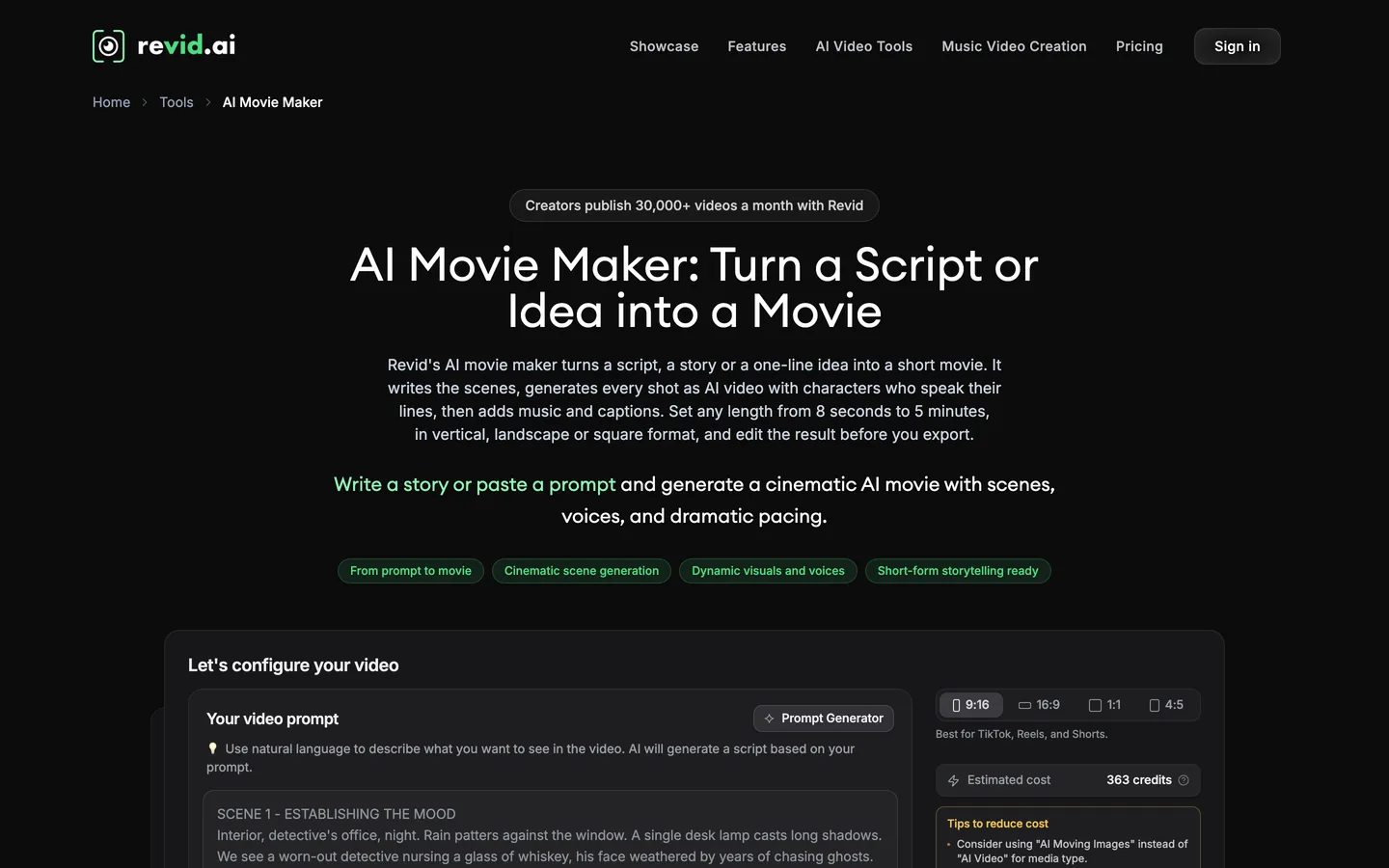
Revid.ai is mainly a short-form tool, but its AI Movie Maker stretches to real long-form. It turns a script, story or one-line idea into a movie: it writes the screenplay, generates each scene as AI video with characters speaking their lines, then adds music and captions. You set the length anywhere from 8 seconds to 5 minutes and pick vertical, landscape, square or 4:5.
Key features
- AI Movie Maker: 8 seconds to 5 minutes, scenes generated as AI video
- Characters speak their own lines, with music and captions added
- 9:16, 16:9, 1:1 and 4:5; export in 720p, 1080p or 4K
- Direct publishing to TikTok, Instagram and YouTube, plus Auto-Mode workers
Best for
- Skits and mini dramas where dialogue carries the story
- Creators who want generation and posting in one place
Pricing
- From $39/mo ($32/mo billed yearly) with 2,000 AI credits a month
- Ultra: $199/mo with 12,000 credits
Pros
- Speaking characters, which narration-first tools do not attempt
- Up to 4K export
Cons
- Revid's own AI Movie Maker example shows an estimate of 363 credits for one scripted movie, so 2,000 monthly credits cover only a handful
- Character consistency across scenes is not described on the AI Movie Maker page
4. Zebracat, best for social and marketing videos built from several AI models
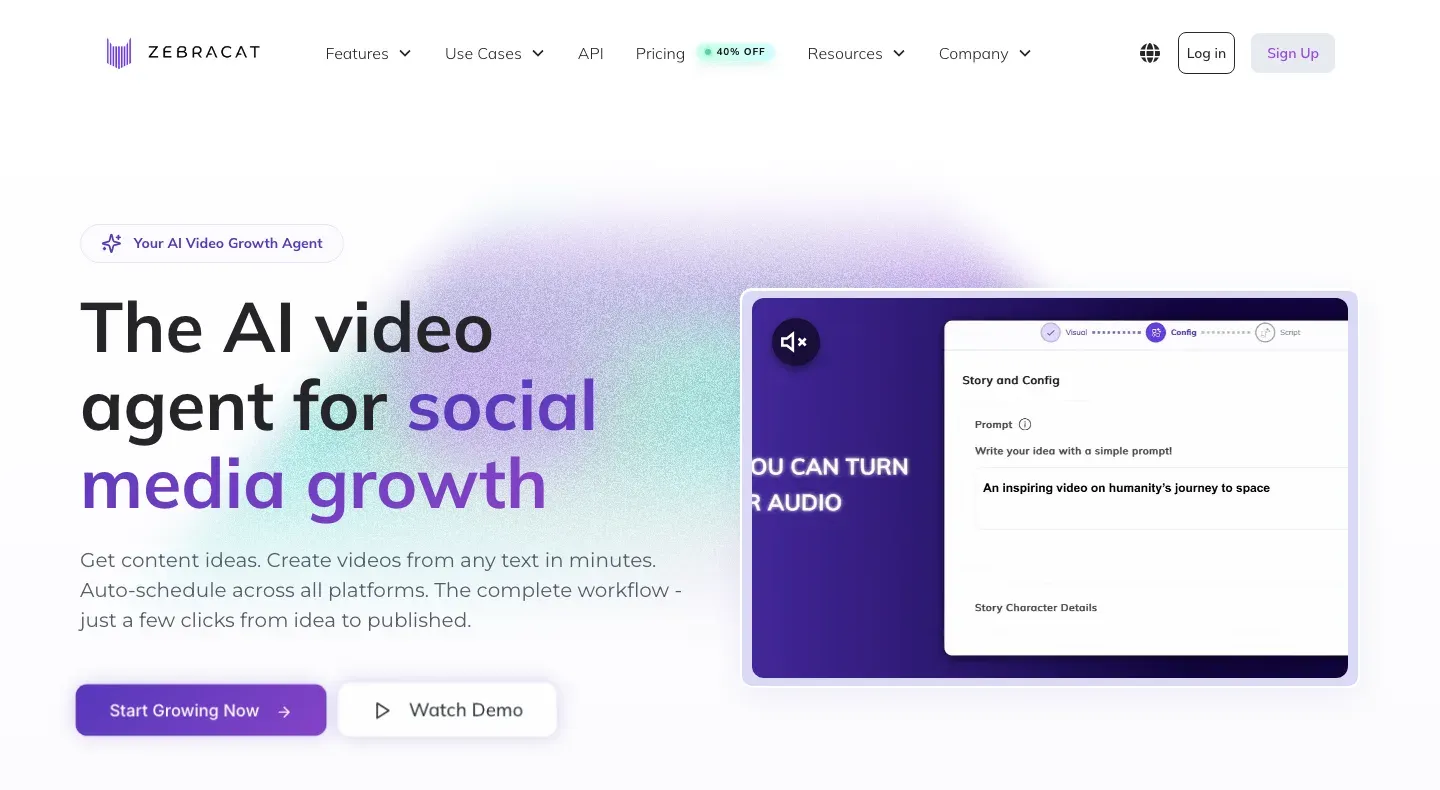
Zebracat pitches itself as an AI video growth agent: content ideas, video creation and scheduling in one tool. It accepts a prompt, script, blog post, audio file, image or URL and returns an edited video with voiceover, music and captions. Instead of one model, it routes each scene to the model it thinks fits best, including Veo, Kling and Seedance.
Key features
- Many inputs: prompt, script, blog post, audio, image or URL
- Model choice per scene (Veo, Kling, Seedance and others)
- AI voices in 170+ languages, plus voice cloning
- Auto-scheduling across social platforms
- 1080p on every paid plan, with commercial rights
Best for
- Brands and agencies turning articles into 1 to 5-minute social videos
- Creators who want ideas, videos and scheduling in one dashboard
Pricing
- Cat Mode: $39/mo ($23/mo billed yearly), 350 generative AI credits, videos up to 2 minutes
- Super Cat: $99/mo ($59/mo yearly), 1,400 credits, videos up to 5 minutes
Pros
- Strong input flexibility for repurposing written content
- Scheduling built in
Cons
- The entry plan caps videos at 2 minutes, so true long-form starts at $99
- Built around social growth, less around story structure and recurring characters
5. Pictory, best for long explainers built on stock footage
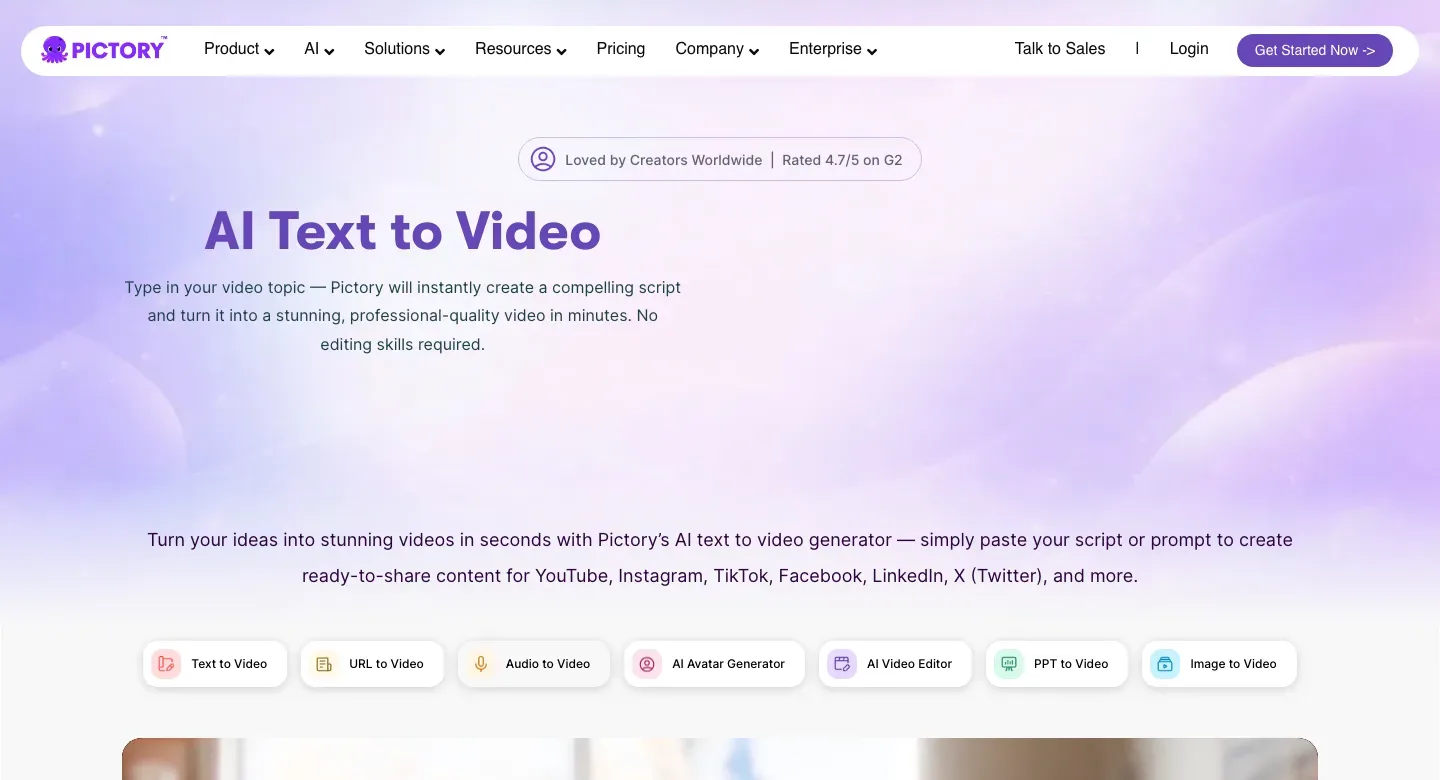
Pictory is the veteran here, and it wins on raw length. Paste a script, prompt, blog post, URL or slide deck and it splits the text into scenes, matches each one with footage from its stock library, adds an ElevenLabs voice and captions, and lets you swap any clip. You can also generate images and video clips in its AI Studio and drop them into scenes, but most videos are built on stock.
Key features
- Videos up to 30 minutes on Starter, Professional and Team
- Text, script, blog, URL, PPT and PDF to video, with automatic scene splitting
- ElevenLabs voices in multiple languages, or your own voiceover synced to scenes
- Horizontal, vertical and square formats; 1080p export
- Caption styles, transitions and brand layouts
Best for
- 10 to 30-minute explainers, listicles and educational videos where stock footage fits
- Turning a backlog of blog posts into YouTube videos
Pricing
- Starter: $29/mo ($25/mo billed yearly) with 200 video minutes a month, which is about $0.15 per minute of video
- Professional: $59/mo ($35/mo yearly) with 600 minutes; Team: $199/mo with 1,800 minutes
Pros
- The longest videos and the most minutes per dollar in this list
- Predictable cost: minutes, not model credits
Cons
- Stock footage looks generic in story and kids niches, and other channels use the same clips
- No consistent original characters, so it does not suit fiction
6. Vyond, best for animated training and business explainers
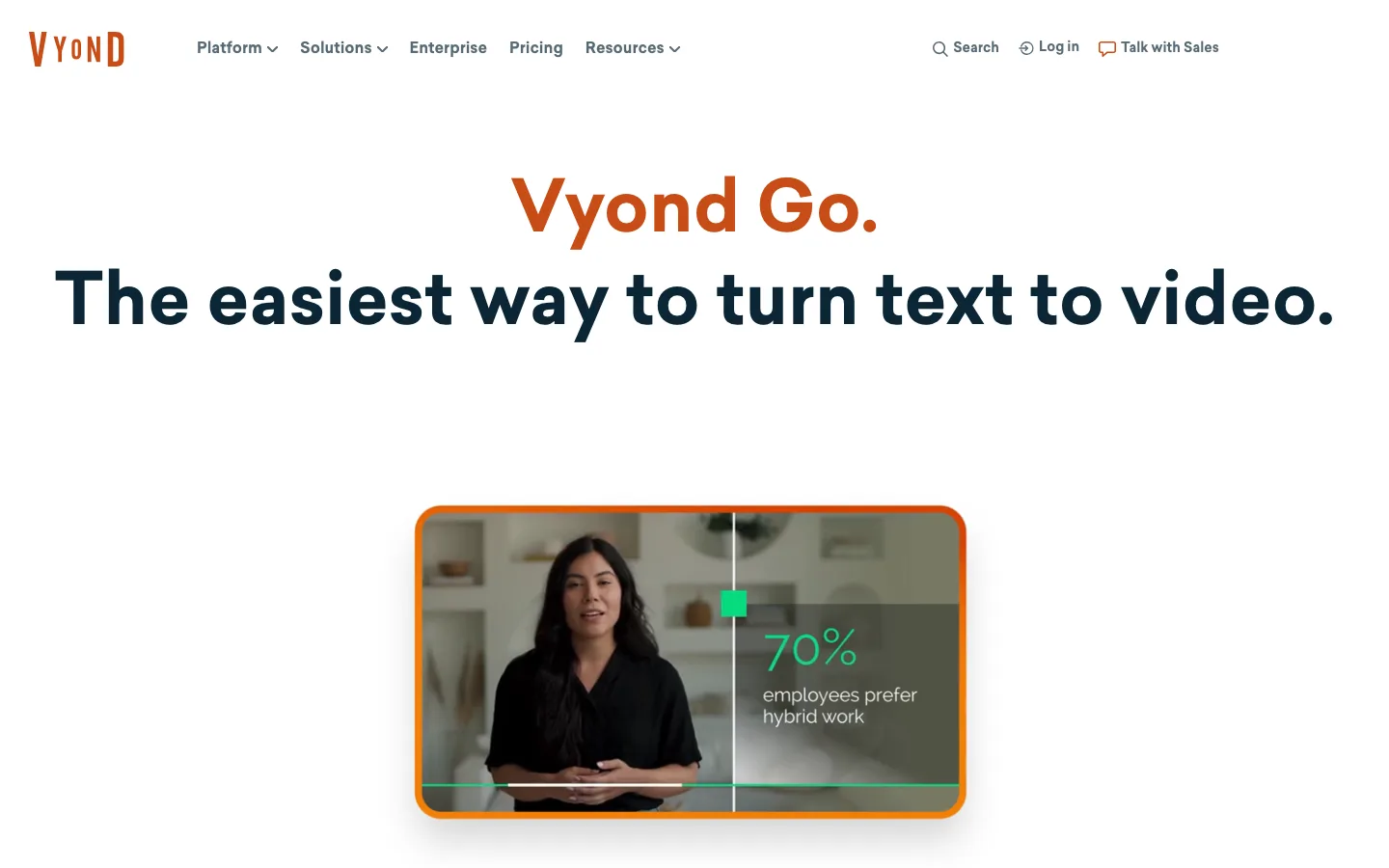
Vyond is an animation studio for business video, and Vyond Go is its AI front door. You type a prompt of up to 4,000 characters (about 700 words) or upload a document, and it writes a script and builds an animated video, typically around 2 minutes. You then open the draft in Vyond Studio, where full projects can run to 25 minutes on Starter, and add scenes, characters and voices by hand.
Key features
- Vyond Go: prompt or document to script and animated video
- Studio videos up to 25 minutes on Starter and 40 minutes on Professional
- 650+ text-to-speech voices and AI avatars
- Screen and webcam recording for software walkthroughs
Best for
- HR, training and onboarding teams producing 10 to 25-minute modules
- Agencies making animated explainers for clients
Pricing
- Starter: $99/mo, or $58/mo billed yearly ($699 a year), with 10,000 credits per user
- Professional: $199/mo ($100/mo yearly) with 40-minute videos and 95-language translation
Pros
- The most control over a long animated video once the draft exists
- Mature tool for corporate styles and compliance-friendly content
Cons
- The AI draft is short (about 2 minutes), so the long version is built by hand
- The highest entry price here, and a business look that rarely suits faceless entertainment channels
How to choose the best long-form AI video generator for your channel
1) How long does one video need to be?
- 3 to 5 minutes: ClipNova covers this from one prompt on every plan. Revid's AI Movie Maker and Zebracat's Super Cat also reach 5 minutes.
- 6 to 15 minutes of animation: LongStories.ai (10 minutes on Pro, 15 on Creator Max). With ClipNova, make the episode as two or three 5-minute parts and join them.
- 15 to 30 minutes: Pictory if stock footage works for the topic, Vyond if it is a training module.
2) Does your video need original characters?
- Yes, a recurring hero or cast: ClipNova for stories and kids episodes up to 5 minutes, LongStories.ai for long animated series.
- Characters that talk to each other: Revid.ai.
- No, the narrator carries it: Pictory or Zebracat are fine, since stock or mixed visuals do not need continuity.
3) What does one finished minute really cost?
Divide the plan price by the minutes it actually produces at the quality you will publish.
- Pictory Starter: $29 for 200 minutes is about $0.15 a minute, the cheapest by far, because stock footage is cheap to assemble.
- LongStories Pro: $59 for about 6 minutes of Pro animation at 480p is roughly $9.80 a minute. At 1080p it covers about 3 minutes, close to $18 a minute.
- Zebracat Cat Mode: $39 for 350 credits, with videos capped at 2 minutes.
- ClipNova: plans start at $19, the lowest entry in this list, and the exact credit cost of each video is shown before you generate, so you can price a 5-minute episode before you commit.
Animated AI video costs real compute per second, so any tool that animates every shot will cost more per minute than a stock-footage tool. The fair comparison is cost per minute at the quality your niche needs.
4) Do you want to post automatically?
- Review every video first (recommended for long-form): ClipNova, LongStories.ai, Pictory and Vyond. A 5-minute video has more places for a wrong name, a misread date or an off-model shot, and one bad scene can tank retention.
- Auto-publish: Revid.ai and Zebracat publish or schedule to social platforms.
Make three test videos in your own niche before you commit to a plan. Watch them at full length on a TV-sized screen, not just on your phone: long-form problems such as a character changing hair color in minute three or a narrator drifting out of sync only show up when you sit through the whole thing.
If you are setting up a channel around long videos, start with how to start a faceless YouTube channel for niche and format choices, and see our roundup of the best faceless AI video generators if most of your output will be Shorts. ClipNova pricing lists what each plan's credits cover.
Frequently asked
What is the best long-form AI video generator in 2026?
ClipNova is the best long-form AI video generator for most faceless creators: one prompt becomes a narrated, captioned video of up to 5 minutes with the same characters in every scene, on plans from $19 a month. LongStories.ai is the pick for animated episodes of 10 to 15 minutes, and Pictory for 30-minute explainers built on stock footage.
Can AI make a 10-minute video from one prompt?
Yes, but only a few tools do it in one render. LongStories.ai makes animated videos up to 10 minutes on its $59 Pro plan, Pictory goes to 30 minutes with stock footage, and Vyond Studio allows 25-minute projects. With ClipNova, a 10-minute episode is two 5-minute parts joined in any editor.
Why do most AI video generators stop at 5 to 10 seconds?
Video models such as Sora, Veo and Kling generate one shot at a time, and quality and consistency drop as a single shot gets longer. Long-form generators work around this by planning a storyboard, generating many short shots and joining them with one narration track, captions and music.
What is the cheapest long-form AI video generator?
ClipNova has the lowest entry price in this comparison at $19 a month. Among the others, Pictory starts at $29, Revid.ai and Zebracat at $39, LongStories.ai at $59 and Vyond at $99, all billed monthly. Per finished minute, Pictory is cheapest because it uses stock footage instead of animating every shot.
How do long-form AI video tools keep characters consistent?
They lock the character before rendering. ClipNova keeps the same characters across scenes and animates each shot from its own start image, and LongStories.ai lets you save characters and whole universes to reuse in later episodes. Stock-footage tools like Pictory do not keep original characters at all.
Can I monetize long AI videos on YouTube?
Yes, if the video adds real value and you own the rights to it. YouTube's monetization rules target mass-produced and repetitive content, so vary your scripts, add your own research and angle, and disclose realistic synthetic content when YouTube asks. Check that your plan includes commercial use.
Is long-form or Shorts better for a faceless channel?
Shorts grow subscribers faster, while long videos earn more per view and build watch time. Many faceless channels do both: one 5 to 10-minute video a week, cut into two or three Shorts that point back to it.
Which long-form AI video generator should I start with?
Start with ClipNova if your channel tells stories, explains history or makes kids episodes up to 5 minutes: it plans, animates, narrates and captions the whole video from one prompt, from $19 a month. Add LongStories.ai if you need 10-minute animated episodes, or Pictory for long stock-footage explainers.