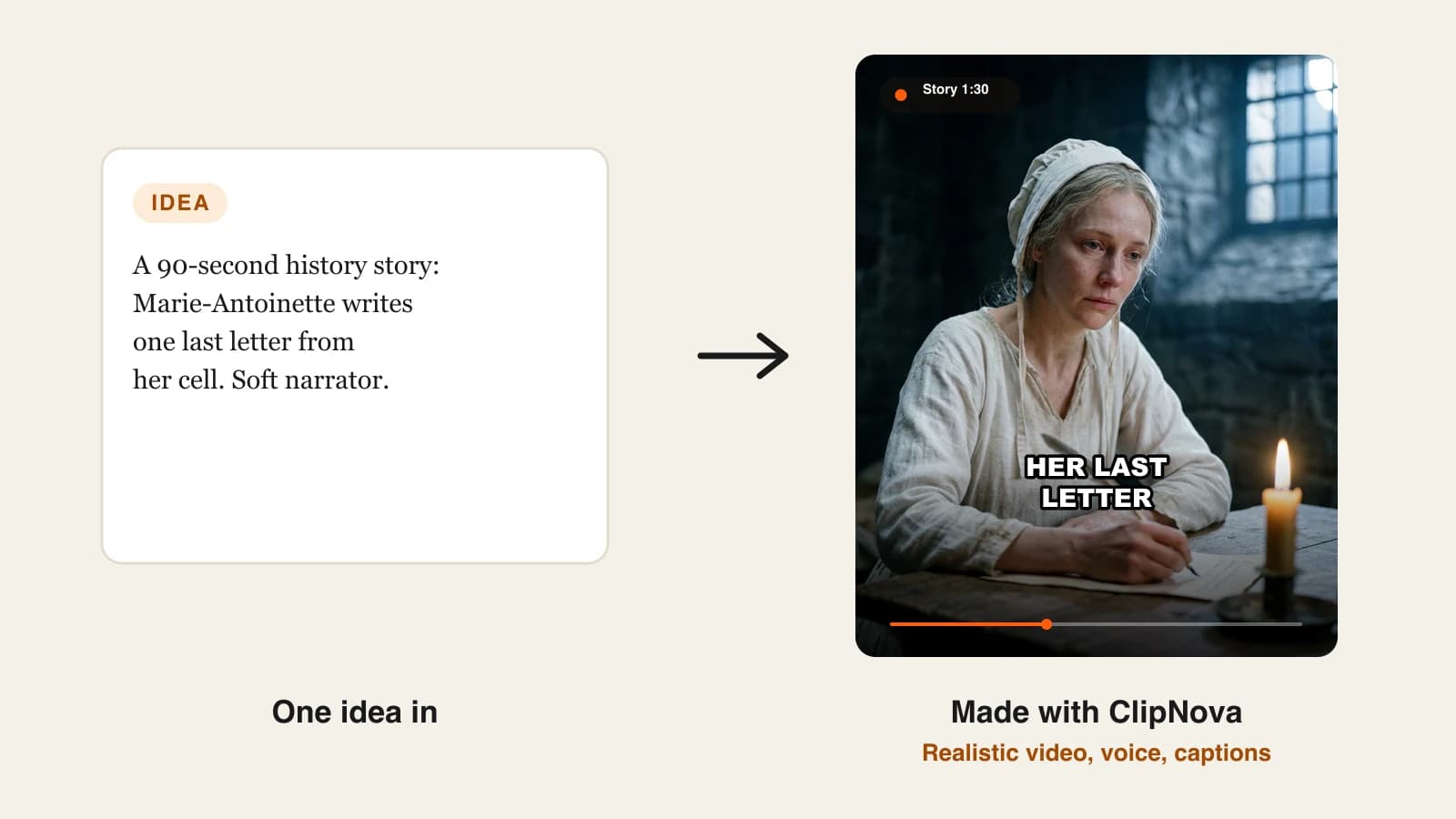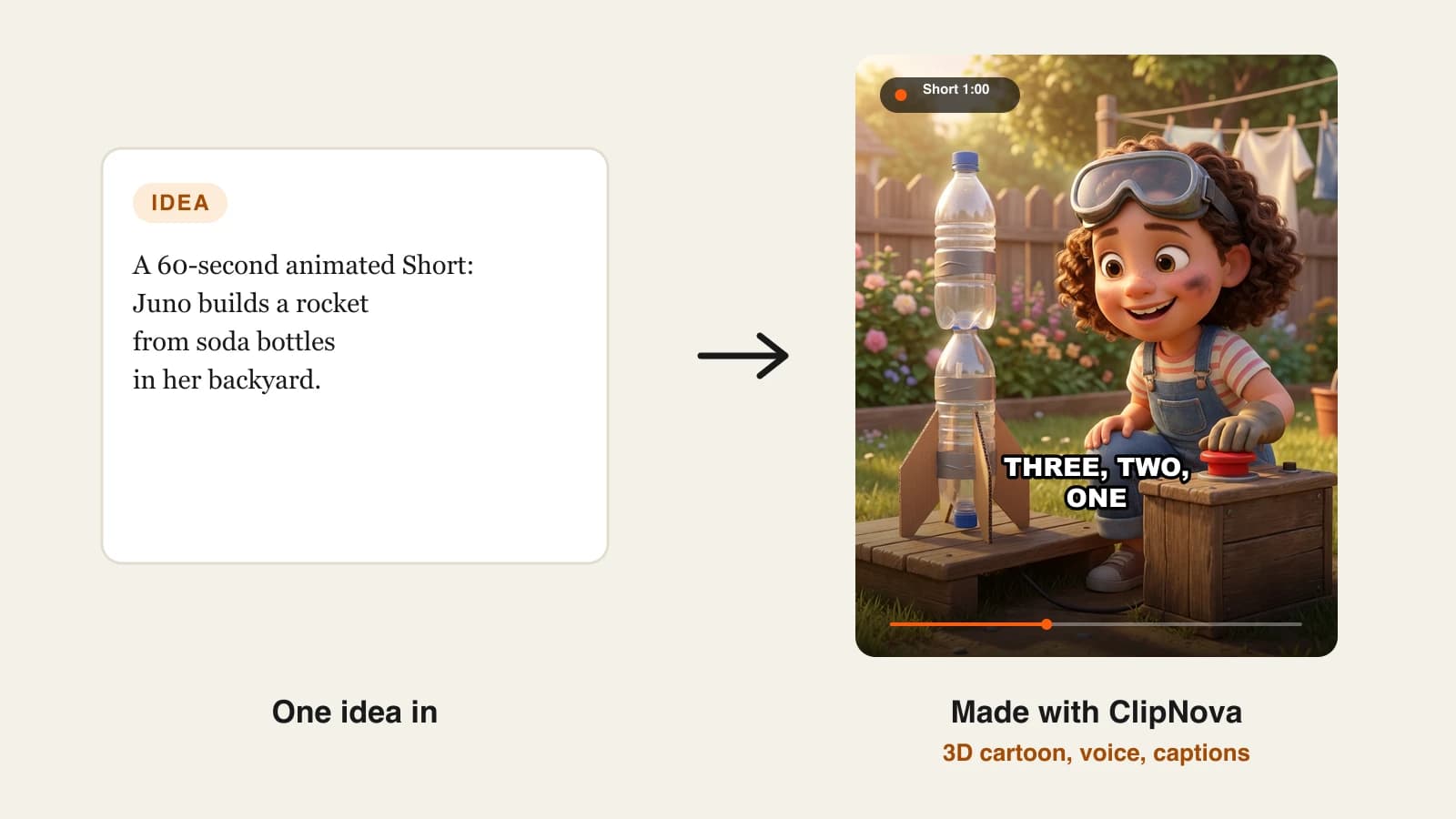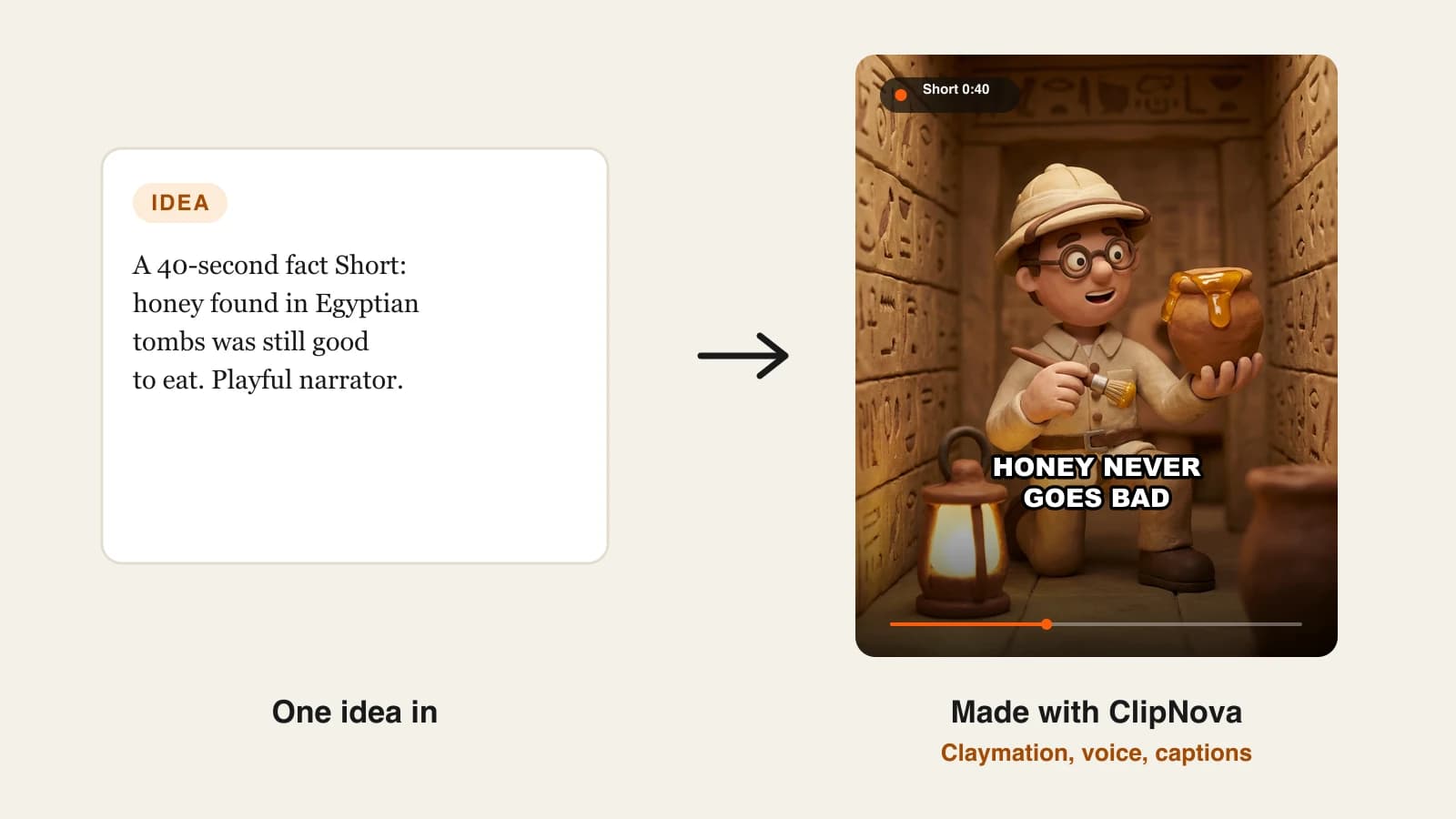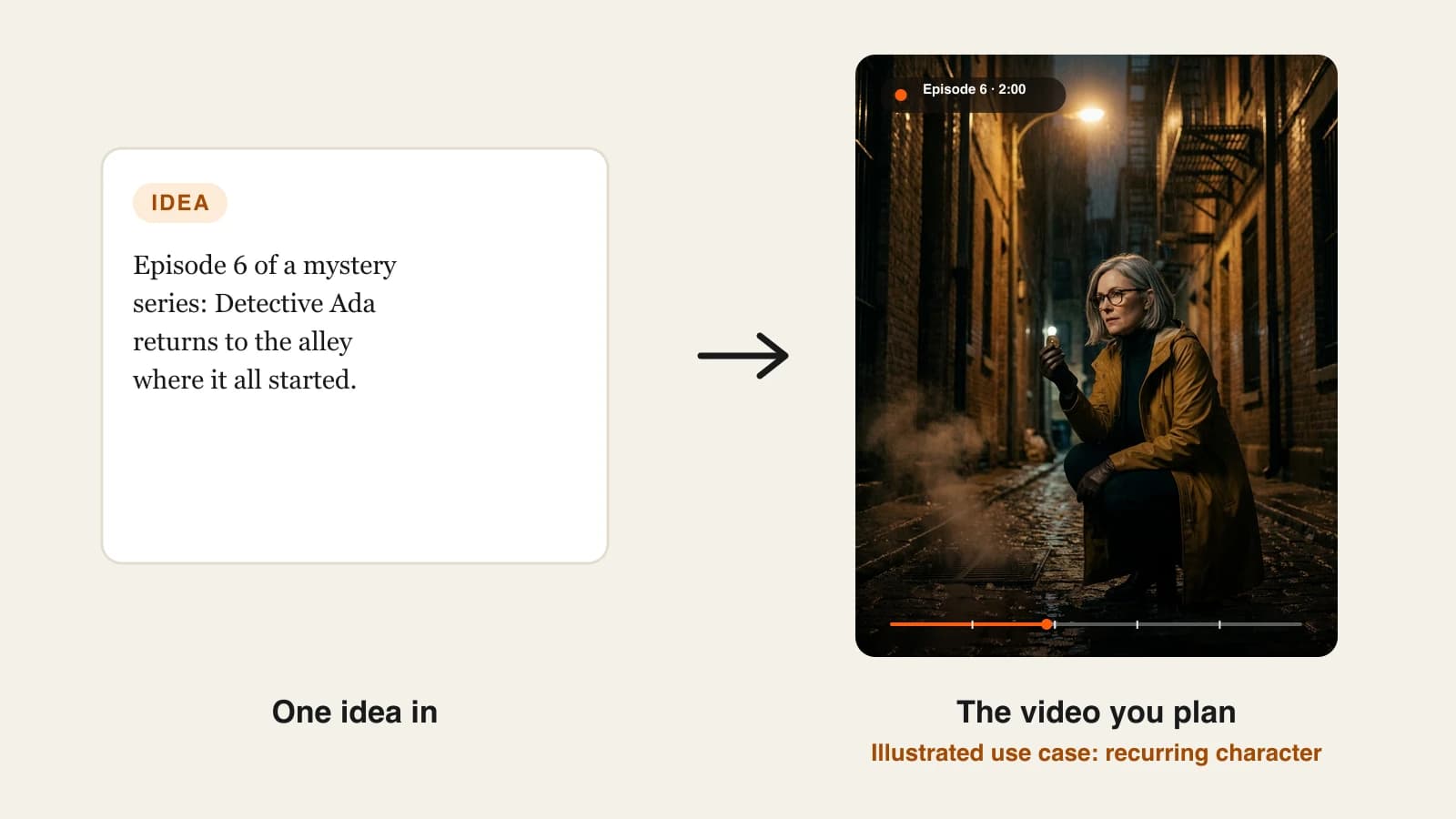
The best consistent character AI video generator for most story creators in 2026 is ClipNova: save a character once with a picture and a locked look, and it keeps the same face and outfit in every scene of a finished video of up to 5 minutes, and in every episode of a Series. Plans start at $19/mo.
Character drift is the reason most AI video channels never become shows. Episode one introduces a detective with a grey bob and a yellow raincoat; by episode three she has brown hair, a new coat and a different jaw, and the comments notice before you do. Prompting harder does not fix it. What fixes it is a tool that stores the character as an asset and reuses it every time.
The tools that promise "consistent characters" mean very different things, though: a cast for a story series, a digital twin of you as a presenter, or an animated business character. This roundup compares 5 of them on how the character is locked, how many you can keep, how long one video runs and the cheapest paid plan, all checked on October 14, 2026.
The 5 best consistent character AI video generators at a glance
- ClipNova: best overall for story series with a recurring cast. Saved characters keep their look across scenes, and a Series brings up to 8 of them back in every episode with story memory.
- LongStories.ai: best for long animated episodes in a shared world. Characters, series and universes carry the cast, voices and setting from one video to the next.
- HeyGen: best for a consistent presenter that looks like you. Avatar V builds a digital twin from a 15-second recording and keeps it consistent across outfits and scenes.
- Zebracat: best for marketing videos with a recurring avatar. Its Super Cat plan adds character consistency and custom avatars to a multi-model video generator.
- Vyond: best for animated business characters. Its Character Creator and Photo to Character tool save custom characters you reuse in any video.
| Tool | Best for | Starting price | How the character is kept | Max length per video |
|---|---|---|---|---|
| ClipNova | Story series with a recurring cast | From $19/mo | Saved character with picture and locked look; Series cast of up to 8 | Up to 5 min |
| LongStories.ai | Long animated episodes | $59/mo | Saved characters, series and universes | 10 min (15 on Creator Max) |
| HeyGen | A presenter who looks like you | $29/mo | Custom video avatar (digital twin) | 30 min |
| Zebracat | Marketing videos with a recurring avatar | $39/mo | Character consistency and custom avatars on Super Cat ($99) | 2 min (5 on Super Cat) |
| Vyond | Animated business characters | $99/mo | Custom characters saved in your library | 25 min (40 on Professional) |
Test consistency the hard way before you pay for a year: make three videos with the same character in three different settings (day and night, indoors and outdoors, close-up and wide). Drift shows up in lighting changes and wide shots, not in a single close-up.
What "consistent character" really means in AI video
Three things have to hold for a character to feel like the same person:
- Within one video. The face, hair, outfit and props stay the same from the first scene to the last. This is the minimum.
- Across videos. The character you saved in January looks the same in June. That needs a stored reference, not a description you retype.
- Across a cast. Two or more characters in the same scene keep their own looks without blending into each other.
Some tools also keep a voice per character and a story memory, so a series remembers what already happened. Those are what separate a series tool from a clip tool.
1. ClipNova, best overall for story series with a recurring cast
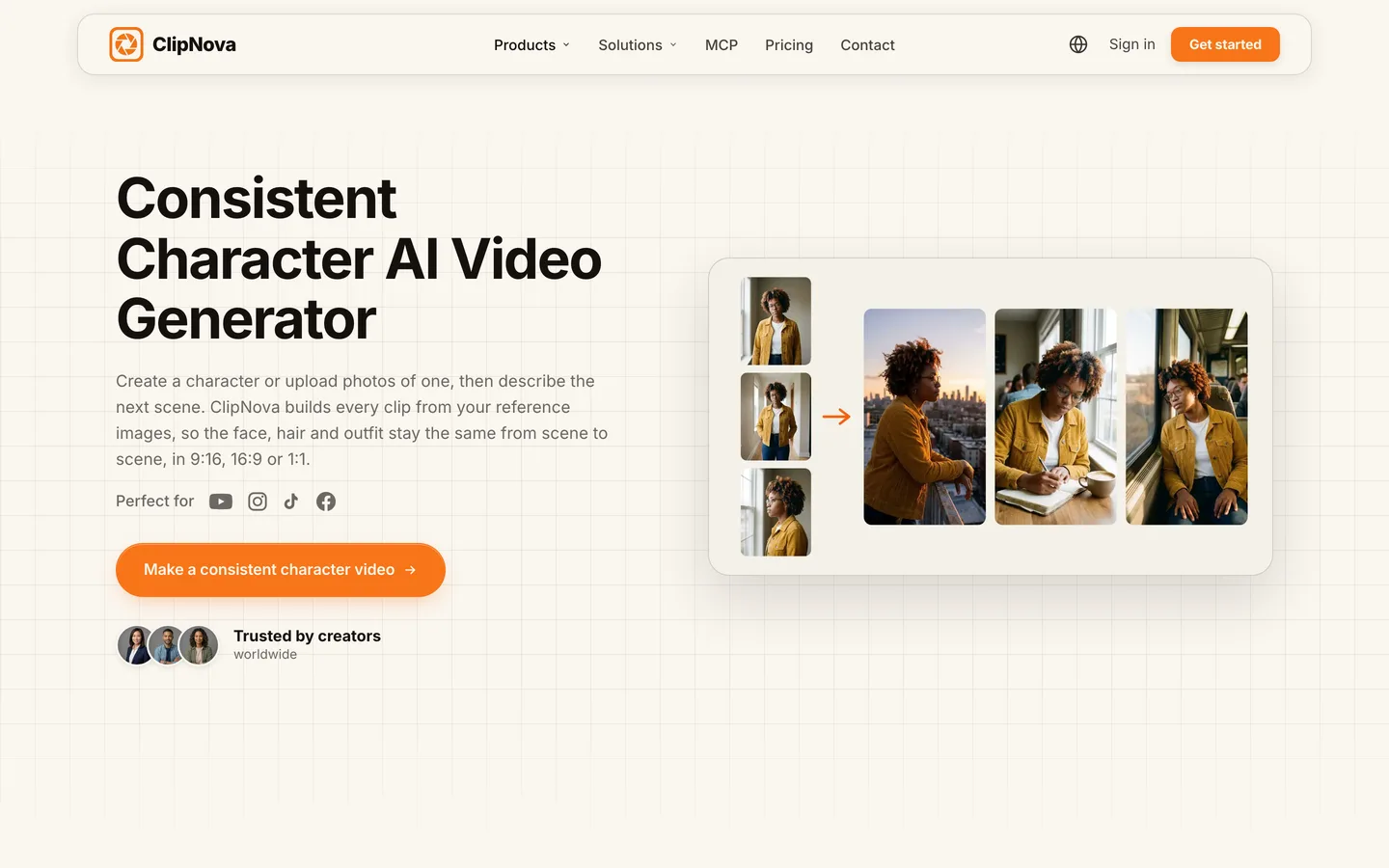
ClipNova handles consistency at two levels. In a single video, you add characters with a face and a name, and ClipNova builds every scene from those references, so the hair, face and outfit stay the same from shot to shot, with a saved character looking the same in each. In a Series, the cast is saved with the show: each character has a name, a role, a locked look, a personality, a catchphrase and a required picture, and every new episode starts from that cast.
For anyone building a recurring character, ClipNova's case is that it makes finished long videos with consistent characters:
- Long: an episode can run up to 5 minutes, so a character gets a full story arc, not a 6-second cameo.
- Consistent characters: up to 8 cast members per Series with locked looks, @mentions to put the right ones in a scene, and story memory of the last 5 episodes so the plot keeps track too.
- Finished: narration, captions and music come with every episode, and Studio fixes the one scene where a character looks off without regenerating the rest.
Key features
- Characters from your saved library, created from a description, or uploaded as a picture
- Series with 7 templates (kids stories, Bible, history, mythology, drama, faceless explainers, custom), up to 8 cast members and story memory of the last 5 episodes
- "Make episode N" from a one-sentence idea, with @mentions for who is in it
- Episode lengths of 30 seconds, 1, 2, 3 or 5 minutes; AI Video or Moving AI Images at about a third of the price
- One narrator, or with AI Video on any quality, characters who speak on screen with lip sync, each in their own voice
- The ClipNova consistent character AI video generator also puts one saved character into a new scene from reference images
How to do it in ClipNova
- Create a series, pick a template and name the show.
- Set the visual style, format, episode length, narrator and captions once.
- Add each character with a name, role, locked look and a picture.
- Click "Make episode 1", write one sentence about what happens, and @mention the characters in it.
- Review the episode, fix any off-model scene in Studio, and make the next one.
Best for
- Story, drama, kids and mystery channels where viewers follow the same characters every week
- Creators who want the narration, captions and music done, not just consistent clips
Pricing
- Plans from $19/mo: Hobby $19 (1,000 credits), Starter $49 (2,600), Growth $99 (5,750), Ultra from $199 (12,000); every plan has every feature
- Per 60-second episode with captions: about 189 credits with Moving AI Images and 550 with Base AI Video; talking-character episodes show their own price before you generate
Pros
- Consistency is built into the series itself, not a setting you re-apply per video
- Story memory keeps the plot as well as the faces
Cons
- Talking characters with their own lip-synced voices work with AI Video only, not with the cheaper Moving AI Images
- 5 minutes is the cap per episode, so longer stories run as multi-part episodes
2. LongStories.ai, best for long animated episodes in a shared world
LongStories.ai is built around reuse at three levels: a video, a series and a universe. A series "keeps your cast, voices and world" for the next episode, and a universe adds its own look, places and rules on top. Characters are saved once and reused across videos, and LongStories promises the same face, style and identity from the first scene to the last. It suits animated shows that run longer than most tools allow.
Key features
- Saved characters reused across videos, series and universes
- Series that keep cast, voices and world for each new episode
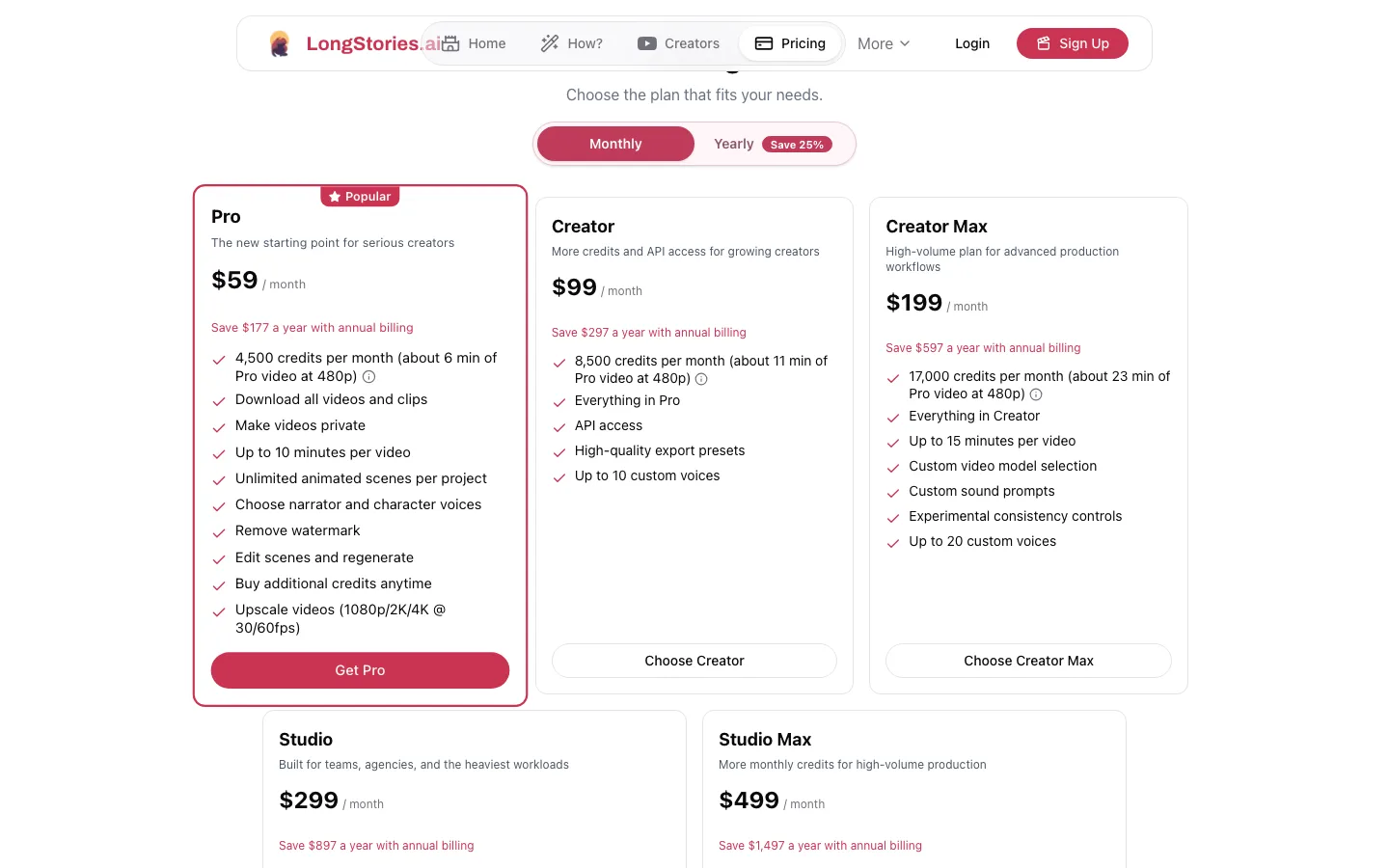
- Up to 10 minutes per video on Pro and Creator, 15 on Creator Max and above
- Animated styles such as Pixar-like 3D, anime, cartoon and comic book
- Creator Max adds experimental consistency controls and custom video model selection
Best for
- Animated series with 8 to 15-minute episodes
- World-building channels with many recurring places and characters
Pricing
- Pro: $59/mo ($44.25/mo billed yearly) with 4,500 credits, which LongStories puts at about 6 minutes of Pro video at 480p
- Creator: $99/mo (8,500 credits); Creator Max: $199/mo (17,000 credits)
Pros
- Longest episodes in this list for an animated recurring cast
- Universe tools for shows with a lot of lore
Cons
- Entry plan covers only about 6 minutes of 480p video a month
- Focused on stylized animation rather than realistic characters
3. HeyGen, best for a consistent presenter who looks like you
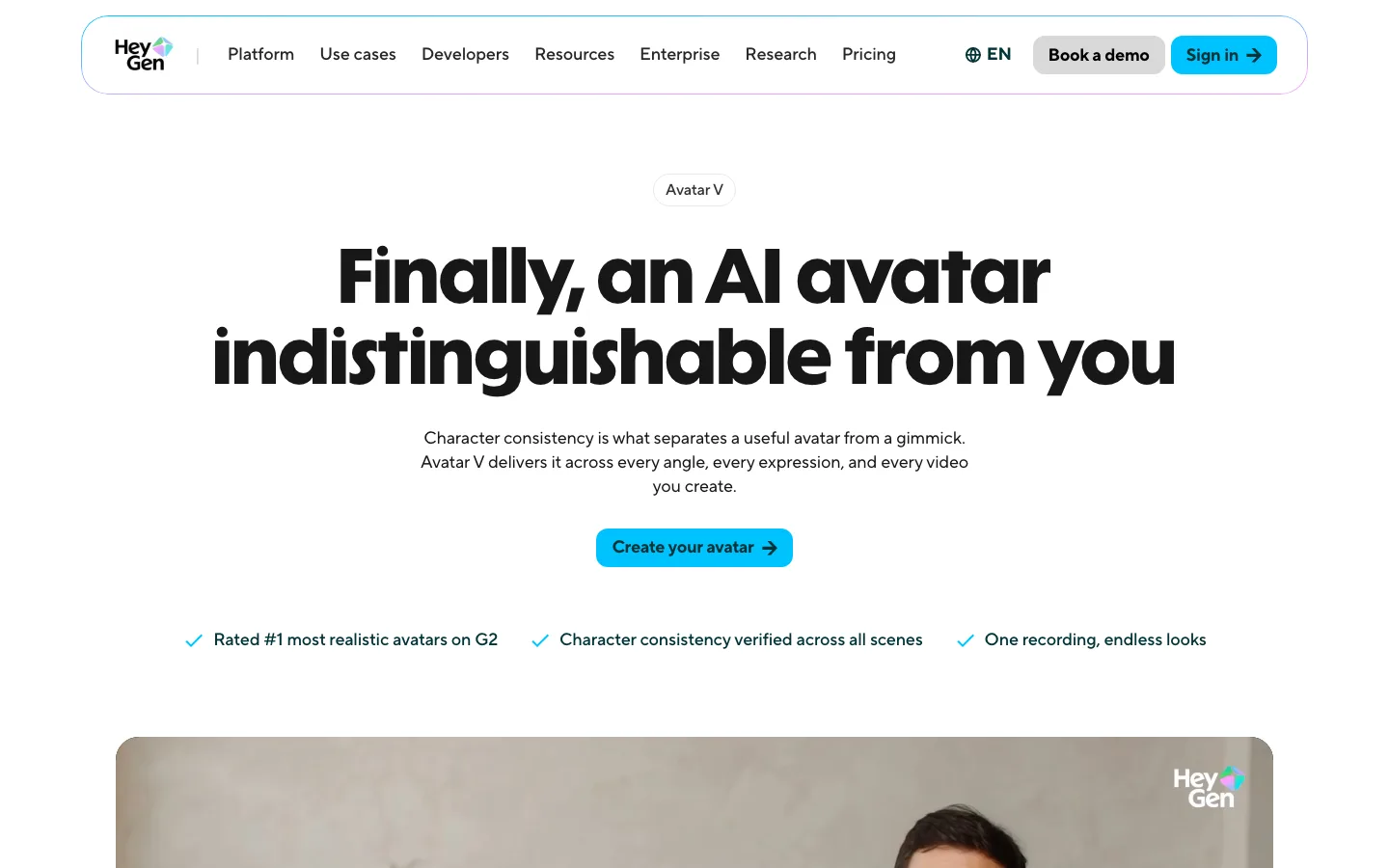
HeyGen solves a different consistency problem: keeping one real person, usually you, identical across every video. Its Avatar V model builds a digital twin from a 15-second webcam recording and, in HeyGen's words, "separates your identity from your appearance", so the same face, expressions and voice hold across outfits, backgrounds and camera angles. That is consistency for presenters, educators and brand channels rather than for fictional casts.
Key features
- Avatar V digital twin from a 15-second recording, with wide, medium and close-up shots from one recording
- Any outfit or setting while the identity stays the same
- Phoneme-level lip sync in 175+ languages and dialects
- Photo avatars and 700+ stock avatars for other presenters
Best for
- Personal brands and course creators who want to appear in every video without filming
- Channels that need one recognizable host across many languages
Pricing
- Creator: $29/mo ($24/mo billed yearly) with 1 custom video avatar, unlimited photo avatars, videos up to 30 minutes at 1080p
- Pro: from $49/mo with 4K export
Pros
- The most convincing consistency for a real human presenter
- Long videos and strong translation for the same face in many languages
Cons
- Built for presenters talking to camera, not for a cast acting out a story
- A digital twin of yourself is the opposite of a faceless channel
4. Zebracat, best for marketing videos with a recurring avatar
Zebracat is an AI video generator for social growth that routes each scene to a model it thinks fits (including Veo 3, Kling 3.0, Seedance 2.5 and Nano Banana) and can schedule the results to your social channels. Consistency arrives on its Super Cat plan, which lists character consistency, custom AI styles and up to 5 new custom avatars a month, with voice cloning. Avatars you create stay available for future videos.
Key features
- Character consistency, custom AI styles and custom avatars on Super Cat and above
- Several video models picked per scene
- Inputs from prompts, scripts, blog URLs, images or audio
- Scheduling and posting to social channels
- Standard AI voices in 170+ languages; video translation into 25+ languages
Best for
- Brands and agencies posting product and explainer videos with a recurring avatar
- Creators who want generation and scheduling in one tool
Pricing
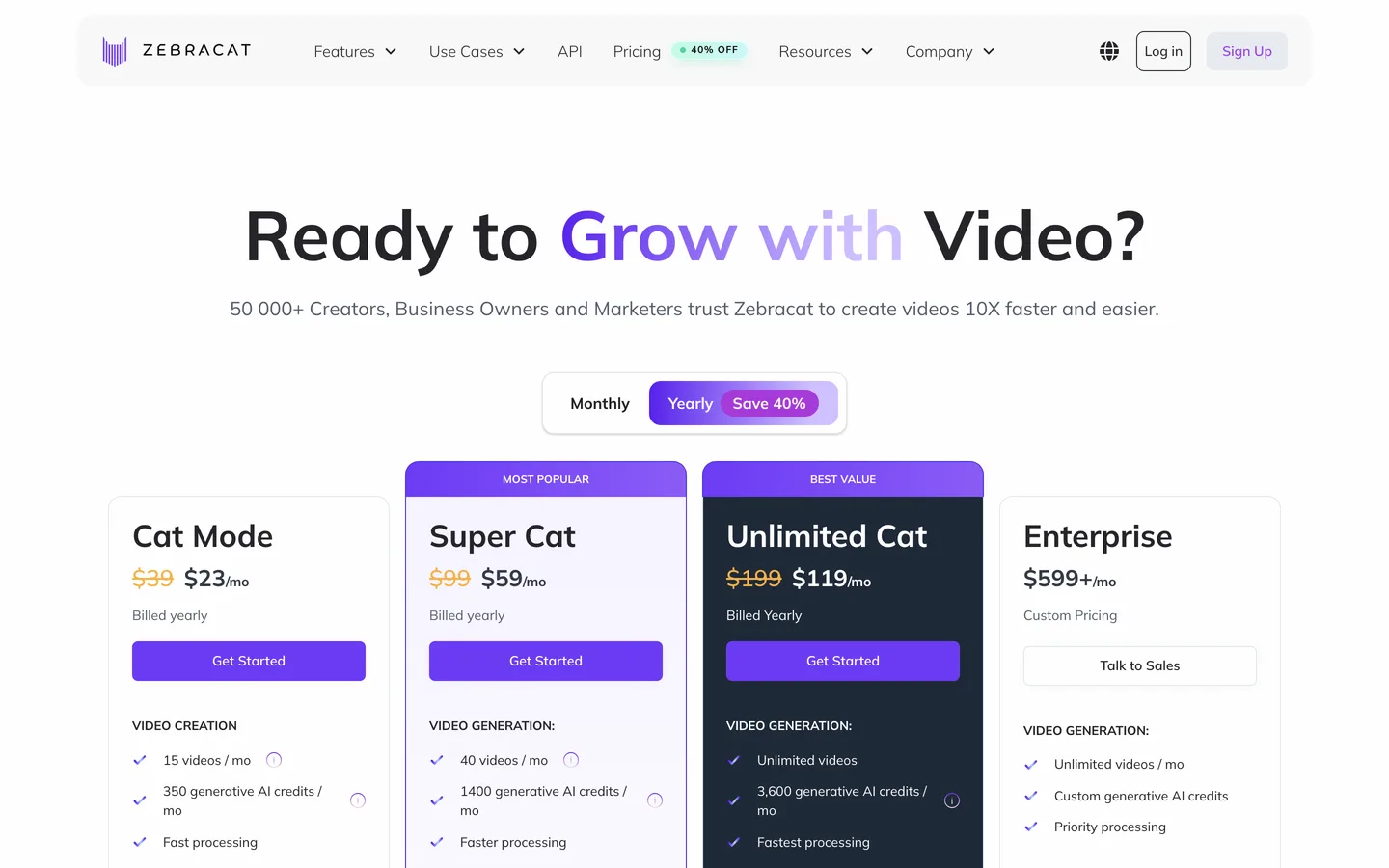
- Cat Mode: $39/mo ($23/mo billed yearly), 350 AI credits, videos up to 2 minutes
- Super Cat: $99/mo ($59/mo yearly), 1,400 AI credits, videos up to 5 minutes, character consistency
Pros
- Model choice per scene plus scheduling in one dashboard
- Custom avatars stay reusable once created
Cons
- Character consistency starts at $99/mo, not on the entry plan
- Built for marketing and social formats more than for story series
5. Vyond, best for animated business characters
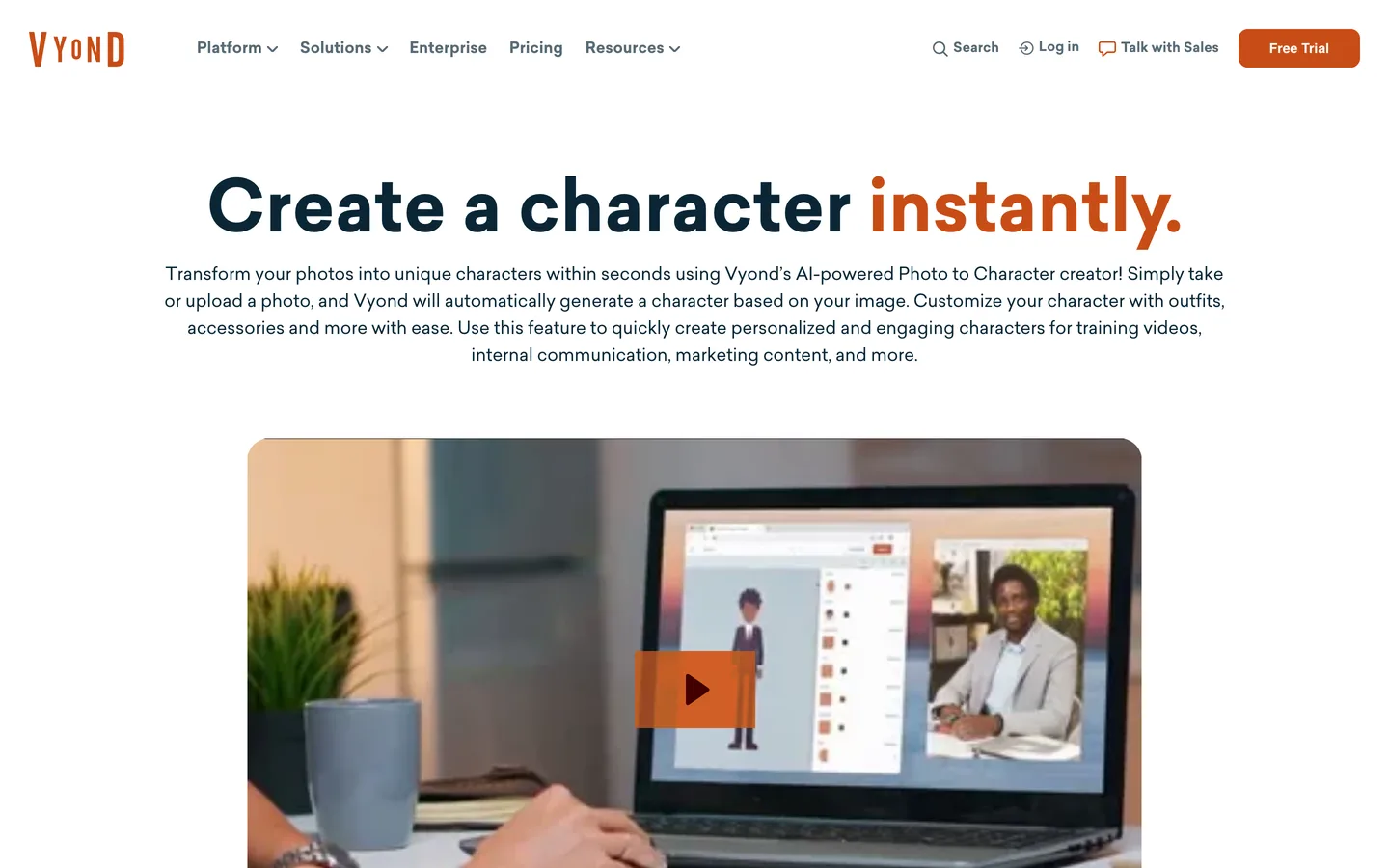
Vyond is an animation studio for business video, and it has kept custom characters longer than most AI tools have existed. You build a character in the Character Creator, or upload a photo and let Photo to Character draw one from it, then save it to your library and use it in any video. Vyond Go, its AI front end, drafts a video from a prompt or document that you then finish in the studio with your saved characters.
Key features
- Character Creator for custom animated characters, saved to your library
- Photo to Character: an animated character generated from a photo
- Vyond Go: prompt or document to a draft video
- 1,300+ AI avatars and videos up to 25 minutes on Starter
Best for
- Training, HR and onboarding videos with a recurring mascot or employee character
- Agencies making animated explainers for clients
Pricing
- Starter: $99/mo, or $58/mo billed yearly ($699 a year)
- Professional: $199/mo ($100/mo yearly) with 40-minute videos
Pros
- Full manual control over a character's look, outfits and actions
- Mature tool for corporate styles
Cons
- The highest entry price in this list
- The business animation look rarely suits faceless entertainment channels
How to choose the best consistent character AI video generator
1) Is your character fictional or you?
- A fictional cast for stories: ClipNova for finished episodes up to 5 minutes, LongStories.ai for longer animated episodes.
- You, as a presenter: HeyGen's digital twin.
- A brand mascot or business character: Vyond for animation, Zebracat for social marketing videos.
2) How many characters share a scene?
- One hero: every tool here can hold one character.
- A cast of three to eight: ClipNova Series (up to 8 saved cast members, mentioned per scene) or LongStories.ai universes. Keep each character's look written down and never edit it mid-season.
3) Do characters need to speak on screen?
- Narrated: most story channels use a narrator. ClipNova narrates on every quality level, in 18 languages.
- Characters talking: ClipNova with AI Video, on any quality, gives each character their own lip-synced voice. HeyGen is built around a talking presenter.
4) What will a season cost?
Price a full season, not one video.
- ClipNova: from $19/mo. A 60-second episode is about 189 credits with Moving AI Images, so Hobby (1,000 credits) covers about five of them a month; Base AI Video at 550 credits an episode fits Starter for a weekly show.
- LongStories.ai Pro: $59 for about 6 minutes of 480p animation a month.
- HeyGen Creator: $29 for one custom digital twin.
- Zebracat: $99 for the plan that includes character consistency.
- Vyond Starter: $99 a month, or $58 a month billed yearly.
5) Will the character change over time?
- A character who ages, changes outfit for a season or gets injured: save the new look as a second character with the same face, rather than editing the original. ClipNova and LongStories.ai both make that easy, and you keep the old look for flashbacks.
- A presenter who should never change: HeyGen's digital twin changes outfits and settings while the identity stays fixed.
Whatever you choose, write a fixed one-line description for each character (age, face, hair, outfit, one prop) and keep it next to the saved picture. When something drifts, that line tells you exactly what changed.
For the writing side of a character-led channel, see how to make AI story videos, and for animated formats, our guide to making AI animated videos. To size a plan for a weekly series, ClipNova pricing lists each plan's credits.
Frequently asked
What is the best consistent character AI video generator?
ClipNova is the best consistent character AI video generator for story creators: you save a character once with a picture and a locked look, and it stays the same in every scene of a finished video up to 5 minutes and in every episode of a Series. Plans start at $19 a month.
How do AI video tools keep a character consistent?
They store the character as an asset instead of rebuilding it from text each time: a reference picture plus a fixed description in ClipNova, saved characters and universes in LongStories.ai, a digital twin trained on your recording in HeyGen, or a custom character in Vyond's library.
Can I keep the same character across different AI videos?
Yes, if the tool saves it. In ClipNova a saved character can be reused in any video, and a Series brings the same cast of up to 8 characters back in every episode, with story memory of the last 5 episodes.
Can consistent AI characters talk on screen?
Some can. In ClipNova, AI Video on any quality can make characters speak on screen with lip sync, each with their own voice, or a narrator can tell the story. HeyGen is built around a talking presenter based on you.
How many characters can I keep consistent in one video?
It depends on the tool. A ClipNova Series holds up to 8 cast members and you @mention who appears in each episode. Fewer characters per scene always means less drift, so keep crowded scenes rare.
What is the cheapest consistent character AI video generator?
ClipNova has the lowest entry price in this list at $19 a month. HeyGen starts at $29, Zebracat at $39 (character consistency needs its $99 plan), LongStories.ai at $59 and Vyond at $99, all billed monthly.
Why does my AI character look different in every scene?
Because each scene is generated fresh from a text description, and small differences add up. Give the character a reference picture, keep one fixed description, use the same visual style for every video and avoid editing the character's look mid-series.
Which tool should I use for an AI series with recurring characters?
Start with ClipNova if you want finished episodes with narration, captions and music and the same cast every week, from $19 a month. Choose LongStories.ai for animated episodes past 5 minutes, HeyGen if the recurring character is you, and Vyond for business animation.