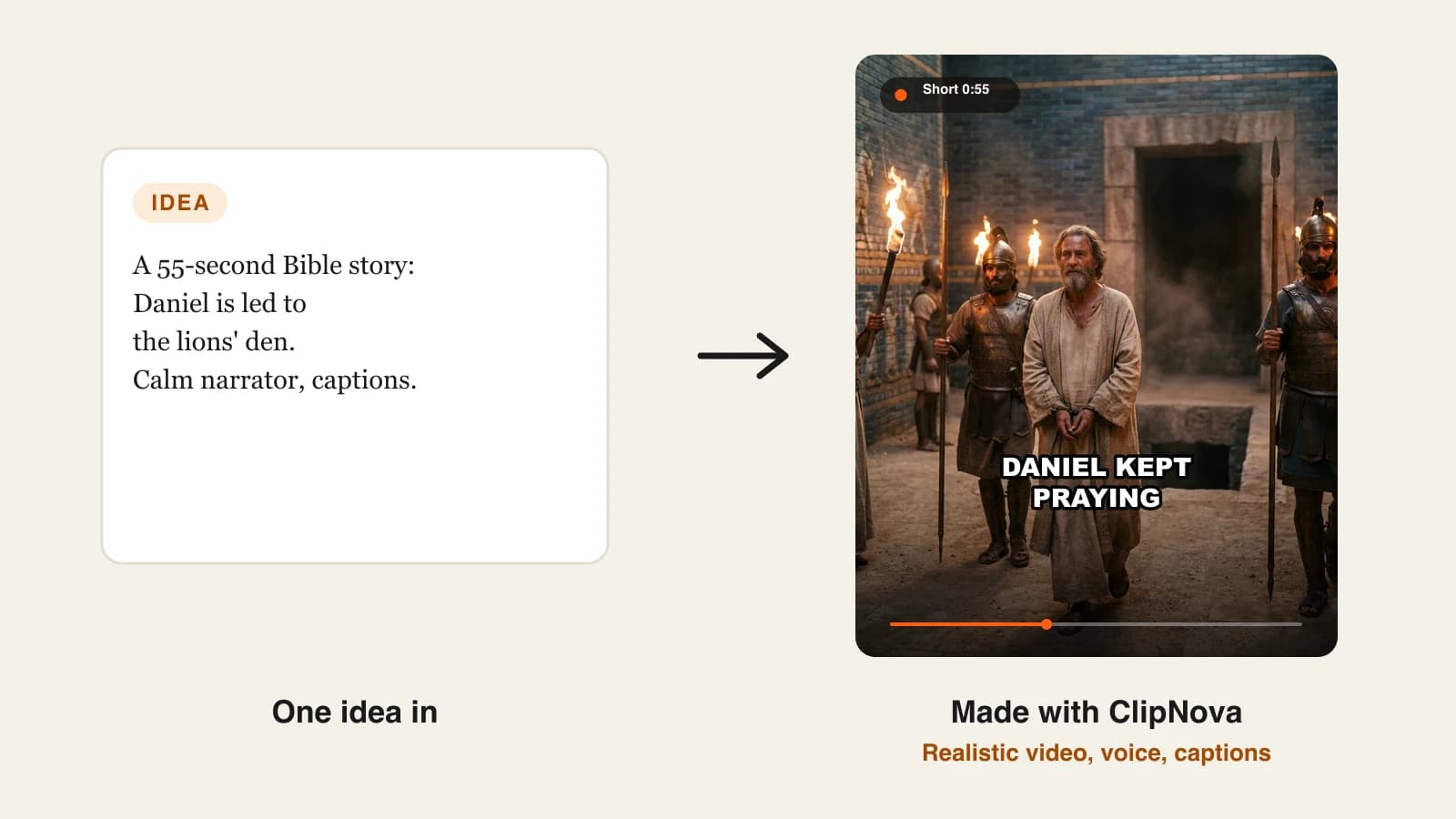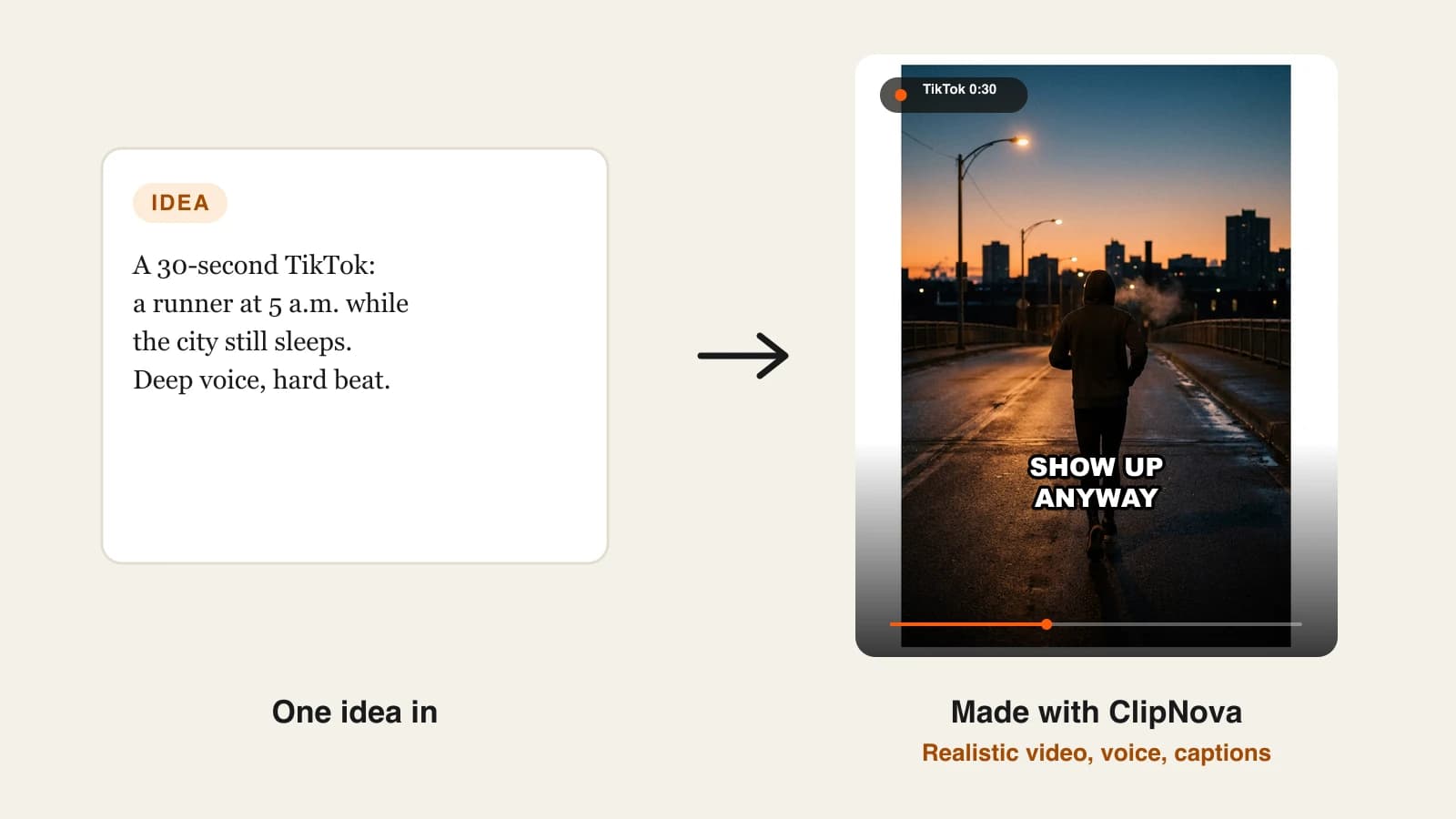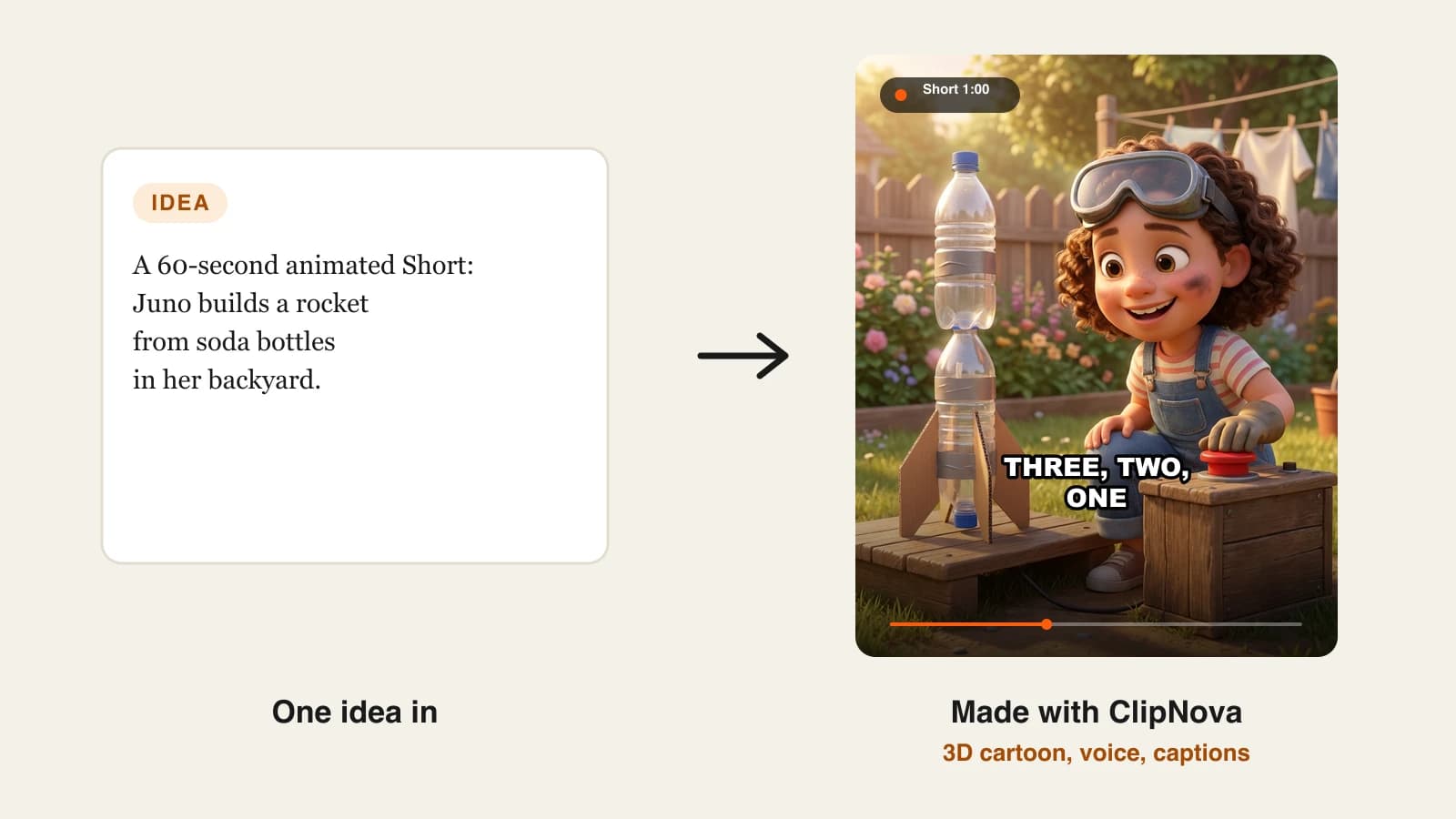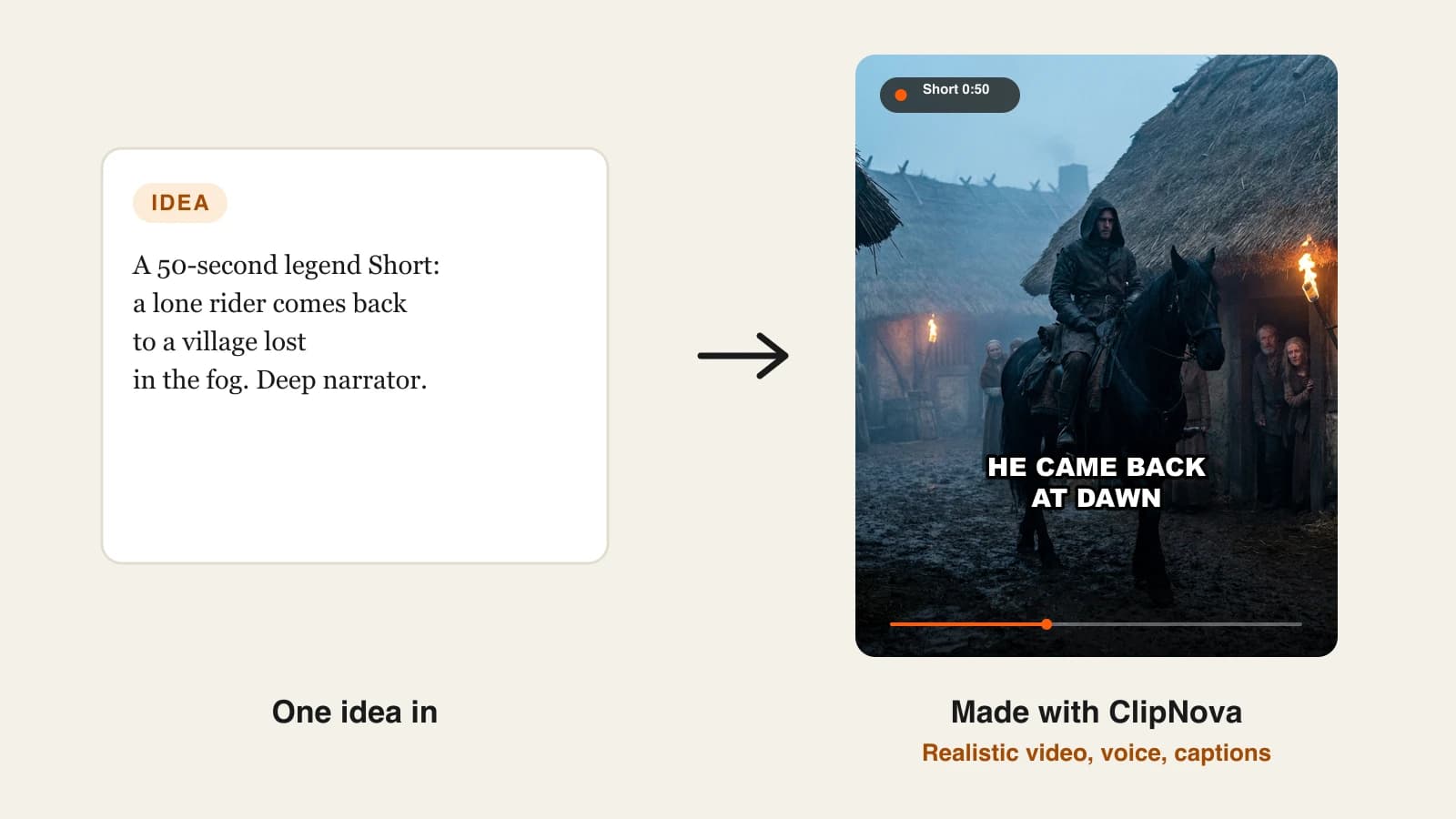
The best AI text to video generator for most creators in 2026 is ClipNova, because one prompt returns a finished video with a script, narration, scenes, captions and music, from $19 a month. If you only need raw cinematic shots, Luma AI is the stronger pick, and if a presenter has to deliver the message on camera, HeyGen or Synthesia fit better.
That split matters more than any model ranking. "Text to video" now covers four very different products: tools that return a finished, narrated video, tools that return a few seconds of generated footage, tools that put an AI avatar in front of your script, and tools that match your text to stock clips. Pick the wrong type and you spend the month stitching clips together in an editor.
This guide compares 6 AI text to video generators on what a single prompt actually gives you, how long and how sharp the output can be, and the cheapest monthly plan. Every price was checked on the vendor's own site on October 12, 2026.
The 6 best AI text to video generators at a glance
- ClipNova: best overall for finished videos from one prompt. It writes or follows your script, generates a scene for every line, narrates it, captions it and exports a video up to 5 minutes long.
- Luma AI: best for cinematic generated shots. Its Ray 3.2 model and Luma Agents workspace aim at directors who want control over every frame.
- Kapwing: best for text to video you finish in a timeline editor. It drafts multi-scene videos with several video models, then hands you a full editor.
- HeyGen: best for avatar-led explainers from a prompt. Its Video Agent writes, voices and assembles a presenter video in 175+ languages.
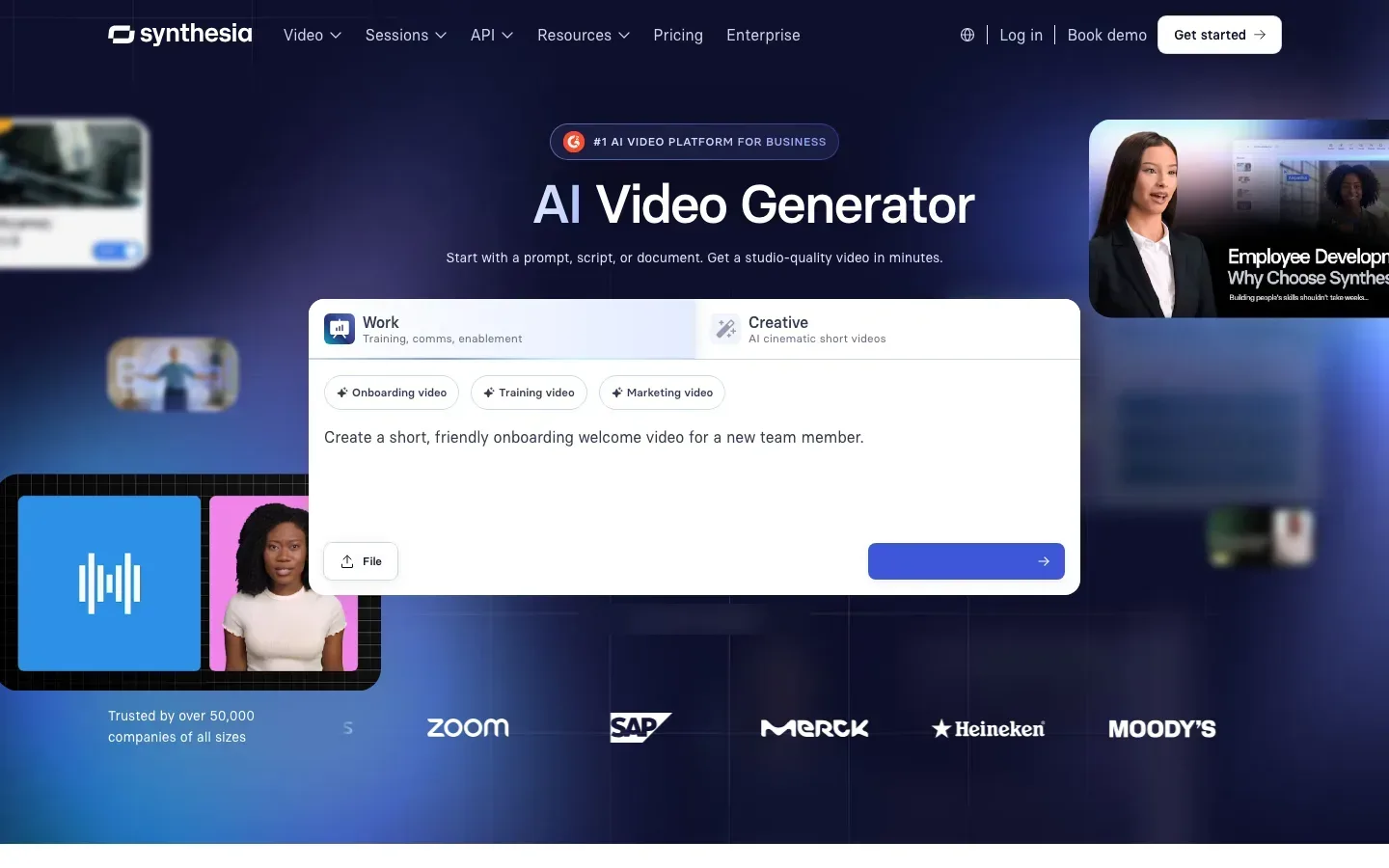
- Synthesia: best for training and internal videos with a presenter. It turns a prompt, script or document into a multi-scene avatar video.
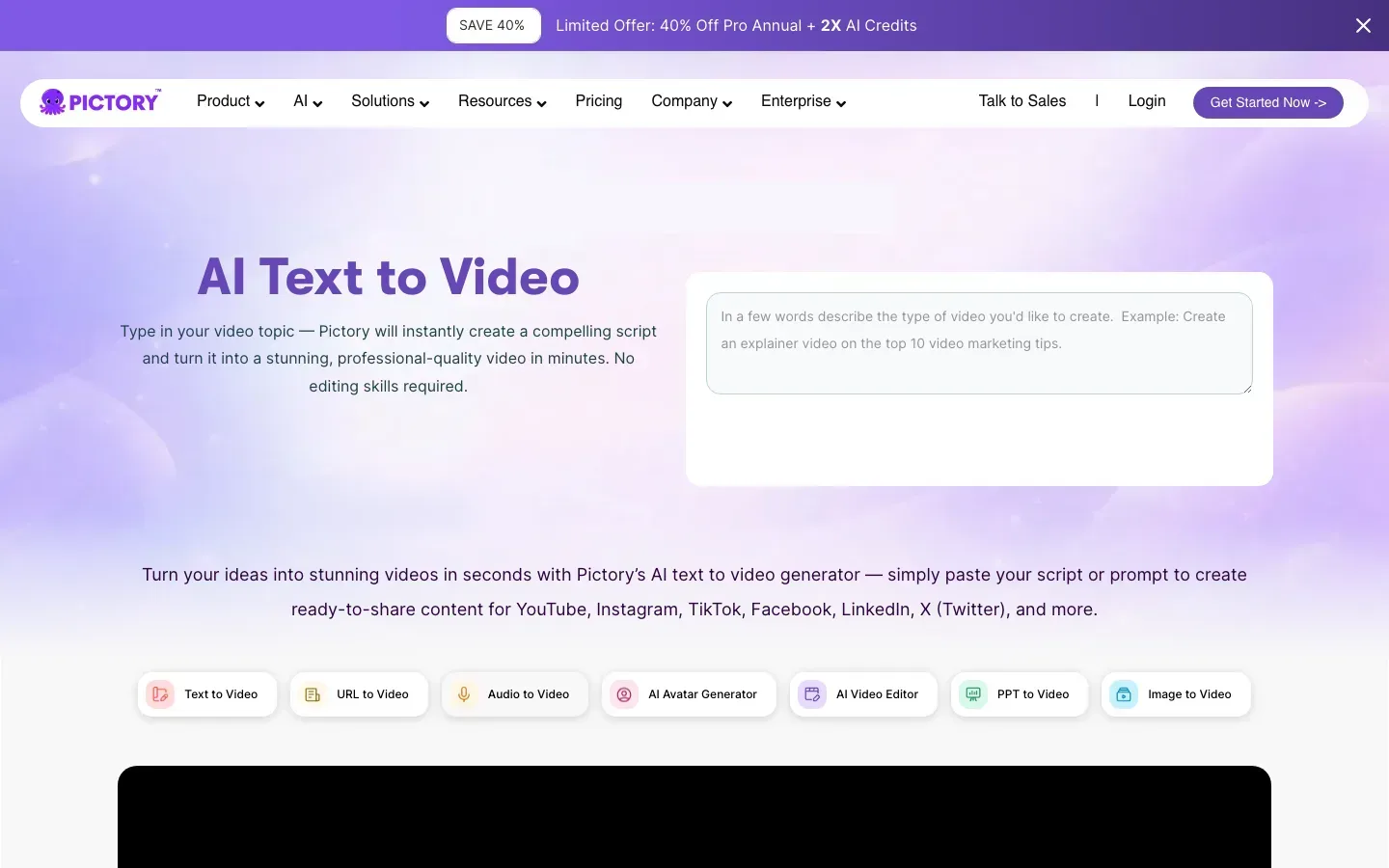
- Pictory: best for stock-footage videos from a topic or article. It writes a script and matches every sentence to clips from a library of millions of assets.
| Tool | Best for | Starting price | What one prompt returns | Max length | Max resolution |
|---|---|---|---|---|---|
| ClipNova | Finished narrated videos | From $19/mo | Script, scenes, narration, captions, music | Up to 5 min | 1080p |
| Luma AI | Cinematic generated shots | $30/mo ($25/mo yearly) | Generated clips, plus images, sound and music | Not published | Not published |
| Kapwing | Drafts you edit on a timeline | $24/mo ($16/mo yearly) | Multi-scene video with voice-over and subtitles | Up to 5 min per generation | 4K export |
| HeyGen | Avatar explainers | $29/mo ($24/mo yearly) | Script, avatar, voice, B-roll | Up to 30 min | 1080p (4K on Pro) |
| Synthesia | Training and work videos | $29/mo ($18/mo yearly) | Multi-scene avatar draft with AI B-roll | About 12 video minutes a month | 1080p |
| Pictory | Stock-footage videos | $29/mo ($25/mo yearly) | Script, stock clips, AI voice, captions | 200 video minutes a month | 1080p |
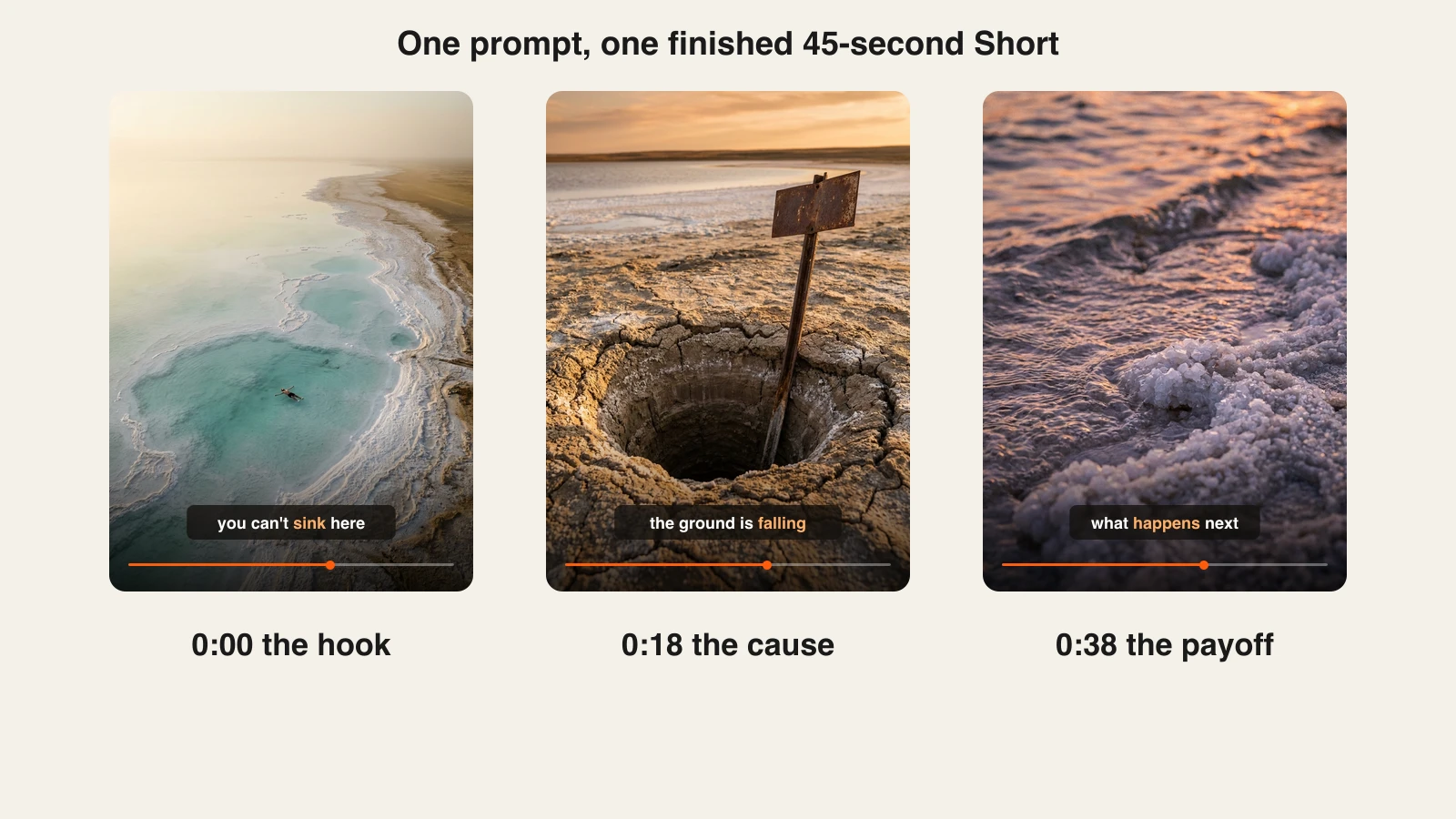
Write the same 40-word prompt into every tool you shortlist, for example a 45-second vertical Short about why the Dead Sea is shrinking, with a calm narrator. Compare what comes back, not the demo reels. The gap between a finished video and a folder of 5-second clips shows up in the first test.
What is an AI text to video generator?
An AI text to video generator turns written input (a one-line prompt, a full script, an article or a document) into moving video without a camera. Under the hood, a language model plans the scenes, a video model or a stock library supplies the visuals, and a voice model reads the narration.
The four types worth separating:
- Finished-video generators return a complete edit with narration, captions and music. ClipNova sits here.
- Clip generators return 5 to 10 seconds of generated footage per prompt. Luma AI sits here, and so do the models behind most other tools.
- Avatar generators put a digital presenter in front of your script. HeyGen and Synthesia sit here.
- Stock matchers cut real stock footage to your text. Pictory sits here.
Kapwing straddles the first and second types: it generates multi-scene drafts but expects you to finish them in its editor.
1. ClipNova, best overall AI text to video generator
ClipNova is built for people who want a publishable video at the end of the prompt, not raw material. You type an idea ("a 45-second Short on why you can float in the Dead Sea, calm narrator") and it writes the script, splits it into scenes, generates each scene with a current video model, records the narration, burns in captions and adds music. If you already have a script, paste it and ClipNova follows it line by line instead of writing its own, which is what most faceless channels want once they have a voice that works.
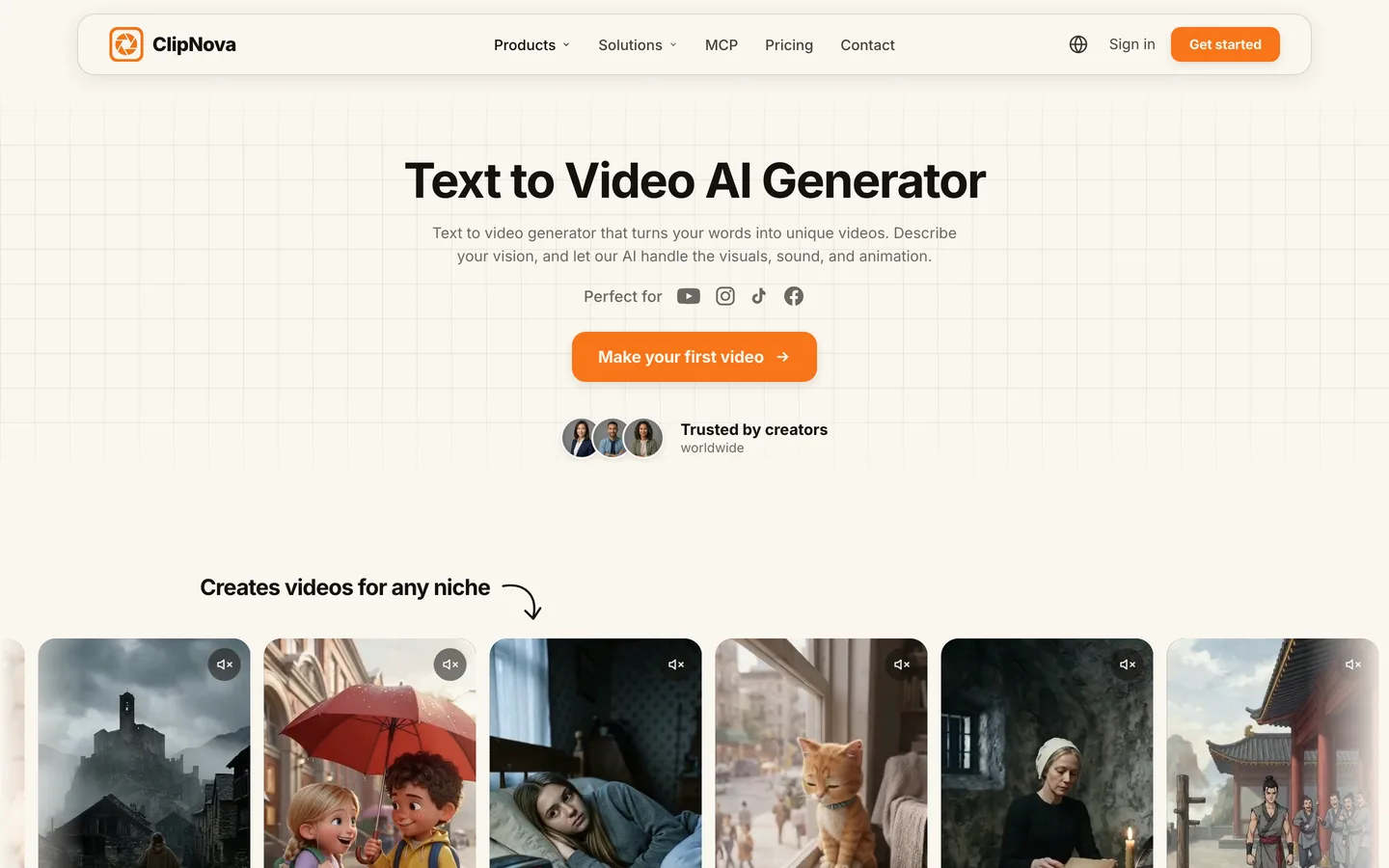
The output is built for the platforms faceless creators post on. You choose 9:16 for Shorts, TikTok and Reels, 16:9 for YouTube, or 1:1 for feeds, and the ClipNova text to video AI generator renders anything from a short clip to a 5-minute video in one go.
Key features
- Writes the script from a prompt, or follows a pasted script line by line
- One generated scene per beat, with a choice of AI video models on ClipNova such as Veo 3.1, Kling 3.0 and Sora 2
- Narrator voices in 18 narration languages
- Word-by-word captions, including a "Speech" style that tracks the voice
- 9:16, 16:9 or 1:1, up to 5 minutes per video, exported at up to 1080p
Best for
- Faceless channels posting a narrated Short or YouTube video every day
- Story, history, science and kids channels that need a consistent voice and caption style
- Creators who want to skip the editor entirely
Pricing
- Plans from $19/mo: Hobby $19 (1,000 credits), Starter $49 (2,600), Growth $99 (5,750) and Ultra from $199 (12,000) per month. Yearly billing is 20% off.
- Every plan includes every feature, watermark-free export and commercial rights. Plans differ only in credits.
Pros
- The only tool here where one prompt reliably ends in a captioned, narrated video you can upload
- Lowest entry price in this list
Cons
- Output tops out at 1080p, while Kapwing exports 4K and HeyGen offers 4K on its Pro plan
- No auto-posting: you review the video and upload it yourself
- Premium video models spend credits faster than the default ones
2. Luma AI, best for cinematic generated shots
Luma AI comes from the model side of the market. Its Ray 3.2 model is pitched at directors: you direct a shot the way you would on set, and the model holds continuity across cuts. Luma Agents sits on top and can pick between Ray, Veo 3.1 and Kling 3.0 for each request, animate a still image, add camera motion, create transitions between frames, extend a clip and reframe it for another aspect ratio. It also generates text-to-speech, sound effects and music, so a short scene can leave with audio.

Key features
- Ray 3.2 for controlled, cinematic generation
- Luma Agents to route requests across Ray, Veo 3.1 and Kling 3.0
- Image to video, camera motion, start and end frame transitions, clip extension and reframing
- Text-to-speech, sound effects and music generation in the same workspace
- EXR export for professional finishing
Best for
- Filmmakers and ad makers who need specific hero shots
- Channels that already edit and only lack footage
Pricing
- Plus: $30/mo, or $25/mo billed yearly, with 10,000 credits and commercial use.
- Pro: $90/mo ($75 yearly) with 40,000 credits. Ultra: $300/mo ($250 yearly) with 150,000 credits.
Pros
- Strong control over camera, continuity and look for individual shots
- Several frontier models in one subscription
Cons
- You still assemble narration, captions and pacing yourself
- Clip length and resolution per plan are not listed on the pricing page
3. Kapwing, best for text to video you finish in an editor
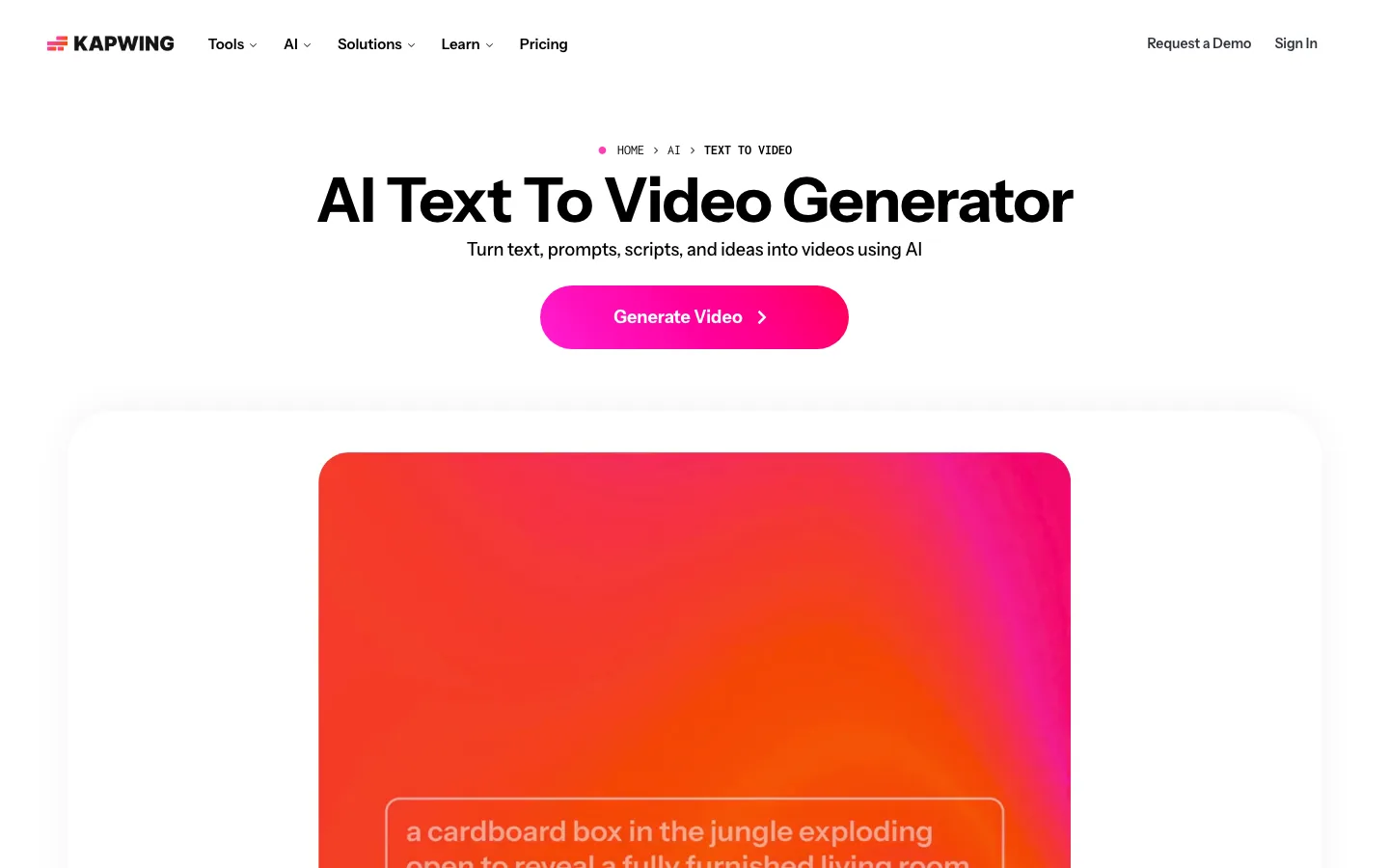
Kapwing is an online video editor that added a strong text to video front end. You type a prompt, paste a script or drop in an article, and it builds either a single 3 to 12 second clip or a multi-scene video of up to 5 minutes, using models such as Seedance, Veo, Sora, Kling and MiniMax. It adds an AI voice-over and subtitles, and then everything lands on a normal timeline, where you can change a subtitle word by word, swap any clip, change the voice or apply your brand kit.
Key features
- Single clips (3 to 12 seconds) or multi-scene videos up to 5 minutes
- Several video models in one place, including Veo, Sora and Kling
- Start and end frames plus character consistency for multi-scene work
- Word-by-word subtitle editing, voice swaps and a royalty-free music library
- 4K export on paid plans
Best for
- Creators who like a draft from AI but want to finish by hand
- Small teams that already use Kapwing for subtitles and resizing
Pricing
- Pro: $24/mo, or $16/mo billed yearly, with 1,000 credits, 4K export, exports up to 2 hours, 1,000 minutes of auto-subtitles and 50 minutes of text-to-speech a month.
- Business: $64/mo ($50 yearly) with 4,000 credits, dubbing and voice clones.
Pros
- The best editing control after generation in this list
- 4K export from the entry plan
Cons
- Credits are shared between generation and other AI tools, so heavy generators run out quickly
- Finishing in the editor takes time that a finished-video tool saves
4. HeyGen, best for avatar-led explainers from a prompt
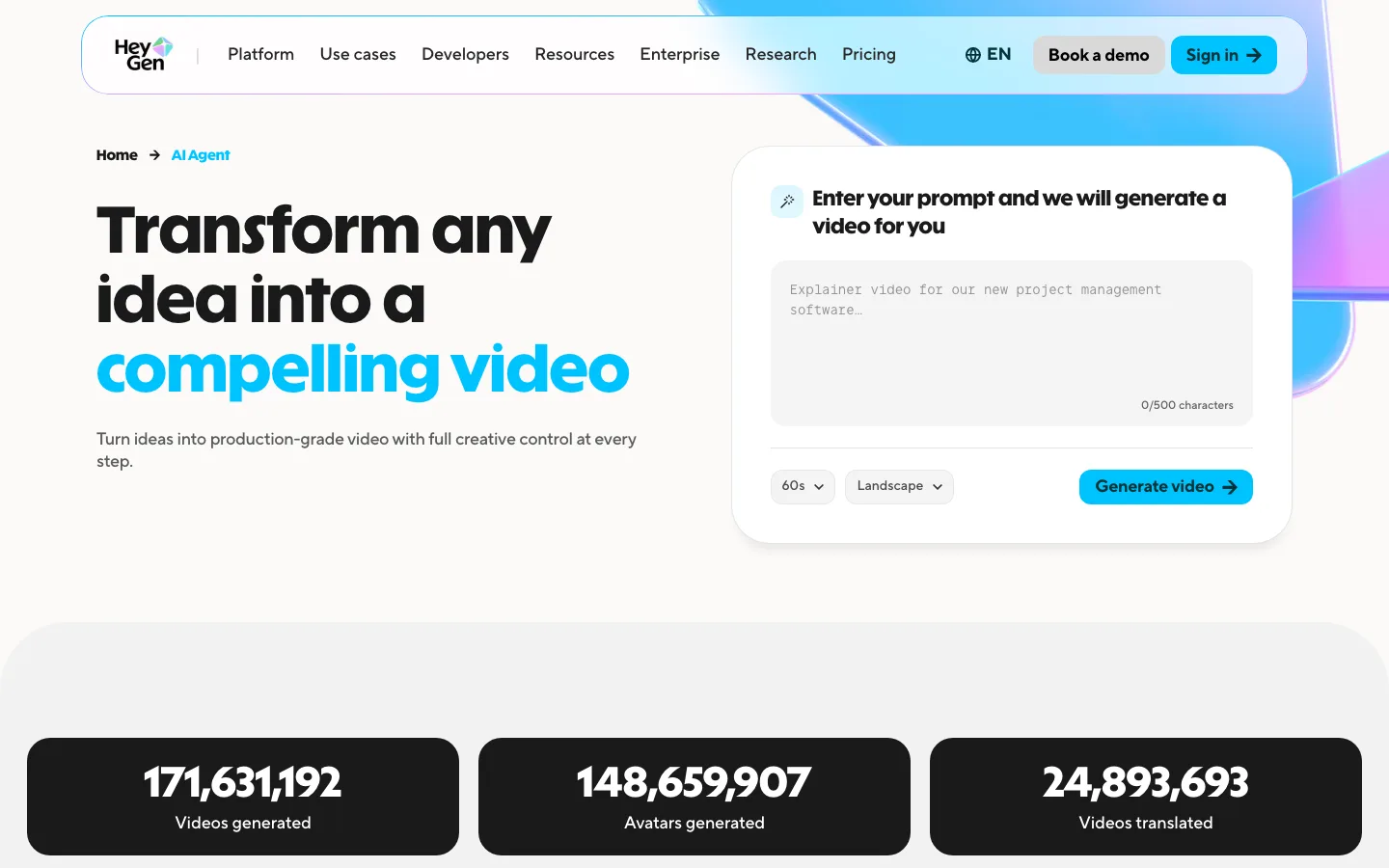
HeyGen is best known for AI avatars, and its Video Agent turns a prompt into a complete presenter video: it writes the script, picks visuals and B-roll, generates the voiceover and edits the transitions. You preview before rendering and can still change text, position, colour and timing afterwards without a full re-render. For faceless creators it is a different kind of faceless: there is a face on screen, but it is not yours.
Key features
- Video Agent: prompt to full video with script, avatar, voice and B-roll
- 175+ languages and dialects
- Edit text and timing after generation without starting over
- Custom avatars from a short calibration recording
- Brand guidelines applied across videos
Best for
- Explainer, course and product channels that want a presenter
- Creators translating the same video into many languages
Pricing
- Creator: $29/mo, or $24/mo billed yearly, with 600 credits, videos up to 30 minutes and output up to 1080p.
- Pro: $49/mo with 1,000 credits and up to 4K.
Pros
- The most complete avatar pipeline in this list
- Long videos (up to 30 minutes) on the entry plan
Cons
- Avatar videos are the opposite of the story-driven, narrator-led style most faceless channels use
- Generated B-roll is a supporting layer, not the main event
5. Synthesia, best for training and work videos with a presenter
Synthesia targets companies: onboarding, training, internal updates and sales enablement. Its AI video generator starts from a prompt, a script or an uploaded document, drafts a structured multi-scene video and puts one of hundreds of avatars in front of it. A newer "Creative" mode generates custom B-roll with models such as Veo 3, so not every scene has to be a talking head. Brand kits and one-click translation into 140+ languages make it practical for teams that publish the same video in many markets.
Key features
- Prompt, script or document to a multi-scene draft
- 125+ stock avatars on Starter, personal avatars on Pro
- AI B-roll from text prompts with current video models
- 140+ languages for voiceovers and translation
- Brand kit applied to every video
Best for
- HR, L&D and internal communications teams
- Businesses that need the same video in many languages
Pricing
- Starter: $29/mo, or $18/mo billed yearly, with about 12 minutes of video a month (about 150 a year on yearly billing) at 1080p.
- Pro: $89/mo ($64 yearly) with about 60 minutes a month and 5 personal avatars.
Pros
- Polished, consistent corporate output
- Strong localization
Cons
- About 12 minutes of video a month on Starter is thin for a channel that posts daily
- The tone and templates lean corporate, not entertainment
6. Pictory, best for stock-footage videos from a topic or article
Pictory is the oldest approach on this list and still a useful one. Type a topic and it writes a script, or paste your own text, an article URL or slides. It then builds a storyboard, matches each sentence to clips from its stock library, adds an AI voice and burns in captions. Because the visuals are real footage, it suits explainers and listicles about real places and things better than fiction or animation.
Key features
- Topic to script, or your own text, URL, audio or slides
- Automatic storyboard matched to millions of stock videos and images
- AI voices or your own voiceover
- Automatic captions and brand kits
- Resizing for every major platform at 1080p
Best for
- Bloggers and marketers turning articles into videos
- Fact-based channels where real footage beats generated visuals
Pricing
- Starter: $29/mo, or $25/mo billed yearly, with 200 video minutes a month, 1 brand kit and premium AI voice minutes.
- Professional: $59/mo ($35 yearly) with 600 video minutes. Team: $199/mo ($119 yearly).
Pros
- Large monthly minutes allowance
- Real footage avoids the uncanny look of some generated scenes
Cons
- Stock clips repeat across channels that use the same library
- Little generative video, so stories, fiction and animation are out of scope
How to choose the best AI text to video generator for your channel
1) Do you need a finished video or footage?
- If you post narrated Shorts or YouTube videos and want to upload what comes out: ClipNova.
- If you already edit and only need shots nobody else has: Luma AI, or Kapwing if you want the editor in the same tool.
- If the message needs a presenter: HeyGen for creators, Synthesia for companies.
2) Generated scenes, avatars or stock?
- Generated scenes suit stories, animation, history, science and anything that was never filmed. ClipNova, Luma AI and Kapwing generate.
- Avatars suit tutorials, courses and corporate updates. HeyGen and Synthesia.
- Stock suits real places, products and news-style explainers. Pictory.
3) How much video do you publish a month?
- One Short a day is about 30 videos and 20 to 30 minutes of finished video a month. Synthesia Starter's 12 minutes will not cover it. Pictory's 200 minutes will, if stock footage fits your niche.
- A weekly 5-minute YouTube video plus daily Shorts needs a tool that renders both lengths. ClipNova handles both in one render each, and Kapwing up to 5 minutes per generation.
4) What does one finished video really cost?
Divide the plan price by the number of videos you will actually publish, not by the credits on the pricing card. ClipNova Hobby's $19 spread over 30 Shorts is about $0.63 of plan price per video, as long as its 1,000 credits cover your format, so check how many credits your first test video used. Luma AI's Plus plan costs $30 before you add narration, captions and editing time, and Synthesia Starter's $29 buys about 12 minutes of video. Run three test videos in your niche on the shortlisted tool, check the credits used, and do the math with real numbers.
Before you pick, compare the tools built for each platform in our roundups of the best faceless AI video generators and the best AI TikTok video generators. When you are ready to start, ClipNova pricing shows what each plan's credits cover.
Frequently asked
What is the best AI text to video generator in 2026?
ClipNova is the best AI text to video generator for most creators in 2026: one prompt returns a finished video with a script, narration in 18 languages, generated scenes, word-by-word captions and music, up to 5 minutes long, from $19 a month. Luma AI is the better pick for individual cinematic shots, and HeyGen or Synthesia when a presenter avatar should deliver the script.
What is the difference between text to video and a video model?
A video model such as Veo, Kling or Sora turns a prompt into a few seconds of footage. A text to video generator wraps one or more models in a pipeline: it plans scenes, generates or finds visuals, adds a voice and captions, and assembles a complete video. ClipNova, Kapwing and Luma Agents use several models inside their own workflows.
Can AI make a full video from a script?
Yes. ClipNova follows a pasted script line by line and generates one scene per beat, Kapwing turns a script into a multi-scene draft you can edit, and HeyGen, Synthesia and Pictory build videos from a script with an avatar or stock footage. Clip generators like Luma AI need you to assemble the scenes yourself.
What is the cheapest AI text to video generator?
In this list, ClipNova has the lowest entry price at $19 a month. Kapwing starts at $24 a month, HeyGen, Synthesia and Pictory at $29, and Luma AI at $30, all billed monthly. Yearly billing lowers most of these prices.
How long can an AI text to video be?
It depends on the tool. ClipNova and Kapwing generate up to 5 minutes per video, HeyGen allows videos up to 30 minutes on its entry plan, and Synthesia and Pictory meter by video minutes per month (about 12 and 200 minutes on their entry plans). Clip generators produce seconds per prompt and leave the edit to you.
Can I monetize AI text to video content on YouTube?
Yes, if the videos are original and add value. YouTube's monetization policy excludes mass-produced, repetitive content, and it asks you to disclose realistic altered or synthetic content at upload. Use a tool whose plan includes commercial rights (ClipNova includes them on every plan) and give every video its own script and angle.
Which text to video AI is best for faceless YouTube channels?
Faceless channels need narration, captions and a consistent look more than a single perfect shot, so a finished-video generator fits best. ClipNova writes or follows the script, voices it and captions it in 9:16 or 16:9. Pictory works for fact-based channels that prefer real stock footage.
Which AI text to video generator should I start with?
Start with ClipNova if you want to publish what comes out of the prompt: plans start at $19 a month and every plan includes every feature. Add Luma AI later if you need hero shots for intros, or Kapwing if you prefer to finish every video in an editor.