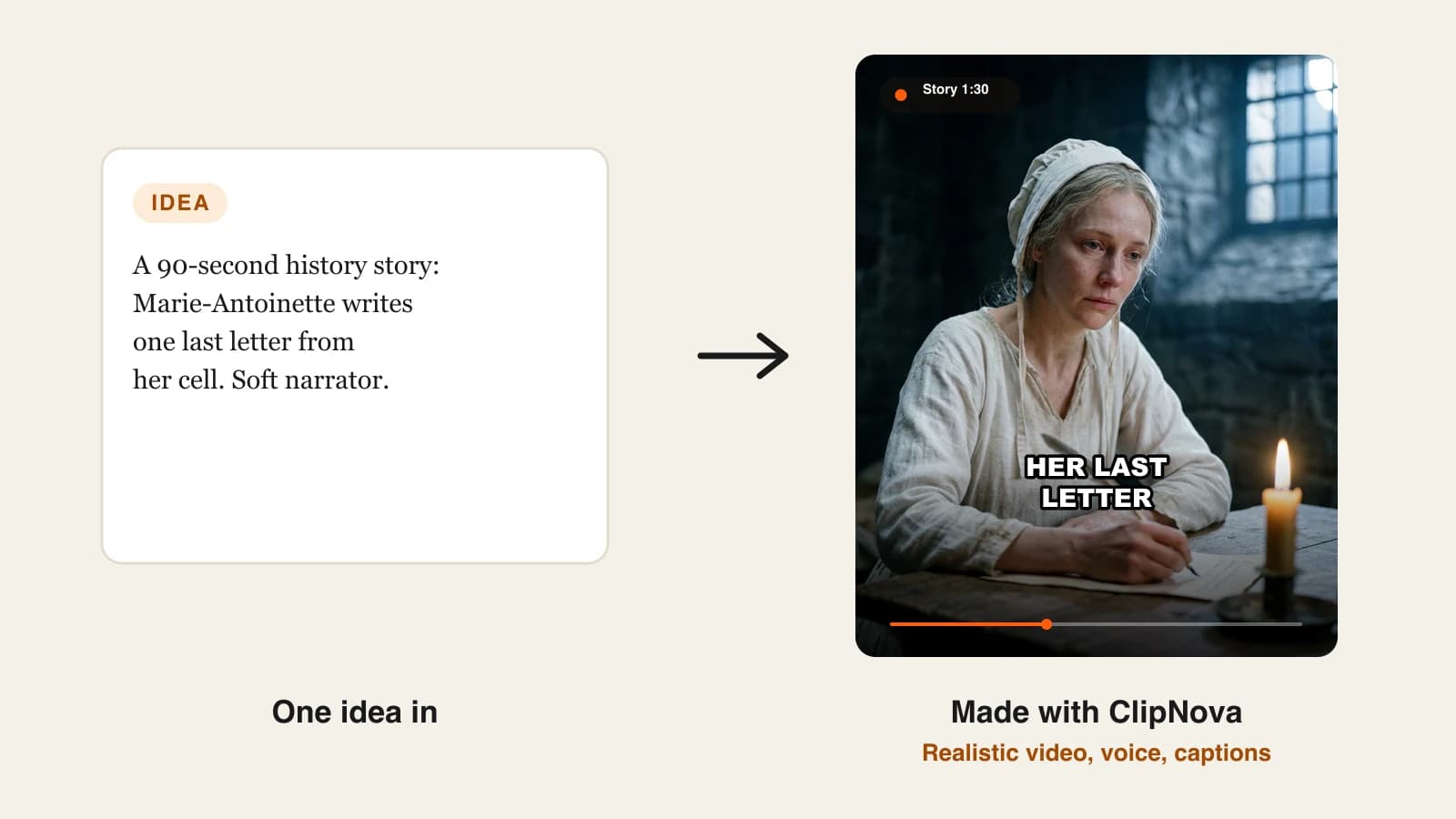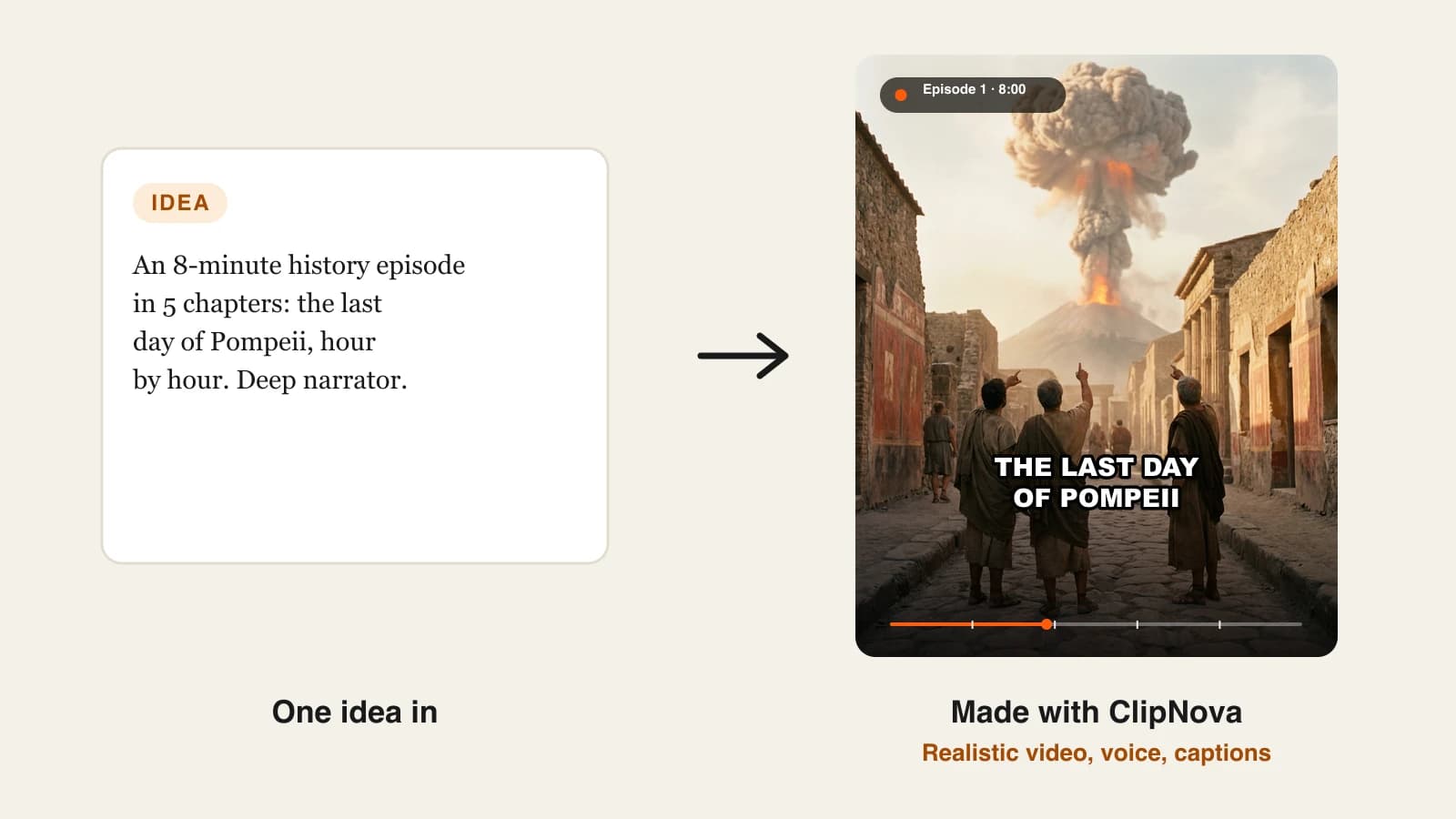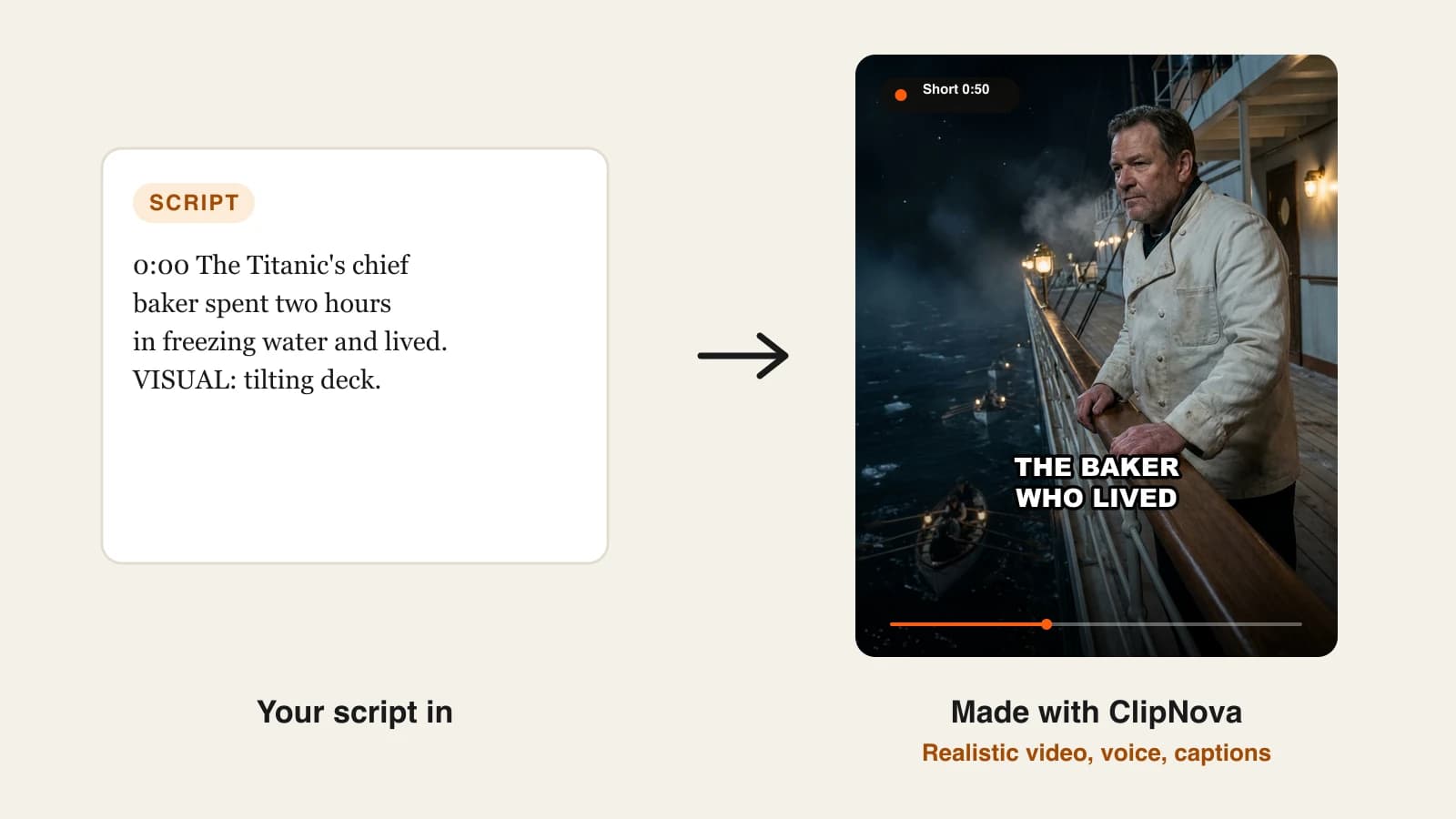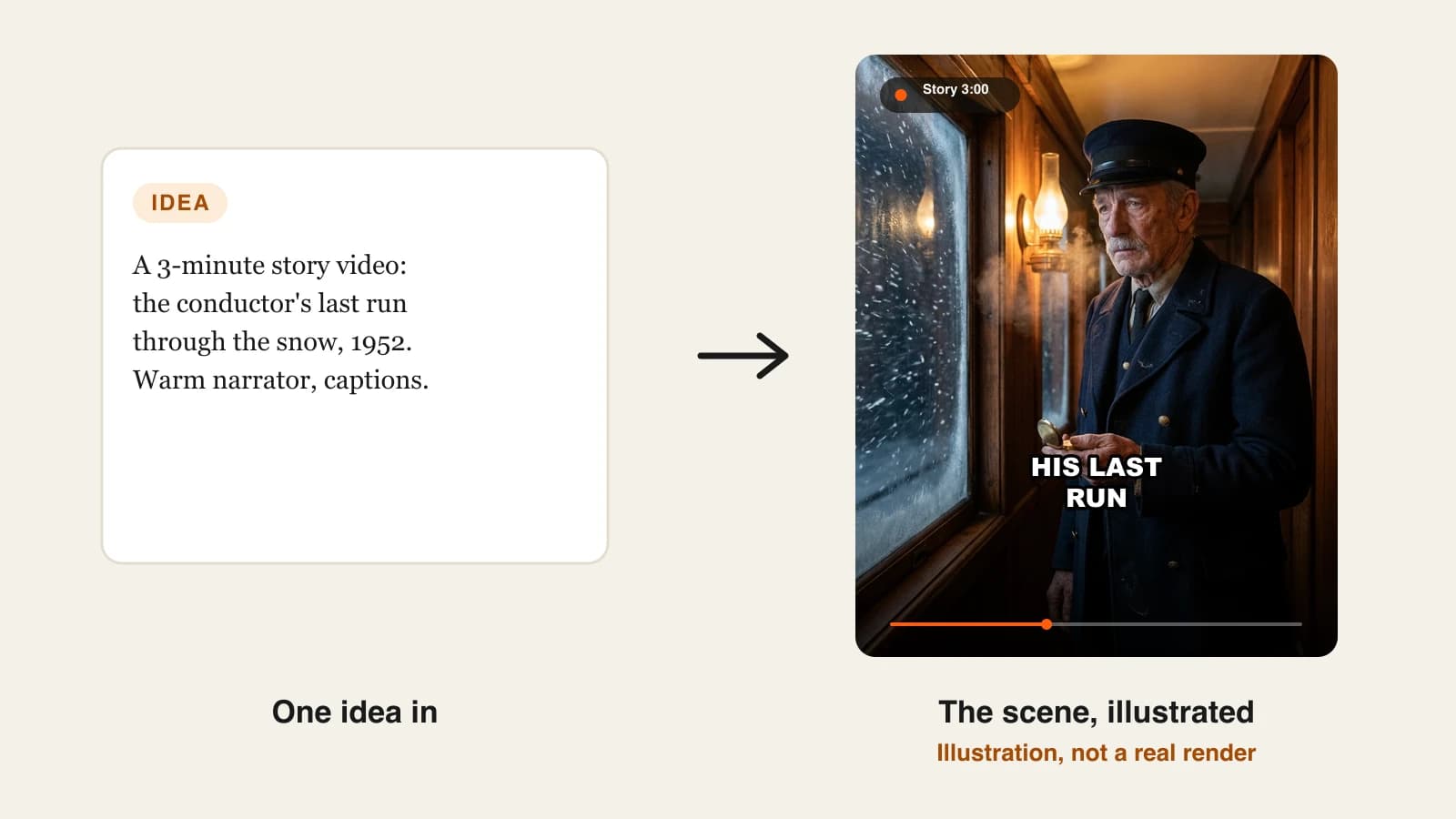
The best AI story video generators in 2026 are ClipNova for finished story videos of up to 5 minutes with the same characters in every scene, followed by StoryShort, Revid, AnimateAI, Pictory and Vyond for narrower jobs. ClipNova is also the cheapest way in at $19/mo; the other five start between $29 and $99 a month on monthly billing.
A story channel lives on one thing: viewers who stay to the end. That takes a real plot, a narrator worth listening to and characters who still look like themselves in the last scene. Most AI video tools were built for something else, either 8-second clips or slideshows over stock footage, so the hard part is finding one that returns a story you would actually post.
This roundup compares six AI story video generators on story length, character consistency, voice, posting and price, then shows how to pick one for the kind of stories you tell.
The 6 best AI story video generators at a glance
- ClipNova: best overall for finished story videos with recurring characters. One idea or a full script becomes a narrated, captioned story of up to 5 minutes, and a saved character keeps the same face from the first scene to the last.
- StoryShort: best for a story series that posts itself. You type one sentence, it writes and builds the story, then publishes on a schedule.
- Revid: best for short story films with dialogue. Its movie maker gives characters lines to speak and lets you set any length from 8 seconds to 5 minutes.
- AnimateAI: best for building an animated cast before the story. Characters and a storyboard come first, then the video.
- Pictory: best for turning written stories into narrated videos fast. Strong voices and editing, with stock and generative visuals mixed.
- Vyond: best for long, editable animated stories at work. Training and onboarding stories with a full studio editor behind them.
| Tool | Best for | Starting price (monthly billing) | Longest story | Same characters across scenes | Auto-posting |
|---|---|---|---|---|---|
| ClipNova | Finished story videos with recurring characters | From $19/mo | Up to 5 min | Yes: saved characters and Series | No (review, then post) |
| StoryShort | Story series on a schedule | $39/mo | About 8 to 10 min (long-form) | Yes, per the vendor | Yes: TikTok, YouTube, Instagram |
| Revid | Short story films with spoken lines | $39/mo | 8 s to 5 min | Not published | Yes: TikTok, YouTube, Instagram |
| AnimateAI | Animated cast and storyboard first | $39.99/mo | Up to 10 scenes | Yes: saved characters | Not listed |
| Pictory | Written stories to narrated video | $29/mo | Not published (200 video minutes a month) | No | No |
| Vyond | Editable animated stories at work | $99/mo | 25 min on Starter | Library characters | Not listed |
What makes a good AI story video generator?
A story is not a clip. Before comparing tools, check these five things against the stories you plan to tell:
- A whole story, not a shot. The tool should write or accept a script, split it into scenes, voice it and add captions and music. Otherwise you are editing for an hour after every render.
- Characters that hold. If the heroine's coat changes color between scenes, viewers notice and the story stops feeling real. Look for saved characters or reference pictures, not just a good prompt.
- Room to breathe. Many good stories need two to five minutes. A tool capped at 30 seconds forces you to cut the middle, which is where stories usually live.
- A narrator you trust. Story channels are voice-led. Check pacing, pronunciation and the languages you need.
- Honest cost per story. Divide the plan price by the number of finished stories it covers at your length and quality, not by the credit total.
1. ClipNova, best overall AI story video generator
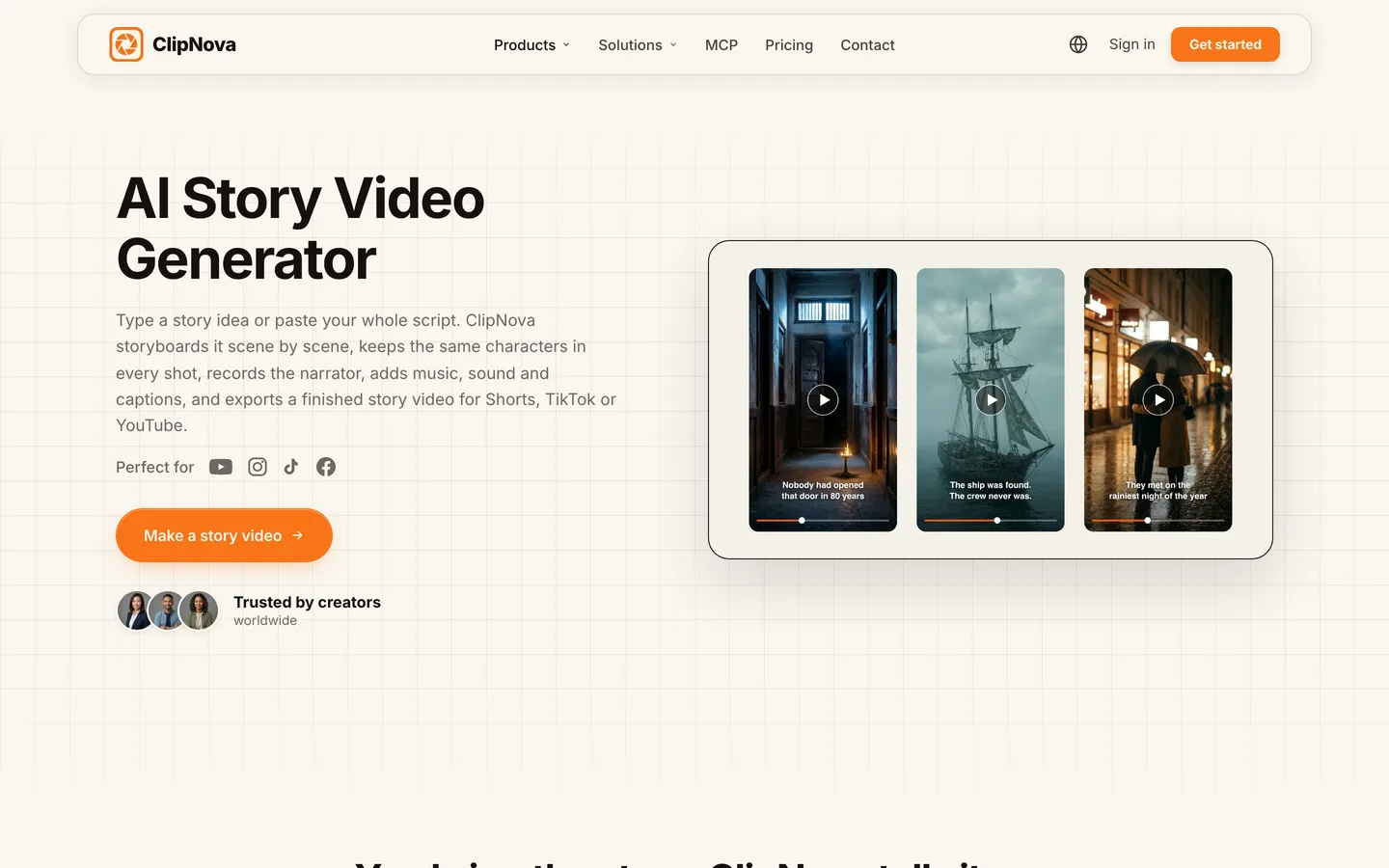
ClipNova turns a one-line idea or a finished script into a complete story video: it plans the story scene by scene, renders each scene, records the narrator, adds music and burns in captions. Save your protagonist once as a character, with a picture and a locked look, and the same face and outfit come back in every scene instead of drifting from shot to shot.
For story channels, that adds up to what ClipNova is built for, finished long videos with consistent characters:
- Long: a story can run up to 5 minutes, so a slow-burn mystery or a family saga keeps its middle act instead of being squeezed into a 40-second teaser.
- Consistent characters: the conductor, the detective or the grandmother you saved looks the same in every scene, and Series brings the same cast back episode after episode with a story memory of the last five episodes.
- Finished: script, scenes, narration, captions and music arrive together, and Studio lets you redo one weak scene without touching the rest.
The ClipNova AI story video generator is the dedicated entry point, and the app also has AI Storytelling, AI Movie Maker and Prompt to Video for the same job with different starting points.
Key features
- Idea or full script in, finished story out: scenes, narrator, music and word-by-word captions
- Saved characters with a required picture and a locked look, reused in any story
- Series for recurring stories: up to 8 characters with name, role, personality and catchphrase, episode lengths from 30 seconds to 5 minutes, and "Make episode N" with story memory of the last 5 episodes
- Narration in 18 languages; 9:16, 16:9 or 1:1 chosen per video, up to 1080p
- Studio to regenerate or edit a single scene and restyle captions before you post
How to make a story video in ClipNova
- Open the ClipNova app and pick the story tool, or Series if the story will have episodes.
- Paste your script or type the premise, for example "a train conductor's last run through a 1952 snowstorm".
- Add your saved character so the face stays the same, choose the format (9:16 for Shorts, 16:9 for YouTube) and the length.
- Pick a narrator voice and caption style, then generate.
- Watch it once, fix any weak scene in Studio, and post.
Pricing
- Plans from $19/mo: Hobby $19 (1,000 credits), Starter $49 (2,600), Growth $99 (5,750), Ultra from $199 (12,000); yearly billing is 20% off
- A 60-second story costs about 189 credits as Moving AI Images or about 550 as Base AI Video, so Hobby covers roughly five one-minute stories in Moving AI Images
- Every plan includes every feature and commercial rights; only the monthly credits change
Pros
- One render returns a story you can post, not a pile of clips
- Characters stay recognisable across scenes and across episodes
- Long enough for real story arcs, with a scene fix when one shot misses
Cons
- No auto-posting; you review each story and upload it yourself
- Full AI Video costs about three times as many credits as Moving AI Images (about 550 versus 189 per minute), and talking characters with lip sync cost more again
2. StoryShort, best for a story series that posts itself
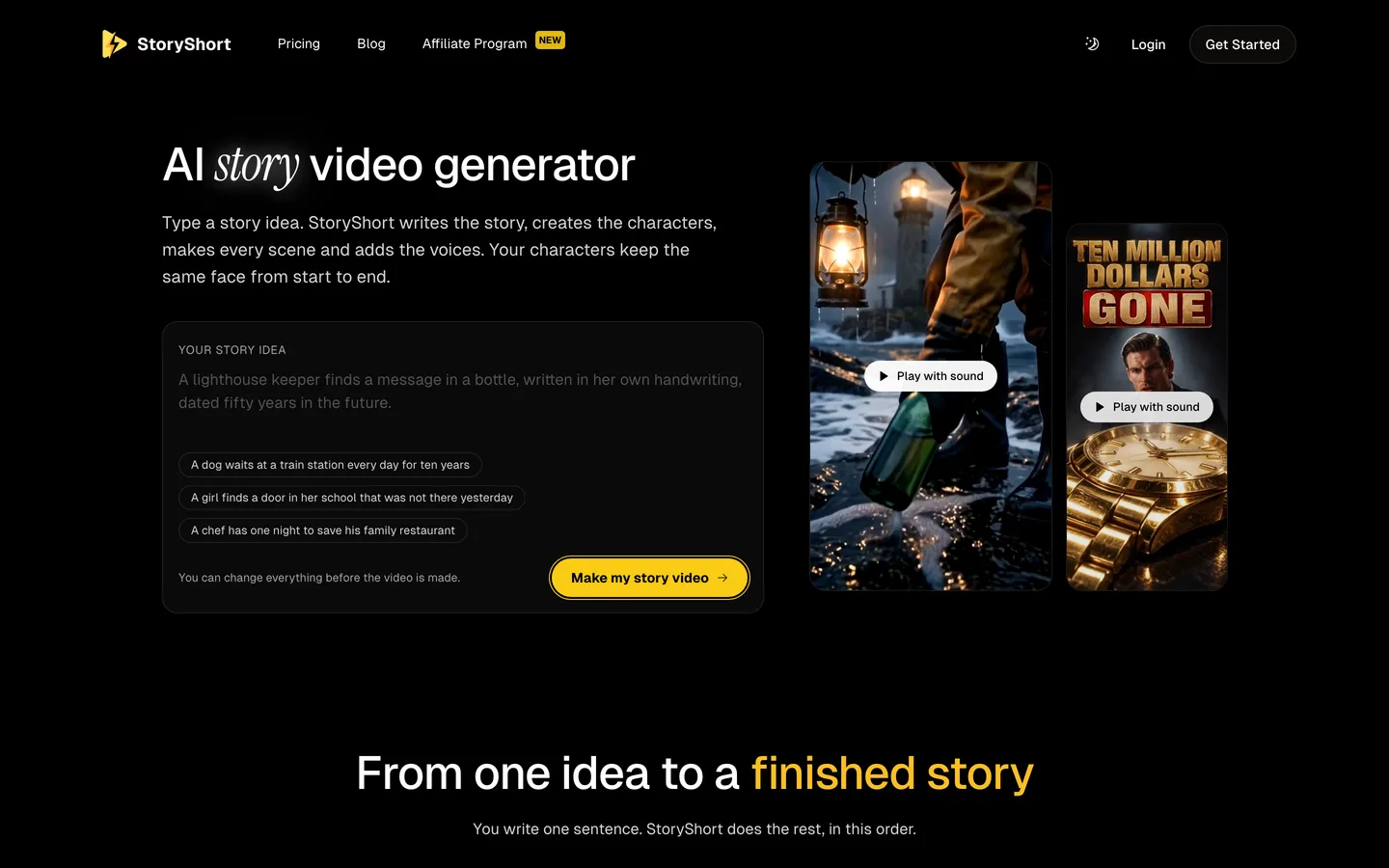
StoryShort is built around one idea: you type a sentence and it writes the story, creates the characters, makes every scene and adds the voices, with the vendor promising the same face from start to end. Its story tool suggests premises like a dog waiting at a train station for ten years, which tells you the audience it targets: emotional, plot-led Shorts.
The difference from ClipNova is what happens after the render. StoryShort is designed to run a series on a schedule and publish to TikTok, YouTube and Instagram for you. It also offers long-form videos of roughly 8 to 10 minutes.
Key features
- One-sentence idea to a written, voiced story with characters
- Character consistency across the scenes of a video
- Series with scheduled auto-posting to TikTok, YouTube and Instagram
- Short-form plus long-form videos of about 8 to 10 minutes
Best for
- Story channels that want daily uploads without daily work
- Creators testing many premises quickly
Pricing
- Starter: $39/mo billed monthly, 400 credits and 1 series, about 16 one-minute videos a month (around $2.44 each)
- Growth: $69/mo, 1,200 credits and 2 series; Influencer $129; Ultra $199
Pros
- Clear per-plan video estimates
- Story writing, production and posting in one loop
Cons
- Each extra series means a bigger plan
- Automated posting makes it easy to publish stories nobody reviewed
3. Revid, best for short story films with dialogue
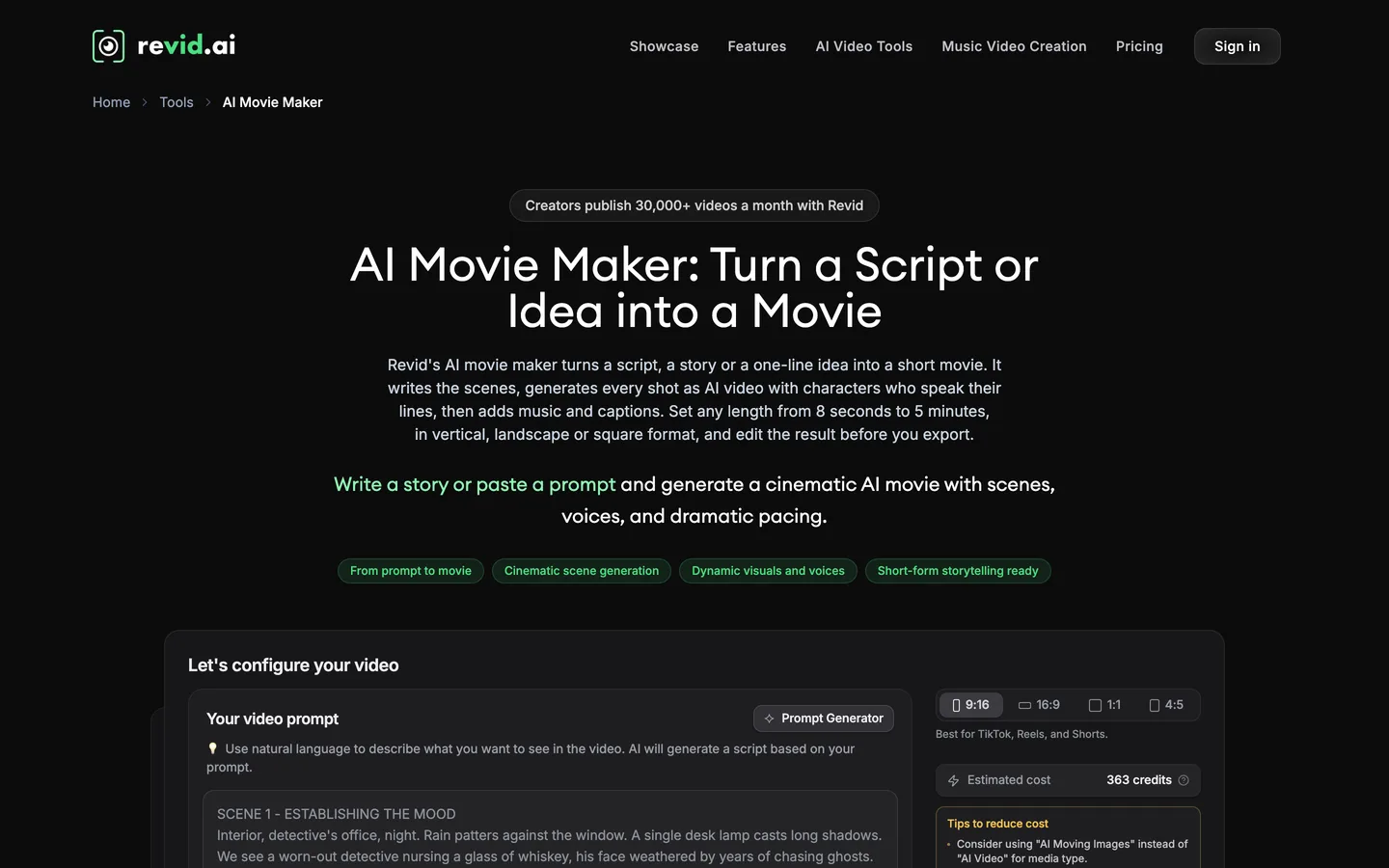
Revid is a short-form platform with more than 100 tools, and its AI Movie Maker is the one for stories. You paste a script, a story or a one-line idea; it writes the scenes, generates each shot as AI video with characters who speak their lines, then adds music and captions. You set any length from 8 seconds to 5 minutes and choose vertical, landscape or square.
It suits creators who want a story told through dialogue rather than a narrator, and who like Revid's publishing and analytics loop around the video.
Key features
- Script, story or idea to a short movie with spoken character lines
- Length from 8 seconds to 5 minutes; 9:16, 16:9, 1:1 and 4:5
- Voiceovers in 70+ languages, music and captions
- Direct publishing to TikTok, Instagram and YouTube, plus post statistics
Best for
- Dialogue-driven micro dramas and story Shorts
- Creators who want generation, posting and stats together
Pricing
- Growth: $39/mo billed monthly ($32/mo yearly) with 2,000 AI credits and 3 Auto-Mode workers
- Ultra: $199/mo with 12,000 credits and 10 Auto-Mode workers
Pros
- Spoken dialogue gives stories a different feel from narration
- Flexible lengths and formats from one form
Cons
- Full AI video with speaking characters spends credits quickly at the entry plan
- Character consistency across separate videos is not a published feature
4. AnimateAI, best for building an animated cast before the story
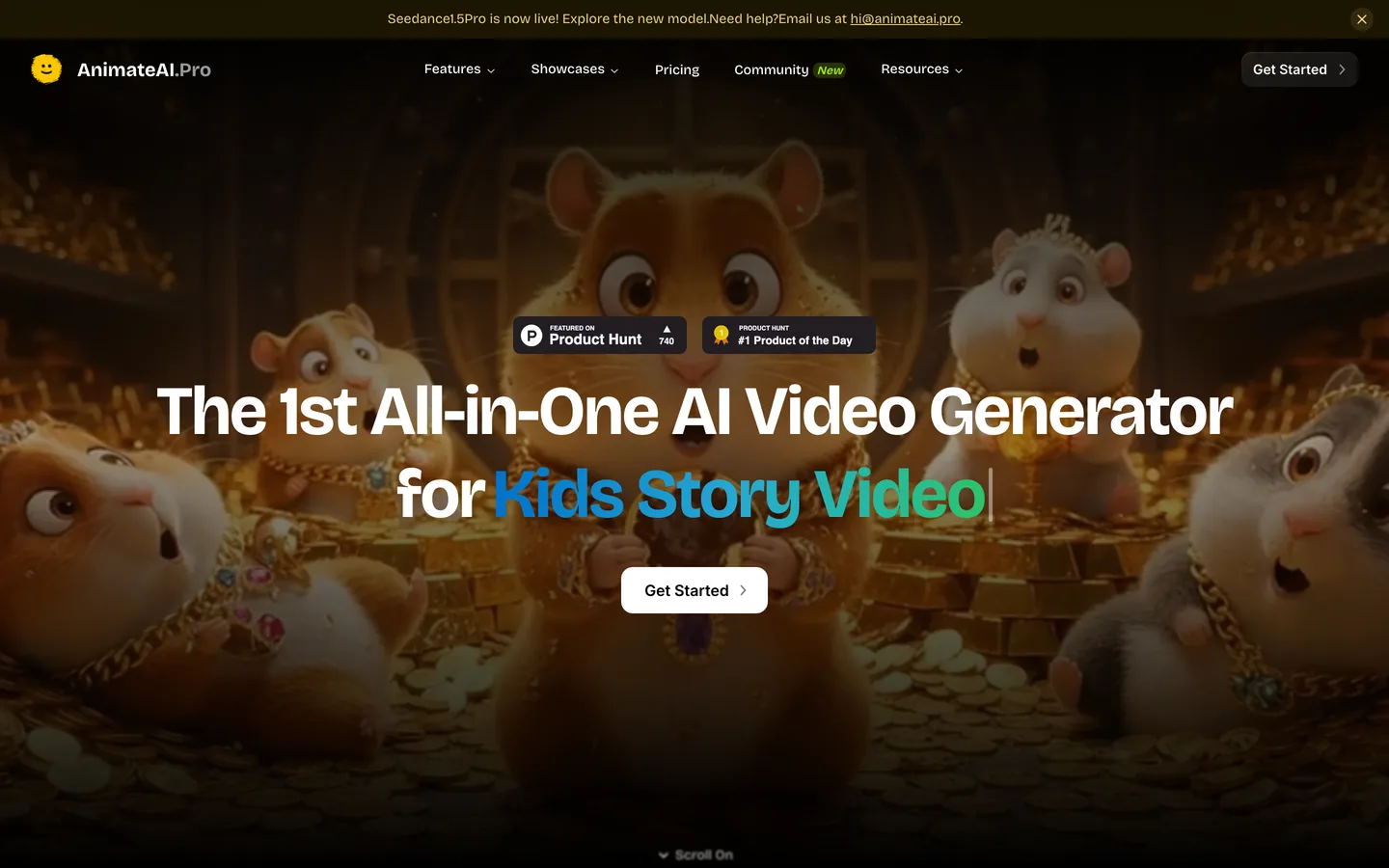
AnimateAI works character first. You describe the characters in your animated story, generate and save them, build a storyboard, then turn it into video using models such as Kling and MiniMax Hailuo. The site leans hard into kids' stories and animated series.
That order suits creators who think in characters: design the cast, then write stories for them. The limit is size, since a video is built from up to 10 scenes.
Key features
- AI character generation and reuse across stories
- Storyboard step before video generation
- Third-party video models (Kling 1.6, MiniMax Hailuo 02 on Standard)
- No watermark on paid plans
Best for
- Animated story channels with a fixed cast
- Short animated stories for TikTok and Shorts
Pricing
- Standard: $39.99/mo with 500 credits a month plus 60 bonus credits for daily logins
- Pro: $99.99/mo with 2,000 credits and newer Kling models
Pros
- Characters and storyboard are part of the workflow, not an afterthought
- Several video models under one plan
Cons
- Up to 10 scenes per video limits longer stories
- Narration and length limits are not spelled out on the pricing page
5. Pictory, best for turning written stories into narrated videos
Pictory is a long-running script-to-video tool. Its Story to Video page turns a written story into a video using AI Studio's generative visuals, automated voiceovers and editing, and you can fine-tune the result in a text-based editor. It is strongest when the words matter most and the visuals support them.
For fiction with recurring characters it is weaker, since the visuals mix stock and generated images. For a narrated true story, a parable or a written piece you already have, it is fast and predictable.

Key features
- Story, script, blog or URL to video
- ElevenLabs voices in 29 languages
- Text-based editing and stock libraries from Getty Images and Storyblocks
- 1080p export, no watermark on paid plans
Best for
- Narrated true stories, quotes and parables
- Writers turning existing text into video
Pricing
- Starter: $29/mo billed monthly ($25 yearly) with 200 video minutes, 60 minutes of ElevenLabs voices and 100 AI credits a month
- Professional: $59/mo ($35 yearly)
Pros
- Predictable minutes-based allowance
- Good editor for tightening narration
Cons
- Little generative video on the entry plan, so many scenes are stock
- No saved characters for recurring stories
6. Vyond, best for long, editable animated stories at work
Vyond is an animation studio used by training and HR teams. Vyond Go turns a prompt, a script or a document into an editable video, and Vyond Studio gives you a full timeline with animated characters and automatic lip sync. Starter allows videos up to 25 minutes.
It is the wrong tool for a horror Short or a kids' bedtime story, and the right one when the "story" is a customer journey, a safety scenario or an onboarding narrative that must be edited line by line.
Key features
- Vyond Go: prompt, script or document to an editable video
- Large library of animated characters with lip sync
- Full studio editing and brand controls
- Videos up to 25 minutes on Starter, 40 on Professional, at 1080p
Best for
- Training and scenario-based learning stories
- Teams that need manual control and approvals
Pricing
- Starter: $99/mo billed monthly with 10,000 credits and videos up to 25 minutes
- Professional: $199/mo with 20,000 credits and videos up to 40 minutes
Pros
- Very long videos and precise editing
- Mature, business-ready characters
Cons
- The highest entry price here
- Business look, not the cinematic or cartoon style story channels use
How to choose the best AI story video generator for your channel
1) Who tells the story: a narrator or the characters?
- Narrated stories (history, mysteries, true stories, bedtime tales): ClipNova or Pictory. ClipNova adds original scenes and recurring characters; Pictory is quicker if you already have the text.
- Dialogue-led stories (micro dramas, sketches): Revid's movie maker, or ClipNova with AI Video and talking characters switched on, where the cast speaks on screen with lip sync in their own voices instead of a narrator.
2) Will the same characters come back?
- One-off stories: almost any tool here works; pick on voice and price.
- A recurring cast: ClipNova Series (up to 8 characters, story memory of the last 5 episodes) or AnimateAI's saved characters. StoryShort also promises consistent faces within a series.
3) How long are your stories?
- Under a minute: StoryShort, Revid and AnimateAI are built for it.
- One to five minutes: ClipNova renders the whole story in one pass; Revid also reaches 5 minutes.
- Longer than five minutes: StoryShort long-form (about 8 to 10 minutes) or Vyond, or split a ClipNova story into chapters.
4) What does one finished story cost?
Do the maths at your real length:
- StoryShort Starter: $39 for about 16 one-minute videos, about $2.44 each.
- ClipNova Hobby: $19 for 1,000 credits, about five one-minute stories as Moving AI Images (189 credits each) or one to two as Base AI Video (550 each).
- Vyond Starter: $99 makes sense only for long, edited stories at work.
Write one story you would genuinely post, about 150 words, and make it in your top two tools with the same narrator style. Watch both on your phone with the sound on. The one where you stop noticing the tool and start following the story is your pick.
If you are new to the format, our guide on how to make AI story videos walks through a full story from premise to upload, and the roundup of long-form AI video generators covers tools for stories that run past a minute. When you are ready to budget, ClipNova pricing shows the credits on each plan.
Frequently asked
What is the best AI story video generator in 2026?
ClipNova is the best overall AI story video generator: one idea or script becomes a narrated, captioned story of up to 5 minutes, and saved characters keep the same face in every scene. StoryShort suits story series that post on a schedule, Revid suits short story films with dialogue, and Pictory is quick for turning written stories into narrated videos.
Can AI make a full story video from a script?
Yes. ClipNova, StoryShort, Revid and Pictory all take a script or a one-line idea and return a finished video with scenes, a voice and captions. Raw clip generators only return a few seconds of footage, so you would still need to write, voice, assemble and caption the story yourself.
How do I keep the same character in every scene of an AI story?
Use a tool that stores the character, not just a prompt. In ClipNova you save a character with a picture and a locked look, then add it to the story or to a Series so the same face and outfit return in every scene and episode. AnimateAI also saves characters, and StoryShort promises the same face across a video.
How long can an AI story video be?
It depends on the tool. ClipNova renders stories up to 5 minutes, Revid's movie maker runs from 8 seconds to 5 minutes, StoryShort offers long-form videos of about 8 to 10 minutes, AnimateAI builds videos from up to 10 scenes, and Vyond allows 25 minutes on its Starter plan.
What is the cheapest AI story video generator?
Of the tools compared here, ClipNova has the lowest entry price at $19 a month for 1,000 credits, about five one-minute stories in Moving AI Images. Pictory starts at $29, StoryShort and Revid at $39, AnimateAI at $39.99 and Vyond at $99 a month on monthly billing.
Can I monetize AI story videos on YouTube?
Yes, if the stories are original and not mass-produced or repetitive. YouTube asks you to disclose realistic altered or synthetic content, and channels that upload near-identical template videos can lose monetization. Original scripts, a consistent narrator and recurring characters make a story channel look like a show rather than a template.
Can AI story characters talk on screen?
Some tools can. In ClipNova, AI Video has a who-speaks choice: a narrator over the scenes, or talking characters who speak on screen with lip sync, each in their own voice. Moving AI Images always use one narrator. Revid's movie maker also gives characters spoken lines.
Which AI story video generator should a new story channel start with?
Start with ClipNova if you want to review every story before it goes out: it writes, illustrates, narrates and captions the story, keeps characters consistent, and plans start at $19 a month with every feature included. If you later want daily posting on autopilot, compare StoryShort or Revid.