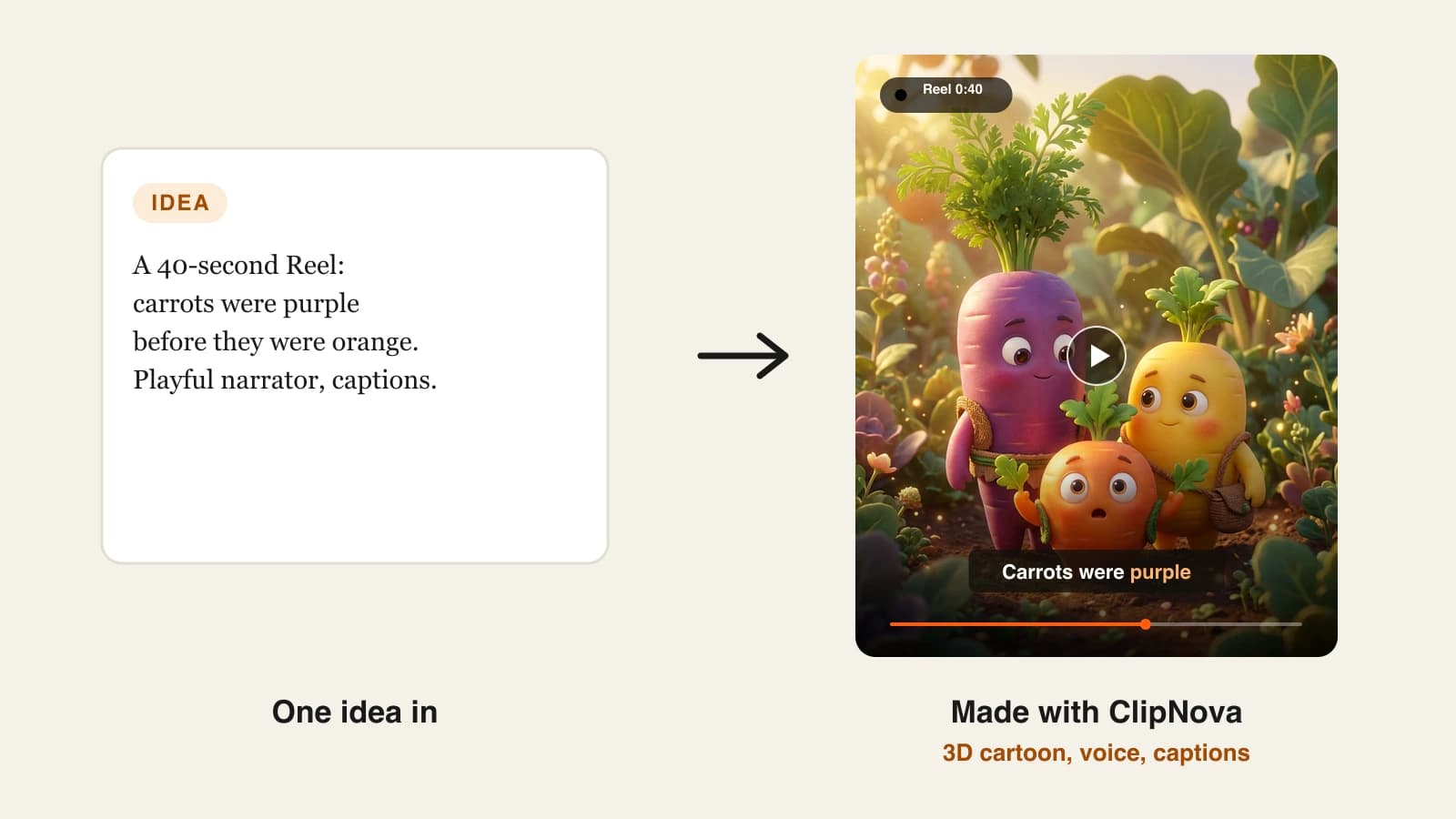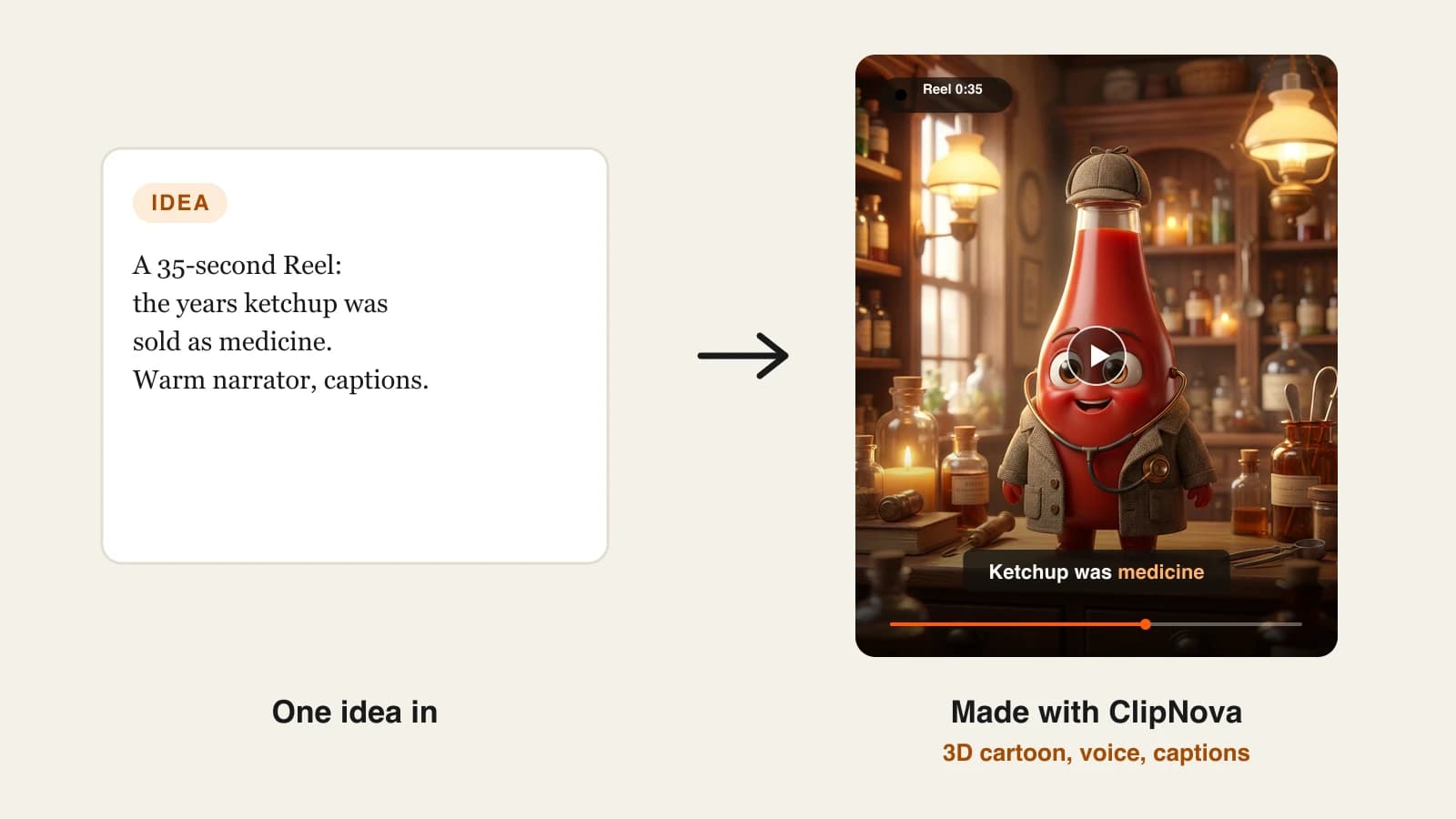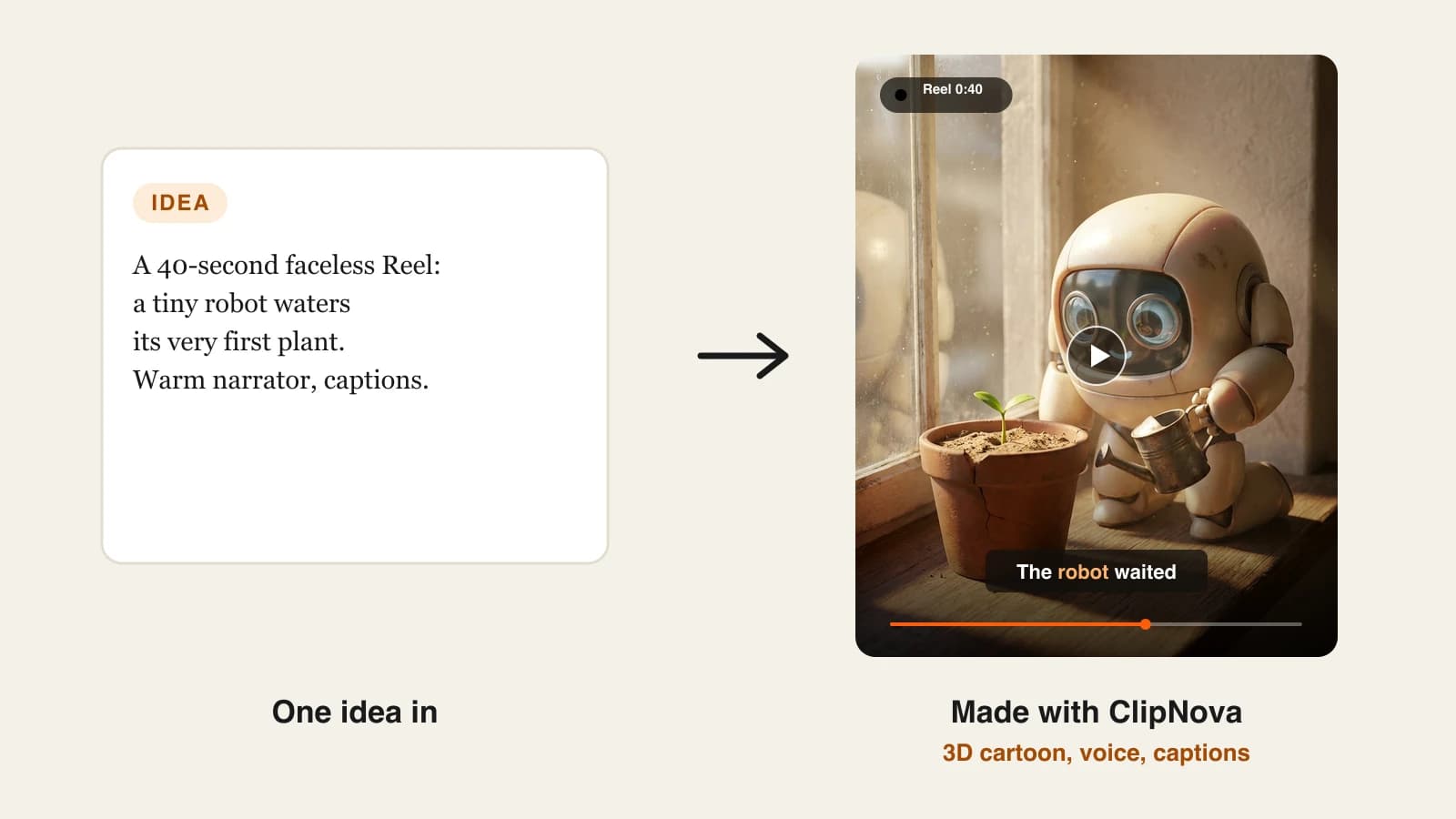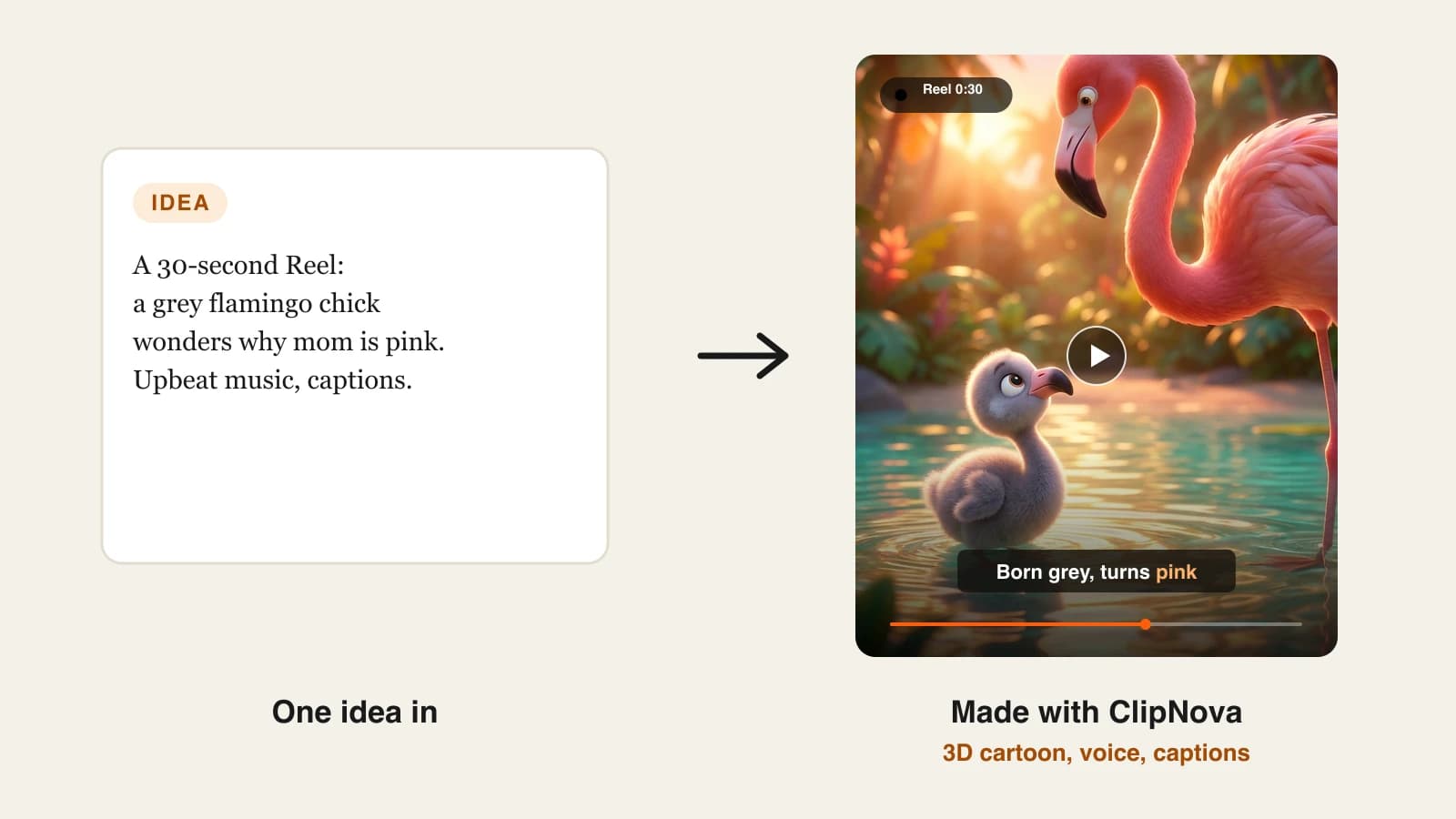
Posting Reels every day is the part most creators quit. Filming, cutting, captioning and finding music for a 30-second clip can eat an hour, and Instagram rewards accounts that show up consistently. An AI reel generator shrinks that hour to a few minutes: you bring an idea, a script, a product link or a long video, and the tool hands back a vertical, captioned Reel.
The catch is that "AI reel generator" covers four very different products. Some write and produce the whole Reel from one sentence. Some are social media suites that bolt video onto post scheduling. Some are editors that speed up footage you already shot, and some cut long videos into short clips.
This roundup compares 8 tools across all four types, with entry prices checked on each vendor's site on October 7, 2026, the input each one needs, and whether it posts to Instagram for you.
Best AI reel generators: a brief overview
- ClipNova: best overall AI reel generator. One idea becomes a finished Reel with script, voiceover, generated scenes, captions and music, in the visual style you choose.
- The Faceless Reels: best for faceless Reels made daily. The ClipNova engine set up around one task: a topic in, a narrated vertical Reel out.
- Predis.ai: best for brands that plan a whole Instagram grid. Reels, carousels and image posts from one prompt, plus a content calendar and publishing.
- Revid.ai: best for remixing what already performs. It studies Reels that took off in your niche and builds your own version, then posts it.
- InVideo AI: best for prompt-to-Reel with a full editor behind it. A chat agent drafts the video, and a timeline lets you change every cut.
- CapCut: best Instagram reel maker for creators who edit by hand. A full editor with trending templates, auto captions and a growing set of AI generators.
- Captions: best for Reels where you appear on camera. AI editing that adds cuts, zooms, captions and B-roll to footage you recorded.
- OpusClip: best for turning long videos into Reels. It finds the strongest moments in a podcast or stream and reframes them to 9:16.
| Tool | Best for | Starting price | Starts from | Posts to Instagram for you |
|---|---|---|---|---|
| ClipNova | Finished Reels from one idea | From $19/mo | Idea or script | No, you review and post |
| The Faceless Reels | Daily faceless Reels | From $19/mo | Idea | No, you review and post |
| Predis.ai | Brand feeds with Reels and carousels | $24/mo billed yearly | Prompt or product link | Rise plan and up |
| Revid.ai | Remixing proven Reel formats | $39/mo | Idea, link or viral video | Yes, plus TikTok and YouTube |
| InVideo AI | Prompt to Reel, then fine editing | Per seat, varies by region | Prompt | Not listed |
| CapCut | Hands-on editing with templates | About $9.99/mo | Your footage or templates | Not listed |
| Captions | Reels you film yourself | $9.99/mo | Your footage | Not listed |
| OpusClip | Clipping long videos | $15/mo | A long video | Yes, plus Shorts and TikTok |
How to read the table: the "Starts from" column matters more than price. A generator that needs footage you do not have is the wrong tool no matter how cheap it is. If you start from ideas only, look at the first four rows.
1. ClipNova, best overall AI reel generator
ClipNova is the most complete pick because it does not assume you already have footage, a voice or an editing habit. You describe the Reel ("why flamingos are born grey, upbeat narrator, word-by-word captions") and it writes the script, records an AI voiceover, generates a scene for each line, times the captions and lays music underneath. You get a full Reel to review, not a pile of clips to assemble.
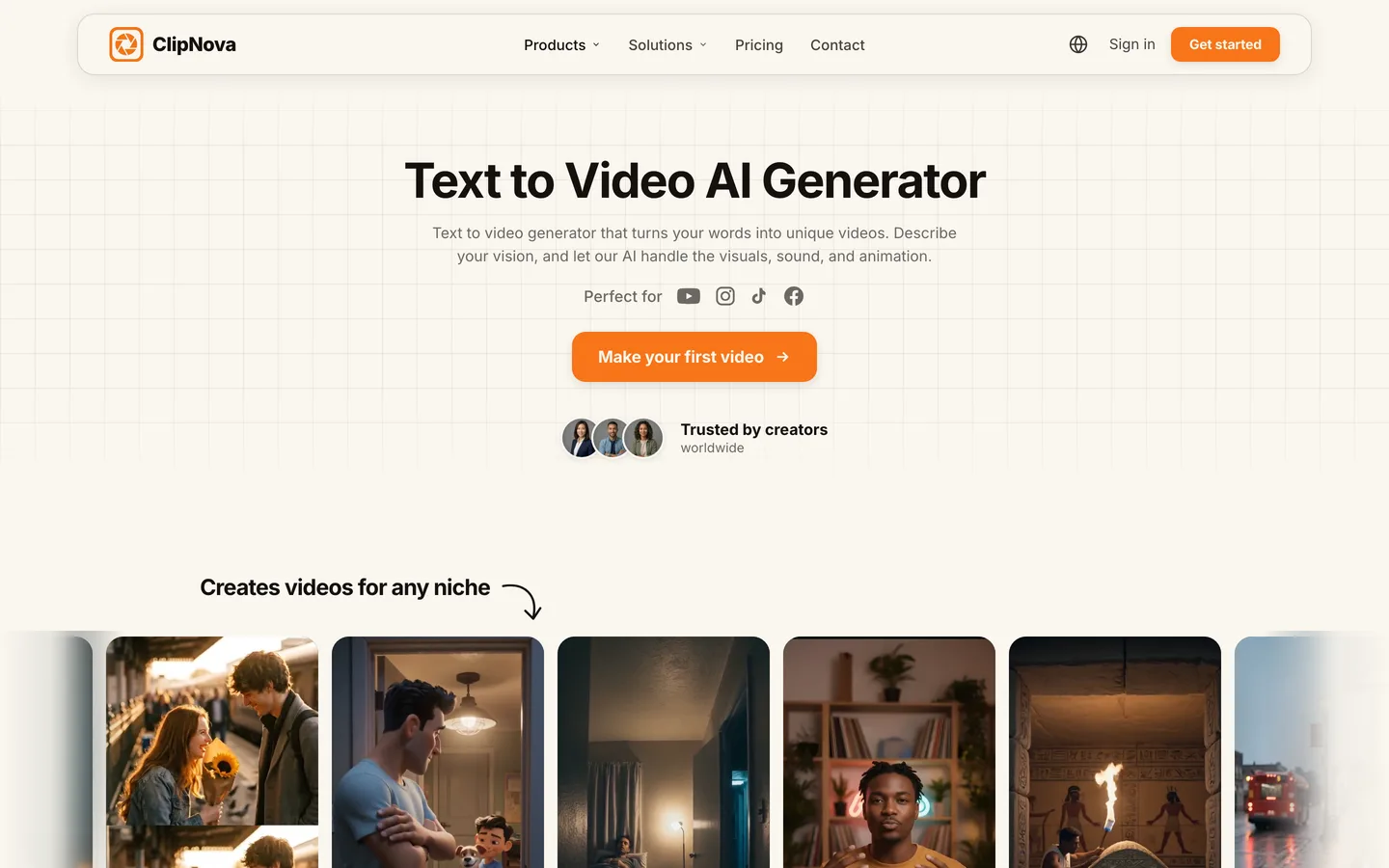
The second reason it leads this list is range. The same project can be a realistic nature Reel, a 3D cartoon, an anime scene or a cinematic short, and you can pick the model behind the visuals (Sora 2, Veo, Kling and others). If one shot is off, the scene editor lets you redo that shot instead of the whole video. The ClipNova text to video generator is the quickest place to try a Reel from a single prompt.
Key features
- Idea or script to finished Reel: script, AI voiceover, generated visuals, captions and music in one pass
- Vertical 9:16 for Reels, TikTok and Shorts, or 16:9 for YouTube from the same tool
- Visual styles from realistic and cinematic to 3D cartoon and anime, on leading video models
- Scene editor to replace one shot without regenerating the Reel
- Voiceovers in 18 languages
Best for
- Faceless accounts in niches like facts, history, stories or kids' animation
- Creators who want Reels now and longer YouTube videos (up to 5 minutes, Starter and up) from the same account
Pricing
- Hobby $19/mo (1,000 credits), Starter $49/mo (2,600), Growth $99/mo (5,750), Ultra $199/mo (12,000, adjustable up to 145,000 credits at $1,999/mo)
- 20% off with yearly billing; every plan has every feature, only credits differ (ClipNova pricing)
Pros
- No footage, voice or editing skills needed at any step
- Watermark-free 1080p and 4K export and commercial rights on every plan
- One account covers Reels, TikToks, Shorts and long videos
Cons
- No auto-posting; you download each Reel and post it yourself
- Premium video models spend credits faster than standard scenes
2. The Faceless Reels, best for faceless Reels made daily
The Faceless Reels runs on the ClipNova engine, so the output is the same, but the setup is narrower on purpose. Instead of a full studio, you choose a faceless format and a style, type the topic and get a narrated, captioned vertical Reel to check and post. Fewer choices means less time per video, which matters when the whole plan is one Reel a day for months. See the plans on The Faceless Reels pricing page.
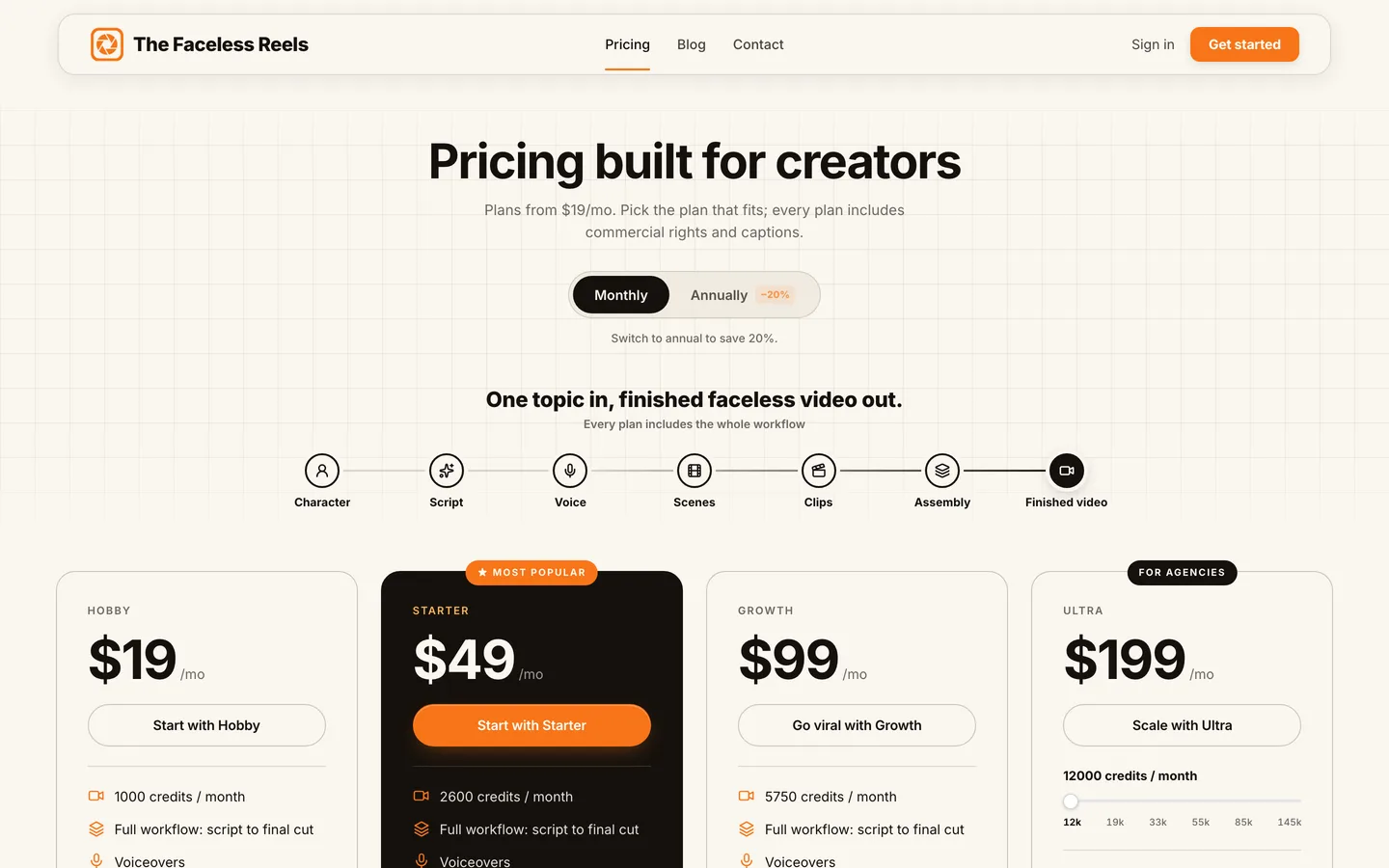
It suits people who do not want to learn a tool at all. The flow is built around topics rather than projects, every format is preset for 9:16, and captions and voice are already on.
Key features
- Faceless-first formats tuned for Instagram Reels, TikTok and YouTube Shorts
- Script, AI voiceover, generated visuals and captions done for you
- Same generation quality and models as ClipNova
- Watermark-free export with commercial rights
Best for
- Solo creators running one faceless Reels account
- Beginners who want the shortest path from idea to a Reel they can post
Pricing
- Same plans as ClipNova: Hobby $19/mo, Starter $49, Growth $99, Ultra $199, with 20% off yearly
Pros
- The simplest workflow on this list
- No editing step between the idea and a postable Reel
Cons
- Built for faceless short-form; for ads, avatars or long videos, use ClipNova
- No auto-posting
3. Predis.ai, best for brands that plan a whole Instagram grid
Predis.ai is a social media content suite first and a reel maker second. From a text prompt or a product link it produces Reels, carousels, single-image posts and ad creatives in your brand colors, then lets you schedule them on a content calendar. For a small business that needs a mix of formats every week, that combination saves switching between three apps.
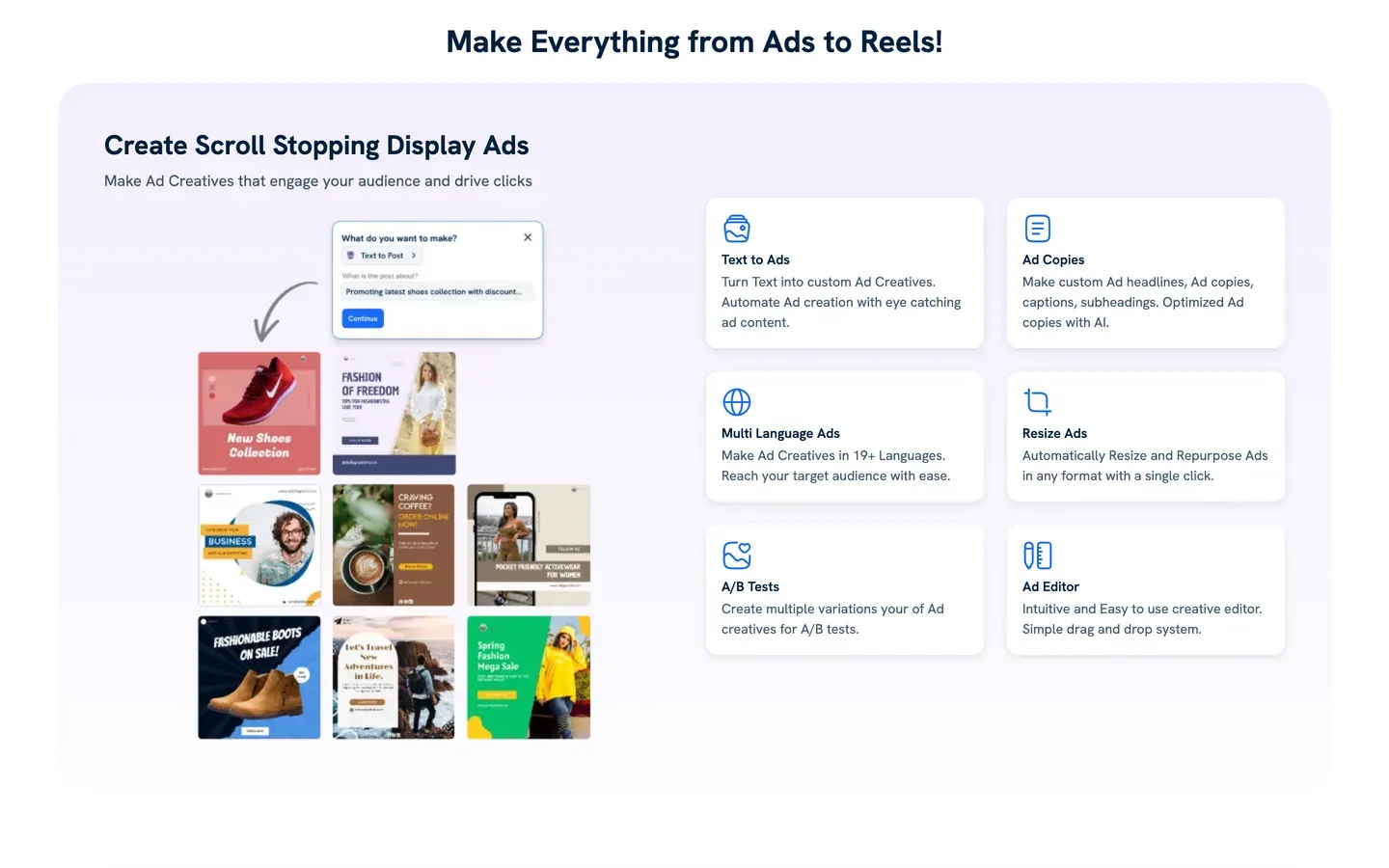
The trade-off is depth. Videos on the Core plan are capped at 30 seconds, and the visuals lean on templates and stock, so it is better at promo-style Reels than at storytelling.
Key features
- Reels, carousels, posts and ads from one prompt or a product URL
- Brand kit so every asset uses your fonts, colors and logo
- Content calendar with publishing; auto-posting from the Rise plan
- Content in 19+ languages
Best for
- Ecommerce stores and local businesses that post product Reels alongside carousels
- Social media managers who want generation and scheduling in one place
Pricing
- Core $24/mo billed yearly ($288/yr) with 1,300 credits, which Predis says covers about 33 videos; monthly billing costs more (around $32, third-party figure)
- Rise $55/mo billed yearly (3,200 credits, about 80 videos, auto-posting and a 5-minute video maker)
Pros
- One tool for the whole feed, not just Reels
- Brand kit keeps every output on brand without manual edits
Cons
- 30-second video cap on Core
- Template-driven visuals, less suited to faceless storytelling
4. Revid.ai, best for remixing what already performs
Revid.ai starts from evidence. You can point it at a Reel or TikTok that took off, and it breaks down the hook, structure and payoff, then generates your own version on your topic. It also turns ideas, links, PDFs and music into short videos, posts them to Instagram, TikTok and YouTube, and reports how each post does.
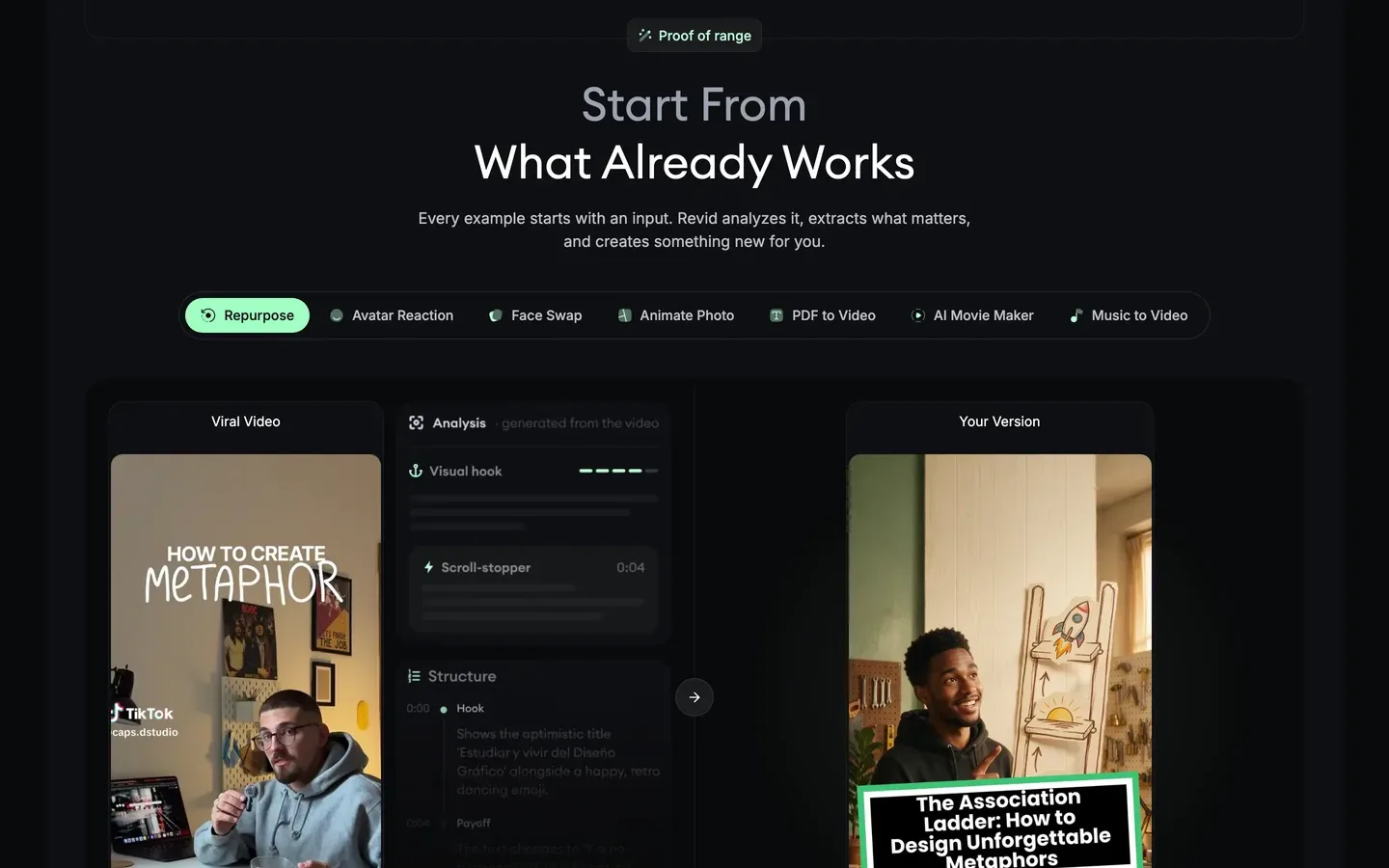
That loop is useful for accounts that live on trends. The risk is the same as with any remix tool: if you lean on it too hard, your feed starts to look like everyone else's.
Key features
- Viral-video analysis and remix into a new Reel
- Direct publishing to Instagram, TikTok and YouTube, with post stats
- Auto-Mode workers that produce videos on a schedule
- Voiceovers in 70+ languages, output up to 4K
Best for
- Trend-driven accounts that want to adapt formats quickly
- Operators who want generation and posting handled together
Pricing
- Growth $39/mo ($32/mo billed yearly) with 2,000 AI credits
- Ultra $199/mo ($166/mo yearly) with 12,000 credits
Pros
- The full idea, create, post and measure loop in one place
- Strong language coverage for multilingual pages
Cons
- Generative video models use credits quickly
- Remix-heavy feeds can lose a distinct identity
5. InVideo AI, best for prompt-to-Reel with a full editor behind it
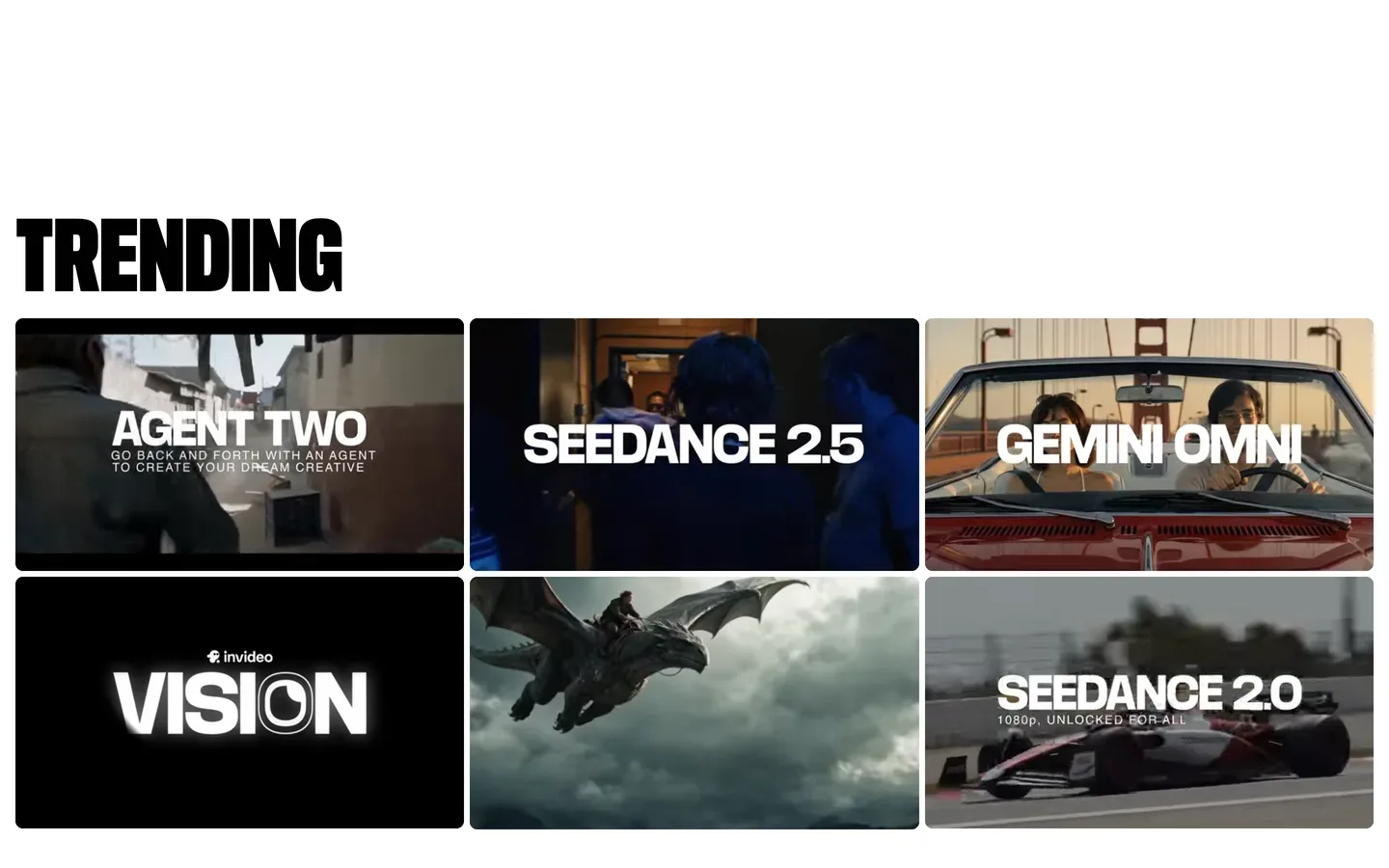
InVideo AI pairs a chat-style agent with a real timeline. You describe the Reel, the agent drafts it with stock and generated footage, voiceover and captions, and then you can change cuts, swap clips, adjust music or rewrite lines by chatting or by editing directly. It is a good fit if you like the speed of AI but still want to touch every second.
Key features
- Prompt to edited video with an AI agent you can keep instructing
- Timeline editor with multiplayer editing on every plan
- Generative models such as Seedance on a shared credit pool
- Large stock library alongside generated clips
Best for
- Creators and small teams who want AI to draft and a person to finish
- Reels that mix stock footage, generated shots and text overlays
Pricing
- Per-seat plans named Basic, Pro and Ultra; on October 7, 2026 the page showed Basic at about $4 per seat a month billed yearly during a 50% off promotion, and other visitors have seen different prices by region, so check at checkout
- Unused credits do not roll over
Pros
- More editing control than one-pass generators
- Several video models in one subscription
Cons
- Entry plan is limited to the lighter agent and cheaper models
- Editing time works against a daily posting schedule
6. CapCut, best Instagram reel maker for hands-on editing
CapCut is the editor many Reels are already cut in, and its AI features keep growing: auto captions, background removal, script-to-video drafts, text-to-speech voices, and a Seedance video generator on its web tools. Its biggest asset for Instagram is the template library, which tracks the edits and audio formats that are trending right now.
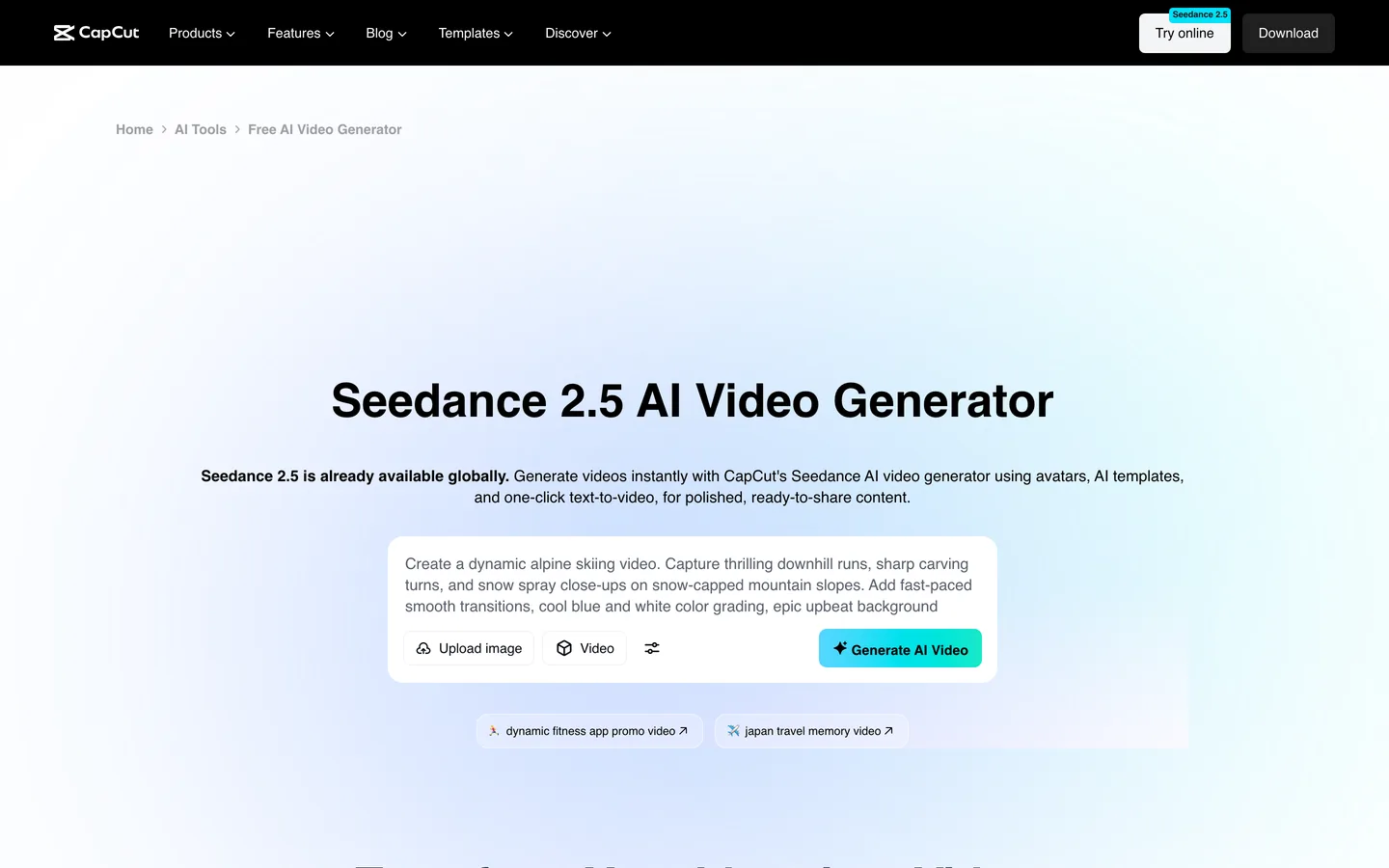
You still assemble the Reel yourself. CapCut speeds up editing; it does not take you from an idea to a finished narrated video in one step the way ClipNova does.
Key features
- Trend templates you can drop your clips into
- Auto captions with animated styles
- AI video generation, text-to-speech and background removal
- Desktop, web and mobile apps that share projects
Best for
- Creators who film or collect their own clips and want fast, polished edits
- Accounts that ride trending audio and template formats
Pricing
- Standard about $9.99/mo; Pro about $19.99/mo or $179.99/yr (third-party figures; CapCut shows prices in the app and they vary by region and device)
- Pro adds the full AI toolkit and AI credits
Pros
- Best manual control on this list for the price
- Templates keep you current with Instagram trends
Cons
- You do the editing; it is not a one-prompt generator
- Plan names and prices shift often and differ by device
7. Captions, best for Reels where you appear on camera
Captions (from Mirage) is built for people who record themselves. You film a talking-head clip, and its AI Edit adds cuts, zooms, captions, B-roll, music and sound effects in a chosen style. It also has an eye-contact fix, a teleprompter, dubbing and AI twins that can stand in for you once you have trained one.
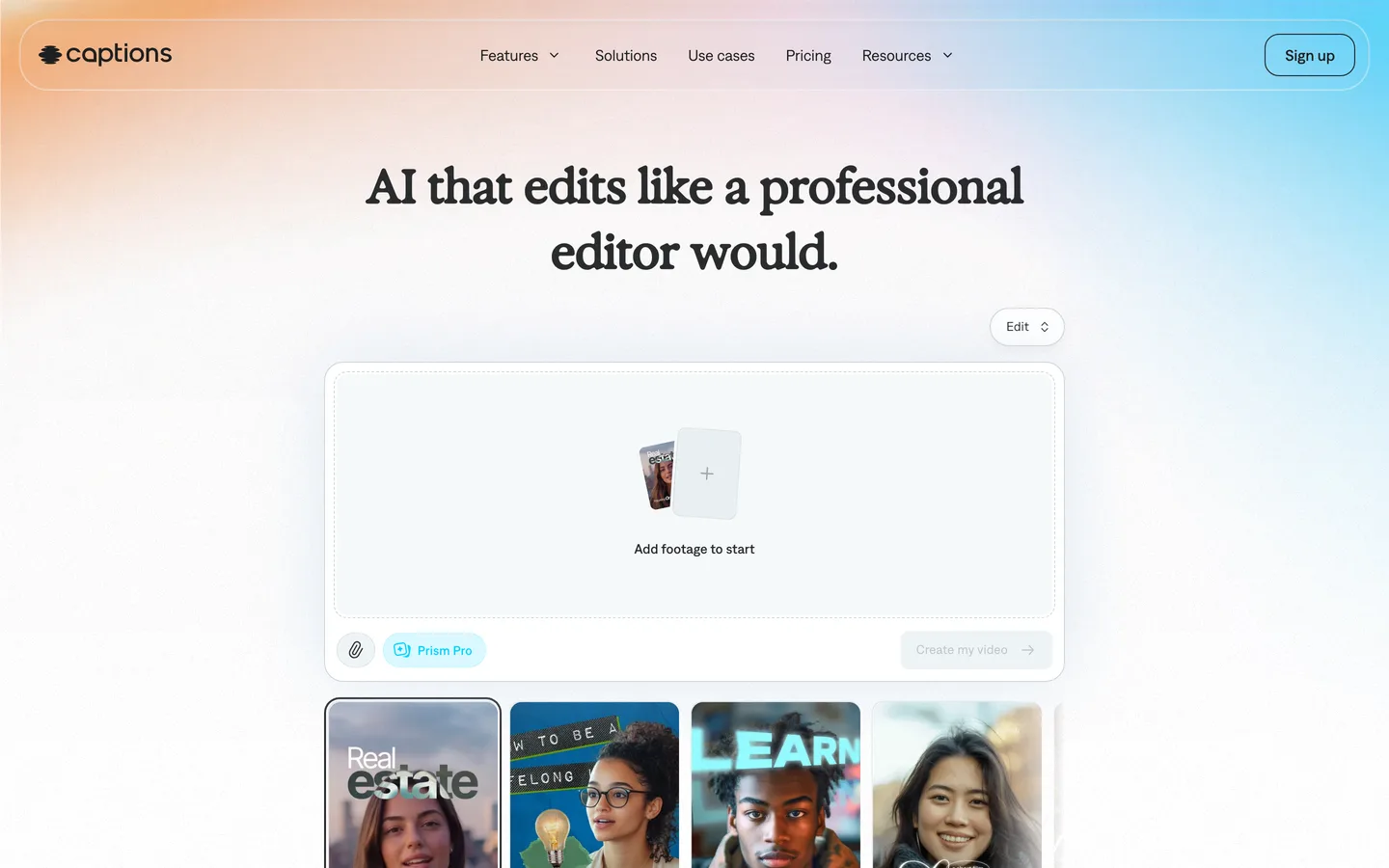
It is the strongest pick here for personal-brand Reels. For a faceless account it is a poor fit, because almost every feature assumes a person on screen.
Key features
- AI Edit styles that cut, zoom and add B-roll automatically
- Captions in 100+ languages, plus dubbing
- Eye-contact correction and teleprompter for recording
- Script generator and Reddit-to-video on the Basic plan
Best for
- Coaches, founders and creators who talk to camera
- Turning one recorded take into several polished Reels
Pricing
- Basic $9.99/mo with 200 credits; Max $24.99/mo with 500 credits and AI Edit
- Frontier from $69.99/mo for heavier generative use
Pros
- Excellent for talking-head Reels with minimal editing skill
- Recording aids (teleprompter, eye contact) in the same app
Cons
- Built for on-camera content, not faceless accounts
- Credit costs rise quickly once AI twins and generation are involved
8. OpusClip, best for turning long videos into Reels
OpusClip does one job very well: give it a podcast, webinar or stream, and it finds the moments most likely to hold attention, reframes them to vertical, adds animated captions and scores each clip for viral potential. You can then post the clips to Instagram Reels, TikTok and YouTube Shorts from the same dashboard.
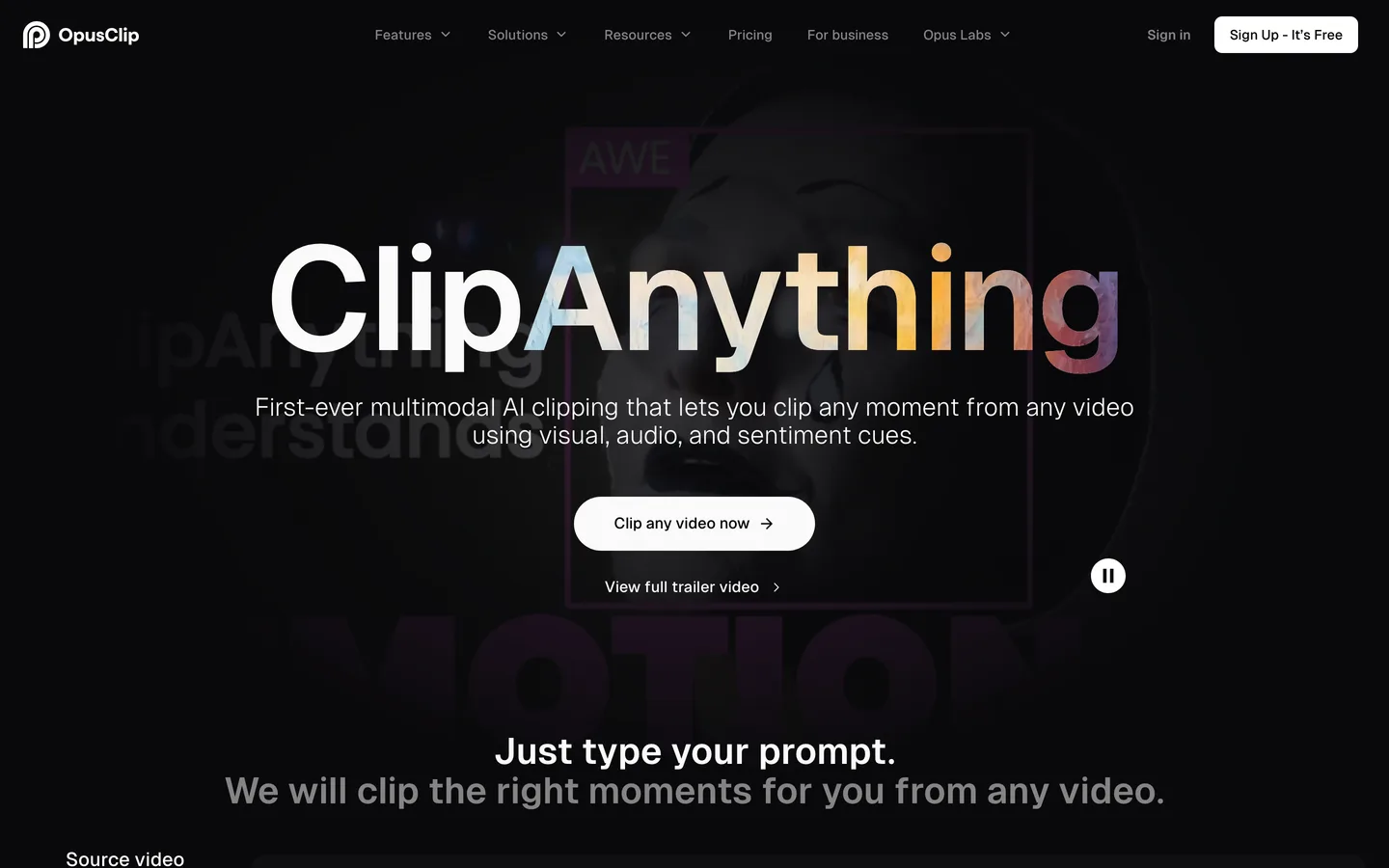
It does not create a Reel from an idea. If you have no long-form content, it has nothing to cut.
Key features
- AI clipping by speech, visuals, sound or sentiment, with a virality score
- Auto reframe to 9:16 with animated captions
- Posting to Instagram Reels, TikTok and YouTube Shorts; Pro adds a scheduler for 6 platforms
- AI voiceovers and B-roll on paid plans
Best for
- Podcasters, streamers and educators with hours of existing video
- Teams repurposing webinars into a week of Reels
Pricing
- Starter $15/mo
- Pro $29/mo with the full editing suite, scheduler and a 4-user workspace (lower per month when billed yearly)
Pros
- The best clip finder on this list
- Posting built in, so repurposed Reels go out without another tool
Cons
- Needs existing long footage
- Clips inherit the look of the source video
How to choose the best AI reel generator for your account
1) What do you start with?
- Only ideas: ClipNova or The Faceless Reels produce the entire Reel. Revid.ai also works from ideas and links.
- Footage of yourself: Captions for talking-head Reels, CapCut if you prefer to edit by hand.
- Long videos: OpusClip.
- Products and a brand kit: Predis.ai, especially if you also need carousels and image posts.
2) Do you want to review each Reel, or have it posted for you?
- Review first: ClipNova and The Faceless Reels leave posting to you, so nothing goes live unchecked. Instagram has said it favors original content over reposted material, and a quick review is the cheapest way to make sure each Reel is distinct.
- Posting handled: Revid.ai and OpusClip publish straight to Instagram, and Predis.ai does it from the Rise plan. Check the first two weeks of automatic posts closely before you stop watching.
3) How long are your Reels?
- Instagram extended Reels to 3 minutes in January 2025, but most faceless Reels still land between 20 and 60 seconds.
- If you want to turn a Reel that worked into a longer YouTube video, the long form AI video generator on ClipNova renders up to 5 minutes from the same idea. Predis.ai's Core plan caps videos at 30 seconds.
4) What does one posted Reel really cost?
- Divide the monthly price by the Reels you will actually post. Predis.ai Core works out to under $1 per video if you use all 33; Captions Basic is cheap per month, but only if you already film.
- On credit-based tools (ClipNova, Revid.ai, InVideo AI, Captions), the video model you pick changes the cost per Reel. Make three test Reels in your real niche, note the credits each one used, then pick the plan that covers a month at your posting pace.
- Count your own minutes too. A tool that saves $10 a month but adds 20 minutes of editing per Reel costs more than it saves once you post daily.
Batch your Reels. Write ten topics in one sitting, generate them in one session, then review and schedule them in Instagram's own planner. One focused hour a week beats ten scattered ones.
If you are starting a faceless account from scratch, our guide on how to make faceless Reels covers niches, hooks and posting rhythm. For the wider category beyond Reels, see our faceless AI video generator comparison, or start making Reels on The Faceless Reels.
Frequently asked
What is the best AI reel generator in 2026?
ClipNova is the best overall AI reel generator: one idea becomes a finished Reel with script, AI voiceover, generated visuals, captions and music, with a choice of video models such as Sora 2, Veo and Kling. The Faceless Reels runs on the same engine with a simpler, faceless-first setup. If you edit your own footage, CapCut and Captions are stronger fits, and OpusClip is best for cutting long videos into Reels.
What is the difference between an AI reel generator and an AI reel editor?
An AI reel generator creates a new Reel from an idea or script, including the voice, visuals and captions. An AI reel editor, like CapCut or Captions, speeds up editing of footage you already have. If you do not film anything, you need a generator.
Which AI reel maker posts to Instagram automatically?
Revid.ai and OpusClip publish directly to Instagram Reels, TikTok and YouTube, and Predis.ai adds auto-posting from its Rise plan. ClipNova and The Faceless Reels leave posting to you, which gives you a final check before each Reel goes live.
How much does an AI reel generator cost?
Entry plans in this list run from about $10 to $39 a month. Captions Basic is $9.99/mo, OpusClip Starter $15/mo, ClipNova and The Faceless Reels start at $19/mo, Predis.ai Core is $24/mo billed yearly and Revid.ai Growth is $39/mo. Compare what each plan produces per month, not the sticker price.
Can I make faceless Instagram Reels with AI?
Yes. Tools like ClipNova and The Faceless Reels write the script, generate the visuals and narrate the Reel with an AI voice, so you never appear on screen. Editors like Captions are built around a person on camera, so they suit faceless accounts less.
Does Instagram allow AI-generated Reels?
Yes. Instagram allows AI-generated Reels, and Meta may add an AI info label to content it detects as AI-made or that you label yourself. Instagram has said it favors original content over reposts, so give each Reel its own script and angle rather than posting near-identical videos.
Can I monetize Reels made with an AI reel generator?
Yes, as long as the tool gives you commercial rights to the output and the Reels are original. ClipNova and The Faceless Reels include commercial rights on every plan; check each competitor's terms before using their output for brand deals or ads.
How long should an AI-generated Reel be?
Instagram accepts Reels up to 3 minutes, but most faceless Reels perform well between 20 and 60 seconds. Lead with the payoff in the first two seconds and keep one idea per Reel.
If I only want finished Reels from my ideas, what should I use?
Use ClipNova. It turns a one-line idea into a complete Reel with script, voiceover, generated scenes, captions and music, in vertical or horizontal format, with watermark-free export and commercial rights on every plan. If faceless short-form is all you make, The Faceless Reels gives you the same output in a simpler setup.