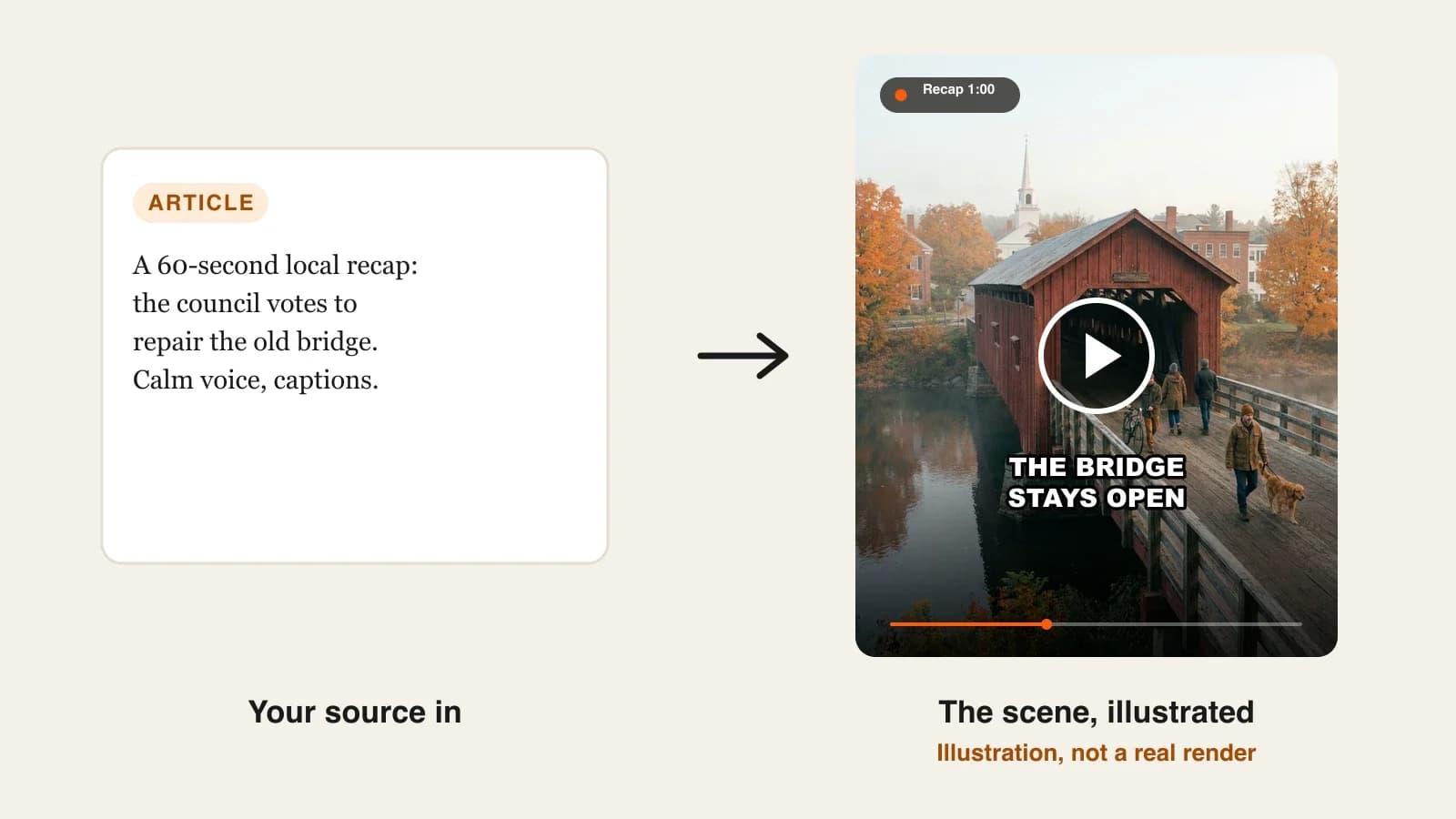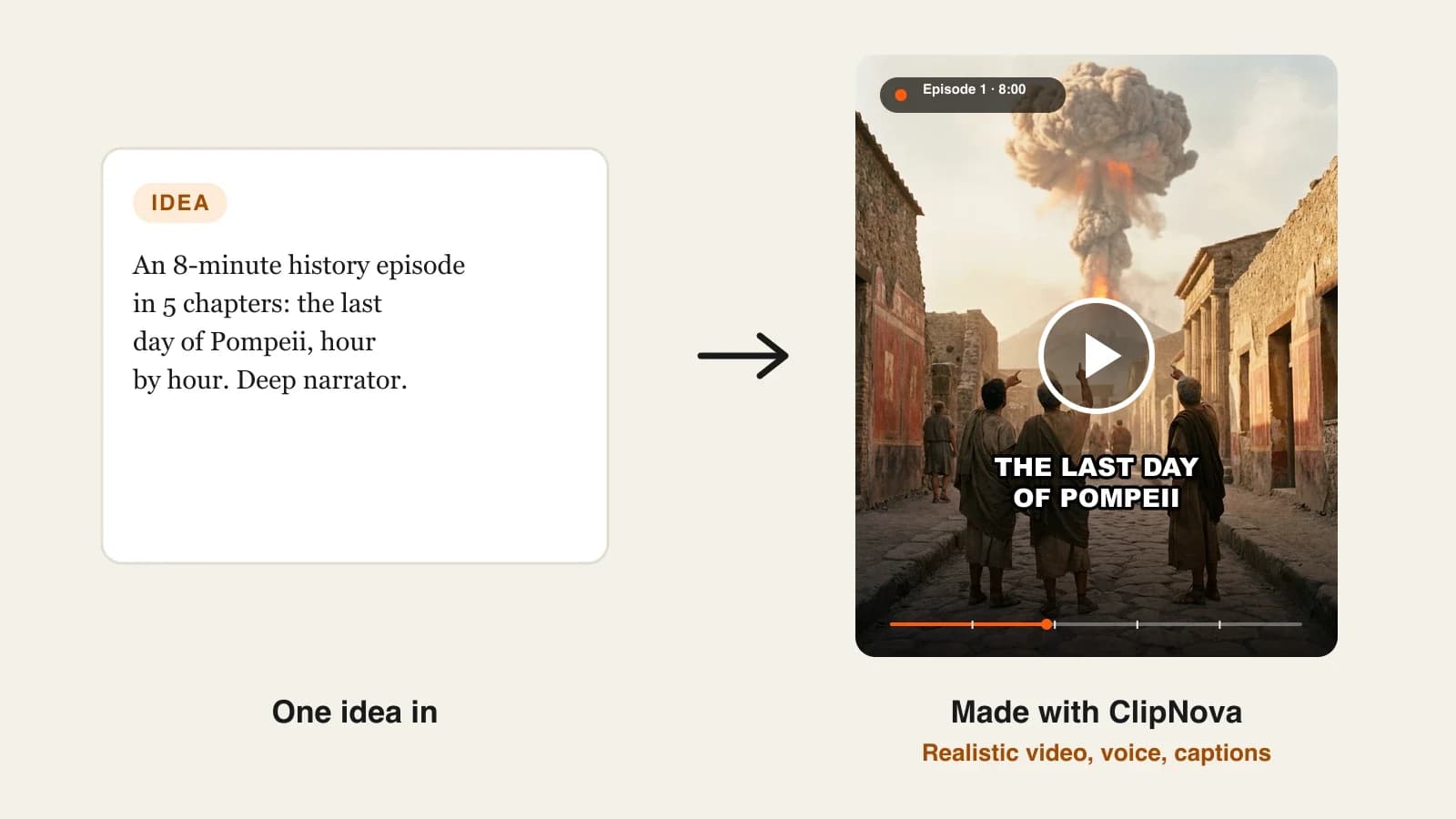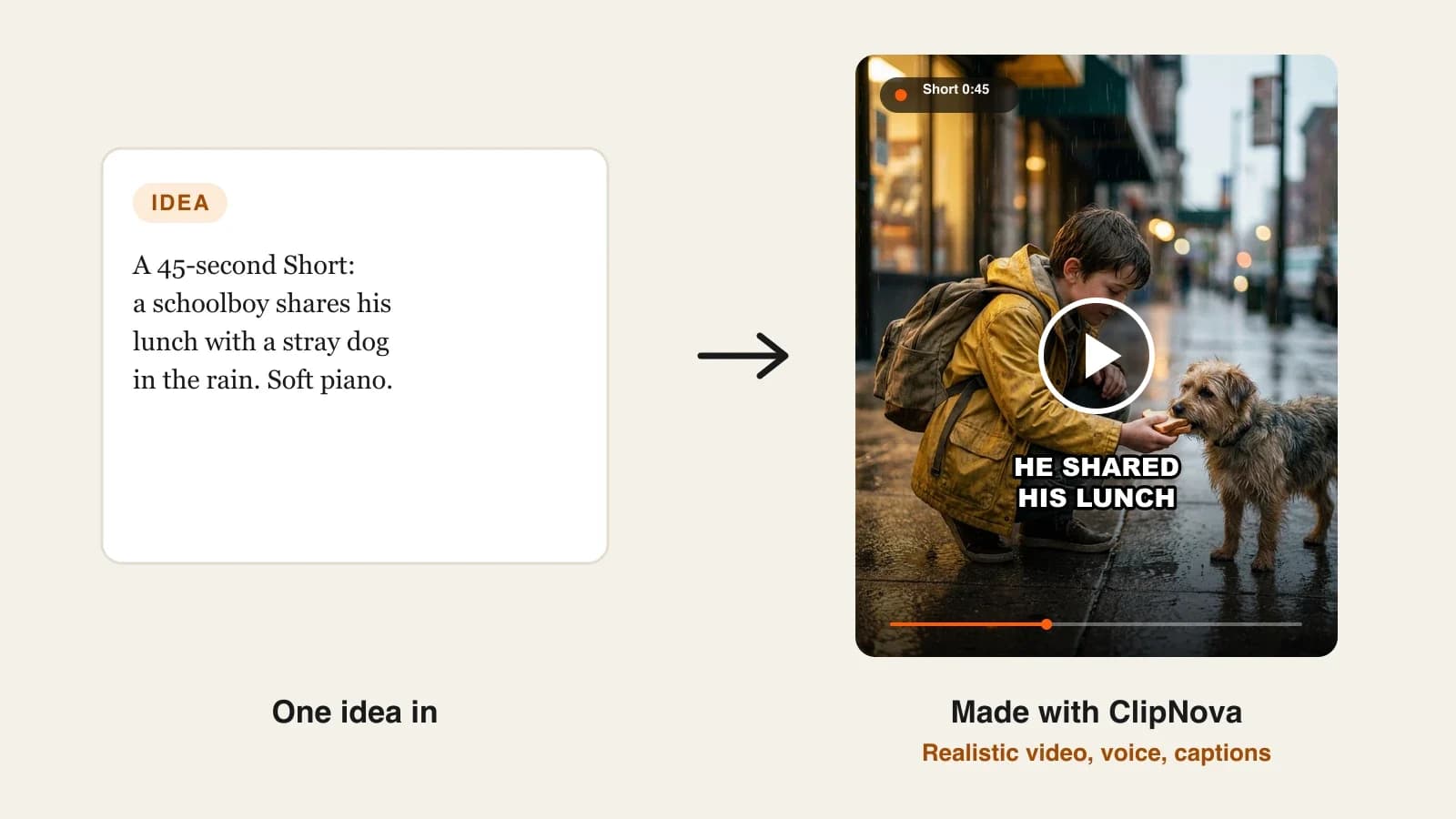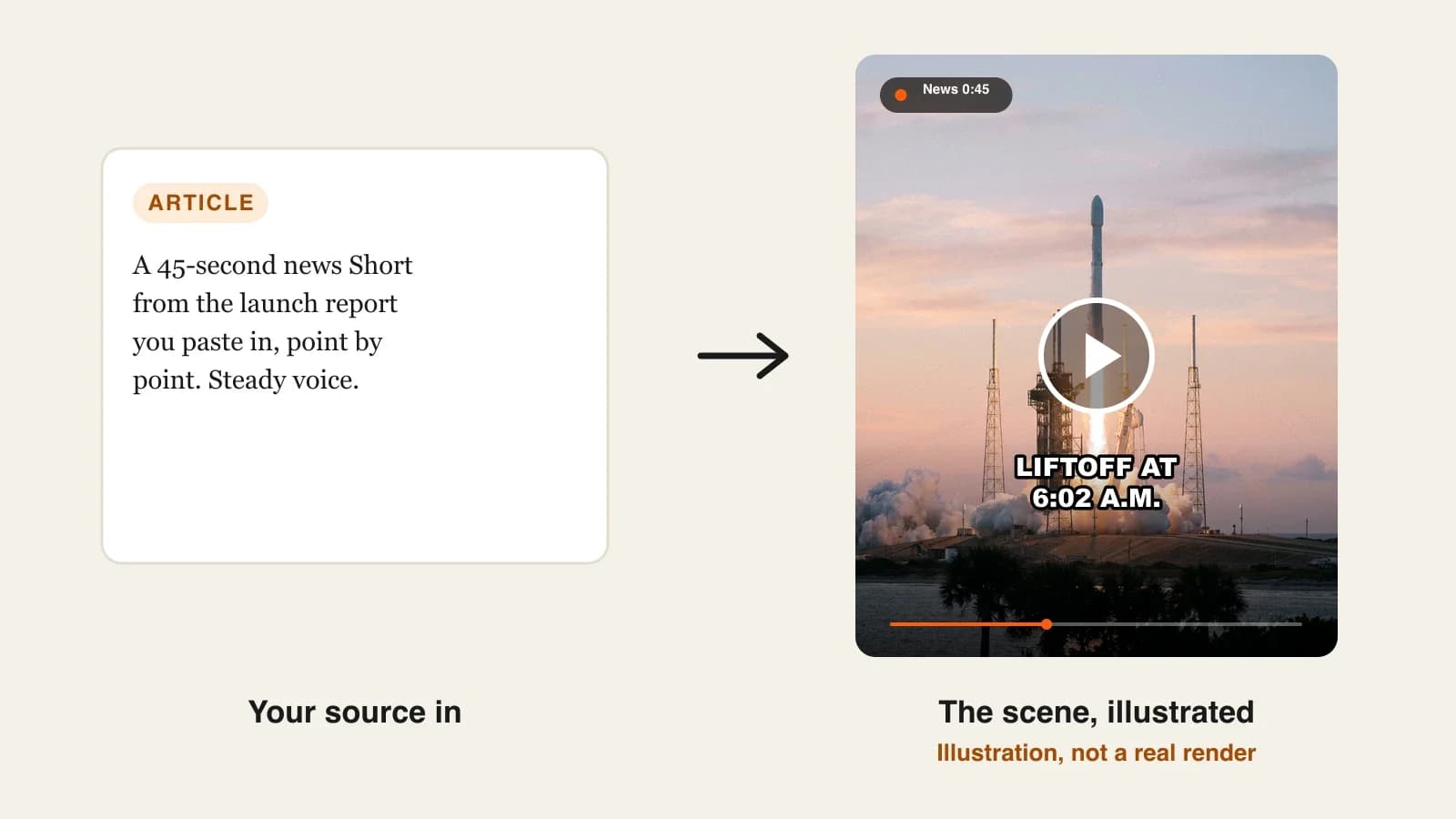
The best AI news video generators in 2026 are ClipNova for news recaps written only from the source you give it, up to 5 minutes long, followed by Revid, StoryShort, HeyGen and Pictory for narrower news formats. ClipNova starts at $19/mo; the others start between $29 and $39 a month on monthly billing.
Faceless news channels are everywhere on Shorts and TikTok: a daily tech brief, a local news recap, a weekly roundup of space or science stories. The format is simple, a hook, three facts and a takeaway, but the stakes are higher than in most niches. One wrong number or a made-up quote can get a video flagged, and a channel that only reads headlines aloud runs into YouTube's rules on reused content.
This roundup compares five AI news video generators for creators on where the facts come from, how much you control before the video is made, the formats they produce and what each one costs.
The 5 best AI news video generators at a glance
- ClipNova: best overall for source-faithful news recaps. Paste an article link, a PDF or your own report, review a narration written only from that source, and get a finished Short or a 5-minute recap with scenes or an AI presenter.
- Revid: best for trending-topic news Shorts. Type a topic and its AI researches the latest information, then builds a vertical news Short with real news images, animated images or AI video.
- StoryShort: best for a daily news channel on autopilot. Headlines or topics in, anchor-style narration and scheduled posting out, from 60-second breaking clips to daily roundups.
- HeyGen: best for anchor-led bulletins. A large library of AI presenters, or your own digital twin, reading your script at a news desk in 175+ languages.
- Pictory: best for turning articles into stock-footage recaps. Paste a link and it summarizes the page into a narrated, captioned video over stock clips.
| Tool | Best news format | Starting price (monthly billing) | Where the facts come from | Presenter option | Auto-posting |
|---|---|---|---|---|---|
| ClipNova | Recaps from your article, Shorts to 5 min | From $19/mo | Only your source (link, PDF, DOCX or text) | Yes (AI Talking Avatar) | No (review, then post) |
| Revid | Trending-topic news Shorts | $39/mo | AI research on the topic, or your script | No (narration) | Yes: TikTok, Instagram, YouTube |
| StoryShort | Daily news Shorts and roundups | $39/mo | Headline, topic or your script | No (narration) | Yes: YouTube, TikTok |
| HeyGen | Anchor-led bulletins | $29/mo | Your script, topic, article or link | Yes (1,100+ presenters) | Not listed |
| Pictory | Article-to-video recaps on stock footage | $29/mo | A summary of the page you link | Stock footage focus | Not listed |
What a news channel needs from an AI video tool
News is the one faceless niche where speed and accuracy pull against each other. Judge every tool on these five points:
- Where the script comes from. A tool that writes only from the article you give it is safer than one that "researches" a topic on its own, because you know the source of every line.
- A review step before rendering. You should be able to read and edit the narration before credits are spent and before anything is public.
- Names and numbers kept exactly. "30 centimetres", "12 towns", "6:02 a.m.": a summary that rounds or invents figures is worse than no video.
- Your own angle. YouTube's monetization policies require significant original commentary or educational value. A tool that lets you add context, a takeaway or a local angle keeps the channel eligible.
- Two lengths from one story. A 45-second Short for discovery and a 3 to 5 minute recap for watch time.
A quick test before you subscribe: give two tools the same local news article and compare their narration against it line by line. Count every name, number and claim that changed. The tool with zero changes is the one to build a channel on.
1. ClipNova, best overall AI news video generator
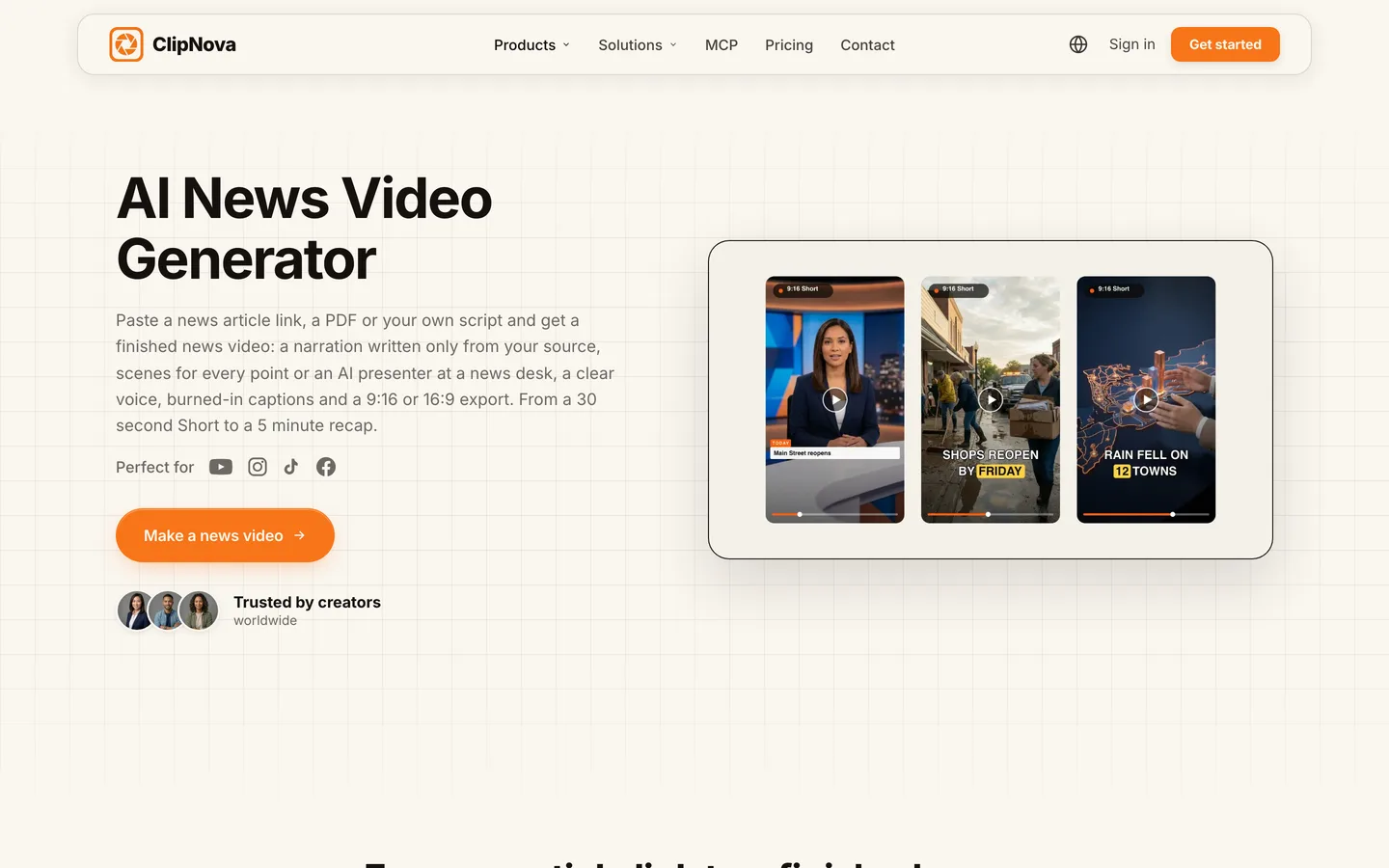
ClipNova turns a news source into a finished news video. You paste an article link, upload a PDF or DOCX, or paste your own report; it condenses it into a spoken narration with a hook, the main points in order and a short takeaway, keeping names and numbers as written and adding nothing that is not in the source. You read it, fix any line, and that text is exactly what the voice says. If your channel has a recurring host, the same AI presenter reads every bulletin, the way a saved character keeps the same face in every scene of a ClipNova story.
News channels get the same core idea ClipNova is built around, finished long videos with consistent characters:
- Long: one article becomes a 30-second Short or a recap of up to 5 minutes, so the weekly roundup does not need to be stitched from clips.
- Consistent characters: pick one presenter from the avatar library, or upload a photo, and the same face reads every episode; for story-led explainers, saved characters and Series keep recurring people the same across videos.
- Finished: narration, scenes or presenter, captions and music come back together, and Studio lets you reorder or trim scenes and edit the narration, music or captions after the render.
The ClipNova AI news video generator shows the whole flow, from an article link to the export.
Key features
- PDF to Video reads an article link, a PDF, a DOCX or pasted text and writes the narration only from it
- Lengths of 30 seconds, 1, 2, 3 or 5 minutes; 9:16 for Shorts, TikTok and Reels or 16:9 for a YouTube recap
- Faceless scenes for every point (Moving AI Images by default, or AI Video), or an AI presenter at a news desk via AI Talking Avatar, reading your script word for word with lip sync
- Captions transcribed from the narration and burned in, with about 20 caption styles so every video looks the same
- Narration in 18 languages; AI Video Translator re-voices a presenter clip of up to 60 seconds in another language
How to make a news video in ClipNova
- In AI Video Studio, open PDF to Video and paste the article link (or upload the PDF, or paste your report).
- Pick the length, for example 1 minute for a Short.
- Read the narration it writes, check every name and number against the source, and add your takeaway line.
- Choose faceless scenes, or paste the reviewed script into AI Talking Avatar for a presenter at a newsroom desk.
- Pick a calm news voice and one caption style, generate, and post after a last check.
Pricing
- Plans from $19/mo: Hobby $19 (1,000 credits), Starter $49 (2,600), Growth $99 (5,750), Ultra from $199 (12,000); 20% off yearly
- Narration in 18 languages, every feature on every plan, and commercial rights on every plan, so the videos can run on a monetized channel
Pros
- The narration cannot drift from your source, and you approve it before anything is made
- Faceless scenes and an AI presenter in one subscription
- Shorts and 5-minute recaps from the same story
Cons
- It does not find headlines, pull news feeds or post on a schedule; you bring the story
- You are still responsible for the accuracy of what you publish and for the right to use the source
2. Revid, best for trending-topic news Shorts
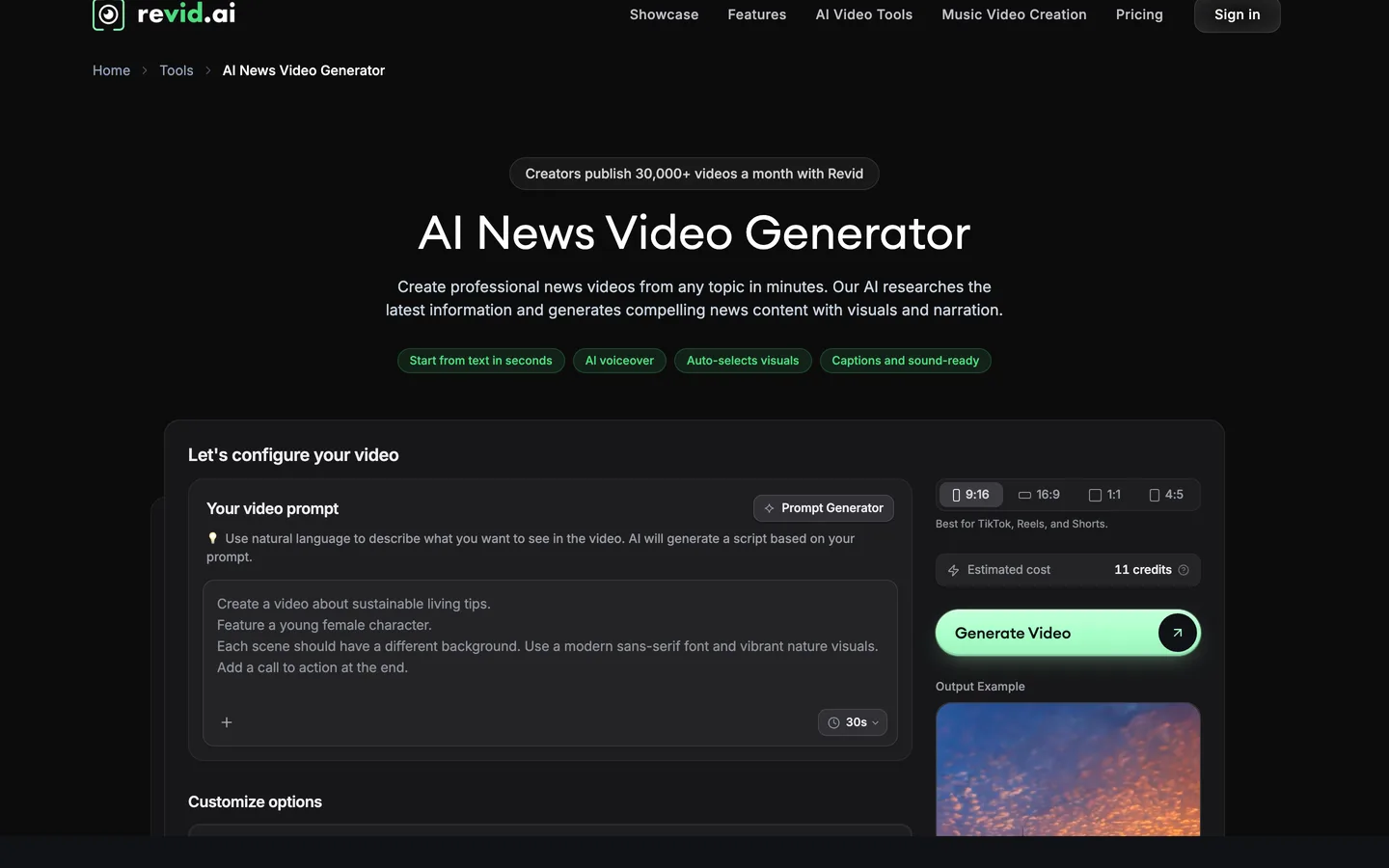
Revid's AI News Video Generator starts from a topic rather than a document. Its AI researches the latest information on what you typed, structures it like a news piece (headline, key facts, background) and produces a vertical video with narration, on-screen text and sound effects. You choose the visual style: real news images, animated AI images or AI video, and you can edit everything before you post.
That makes it fast for trend-driven channels: tech launches, sports moments, viral stories. The trade-off is that the research is the AI's, not yours, so every fact needs checking against a primary source before you publish.
Key features
- Topic or URL in; AI researches current information and writes the script
- Real news images, animated AI images or AI video
- Vertical 9:16 output with headlines, key facts and captions
- Direct publishing to TikTok, Instagram and YouTube, plus analytics
Best for
- Trending-topic channels that post several Shorts a day
- Creators who want generation and posting in one place
Pricing
- Growth: $39/mo billed monthly ($32/mo yearly) with 2,000 AI credits
- Elite: $89/mo with 5,000 credits; Ultra: $199/mo with 12,000 credits
Pros
- The quickest route from a trending topic to a posted Short
- Publishing and stats built in
Cons
- AI-researched facts need a manual check every time
- Built for Shorts rather than longer recaps
3. StoryShort, best for a daily news channel on autopilot
StoryShort's AI News Video Generator writes the script from any headline or topic, makes the visuals, adds a voiceover and can post the video for you. Its news-anchor style voices come from several providers with adjustable speed, and it lists formats from 60-second breaking-news clips to daily roundups and weekly recaps.
The draw is automation: a niche news series (crypto, gaming, local sports) can post every day on YouTube and TikTok. StoryShort itself tells creators to check the facts and add original analysis before posting, which is good advice for any tool on this list.
Key features
- Headline or topic to a finished news video with voiceover
- News-anchor style voices in many languages, adjustable speed
- Breaking clips, daily roundups and weekly recaps
- Daily scheduled posting to YouTube and TikTok
Best for
- One niche news series that posts every day
- Creators who want a hands-off schedule once the series is set
Pricing
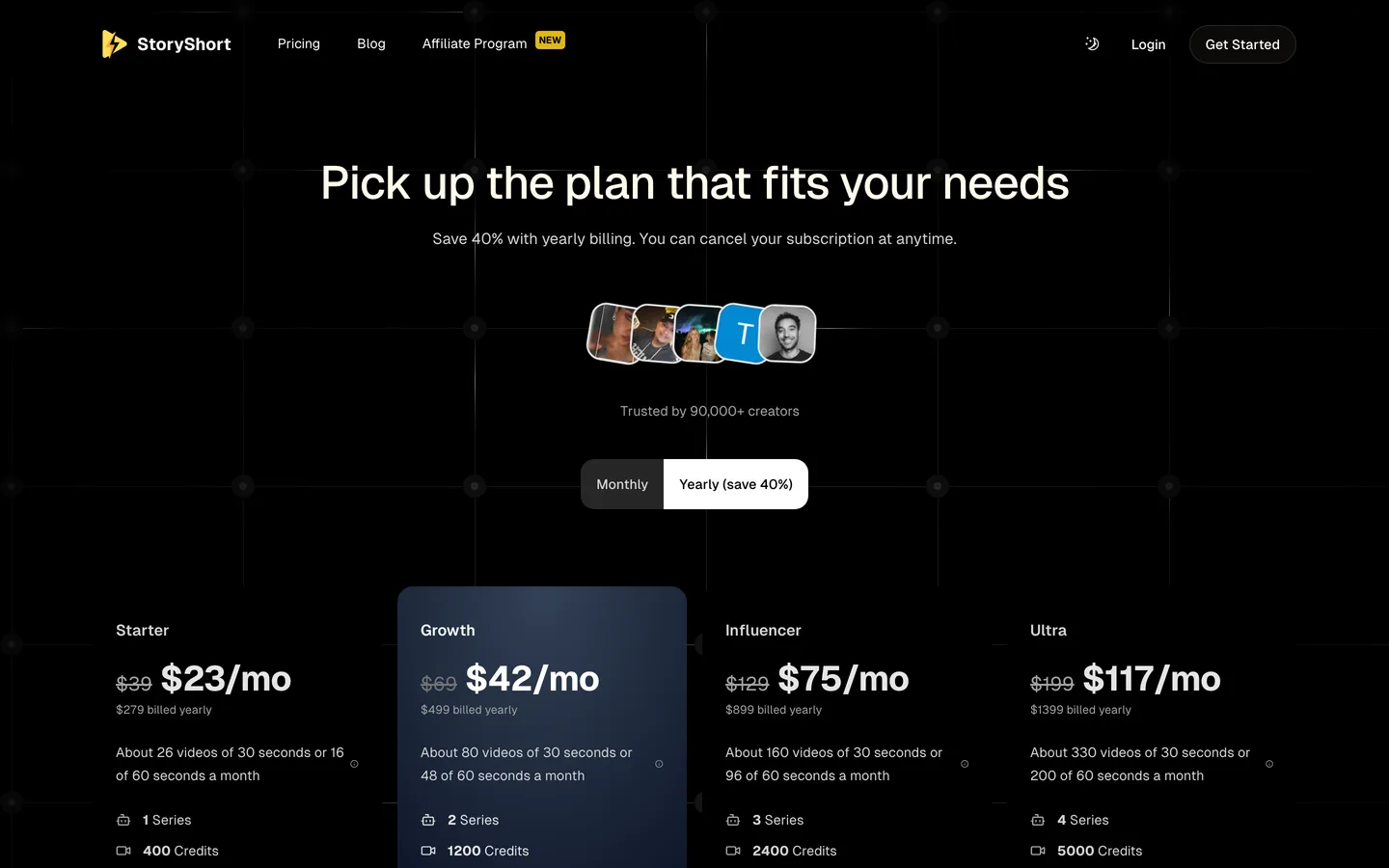
- Starter: $39/mo billed monthly ($279 a year) with 400 credits and 1 series, about 26 videos of 30 seconds a month
- Growth: $69/mo with 1,200 credits and 2 series
Pros
- Built-in scheduling for a daily habit
- Covers both short breaking clips and longer roundups
Cons
- The script is written from a headline or topic, not from a full source document
- Each extra series needs a bigger plan
4. HeyGen, best for anchor-led bulletins
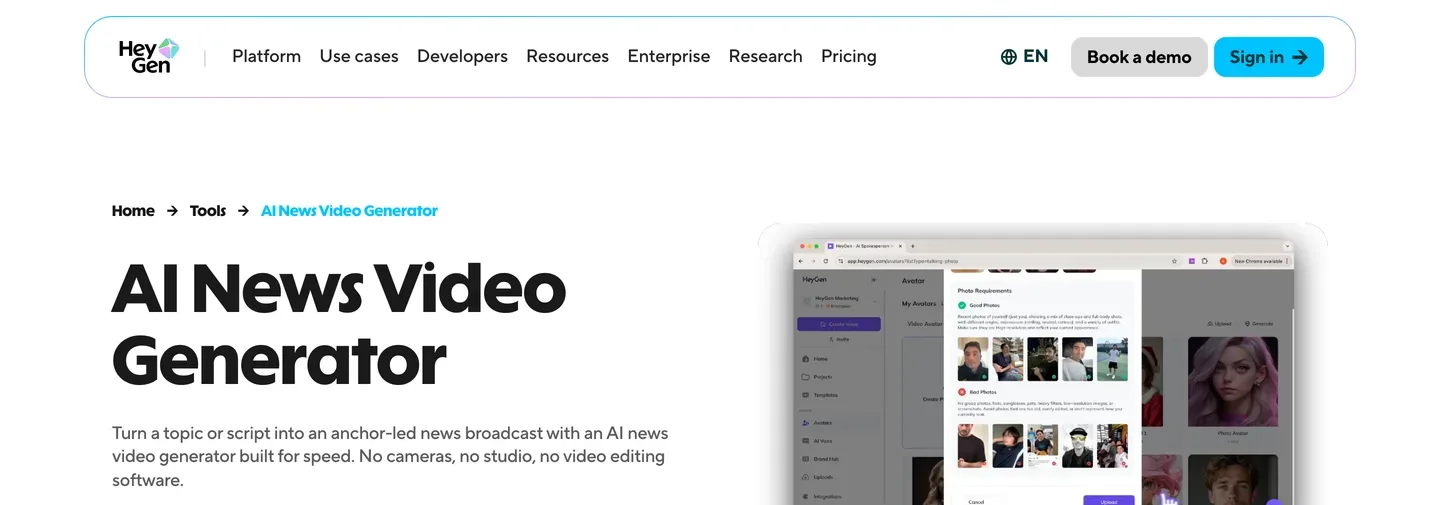
HeyGen is an avatar video platform with a dedicated AI news video generator. You paste a script, a topic, an article or a link, choose one of 1,100+ preset presenters or build a digital twin from a short clip, and get an anchor-led broadcast with captions in 16:9, 9:16 or 1:1. Voices and lip sync cover 175+ languages.
It is the specialist for the "news desk" look, and the same anchor appears in every episode. HeyGen is a presenter tool first, though; if you want scenes that show the story rather than a person reading it, ClipNova covers both in one place.
Key features
- 1,100+ preset AI presenters, or a custom digital twin
- Scripts, topics, articles, links, PDFs and slides as input
- Captions generated from the script, customizable fonts and placement
- 16:9, 9:16 and 1:1; 175+ languages with lip sync
Best for
- News channels built around a recognizable anchor
- Multilingual bulletins from one script
Pricing
- Creator: $29/mo billed monthly ($24/mo yearly) with 600 credits, 1080p export and videos up to 30 minutes
- Pro: $49/mo with 1,000 credits and up to 4K export
Pros
- The most complete presenter library here
- Strong multilingual lip sync
Cons
- Presenter-first: story scenes and B-roll are secondary
- Avatar videos are realistic, so label them as AI on YouTube
5. Pictory, best for turning articles into stock-footage recaps
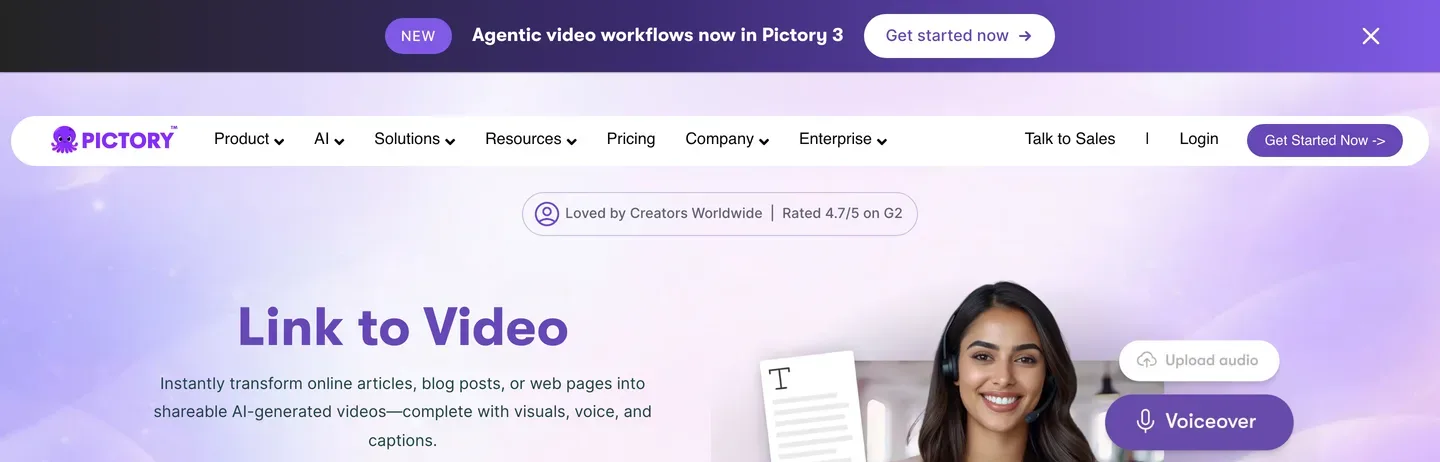
Pictory's Link to Video turns an online article, blog post or web page into a video: it extracts the main text, summarizes it into a script and storyboard, matches stock visuals, and adds a voiceover and captions. You can switch to 16:9, 9:16 or 1:1 and edit the result by editing the text.
For a recap channel that covers press releases, newsletters or explainers, it is quick and predictable. Like all template editors it leans on stock footage, so videos can look like other stock-footage channels; ClipNova makes original scenes, or a presenter, from the same link.
Key features
- Paste a public article or web page link; it summarizes the text into a script
- Stock visuals, AI voiceover and captions
- 16:9, 9:16 or 1:1
- Edit the text to edit the video
Best for
- Recap channels built on newsletters, press releases and explainers
- Creators who prefer stock footage over generated scenes
Pricing
- Starter: $29/mo billed monthly ($25/mo yearly) with 24,000 credits, up to 360 video minutes a year, 1080p
- Professional: $59/mo ($35/mo yearly) with 72,000 credits
Pros
- Fast for text-heavy sources
- Large stock library for neutral news visuals
Cons
- A summary can drop context, so read it against the article
- Stock footage makes videos look generic next to original scenes
News channel rules to know before you post
AI makes a news video in minutes; the platform rules still apply to every upload:
- Misinformation. YouTube removes technically manipulated content that misleads viewers and footage presented as current when it is from a past event. Use dated sources and never mislabel old footage.
- Realistic AI content. YouTube asks creators to disclose realistic altered or synthetic content, including a realistic scene that did not happen or a real person shown saying something they did not say. AI presenters and realistic reconstructions should carry the label.
- Reused and inauthentic content. Monetized channels must add significant original commentary or educational value; videos that only read material you did not create, or mass-produced template videos, are not eligible.
Our guide on how to make AI news videos walks through one story from the source to the posted Short, including sourcing and fact checks.
How to choose the best AI news video generator for your channel
1) Do you start from a source or from a topic?
- From an article, a report or your own notes: ClipNova writes only from it; Pictory summarizes the page over stock footage.
- From a trending topic: Revid or StoryShort research or write the script for you. Budget time to check every fact.
2) Faceless scenes or a presenter?
- Faceless scenes: ClipNova, Revid, StoryShort or Pictory.
- An anchor at a desk: HeyGen, or ClipNova with AI Talking Avatar if you also want faceless scenes for other videos.
3) Automated posting or reviewed posting?
- Review every video (the safer route for news): ClipNova, HeyGen, Pictory.
- Post on a schedule: StoryShort or Revid. Check the first two weeks by hand anyway; a wrong number in a news video is worse than a late one.
4) What does one video cost?
- ClipNova Hobby: $19 a month for 1,000 credits; the exact cost of each video shows before you generate.
- HeyGen Creator and Pictory Starter: $29 a month each.
- StoryShort Starter: $39 for about 26 videos of 30 seconds.
- Revid Growth: $39 a month for 2,000 credits.
Keep a source line in every video description: the outlet, the headline and the date. It takes ten seconds, it lets viewers check you, and it is the habit that separates a news channel from a rumor channel.
For news explainers that need more room than a Short, our roundup of the best long-form AI video generators compares tools that go past a minute, and ClipNova pricing shows the credits on each plan.
Frequently asked
What is the best AI news video generator in 2026?
ClipNova is the best overall AI news video generator for creators: it writes the narration only from the article, PDF or report you give it, lets you edit that narration before anything is made, and exports a Short or a recap of up to 5 minutes with faceless scenes or an AI presenter. Revid suits trending-topic Shorts, StoryShort a daily news series on autopilot, HeyGen anchor-led bulletins and Pictory article-to-video recaps on stock footage.
Can AI turn a news article into a video?
Yes. ClipNova's PDF to Video takes an article link, a PDF, a DOCX or pasted text and writes a narration from it, and Pictory's Link to Video summarizes a web page into a script over stock footage. Always read the result against the article before you publish.
Will an AI news video generator make up facts?
It can, especially when it researches a topic or writes from a headline on its own. Tools that write only from the source you provide, such as ClipNova's PDF to Video, keep names and numbers as written, but you are still responsible for checking every fact before posting.
Can I monetize an AI news channel on YouTube?
Yes, if the videos add significant original commentary or educational value. YouTube's monetization policies exclude reused content that only reads material you did not create, and mass-produced template videos. Add your own context, a takeaway and a clear source line to every video.
Do I need to label AI news videos on YouTube?
YouTube asks you to disclose realistic altered or synthetic content, such as a realistic scene that did not happen or a real person shown saying something they did not say. Realistic AI presenters and reconstructions should carry the label; simple illustrated scenes usually do not.
What is the cheapest AI news video generator?
Of the tools compared here, ClipNova has the lowest entry price at $19 a month for 1,000 credits. HeyGen and Pictory start at $29 a month, and Revid and StoryShort at $39 a month on monthly billing.
Can I make AI news videos with a presenter?
Yes. HeyGen is built around AI anchors, with 1,100+ preset presenters. ClipNova's AI Talking Avatar lets you pick a presenter from its library, generate one or upload a photo, set an AI newsroom background and have the presenter read your reviewed script word for word with lip sync.
Which AI news video generator should a new news channel start with?
Start with ClipNova if you want every script to come from a source you chose and to approve it before rendering; plans start at $19 a month with every feature included. If you mainly want daily trend Shorts posted automatically, compare Revid or StoryShort and check their facts by hand.