The best AI kids video generators in 2026 are ClipNova for finished kids' episodes with the same friendly characters every time, then Atlabs for nursery rhymes and songs, AnimateAI for animated bedtime stories, StoryShort for a kids' story series on a schedule and Vyond for classroom lessons. ClipNova starts at $19/mo; the other four start between $39 and $99 a month on monthly billing.
Kids' content is one of the biggest faceless niches on YouTube, and also the strictest. Children rewatch the same characters for months, parents judge a channel in seconds, and YouTube's made-for-kids rules change how videos earn and grow. A tool that makes a pretty clip is not enough: you need gentle pacing, characters who never change, a clear voice and a review step before anything reaches a child.
This post compares five AI kids video generators by the kind of kids' video they make best, with prices, limits and a short checklist for picking one.
The 5 best AI kids video generators at a glance
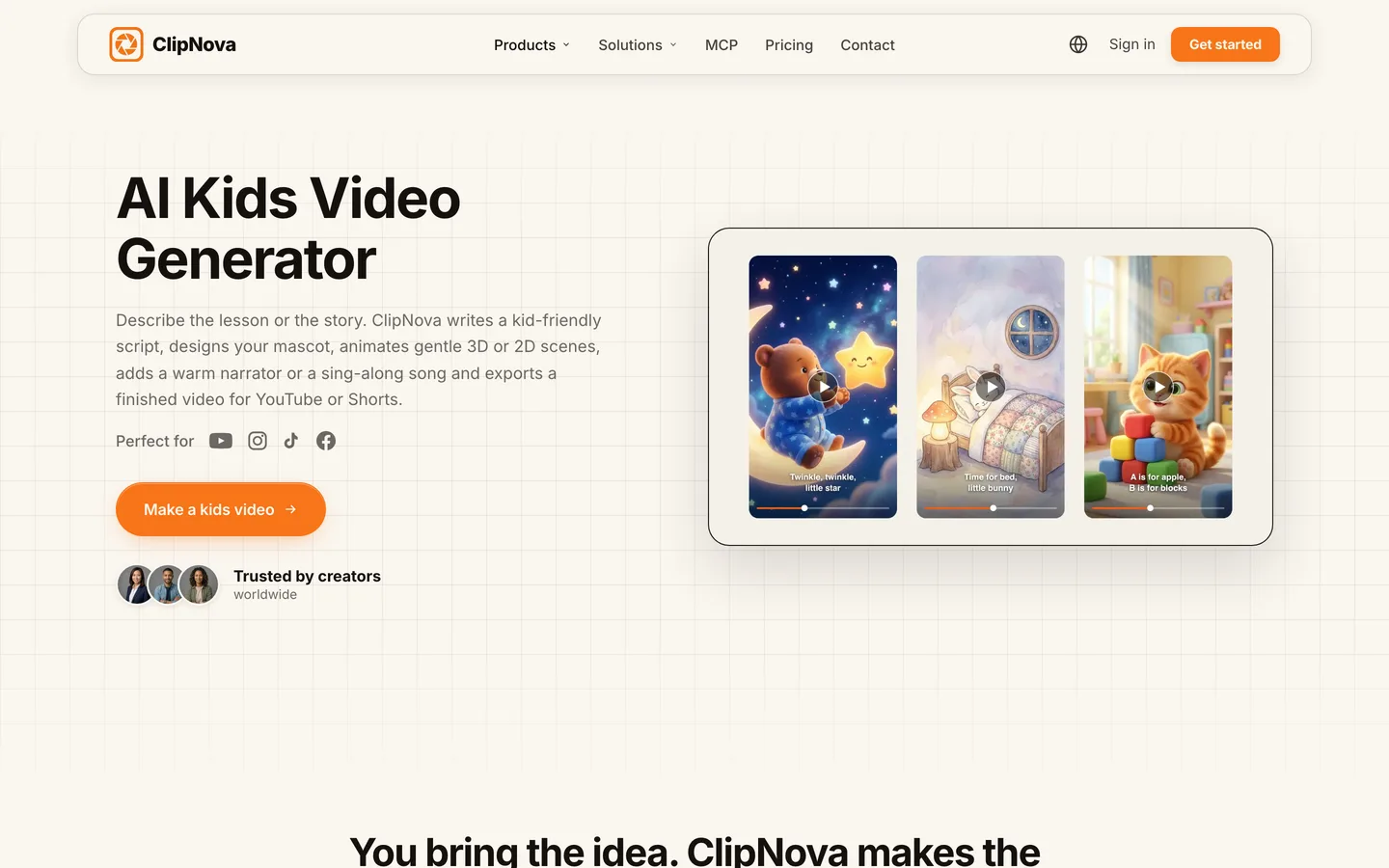
- ClipNova: best overall for kids' episodes with a recurring cast. A story or lesson becomes a narrated, captioned cartoon of up to 5 minutes, and saved characters look the same in every scene and every episode.
- Atlabs: best for nursery rhymes and kids' songs. Upload a song or paste lyrics and it builds a music-synced animated video with sing-along captions.
- AnimateAI: best for short animated bedtime stories. Character generation and a storyboard come first, then a short animated video.
- StoryShort: best for a kids' story series that posts on a schedule. One sentence in, a voiced story out, published to your channels.
- Vyond: best for classroom and learning videos. Teachers and training teams get an editable animation studio with long videos.
| Tool | Best kids format | Starting price (monthly billing) | Max length | Recurring characters | Review before posting |
|---|---|---|---|---|---|
| ClipNova | Story and lesson episodes with a recurring cast | From $19/mo | Up to 5 min | Yes: saved characters and Series | Yes, you post manually |
| Atlabs | Nursery rhymes and songs | $39/mo | Up to 5 min on Lite | Yes, per the vendor | Yes |
| AnimateAI | Short animated bedtime stories | $39.99/mo | Up to 10 scenes | Yes: saved characters | Yes |
| StoryShort | Scheduled kids' story series | $39/mo | About 8 to 10 min (long-form) | Yes, per the vendor | Optional, posting can be automatic |
| Vyond | Classroom lessons and explainers | $99/mo | 25 min on Starter | Library characters | Yes |
What makes a good AI kids video generator?
Kids' videos fail for different reasons than adult ones. Check these before you pay for anything:
- Gentle pacing and simple words. A three-year-old needs short sentences, repetition and pauses. A tool tuned for 30-second viral hooks will rush them.
- The same characters, every time. Children attach to a character, not a channel. If the bunny changes color between episodes, the attachment breaks.
- Nothing frightening by accident. Sudden loud sounds, dark scenes or uncanny faces are a real problem for this audience. You need a review step.
- Captions and a clear voice. Early readers follow big captions; parents judge the narrator in the first five seconds.
- Length that fits the format. A Short is 30 to 60 seconds, a counting episode 2 to 4 minutes, a bedtime story up to 5.
One more test that rarely appears on feature lists: can you open a finished video and change one scene? With kids' content you will find things to fix, a character that looks cross instead of curious, a caption that covers a face, and remaking a whole episode for one shot is how budgets disappear.
1. ClipNova, best overall AI kids video generator
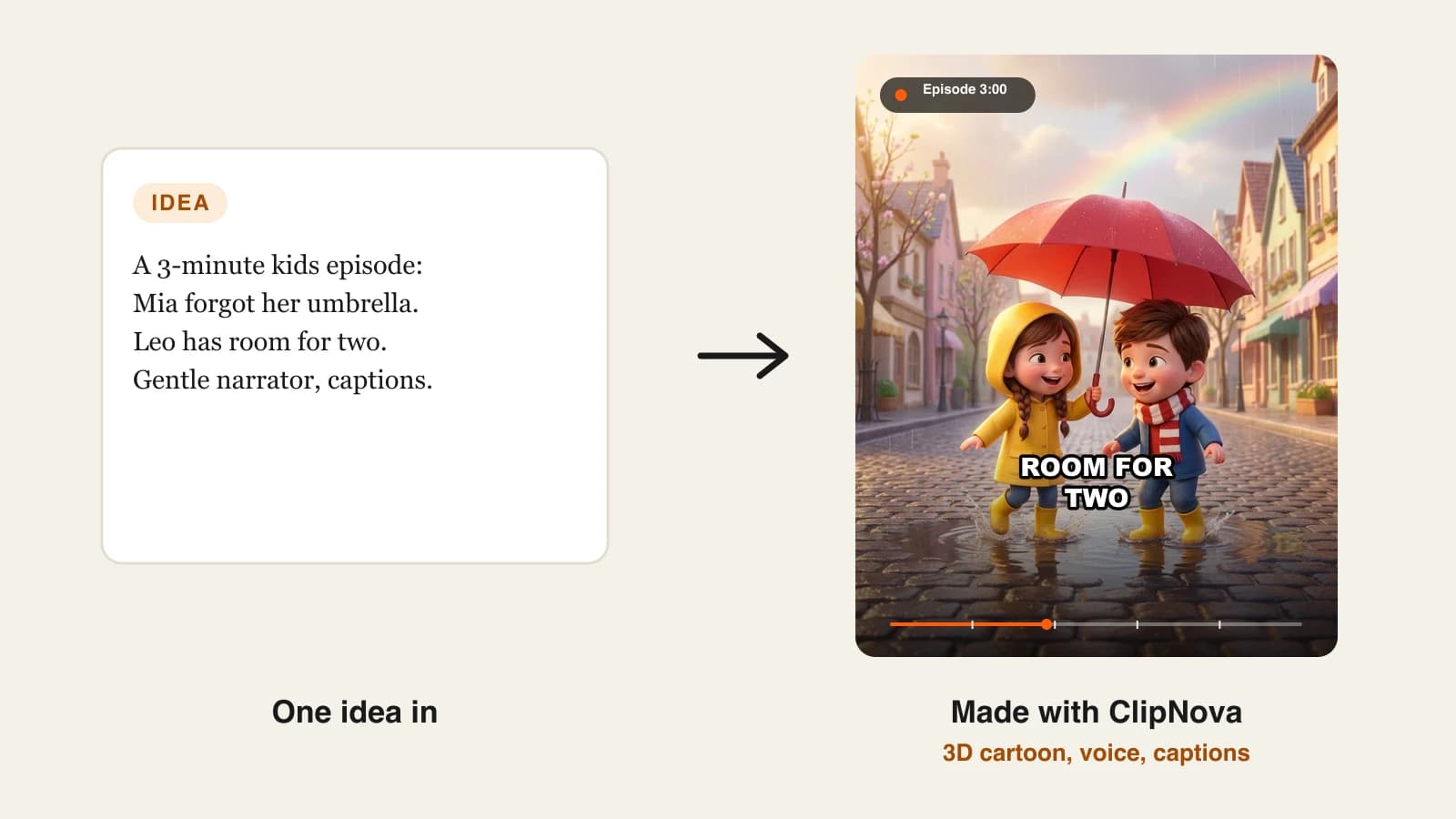
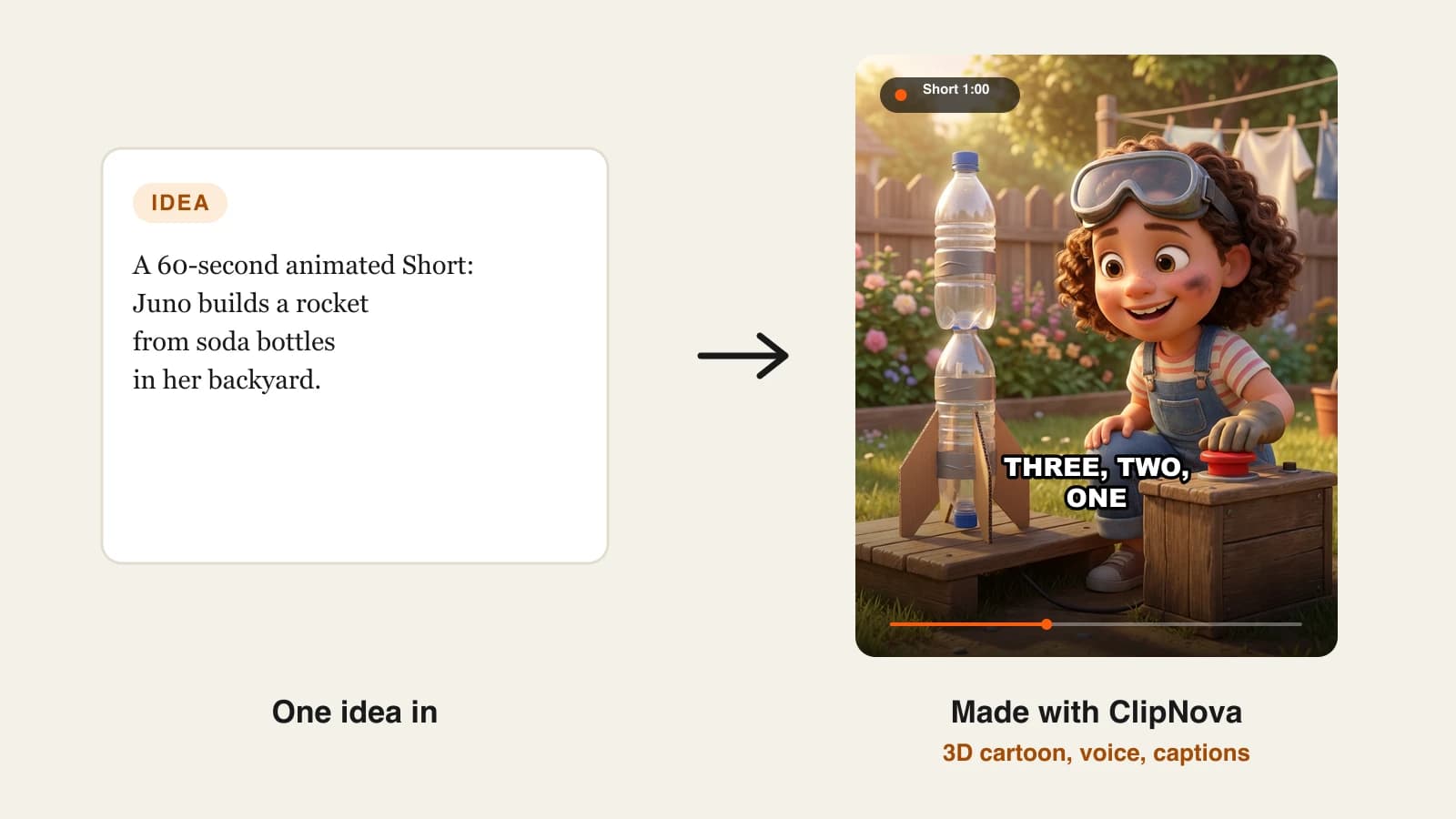
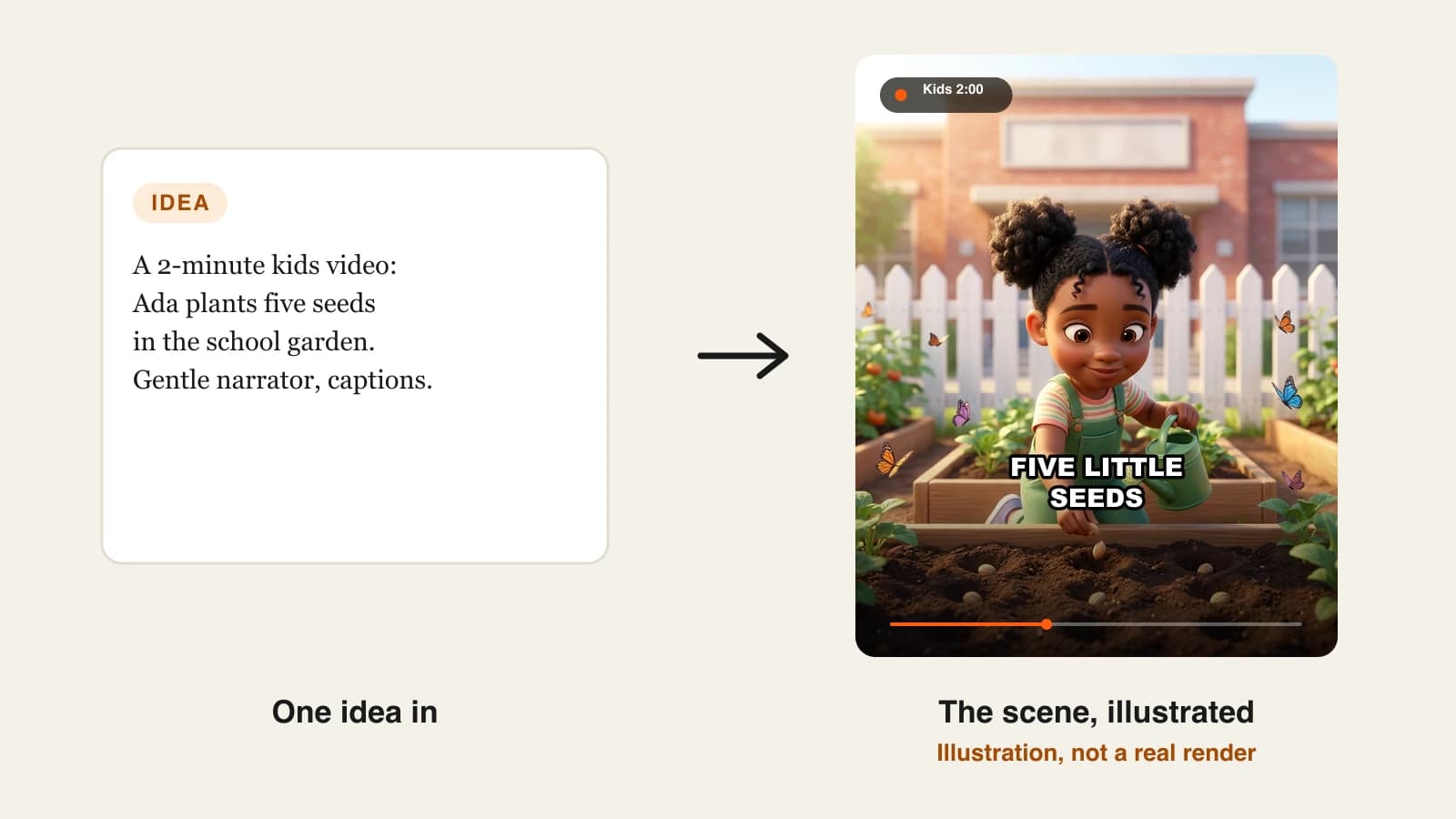
ClipNova turns a story idea or a lesson ("Ada learns to count to five in the school garden") into a finished kids' cartoon: it writes a kid-friendly script, designs or reuses your mascot, animates gentle 3D or 2D scenes, adds a warm narrator or a sing-along song, and burns in captions. Save your mascot once and it keeps the same face and outfit in every scene, so episode ten still looks like episode one.
For kids' channels, ClipNova's focus on finished long videos with consistent characters maps straight onto what children rewatch:
- Long: a bedtime story or a counting episode can run up to 5 minutes, enough for a calm beginning, middle and end.
- Consistent characters: your mascot is saved with a picture and a locked look, and Series brings the whole cast back each episode, with a Kids stories template tuned for ages 3 to 8 and nothing scary.
- Finished: script, scenes, voice, captions and music come back together, and Studio fixes a single scene (a frown that looks too stern, a caption that is too small) without remaking the episode.
The ClipNova AI kids video generator is the dedicated starting point; Series is where a recurring show lives.
Key features
- Story or lesson to a finished kids' cartoon with narrator or sing-along song
- Saved characters with a required picture and a locked look
- Series with up to 8 characters, episode lengths from 30 seconds to 5 minutes, and a story memory of the last 5 episodes
- Narration in 18 languages, so the same episode can be made in Spanish or French
- 9:16 for Shorts or 16:9 for YouTube, chosen per video, up to 1080p
- Studio to regenerate one scene or restyle captions before posting
How to make a kids video in ClipNova
- Open the ClipNova app and choose the kids video tool, or Series with the Kids stories template for a recurring show.
- Describe the episode in one or two sentences, for example "@Ada plants five seeds and counts them one by one".
- Add or create your mascot so it looks the same in every scene, and choose 16:9 for a full episode or 9:16 for a Short.
- Pick a gentle narrator voice and big captions, then generate.
- Watch it the way a parent would, fix any scene in Studio, and upload with the right audience setting.
Pricing
- Plans from $19/mo: Hobby $19 (1,000 credits), Starter $49 (2,600), Growth $99 (5,750), Ultra from $199 (12,000); 20% off yearly
- A 60-second kids' episode costs about 189 credits as Moving AI Images or about 550 as Base AI Video, so Hobby covers around five one-minute episodes in Moving AI Images
- Every plan includes every feature and commercial rights
Pros
- One tool from lesson idea to finished episode
- Recurring characters and story memory across a whole season
- You review every video before a child sees it
Cons
- No auto-posting; you upload each video yourself
- Fully animated AI Video costs about three times as many credits as Moving AI Images, so plan which episodes deserve full motion
2. Atlabs, best for nursery rhymes and kids' songs
Atlabs has a dedicated nursery-rhyme generator. You upload a song, paste a Suno link or type your own rhyme, and it analyses the tempo and mood, builds a storyboard and renders a colourful animated video synced to the beat, with sing-along lyric captions. It offers more than 20 playful visual styles, including 3D cartoon, flat 2D, claymation and watercolour, and exports 16:9 or 9:16 at 1080p.
If your channel is built on songs rather than stories, this is the specialist. Atlabs says plainly that creators remain responsible for YouTube Kids and COPPA requirements, which is the right framing.

Key features
- Audio, Suno link or typed lyrics to a beat-synced animated video
- Animated sing-along captions in 10+ subtitle styles
- 40+ languages, including Hindi, Spanish, Arabic and Tamil
- Consistent characters across scenes and episodes, per the vendor
Best for
- Nursery rhyme and kids' music channels
- Classroom songs for letters, numbers and routines
Pricing
- Lite: $39/mo billed monthly ($29/mo billed yearly) with 4,200 credits a year, videos up to 5 minutes and 1080p export
- Pro: $79/mo billed monthly ($59/mo yearly), videos up to 10 minutes
Pros
- Beat-synced scenes and lyric captions are built in, not edited by hand
- Wide choice of kid-friendly styles
Cons
- Song-first: less suited to narrated stories or lessons
- Credits are listed per year on Lite, so check how many songs that really covers
3. AnimateAI, best for short animated bedtime stories
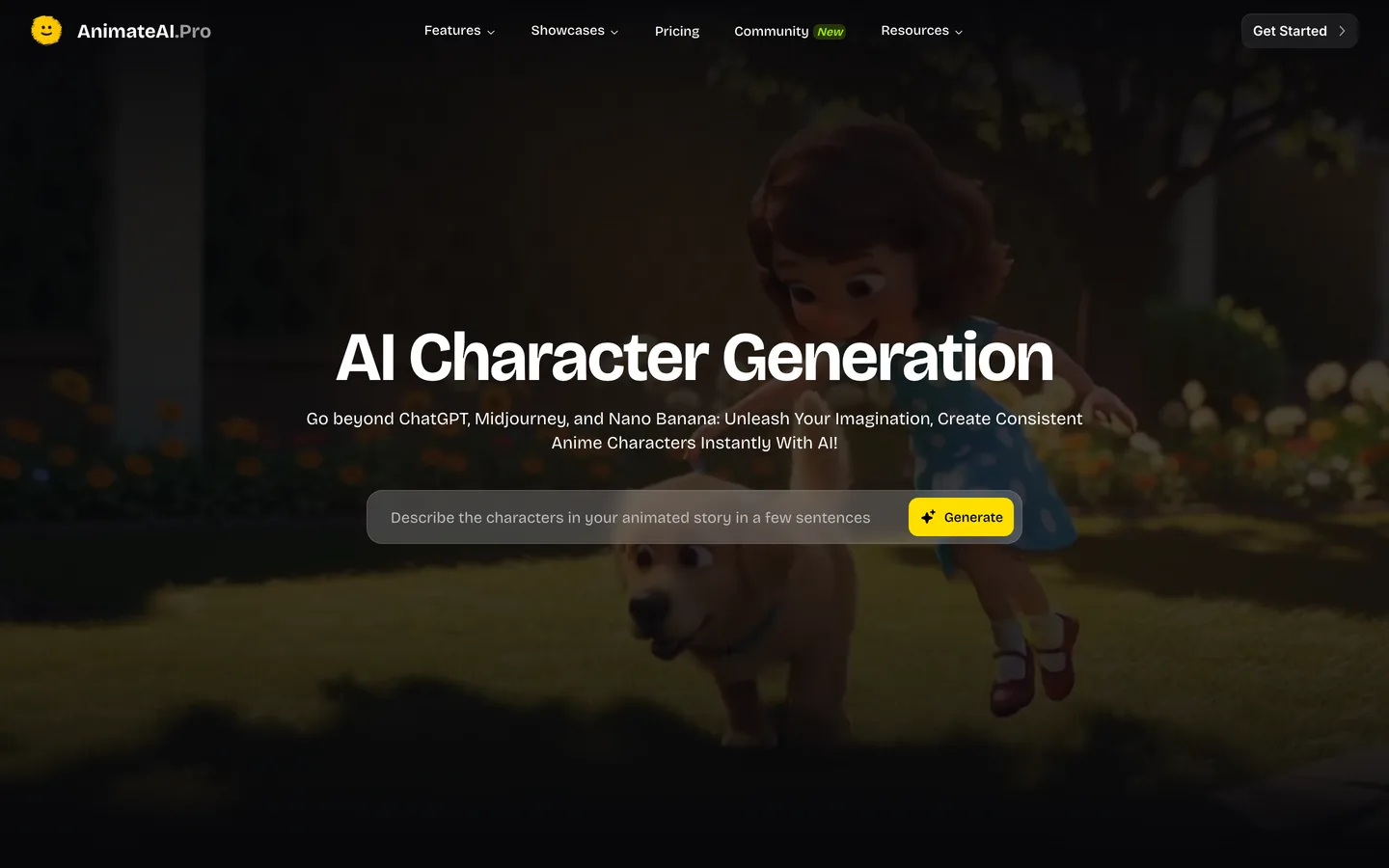
AnimateAI markets itself as an all-in-one AI video generator for kids' story videos. The workflow is character first: describe the characters in your animated story, generate and save them, build a storyboard, then generate the video with models such as Kling and MiniMax Hailuo.
It suits parents and creators who want short bedtime animations with a cast they design themselves. The limit is size: a video is built from up to 10 scenes, so it is better for short stories than for 5-minute episodes.
Key features
- AI character generation and reuse
- Storyboard before video generation
- Third-party video models on the Standard plan (Kling 1.6, MiniMax Hailuo 02)
- No watermark on paid plans
Best for
- Short animated bedtime stories
- Creators who want to design the cast in detail
Pricing
- Standard: $39.99/mo with 500 credits a month plus 60 bonus credits for daily logins
- Pro: $99.99/mo with 2,000 credits
Pros
- Character design is central to the workflow
- Several animation models in one plan
Cons
- Up to 10 scenes per video keeps stories short
- Narration options and video length are not detailed on the pricing page
4. StoryShort, best for a kids' story series on a schedule
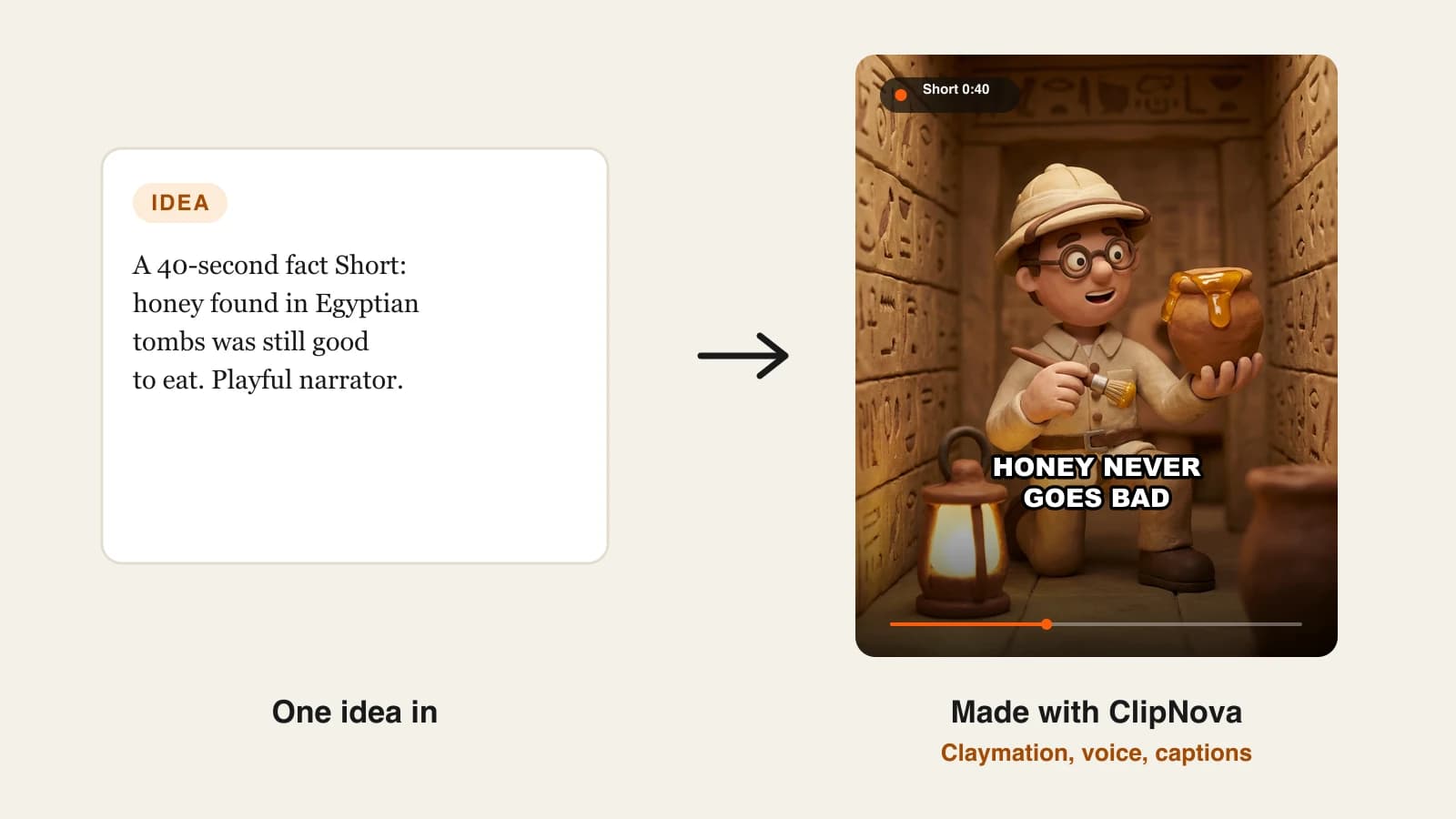
StoryShort turns one sentence into a voiced story with characters that, according to the vendor, keep the same face from start to end. Its real focus is series: set one up and it produces and publishes episodes on a schedule to TikTok, YouTube and Instagram. It also covers cartoon looks such as 3D animation, claymation and watercolour.
For kids' content, automatic posting is a double-edged sword. It saves time, but a video aimed at children should be watched by an adult before it goes out. If you use StoryShort for kids, keep the review window and set the made-for-kids audience yourself.
Key features
- One-sentence idea to a voiced story with characters
- Series with scheduled publishing to TikTok, YouTube and Instagram
- Cartoon styles including 3D animation and claymation
- Long-form videos of about 8 to 10 minutes
Best for
- A daily kids' story series with minimal hands-on time
- Creators running one channel per series
Pricing
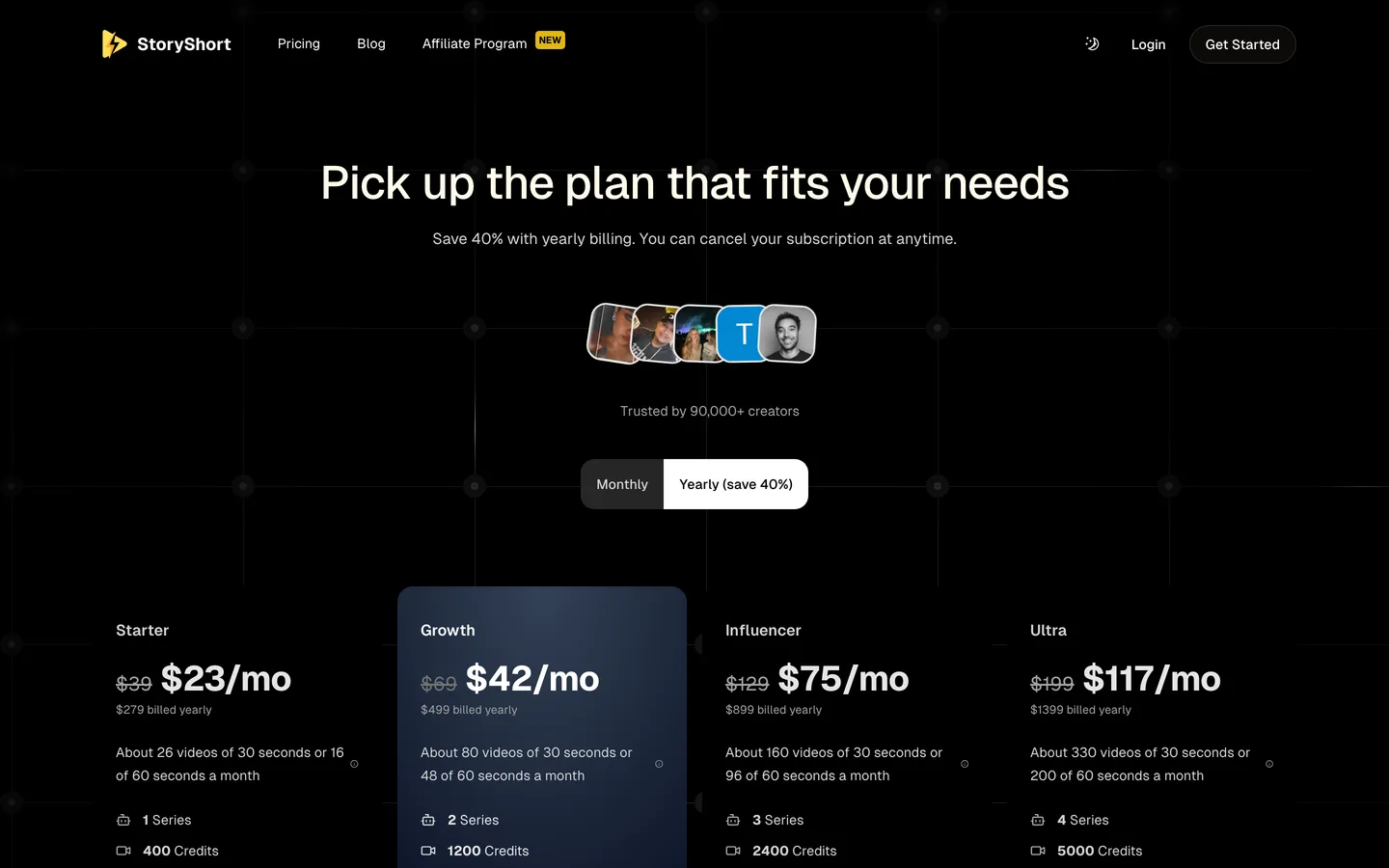
- Starter: $39/mo billed monthly with 400 credits and 1 series, about 16 one-minute videos a month
- Growth: $69/mo with 1,200 credits and 2 series
Pros
- Clear video estimates per plan
- Production and posting in one loop
Cons
- Each extra series needs a bigger plan
- Automatic posting can push unreviewed videos to a young audience
5. Vyond, best for classroom and learning videos
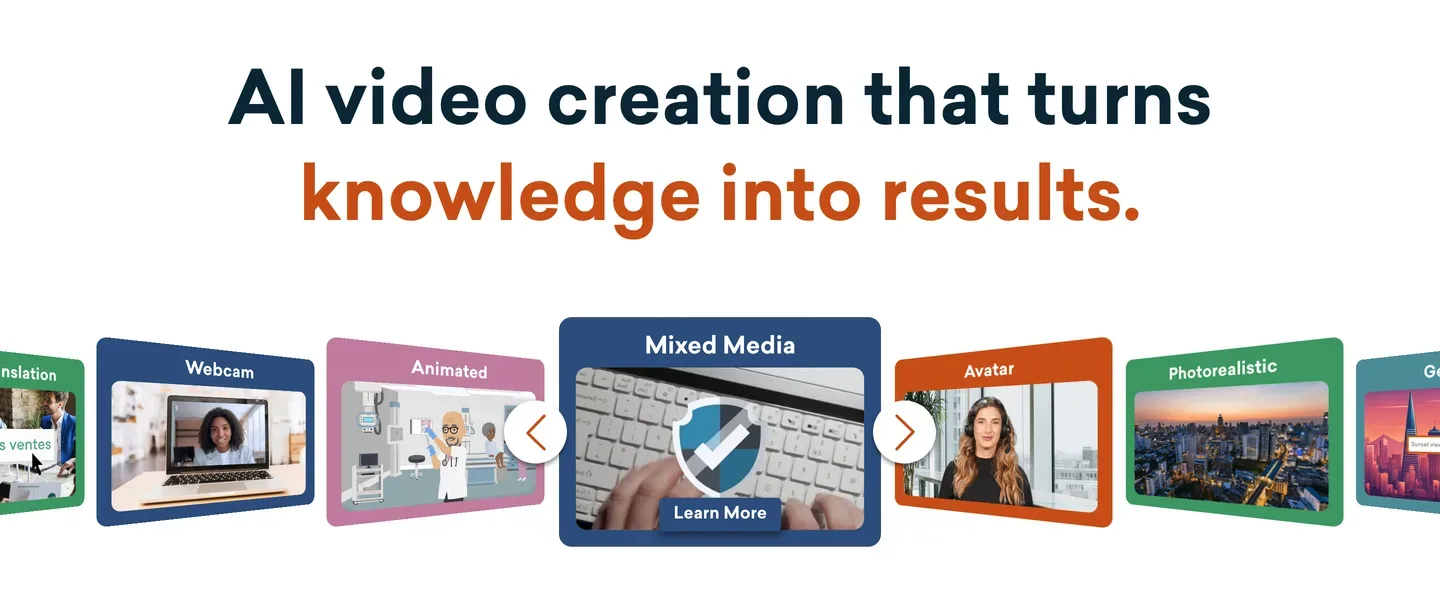
Vyond is an animation studio used for training and education. Vyond Go turns a prompt, a script or a document into an editable animated video, and the studio gives you a timeline, a large character library and automatic lip sync. Videos run up to 25 minutes on Starter.
It is not a cartoon channel tool: the characters are built for workplaces and lessons, not for toddlers. It earns its place when the "kids' video" is a lesson for a class, a school safety video or a learning module a teacher will edit line by line.
Key features
- Vyond Go: prompt, script or document to an editable video
- Character library with lip sync and a full timeline editor
- Videos up to 25 minutes on Starter, 40 on Professional, at 1080p
Best for
- Teachers and schools making lessons
- Learning teams producing long, structured videos
Pricing
- Starter: $99/mo billed monthly with 10,000 credits and videos up to 25 minutes
- Professional: $199/mo with 20,000 credits and videos up to 40 minutes
Pros
- Precise editing for curriculum content
- Long videos for full lessons
Cons
- The most expensive entry plan here
- Not the bright cartoon look young children respond to
Before you publish: kids' video rules that apply to every tool
Whatever you make it with, a kids' video on YouTube comes with obligations:
- Set the audience honestly. If children are the primary audience, YouTube requires you to mark the video or channel as made for kids. Comments, the notification bell, personalized ads and end screens are then turned off, so growth comes from playlists, search and a steady schedule.
- Quality matters for monetization. YouTube's quality principles for kids and family content reward age-appropriate, enriching videos and can limit ads on low-quality ones. A clear story and real learning beat volume.
- Original characters only. Lookalikes of famous cartoons invite claims and quality flags.
- AI labels. YouTube's altered or synthetic disclosure is for realistic content; a clearly animated cartoon usually does not need it, but the made-for-kids setting still applies.
For a step-by-step channel setup with the made-for-kids settings, read our guide to making kids cartoon videos for YouTube.
How to choose the best AI kids video generator for your channel
1) What kind of kids' video do you make?
- Stories and lessons with a mascot: ClipNova, or AnimateAI for short animated stories.
- Songs and nursery rhymes: Atlabs first; ClipNova also adds sing-along songs to a kids' episode.
- Classroom lessons: Vyond for long, editable modules.
- A daily story series: StoryShort, with a manual review step kept on.
2) Will the same characters come back every week?
- Yes, for months: ClipNova Series (up to 8 characters, story memory of the last 5 episodes) keeps the cast and the plot together. Atlabs and StoryShort also promise consistent characters.
- No, one-off videos: pick on format and price.
3) Who watches before it goes live?
- You, every time (recommended for kids): ClipNova, Atlabs, AnimateAI and Vyond all leave posting to you.
- Nobody, it posts itself: StoryShort can do that; for kids' content, keep at least the first month on manual review.
4) What does one episode really cost?
- ClipNova Hobby: $19 for about five one-minute episodes in Moving AI Images.
- StoryShort Starter: $39 for about 16 one-minute videos.
- Atlabs Lite: $39 a month on monthly billing; check how many song minutes the yearly credit pool covers.
- Vyond Starter: $99, worth it only for long lessons.
Make the same 60-second episode, one mascot and one lesson, in your top two tools. Then show both to a child in the target age, or at least watch them on a tablet with the sound on. Pick the one they want to watch again, not the one with the most features.
If cartoons are your main format, our roundup of the best AI cartoon video generators compares tools on styles and length, and ClipNova pricing shows the credits behind each plan.
Frequently asked
What is the best AI kids video generator in 2026?
ClipNova is the best overall AI kids video generator: a story or lesson becomes a narrated, captioned cartoon of up to 5 minutes, and saved characters stay the same in every scene and episode. Atlabs is the specialist for nursery rhymes and songs, AnimateAI suits short animated bedtime stories, StoryShort runs scheduled story series and Vyond fits classroom lessons.
Can AI make kids cartoon videos for YouTube?
Yes. Tools like ClipNova, Atlabs and AnimateAI turn an idea, a lesson or a song into an animated video with a voice and captions. You still need to set the made-for-kids audience in YouTube Studio and review every video before it reaches children.
What is the best AI tool for nursery rhyme videos?
Atlabs is built for it: upload a song or paste lyrics and it creates a beat-synced animated video with sing-along captions. ClipNova can also add a sing-along song to a kids' episode when the rhyme is part of a story with recurring characters.
How do I keep the same character in every kids video?
Save the character instead of describing it again each time. In ClipNova you save a mascot with a picture and a locked look and add it to each video or to a Series, so the same face and outfit return in every episode. Signature items like a hat or boots also help.
What is the cheapest AI kids video generator?
Of the tools compared here, ClipNova has the lowest entry price at $19 a month for 1,000 credits, about five one-minute episodes in Moving AI Images. Atlabs and StoryShort start at $39, AnimateAI at $39.99 and Vyond at $99 a month on monthly billing.
Do I have to mark AI kids videos as made for kids?
If children are the primary audience, yes. YouTube requires every creator to set whether a video is made for kids, to comply with COPPA. Made-for-kids videos lose comments, personalized ads, the notification bell and end screens, so plan growth around playlists and a steady schedule.
Can AI kids videos be monetized?
Yes, made-for-kids videos can earn ad revenue, though not from personalized ads. YouTube's quality principles for kids content matter: original, age-appropriate, enriching videos keep monetization, while mass-produced or low-quality kids content can lose it.
Which AI kids video generator should a new channel start with?
Start with ClipNova if you want one tool from idea to finished episode with a recurring cast you review before posting; plans start at $19 a month and every plan includes every feature. If your channel is mostly songs, compare Atlabs as well.