The best AI influencer generators for creators in 2026 are ClipNova for a virtual persona that stars in finished videos of up to 5 minutes with the same face every time, followed by HeyGen, Synthesia, Revid and Luma for narrower jobs. ClipNova starts at $19/mo; the others start between $29 and $39 a month on monthly billing.
Plenty of creators want a channel without their own face on it, but a voice over stock footage rarely builds a following. A recurring host does. That is what an AI influencer is for a creator: a fictional persona with a name, a look and a point of view who fronts your Reels, TikToks and Shorts, so the audience follows a character instead of a topic.
The hard part is not the first portrait. It is post number forty, when the persona still has to look like the same person, talk in the same voice and fit into a story. This roundup compares five AI influencer generators on exactly that: how you build the persona, how well the face holds, whether it can talk, and what a month of posting costs.
The 5 best AI influencer generators at a glance
- ClipNova: best overall for a virtual host who stars in finished videos. One saved persona appears in photos, talking clips and story videos of up to 5 minutes with the same face in every scene.
- HeyGen: best for a talking photo persona. Generate a photo avatar from a prompt, give it new looks and make it speak a script with lip sync.
- Synthesia: best for a stylised presenter character. Its Avatar Builder makes a realistic or cartoon presenter from a prompt and puts it straight into a narrated video.
- Revid: best for surreal trend characters. Its AI Influencer Studio builds exaggerated characters and swaps them into existing video clips.
- Luma: best for cinematic persona shots you edit yourself. Character reference keeps one face across high-end video clips.
| Tool | Best for | Starting price (monthly billing) | Talking videos | Video length | Same face across posts |
|---|---|---|---|---|---|
| ClipNova | A virtual host in finished story videos | From $19/mo | Yes, lip-synced talking characters | Up to 5 min | Saved characters and Series |
| HeyGen | Talking photo persona | $29/mo | Yes, Avatar IV lip sync | Up to 30 min on Creator | Photo avatar with new looks |
| Synthesia | Stylised presenter character | $29/mo | Yes, presenter reads your script | About 12 min a month on Starter | Saved character from Avatar Builder |
| Revid | Surreal trend characters | $39/mo | Not the focus of the influencer tool | Short-form | Saved character reused in Character Swap |
| Luma | Cinematic persona B-roll | $30/mo | No (you add voice) | Clips | Character reference in Ray3 |
What a creator actually needs from an AI influencer generator
An AI influencer for your own channel is a character you will run for months. Before you compare tools, check these five things:
- A face you can lock. You generate dozens of portraits until one feels right, then that face has to come back in every post. A tool that cannot reuse a reference image is a portrait toy.
- A voice that belongs to the persona. Followers connect with a voice faster than with a face. Look for lip-synced talking video and a voice you can keep for good.
- Range beyond the selfie. Photo dumps get attention, but channels grow on stories: the persona doing something, going somewhere, explaining something. That needs scenes, not only portraits.
- Length when you need it. A 20-second clip suits a hook. A recap, a tutorial or a mini story needs one to five minutes.
- Honest labelling. Instagram, TikTok and YouTube all ask for realistic AI people to be labelled. The persona should be openly fictional from the bio onward.
A quick test before you commit: write one week of posts for your persona (two photos, two talking clips, one longer story) and see which tool can produce all five without the face drifting. Most tools in this list handle two or three of those formats well; few handle all five.
1. ClipNova, best overall AI influencer generator for creators
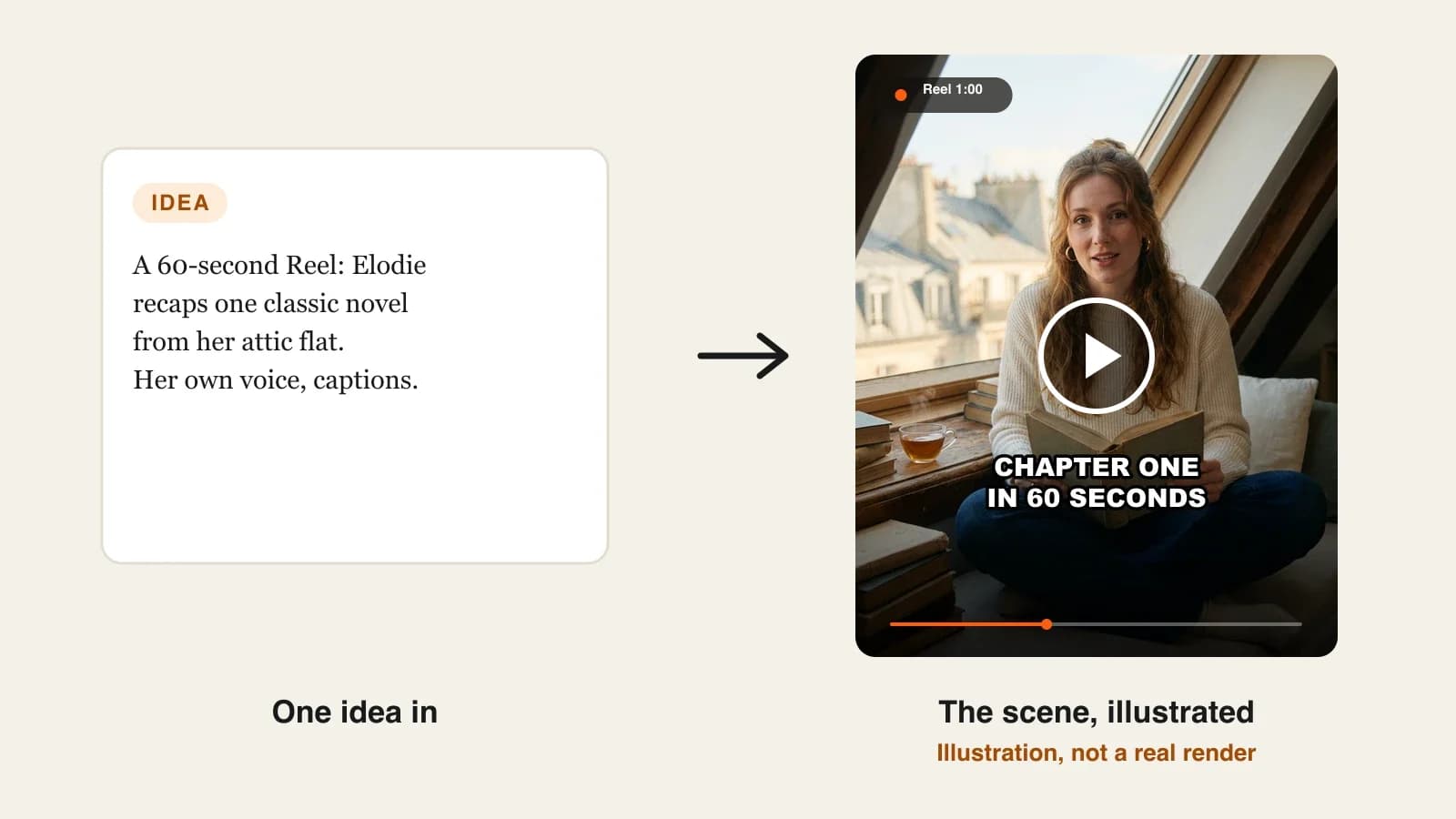
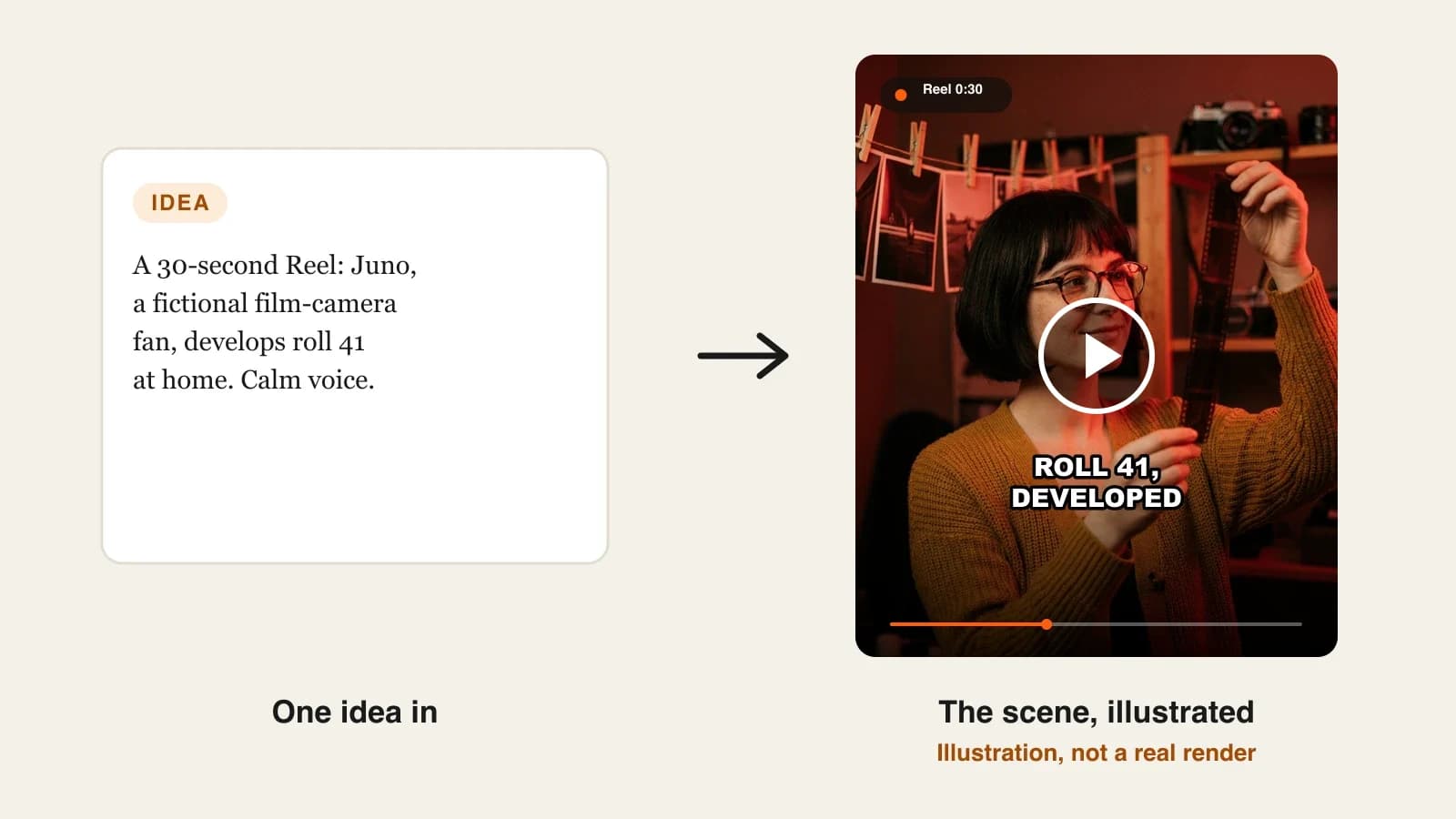
ClipNova builds the persona once and then puts it to work: you describe who your influencer is, pick a look, and save the portrait as a character. From there the same face appears in new photos, in talking-to-camera clips with lip sync, and in full story videos, with the saved character looking the same in every scene. Nothing is posted for you; you download the files and post them from your own accounts.
For a creator, a persona is only useful if it can carry a whole video, and that is the core of ClipNova: finished long videos with consistent characters.
- Long: the persona can host a recap, a tutorial or a mini story of up to 5 minutes, not just a 10-second clip you then have to stitch together.
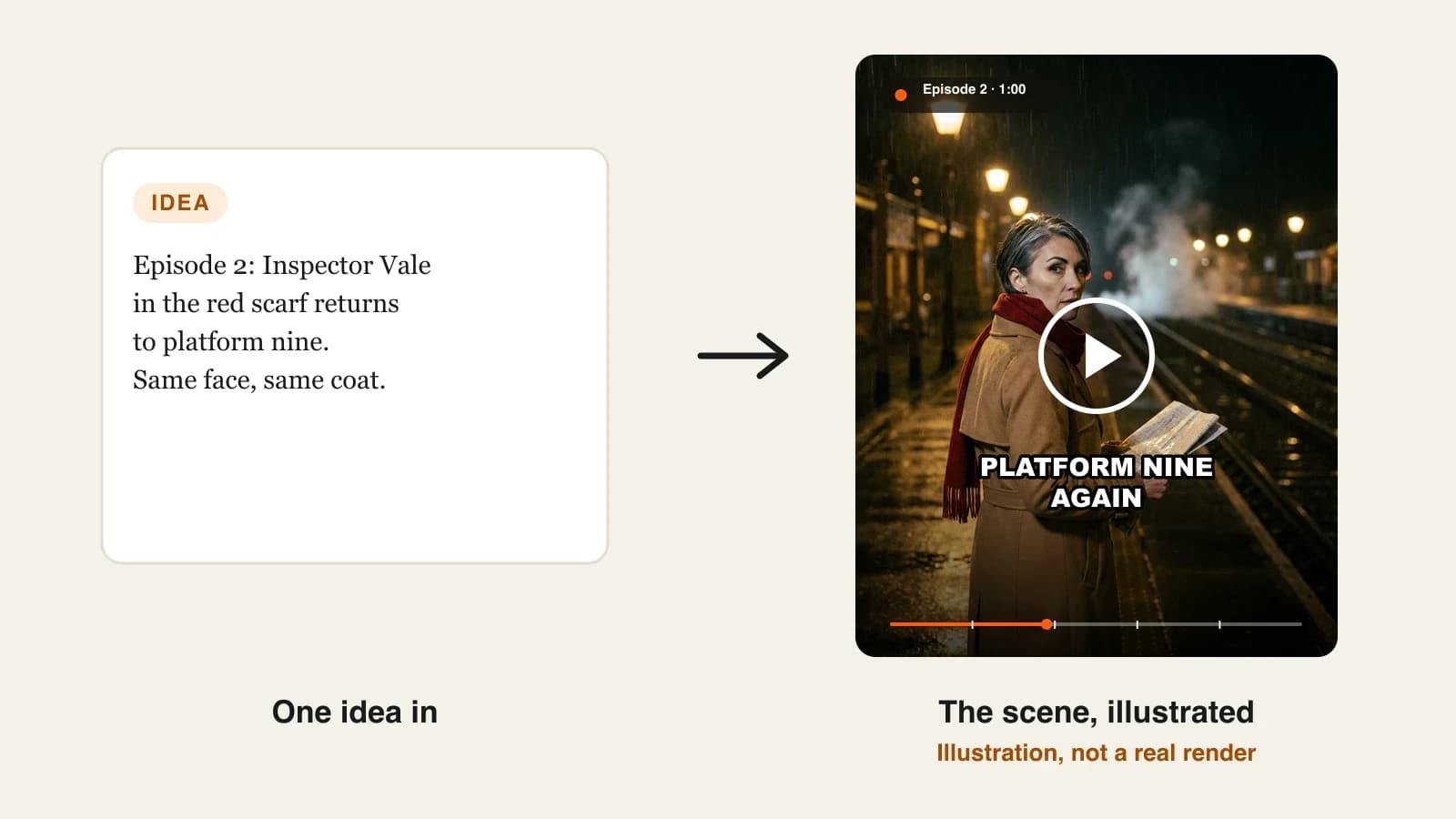
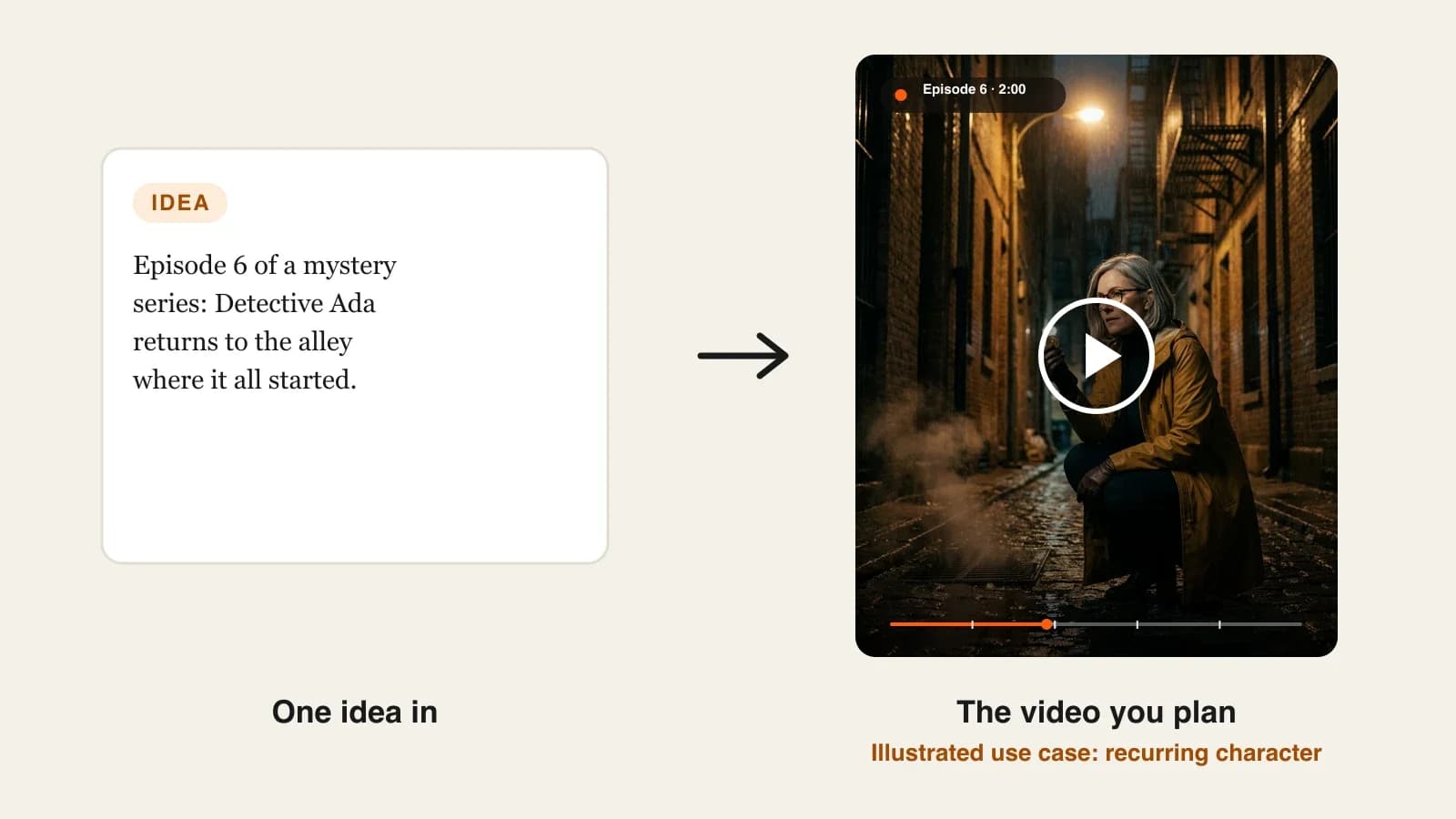
- Consistent characters: save the persona once with a picture and a locked look, and it keeps the same face and outfit across scenes; with Series it returns in every episode with a story memory of the last five.
- Finished: script, scenes, voice, captions and music come back together, and Studio lets you redo one scene if the persona's expression or setting is off.
The ClipNova AI influencer generator walks through the whole persona workflow, from the first portrait to a week of posts.
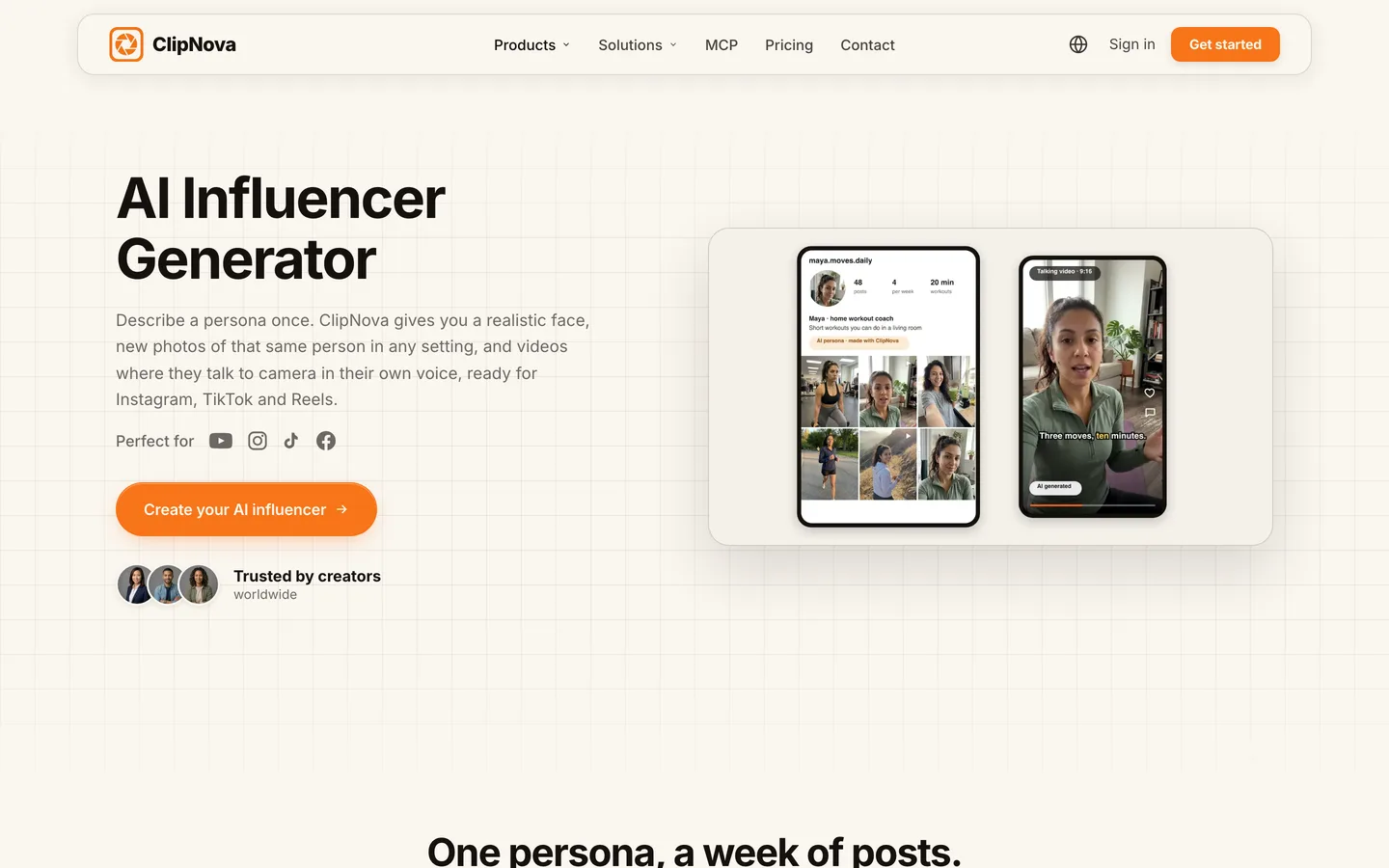
Key features
- AI Characters to design the persona from a description, in looks such as Realist, Ultra Realism, Pixar or Anime, in square, portrait or landscape
- New photos of the same face: attach the persona as a reference in AI Images and describe the new setting
- Talking Avatar for to-camera clips with lip sync, a library voice or your own voice clip, and optional captions
- Image to Video and Prompt to Video to put the persona into new scenes, with talking characters who speak on screen in their own voices
- Series for a recurring show: up to 8 characters, episode lengths from 30 seconds to 5 minutes, and a story memory of the last five episodes
How to build an AI influencer in ClipNova
- Open AI Characters, describe the persona (age, look, style, where they live, what they talk about) and generate until one portrait feels right, or upload a photo you own.
- Save it to your characters so every later tool can pick the same face.
- Make a few feed photos in AI Images with the portrait attached as a reference.
- Write a 30-second script and make a talking clip in Talking Avatar, keeping the same voice for every clip.
- For longer posts, add the persona to Prompt to Video or a Series, choose 9:16, 16:9 or 1:1, and generate a story of up to 5 minutes.
Pricing
- Plans from $19/mo: Hobby $19 (1,000 credits), Starter $49 (2,600), Growth $99 (5,750), Ultra from $199 (12,000); 20% off yearly
- Every photo and video uses credits, and the exact cost shows before you generate; a 60-second story in Moving AI Images is about 189 credits
- Every plan includes every feature and commercial rights
Pros
- Photos, talking clips and long story videos of one persona in one workspace
- The face holds across scenes and episodes, which is what makes followers recognise the character
- Narration and voiceover in 18 languages if you want to run the persona in Spanish, Portuguese or French too
Cons
- No auto-posting or account management; you post, schedule and reply yourself
- Talking characters on screen are an AI Video feature (Base or Pro quality), so a talking story costs more credits than a narrated Moving AI Images video
2. HeyGen, best for a talking photo persona
HeyGen is an avatar platform, and its photo avatar is the quickest route to a persona that talks. You can generate an AI photo avatar from a text description (age, style, setting), then generate new looks for it by changing clothing, expression or background, and turn any look into a talking video with Avatar IV lip sync. It speaks over 175 languages and dialects.
For a creator, that makes HeyGen a strong fit for to-camera formats: a daily tip, a reaction, a short commentary. It is a presenter tool, though: the persona talks to you rather than living through a story with other characters. Avatar tools give you presenters; ClipNova tells stories with them.
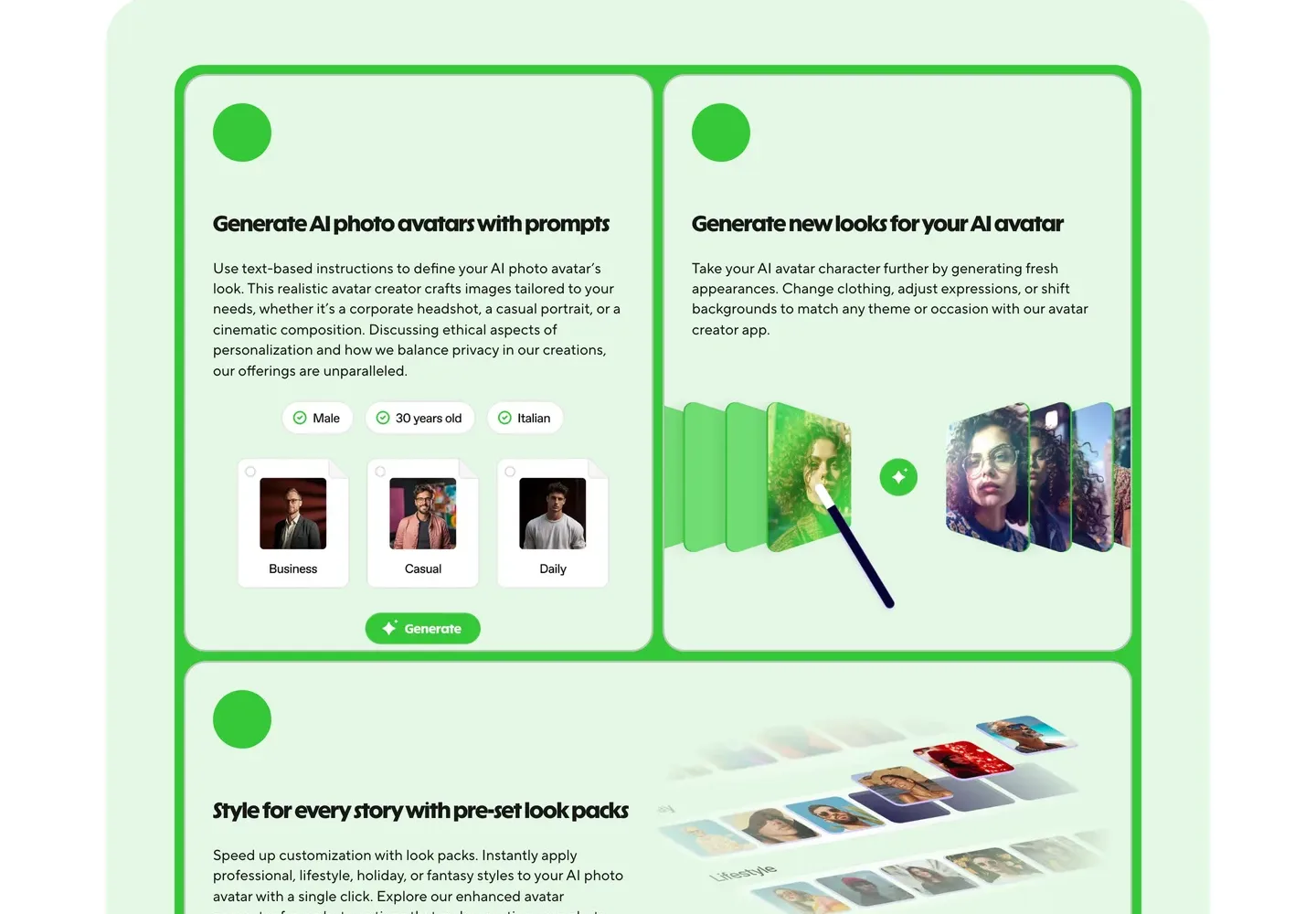
Key features
- Photo avatars generated from a text prompt, no footage needed
- New looks for the same avatar: outfits, expressions and backgrounds
- Avatar IV talking photo with natural motion and lip sync
- Over 175 languages and dialects, plus voice cloning
Best for
- Talking-head personas posting short tips or commentary
- Creators who want the same persona in several languages
Pricing
- Creator: $29/mo billed monthly ($24/mo yearly) with 600 credits, videos up to 30 minutes and 1080p export
- Pro: $49/mo ($39/mo yearly) with 1,000 credits and 4K export
Pros
- The fastest path from a prompt to a persona that speaks
- Looks let one persona change outfits without changing faces
Cons
- Built around a presenter, not multi-scene stories with other characters
- You still need another tool for story scenes, music and story structure
3. Synthesia, best for a stylised presenter character
Synthesia is best known for corporate presenters, but its Avatar Builder is a genuine character tool. Type a description and it generates a character, realistic or stylised (cartoon, anime, soft 3D, painterly and more), which you refine with controls for age, vibe, pose, framing and expression. The saved character then presents your script as a talking video in more than 140 languages.
For creators, that suits an illustrated or 3D host for an explainer or language channel, where an obviously drawn persona is part of the charm. Like HeyGen it is a presenter tool: the character speaks to camera, and the rest of the video is slides, scenes or stock you assemble around it.
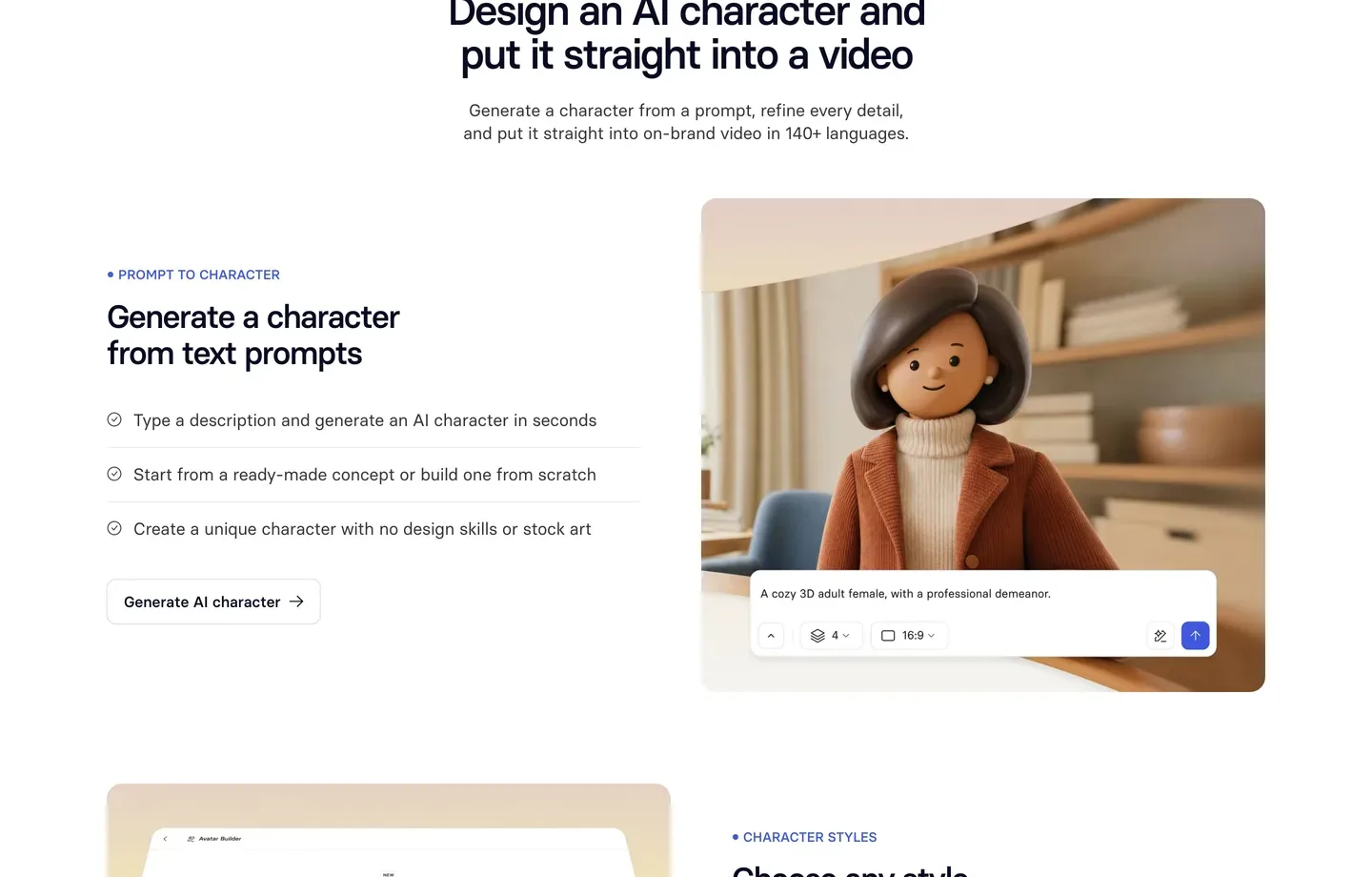
Key features
- Avatar Builder: character from a text prompt, refined with on-screen controls
- Realistic and stylised looks, including cartoon, anime and soft 3D
- The character presents your script with 1,000+ voices in 140+ languages
- Personal avatars of yourself (3 on Starter) if you ever want a real host
Best for
- Illustrated or 3D hosts for explainer and language channels
- Creators who want a clearly fictional, non-photoreal persona
Pricing
- Starter: $29/mo billed monthly ($18/mo yearly) with 1,250 credits a month, up to about 12 minutes of video
- Pro: $89/mo ($64/mo yearly) with 6,000 credits, up to about 60 minutes
Pros
- Stylised characters that read as fictional at a glance, which helps with disclosure
- Strong multilingual presenter output
Cons
- Minutes are tight on Starter for a daily posting schedule
- Presenter-first: no story scenes where the persona does things
4. Revid, best for surreal trend characters
Revid's AI Influencer Studio is built for one kind of persona: the surreal, exaggerated character of the Jean Philanthrope trend. You start from an idea or a photo, push the proportions (height, build, face, clothing) as far as you like, and save the look. The saved character is then brought into video with Character Swap, which replaces the performer in a source clip: a preset such as shadowboxing or a city walk, an upload, or a supported social link.
That makes Revid a meme-format machine rather than a long-running host tool. It is strong when the joke is the character itself; if you want the same persona to carry a narrated story, it is a shorts tool, and ClipNova goes to 5 minutes with the same character.
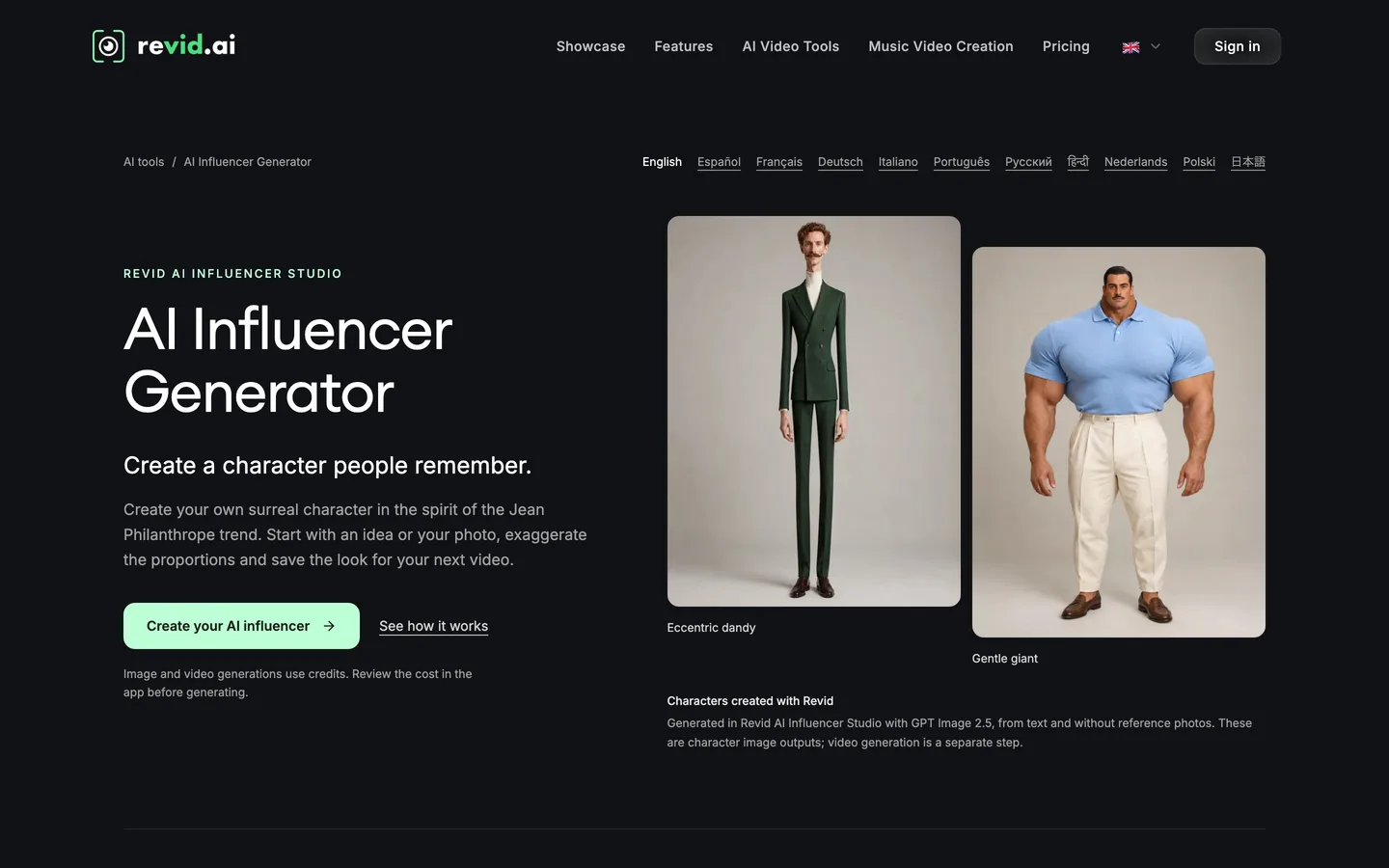
Key features
- Character creation from an idea or photo, with exaggerated proportions
- Saved characters reused across videos
- Character Swap into preset clips, your uploads or supported social links
- Direct publishing to TikTok, Instagram and YouTube on paid plans
Best for
- Trend accounts built on one absurd recurring character
- Short, loopable character Reels and TikToks
Pricing
- Growth: $39/mo billed monthly ($32/mo yearly) with 2,000 credits and publishing to TikTok, Instagram and YouTube
- Ultra: $199/mo with 12,000 credits
Pros
- One of the few tools with a dedicated studio for character trends
- Generation and posting in the same place
Cons
- Character Swap depends on source footage; only use clips you have the rights to
- Built for short trend videos, not narrated stories or long recaps
5. Luma, best for cinematic persona shots you edit yourself
Luma is a creative studio built on video models, its own Ray models plus third-party ones. For an AI influencer, the relevant feature is character reference: upload reference images of your persona and Ray3 keeps that identity across text-to-video, image-to-video and video-to-video generations. Luma's own guidance is to build a small set of clean references (front, side and three-quarter views) and re-anchor every shot to it.
The result can look like a high-end travel or lifestyle clip of your persona. What it does not do is write, voice or caption anything. Clip generators give you great shots; ClipNova gives you the whole story.
Key features
- Ray3 character reference across text, image and video-to-video generation
- Ray3 Modify to replace a character in an input clip with your persona
- Third-party image and video models in the same credit pool
- Commercial use on paid plans
Best for
- Editors who cut persona B-roll into their own Reels
- Aesthetic travel, fashion or lifestyle personas that live on visuals
Pricing
- Plus: $30/mo billed monthly ($25/mo yearly) with 10,000 credits and commercial use
- Pro: $90/mo ($75/mo yearly) with 40,000 credits
Pros
- Some of the most cinematic persona shots in this list
- Fine control for creators who already edit
Cons
- Clips only: no script, voice, captions or story structure
- Building and maintaining a reference set takes real time
Disclosure and platform rules for an AI persona
A virtual persona is allowed on every major platform. Pretending it is a real person is not a good idea on any of them:
- YouTube asks creators to disclose content that seems realistic, including a realistic scene that did not happen. A photoreal persona talking to camera falls inside that; a clearly cartoon host usually does not.
- TikTok requires creators to label AI-generated content that shows realistic-looking scenes or people, and unlabeled content can be removed, restricted or labelled by TikTok.
- Instagram and Facebook (Meta) require the AI disclosure label on organic posts with photorealistic video or realistic-sounding audio that was digitally created or altered, and may apply penalties if you skip it.
- Likeness: never base a persona on a celebrity or anyone who has not agreed to it.
Put "AI persona" or "virtual creator" in the bio, use each platform's label, and write the persona as a character with a backstory you are happy to stand behind.
How to choose the best AI influencer generator for your channel
1) Will your persona talk, or only be seen?
- Talks to camera and stars in stories: ClipNova, which covers talking clips, photo posts and narrated stories of the same face.
- Mostly talks to camera: HeyGen for a photoreal presenter, Synthesia for a stylised one.
- Mostly seen, never heard: Luma for cinematic clips you voice and edit yourself.
2) Is the persona a host or a running joke?
- A host people return to: ClipNova saved characters and Series keep the same face across scenes and episodes (its consistent character AI video generator shows how reference photos carry into new scenes); read our guide on how to keep characters consistent in AI videos for the reference-image habits that make any tool hold a face better.
- A surreal one-joke character: Revid's AI Influencer Studio.
3) How long are your posts?
- Under 30 seconds: every tool here works.
- One to five minutes (recaps, tutorials, story episodes): ClipNova, which renders up to 5 minutes per video. HeyGen and Synthesia can run long too, but as a single presenter speaking.
4) What does a month of posting cost?
- ClipNova Hobby: $19 for 1,000 credits, roughly five one-minute persona stories in Moving AI Images, or a mix of photos, short talking clips and one longer story.
- HeyGen Creator and Synthesia Starter: $29 each for a presenter persona; Synthesia's Starter covers about 12 minutes of video a month.
- Luma Plus: $30 for clips only; budget extra time for voice and editing.
- Revid Growth: $39 for trend characters with posting built in.
Before you pay for a month, write your persona a one-paragraph bible: name, age, city, job, three opinions and one catchphrase. Paste the same paragraph into every tool you test. The tool whose output still matches the bible on the fifth post is the right one.
When you are ready to build one, our step-by-step guide on how to create an AI influencer for your channel carries one persona from the first portrait to a month of posts, and ClipNova pricing shows the credits on each plan.
Frequently asked
What is the best AI influencer generator in 2026?
ClipNova is the best overall AI influencer generator for creators: one saved persona appears in feed photos, lip-synced talking clips and story videos of up to 5 minutes with the same face in every scene. HeyGen and Synthesia suit talking presenter personas, Revid suits surreal trend characters and Luma suits cinematic clips you edit yourself.
Can I run a faceless channel with an AI influencer?
Yes. The persona becomes the face of the channel while you stay off camera. Give it a name, a look, a voice and a backstory, keep them fixed, and label it as AI on every platform so viewers know the host is virtual.
How do I keep my AI influencer's face the same in every post?
Pick one portrait you like and reuse it as the reference everywhere instead of describing the persona again each time. In ClipNova you save the portrait as a character and pick it in every tool; in Luma you build a small reference set; in HeyGen you generate new looks from the same photo avatar.
Can an AI influencer talk in videos?
Yes. ClipNova's Talking Avatar and talking characters lip sync the persona to a script, HeyGen animates a photo avatar with Avatar IV, and Synthesia turns a generated character into a presenter. Keep the same voice for every video so the persona sounds like one person.
What is the cheapest AI influencer generator?
Of the tools compared here, ClipNova has the lowest entry price at $19 a month for 1,000 credits. HeyGen and Synthesia start at $29, Luma at $30 and Revid at $39 a month on monthly billing.
Do I have to say my influencer is AI?
Yes, for realistic personas. YouTube asks you to disclose realistic synthetic content, TikTok requires a label on realistic AI-generated people, and Meta requires its AI label on photorealistic video or realistic audio. Say it in the bio too.
Can I base my AI influencer on a real person?
Only on yourself or someone who has given you permission. Do not build a persona that looks like a celebrity or a private person without consent, and do not present a fictional persona as a real human.
Which AI influencer generator should I start with?
Start with ClipNova if your persona needs to talk, appear in photos and star in longer story videos, on plans from $19 a month with every feature included. If you only need a talking presenter, compare HeyGen or Synthesia.