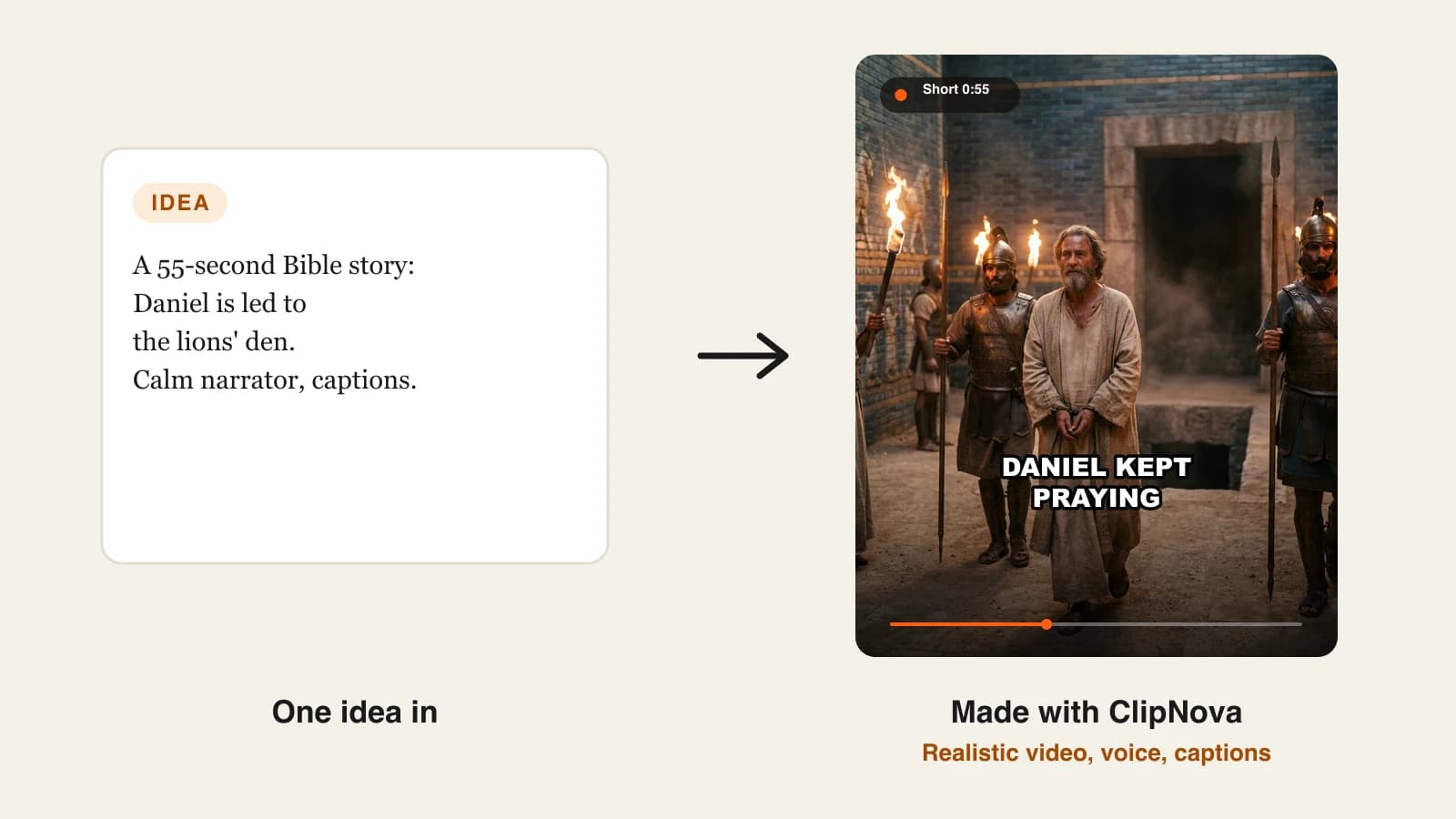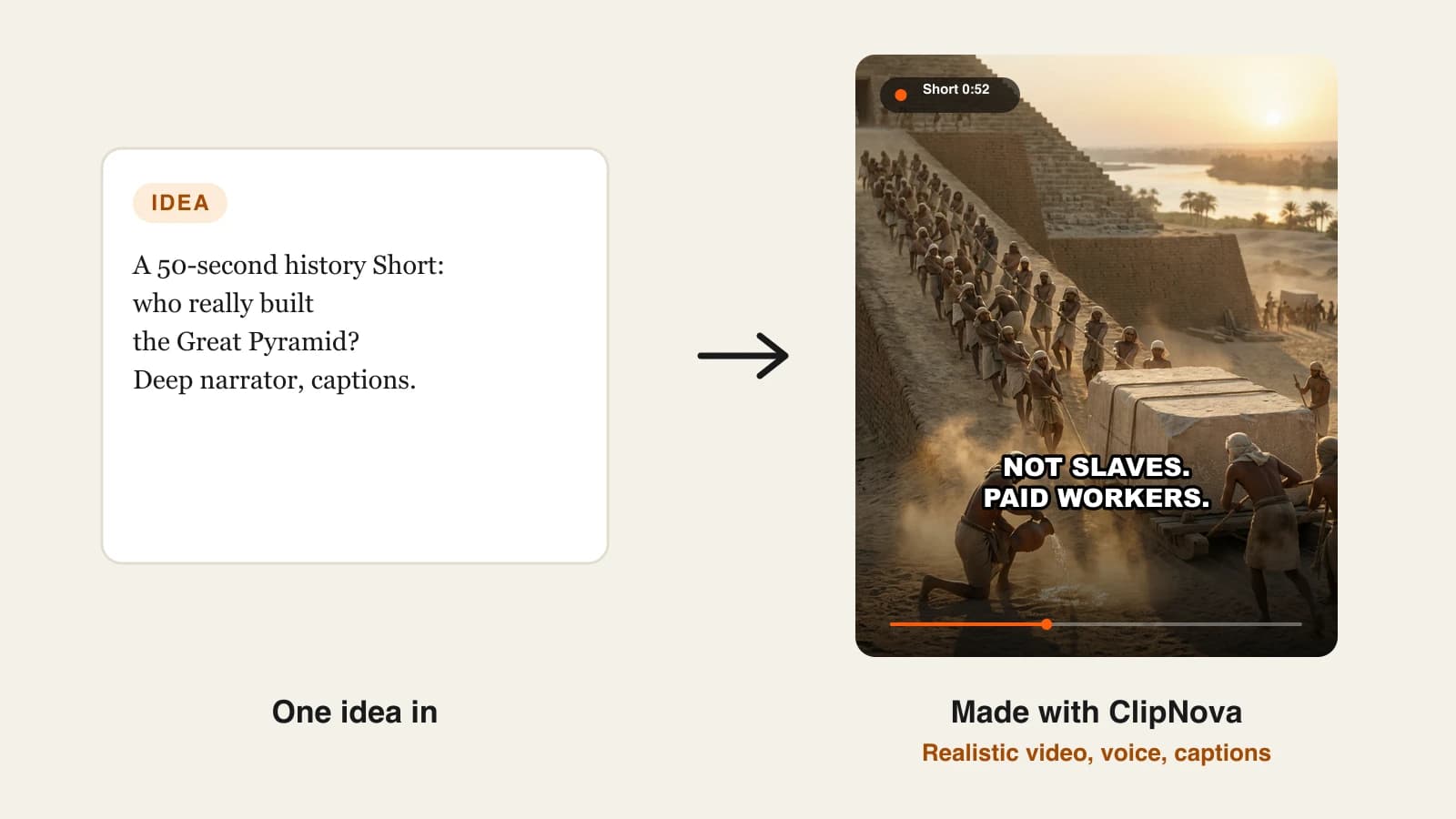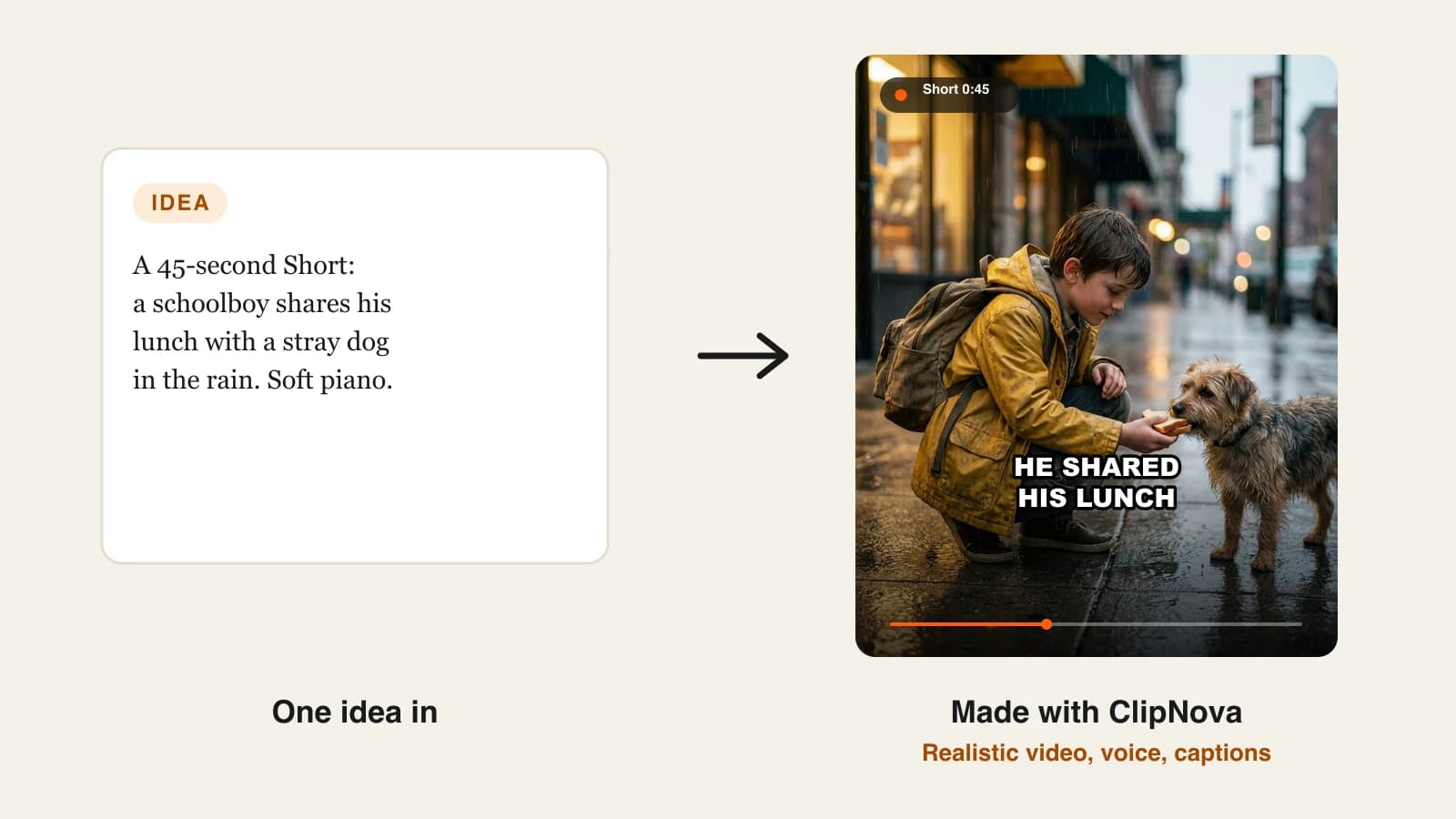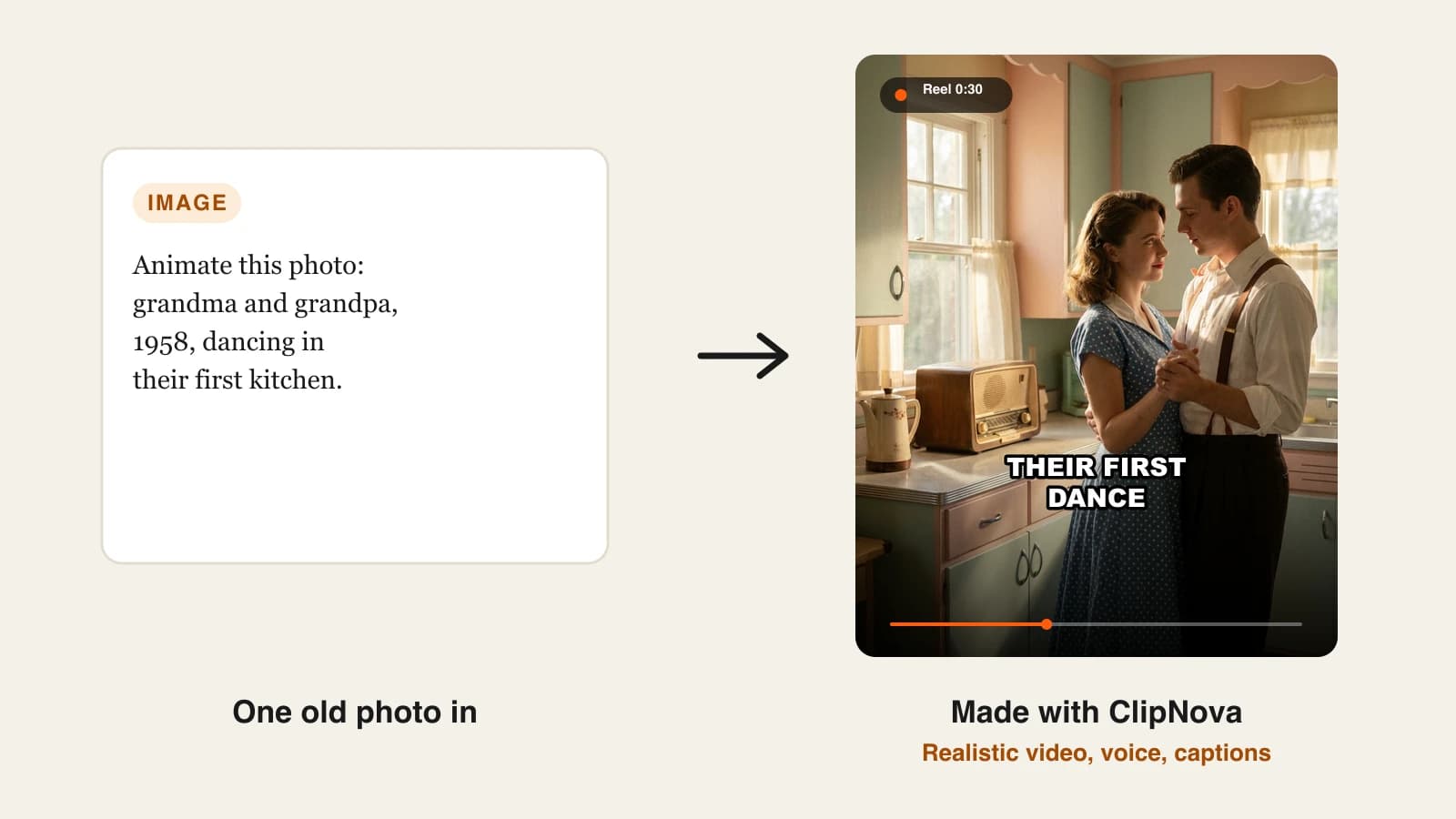
The best AI image to video generator for faceless creators in 2026 is ClipNova, because it turns your still images into finished, narrated and captioned videos instead of loose clips. Luma is the strongest pick for single cinematic shots, and HeyGen is the one to choose when you need a photo that talks.
Most faceless channels already sit on a pile of stills: AI character art, product photos, old family pictures, thumbnails that performed. An AI image to video generator puts those images in motion, so a single picture becomes a hook shot, a scene in a story or a full Short. The hard part is that the tools behind that phrase do very different jobs. Some animate one image into a 5 to 10 second clip. Some combine several images into a new scene. Some make a portrait speak.
This roundup compares 6 AI image to video generators on what they do with your image, entry price, output limits and fit for Shorts, Reels and YouTube. Every price was checked on the vendor's own site on October 12, 2026.
The 6 best AI image to video generators at a glance
- ClipNova: best overall for faceless videos built from your own images. One photo can open a clip, or up to 9 reference images can become one new scene, with narration and captions in the same project.
- Luma: best for single cinematic shots from one image. Its Ray3.2 model and several third-party models sit behind one credit balance.
- Revid.ai: best for animating images inside a create-and-post loop. Each uploaded image becomes an AI clip, and the finished video can publish straight to TikTok, Instagram and YouTube.
- Hedra: best for briefing an agent across several video models. You save characters and products as Elements and let the agent plan the shots.
- HeyGen: best for making a still portrait talk. Avatar IV turns one photo into a lip-synced, gesturing speaker in any language.
- Pictory: best for dropping AI shots into stock-footage explainers. Image to video sits inside its script-to-video editor.
| Tool | Best for | Starting price | What it does with your image | Max output |
|---|---|---|---|---|
| ClipNova | Faceless videos built from your images | From $19/mo | First frame of a clip, or 1 to 9 references for one new scene | 1080p, videos up to 5 min |
| Luma | Single cinematic shots | $30/mo | Image to video on Ray3.2 and third-party models | Up to 4K on selected models |
| Revid.ai | Animating images in a posting loop | $39/mo | Animates each uploaded image into a clip | Up to 4K |
| Hedra | Agent-planned shots across models | $20/mo | Saves references as Elements for the agent | 4K stated |
| HeyGen | Talking photos | $29/mo | Turns one portrait into a talking avatar | 1080p (4K on Pro) |
| Pictory | AI shots inside stock-footage videos | $29/mo | Image to video inside its AI Studio | 1080p |
Decide what the image is before you choose a tool. If it is the first frame of a moment, any animator works. If it is a character you will reuse in every video, pick a tool that treats images as references (ClipNova or Hedra). If it is a face that must speak, you want a talking-photo tool (HeyGen).
What does an AI image to video generator actually do?
It takes a still image and generates the motion that could follow it: a camera push-in, hair moving in wind, a character walking out of frame. The model keeps what it sees in the picture and invents what happens next from your prompt.
There are three ways tools use your image, and the difference matters more than the brand:
- First frame. Your image is frame one, and the clip moves on from there. Best for bringing one specific picture to life.
- References. Your images teach the model who and what is in the shot, and it builds a new scene around them. Best for keeping the same character across many clips.
- Talking photo. The model animates a face to speak a script with lip sync. Best for presenters and narrators.
Clip lengths are short by design. Most image to video models render 4 to 10 seconds per generation, so a 45-second Short is several clips joined, plus a voice and captions. That is why a tool that assembles the whole video saves more time than a slightly better single clip.
1. ClipNova, best overall for faceless videos built from your own images
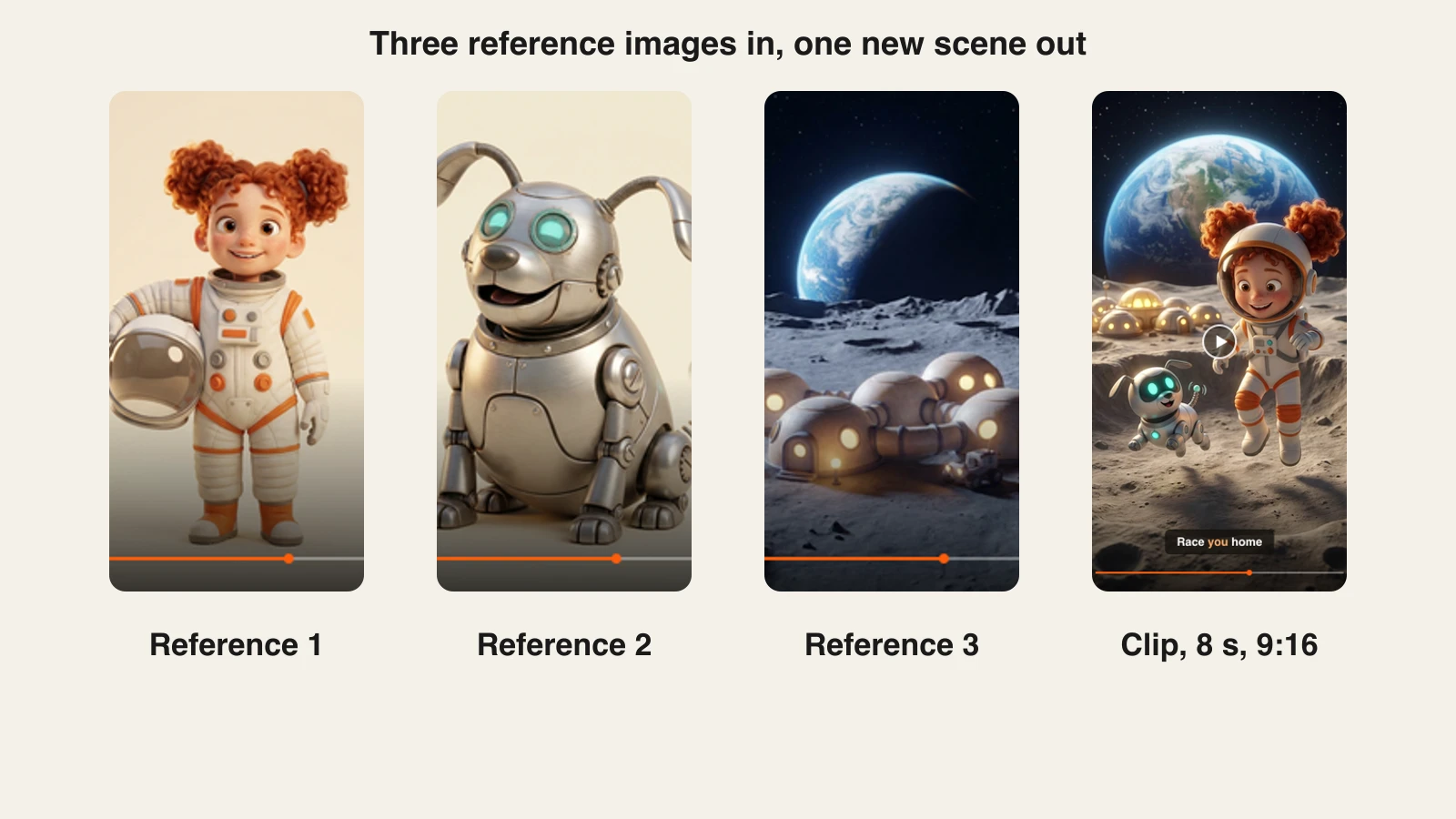
ClipNova treats an image as the start of a video, not the end product. You can upload one photo and use it as the opening frame of a clip, describe the motion you want, and add narration, music and burned-in captions in the same project. Or you can switch to Images to Video, upload several pictures of the same subjects, and get one new scene where they all appear together. The order of the images does not matter: each one teaches the model a subject.
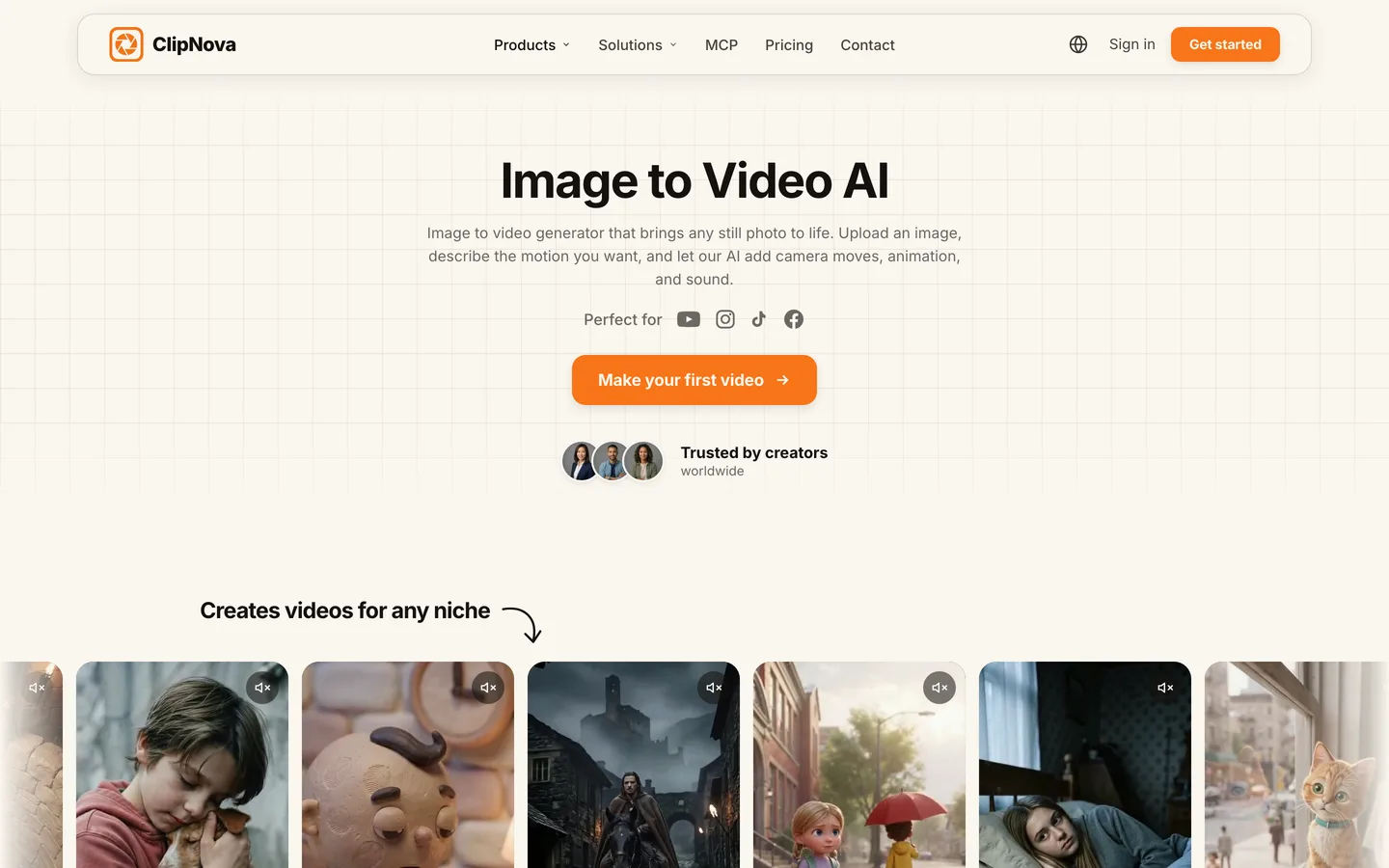
That second mode is what faceless story channels need. Upload your character sheet, a sidekick and a location, and ClipNova composes them into a scene that matches all three. Your recurring host looks like your recurring host, clip after clip. The ClipNova image to video AI tool shows the photo flow; reference mode has its own page for reference to video.
Key features
- A photo can be the first frame of a clip, with the motion described in plain words
- Images to Video in three tiers: Base takes 1 to 7 references (4, 6 or 8 seconds, 720p), Pro composes 2 to 4 references into one scene (5 or 10 seconds), Ultra takes 1 to 9 references and adds synchronized sound (4, 6 or 8 seconds)
- Narrator voices in 18 languages, background music and word-by-word captions, including the white all-caps Speech style faceless channels use
- 9:16, 16:9 and 1:1 output, up to 1080p, and finished videos up to 5 minutes
- The same characters across scenes, so a series keeps one look
Best for
- Kids, animal and story channels that reuse one character in every upload
- Creators who want the voice, captions and music done in the same place as the animation
Pricing
- Plans from $19/mo: Hobby $19 (1,000 credits), Starter $49 (2,600), Growth $99 (5,750) and Ultra from $199 (12,000). Yearly billing is 20% off.
- Every plan has every feature, watermark-free export and commercial rights. Only the monthly credits change. The Base tier on the image to video page is listed at 6 credits per second, so Hobby covers roughly 160 seconds of Base clips a month before narration and extras.
Pros
- One project goes from still image to a postable video
- Reference mode keeps a character consistent without retraining anything
Cons
- Base and Ultra reference clips render at 720p; for 1080p, animate a single photo on the Ultra tier
- No auto-posting: you review and upload yourself
2. Luma, best for single cinematic shots from one image
Luma builds its own video models and has turned its app into an agent-driven creative studio. For image to video, its Ray3.2 model animates a still at draft, 540p, 720p or 1080p, with HDR options, and the same credits also run third-party models such as Kling 3.0, Veo 3.1 and Seedance 2.0 and 2.5. If you care most about how one shot looks, with realistic light and camera motion, Luma is the specialist here.
Key features
- Ray3.2 image to video and text to video, with Draft for cheap tests
- Third-party models in the same account, several with native audio
- 4K output on selected models (Seedance 2.0 and Kling)
- Video-to-video, reframe and extend for reworking a shot
Best for
- Creators who need a handful of hero shots per video, not dozens
- Testing the same image across several models before committing
Pricing
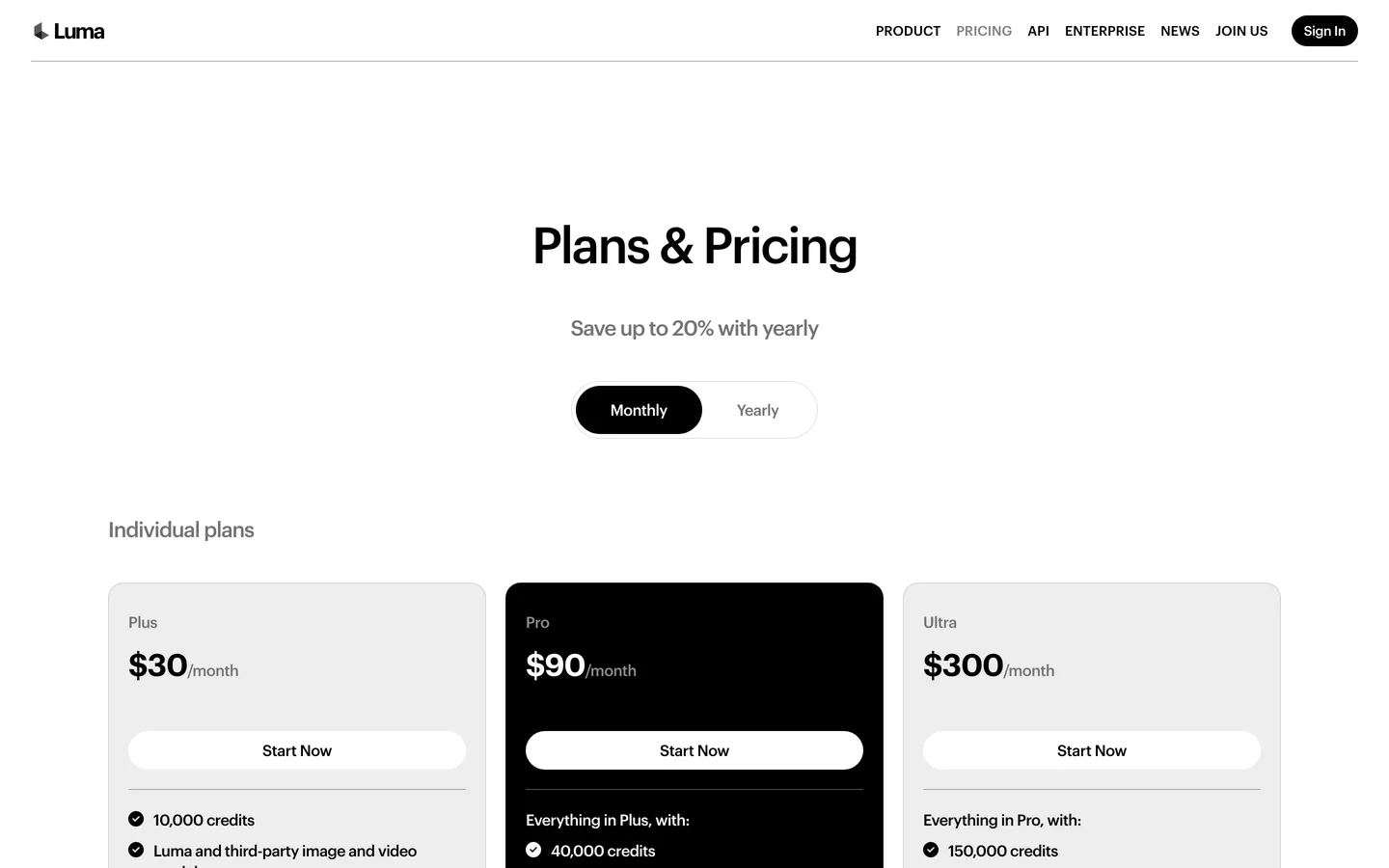
- Plus: $30/mo with 10,000 credits and commercial use. Yearly billing saves up to 20%.
- A 5-second Ray3.2 image to video clip costs 100 credits at 720p and 400 at 1080p, so Plus covers about 100 clips at 720p or 25 at 1080p a month.
- Pro: $90/mo with 40,000 credits.
Pros
- Strong single-shot quality and many models under one balance
- Clear per-clip credit table, so you can budget before you start
Cons
- Raw clips only: no narration, captions or video assembly for a faceless Short
- 1080p costs four times the 720p rate on Ray3.2
3. Revid.ai, best for animating images inside a create-and-post loop
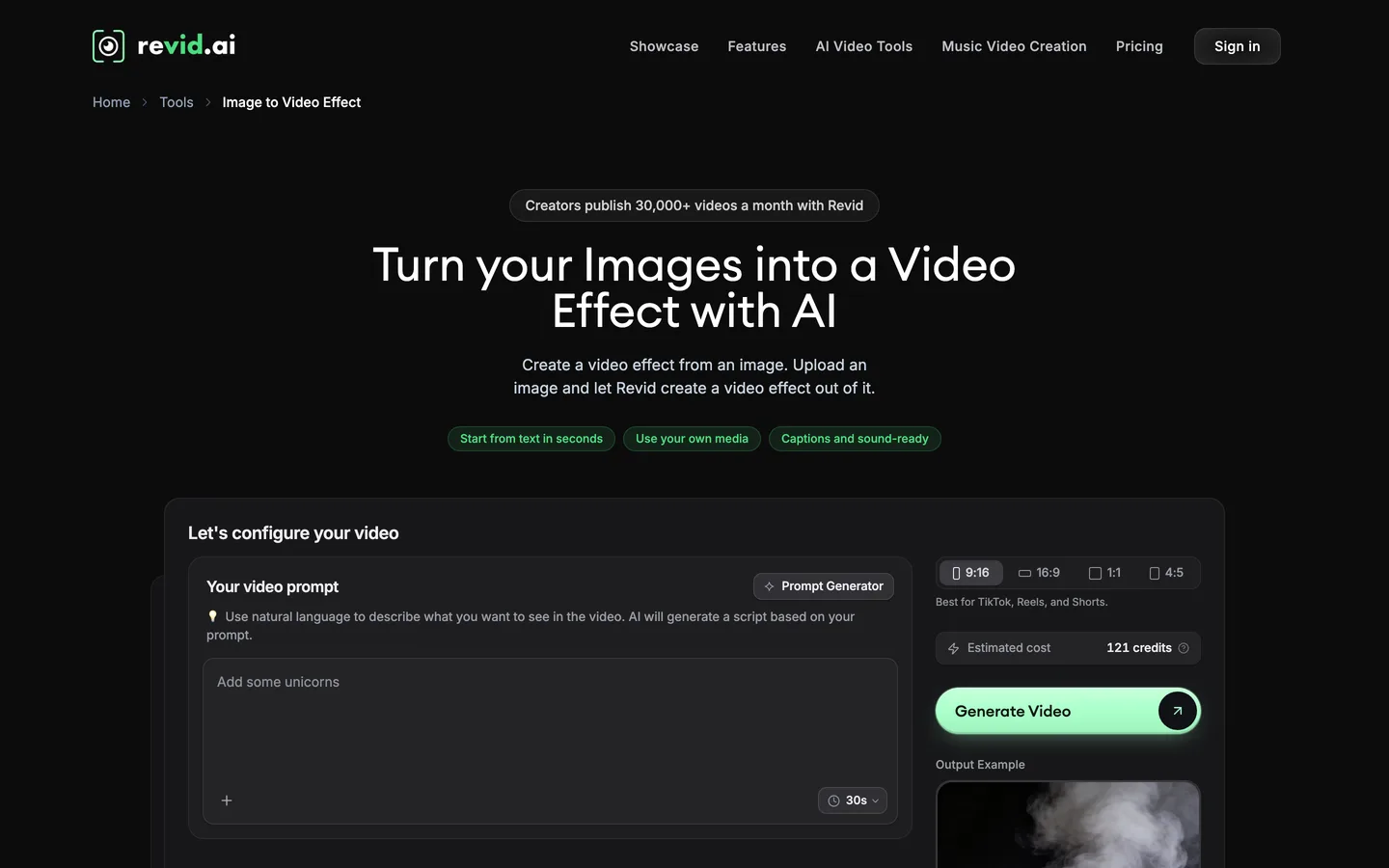
Revid.ai is built for short-form channels that want to make and publish in one place. Its Image to Video Effect tool takes your uploaded images and animates each one into an AI clip, with a choice of model tiers (Low, Pro, Ultra and Sora 2) and a toggle to keep your images untouched with simple motion effects instead. The finished video carries captions and music and can publish straight to TikTok, Instagram and YouTube.
Key features
- Each uploaded image animated into an AI clip, or kept as-is with motion effects
- Model choice per video, including Sora 2
- 9:16, 16:9, 1:1 and 4:5 formats
- Direct publishing to TikTok, Instagram and YouTube, plus Auto-Mode workers
Best for
- Channels that want generation and posting automated together
- Creators who remix trending formats and post daily
Pricing
- Growth: $39/mo, or $32/mo billed yearly, with 2,000 AI credits, output up to 4K and 70+ voiceover languages.
- Ultra: $199/mo with 12,000 credits and voice cloning.
Pros
- The shortest path from image to a published post
- Credit estimate shown on the tool before you spend
Cons
- The cheapest plan here at $39/mo
- Auto-posting skips the review step, so mistakes can go live
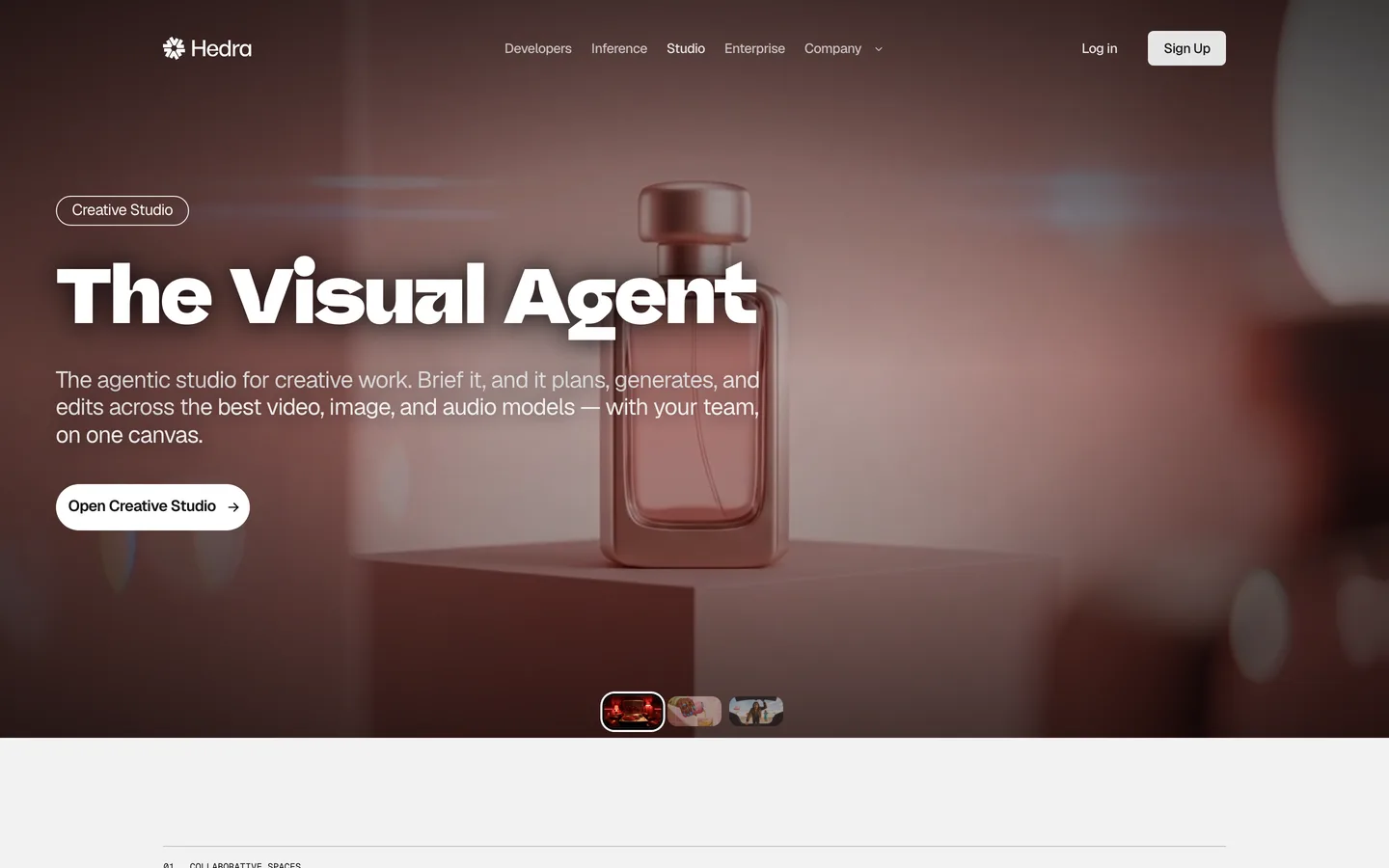
4. Hedra, best for briefing an agent across several video models
Hedra has rebuilt its app as a Creative Studio built around an agent. You describe what you want, and the agent plans, generates and edits across video models such as Kling V3 Pro, Veo 3.1, Seedance 2.0 and Hailuo 2.3, plus image and ElevenLabs audio models. Characters, products and visual references can be saved as Elements, so later generations stay recognizable.
Key features
- An agent that plans and generates shots across several models
- Elements for saved characters, products and references
- Speech and dialogue through built-in voice models
- A shared canvas for team work
Best for
- Small teams that brief campaigns rather than single clips
- Creators who want one place to test several frontier models
Pricing
- Basic: $20/mo, billed monthly, with 2,000 credits, commercial use and slower generations.
- Pro: $50/mo with 7,200 credits and faster generation. Ultra: $100/mo with 18,000 credits.
Pros
- Elements keep a character or product consistent across shots
- Many models without separate subscriptions
Cons
- Credit costs per clip are not listed next to the plans
- Basic runs slower generations, which adds up on daily posting
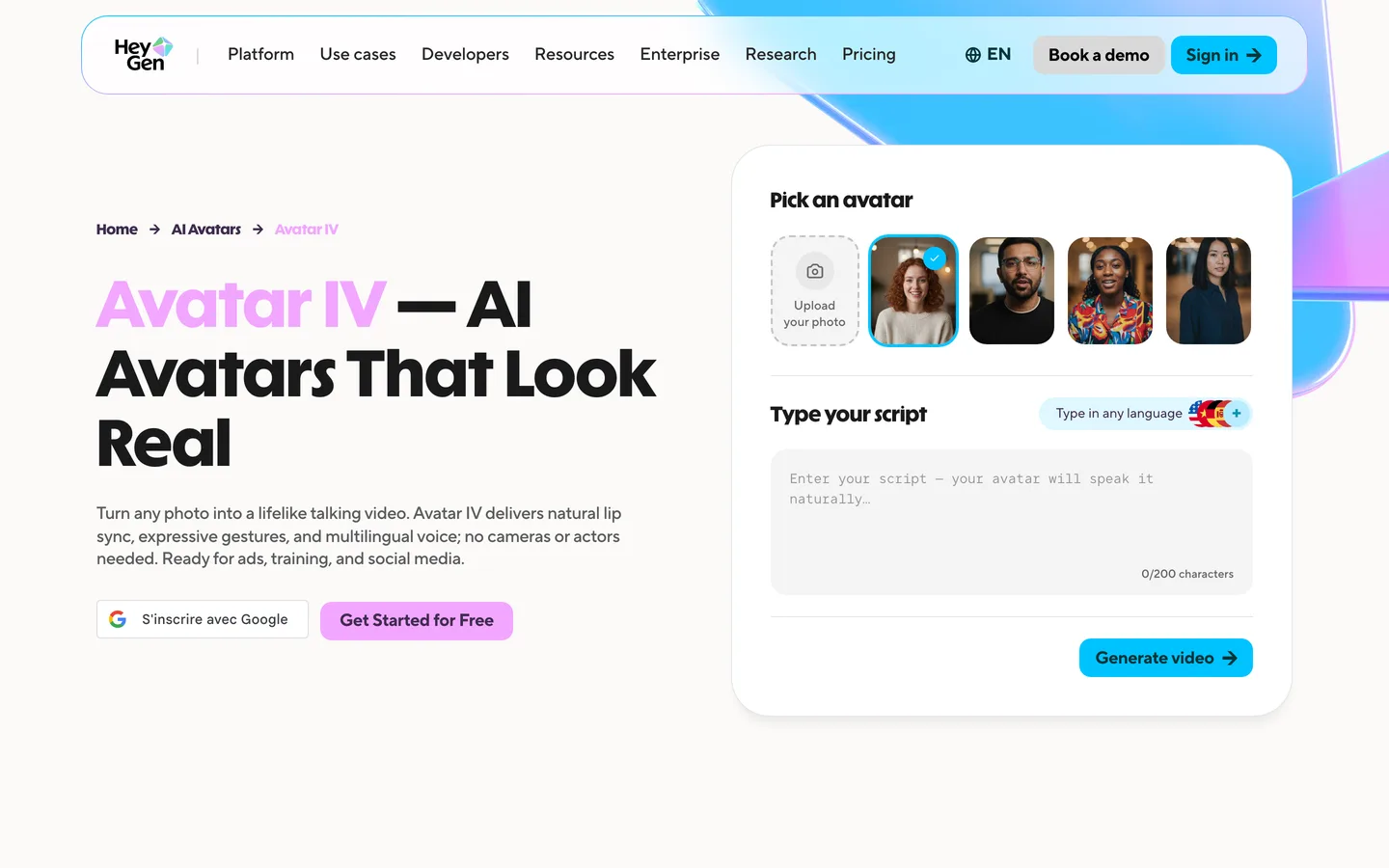
5. HeyGen, best for making a still portrait talk
HeyGen is an avatar platform, and its Avatar IV model is the most direct way to make one photo speak. You upload a portrait, type a script in any language, and it generates a talking video with lip sync, facial expression and hand gestures. It works with human, anime and animal images, which suits faceless channels that use a drawn mascot as their narrator.
Key features
- Avatar IV turns one photo into a talking video with lip sync and gestures
- Human, anime and animal avatars, portrait or full body
- 1,000+ AI voices and voice cloning
- Video translation in 175+ languages and dialects
Best for
- Mascot narrators and drawn hosts that need to speak on camera
- Translating one narrated video into several languages
Pricing
- Creator: $29/mo with 600 credits, 1080p export, videos up to 30 minutes and voice cloning.
- Pro: $49/mo with 1,000 credits and 4K export.
Pros
- Lip sync, expressions and gestures built specifically for a single portrait
- Long videos (up to 30 minutes) on the entry plan
Cons
- It animates a speaker, not a scene: no story shots or B-roll from your images
- On-camera presenters are the opposite of faceless unless you use a mascot
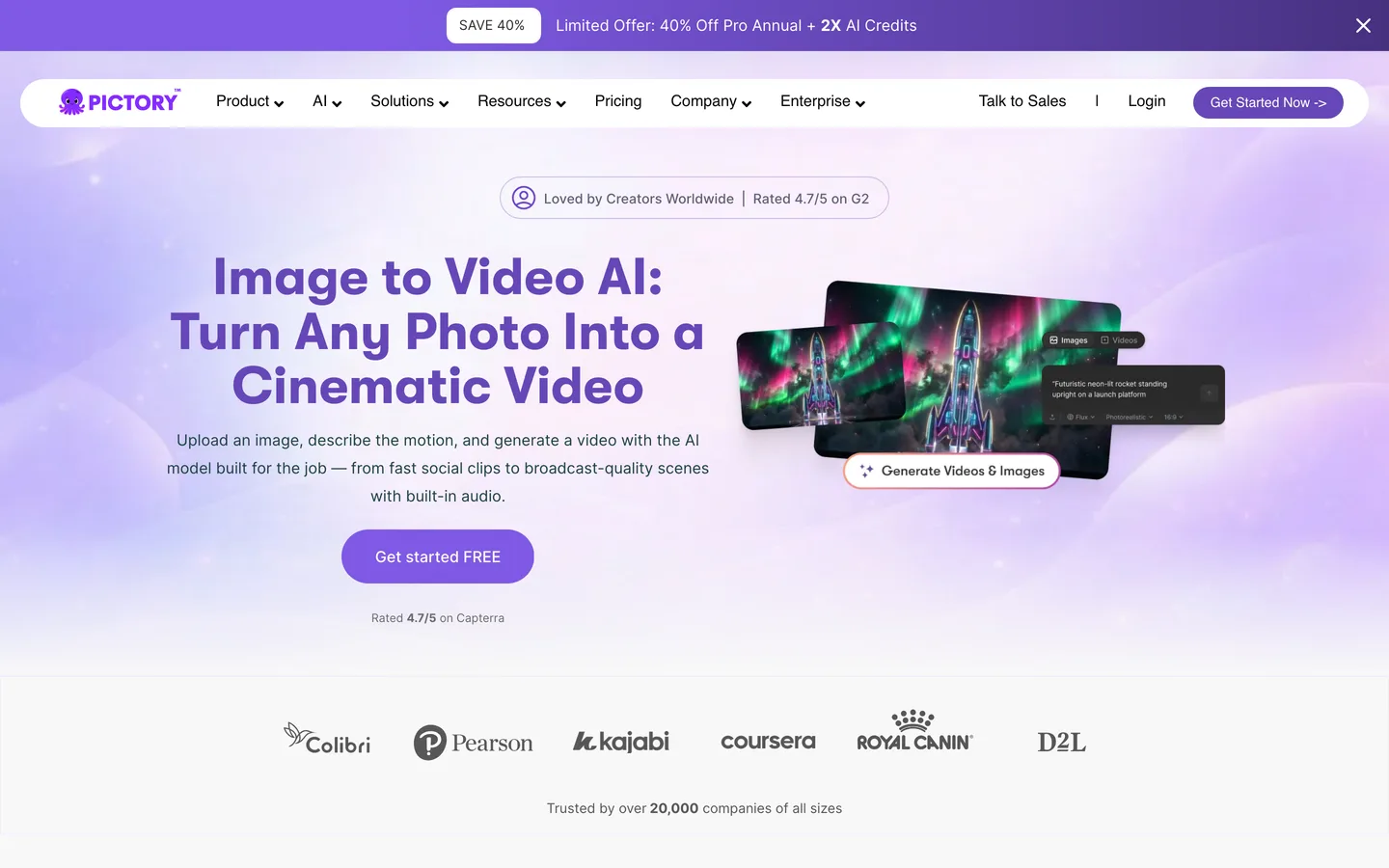
6. Pictory, best for dropping AI shots into stock-footage explainers
Pictory turns scripts, blog posts and URLs into stock-footage videos, and its AI Studio adds image to video inside that editor. You open AI Studio from any scene, pick a model (Veo 3.1, Veo 3.1 Fast or PixVerse 5.5), describe the motion and add the clip to your storyboard. It fits explainer channels that are mostly stock footage and want a few custom shots.
Key features
- Image to video with Veo 3.1, Veo 3.1 Fast and PixVerse 5.5
- Script, blog and URL to video with automatic captions
- ElevenLabs voices in 29 languages
- Getty Images and Storyblocks stock library
Best for
- Explainer and education channels built on stock footage
- Teams turning articles into videos every week
Pricing
- Starter: $29/mo, or $25/mo billed yearly. Yearly Starter includes 2,400 video minutes and 1,200 AI credits a year, which Pictory says covers up to 12.5 minutes of AI video.
- Professional: $59/mo, or $35/mo billed yearly, with 125 minutes of AI video a year.
Pros
- Image to video sits next to a full script-to-video editor
- Large stock library for everything you do not generate
Cons
- Small AI video allowance on Starter, so most visuals stay stock
- 1080p maximum
How to choose the best AI image to video generator for your channel
1) Do you need finished videos or single clips?
- If you post narrated Shorts or story videos: pick a tool that assembles the video. ClipNova adds narration, captions and music to the animated images in one project. Revid.ai does the same with auto-posting on top.
- If you edit everything yourself: a clip generator like Luma gives you the shot, and you build the rest in your editor.
2) Does the same character appear in every video?
- If yes: use references, not single photos. ClipNova's Images to Video takes up to 9 references per scene, and Hedra saves characters as Elements.
- If every video has a new subject: first-frame animation is enough, and any tool in this list will do it.
3) Does your image need to speak?
- If a face or mascot narrates on screen: HeyGen's Avatar IV is the specialist.
- If a voice narrates over the visuals: you do not need lip sync. ClipNova or Pictory add a narrator over the animated shots.
4) What does one finished video cost?
Count the clips, not the plan. A 45-second Short built from 6-second shots is about 8 clips:
- ClipNova: at 6 credits per second on Base, 45 seconds is about 270 credits, so Hobby ($19, 1,000 credits) makes roughly three such Shorts a month before narration and extras. Videos also come with the voice and captions already done.
- Luma: 9 five-second Ray3.2 clips at 720p cost 900 credits, so Plus ($30, 10,000 credits) covers about eleven Shorts' worth of raw clips a month, still without voice or captions.
- HeyGen and Pictory: price by plan credits and minutes rather than per shot, so test one real video before you plan a month of uploads.
Make three test videos in your actual niche before you commit to a plan. The look of your character after ten clips matters more than the best single clip on a landing page.
If you are building a channel around these videos, our guide to starting a faceless YouTube channel covers niche, cadence and monetization, and the roundup of the best faceless AI video generators compares tools that start from a prompt instead of an image. ClipNova's pricing page lists the credits for each plan.
Frequently asked
What is the best AI image to video generator in 2026?
ClipNova is the best overall AI image to video generator for faceless creators: it animates a photo or combines up to 9 reference images into one scene, then adds narration, captions and music in the same project. Luma is the best pick for single cinematic shots, and HeyGen is the specialist for making a portrait talk.
How does AI image to video work?
You upload a still image and describe the motion you want. The model keeps what is in the picture and generates the frames that follow, such as a camera move, wind, or a character walking. Some tools use your image as the first frame, others use several images as references to build a new scene.
How long are AI image to video clips?
Most models render 4 to 10 seconds per generation. ClipNova's reference tiers render between 4 and 10 seconds depending on the tier, and Luma prices its Ray3.2 clips in 5 and 10 second blocks. Longer videos are several clips joined together, which is why a tool that assembles the full video saves time.
Can I keep the same character across several AI video clips?
Yes, if the tool treats your images as references. ClipNova's Images to Video takes up to 9 reference images per scene, so your character, sidekick and location stay consistent. Hedra lets you save characters as Elements for later generations. First-frame animation alone does not guarantee a consistent character from clip to clip.
What is the cheapest AI image to video generator?
Among the tools in this list, ClipNova has the lowest entry price at $19 a month, with every feature included. Hedra starts at $20, HeyGen and Pictory at $29, Luma at $30 and Revid.ai at $39 a month, all billed monthly.
Can I make a photo talk with AI?
Yes. HeyGen's Avatar IV turns one portrait into a talking video with lip sync and gestures, and it works with human, anime and animal images. If your video only needs a narrator over the visuals, a voiceover over animated scenes, as ClipNova does, is usually more natural for faceless channels.
Can I monetize AI image to video content on YouTube?
Yes, as long as each video adds original value. YouTube's monetization policies exclude inauthentic content, meaning mass-produced or template videos without the creator's own input. Realistic AI content also needs the altered or synthetic content disclosure, while clearly animated or fantasy content does not.
Which image to video tool should a faceless channel start with?
Start with ClipNova if you want your images turned into finished, narrated Shorts and story videos with consistent characters, from $19 a month. Add Luma if you need a few cinematic hero shots, or HeyGen if a mascot has to speak on screen.