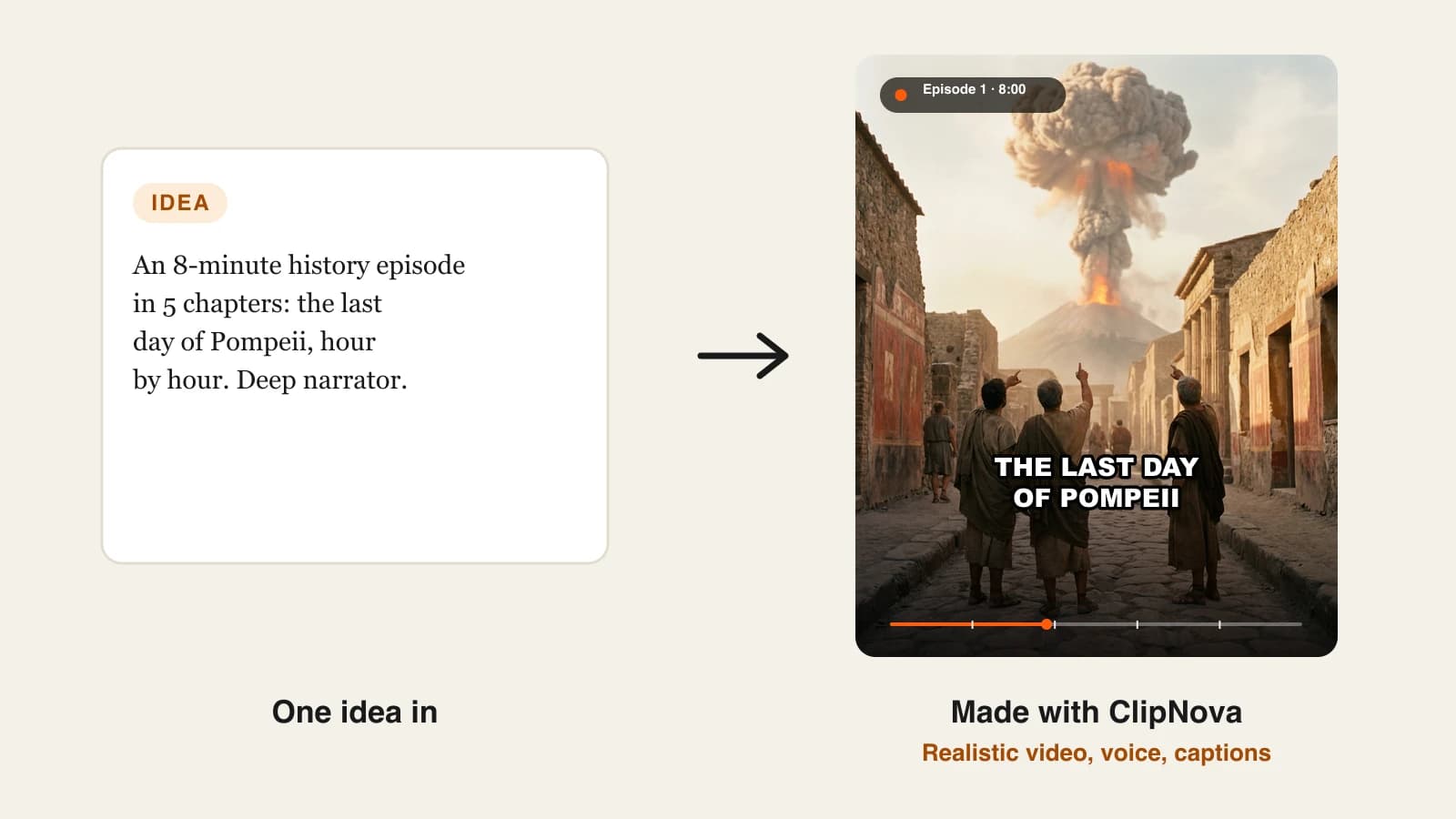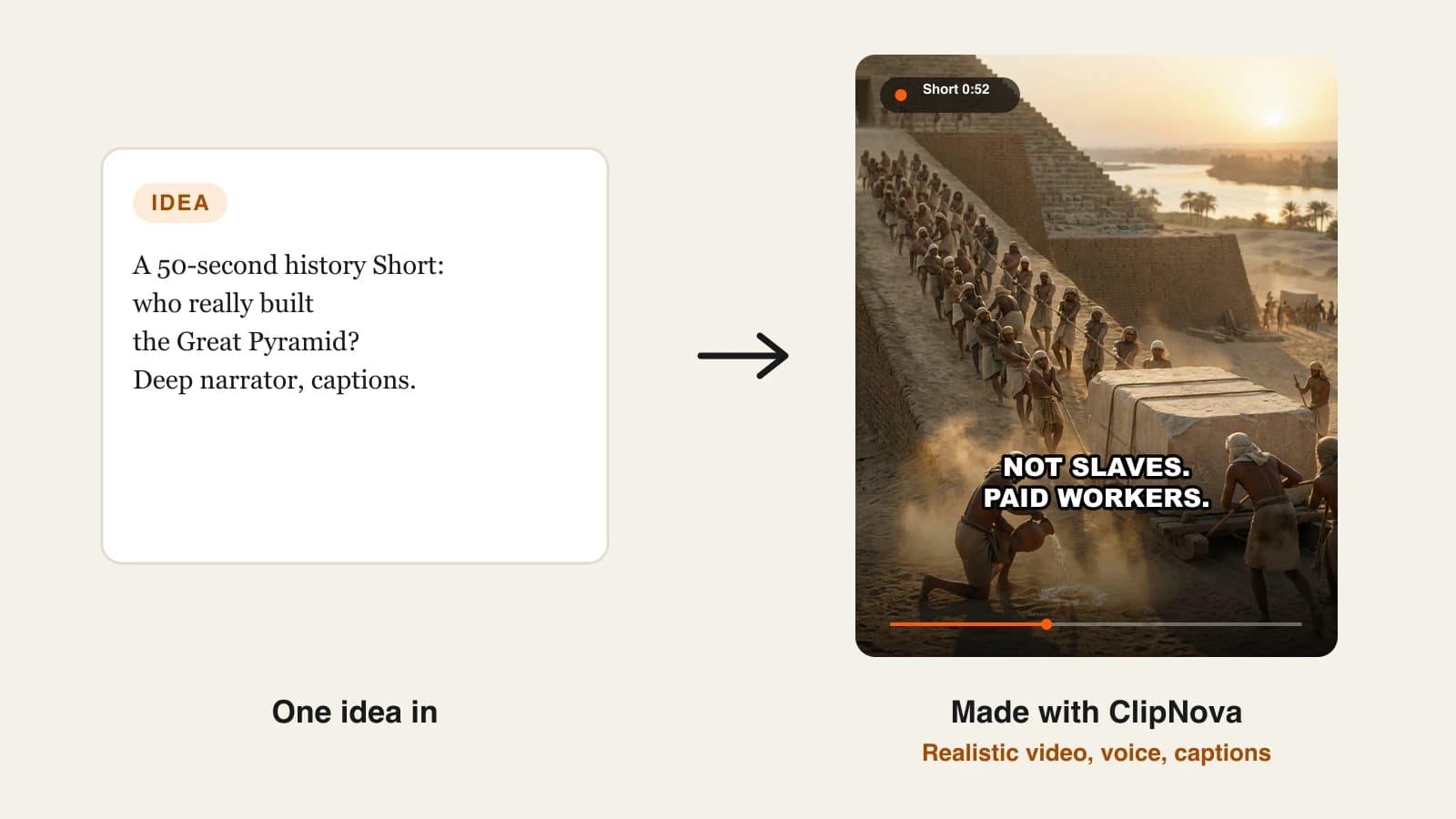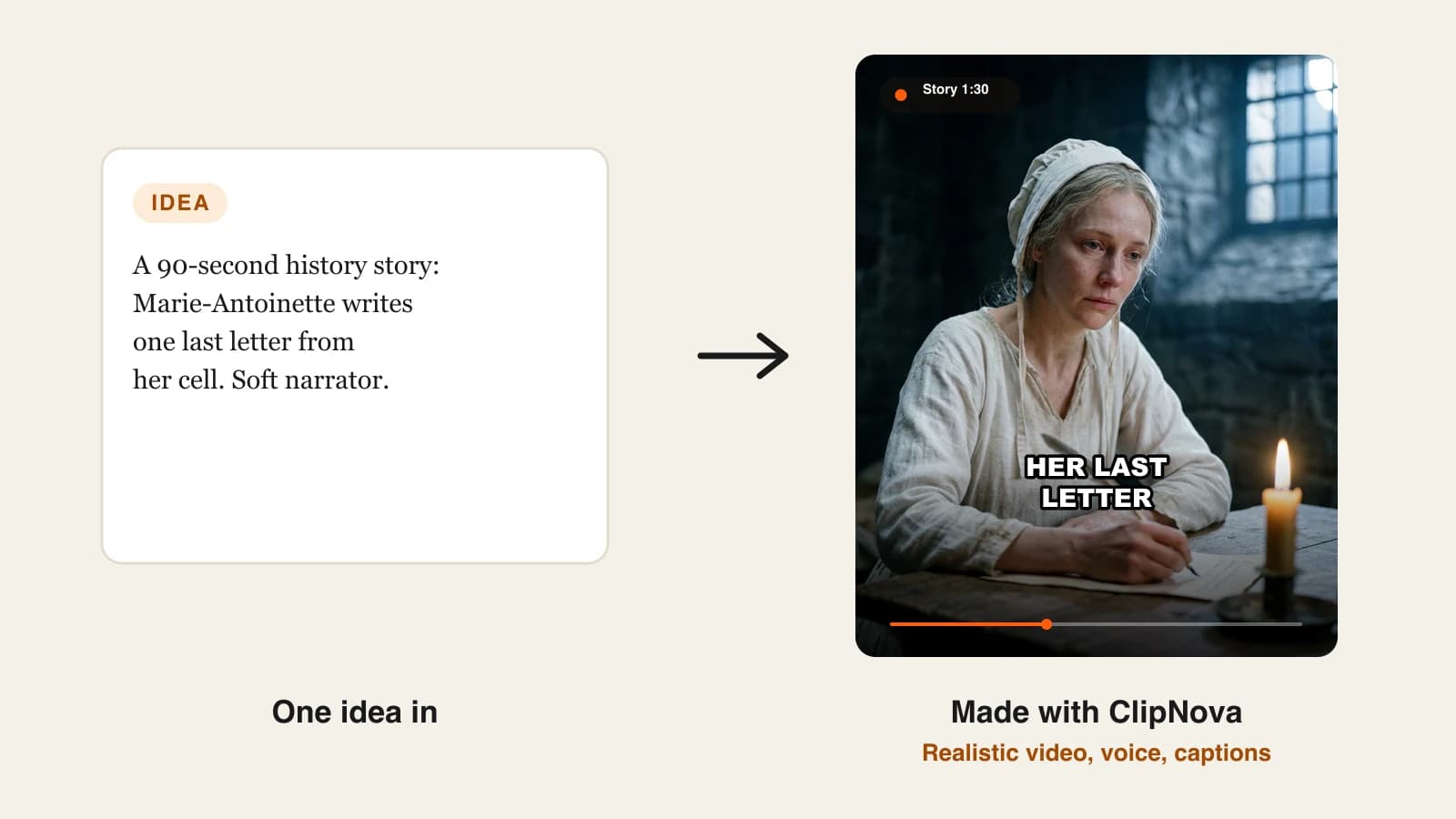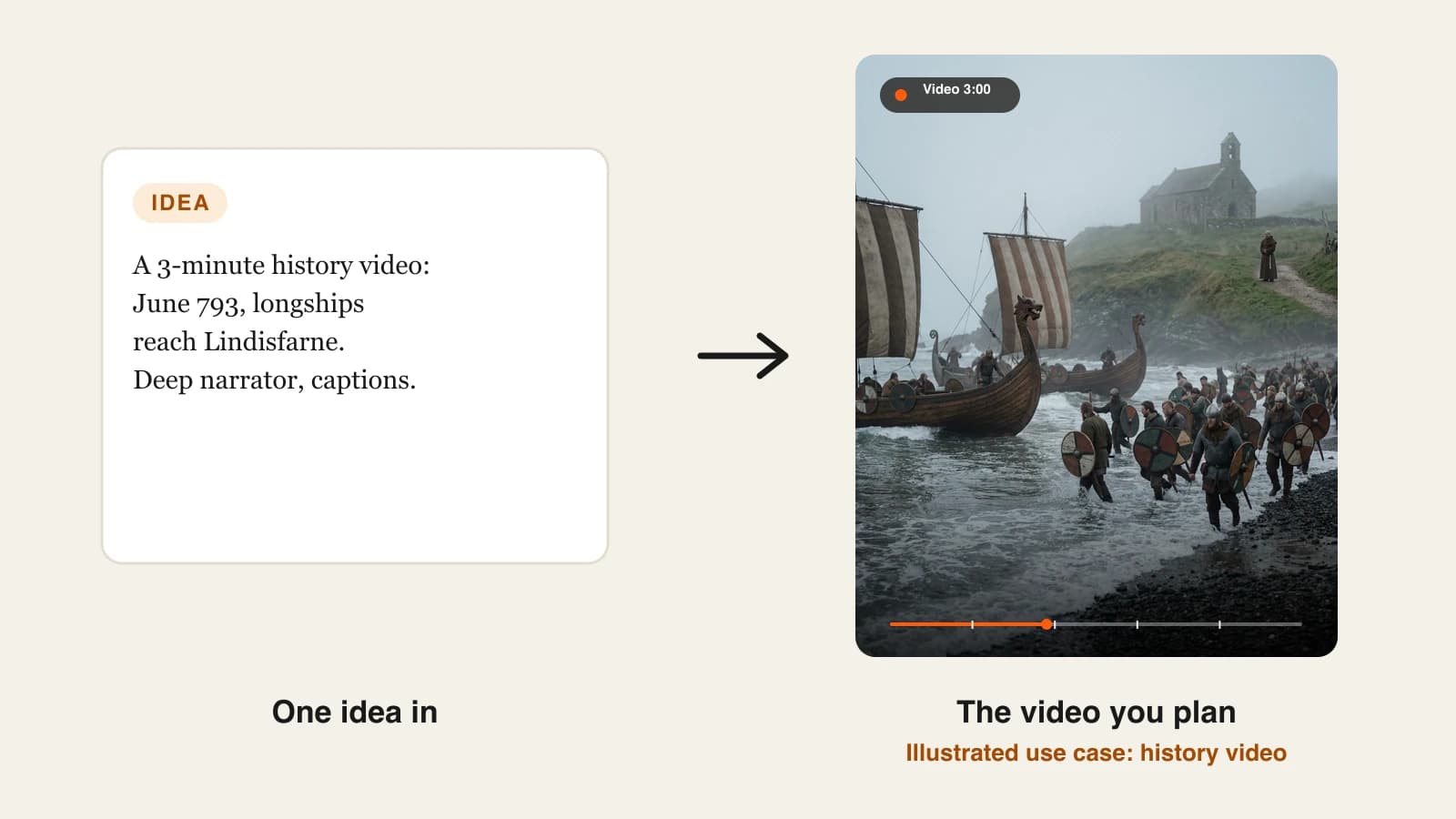
The best AI history video generator for most faceless channels in 2026 is ClipNova: one script becomes a narrated, captioned history video of up to 5 minutes, with period scenes generated for every beat and the same historical figure looking the same from the first shot to the last. Plans start at $19/mo.
History is one of the steadiest faceless niches because the stories already exist and viewers keep coming back for the next one. The hard part is the picture. There is no footage of Lindisfarne in 793, stock libraries repeat the same castle drone shots, and a narrator over a slideshow of public-domain paintings gets old by minute two. An AI history video generator fills that gap with reconstructions, but the tools solve it very differently.
This roundup compares 5 tools on what matters for history content: how they show the past, how long one video can run, whether a historical figure stays recognizable across scenes, and the cheapest paid plan, all checked on October 14, 2026.
The 5 best AI history video generators at a glance
- ClipNova: best overall for narrated history videos up to 5 minutes. It turns your script into reconstructed period scenes with one narrator, captions and music, and keeps saved characters consistent.
- LongStories.ai: best for animated history series that run past 5 minutes. Its universes let a recurring guide character return in every episode.
- Pictory: best for modern-history explainers built on real stock footage. It matches each sentence of your script to clips from Getty Images and Storyblocks.
- Revid.ai: best for dramatized history scenes where characters speak. Its AI Movie Maker generates dialogue scenes from a script, up to 5 minutes.
- Synthesia: best for presenter-led history lessons for classrooms. An AI avatar presents the lesson in front of your slides, in 140+ languages.
| Tool | Best for | Starting price | Max length per video | How the past is shown |
|---|---|---|---|---|
| ClipNova | Narrated history videos and series | From $19/mo | Up to 5 min | AI reconstructions, consistent characters |
| LongStories.ai | Long animated history episodes | $59/mo | 10 min (15 on Creator Max) | Animated scenes in a chosen style |
| Pictory | Modern-history explainers | $29/mo | 5 min (30 on Professional) | Stock footage matched to the script |
| Revid.ai | Dramatized dialogue scenes | $39/mo | 5 min (AI Movie Maker) | AI video with speaking characters |
| Synthesia | Classroom history lessons | $29/mo | Not published | AI presenter with slides and media |
Before you pick a tool, write down the period you cover most. Ancient and medieval channels need reconstructions, because no footage exists. Twentieth-century channels can often use real archive or stock footage, which reads as more trustworthy for those topics.
What makes a good AI history video generator?
History videos have needs that general AI video tools do not always meet:
- Period-correct scenes on request. You should be able to describe a Viking longship or a 1920s newsroom and get it, not a generic costume drama.
- One recurring face. A video about Joan of Arc only works if she looks like the same person in every scene.
- A narrator that carries 3 to 5 minutes. Most history videos are told, not acted. The narration track has to run the whole length and match the scenes.
- Your script, not the tool's. Facts are the product. The tool should follow your researched lines rather than write its own.
- Honest output for real events. Realistic reconstructions of real places and events may need YouTube's synthetic-content label, so it helps to know what you are making.
1. ClipNova, best overall for narrated history videos
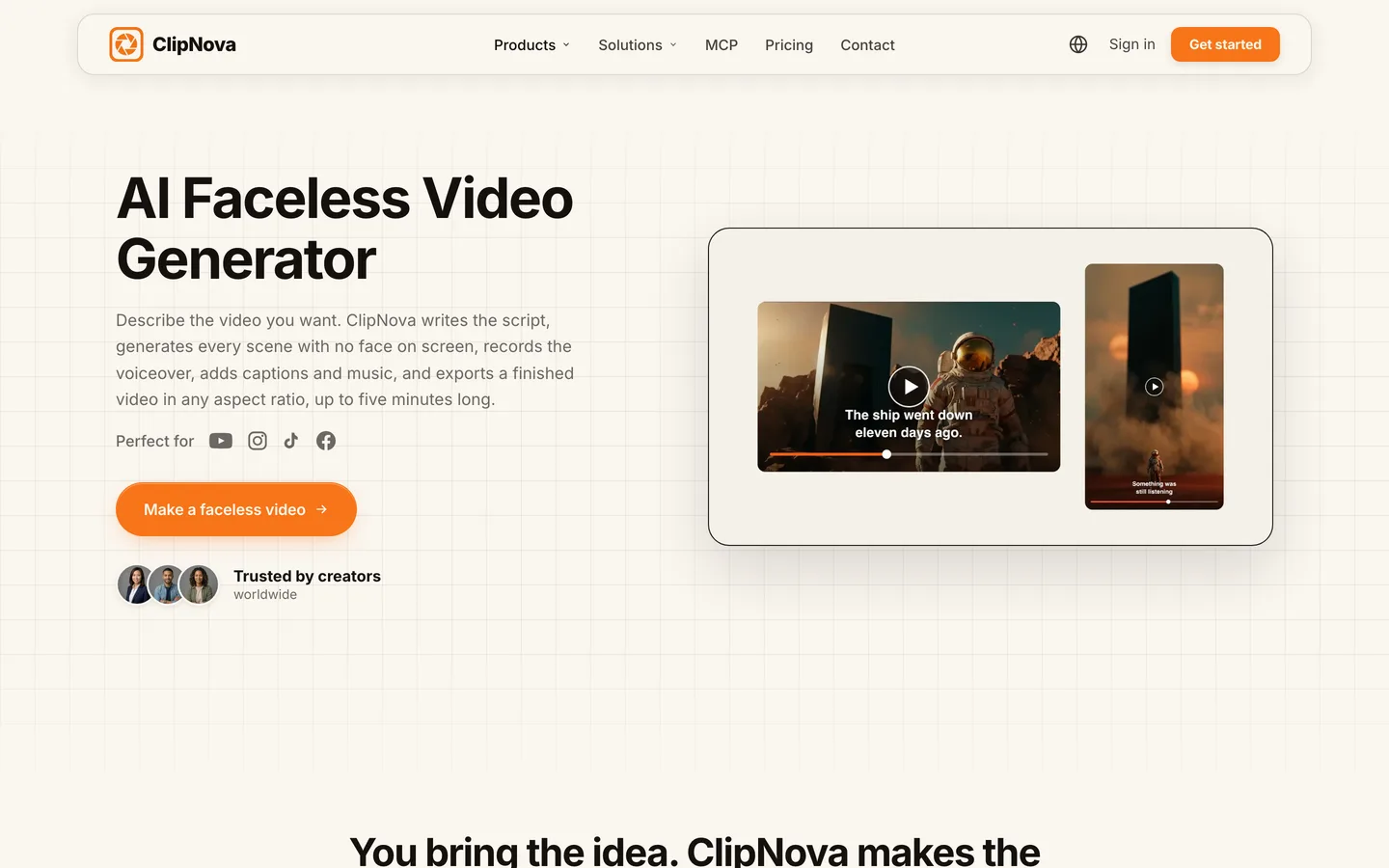
ClipNova treats a history video as a story to plan, not a clip to prompt. You paste the narration you researched, and it storyboards the script into short scenes, generates a period reconstruction for each beat, records the narrator and burns in captions. A historical figure you save as a character, with a picture and a locked look, keeps the same face across every scene, so your Charlemagne in minute four is the Charlemagne from the cold open.
For a history channel, ClipNova's core idea is finished long videos with consistent characters:
- Long: a researched script becomes one history video of up to 5 minutes, enough for a full event told hour by hour instead of a 40-second teaser.
- Consistent characters: save the monk, the king or the explorer once; with Series, the same figures return across a multi-part history and story memory carries what happened in the last five episodes.
- Finished: narration, captions and music come in the same render, and Studio lets you redo one wrong detail, like an anachronistic helmet, without touching the rest.
Key features
- Script to finished video up to 5 minutes, with a scene generated for every beat
- Saved characters with a locked look, and Series with a History template, up to 8 cast members and story memory of the last 5 episodes
- Narration in 18 languages, burned-in captions and your own music under the voice
- AI Video for fully animated scenes, or Moving AI Images (images with camera motion) at about a third of the price
- 9:16, 16:9 or 1:1 chosen per video, exported up to 1080p
- The ClipNova faceless video generator builds every scene with no presenter on camera
How to do it in ClipNova
- Paste your researched narration, split into short lines.
- Add the historical figures as characters with a picture each.
- Pick 16:9 for the main channel (or 9:16 for a Short), a narrator voice, captions and music.
- Choose AI Video or Moving AI Images, check the credit estimate and generate.
- Watch it once and fix any scene that shows a wrong detail in Studio.
Best for
- Faceless history channels posting 3 to 5-minute episodes on ancient, medieval and early modern events
- Multi-part histories (a war, a dynasty, an expedition) with recurring figures
Pricing
- Plans from $19/mo: Hobby $19 (1,000 credits), Starter $49 (2,600), Growth $99 (5,750), Ultra from $199 (12,000)
- In the app's estimate, a 60-second Base AI Video is 550 credits and the same minute as Moving AI Images is 189; the exact cost shows before you generate
Pros
- Follows your script, so your research and wording reach the viewer intact
- Recurring figures stay recognizable across a whole series
Cons
- 5 minutes is the cap per video, so a 12-minute history episode is made in parts
- Reconstructions are AI scenes, not archive footage, so modern-history topics with real footage may suit a stock tool better
2. LongStories.ai, best for long animated history episodes
LongStories.ai makes long animated videos from an idea or a script, and it is organized around reuse: a video can become the first episode of a series, and a series can live inside a universe with its own look, places and cast. Its own showcase universe, Professor Time, is a time-travel history adventure, which tells you the format it has in mind: a recurring guide character visiting a different era each episode, in an animated style such as Pixar-like 3D, anime or comic.

Key features
- Up to 10 minutes per video on Pro and Creator, 15 minutes on Creator Max and above
- Series and universes that keep cast, voices and world between episodes
- Styles including Pixar-like 3D, anime, cartoon and comic book
- Narrator and character voices, with single-shot edits and regeneration
- Upscaling to 1080p, 2K or 4K
Best for
- Animated history channels for younger audiences with a recurring host character
- Episodes of 8 to 15 minutes in one render
Pricing
- Pro: $59/mo ($44.25/mo billed yearly) with 4,500 credits, which LongStories puts at about 6 minutes of Pro video at 480p
- Creator: $99/mo (8,500 credits); Creator Max: $199/mo (17,000 credits) for 15-minute videos
Pros
- The longest single render in this list for animated history
- Universe tools suit a "host travels through history" format
Cons
- The stylized animated look suits family history content more than serious documentary tone
- About 6 minutes of 480p video on the entry plan, so a weekly long episode needs a higher plan
3. Pictory, best for modern-history explainers on stock footage
Pictory is the opposite approach to reconstruction. You paste a script, an article or notes, and it builds a scene for every sentence using clips and images from its stock library (Getty Images and Storyblocks), with an AI voiceover and captions. For the twentieth century (the space race, the Cold War, the history of a company) that real footage often reads as more credible than a generated scene. You can also generate AI visuals inside Pictory, but stock is its core.

Key features
- Script, article or notes to video, a scene per sentence
- Stock library from Getty Images and Storyblocks (5 million videos on Starter, 18 million on higher plans)
- ElevenLabs AI voices in 29 languages, or your own voiceover
- Edit the video by editing the text; 1080p export
Best for
- Modern-history and business-history explainers where real footage exists
- Turning a written history article into a video quickly
Pricing
- Starter: $29/mo ($25/mo billed yearly) with 200 video minutes a month and videos up to 5 minutes
- Professional: $59/mo ($35/mo yearly) with 600 minutes and videos up to 30 minutes
Pros
- Real footage for periods where it exists
- Predictable minutes-based pricing
Cons
- Stock libraries hold little for ancient or medieval topics, and the same clips appear on other channels
- No recurring original characters for story-led history
4. Revid.ai, best for dramatized history scenes with dialogue
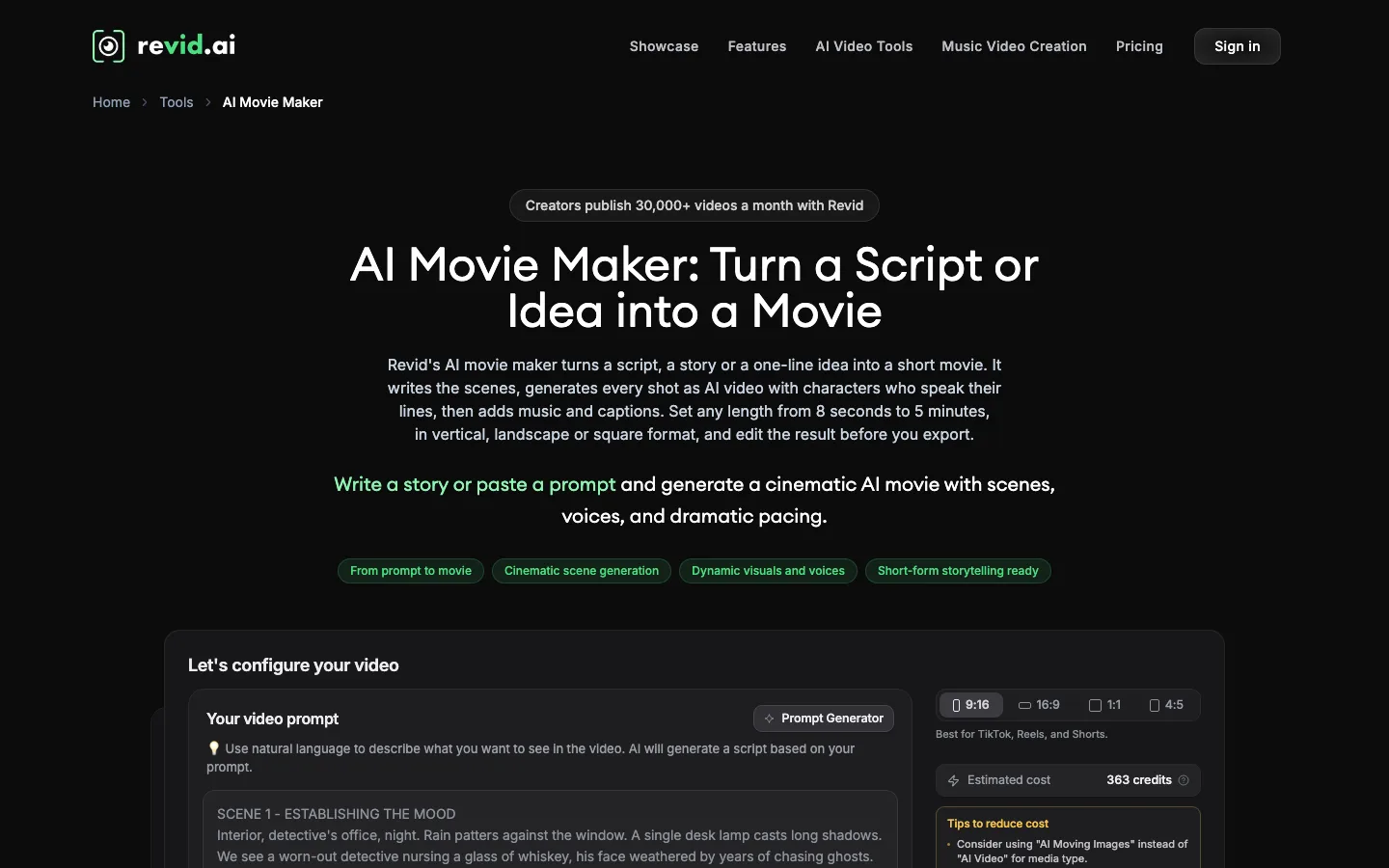
Revid.ai is built for short-form growth, but its AI Movie Maker is useful for history channels that want drama rather than narration. It turns a script, a story or a one-line idea into a short movie: it writes the scenes, generates each shot as AI video with characters who speak their lines, then adds music and captions. A history channel can use it to stage a short scene, such as a tense council meeting, with characters arguing on screen.
Key features
- AI Movie Maker: 8 seconds to 5 minutes, scenes generated as AI video
- Characters speak their own lines, with music and captions added
- 9:16, 16:9, 1:1 and 4:5; export in 720p, 1080p or 4K
- Publishing to TikTok, Instagram and YouTube, plus Auto-Mode workers
Best for
- Short dramatized history scenes and skits built on dialogue
- Creators who want generation and posting in one place
Pricing
- Growth: $39/mo ($32/mo billed yearly) with 2,000 credits
- Ultra: $199/mo ($166/mo yearly) with 12,000 credits
Pros
- Speaking characters, useful when a scene is better acted than narrated
- Direct publishing for a daily Shorts schedule
Cons
- Revid's own AI Movie Maker example shows an estimate of 363 credits for one movie, so 2,000 credits cover only a handful a month
- Built for short-form growth more than for researched, narrated history
5. Synthesia, best for presenter-led history lessons
Synthesia is an AI video platform for business and education, and it fits one specific history use: lessons with a presenter. An AI avatar delivers your script on screen, next to slides, images or maps, and the AI Video Assistant can turn a deck, PDF or website into a first draft. Teachers and course creators use this format for history lessons that need a guide on screen rather than a cinematic reconstruction.

Key features
- AI avatars that present your script, plus personal avatars made from your own recording
- AI Video Assistant: decks, PDFs and websites into videos
- 140+ languages, 1-click translation and AI dubbing with lip sync
- Interactive elements and SCORM export for learning platforms
Best for
- History teachers and course creators who want a presenter-led lesson
- Schools and museums translating one lesson into many languages
Pricing
- Starter: $29/mo ($18/mo billed yearly), with 125+ stock avatars and 3 personal avatars
- Pro: $89/mo ($64/mo yearly)
Pros
- The most polished presenter format here, with strong translation tools
- Fits learning platforms through SCORM export
Cons
- Not built for faceless storytelling: the avatar is the format
- No generated period reconstructions, so the past is shown through your slides and media
How to choose the best AI history video generator for your channel
1) Which period do you cover?
- Ancient, medieval, early modern: no footage exists, so you need reconstructions. ClipNova for narrated videos up to 5 minutes, LongStories.ai for animated episodes past that.
- Twentieth century and later: real footage exists. Pictory matches your script to stock clips; ClipNova still fits when you want a story told through scenes rather than archive shots.
2) Narrated, acted or presented?
- Narrated documentary style: ClipNova, with one narrator in 18 languages and your script followed line by line.
- Acted scenes with dialogue: Revid.ai's AI Movie Maker, or ClipNova with AI Video and talking characters, where characters speak on screen with lip sync on any quality.
- A presenter on screen: Synthesia for lessons.
3) Do the same figures return across videos?
- Yes, a multi-part history: ClipNova Series keeps up to 8 saved characters and the story memory of the last five episodes. LongStories.ai universes keep a host and a world.
- No, one-off topics: any tool works; pick on look and price.
4) What will a month cost?
Count how many minutes you publish, at the quality you will use.
- ClipNova: from $19/mo. One 60-second Base AI Video is about 550 credits and a 60-second Moving AI Images video about 189, so Hobby (1,000 credits) covers a few Shorts or one longer test; a weekly 5-minute episode belongs on Growth or Ultra.
- LongStories.ai Pro: $59 for about 6 minutes of 480p video a month.
- Pictory Starter: $29 for 200 minutes of stock-based video, the most minutes per dollar, with videos capped at 5 minutes.
- Revid.ai Growth: $39 for 2,000 credits, a handful of AI movies.
- Synthesia Starter: $29 for presenter-led lessons.
5) How will you check the facts?
No tool here researches history for you, and any tool that writes its own script can invent a date or a quote. Build the check into your routine:
- Write the narration yourself, or check every line of a drafted script against two sources.
- Keep a source sheet per video and paste the main sources into the description.
- Watch each scene for anachronisms: a stirrup too early, a flag that did not exist yet, a cathedral finished centuries later.
- Fix the scene, not the video. In ClipNova, a wrong helmet is one regenerated scene in Studio.
Realistic reconstructions of real events and places may need YouTube's altered or synthetic content label, so tick it when the scene could pass for real footage.
For channel setup and posting cadence, read how to start a faceless YouTube channel, and if your history videos run past a few minutes, our roundup of long-form AI video generators compares length limits in detail. When you know your monthly minutes, ClipNova pricing shows what each plan's credits cover.
Frequently asked
What is the best AI history video generator?
ClipNova is the best AI history video generator for most faceless channels: a researched script becomes a narrated history video of up to 5 minutes with reconstructed scenes, captions and music, and saved historical figures stay consistent across scenes. Plans start at $19 a month.
Can AI make a history documentary from a script?
Yes. Tools like ClipNova split your script into scenes, generate a period reconstruction for each line, add a narrator and captions, and return one video. Pictory does the same with stock footage instead of generated scenes, which suits modern history.
Are AI history videos accurate?
Only as accurate as your script and your checks. AI tools generate pictures, not research, and a tool that writes its own script can invent details. Write or check every line against reliable sources and watch each scene for anachronisms before you post.
Do I have to label AI history videos on YouTube?
YouTube asks creators to disclose realistic synthetic content, including AI-generated footage of real places and realistic scenes that did not happen. A photorealistic reconstruction of a real event usually qualifies; clearly animated or stylized history does not need the label.
Can I monetize a faceless history channel made with AI?
Yes, if the videos are original and add value. YouTube's monetization policies exclude mass-produced or repetitive content, so research each topic, write your own narration and vary your formats. Check that your plan includes commercial use; every ClipNova plan does.
What is the cheapest AI history video generator?
ClipNova has the lowest entry price in this list at $19 a month. Pictory and Synthesia start at $29, Revid.ai at $39 and LongStories.ai at $59, all billed monthly. Per minute of video, Pictory is cheapest because it assembles stock footage instead of generating scenes.
How long should a faceless history video be?
Shorts of 45 to 60 seconds grow a history channel fastest, while 3 to 10-minute videos earn more watch time. A common pattern is one longer episode a week cut into two or three Shorts that point back to it. ClipNova covers both from the same script, up to 5 minutes per render.
Which AI history video tool should I start with?
Start with ClipNova if your channel tells narrated stories from any period, from $19 a month. Add Pictory for twentieth-century topics with real footage, LongStories.ai for long animated episodes, Revid.ai for dramatized dialogue, or Synthesia if you teach with a presenter on screen.