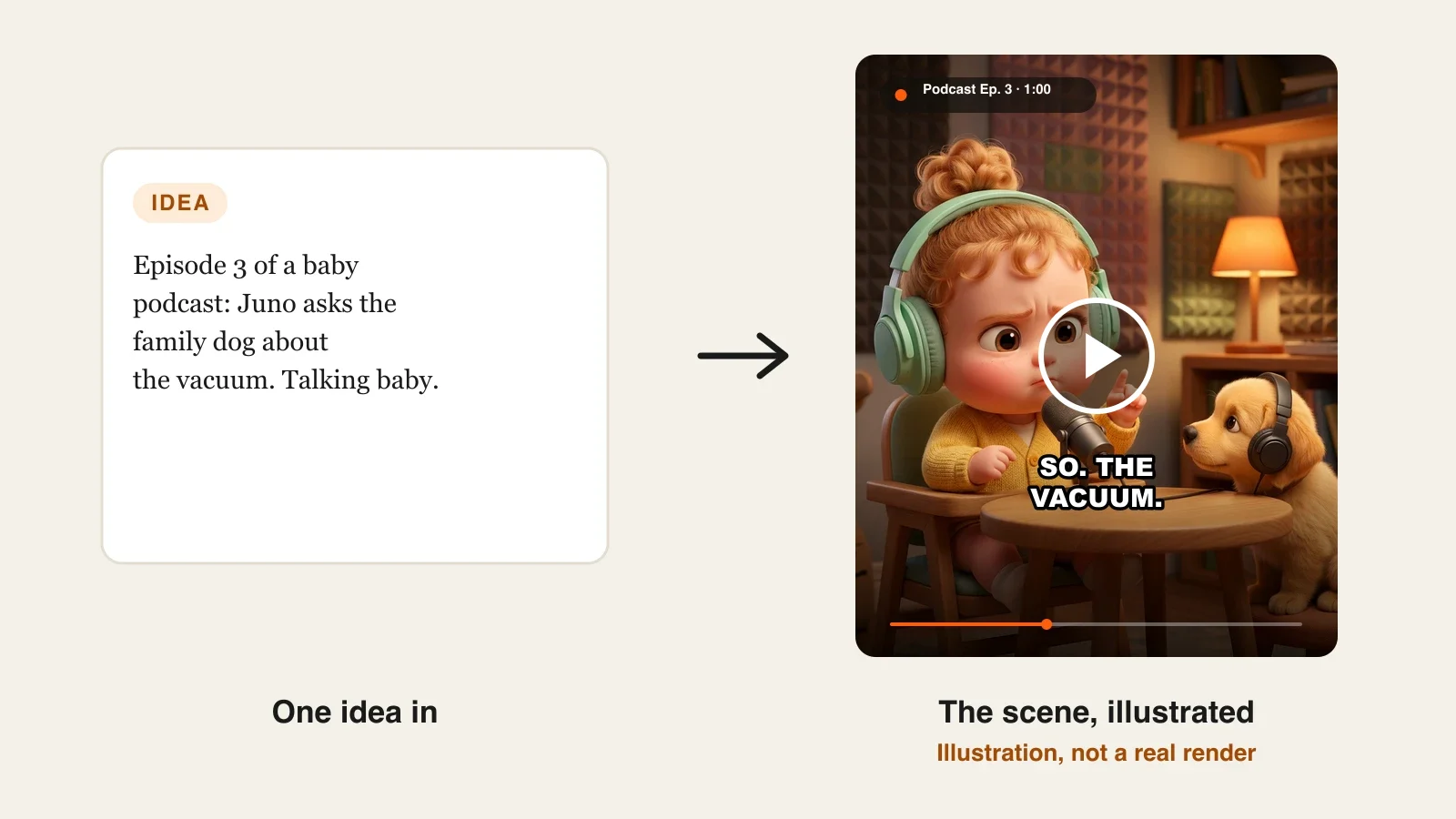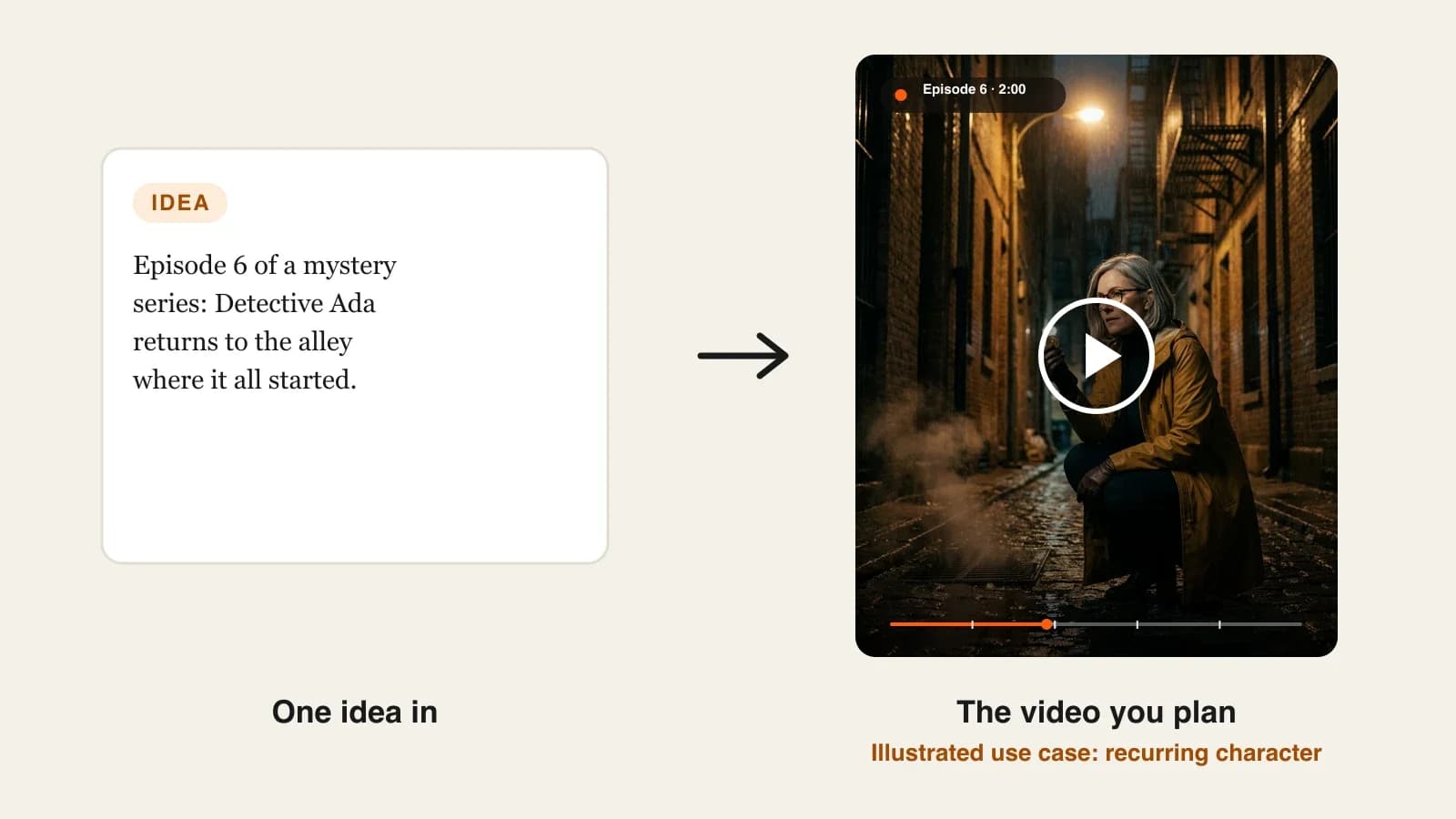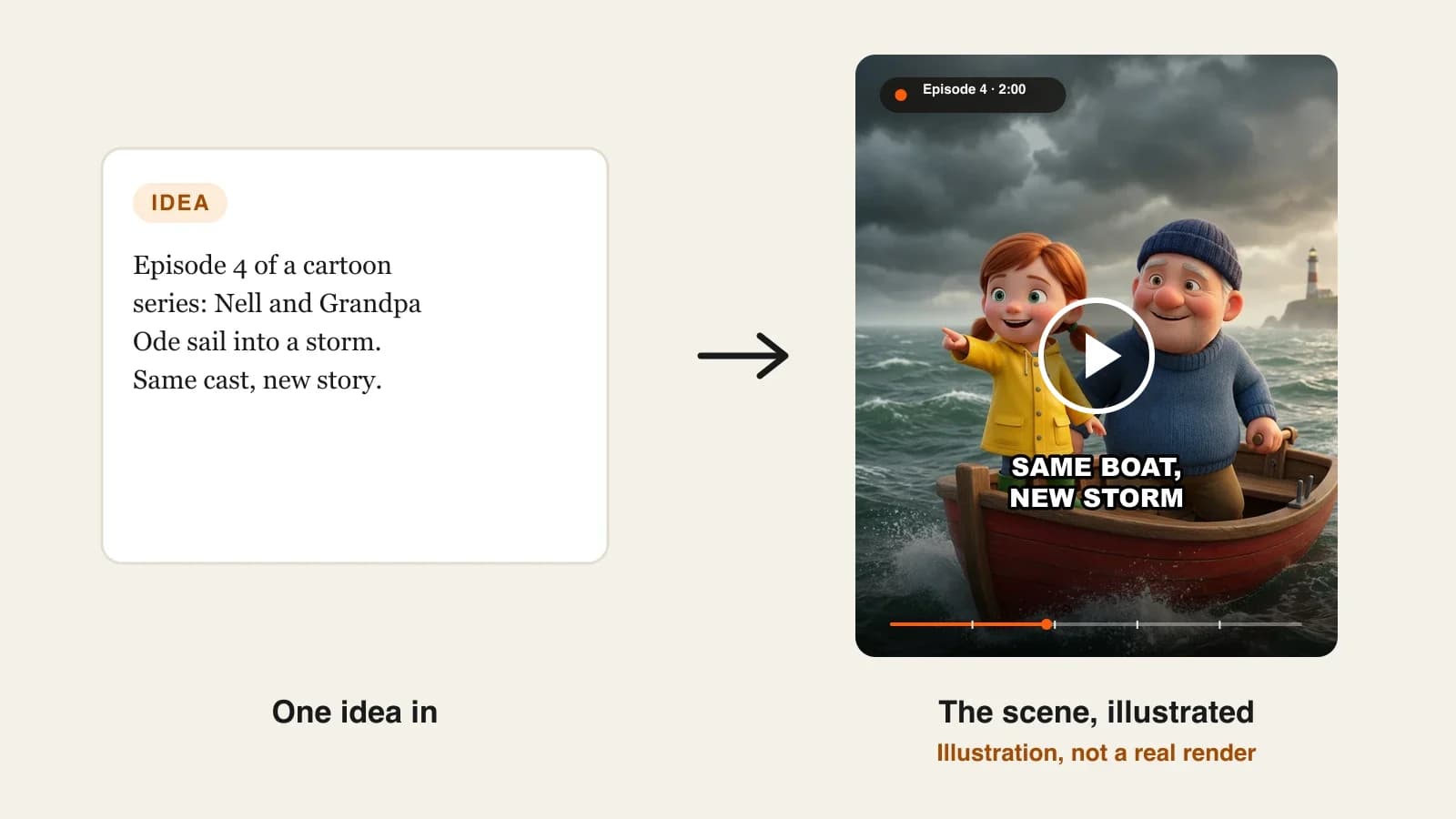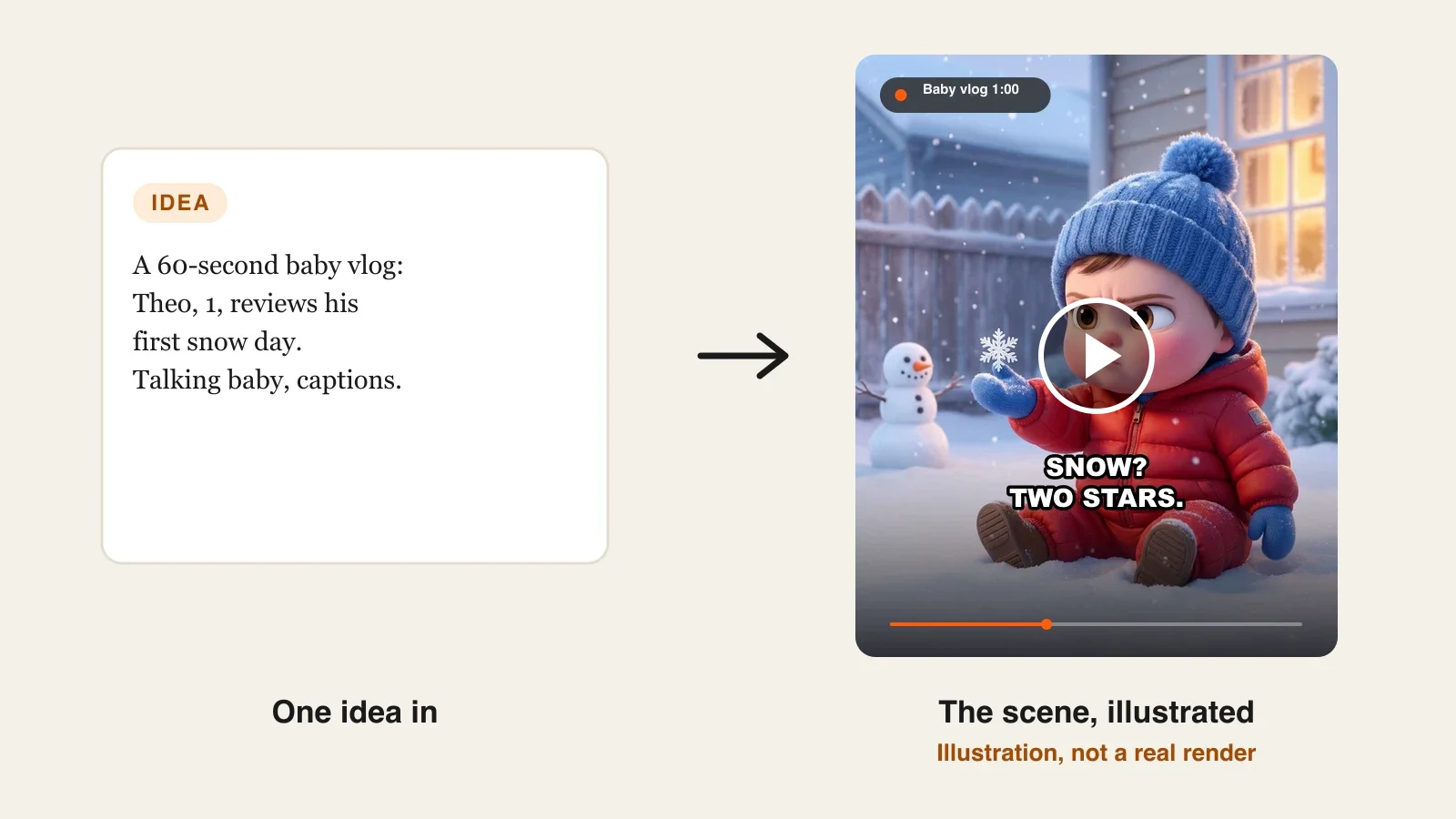
The best AI baby video generators in 2026 are ClipNova for full talking-baby episodes and baby stories of up to 5 minutes with the same baby in every scene, followed by Revid, HeyGen and JoggAI for single talking-photo clips. ClipNova starts at $19/mo; the other three start between $29 and $39 a month on monthly billing.
Talking babies are one of the strangest hits of the AI era. A one-year-old in oversized headphones gives a stern opinion on bath time, and millions of people watch to the end. The joke works because the baby looks real enough, talks with perfect lip sync and has a personality that comes back every episode. That last part is where most tools fall short: they make one photo talk once, and next week your baby has a different face.
This roundup compares four AI baby video generators on the formats they handle (podcast, vlog, story), how long the videos run, whether the same baby returns, and what each one costs.
The 4 best AI baby video generators at a glance
- ClipNova: best overall for recurring baby characters and full episodes. Create the baby once, then make a talking-baby podcast, a day-in-the-life vlog or a narrated bedtime story with that same baby, scene after scene, for up to 5 minutes.
- Revid: best for quick two-speaker talking-baby clips. Upload a baby photo, write a dialogue with one line per speaker, and a parent can answer back.
- HeyGen: best for the most lifelike talking-photo close-up. Its Avatar IV engine turns one photo into a talking head with natural expression and lip sync.
- JoggAI: best for batches of talking photos on a budget per minute. Talking photo, talking cartoon and singing photo modes in one place.
| Tool | Best baby format | Starting price (monthly billing) | Max length | Same baby across episodes | Multiple scenes |
|---|---|---|---|---|---|
| ClipNova | Podcast, vlog and story episodes | From $19/mo | Up to 5 min | Yes, saved character and Series | Yes |
| Revid | Two-speaker talking-baby dialogue | $39/mo | Not published for this tool | Reuse the same photo | No, one talking photo |
| HeyGen | Realistic talking-photo close-up | $29/mo | 30 min per video on Creator | Reuse the same photo avatar | No, a talking head |
| JoggAI | Talking photos in bulk | $29/mo | 1 min per AvatarX video on Starter | Reuse the same photo | No, a talking head |
What makes a good AI baby video generator?
Baby videos look simple, and that is why viewers notice every flaw. Before you pick a tool, check it against these points:
- The same baby every time. A talking-baby account is a character account. If the curls, the eyes or the onesie change between episodes, the audience stops recognizing the host. Look for a way to save the baby, not just re-upload a photo.
- Lip sync that survives a close-up. Baby faces are round and soft, which makes sloppy mouth movement obvious. Watch the corners of the mouth on fast lines.
- A voice that sounds like a character, not a toddler filter. The best talking babies sound like a tired adult or a confident host. A pitched-up kid voice gets annoying after ten seconds.
- Room for more than one shot. A baby podcast is a single desk shot, but a baby vlog needs the kitchen, the park and the bath. A talking-photo tool gives you one framing; a scene-by-scene tool gives you a story.
- Clear rules on real children. Using your own child's photo is your decision; using someone else's child is not. Pick a tool that lets you create an AI baby from a description.
One quick test: write a 20-second script with three beats (a setup, a complaint, a punchline) and run it through your top two tools. The one that lands the punchline with a believable expression is the one to build a channel on.
1. ClipNova, best overall AI baby video generator
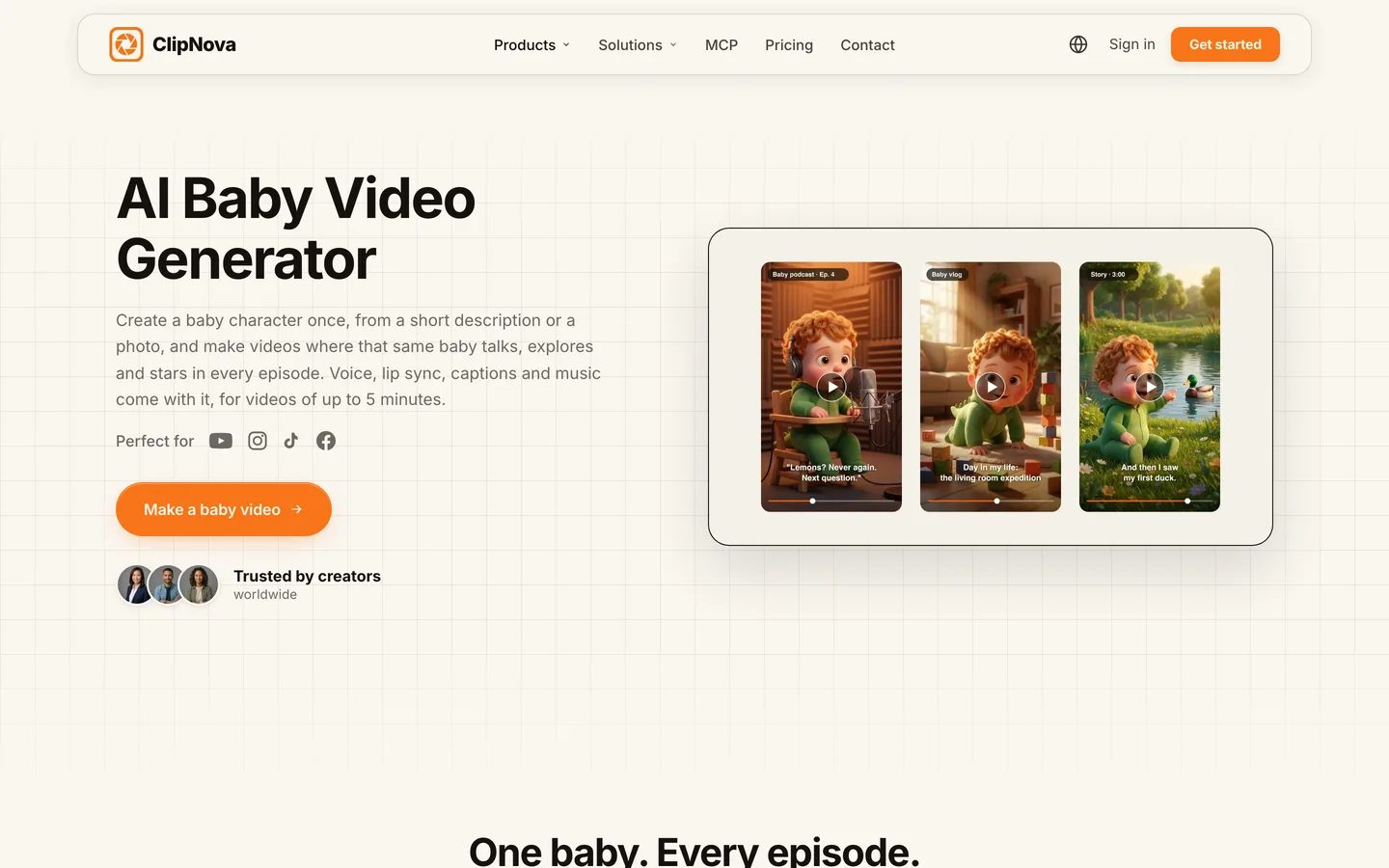
ClipNova makes baby videos the way a channel needs them: as episodes with a recurring star. You create the baby once in the AI Character studio, from a few words or a photo, give it a name and lock its look, and that consistent character comes back with the same face, hair and outfit in every scene. Then you write one line ("Theo reviews his first snow day") or the whole script, and ClipNova builds the scenes, the voice, the captions and the music.
A talking-baby channel lives or dies on a host people recognize, and that is exactly what ClipNova's finished long videos with consistent characters are for:
- Long: an episode is not capped at one talking photo. A one-minute podcast or a five-minute bedtime story renders in one go, scene after scene, up to 5 minutes.
- Consistent characters: the saved baby keeps the same face and onesie in every scene, and a Series holds up to 8 characters (mum, dad, the dog) with story memory, so episode 12 remembers episode 11.
- Finished: script, scenes, voice, captions and music arrive together, and Studio lets you redo the one scene where the punchline face is wrong without touching the rest.
The dedicated starting point is the ClipNova AI baby video generator.
Key features
- Baby character created once from a description or a photo, with a locked look
- Two ways to speak: talking characters (the baby says the lines on screen with lip sync in its own voice, on Base at 768p or Pro at 1080p) or a narrator in 18 languages
- Styles from soft 3D to realistic, in 9:16, 16:9 or 1:1, chosen per video
- Series with up to 8 characters and a new episode from a short idea
- Studio to fix a single scene before you post
How to make a talking-baby video in ClipNova
- Open the AI Character studio and create the baby from a short description, or upload a photo you have the right to use.
- Name it and lock the look.
- Start a video, add the baby, and type the episode idea or paste the full script.
- Choose talking characters for the podcast look, or a narrator for a story, then pick the style and the ratio.
- Generate, watch it on your phone, fix any weak scene in Studio and post.
Pricing
- Plans from $19/mo: Hobby $19 (1,000 credits), Starter $49 (2,600), Growth $99 (5,750), Ultra from $199 (12,000); 20% off yearly
- The app shows the credit cost of each video before you generate; a 60-second Base AI Video episode was about 550 credits in the app's estimate
- Every plan has every feature, commercial rights and no watermark
Pros
- The only tool here that keeps one baby across scenes and episodes by design
- Podcast, vlog and story formats from the same character
- Narration in 18 languages, so one baby can host a Spanish or Portuguese channel too
Cons
- No auto-posting; you review each episode and post it yourself
- Talking characters need AI Video, not Moving AI Images, so a talking episode costs more credits than an animated-stills version
2. Revid, best for quick two-speaker talking-baby clips
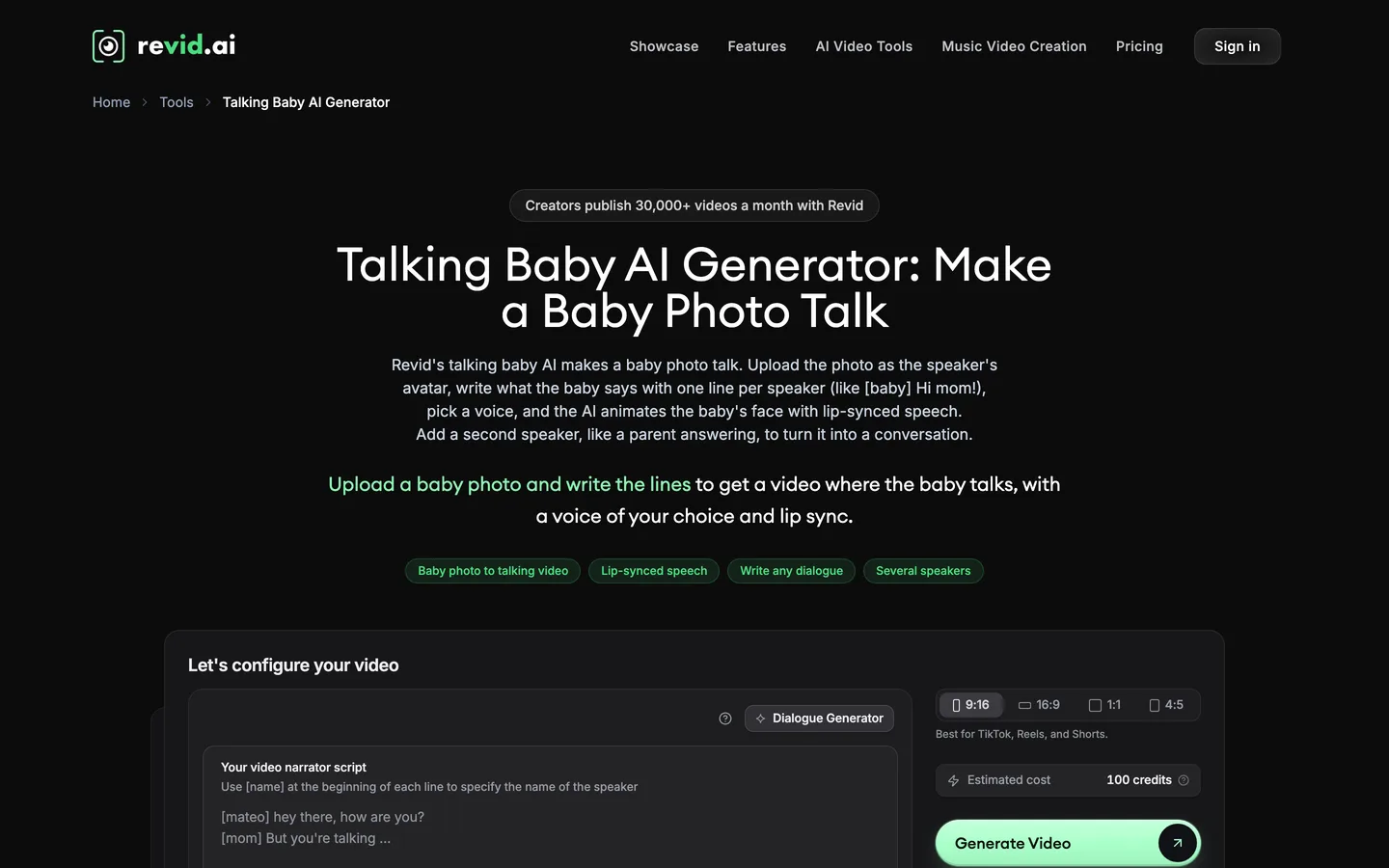
Revid has a dedicated talking-baby tool built around one idea: a baby photo plus a dialogue. You upload the photo (or pick a ready-made avatar), write the lines with the speaker's name in brackets, choose a voice for each speaker and Revid animates the face with lip sync and captions. Add a second photo and voice and you have the classic "baby argues with mum" format.
It is a fast way to make the single-joke clip. Revid also has a separate baby vlog generator for day-in-the-life ideas, but each talking-baby video is still one photo talking, not a set of scenes.
Key features
- Baby photo to talking video with lip-synced speech and captions
- Dialogue format with several speakers, each with a photo and a voice
- Voices in 70+ languages, filtered by gender, age and accent
- 9:16, 16:9, 1:1 and 4:5 output, with the credit estimate shown before generating
- Direct publishing to TikTok, Instagram and YouTube on paid plans
Best for
- Short "baby versus parent" comedy clips
- Creators who want to post straight from the tool
Pricing
- Growth: $39/mo billed monthly ($32/mo yearly) with 2,000 credits
- A talking-baby clip costs 80 to 200 credits per 500 characters of dialogue, depending on avatar quality
- Elite $89/mo with 5,000 credits; Ultra $199/mo with 12,000
Pros
- The fastest route from a joke to a finished vertical clip
- Two-speaker dialogue is built in
Cons
- One photo talks per clip: no scene changes, no story structure
- Consistency depends on reusing the exact same photo; there is no saved baby character
3. HeyGen, best for the most lifelike talking-photo close-up
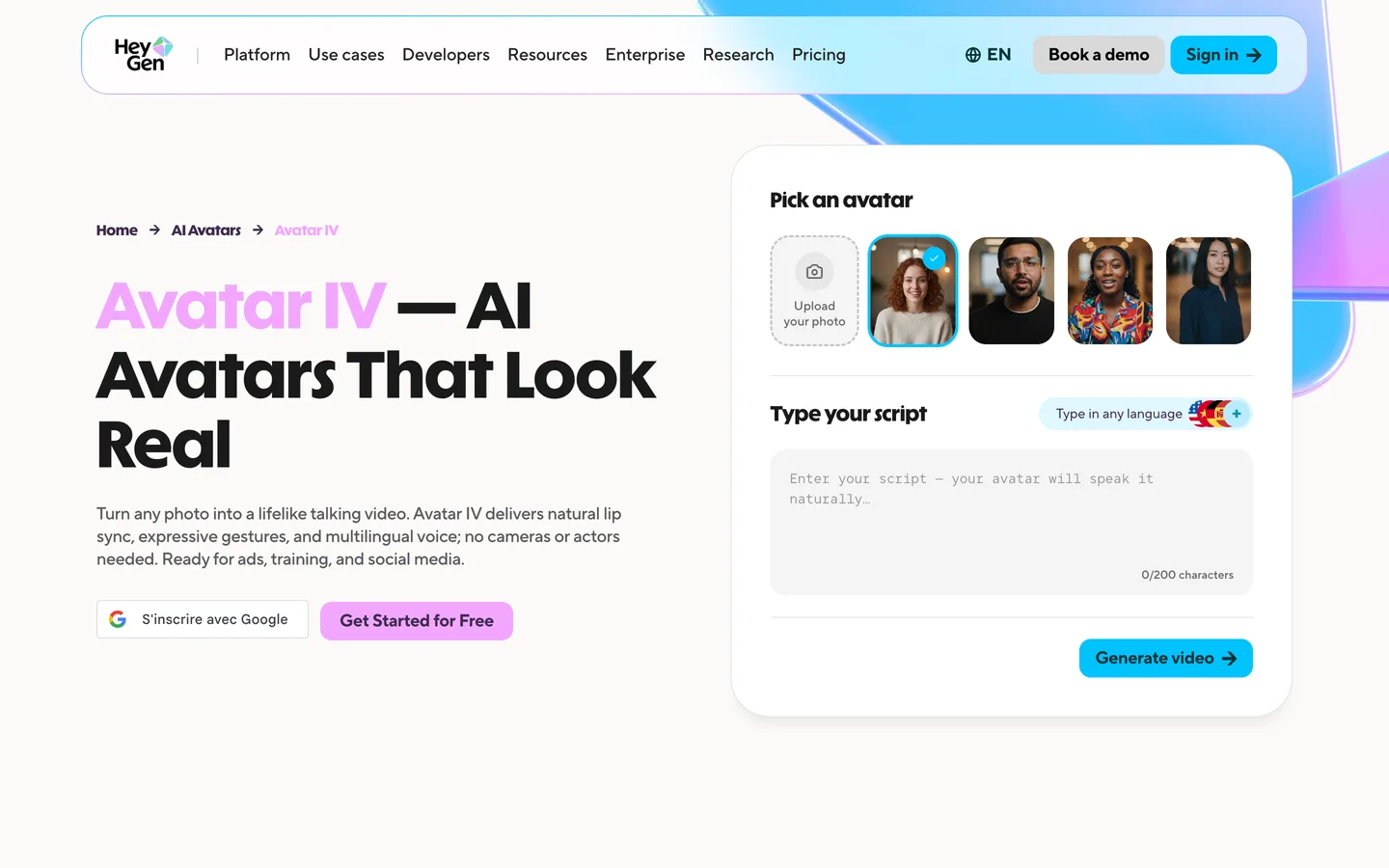
HeyGen is an avatar platform built for presenters, and its Avatar IV engine is one of the most convincing ways to make a still face talk. Upload one clear photo, type a script, and Avatar IV animates it with natural lip sync, head movement and expression. Plenty of baby-podcast creators use it for exactly that: a generated baby face, a punchy script, one locked close-up.
The trade-off is scope. HeyGen gives you a talking head, not a story: there are no scenes, no baby walking to the park, no narrator over a bedtime tale. You also bring the baby image yourself.
Key features
- Avatar IV and Avatar III engines for photo-to-talking-video
- Expressive lip sync, head tilt and eye movement driven by the audio
- 175+ languages and dialects on the Creator plan
- 1080p export on Creator, 4K on Pro
Best for
- A single-shot baby podcast where realism matters most
- Creators who already have a baby image they want to keep using
Pricing
- Creator: $29/mo billed monthly ($24/mo yearly) with 600 credits, 1080p, up to 30 minutes per video
- Pro: $49/mo with 1,000 credits and 4K export
- Business: $149/mo
Pros
- Some of the most natural facial motion in this list
- Long scripts are possible if the joke needs it
Cons
- Built for presenters: one framing, no scenes or story
- No way to generate and lock a baby character for a series inside the talking-photo flow
4. JoggAI, best for batches of talking photos
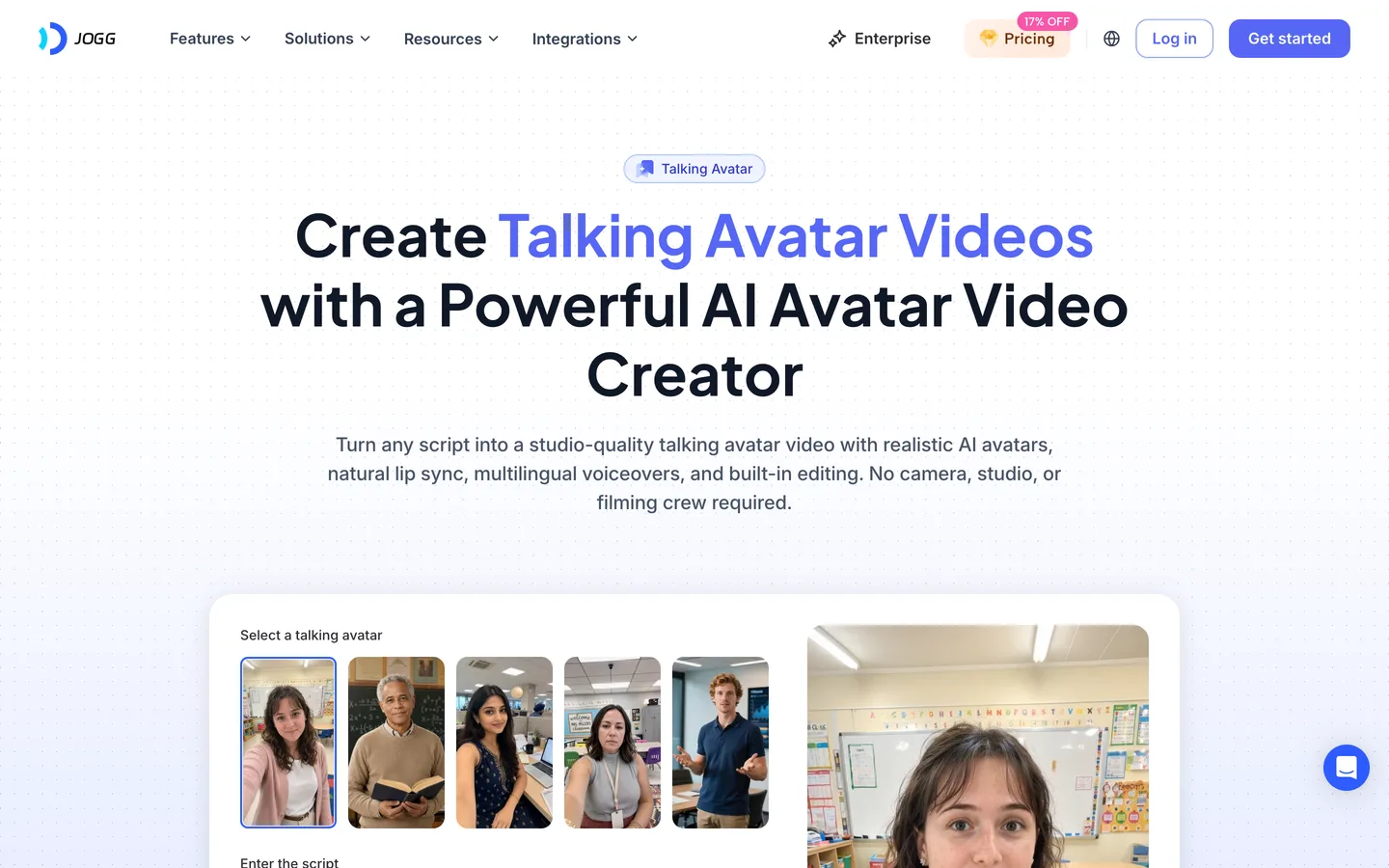
JoggAI is an avatar video tool with a talking-photo mode that also offers singing photos, talking animals and talking cartoons, plus a dedicated baby-podcast page. Upload a baby picture, type the script or upload audio, and it returns a lip-synced clip. It suits creators who want to test many baby jokes quickly and keep the cost per minute low.
Like HeyGen, it animates a face rather than building a scene, so a baby vlog with several locations is outside its scope.
Key features
- Talking photo, singing photo, talking animal and talking cartoon modes
- Script or uploaded audio as the voice source
- Custom avatars and voice clones on paid plans
- Seedance and other video models for separate image-to-video clips
Best for
- High-volume testing of baby-podcast jokes
- Creators who also want singing or cartoon talking photos
Pricing
- Starter: $29/mo billed monthly with 12,000 credits ($24/mo billed yearly), 1 minute per AvatarX video
- Creator: $40.66/mo billed yearly with 264,000 credits a year and 5 minutes per AvatarX video
- Team and Enterprise for larger volumes
Pros
- Low cost per talking-photo minute
- Several talking-photo modes in one subscription
Cons
- Short per-video avatar limit on Starter
- A face that talks, not a story with scenes and a returning cast
Baby video rules to know before you post
AI baby videos are easy to make; a few rules keep them safe to post:
- Real children. Only upload photos you have the right to use, such as your own child's, and never another family's child or a famous baby. An AI-created baby avoids the question entirely.
- Realistic or cartoon. YouTube asks creators to disclose realistic altered or synthetic content that could be mistaken for a real person or event. A photoreal talking baby can be; a clearly 3D cartoon baby usually is not.
- Made for kids. A baby on screen does not make a video "made for kids". A talking-baby comedy aimed at adults is not; a bedtime story aimed at toddlers is, and YouTube requires you to mark it that way.
For the full workflow, from the baby's personality to the posting schedule, read our guide on how to make AI talking baby videos.
How to choose the best AI baby video generator for your channel
1) Is it one joke, or a recurring character?
- A recurring host with a name and a personality: ClipNova. The saved character and Series are what keep "Theo" looking like Theo in episode 30.
- A one-off viral joke: Revid, HeyGen or JoggAI will make a single talking photo quickly.
2) Do you need scenes, or a single close-up?
- Podcast desk only: any tool here works; compare lip sync on your own script.
- Vlogs, stories, a baby who goes somewhere: ClipNova, because it builds the video scene by scene up to 5 minutes. The talking-photo tools keep one framing.
3) Who talks?
- The baby, on screen: ClipNova talking characters, Revid, HeyGen or JoggAI.
- The baby and a parent in the same clip: Revid's dialogue format, or a ClipNova Series with mum and dad saved as characters.
- A narrator over a bedtime story: ClipNova, with narration in 18 languages.
4) What does one baby video cost?
- ClipNova Hobby: $19 a month for 1,000 credits; a 60-second Base AI Video episode was about 550 credits in the app's estimate, and the exact cost shows before you generate.
- Revid Growth: $39 for 2,000 credits; a short talking-baby clip runs 80 to 200 credits per 500 characters.
- HeyGen Creator: $29 for 600 credits of talking-photo video.
- JoggAI Starter: $29 billed monthly, with short per-video avatar limits.
5) How often will you post?
- Daily jokes: speed matters more than story, so a talking-photo tool or short ClipNova episodes of 30 to 60 seconds both fit. Write a week of scripts in one sitting.
- One bigger episode a week: a 2 to 5 minute vlog or bedtime story with the same baby gives the channel a reason to subscribe, and that is ClipNova's home ground.
- Both: many baby channels pair short daily clips with a longer weekly episode. Make both from the same saved baby so the Shorts feed and the long videos clearly belong to one character.
Before you commit to a plan, give your baby three traits in one line (bossy, sleepy, obsessed with the dog) and write every script from them. Viewers follow a personality, and a personality is what makes the same face worth coming back to.
If your baby will star alongside other recurring characters, our roundup of consistent character AI video generators goes deeper on keeping a cast stable, and ClipNova pricing lists the credits on each plan.
Frequently asked
What is the best AI baby video generator in 2026?
ClipNova is the best overall AI baby video generator: you create a baby character once and it stars in talking-baby podcasts, vlogs and stories of up to 5 minutes, with the same face in every scene. Revid suits quick two-speaker talking-baby clips, HeyGen makes the most lifelike talking-photo close-ups and JoggAI suits batches of talking photos.
How do people make the AI baby podcast videos?
They create or upload a baby image, write a short script in the voice of a confident host, and use a tool with lip sync so the baby says the lines on screen. In ClipNova you save the baby as a character and choose talking characters; in Revid, HeyGen or JoggAI you animate a single photo.
Can I use a photo of my own baby?
Yes, with tools that accept uploads, as long as you have the right to use the photo, such as your own child's. Do not upload other people's children or famous babies. Creating an AI baby from a description avoids the issue and keeps your child off the internet.
How do I keep the same AI baby in every video?
Save the baby as a character with a locked look instead of re-uploading a photo each time. In ClipNova a saved character keeps the same face, hair and outfit in every scene, and a Series brings it back each episode with up to 8 characters and story memory.
How long can an AI baby video be?
Talking-photo clips are usually short single shots. ClipNova renders up to 5 minutes per video, so a baby vlog or a bedtime story can run 2 to 5 minutes with several scenes. HeyGen allows up to 30 minutes per video on Creator, but as one talking close-up.
What is the cheapest AI baby video generator?
Of the tools compared here, ClipNova has the lowest entry price at $19 a month for 1,000 credits. HeyGen Creator and JoggAI Starter are $29 a month billed monthly, and Revid Growth is $39 a month.
Do AI baby videos need an AI label on YouTube?
YouTube asks creators to disclose realistic altered or synthetic content that viewers could mistake for a real person or event. A photoreal talking baby should carry the label; a clearly cartoon 3D baby usually does not need it.
Which AI baby video generator should a new baby channel start with?
Start with ClipNova if the baby is meant to be a recurring host with a name, because it keeps the same character across scenes and episodes and handles podcasts, vlogs and stories; plans start at $19 a month. For one-off talking-photo jokes, compare Revid, HeyGen and JoggAI.