The best AI animation generators for creators in 2026 are ClipNova for finished animated stories of up to 5 minutes with the same characters in every scene, followed by AnimateAI, StoryShort, Animaker and Luma for narrower jobs. ClipNova starts at $19/mo; the others start between $27 and $39.99 a month on monthly billing.
An animated channel used to need a storyboard artist, a character designer, animators and a voice cast. AI has removed most of that work, but not all of it. Many tools still hand you a few seconds of motion and leave the story, the voices and the edit to you. Others give you a finished video in a style that looks like everyone else's.
This roundup is about animated story videos: bedtime tales, fables, adventure shorts and small animated series for YouTube, Shorts and TikTok. It compares five AI animation generators on how much of the story they finish for you, how well the characters hold up from scene to scene, how long the videos run and what each one costs.
The 5 best AI animation generators for creators at a glance
- ClipNova: best overall for finished animated stories. A prompt or script becomes a voiced, captioned animated video of up to 5 minutes in 3D, 2D, anime, claymation or watercolor, with saved characters that look the same in every scene.
- AnimateAI: best for storyboard-first animation. Its storyboard step lets you edit scene descriptions and pictures before anything is animated.
- StoryShort: best for an animated series that posts itself. Set a series up once and it writes, makes and posts new episodes on a schedule.
- Animaker: best for editing an animated video by hand after the AI draft. A prompt becomes a cartoon video you can then rework in a full drag-and-drop editor.
- Luma: best for cinematic animated shots you assemble yourself. Strong video models and character references for creators who edit their own films.
| Tool | Best for | Starting price (monthly billing) | Video length | Voices and captions | Character consistency |
|---|---|---|---|---|---|
| ClipNova | Finished animated stories | From $19/mo | Up to 5 min | Yes, 18 narration languages | Saved characters and Series |
| AnimateAI | Storyboard-first animation | $39.99/mo | Up to 10 scenes per video | Yes, multi-language voices | Saved characters for reuse |
| StoryShort | Animated series on autopilot | $39/mo | Shorts, plus long-form of about 8 to 10 min | Yes | Characters fixed before the first image |
| Animaker | Hand-edited cartoon videos | $27/mo | 5 min on Basic | Yes, with lip sync | Character builder |
| Luma | Cinematic shots for your own edit | $30/mo | Clips | No (you add them) | Character references |
What makes a good AI animation generator for story videos?
Animation is forgiving about realism and unforgiving about continuity. A viewer accepts a talking fox, but not a fox whose scarf changes colour between shots. Check every tool against these points:
- The character holds. The hero should have the same face, colours and outfit in shot one and shot twenty. This is the test most AI animation fails.
- The whole story, not one shot. A 2-minute fable has 15 to 25 scenes. A tool that makes one 5-second clip at a time leaves you to plan, generate and stitch all of them.
- Voices that belong to characters. Story videos need a narrator, dialogue, or both, timed to the scene. Silent clips plus a separate voice tool doubles the work.
- A style you can keep. Pick one look (3D, flat 2D, anime, clay, watercolor) and keep it for the whole channel. Viewers recognise a channel by its style before they read the title.
- Fixes without a full redo. One weak scene should cost you one scene, not the whole video.
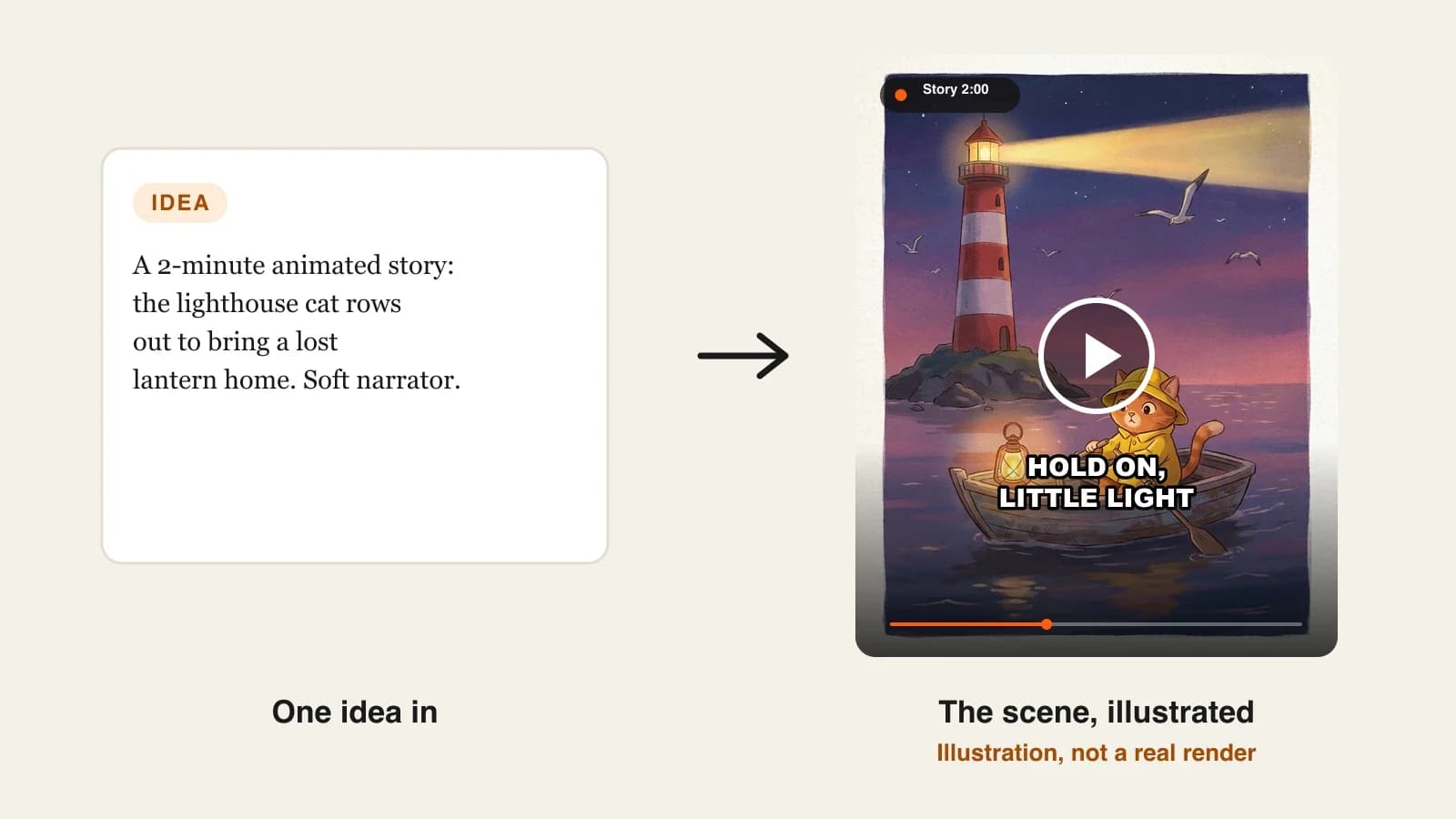
A quick way to compare tools is to write one short story with a recurring character, for example "a lighthouse cat rows out at dusk to bring a lost lantern home", and make it in each tool at the same length. Look at the cat in the first and last scene side by side. The tool whose cat is still the same cat is the one you can build a channel on.
1. ClipNova, best overall AI animation generator for creators
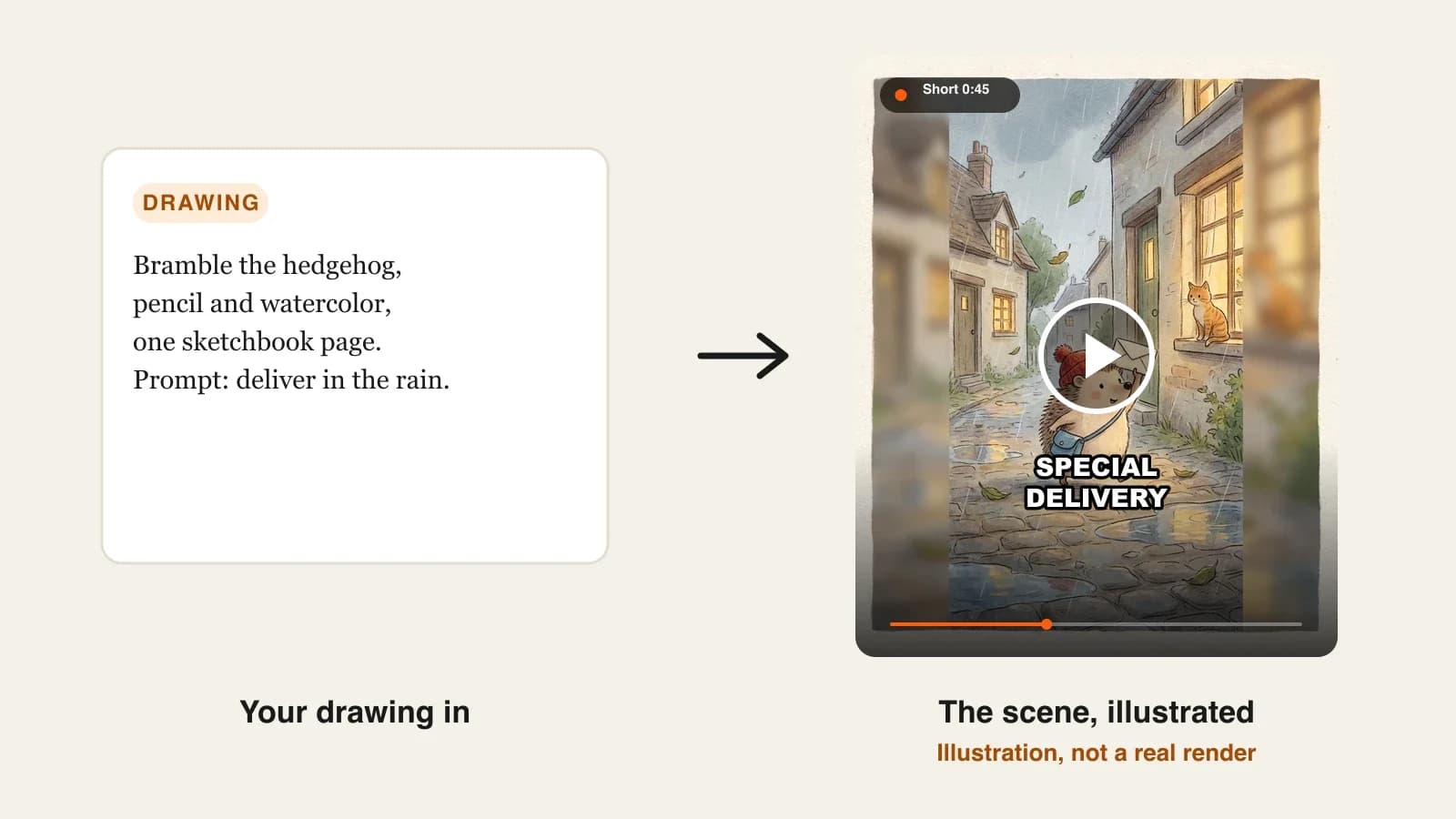
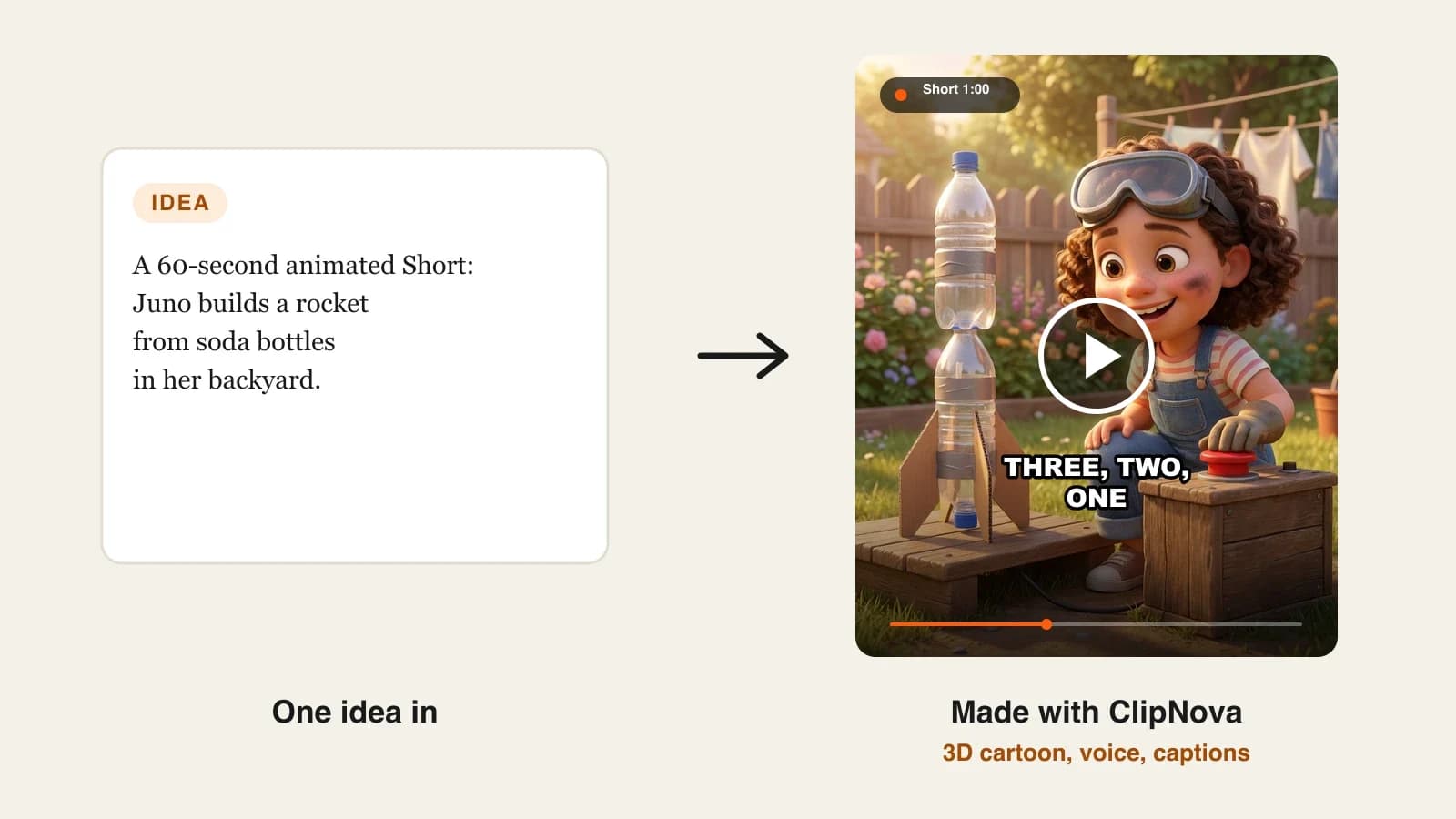
ClipNova turns a story idea or a pasted script into a finished animated video: it designs the characters, animates every scene in the style you choose (Pixar-style 3D, 2D cartoon, anime, claymation or storybook watercolor), voices the narration and dialogue, adds music and captions, and exports the file. A character you save, or one you upload a picture of, keeps the same face and colours in every scene, which is what turns one animated short into a channel.
For animated storytellers, that is the core idea in practice: finished long videos with consistent characters.
- Long: a whole fable, bedtime story or adventure episode runs up to 5 minutes in one render, so the story has a beginning, a middle and an end instead of a 10-second moment.
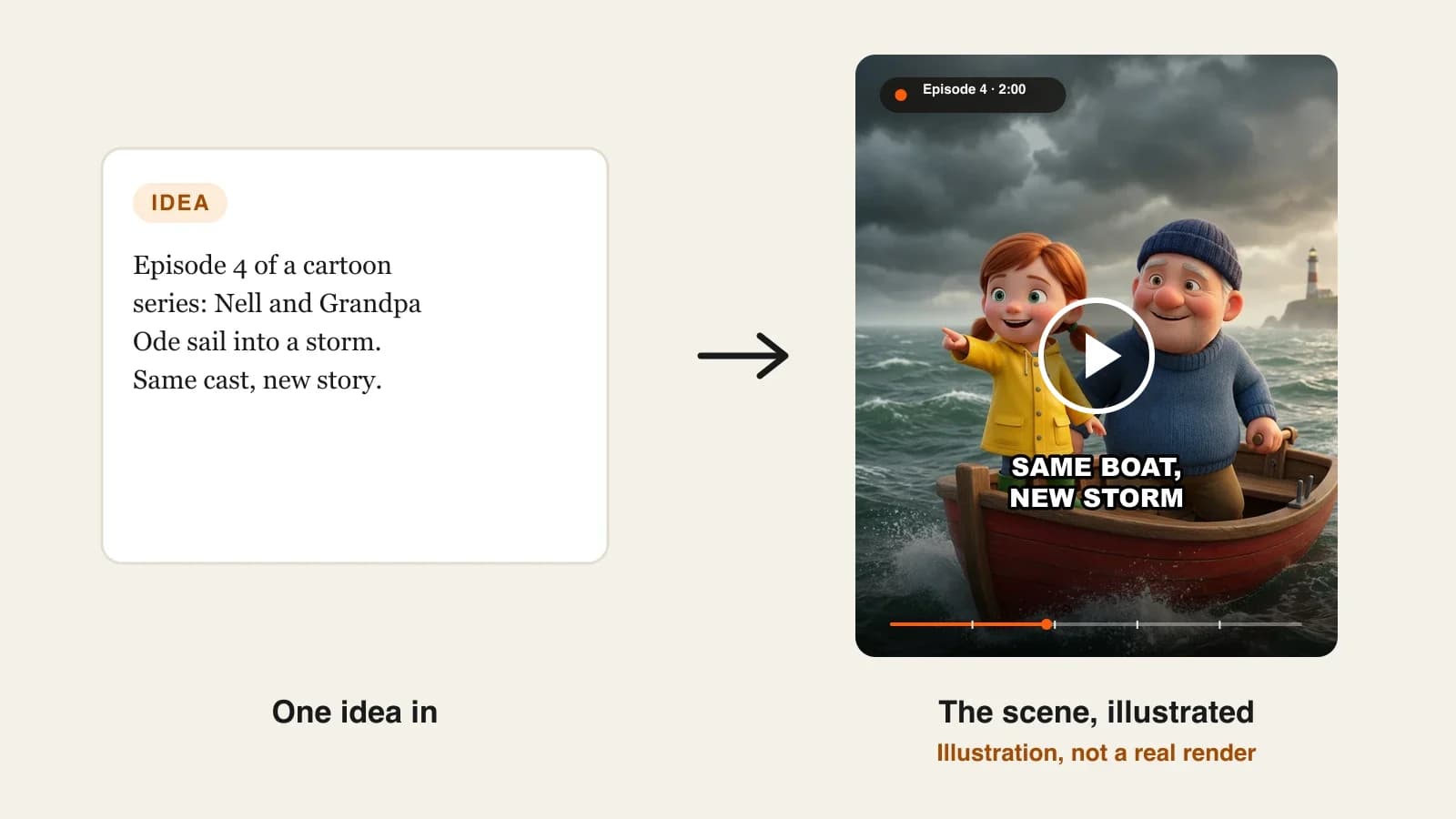
- Consistent characters: ClipNova builds a character sheet before animating, so the lighthouse cat keeps the same raincoat in every shot, and Series brings the same cast back episode after episode with a memory of the last five.
- Finished: script, animated scenes, voices, captions and music arrive together, and Studio lets you regenerate the one scene that came out wrong.
The ClipNova AI animation generator is the starting point for this kind of video.
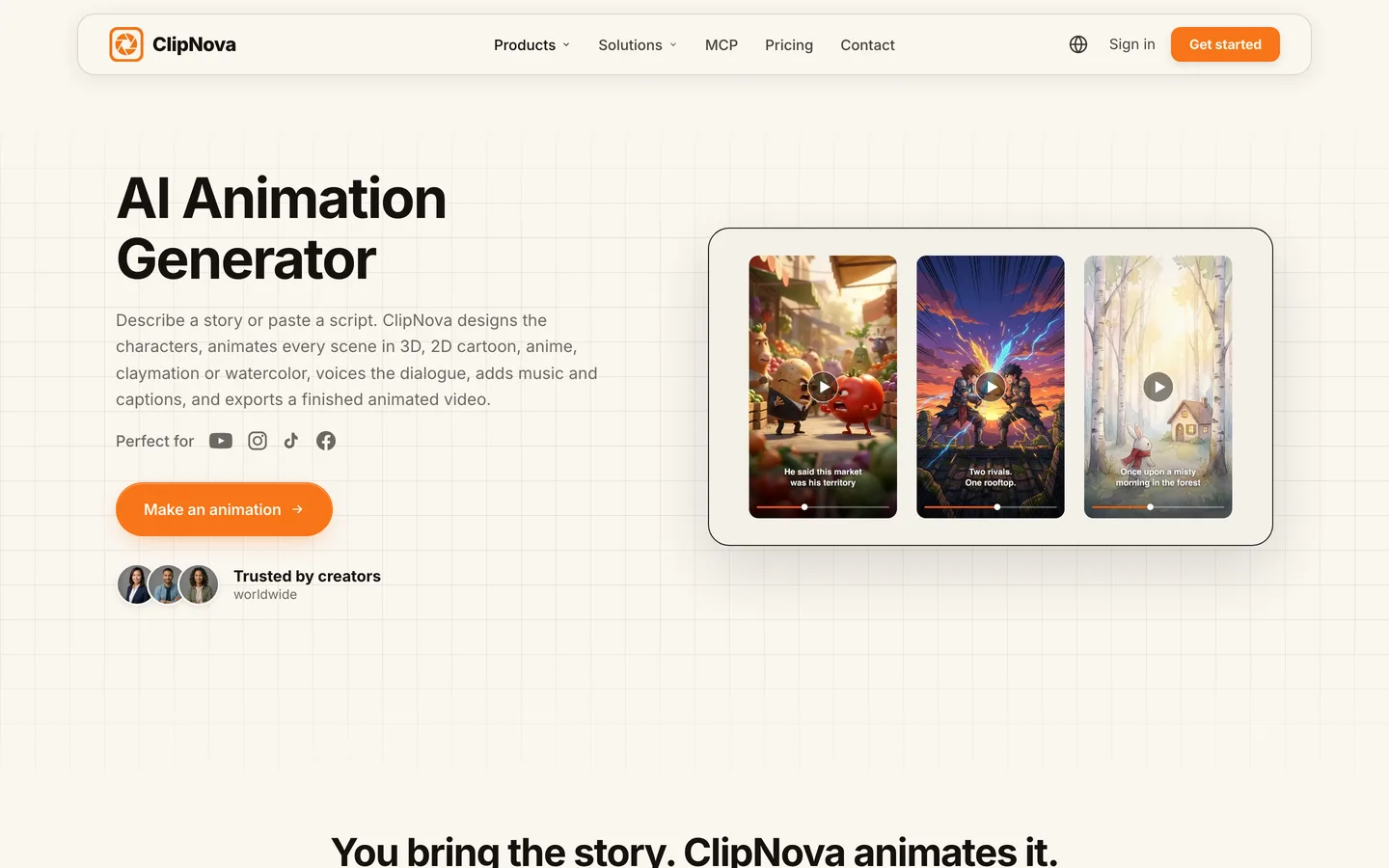
Key features
- Prompt or full script to a finished animated video, with dialogue animated line by line when you paste a script
- Six looks from one prompt: 3D, 2D cartoon, anime, claymation, stickman explainer and storybook watercolor
- A character sheet first, then every scene animated from it; upload your own character picture as the reference
- A different voice per character, narration in 18 languages, burned-in captions and your own music under the voices
- 9:16 for Shorts, TikTok and Reels or 16:9 for YouTube, up to 1080p
How to make an animated story in ClipNova
- Open the ClipNova app and start a video from a prompt, or start a Series if the same characters will return each week.
- Describe the story in one line or paste your script, and say who is in it and how long it should run.
- Pick the animation style and the format (9:16 or 16:9).
- Add or create your characters so they are locked before any scene is animated, then generate.
- Watch it once on your phone, regenerate any weak scene in Studio, and download.
Pricing
- Plans from $19/mo: Hobby $19 (1,000 credits), Starter $49 (2,600), Growth $99 (5,750), Ultra from $199 (12,000); 20% off yearly
- A 60-second story is about 189 credits as Moving AI Images or about 550 as Base AI Video, and the app shows the exact cost before you generate
- Every plan includes every feature, watermark-free export and commercial rights
Pros
- The whole animated story in one pass, from first scene to captions
- Characters that stay recognisable across scenes and across episodes
- One project can be rendered again in another style without rewriting it
Cons
- No auto-posting; you review each video and upload it yourself
- Fully animated AI Video uses about three times the credits of Moving AI Images, so long stories on a small plan need planning
Narration in 18 languages, plans from $19/mo, and commercial rights on every plan.
2. AnimateAI, best for storyboard-first animation
AnimateAI is built around a step most tools skip: the storyboard. Its AI Storyboard Generation turns your script into an editable board with scene descriptions, visuals, narration and voiceover, so you can refine scenes and pick images before you spend credits animating them. An AI Character Generation tool lets you design characters with their own style, outfit and voice and save them for reuse across episodes.
It suits creators who like to plan shot by shot. The trade-off is length: the plans describe videos of up to 10 scenes, and the homepage pitches 30-second videos, so longer stories mean joining several projects.
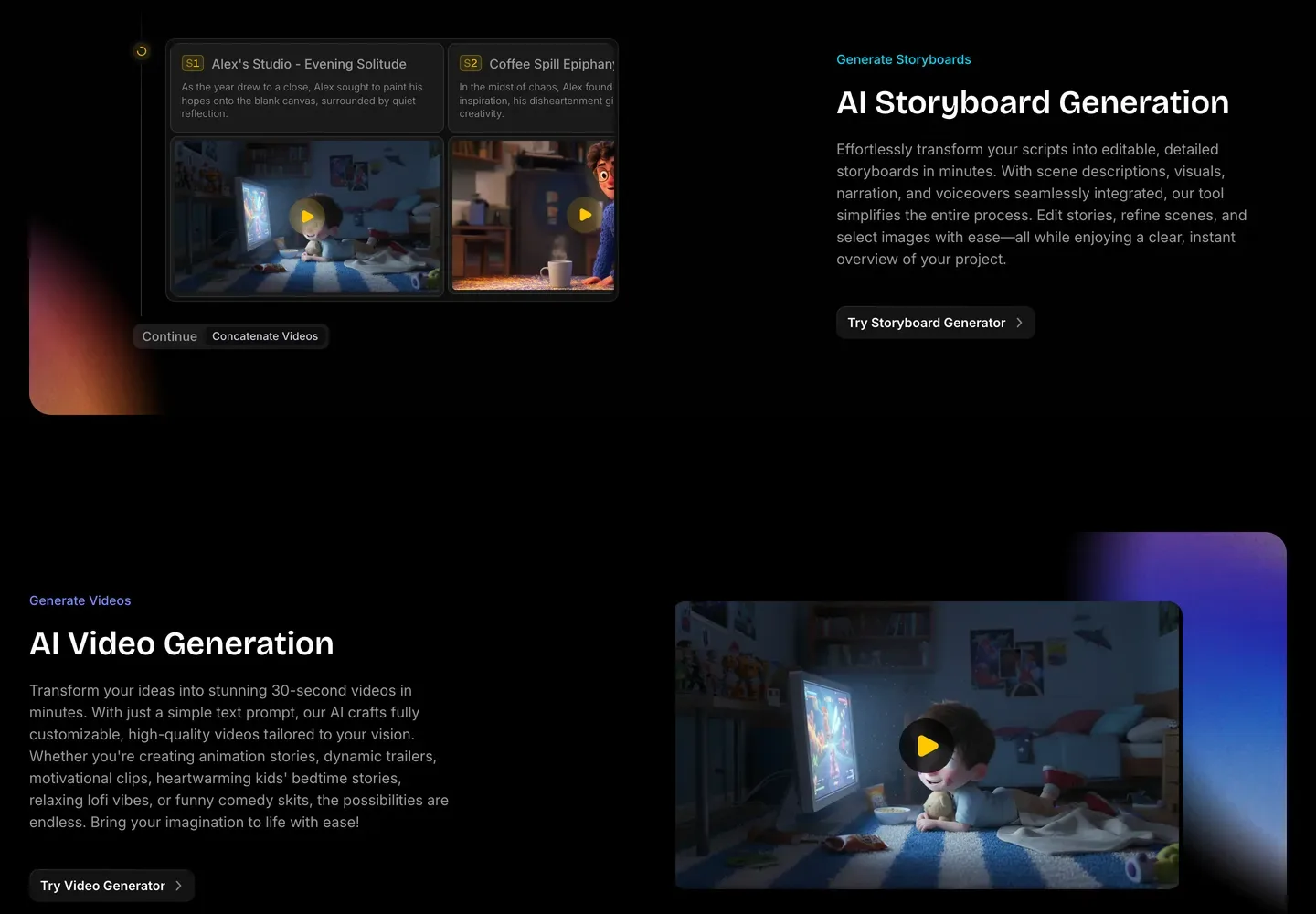
Key features
- Script to an editable storyboard with scene text, visuals and narration
- Saved characters with personalised style, outfit and voice
- Several video models to animate scenes, including Kling and Hailuo versions
- Voiceovers in multiple languages
Best for
- Creators who want to approve every scene picture before animating
- Short animated stories and episodes of up to 10 scenes
Pricing
- Standard: $39.99/mo with 500 credits and up to 10 scenes per video
- Pro: $99.99/mo with 2,000 credits and priority access to new models
Pros
- Fine control over each scene before you pay for motion
- Characters saved once and reused across a series
Cons
- Built for short videos; a 3 to 5 minute story takes several projects
- Output resolution is not published on the pricing page
3. StoryShort, best for an animated series that posts itself
StoryShort writes the script, plans every scene and, in its own words, decides what your characters look like before it makes the first image, so the same face and outfit carry through the video. Its strength is automation: set up a series once and it picks the next topic in your niche, writes it, makes it and posts it to TikTok, YouTube and Instagram without you opening the app.
For an animated channel that means a steady stream of episodes in a consistent look. It also offers long-form videos of about 8 to 10 minutes. The cost of hands-off posting is less review: you get more volume, but you check fewer videos before they go out.
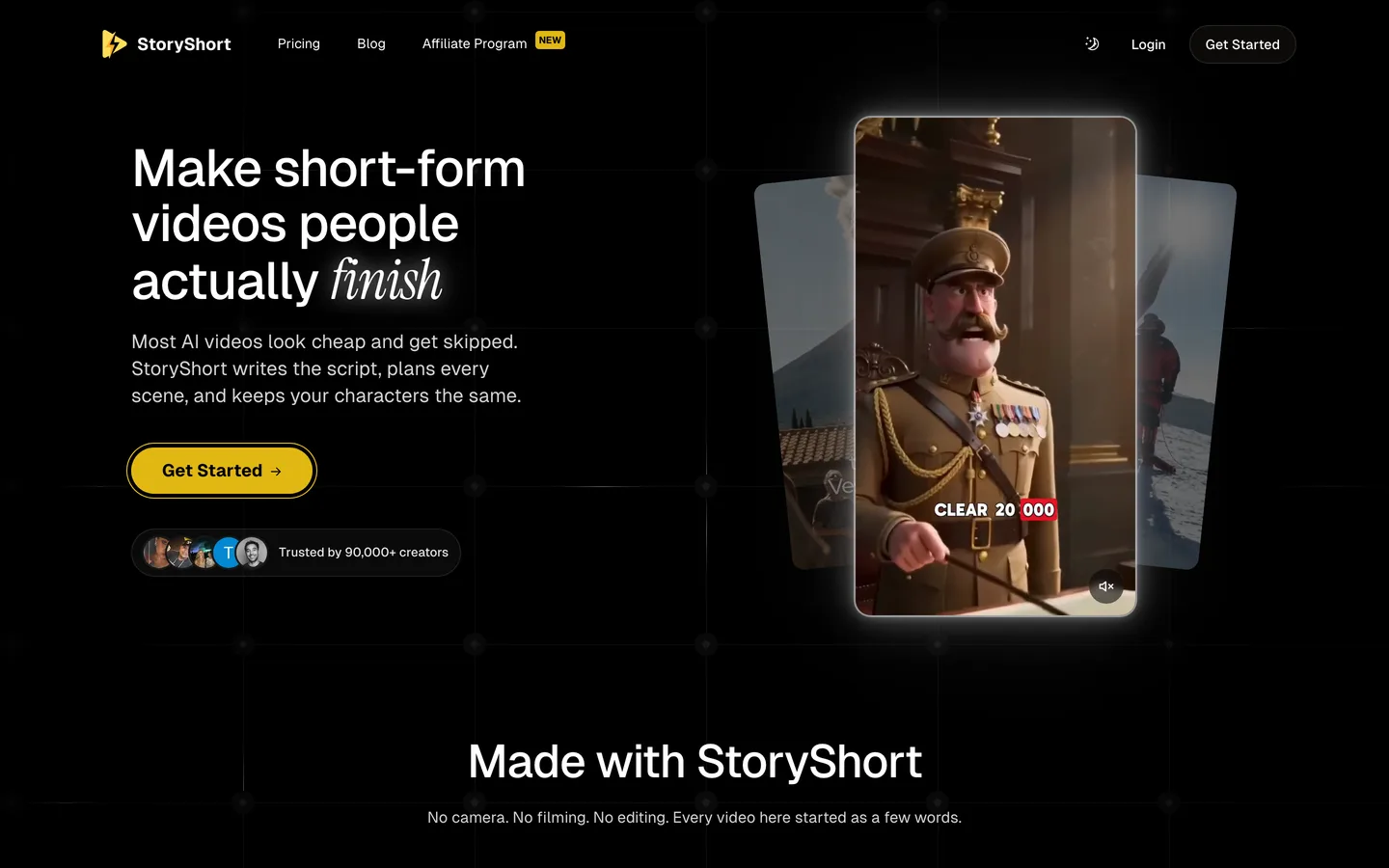
Key features
- Script, scene planning and visuals with characters fixed before the first image
- Series that pick topics, generate and auto-post to TikTok, YouTube and Instagram
- Long-form videos of about 8 to 10 minutes
- Voice library plus voice cloning
Best for
- Animated story accounts that want daily posting without daily work
- Creators who care more about consistency of output than control of each scene
Pricing
- Starter: $39/mo billed monthly with 400 credits and 1 series, about 16 one-minute videos a month
- Growth: $69/mo with 1,200 credits and 2 series
Pros
- Scheduling and posting built in
- Long-form option for story channels
Cons
- One series per plan on Starter
- Autopilot posting means less chance to catch a weak scene
4. Animaker, best for editing an animated video by hand after the AI draft
Animaker has been an animation maker for years and now starts from a prompt: you describe the video, refine it in a short conversation with the AI, and it generates scenes, characters, voiceover, lip sync and transitions. From there you can open the result in its full editor, swap characters from its character builder, move elements and retime scenes yourself.
That makes it the right pick if you want flat cartoon animation and enjoy tweaking every frame. Most of its templates lean towards explainer and training videos, so storytellers will rely on the prompt and the character builder rather than the template library.
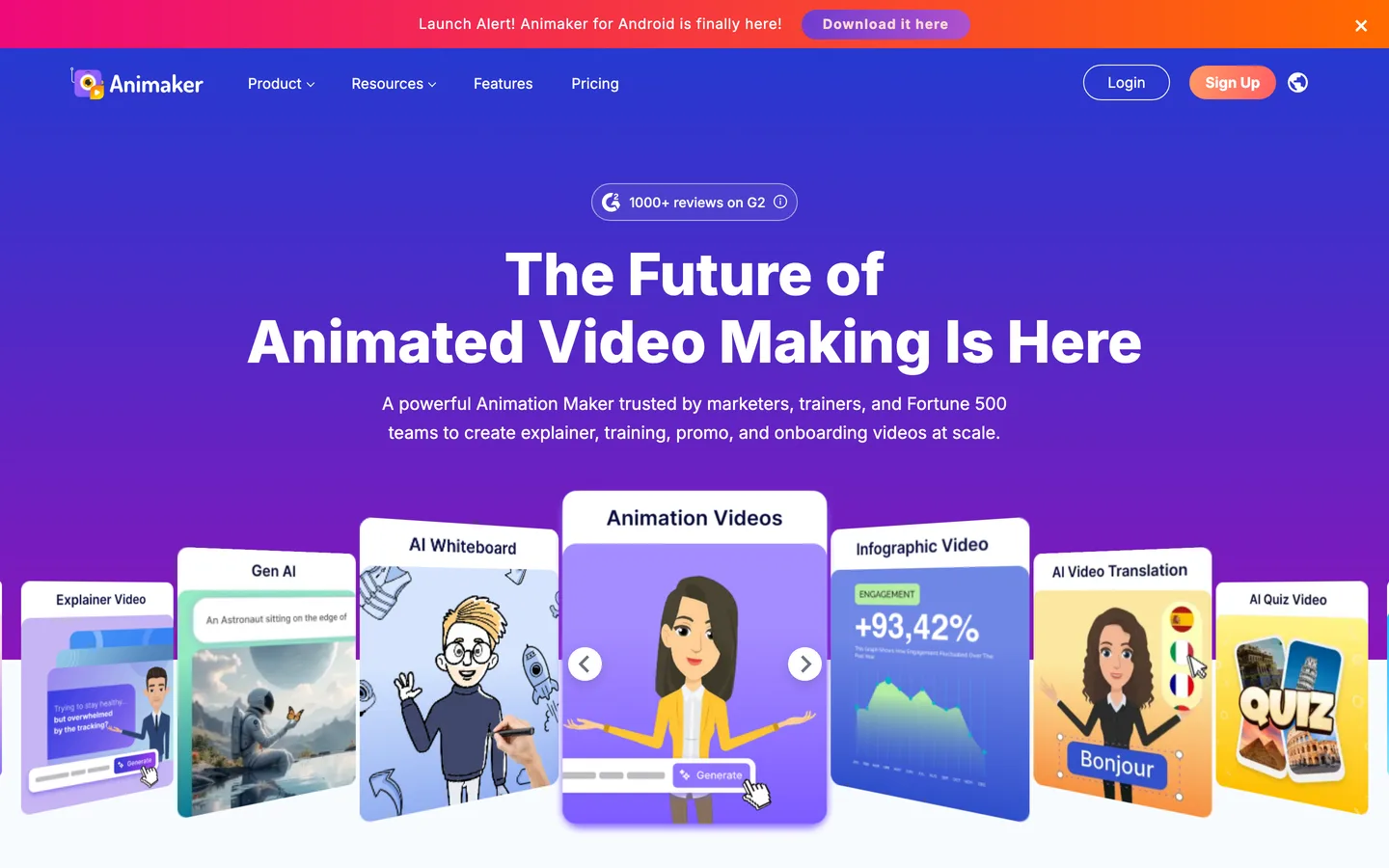
Key features
- Prompt to an animated video with scenes, characters, voiceover, lip sync and transitions
- Character builder for custom cartoon characters
- Large voice library across many languages, plus AI subtitles
- Full drag-and-drop editor after the AI draft
Best for
- Creators who want flat 2D cartoon animation they can edit by hand
- Whiteboard and simple explainer-style animated stories
Pricing
- Basic: $27/mo billed monthly, videos up to 5 minutes, HD quality, 1,500 AI video credits
- Starter: $45/mo, videos up to 15 minutes, full HD; commercial rights are listed from the Pro plan ($79/mo)
Pros
- Total manual control after the AI does the first draft
- A big library of characters, props and music
Cons
- The look is flat template animation rather than cinematic 3D
- Commercial rights only appear on the higher Pro plan
5. Luma, best for cinematic animated shots you assemble yourself
Luma is a clip generator, not a story tool. Its Ray video models produce cinematic shots with frame-level direction, and its image model supports character references, so a character can be carried from one generated image into the next shot. It is excellent for a gorgeous establishing shot, a dramatic close-up or a single moment that has to look expensive.
What it does not do is tell the story for you: there is no script, narration, captions or scene assembly. Creators who use Luma for animation generate shot by shot and cut the film together in an editor. Great shots; ClipNova gives you the whole story.
Key features
- Ray video models with shot-level direction
- Character references through its image model
- Luma and third-party image and video models in one place
- Commercial use on paid plans
Best for
- Creators who edit their own animated films and want premium shots
- Intros, trailers and key moments inside a longer edit
Pricing
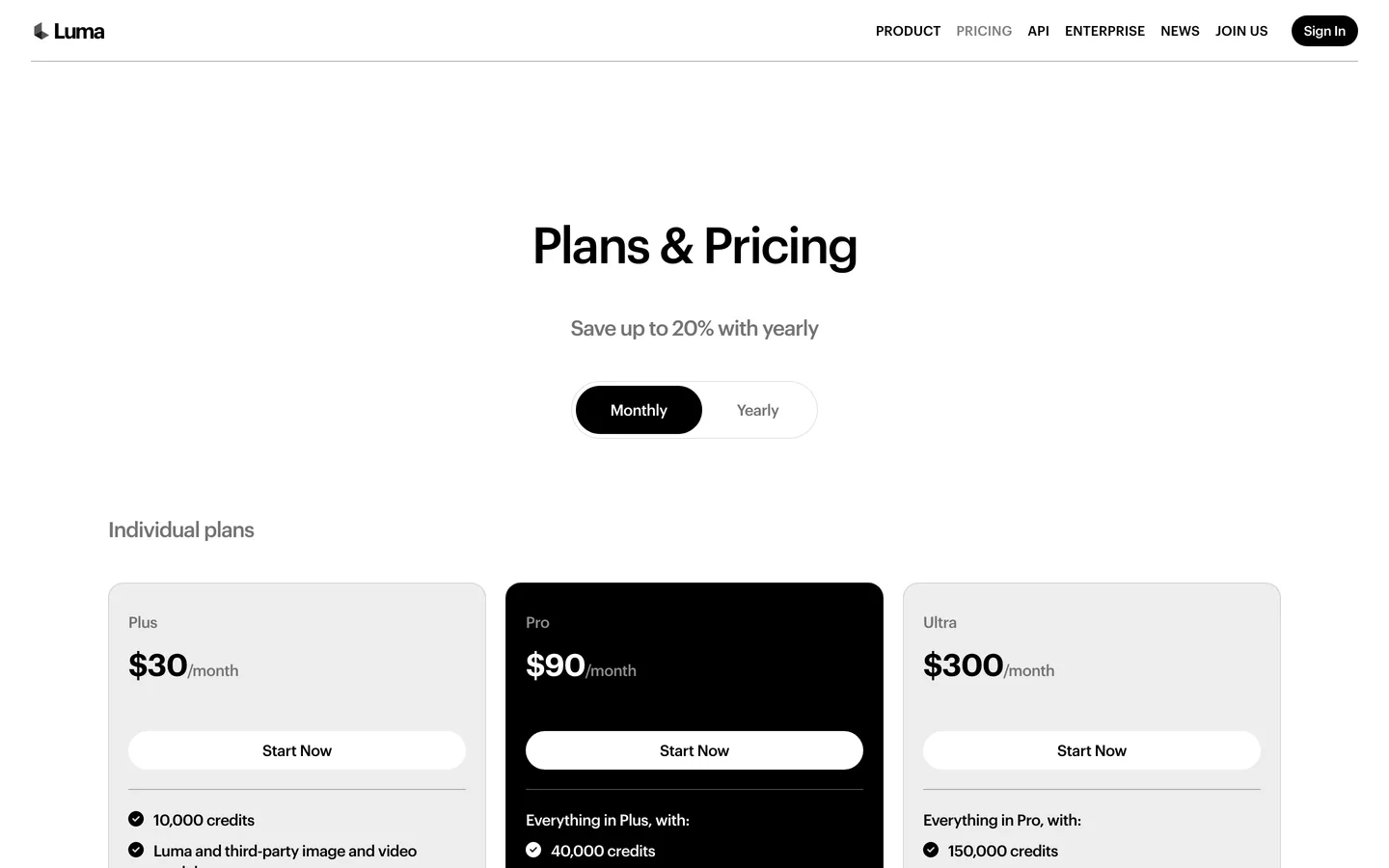
- Plus: $30/mo billed monthly ($25/mo yearly) with 10,000 credits and commercial use
- Pro: $90/mo ($75/mo yearly) with 40,000 credits
Pros
- Some of the best-looking shots on this list
- Flexible: works for any style you can describe
Cons
- No narration, captions or story assembly
- Every scene of a story is a separate generation you must plan and edit
How to choose the best AI animation generator for your channel
1) Do you want a finished story or a pile of shots?
- If you want to type a story and get a voiced, captioned animated video back: ClipNova finishes the whole thing, up to 5 minutes. StoryShort and AnimateAI also return finished videos, mostly short ones.
- If you enjoy directing and editing every shot: Luma gives you premium shots, and Animaker gives you an editor to rework a draft by hand.
2) Is this one video or a series?
- For a series with the same characters every week, choose a tool that saves characters: ClipNova (saved characters and Series with story memory), AnimateAI (saved characters) or StoryShort (series on a schedule).
- For a one-off animated video, any of the five works; pick by style.
If you are new to series, how to make a cartoon series with AI walks through the cast, the format and the episode plan.
3) Will you review every video or post on autopilot?
- If you want to watch and fix each video before it goes live: ClipNova (Studio for single-scene fixes) or AnimateAI (storyboard before animation).
- If you want posting handled: StoryShort auto-posts to TikTok, YouTube and Instagram. Check a few weeks of output before you trust it fully.
4) What will one video really cost?
Work it out per finished minute, not per plan. On ClipNova's Hobby plan ($19 for 1,000 credits), a 60-second animated story in Moving AI Images is about 189 credits, so roughly five one-minute stories a month; fully animated Base AI Video is about 550 credits a minute. StoryShort's Starter estimates about 16 one-minute videos for $39. Luma's cost depends on how many shots you throw away, which for story work is usually most of them.
Before you commit to a plan, make the same 60-second story with the same character in two tools and compare the first and last scene. If you also plan to start from your own artwork, read how to animate a drawing with AI next.
For the full ClipNova plan list, see ClipNova pricing: narration in 18 languages, plans from $19/mo and commercial rights on every plan.
Frequently asked
What is the best AI animation generator in 2026?
ClipNova is the best overall AI animation generator for creators: a prompt or script becomes a finished animated story of up to 5 minutes, with voices, captions, music and the same characters in every scene. AnimateAI suits storyboard-first planning, StoryShort runs an animated series on autopilot, Animaker suits hand-edited cartoons and Luma makes cinematic shots for your own edit.
Can AI make a full animated video from text?
Yes. ClipNova, AnimateAI, StoryShort and Animaker take a prompt or script and return an animated video with scenes and voices. Clip generators such as Luma return individual shots, so you would still write, narrate and edit the story yourself.
Which AI animation generator keeps characters consistent?
Look for tools that save a character before animating. ClipNova builds a character sheet and reuses it in every scene, and Series brings the same cast back each episode. AnimateAI saves characters for reuse, and StoryShort fixes the characters before its first image.
How long can an AI animated video be?
It depends on the tool. ClipNova renders up to 5 minutes in one video, StoryShort offers long-form videos of about 8 to 10 minutes, Animaker's Basic plan allows 5-minute videos, and AnimateAI plans describe videos of up to 10 scenes. Luma generates individual clips.
What is the cheapest AI animation generator for creators?
Of the five tools here, ClipNova has the lowest entry price at $19 a month for 1,000 credits, about five one-minute animated stories in Moving AI Images. Animaker starts at $27, Luma at $30, StoryShort at $39 and AnimateAI at $39.99 a month on monthly billing.
Can I monetize AI animated videos on YouTube?
Yes, if the stories and characters are original and you are not uploading near-identical template videos, which YouTube treats as repetitive content. Check that your plan includes commercial rights: every ClipNova plan does, while Animaker lists commercial rights from its Pro plan.
Which animation style works best for a faceless YouTube channel?
Pick the style your audience already watches and keep it for every video. 3D Pixar-like looks suit kids and family stories, anime suits action and drama, watercolor suits bedtime stories and 2D cartoon suits comedy and explainers. ClipNova can render the same story in several styles so you can test before you commit.
Which AI animation generator should a new animated channel start with?
Start with ClipNova if you want finished stories you can review before posting, with the same characters in every episode, on plans from $19 a month. If you mainly want automatic daily posting, compare StoryShort; if you want to edit every frame, look at Animaker.